PasteNow is a clipboard management tool that can expand your clipboard from one copy to infinite copies. By automatically saving all your clipboard data in the background, it can change your habits of daily use or recording temporary data, and take work efficiency to the next level.
In the daily use of computers, whether it is developers dealing with code, text workers processing text, or designers manipulating images, we intentionally or unintentionally use the clipboard as a temporary data transfer station. By performing the two steps of "copy" and "paste", we save and read data in this temporary space, completing the main usage process of it.
It should be said that almost all users who use computers (as well as mobile phones) have used the clipboard. The clipboard is so practical that a joke from N years ago called 'copy on computer A, paste on computer B' has become a reality today. ICloud Cloud clipboard has made it possible to synchronize the clipboard between macOS, and even between macOS and iOS.
characteristic
The two biggest features of PasteNow compared to other clipboard tools should be:
- Support multiple styles of views
- Support intelligent lists to filter data
Imagine that in our daily use of the clipboard, it is used to store text, images, and even code. These data have fundamental differences in display, so I have designed several different styles of views for PasteNow: concise list, rich list, and grid view.
- Concise List: Display plain text without the need for styling content
- Rich List: Display stylized content (such as code highlighting)
- Grid View: Display multimedia content such as images
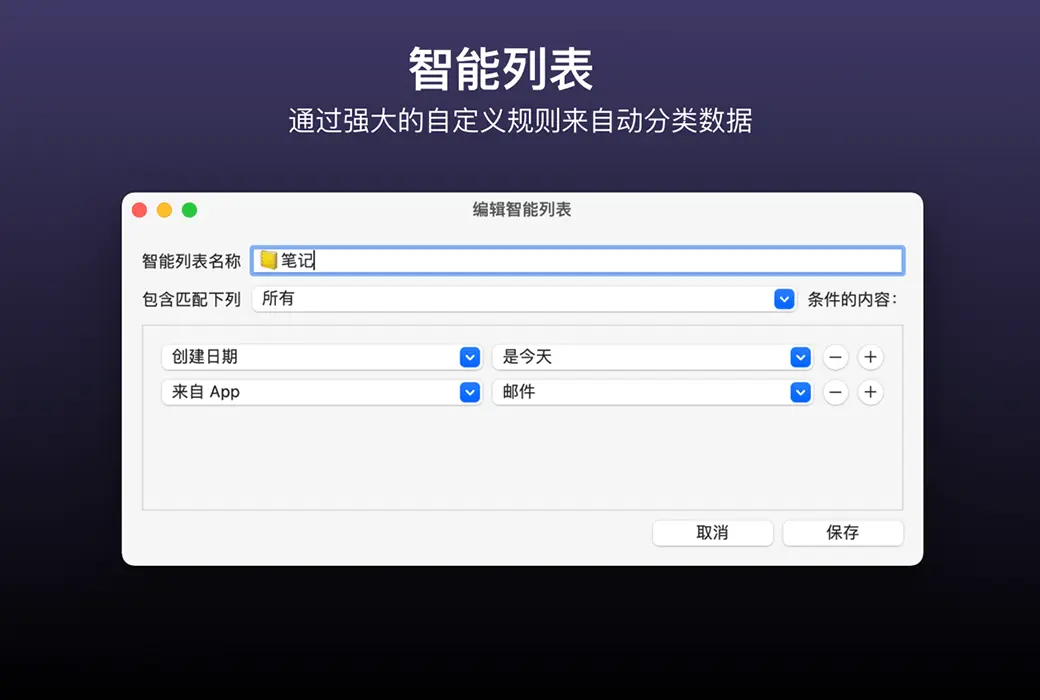
PasteNow supports creating various lists and categorizing data into lists. It also supports setting specific styles for different lists, so that the clipboard list is no longer a pile of messy data, but can be classified and organized.
And this' categorization 'is achieved through PasteNow's' smart list'. PasteNow's "Smart List" is inspired by the smart mailbox of the email app. Through the smart list, clipboard data can be filtered by format, creation time, related apps, and even whether it contains any text.
For example, if I often copy code blocks in Xcode and Visual Studio Code, I can create a smart list that automatically stores all the copied code blocks in these two apps for quick viewing and calling later.
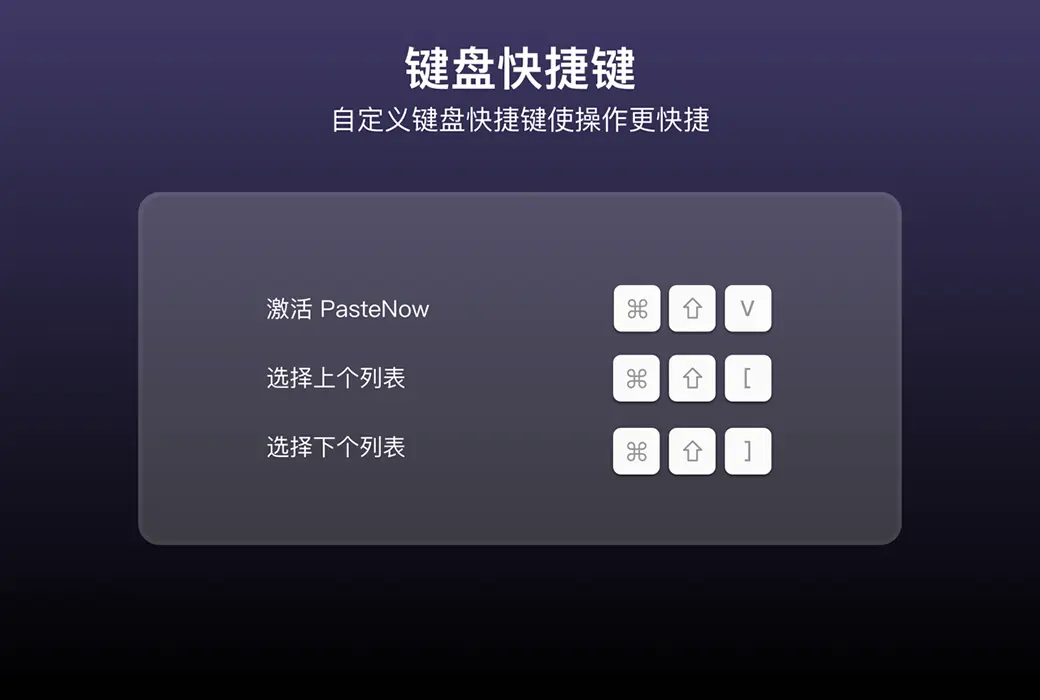
In addition, PasteNow also has functions such as multi device data synchronization and shortcut key operations. Shortcut key operations allow you to use the keyboard without leaving your hands, and complete all functions such as viewing clipboard data, searching clipboard data, and pasting corresponding data. It also has a unique independent window function that supports being placed at the top, making it very suitable for use in scenarios where left and right reference is needed.