

APSGO LOGO
Combination
x1
Total Price:
View Cart
No APPS available
Cart
Home Overview Wise Hotkey shortcut key settings for quick startup and tool switching software
💪 加油,开学季 📚
No. 1 Scenes
Wise Hotkey shortcut key settings for quick startup and tool switching software截图 Wise Hotkey shortcut key settings for quick startup and tool switching software截图 Wise Hotkey shortcut key settings for quick startup and tool switching software截图 Wise Hotkey shortcut key settings for quick startup and tool switching software截图 Wise Hotkey shortcut key settings for quick startup and tool switching software截图 Wise Hotkey shortcut key settings for quick startup and tool switching software截图 Wise Hotkey shortcut key settings for quick startup and tool switching software截图 Wise Hotkey shortcut key settings for quick startup and tool switching software截图
Download
Wise Hotkey shortcut key settings for quick startup and tool switching software
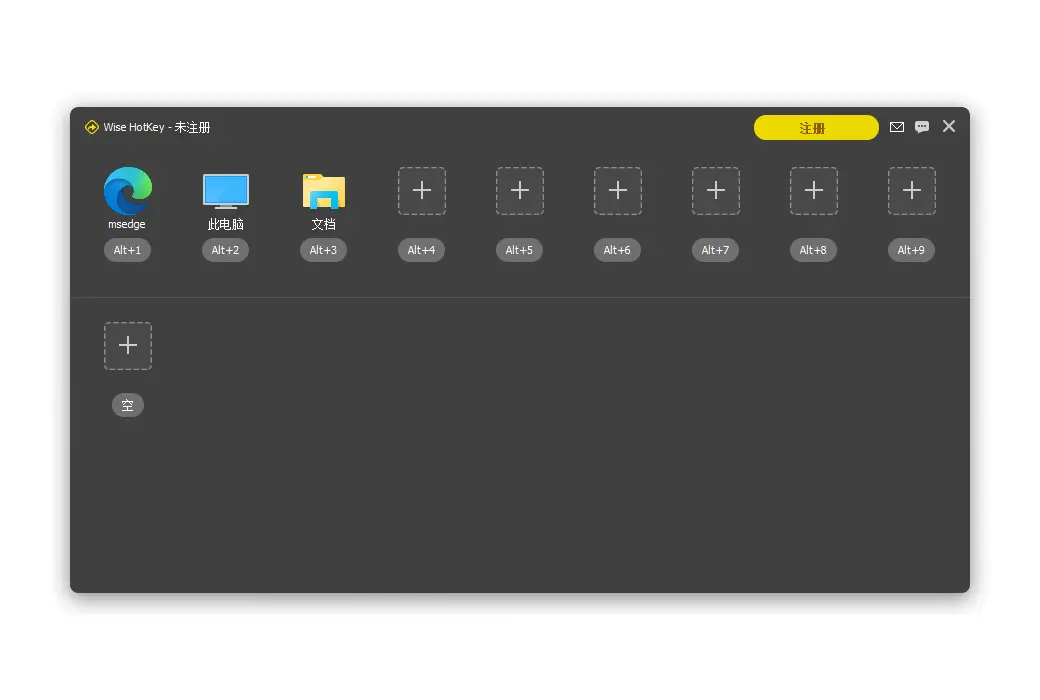
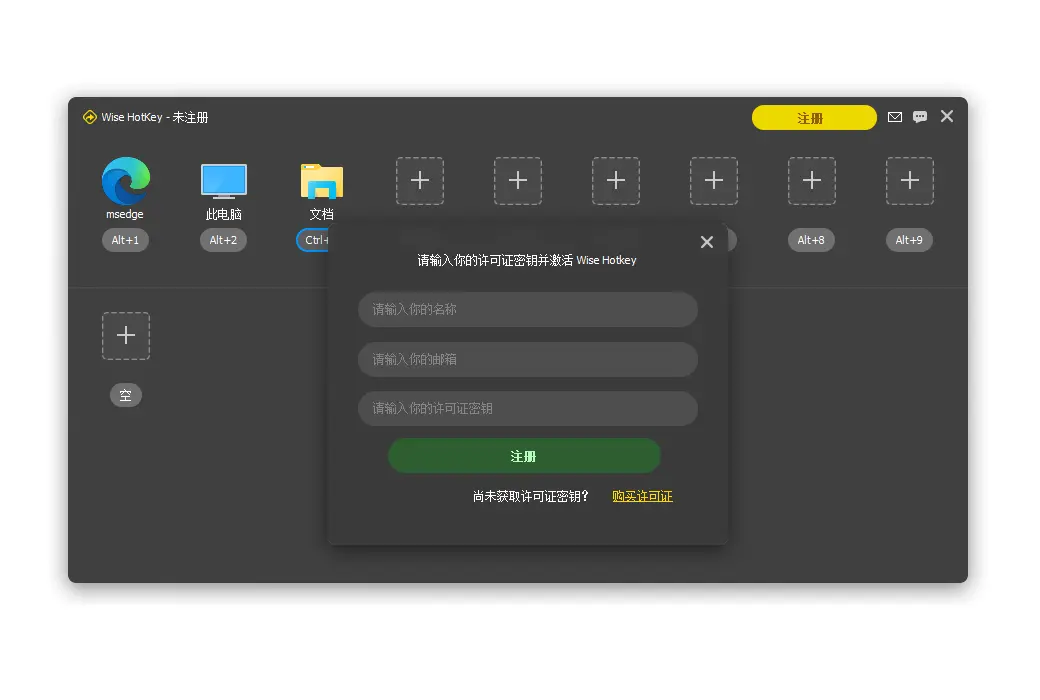
Wise Hotkey quickly starts and switches Windows apps, making it simple and easy to use, helping you improve your computer efficiency. Quickly launch and switch to any application, website, and folder through keyboard shortcuts.

{{ item.spec_option }}

{{ item.spec }}

System

{{ auction.sku_info.price }}

Reference price

Auction Rules:
1、Reference validity period of this auction:2026-09-01 00:00:00 ~ 2026-09-01 08:00:00 。After entering the 60s countdown, if there is a new bid, the countdown will be restarted for 60s, with an infinite loop.
2、Starting Price:22.00,No less than each bid:1.00 ,The current lowest bid cannot be lower than:22.00, The highest bid cannot be higher than27
3、There is no limit to the number of times each person can bid, and a maximum of 3 consecutive bids can be made ahead. Before bidding, a deposit must be submitted first. If the bid is successful, please complete the payment within 3 days. Failure to pay within the time limit will be considered a breach of contract for this auction.
4、After the auction is completed, users who have not won the auction can apply for the release of the deposit on their own, and users who have won the auction can also apply for the release of the deposit after paying the order.
5、 If the payment is not completed after winning the bid, you will not be able to continue participating in new bidding activities and the deposit will be frozen.
6、Warning: In order to maintain fairness and impartiality in this bidding activity, it is strictly prohibited to participate in the bidding for the purpose of hoarding goods and intending to resell them at high prices on other platforms. We have zero tolerance towards such behavior. Once discovered, your account will be immediately banned without further notice.
 
Current highest bid: {{ auction.hight_price }} None
Make a bid Not started yet
{{ item }} ({{ auction.currentOrdersNum ? auction.currentOrdersNum : 0 }}) ({{ app.qa.questionsData.total }})

Wise Hotkey

Quickly start and switch to Windows App

Simple and easy to use, helping you improve the efficiency of using a computer. Quickly launch and switch to any application, website, and folder through keyboard shortcuts.


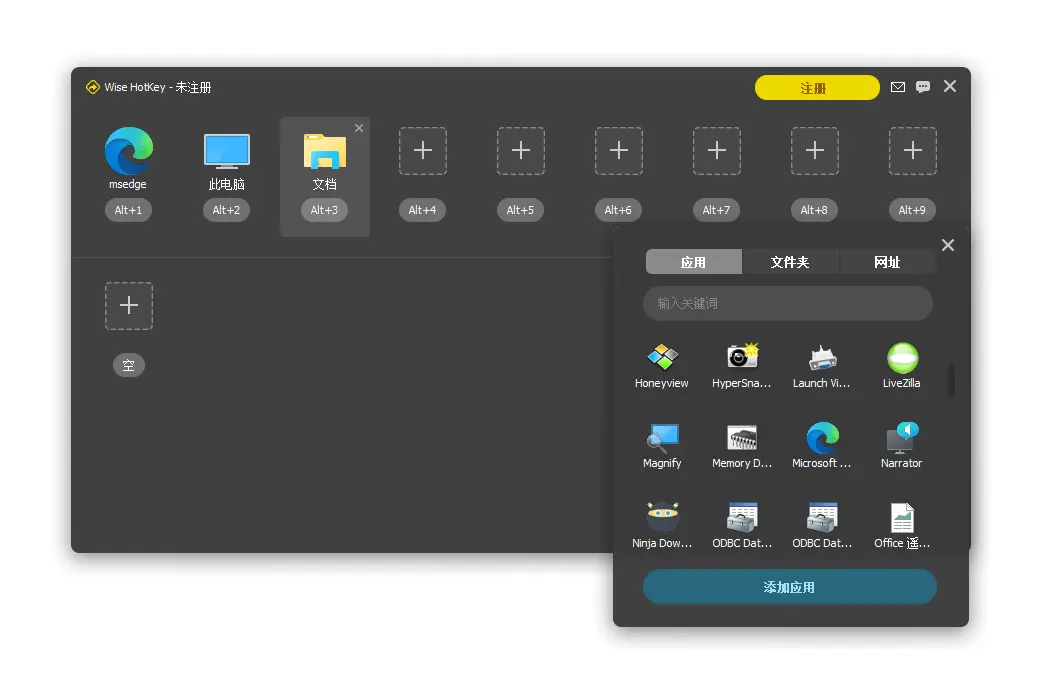
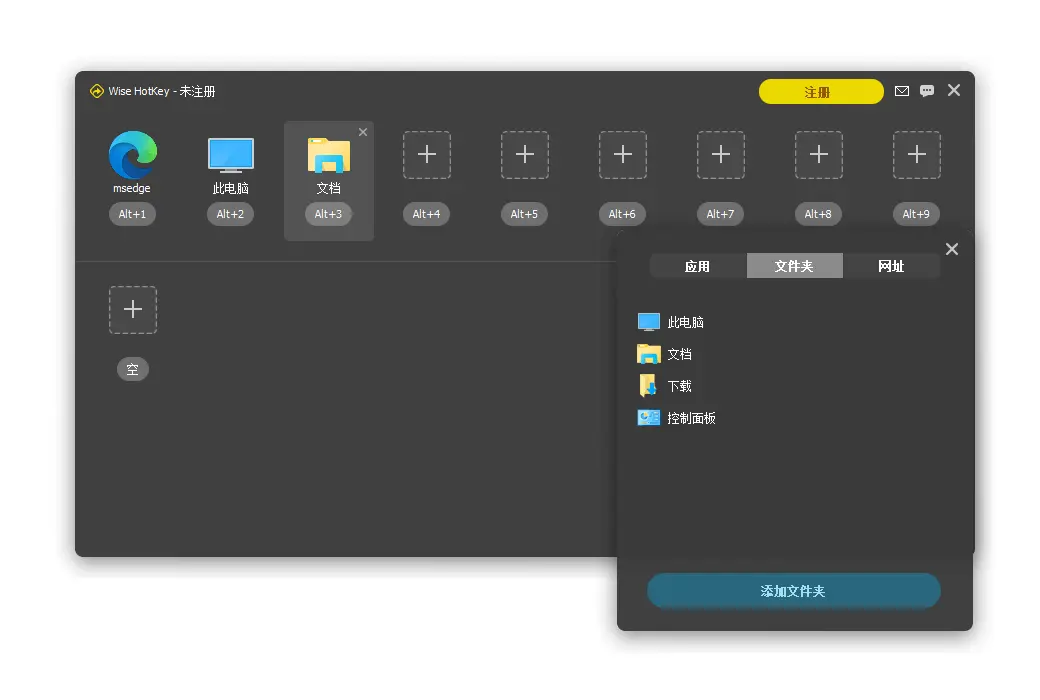
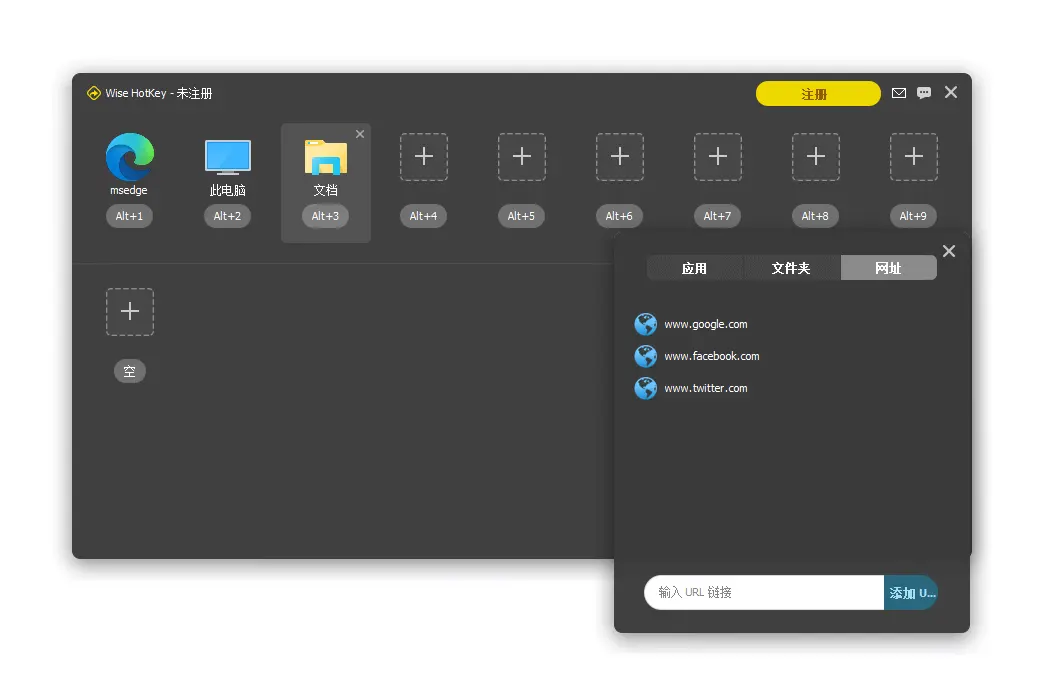
Quickly launch any application, folder, or website


When using computers in daily life, we may run certain programs on a regular basis every time. With Wise Hotkey, you can launch these applications through keyboard shortcuts. It can save time searching and mouse clicks. Users can not only add frequently used applications, but also add folders or URLs.


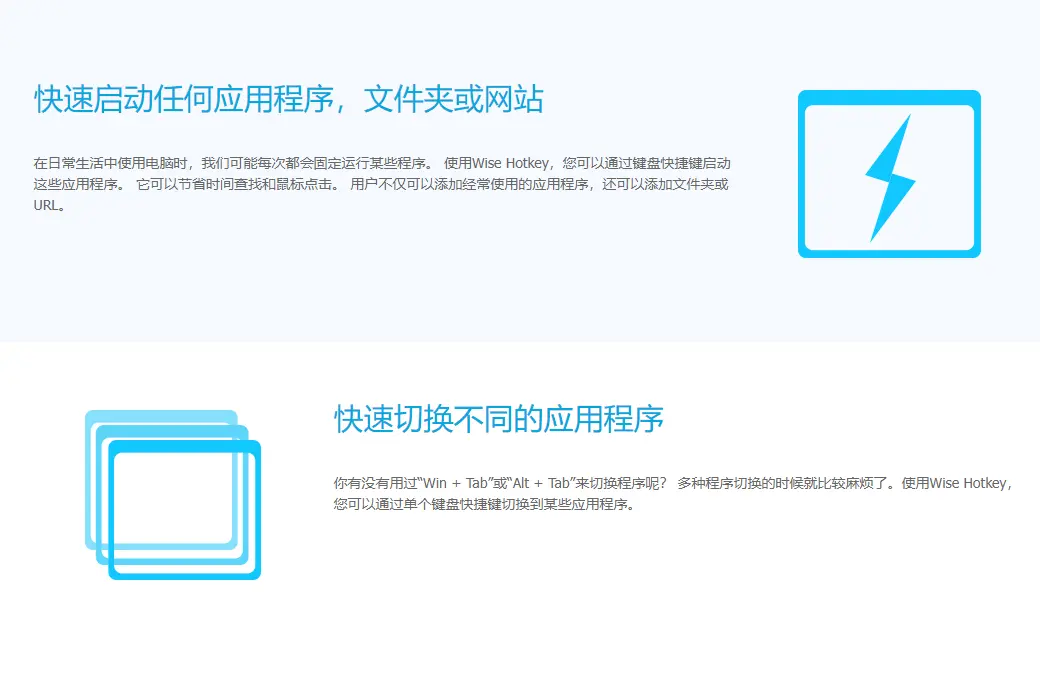
Quickly switch between different applications


Have you ever used "Win+Tab" or "Alt+Tab" to switch programs? Switching between multiple programs can be quite troublesome. With Wise Hotkey, you can switch to certain applications through a single keyboard shortcut.


Customize shortcut keys


Wise Hotkey allows users to customize shortcut keys. Users can create shortcuts for their applications based on their keyboard operating habits.

Official website:https://www.wisecleaner.com.cn/

Download Center:https://wise-hotkey.apsgo.cn

Backup Download:N/A

Delivery time:24-hour automatic shipping

Operating platform:Windows

Interface language:Supports Chinese interface display, with multiple languages available.

Update instructions:A one-year subscription is equivalent to one year of use and updates.

Pre purchase trial:Free version with limited functionality before purchase.

How to receive the goods:After purchase, the activation information will be sent to the email address at the time of placing the order, and the corresponding product activation code can be viewed in the personal center, My Orders.

Number of devices:Can install 3 computers.

Replacing the computer:Uninstall the original computer and activate the new computer.

Activation guidance:To be added.

Special instructions:To be added.

Reference materials:https://www.wisecleaner.com.cn/order.html

{{ item.user.nickname }} Lead Out
{{ item.created_at }} {{ item.user.region }}
{{ item.price }}
Offer
More Records
Ask a question
All FAQ Default Newest

Tips

You need to pay a deposit before participating in the bidding
To Pay

Please enter this bidding price

Bid must not be lower than{{ curAuction.min_price }} Not Higher than{{ curAuction.max_price }}
Confirm

Auction Code

Confirm