APSGO LOGO
Combination
x1
Total Price:
View Cart
No APPS available
Cart
Home Overview Rolan Lightweight Desktop Quick Launch Tool Software
💪 加油,开学季 📚
No. 1 Scenes
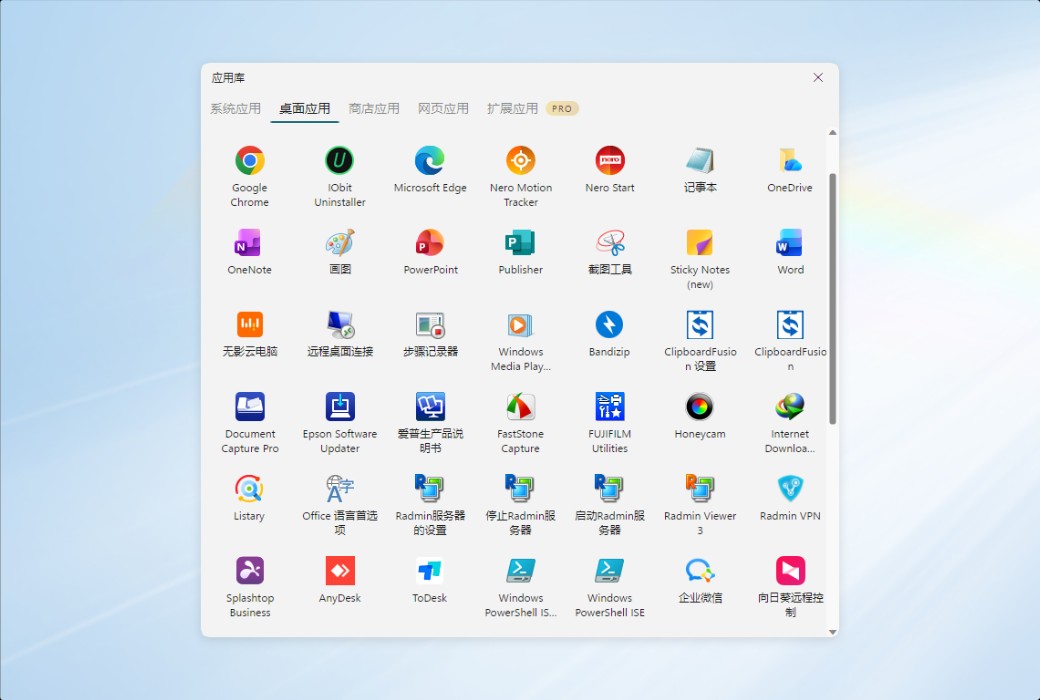
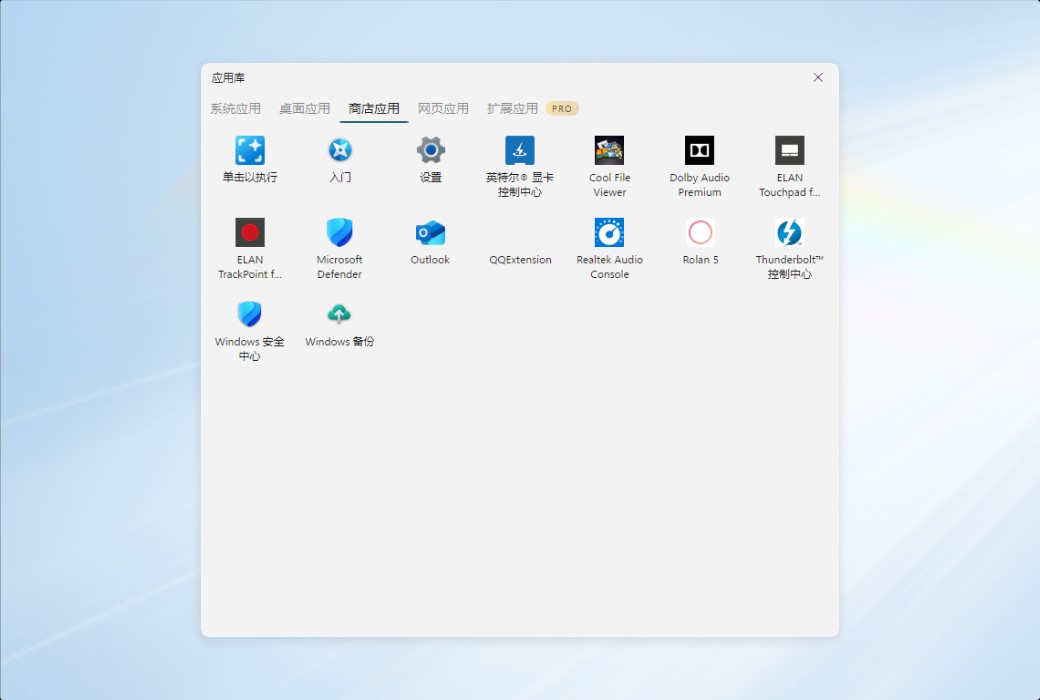
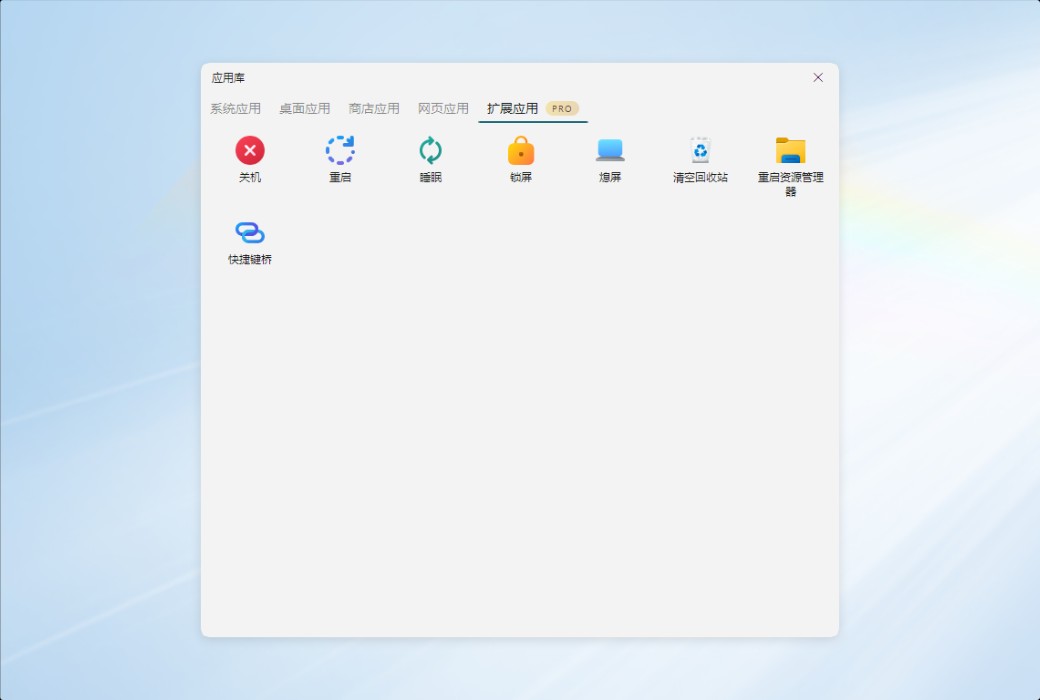
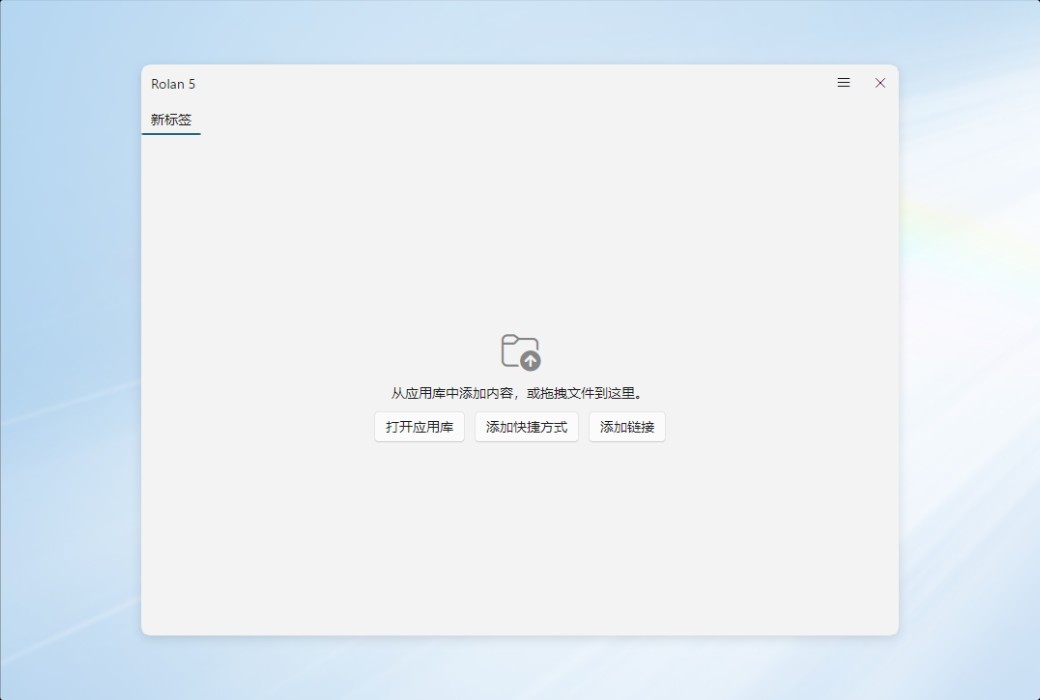
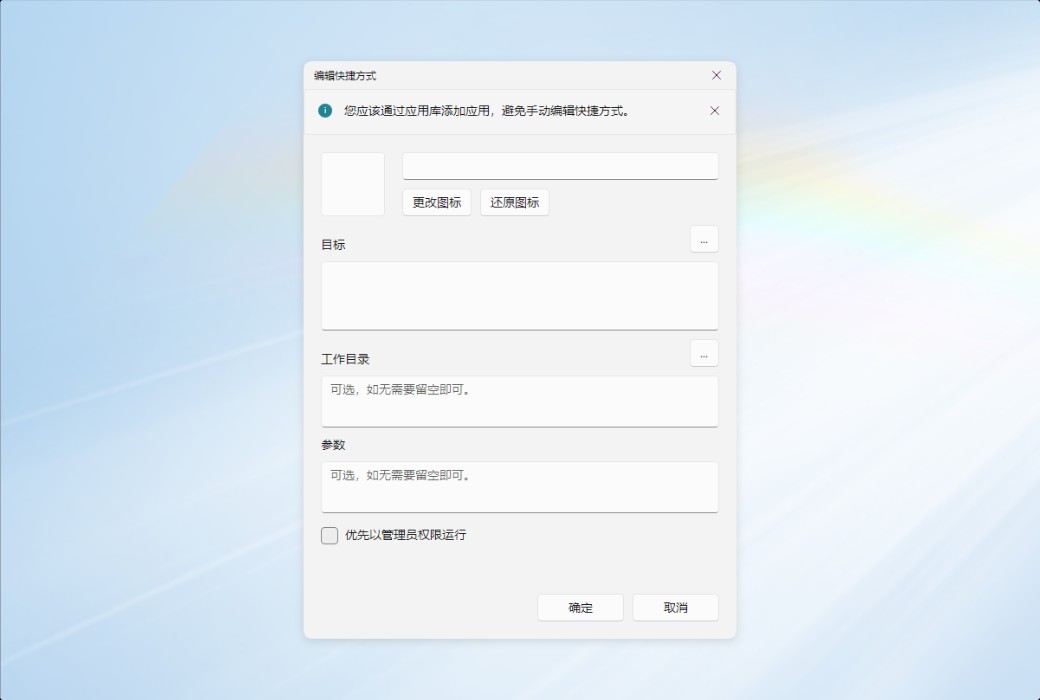
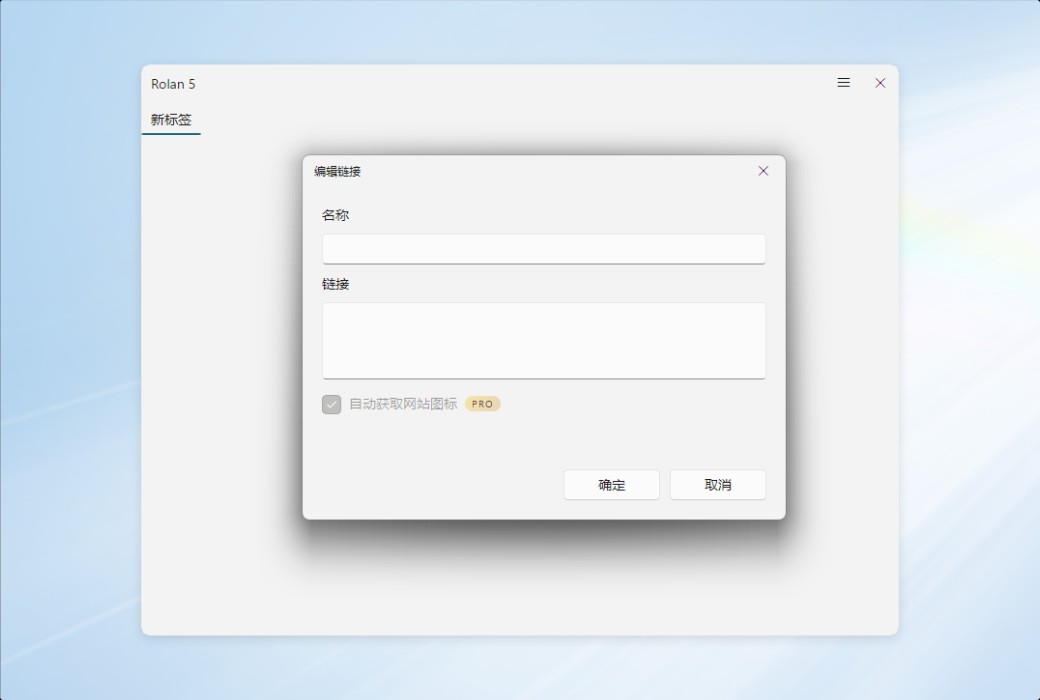
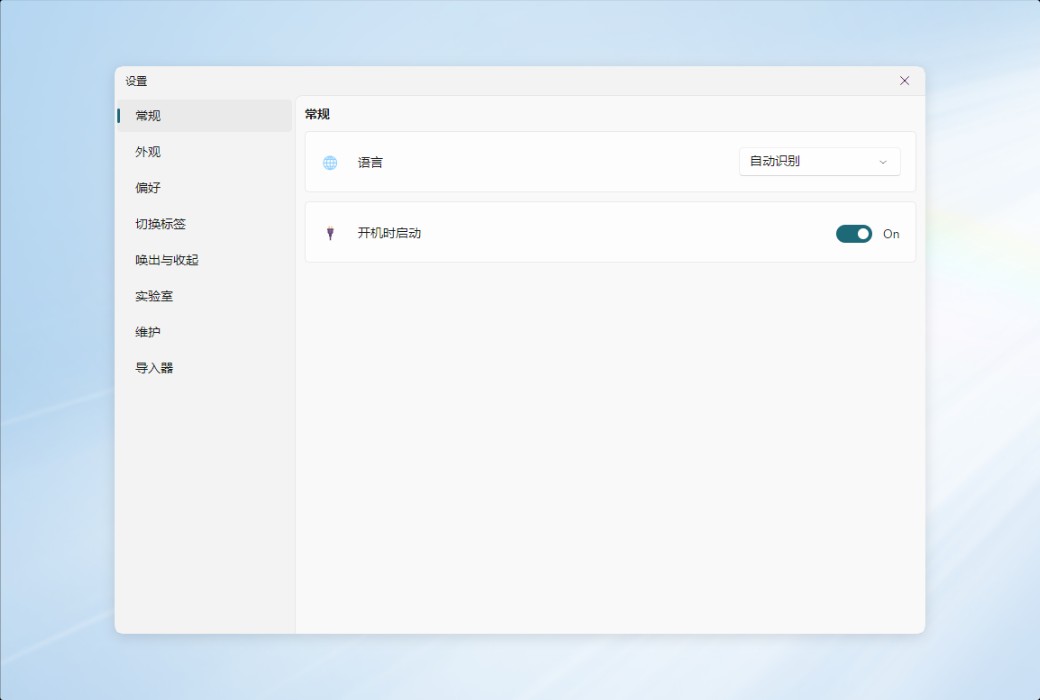
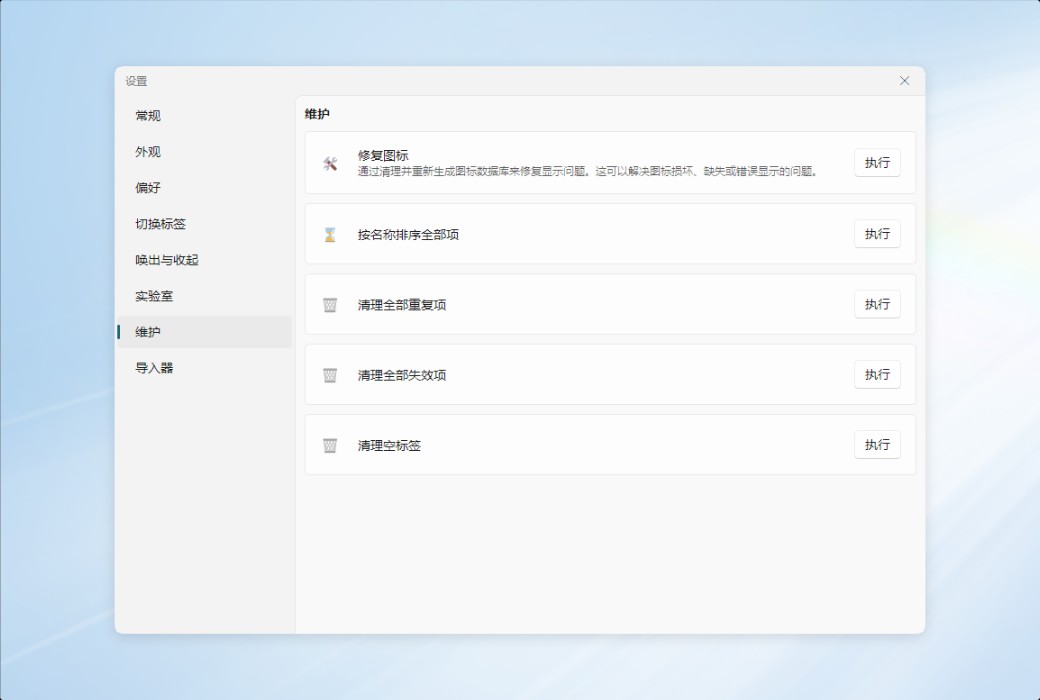
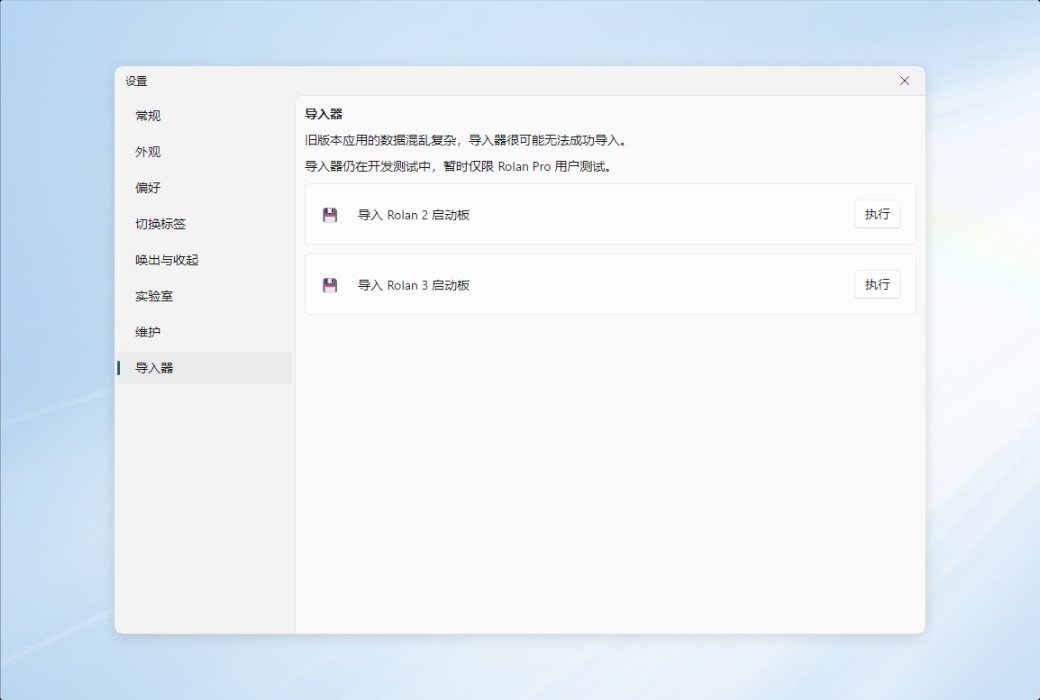
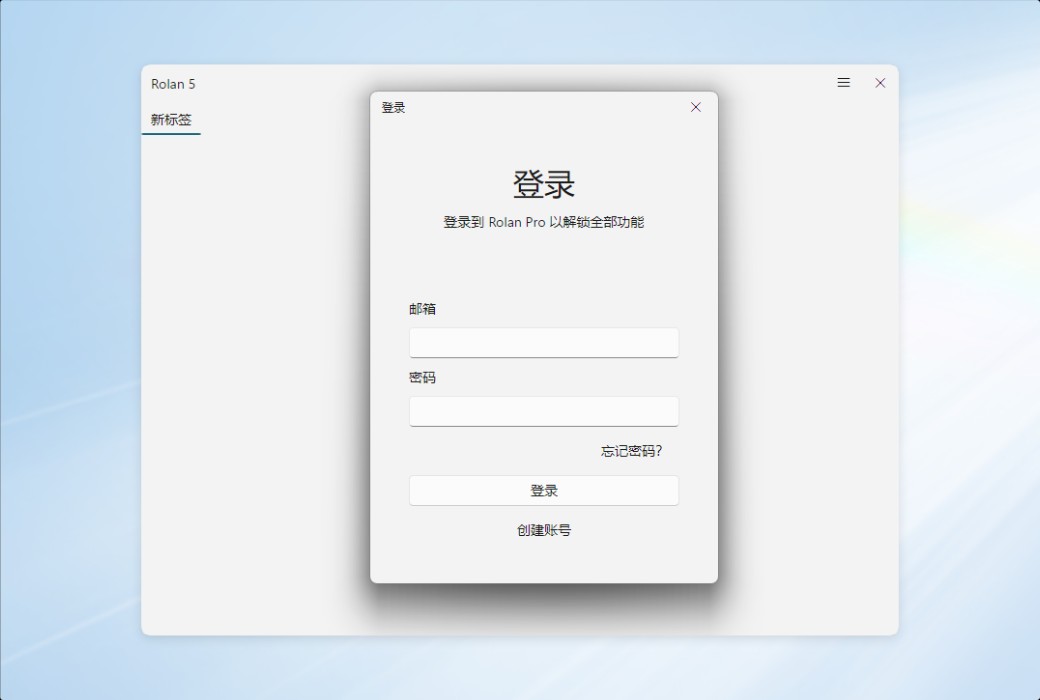
Rolan Lightweight Desktop Quick Launch Tool Software截图 Rolan Lightweight Desktop Quick Launch Tool Software截图 Rolan Lightweight Desktop Quick Launch Tool Software截图 Rolan Lightweight Desktop Quick Launch Tool Software截图 Rolan Lightweight Desktop Quick Launch Tool Software截图 Rolan Lightweight Desktop Quick Launch Tool Software截图 Rolan Lightweight Desktop Quick Launch Tool Software截图 Rolan Lightweight Desktop Quick Launch Tool Software截图 Rolan Lightweight Desktop Quick Launch Tool Software截图 Rolan Lightweight Desktop Quick Launch Tool Software截图 Rolan Lightweight Desktop Quick Launch Tool Software截图 Rolan Lightweight Desktop Quick Launch Tool Software截图 Rolan Lightweight Desktop Quick Launch Tool Software截图 Rolan Lightweight Desktop Quick Launch Tool Software截图 Rolan Lightweight Desktop Quick Launch Tool Software截图 Rolan Lightweight Desktop Quick Launch Tool Software截图 Rolan Lightweight Desktop Quick Launch Tool Software截图
Download
Rolan Lightweight Desktop Quick Launch Tool Software
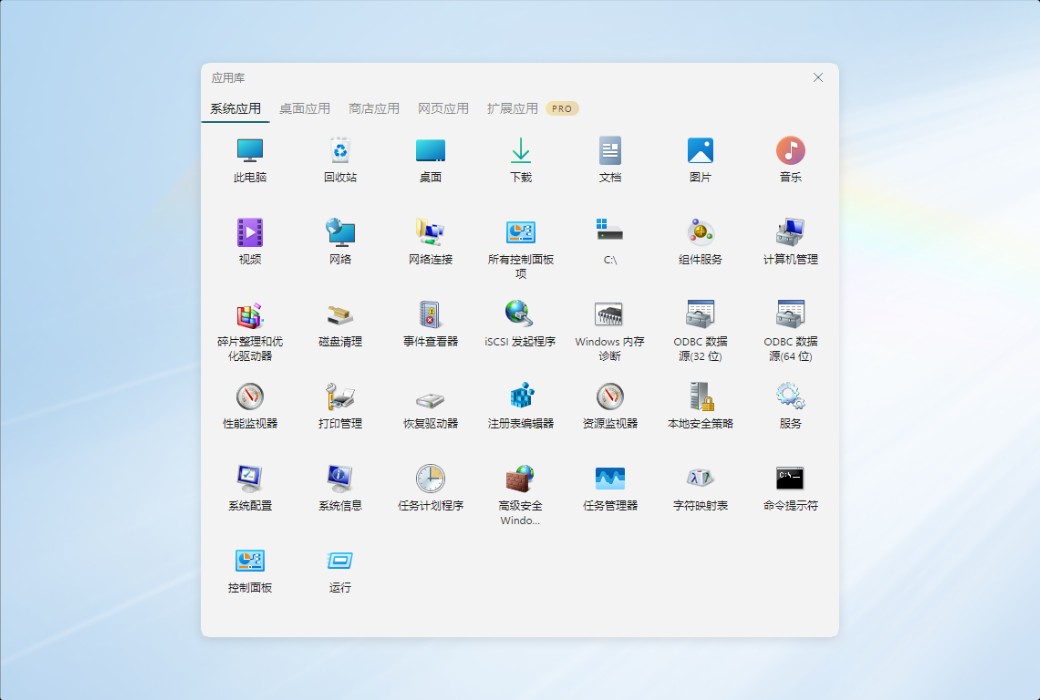
Rolan is an excellent lightweight Windows desktop quick start tool, simple and practical. It can help you categorize and organize software, and also allow you to quickly start specific software in multiple ways. In addition, its lightweight to-do reminders and memo functions.

{{ item.spec_option }}

{{ item.spec }}

System

{{ auction.sku_info.price }}

Reference price

Auction Rules:
1、Reference validity period of this auction:2026-09-01 00:00:00 ~ 2026-09-01 08:00:00 。After entering the 60s countdown, if there is a new bid, the countdown will be restarted for 60s, with an infinite loop.
2、Starting Price:28.00,No less than each bid:1.00 ,The current lowest bid cannot be lower than:28.00, The highest bid cannot be higher than33
3、There is no limit to the number of times each person can bid, and a maximum of 3 consecutive bids can be made ahead. Before bidding, a deposit must be submitted first. If the bid is successful, please complete the payment within 3 days. Failure to pay within the time limit will be considered a breach of contract for this auction.
4、After the auction is completed, users who have not won the auction can apply for the release of the deposit on their own, and users who have won the auction can also apply for the release of the deposit after paying the order.
5、 If the payment is not completed after winning the bid, you will not be able to continue participating in new bidding activities and the deposit will be frozen.
6、Warning: In order to maintain fairness and impartiality in this bidding activity, it is strictly prohibited to participate in the bidding for the purpose of hoarding goods and intending to resell them at high prices on other platforms. We have zero tolerance towards such behavior. Once discovered, your account will be immediately banned without further notice.
 
Current highest bid: {{ auction.hight_price }} None
Make a bid Not started yet
{{ item }} ({{ auction.currentOrdersNum ? auction.currentOrdersNum : 0 }}) ({{ app.qa.questionsData.total }})

Rolan is an excellent lightweight Windows desktop quick start tool, simple and practical. It can help you categorize and organize software, and also allow you to quickly start specific software in multiple ways. With its lightweight to-do reminder and note function, commonly used software can be arranged according to your needs, and multiple groups can improve your software management, making daily use more convenient. Rolan can help you comprehensively improve the work efficiency of your Windows desktop.


quick start

As a desktop launcher, the convenience of launching software is crucial.


Group arrangement

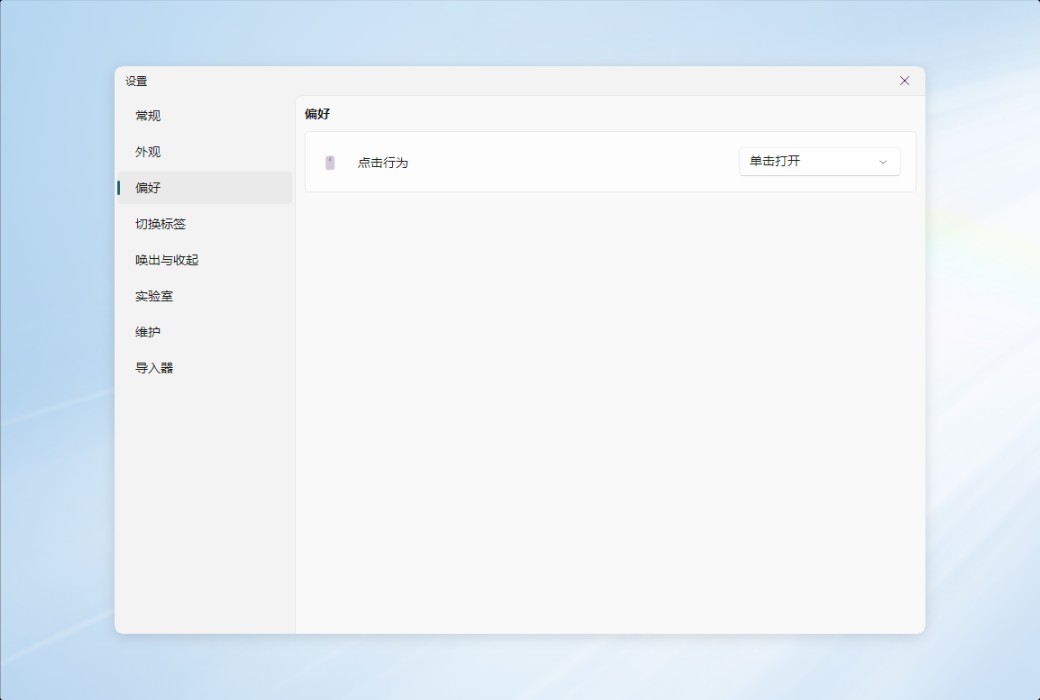
After adding software to Rolan, clicking the icon with the mouse will immediately start it. By creating groups, you can categorize different software and place them in different categories. Rolan arranges icons in a tiled manner according to the groups, making it easy for you to start the software intuitively and quickly.


In addition to software, you can also add commonly used files and folders by dragging and dropping them with the mouse. In addition, you can also put some practical system operations into Rolan, such as "mute", "lock the computer", "shut down", etc., which can be used with just one click.


Shortcut keys

Rolan supports setting shortcut keys for specified software. In this way, as long as Rolan is running in the background, even if the launcher panel is not opened, pressing the shortcut key on the keyboard can immediately open the software.


Quick search

Rolan also supports quick searches on "Google" and "Baidu". After checking this function in the settings, enter the ": g" or ": b" symbol in the search box, and then enter keywords (without a space separation) to immediately open the browser and search. You can also omit the step of "open browser".


Highly customizable

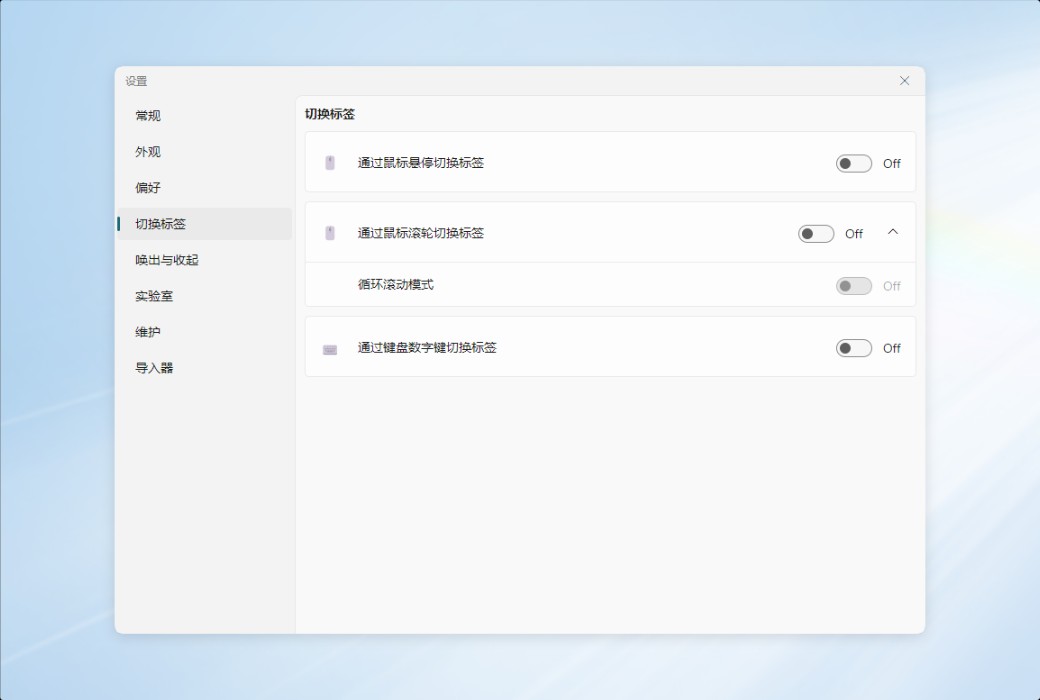
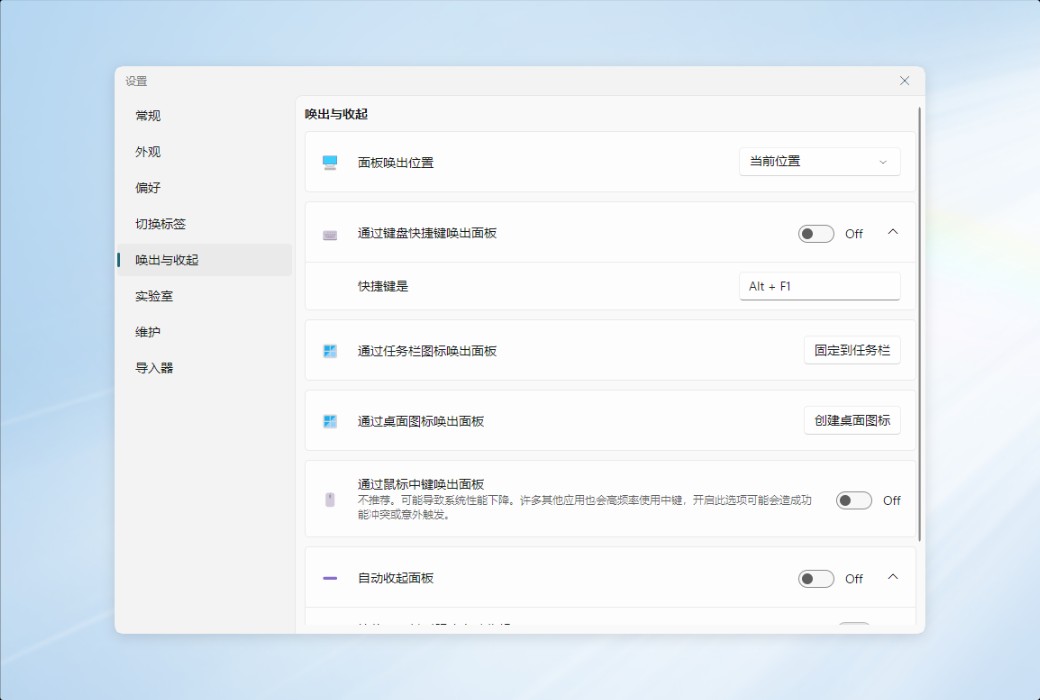
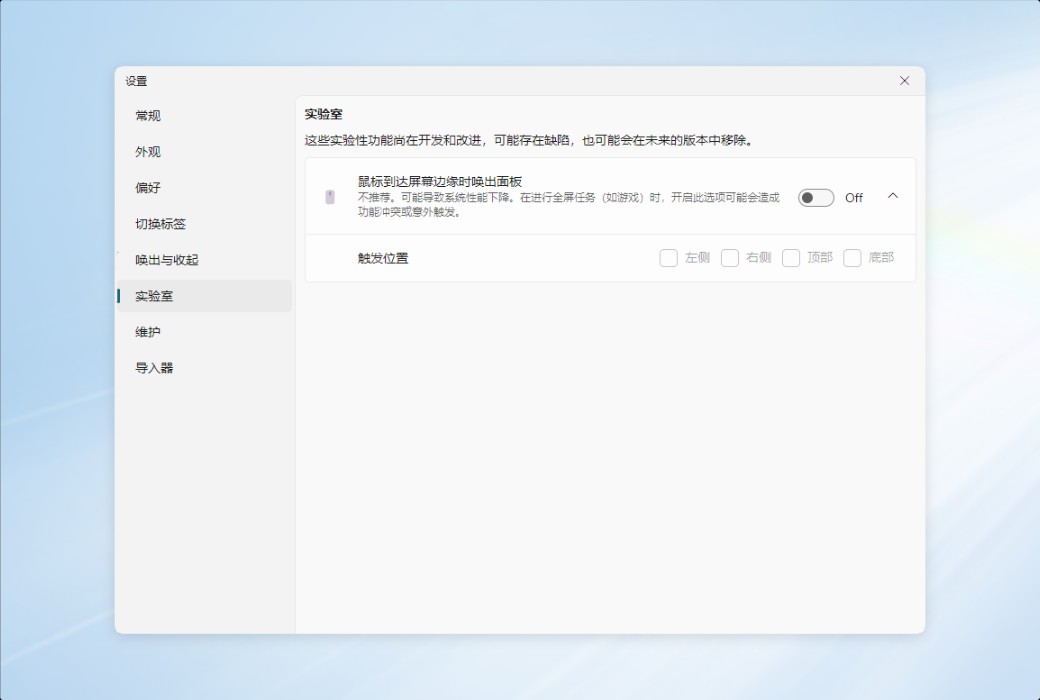
Rolan has many customizable settings. You can call Rolan in multiple ways. For example, the default shortcut key "Alt Space" to exhale, pressing the middle mouse button to exhale, hovering over the edge of the screen to exhale, and so on.


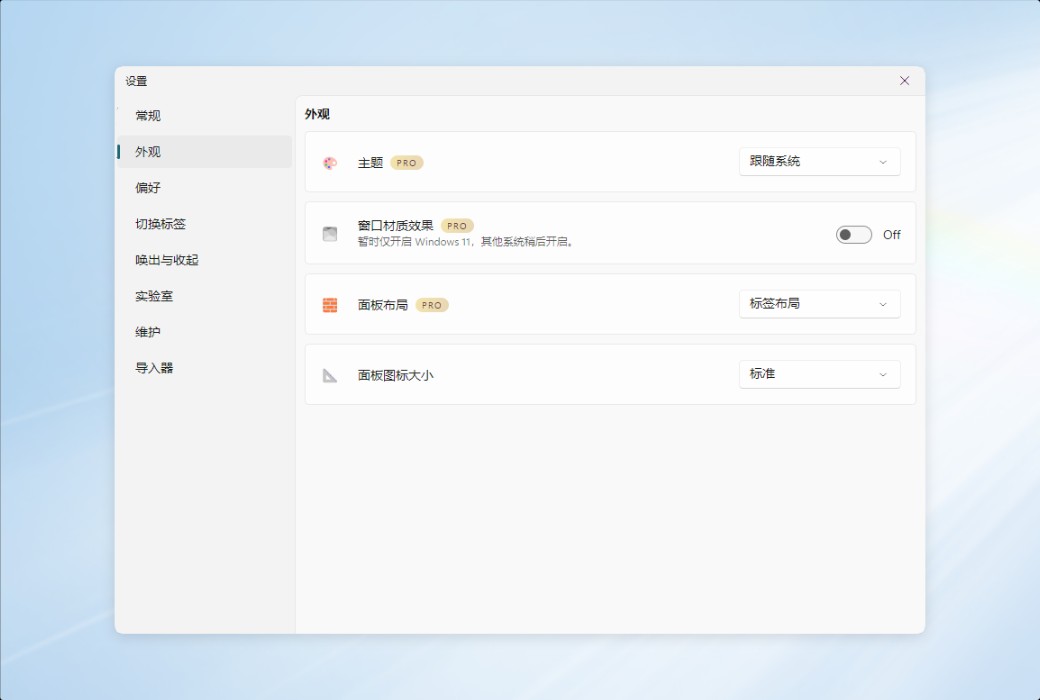
You can also highly customize the software interface. For example, changing color themes, adjusting panel transparency, adjusting project name display style, main interface layout, etc. You can even create exclusive themes on the official website.


Task Reminder

In Rolan, scheduled tasks and to-do items can be set. By using the "Tasks and Reminders" function, set a timer to start a software, run a built-in system operation, or add to-do items.


memorandum

When you need to record inspiration or ideas, Rolan's "Memo" function allows you to conveniently temporarily record some text messages. Memos support setting shortcut keys, cloud backup, and exporting as "txt" documents.

Official Website: https://getrolan.com

Download Center: https://rolan.apsgo.cn

Alternate Download: N/A

Delivery Time: Automatic delivery within 24 hours

Operating Platform: Windows

Interface Language: Supports Chinese interface display, with multiple languages available.

Update Instructions: Free updates within 1 year of purchase.

Trial Before Purchase: A limited free version is available for use before purchase.

How to Receive Your Product: After purchase, the activation information will be sent to the email address used for ordering. You can also view the corresponding product activation code in your personal center, under "My Orders".

Number of Devices: Can be installed on 3 computers.

Changing Computers: Uninstall on the original computer and log in with your account on the new computer.

Activation Guide: To be added.

Special Instructions: The Rolan v5 version needs to be installed and used from the Windows 10 Store.

References: https://getrolan.com/faq

{{ item.user.nickname }} Lead Out
{{ item.created_at }} {{ item.user.region }}
{{ item.price }}
Offer
More Records
Ask a question
All Default Newest

Tips

You need to pay a deposit before participating in the bidding
To Pay

Please enter this bidding price

Bid must not be lower than{{ curAuction.min_price }} Not Higher than{{ curAuction.max_price }}
Confirm

Auction Code

Confirm