Professional folder lock tool for protecting files
- Protect folders with passwords to prevent unauthorized access
- Hide private files, photos, videos, and data to prevent prying eyes
- Prevent outsiders from viewing, modifying, or deleting your files
- Prevent ransomware from hijacking your computer files
Professional data protector: sturdy folder lock to protect your privacy
- Lock your privacy in a safe
Your personal files, photos, and videos with loved ones or other sensitive records will not be viewed or accessed in the way you want.
- Ensure worry free data security
All of your valuable project files, creative works, and customer data will be secure. No longer worry about data loss or malicious modification.
- Stop ransomware attacks
A simple solution to prevent ransomware or other malicious software from hijacking your data by significantly reducing access.
- Prevent file deletion and modification
After setting the lock options accordingly, avoid important files from being deleted or modified by shared PC users or by yourself.
Hide files and folders to protect digital privacy
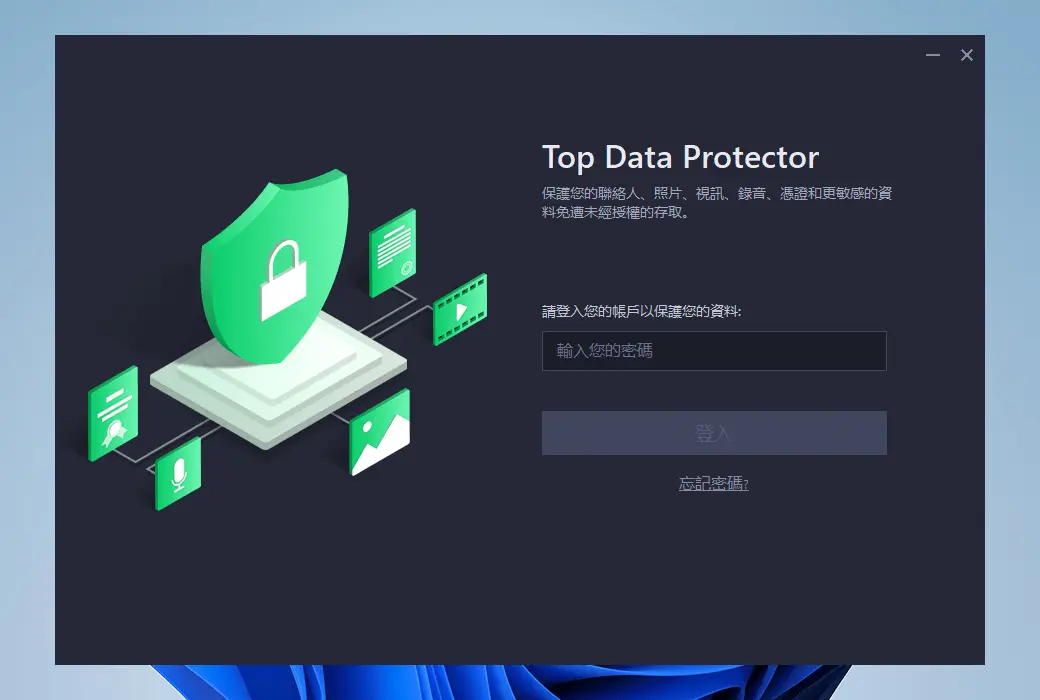
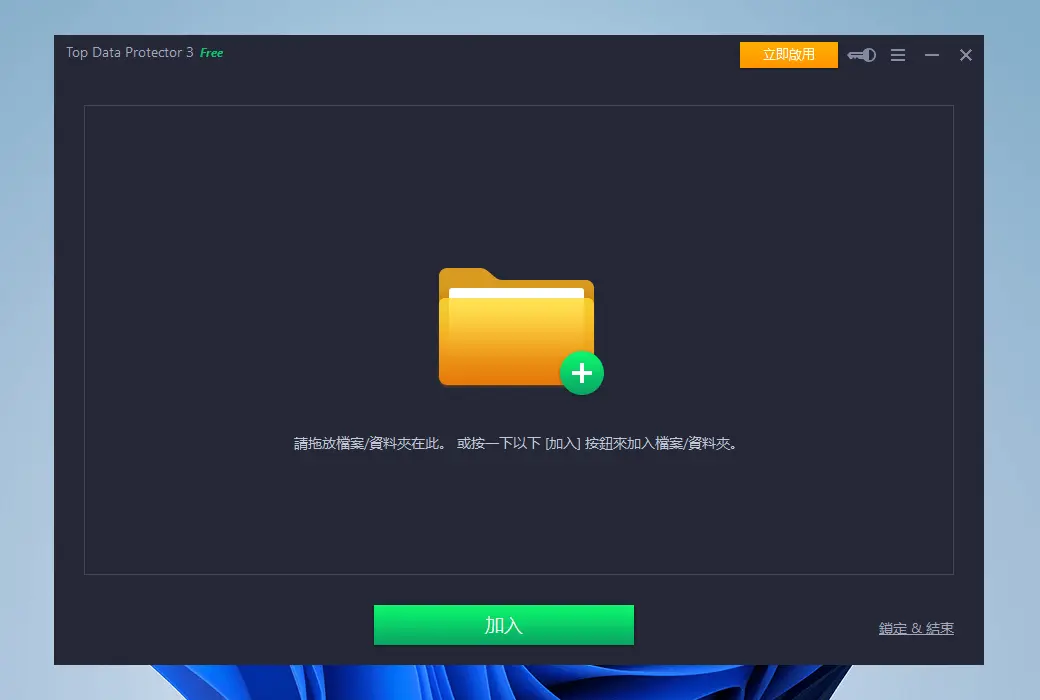
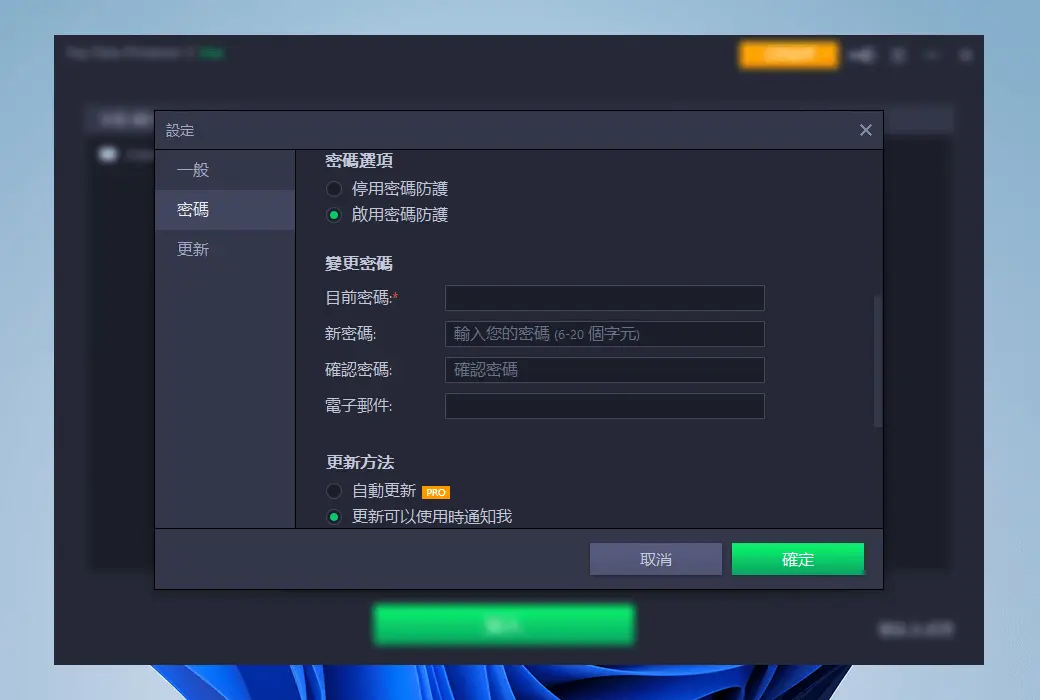
If you don't protect them well, it's easy for others to see or exploit photos, videos, work documents, or other files on your PC. Whether it is personal data or customer data, leakage can cause very serious consequences and economic losses. Therefore, password protection for folders and data is essential. Top Data Protector can password protect all your private data and files by hiding and locking folders. Simply drag and drop any type of file onto the software interface, and they will become invisible from their original location. Locked files can only be accessed through Top Data Protector using the master password you have set.
Lock important files to avoid data loss
If you share your computer with colleagues, family, or other users, there is a risk that your private files may be moved, modified, or even deleted. It goes without saying that data loss can sometimes lead to serious consequences worth millions of dollars. Top Data Protector helps password protect your folders and files in a simple and intelligent way. Except for yourself, all selected files (such as image, video, or document files) may not be accessible. Simply drag and drop files from your PC onto the software interface to password protect all formats or files in folders and safes.
Flexible folder locking options
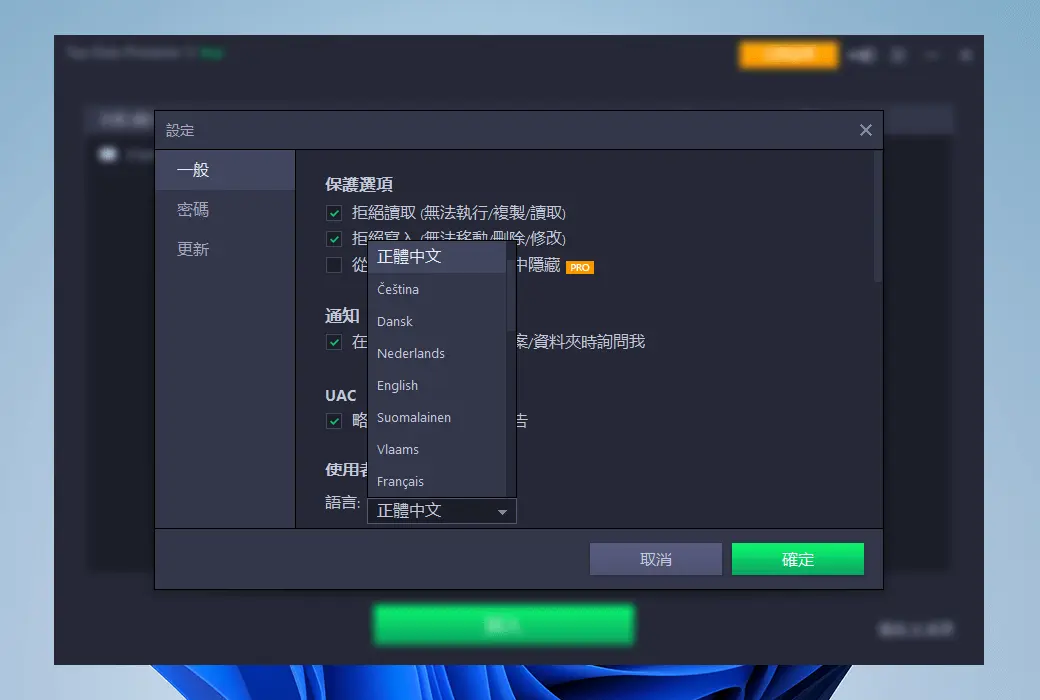
In some cases, other users may access your computer for work collaboration or remote support. Top Data Protector provides you with flexible folder locking options to manage access. To make the data completely invisible, simply enable the "hidden" mode in the software. However, if you only want to allow viewing, enabling the 'Deny write access' option can prevent data from being copied, modified, or deleted. If you don't want anyone to check the file, you can switch to 'deny read access' to protect the data from being opened, read, or copied. You can always use Top Data Protector to protect your data in the way you want.
Protect your files from ransomware attacks
In recent years, due to the increasing number of remote users who are not protected by enterprise firewalls, ransomware attacks have become increasingly dangerous. Once infected, files and important data on your PC will be locked and unlikely to be recovered. Imagine all your customer data, work tasks, and other critical files are encrypted, and you are required to pay a large ransom. Fortunately, you can prevent such situations by using Top Data Protector to lock files and folders. Even if ransomware is downloaded on your PC, it cannot affect any of your files, which are password protected with reliable security by Top Data Protector.
You can use Top Data Protector to lock important files
- Commercial Contract
Hide folders containing contracts, agreements, or other confidential documents to prevent data leakage and file damage.
- Personal sensitive data
Family photos, videos, medical records, or anything sensitive that needs to be saved in a locked folder.
- Customer Information
Everyone who processes customer data as financial records or medical reports must ensure that they are password protected and inaccessible.
- Personal creative works
Original creative works such as songs, videos, or encoded documents are highly valuable, so it becomes essential to keep them in the "safe box" of Top Data Protector.