APSGO LOGO
Combination
x1
Total Price:
View Cart
No APPS available
Cart
Home Overview Gilisoft Image Editor Picture Editing and ID Photo Making Toolbox
Gilisoft Image Editor
No. 2 Scenes
Gilisoft Image Editor Picture Editing and ID Photo Making Toolbox截图 Gilisoft Image Editor Picture Editing and ID Photo Making Toolbox截图 Gilisoft Image Editor Picture Editing and ID Photo Making Toolbox截图 Gilisoft Image Editor Picture Editing and ID Photo Making Toolbox截图 Gilisoft Image Editor Picture Editing and ID Photo Making Toolbox截图 Gilisoft Image Editor Picture Editing and ID Photo Making Toolbox截图 Gilisoft Image Editor Picture Editing and ID Photo Making Toolbox截图 Gilisoft Image Editor Picture Editing and ID Photo Making Toolbox截图 Gilisoft Image Editor Picture Editing and ID Photo Making Toolbox截图 Gilisoft Image Editor Picture Editing and ID Photo Making Toolbox截图 Gilisoft Image Editor Picture Editing and ID Photo Making Toolbox截图 Gilisoft Image Editor Picture Editing and ID Photo Making Toolbox截图 Gilisoft Image Editor Picture Editing and ID Photo Making Toolbox截图 Gilisoft Image Editor Picture Editing and ID Photo Making Toolbox截图 Gilisoft Image Editor Picture Editing and ID Photo Making Toolbox截图 Gilisoft Image Editor Picture Editing and ID Photo Making Toolbox截图 Gilisoft Image Editor Picture Editing and ID Photo Making Toolbox截图
Download
Gilisoft Image Editor Picture Editing and ID Photo Making Toolbox
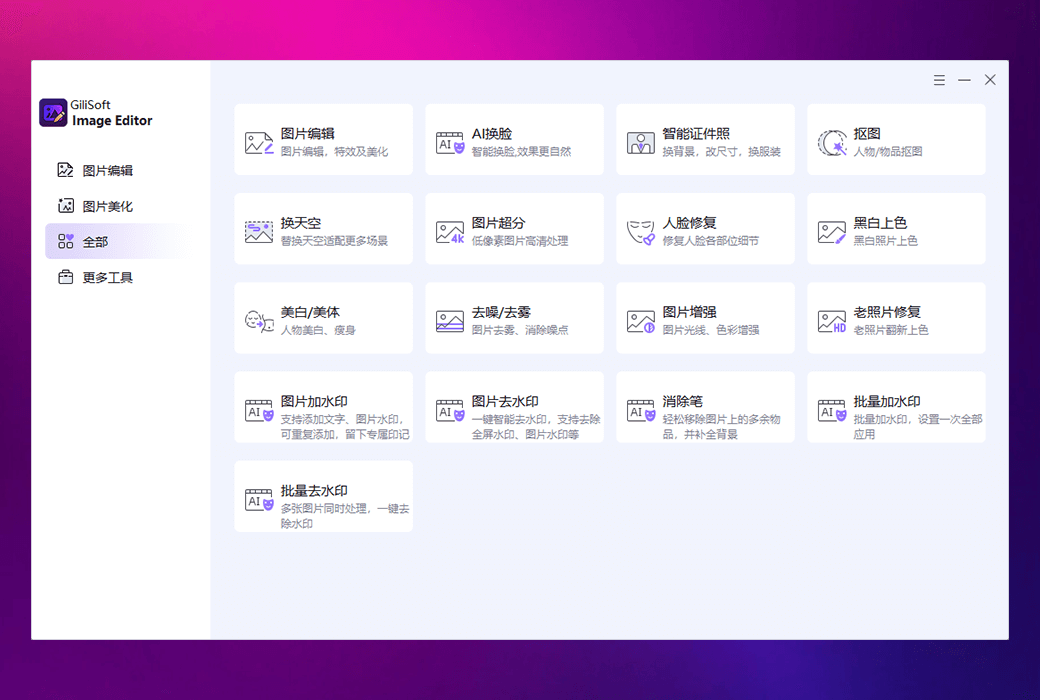
Gilisoft Image Editor is a feature rich image processing software that has various practical functions such as editing and beautification, intelligent sky changing, AI face changing, improving image clarity, creating ID photos, and repairing old photos. The software also supports intelligent image cutout, black and white photo coloring, whitening and slimming, adding watermarks, etc., making image processing simple and fast. In addition, it can also batch process images, remove watermarks, and enhance image quality, making it very suitable for users who need efficient image editing.

{{ item.spec_option }}

{{ item.spec }}

System

{{ auction.sku_info.price }}

Reference price

Auction Rules:
1、Reference validity period of this auction:2026-09-17 18:16:00 ~ 2026-09-18 02:16:00 。After entering the 60s countdown, if there is a new bid, the countdown will be restarted for 60s, with an infinite loop.
2、Starting Price:45.00,No less than each bid:1.00 ,The current lowest bid cannot be lower than:45.00, The highest bid cannot be higher than50
3、There is no limit to the number of times each person can bid, and a maximum of 3 consecutive bids can be made ahead. Before bidding, a deposit must be submitted first. If the bid is successful, please complete the payment within 3 days. Failure to pay within the time limit will be considered a breach of contract for this auction.
4、After the auction is completed, users who have not won the auction can apply for the release of the deposit on their own, and users who have won the auction can also apply for the release of the deposit after paying the order.
5、 If the payment is not completed after winning the bid, you will not be able to continue participating in new bidding activities and the deposit will be frozen.
6、Warning: In order to maintain fairness and impartiality in this bidding activity, it is strictly prohibited to participate in the bidding for the purpose of hoarding goods and intending to resell them at high prices on other platforms. We have zero tolerance towards such behavior. Once discovered, your account will be immediately banned without further notice.
 
Current highest bid: {{ auction.hight_price }} None
Make a bid Not started yet
{{ item }} ({{ auction.currentOrdersNum ? auction.currentOrdersNum : 0 }}) ({{ app.qa.questionsData.total }})

Gilisoft Image Editor is a feature rich image processing software that has various practical functions such as editing and beautification, intelligent sky changing, AI face changing, improving image clarity, creating ID photos, and repairing old photos. The software also supports intelligent image cutout, black and white photo coloring, whitening and slimming, adding watermarks, etc., making image processing simple and fast. In addition, it can also batch process images, remove watermarks, and enhance image quality, making it very suitable for users who need efficient image editing.


Software functions:


  1. Image editing and beautification

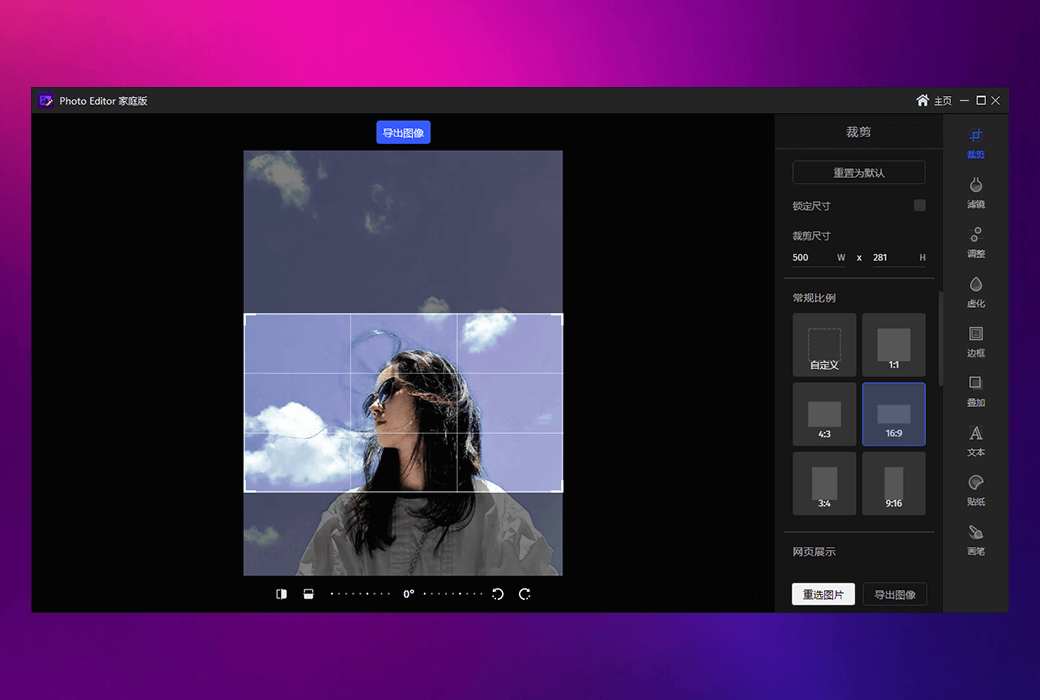
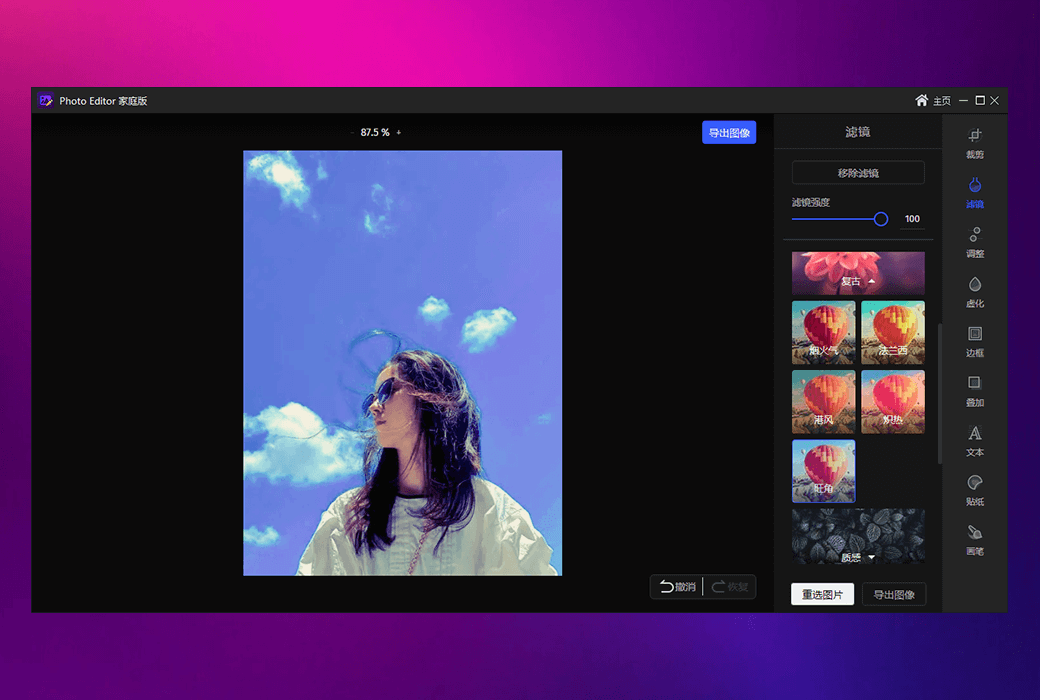
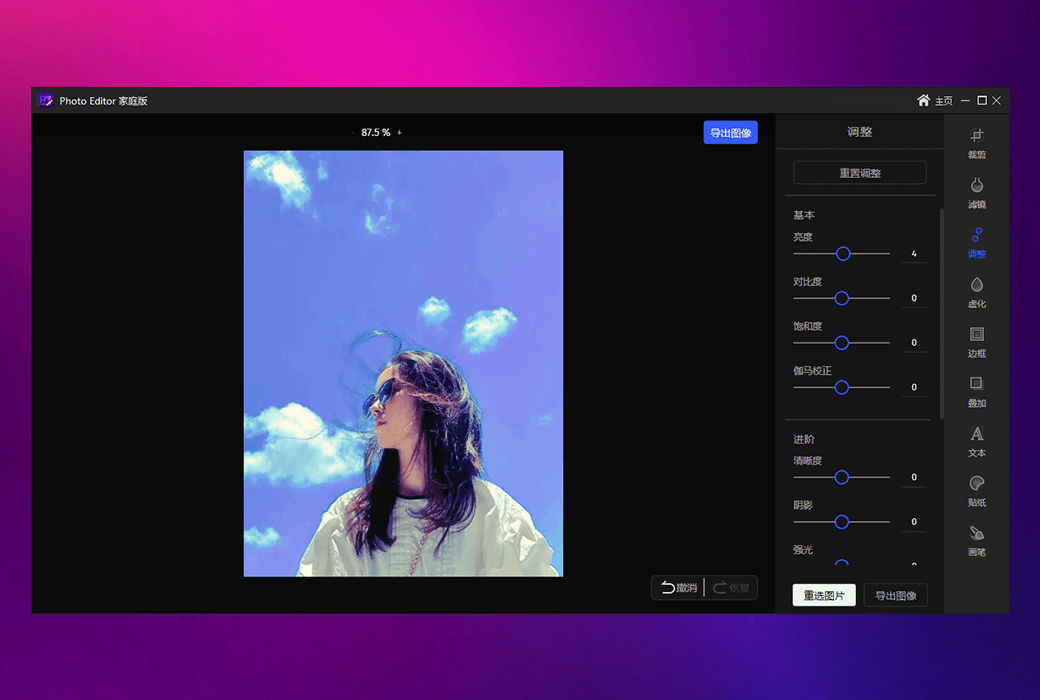
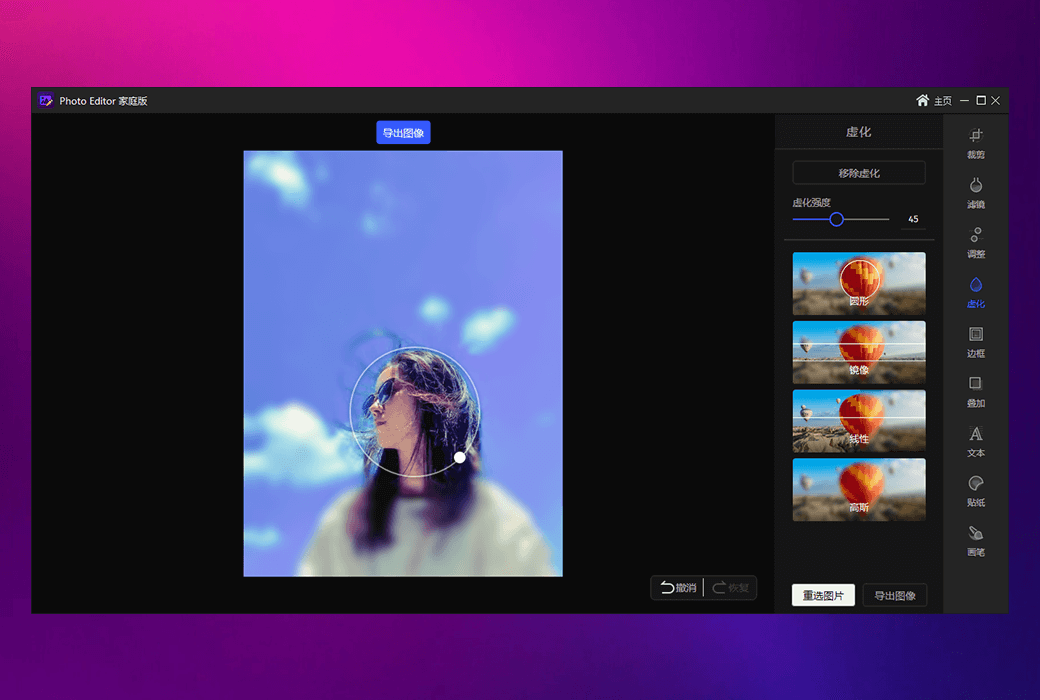
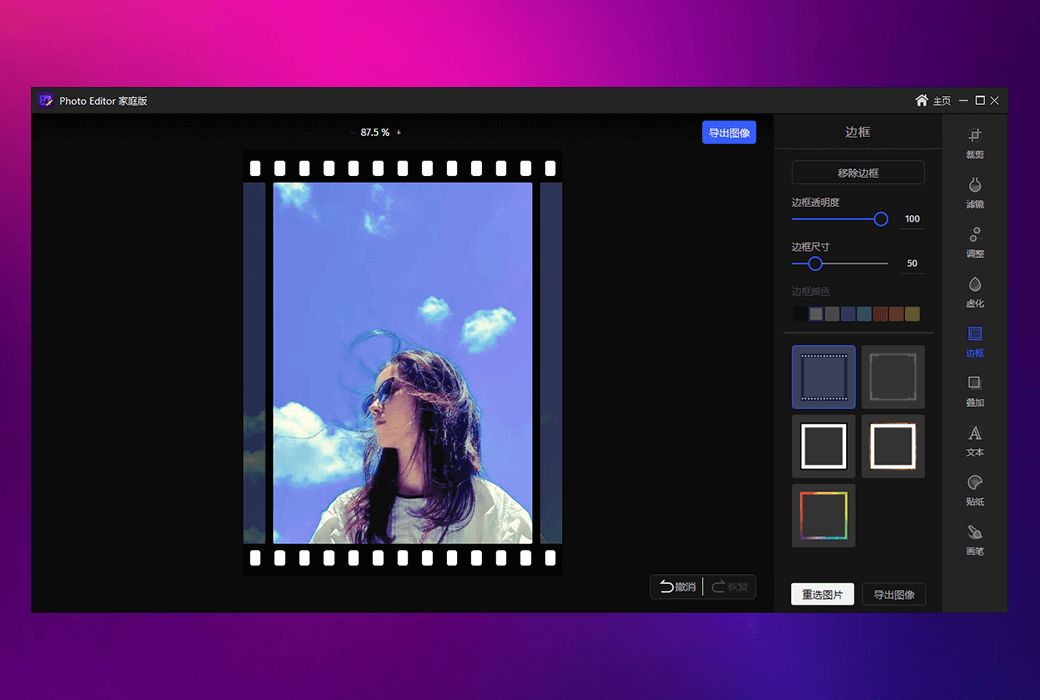
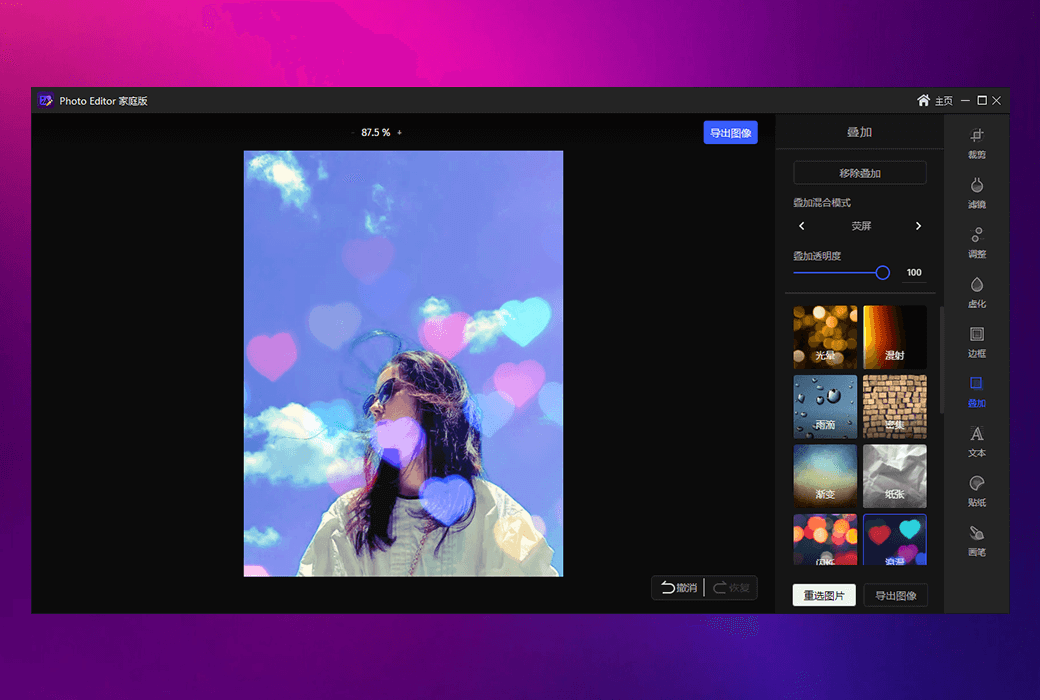
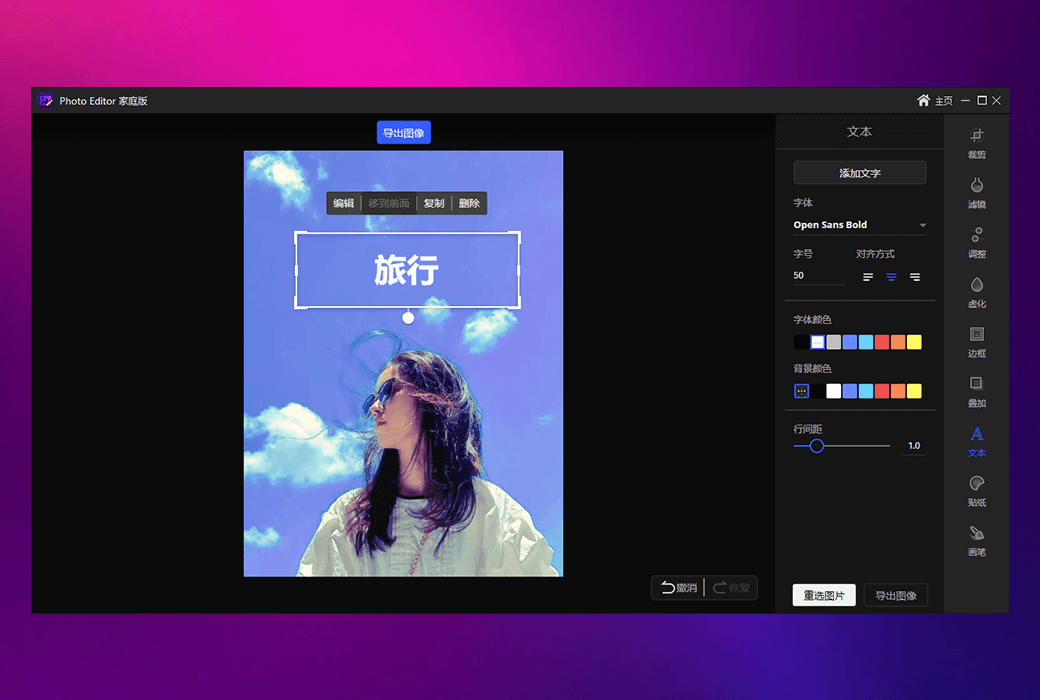
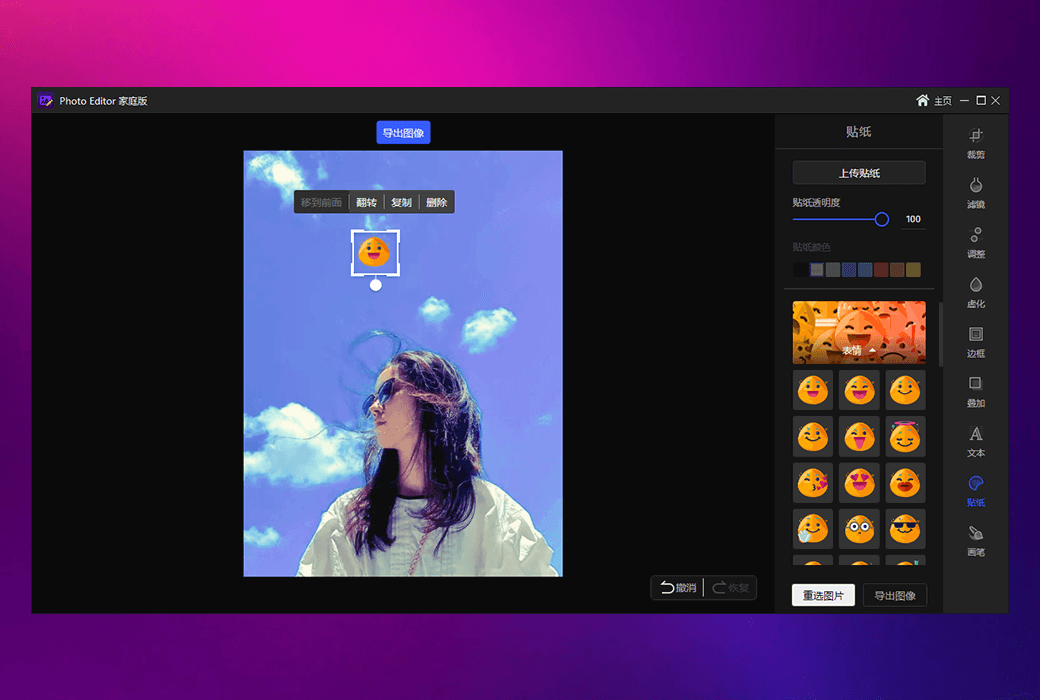
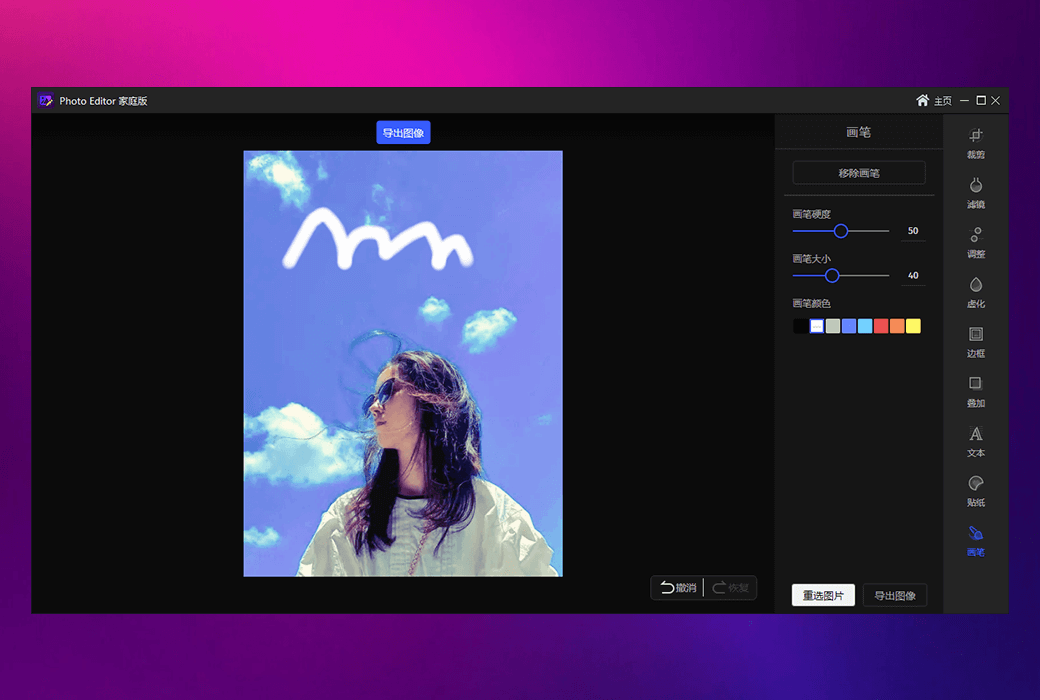
Provide powerful image editing functions, easily adjust image size, crop, rotate, flip, and support rich special effects such as filters, blurring, borders, and overlays. Add text, stickers, brushes, and other beautification tools to help you quickly create excellent visual effects.


  1. Change the sky

Intelligent replacement of sky background, adaptable to various scenes, one click switching makes your photos more creative and visually impactful.


  1. AI Face Changing

AI intelligent face changing technology makes the face changing effect more natural and realistic, making it easy to achieve for both entertainment and professional needs.


  1. Image super-resolution

Using AI technology to process low pixel images in high definition, improving image clarity and details, and easily restoring high-definition visuals.


  1. Smart ID photo

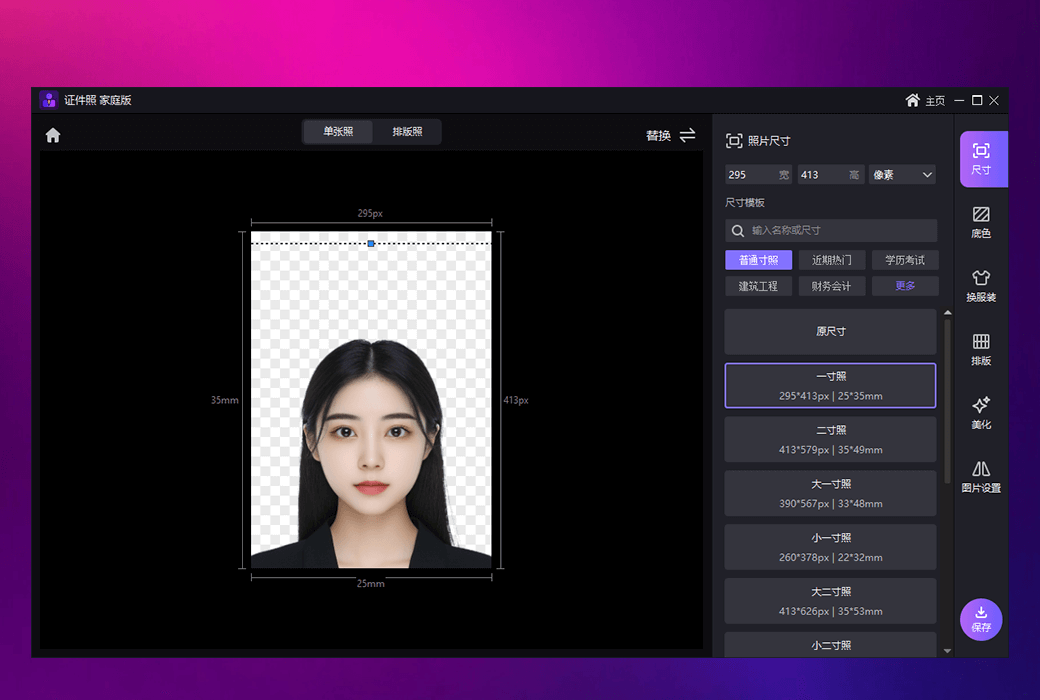
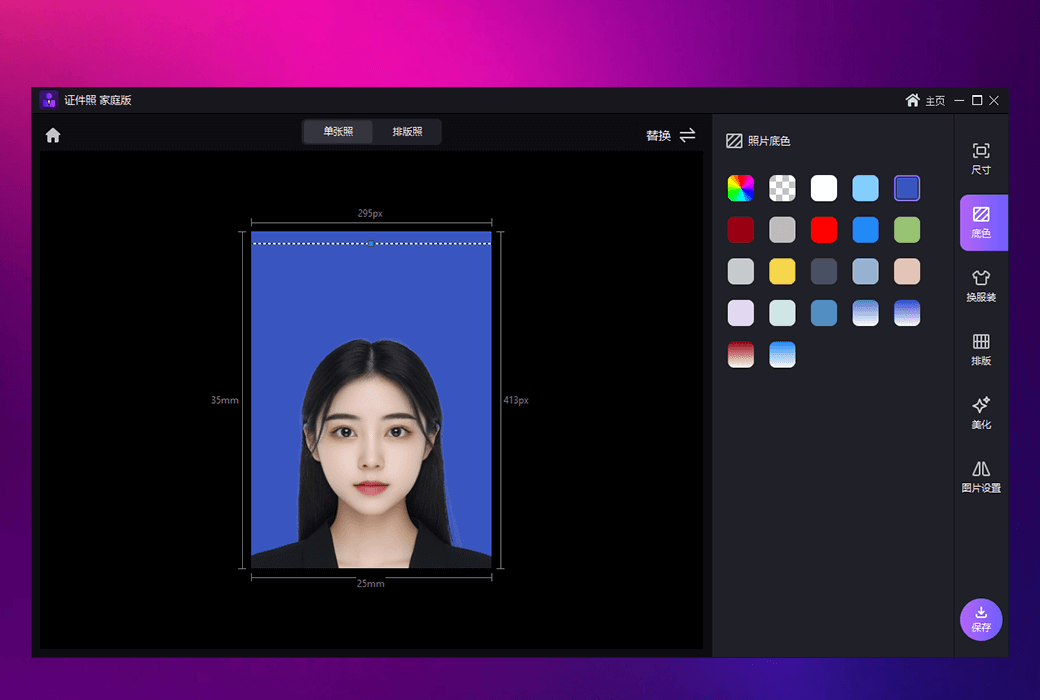
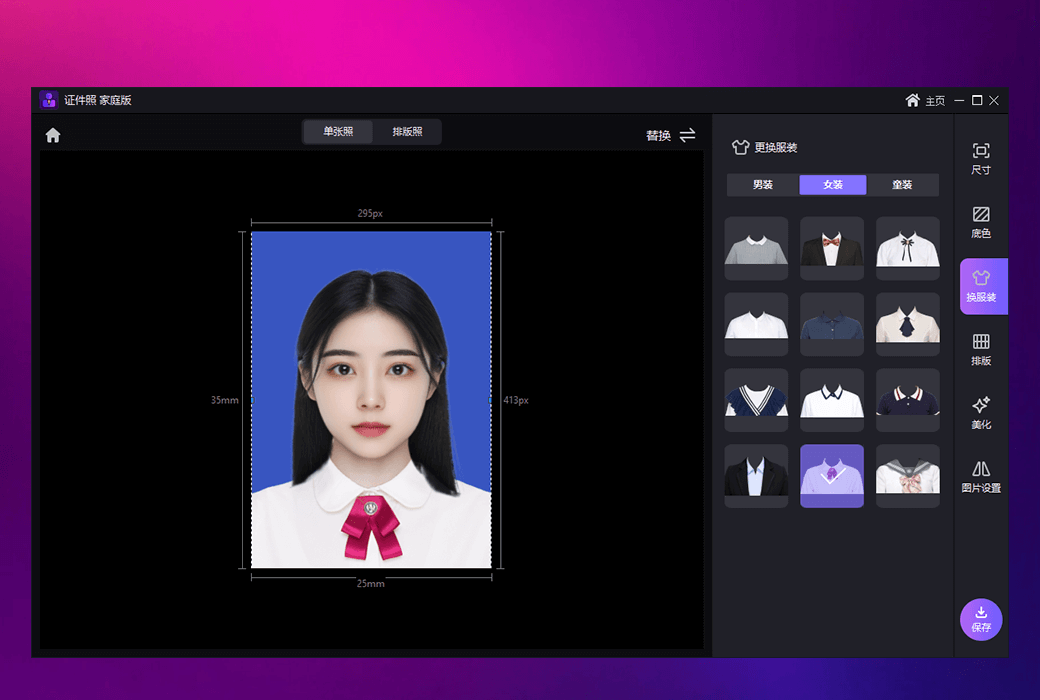
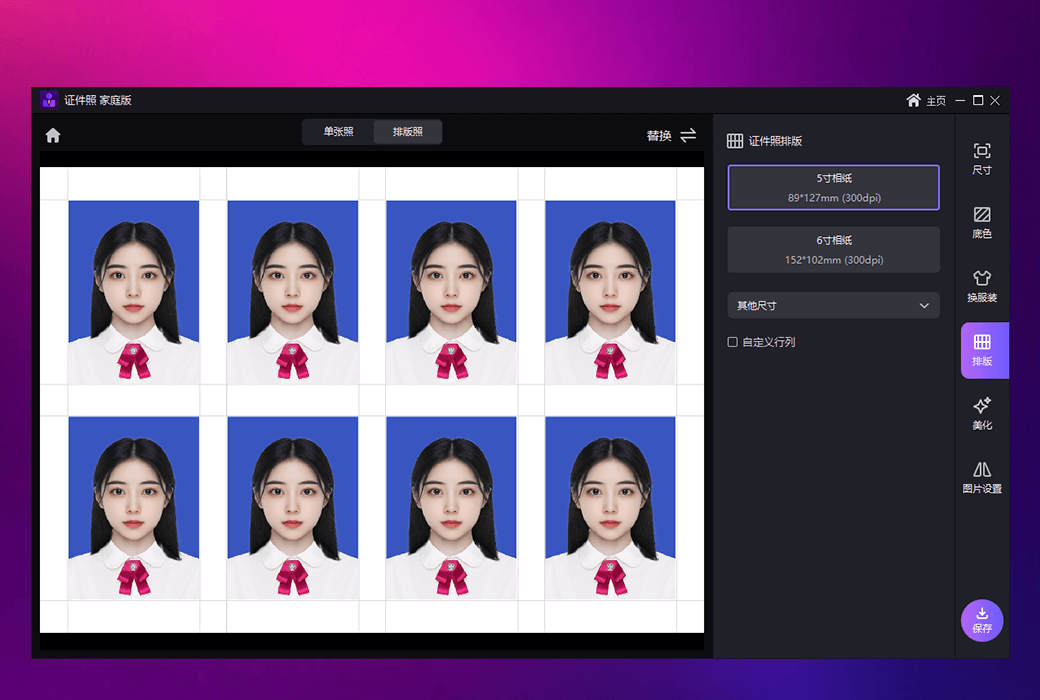
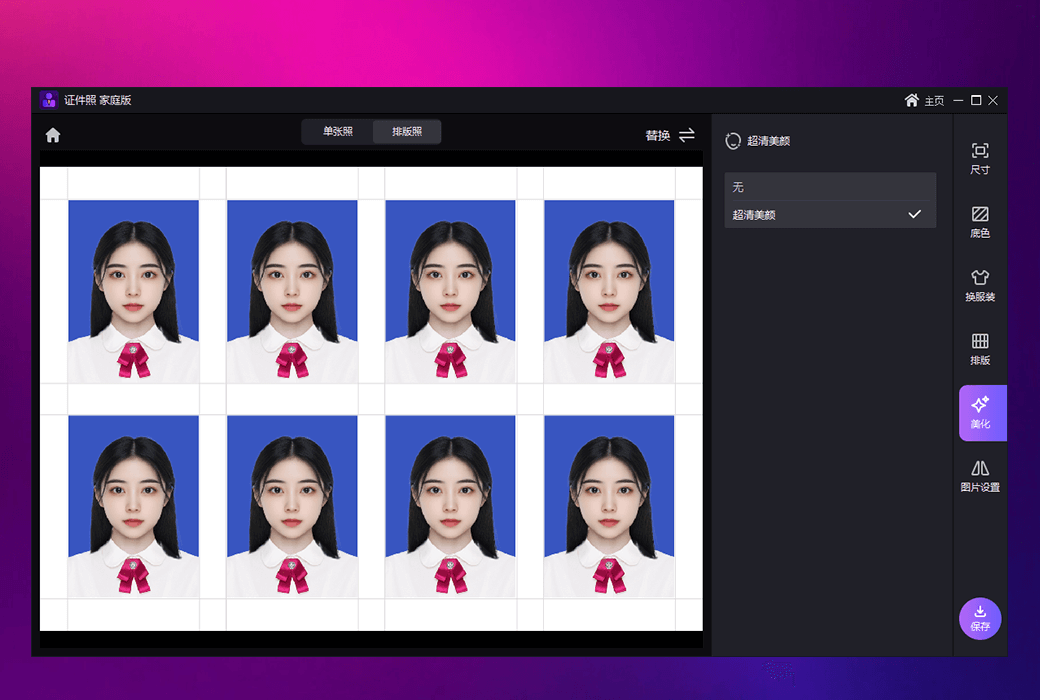
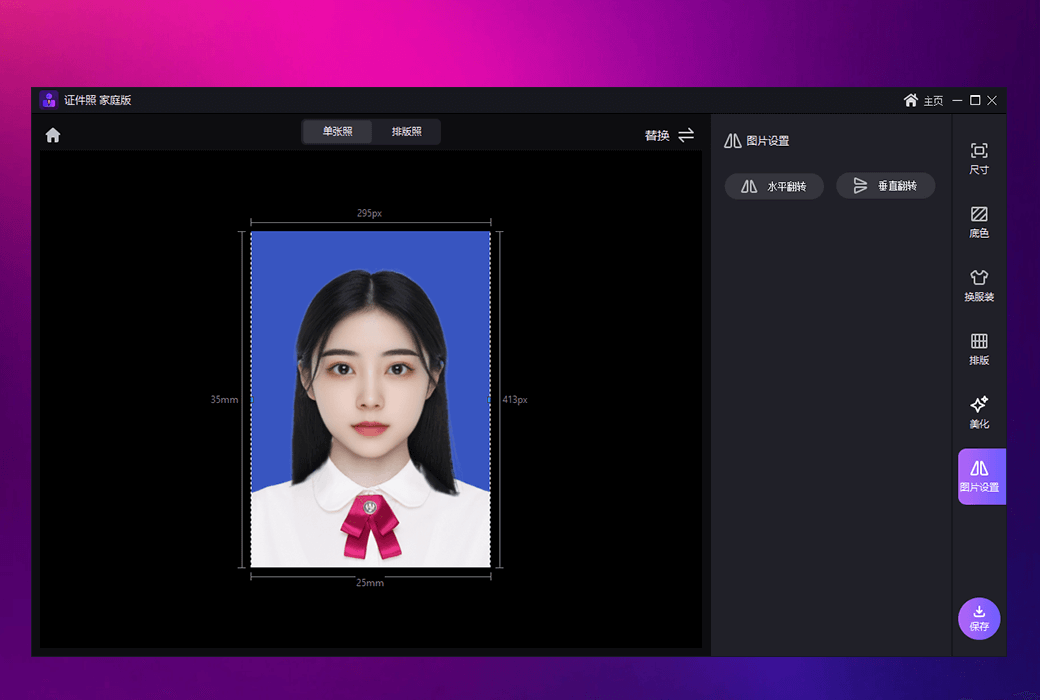
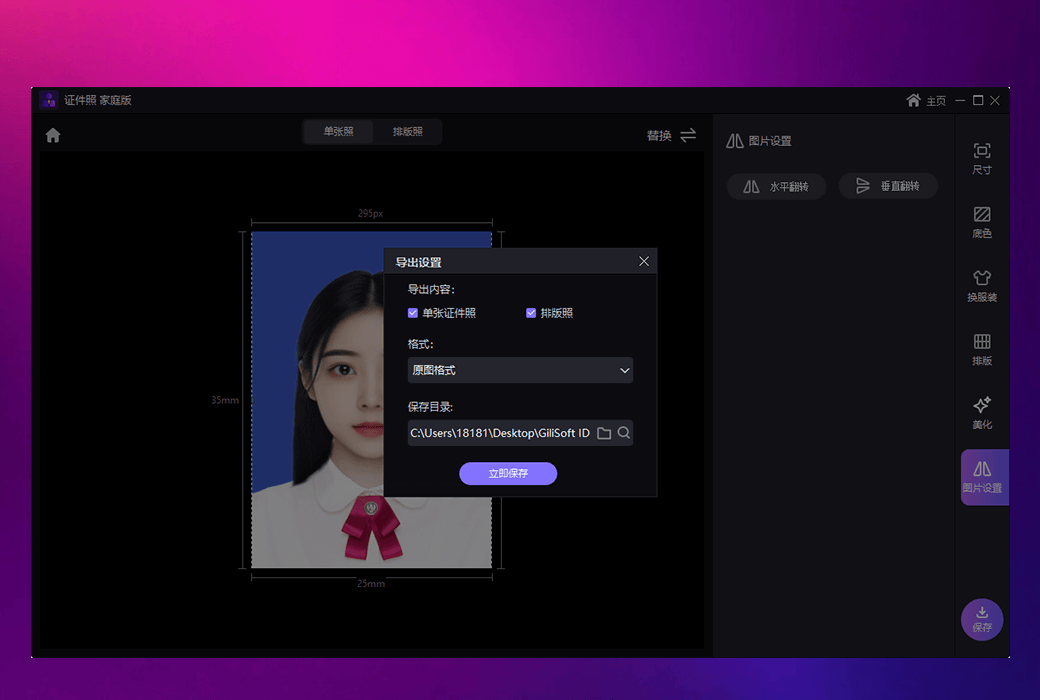
Automatic background recognition, one click background change, size adjustment, and even dress up, making ID photo processing easier and more professional.


  1. Facial Restoration

AI accurately repairs facial details, improves facial clarity and naturalness, and revitalizes old photos.


  1. Image cutout function

Easily pick up characters or items, intelligently process backgrounds to make the subject more prominent, suitable for e-commerce images or creative design.


  1. Coloring black and white photos

Intelligently color black and white photos to recreate their historical charm.


  1. Whitening and slimming

Multi zone whitening and slimming tools help you easily adjust your character image and present a perfect state.


  1. Add watermark to the image

Support adding text or image watermarks, personalized and exclusive tags, and can be added repeatedly to ensure the copyright ownership of the image.


  1. Batch watermark removal

Simultaneously processing multiple images, removing watermarks with just one click, saving time and efficiency.


  1. Denoising/dehazing

Remove noise and haze from images, improve image clarity and brightness, and make photo details more distinct.


  1. Image watermark removal

Intelligent watermark removal function, one click removal of watermarks from images, whether it is full screen or partial watermarks, can be easily eliminated.


  1. Image enhancement

Intelligent enhancement of lighting and color in images, automatic optimization of image effects, making images more vivid and attractive.


  1. Eliminate pen

Easily remove unnecessary elements and automatically fill in the background using an eraser pen, making image editing operations smoother and more natural.


  1. Old photo restoration and renovation

Intelligent repair of old photos, repairing cracks and stains, and coloring black and white old photos to recreate precious memories.


  1. Batch watermarking

One click batch watermarking for images, efficient processing of large quantities of images, suitable for commercial needs.


Gilisoft Image Editor integrates numerous AI technologies to make every image processing more intelligent and efficient, helping you easily achieve a balance between creativity and professionalism in editing.

Official website:https://www.gilisoft.com/image-editor.htm

Download Center:https://gilisoft-image-editor.apsgo.cn

Backup Download:N/A

Delivery time:24-hour automatic shipping

Operating Platform:Windows

Interface language:Supports Chinese interface display and multiple language options.

Update Description:The manufacturer promises a one-time purchase, lifetime updates, and usage.

Trial before purchase:Free trial is available before purchase.

How to receive goods:After purchase, the activation information will be sent to the email address at the time of placing the order, and the corresponding product activation code can be viewed in the personal center, My Orders.

Number of devices:Can install one computer.

Replace computer:Uninstall the original computer and activate the new computer.

Activation guidance:To be added.

Special note:To be added.

reference material:To be added.

{{ item.user.nickname }} Lead Out
{{ item.created_at }} {{ item.user.region }}
{{ item.price }}
Offer
More Records
Ask a question
All FAQ Default Newest

Tips

You need to pay a deposit before participating in the bidding
To Pay

Please enter this bidding price

Bid must not be lower than{{ curAuction.min_price }} Not Higher than{{ curAuction.max_price }}
Confirm

Auction Code

Confirm