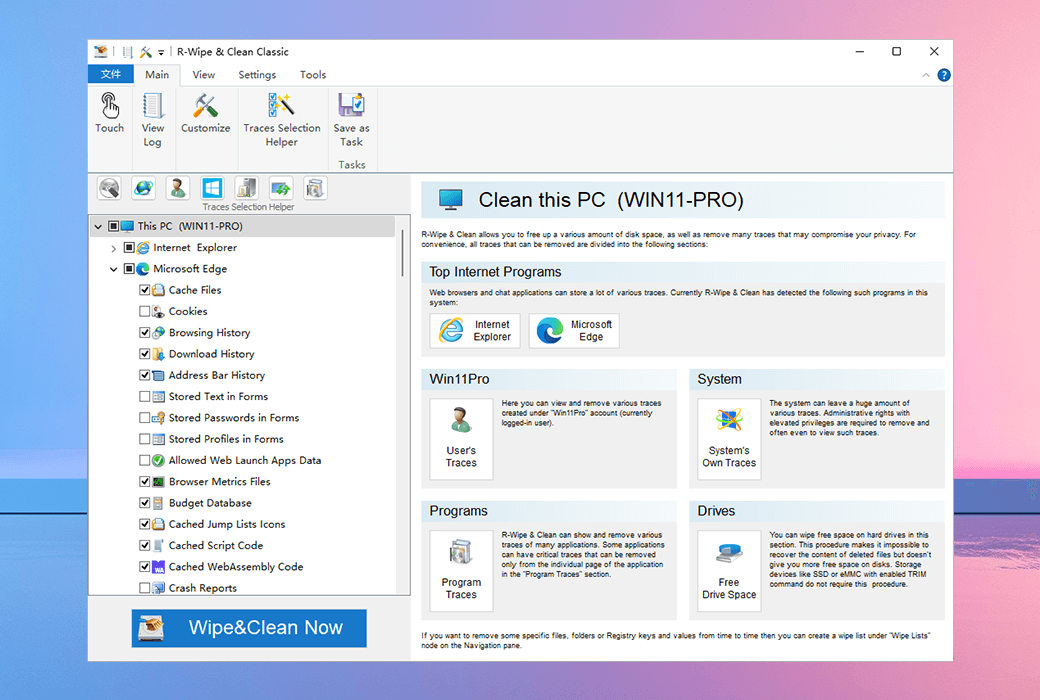
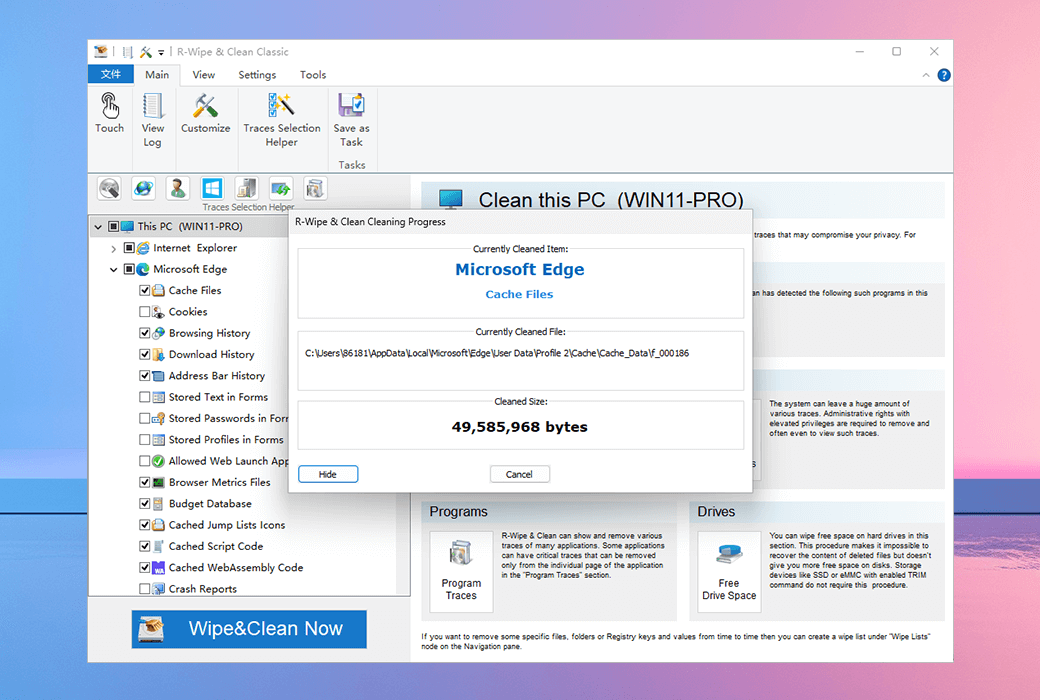
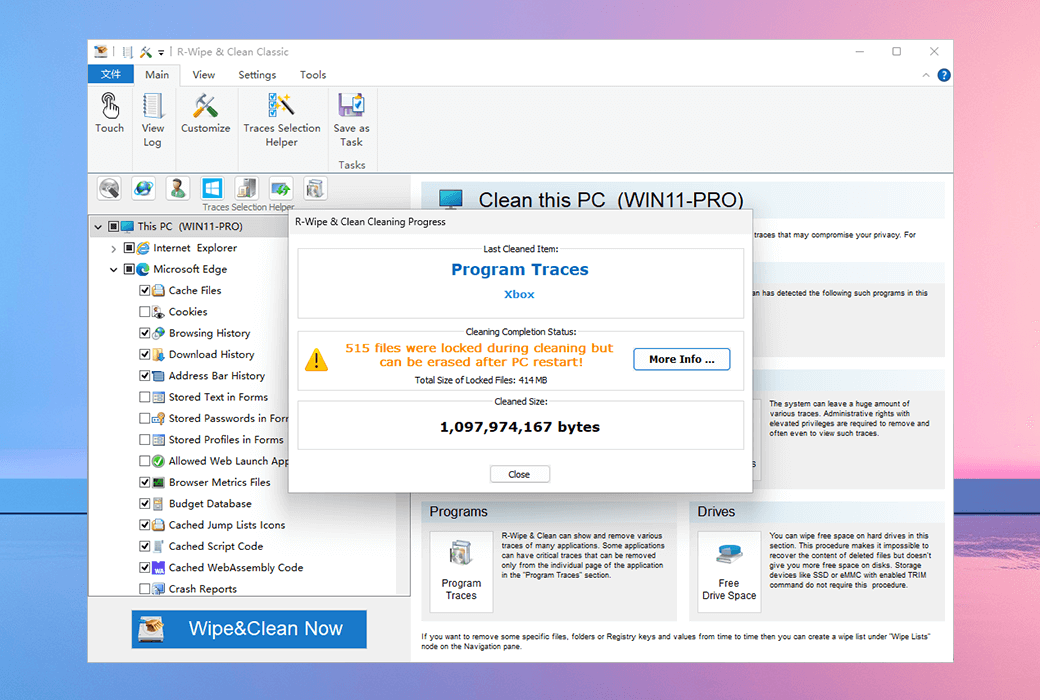
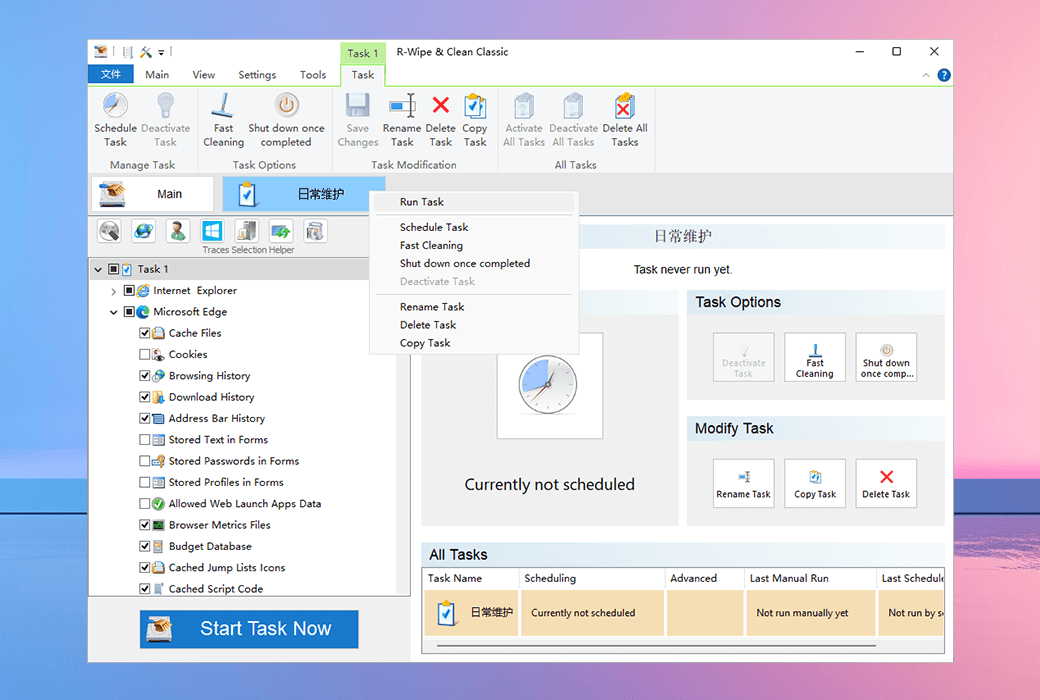
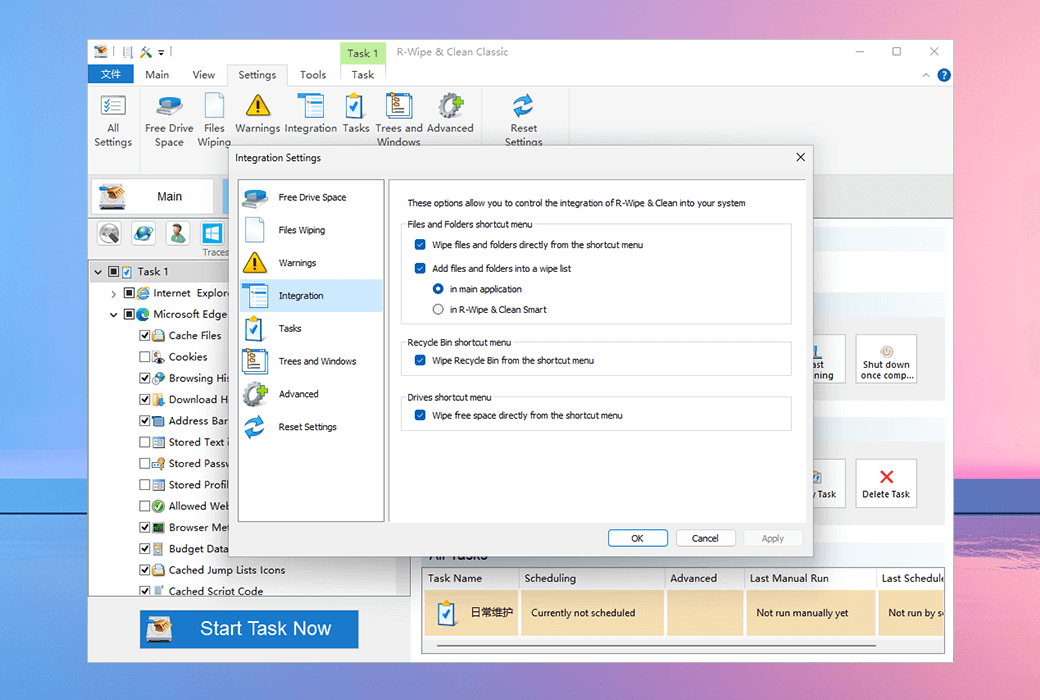
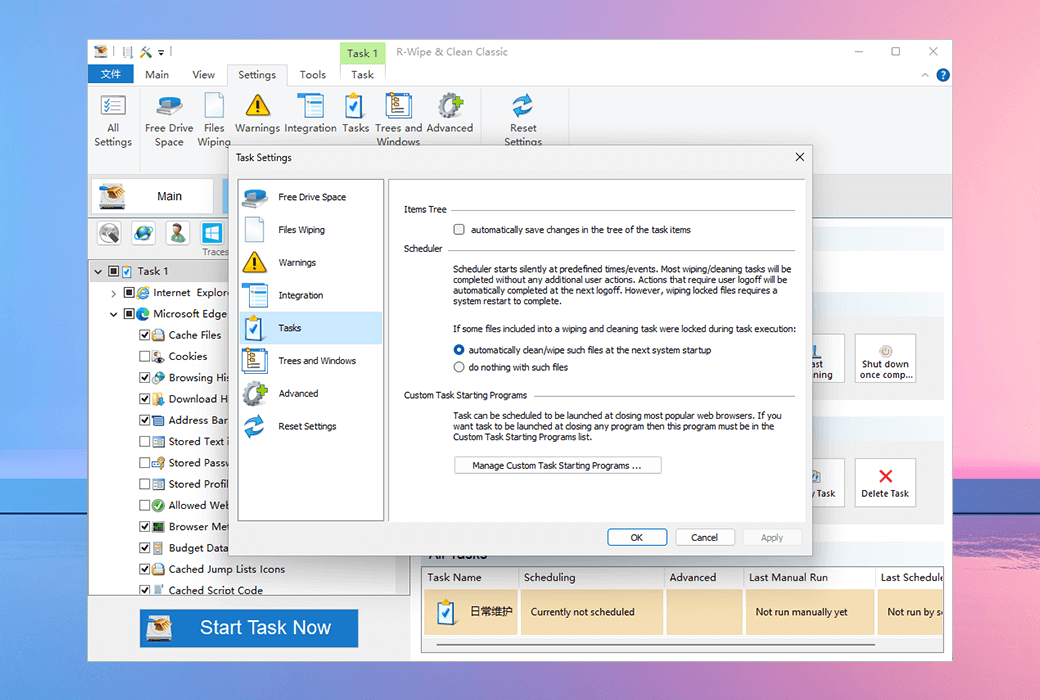
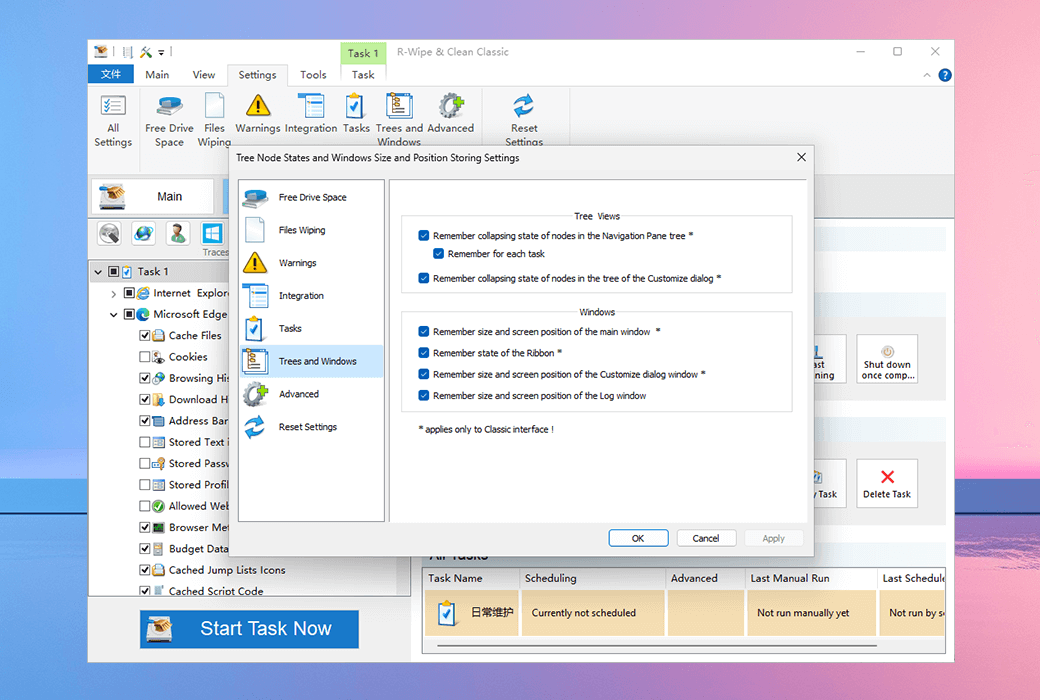
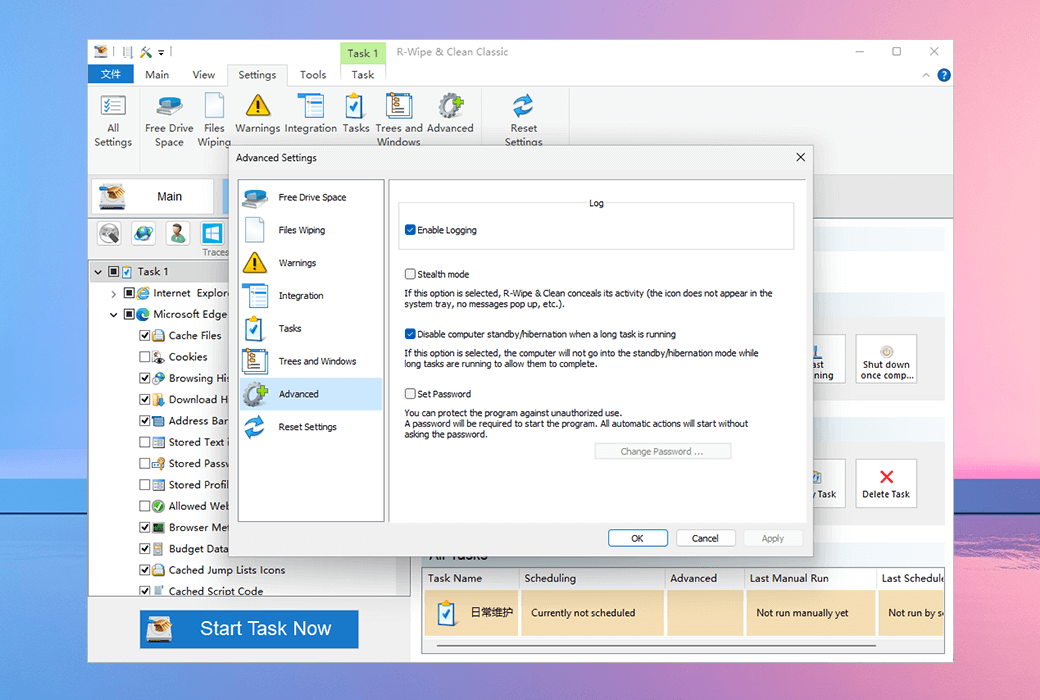
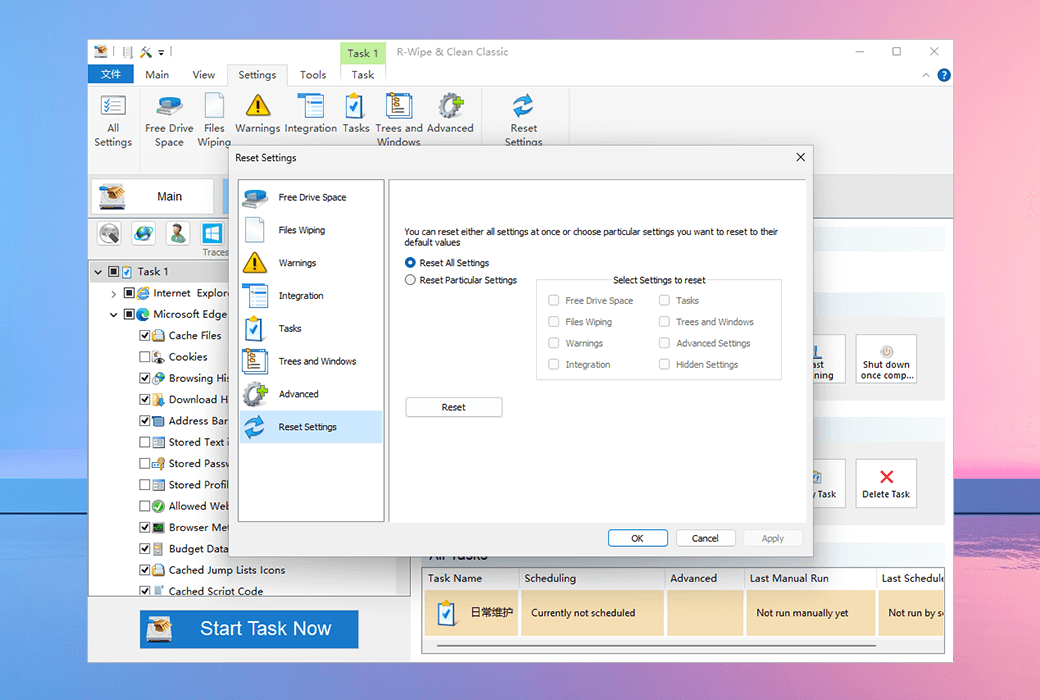
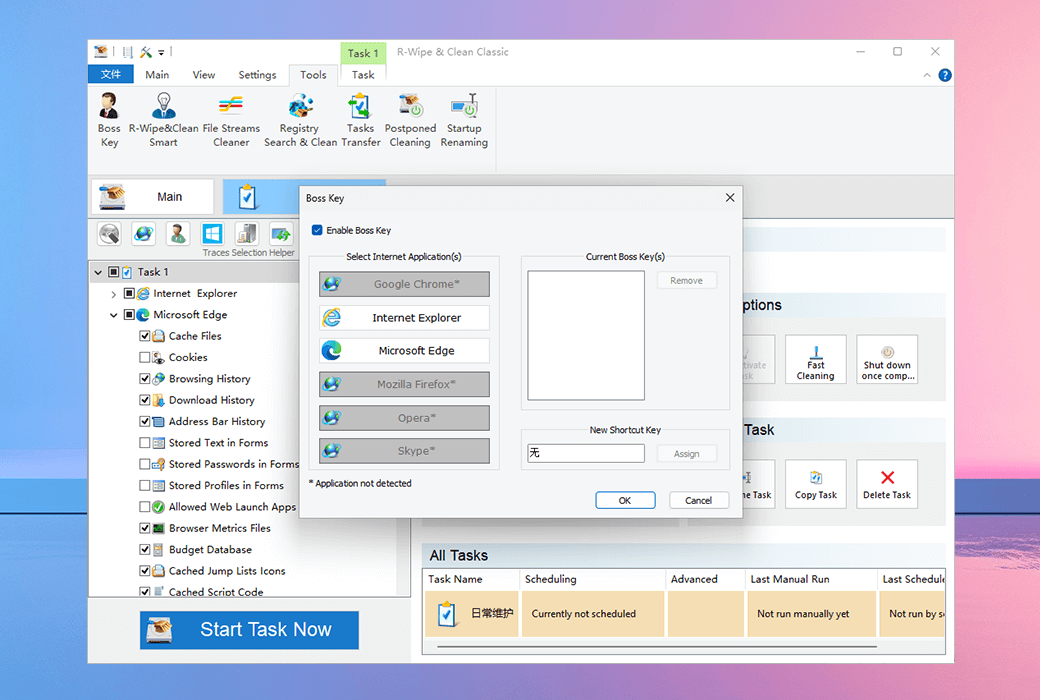
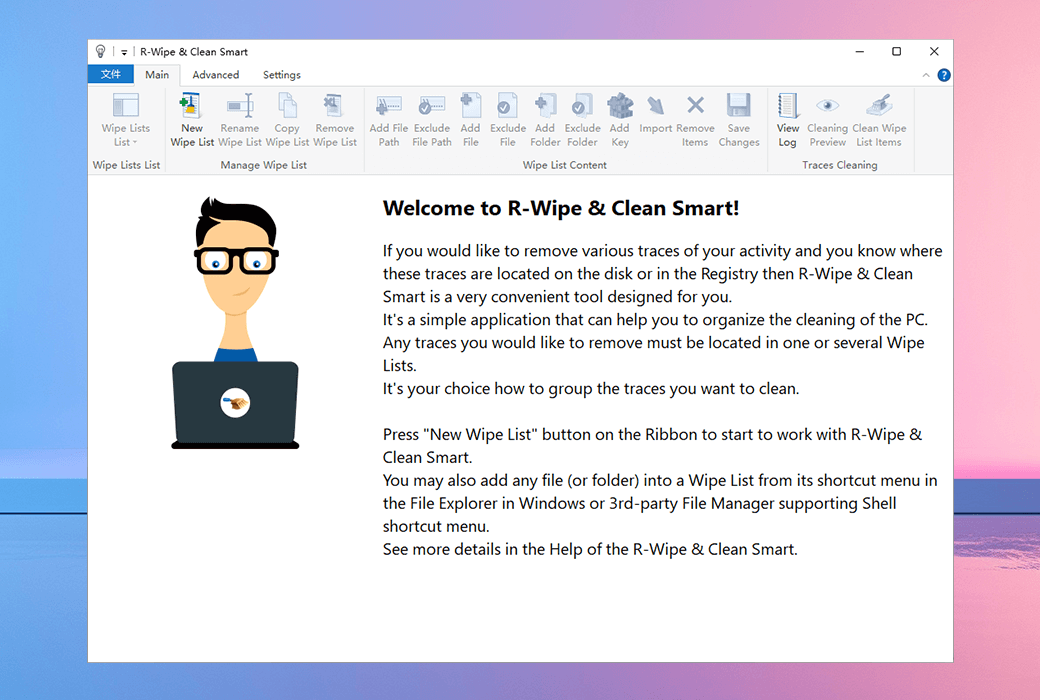
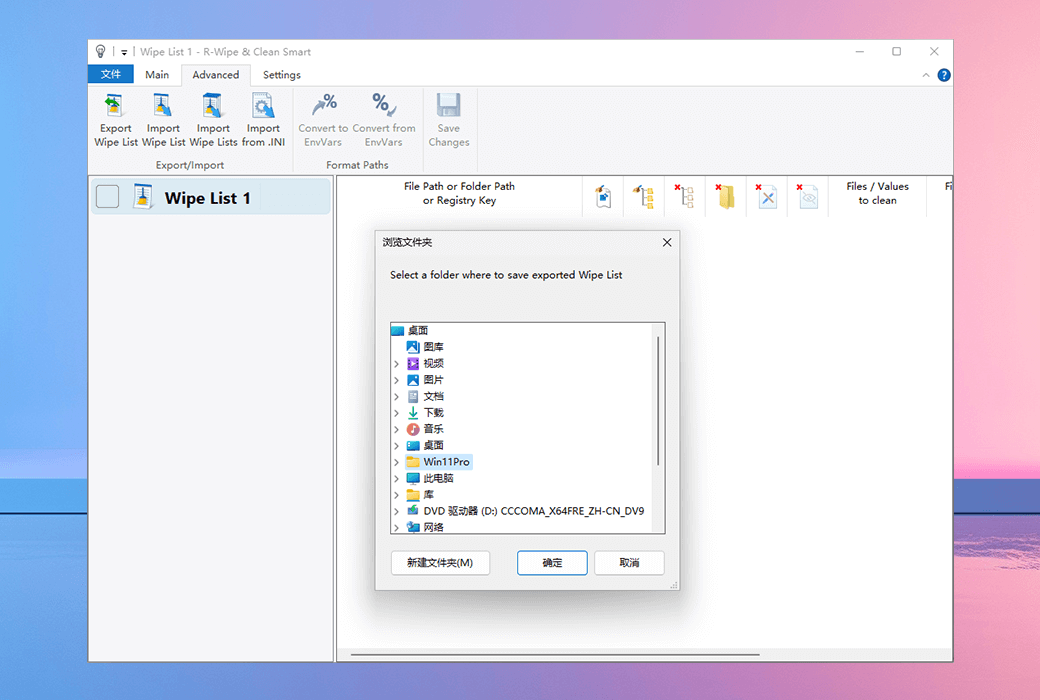
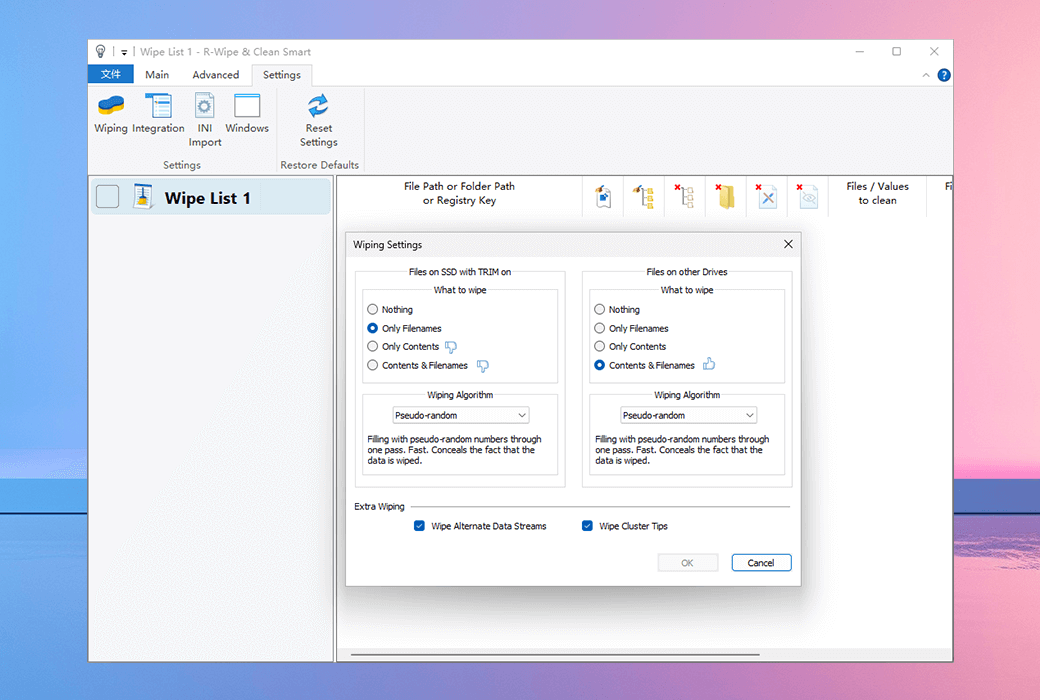
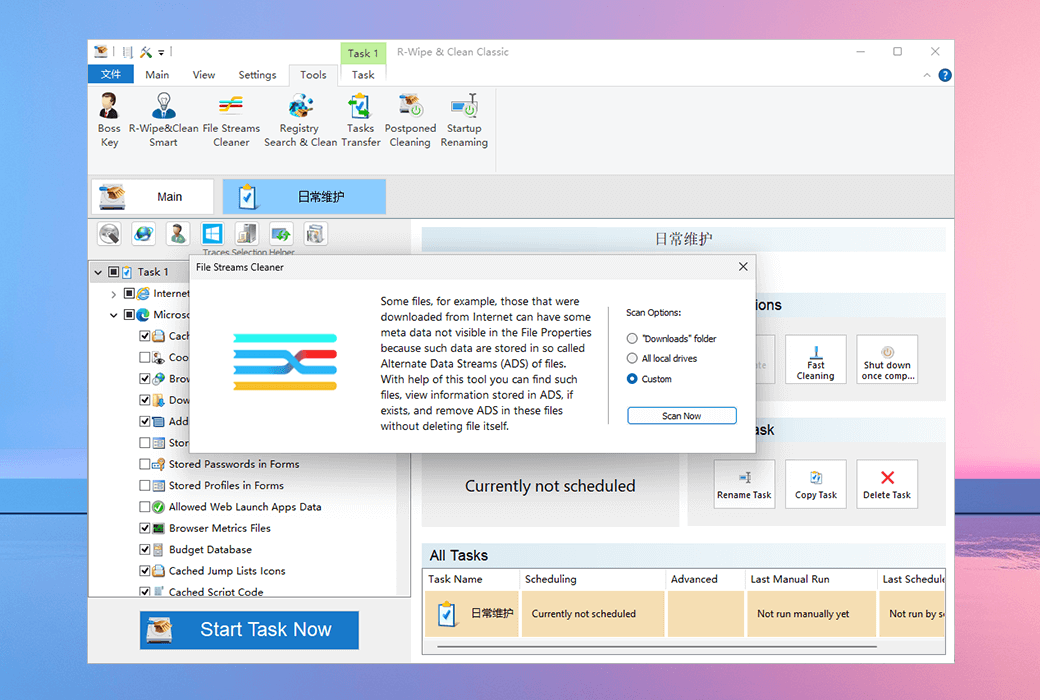
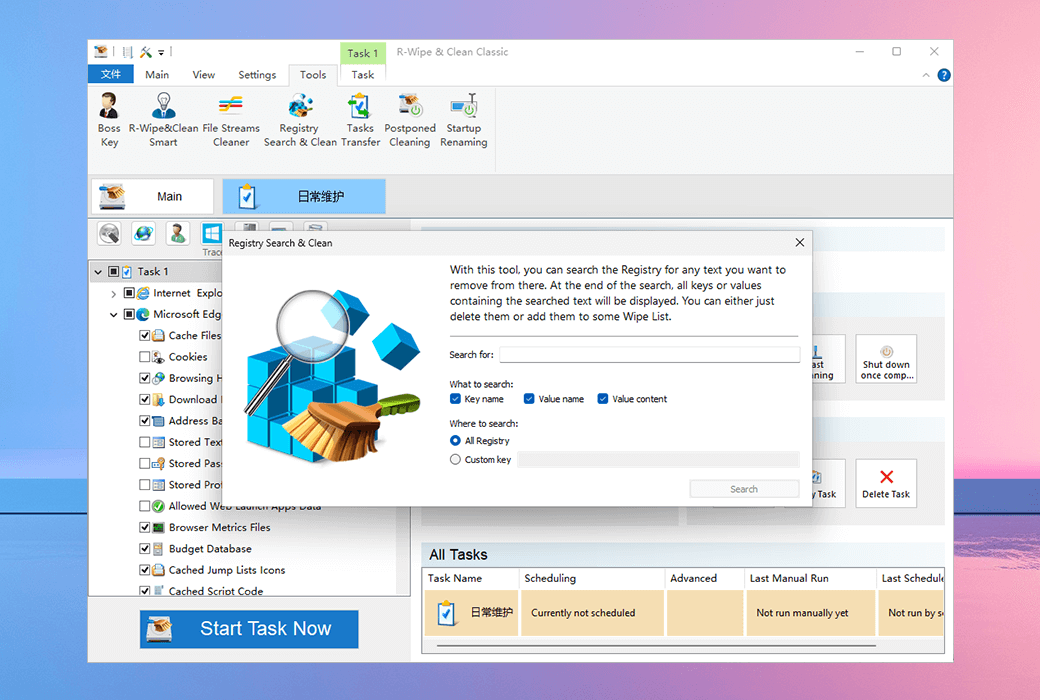
R-Wipe & Clean is an R-Tools solution for Windows systems that helps users clear useless files, free up disk space, and remove various information that may leak privacy, including traces of online and offline activities. These information include Internet history records and cookies, download file lists, open documents, various data caches, temporary files, etc. These information may be created by operating systems, most modern web browsers, communication programs, and hundreds of third-party applications.
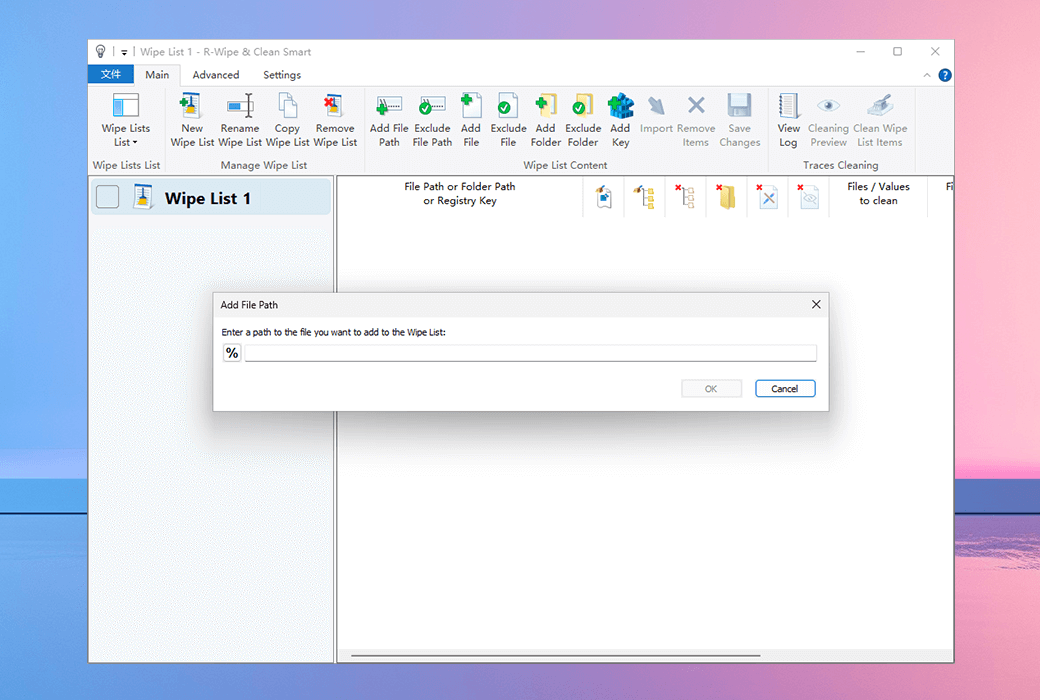
Users can also create specific cleaning trace lists for unsupported applications. All small computer cleaning and file erasure tasks can be combined into large computer cleaning tasks, which can be initiated immediately or triggered at predetermined times/events.
Erase:
- Various cache files;
- Cookies;
- Various system logs;
- Collapse report;
- Diagnostic report;
- Saved application state;
- Cache bookmarks;
- Local storage of web browsers;
clear:
- Recently used applications, documents, locations, and server lists;
- Finder's recent folder and server list;
- Web page history;
- Download history records;
- Automatically fill in information;
- Traces of recent activity in the application.
File erasure
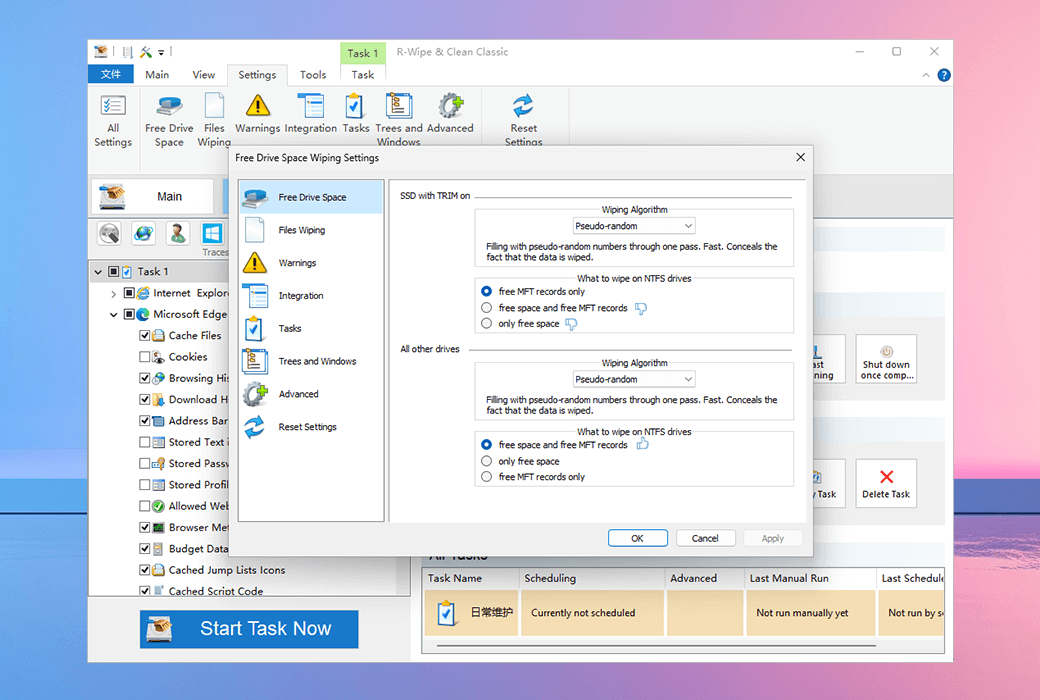
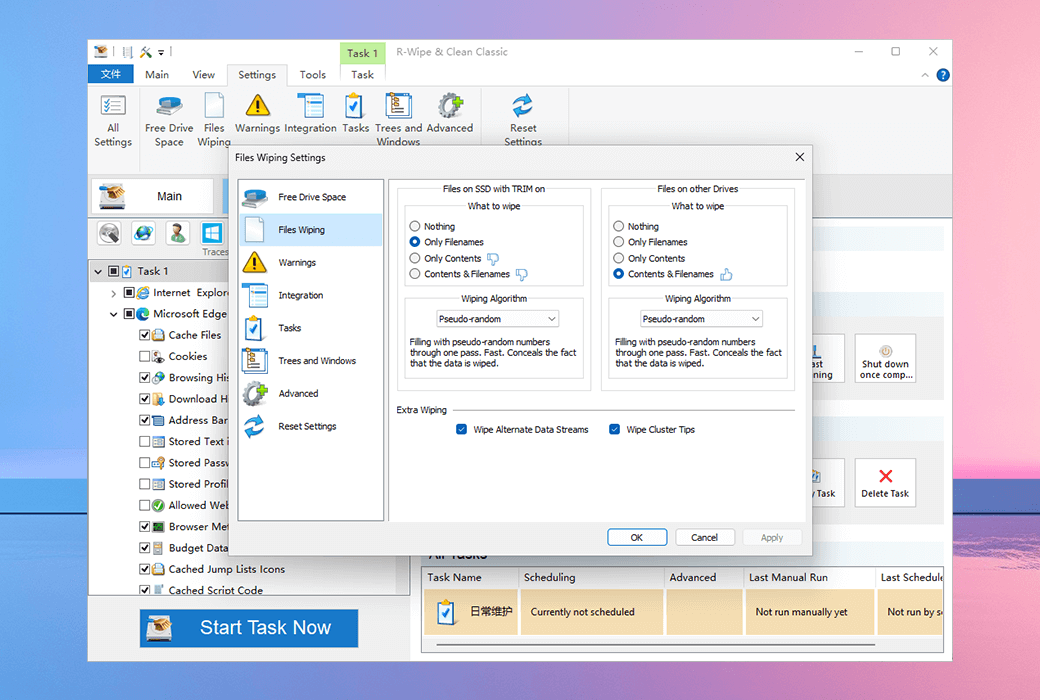
- Use powerful or fast erase algorithms to erase files, including DoD approved algorithms. You can directly erase files from Finder.
- Save a predefined list of files and folders to be erased through a single task.
- Use a scheduler to combine all cleaning and erasing tasks into different erasing programs, which can be manually initiated or triggered at predetermined times or events.
Advanced features
- Combine all cleaning and erasing tasks into different erasing programs, which can be manually initiated or triggered at predetermined times or events.
- As a background task, automatically start the erase program.
- Detailed display of all online and offline activity records on the computer.
Authorization difference:
- R-Wipe & Clean Solo (Personal Edition)
Authorization allows users (individuals or organizations) to provide services to a personal computer or workstation (non server) throughout their entire lifecycle, and to transfer to another computer when the serving computer is retired or replaced. This authorization cannot be transferred back and forth between different computers and can be reused on the transferred computer.
- R-Wipe & Clean Corporate (Enterprise Edition)
Authorization allows users to provide services to workstations or servers throughout their entire lifecycle and transfer them to another computer when the serving computer is retired or replaced. This authorization cannot be transferred back and forth between different computers and can be reused on the transferred computer.
- R-Wipe & Clean Technician (technician version)
The technician version authorization allows users (individuals or organizations) to provide services to any number of computers as needed, provided that the software is not installed or running simultaneously on more than the authorized number of computers purchased. With a technician authorization, you can provide services to any number of workstations or servers within your home network or organization, but you cannot copy the software and cannot use more than one copy of the software. Software can be temporarily installed and/or run on the serving computer, but if you need to provide services to another computer, it should be removed. If you have multiple technicians and wish to serve multiple computers simultaneously, you should consider purchasing multiple licenses.
- R-Wipe & Clean Commercial (Commercial Edition)
The commercial license allows users to serve various storage devices and systems for commercial purposes. With a commercial license, you can provide services for any number of storage devices and systems, but you cannot copy the software and cannot use more than one copy of the software. The software can be temporarily installed and/or run on any computer within the organization or on a third-party computer, but if you need to transfer it to another computer, it must be removed.
Summary of Differences:
- Independent and Enterprise editionsThe main difference lies in the different service targets. The standalone version is limited to non server personal computers or workstations, while the enterprise version includes servers.
- Technician versionAllow users to provide services to any number of computers, but must comply with the authorized quantity limit and cannot run software on multiple computers simultaneously.
- Commercial versionAllow users to serve various storage devices and systems for commercial purposes, without copying software, but temporarily installing and running software within the organization or on third-party computers.