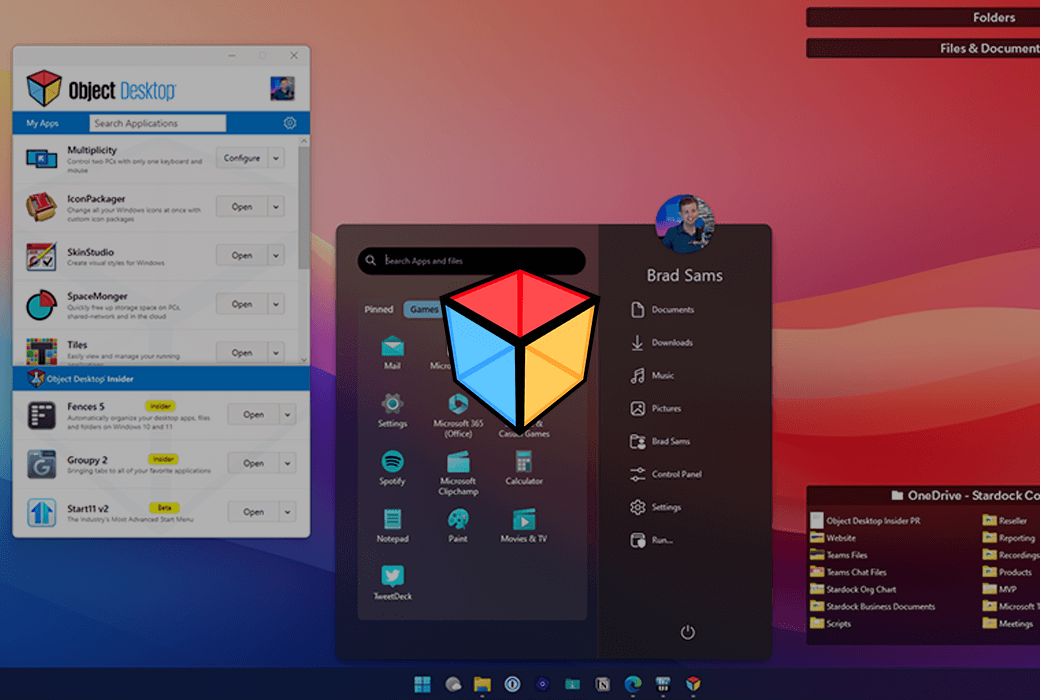
Complete productivity and personalization suite for Windows
Keep desktop
Organized effortlessly.
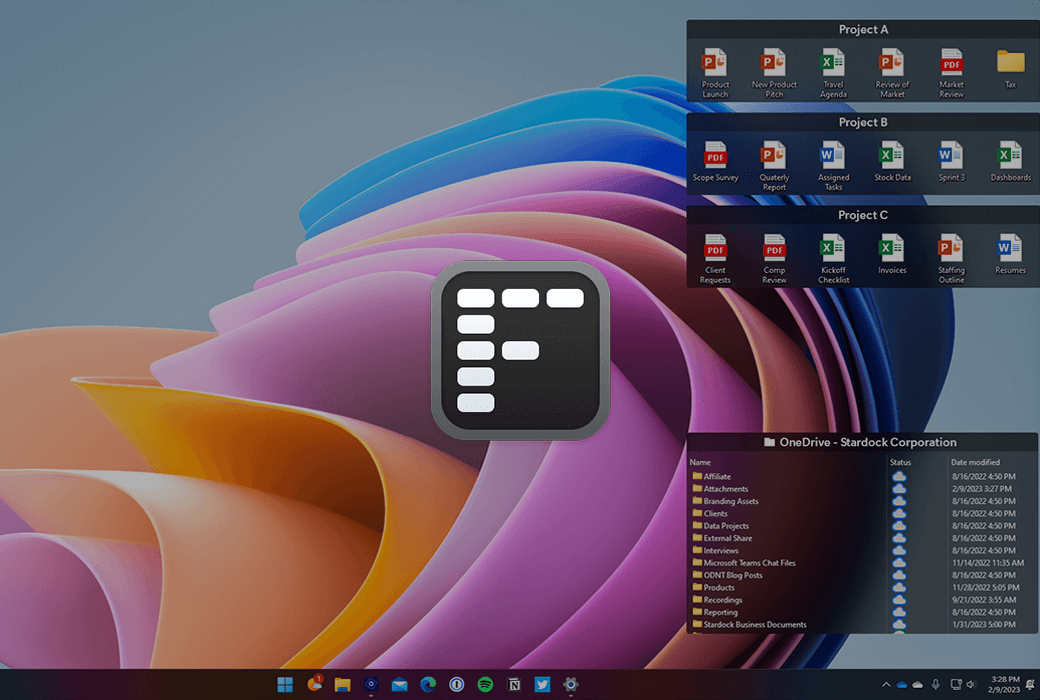
Use Fences 5 to intelligently place desktop content in shaded areas to organize your computer.
- Customize according to your workflow
Use our extensive automation rules to automatically categorize files into a fence on your desktop, or manually add your own files and folders.
- Personalized customization based on your preferences
Easily change size, color, transparency, sorting, and more.
Improve your work efficiency
Having basic functions.
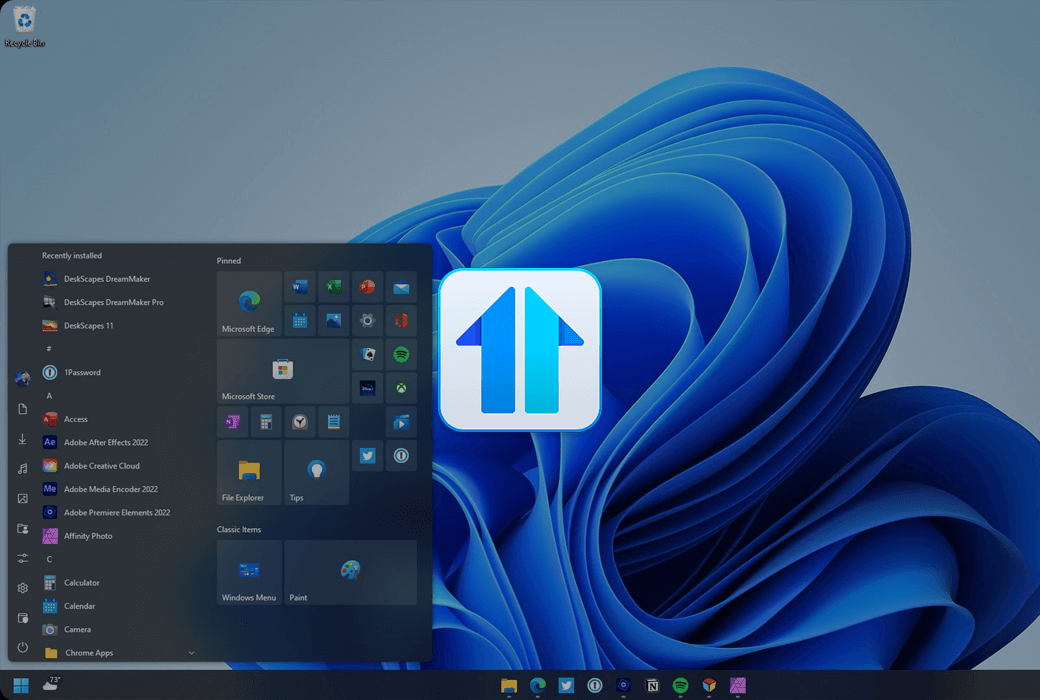
Add new features to the taskbar and restore classic features.
- Faster access to your content
Easily pin files and folders directly to the taskbar, or create folder menus for quick access to content without opening File Explorer.
- Restore classic functions
Restore a fully functional context menu for the taskbar, or move the taskbar to the top of the monitor.
Control multiple computers
Just need a mouse and keyboard.
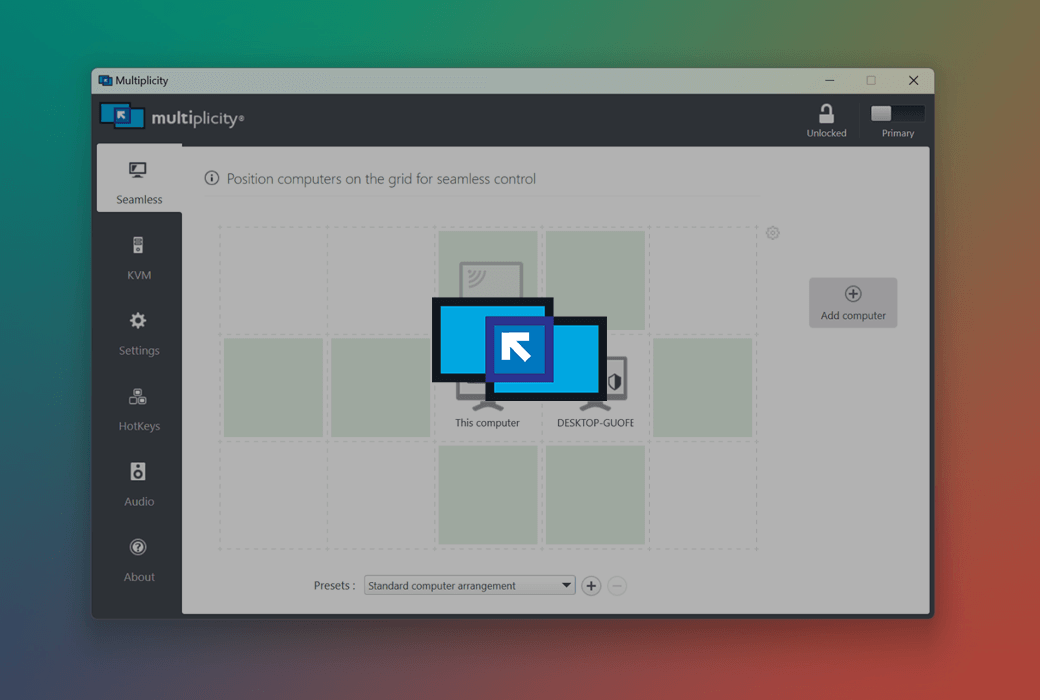
Use Multiplicity to access multiple PCs from one device.
- Virtualization KM unleashes the power of multiple devices
You can remotely access your other devices without any additional cables.
- Seamless switching
Seamlessly switch between PCs, just like working in a multi monitor setup.
Create a personalized desktop
Endless customization.
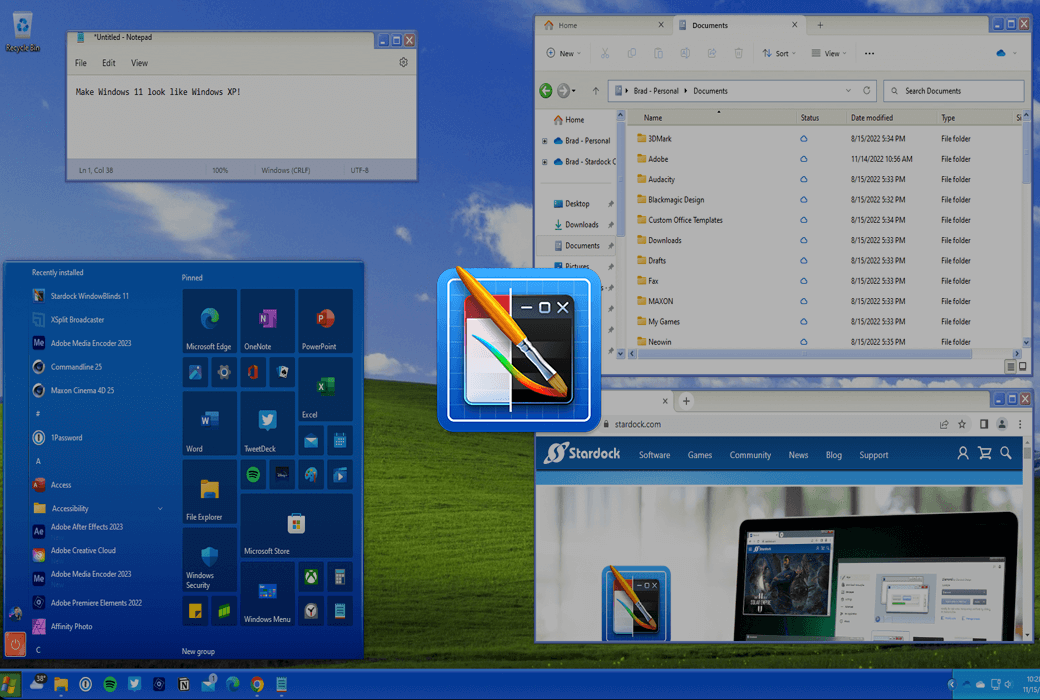
Customize the appearance of Windows Start menu, taskbar, window frames, and more using WindowBlinds 11.
- Personalized customization based on your preferences
WindowBlinds 11 includes built-in customization features that make it easy to apply and browse our library of thousands of free skins.
- Customizable from top to bottom
Easily change color, transparency, spacing, alignment, and more.
Open Static Desktop
Transform into a vibrant canvas.
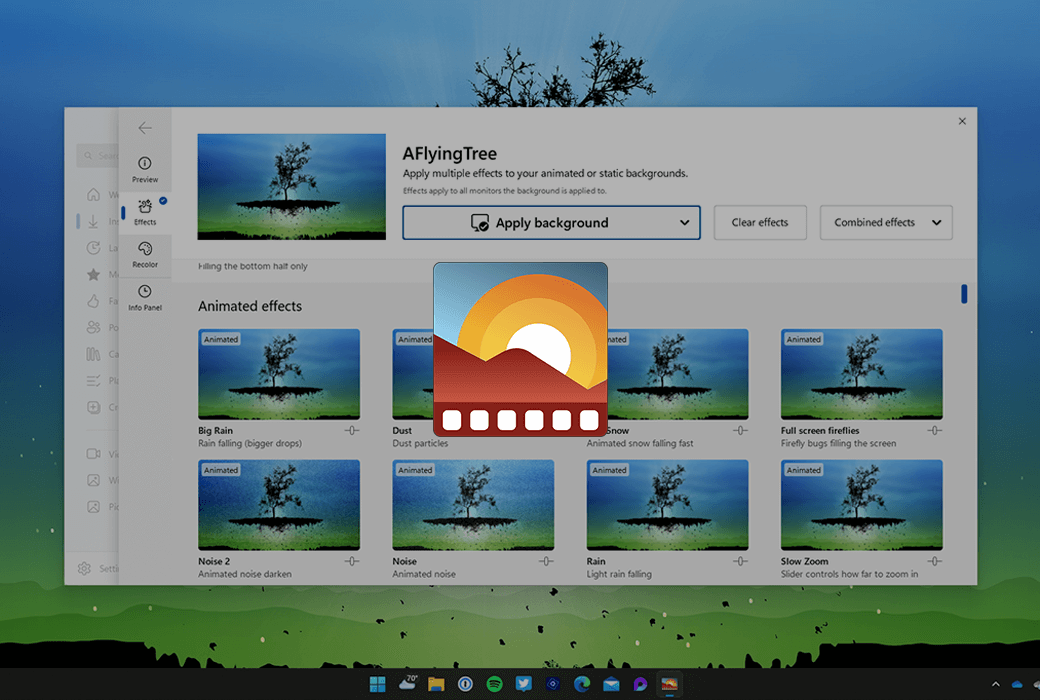
DeskScapes 11 brings your desktop to life through animated wallpapers and videos.
- Make the image vivid and lifelike
Convert any image or video to the background of a PC.
- Easy to find and share
Browse a wide range of user generated directories and share your designs with the community.
Create a 'Start' menu
Personalized experience.
Transform the Start menu and taskbar into a canvas for creativity.
- Customize the Start menu with different styles and colors
From Windows 7 to 11, find the style that suits your process.
- A taskbar worth clicking on
Add textures or easily change colors to blend in or stand out.