APSGO LOGO
Combination
x1
Total Price:
View Cart
No APPS available
Cart
Home Overview JookDB Universal Database Management Tool Software
JookDB
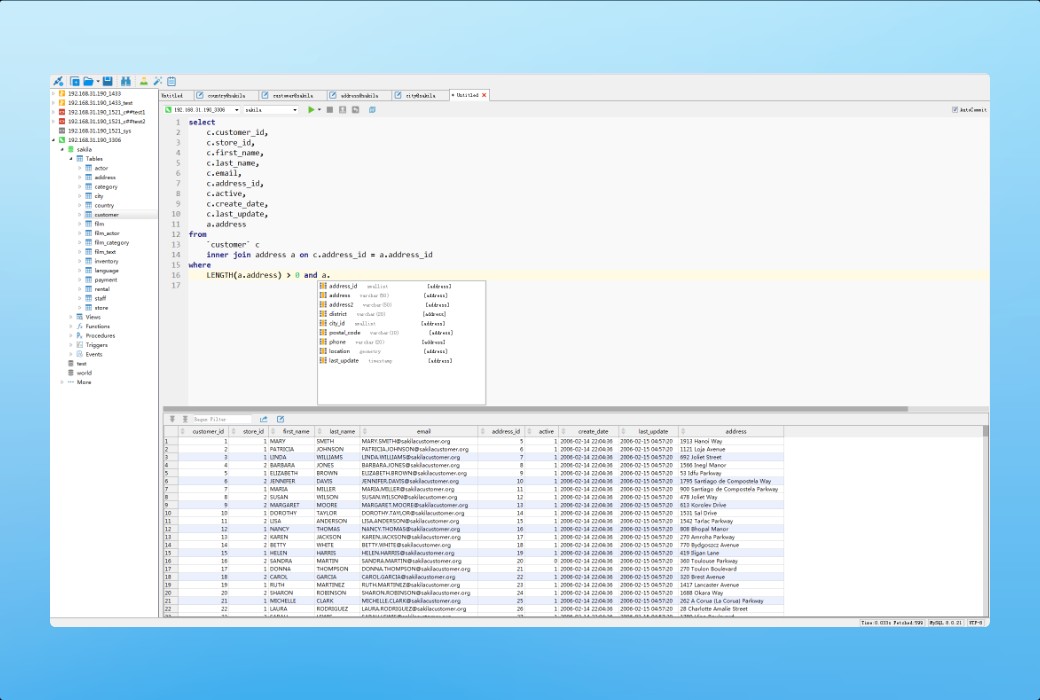
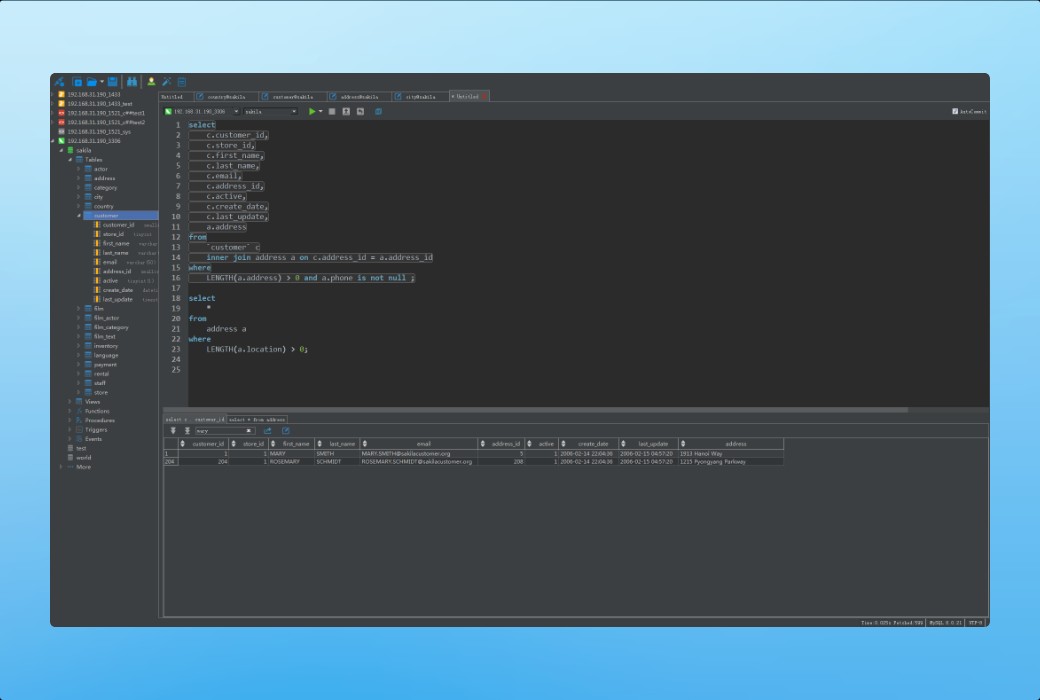
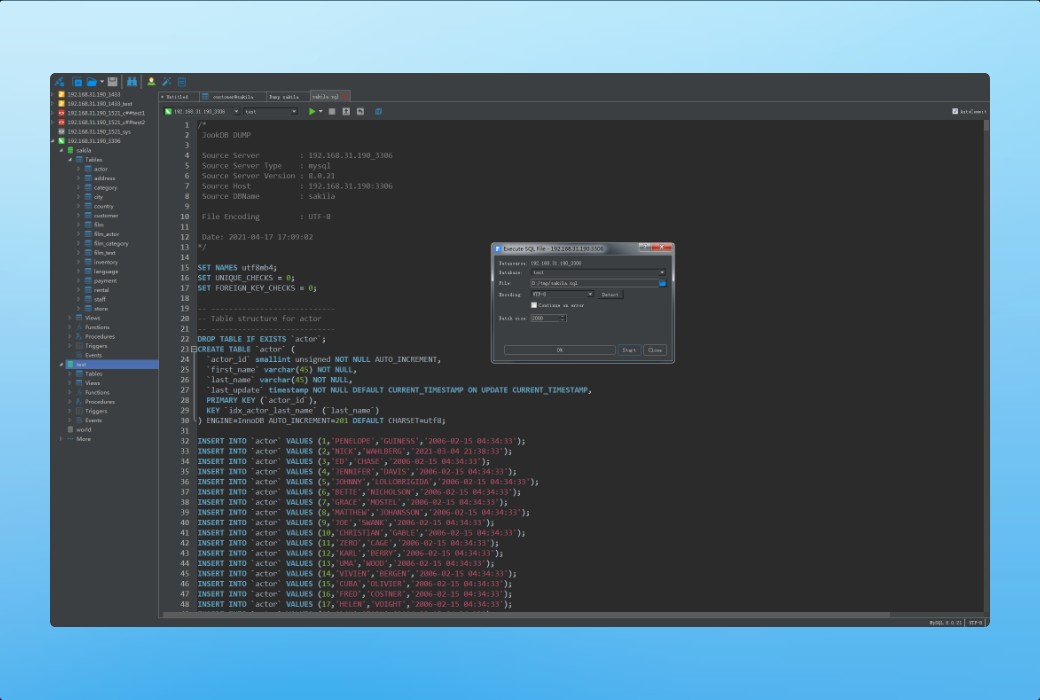
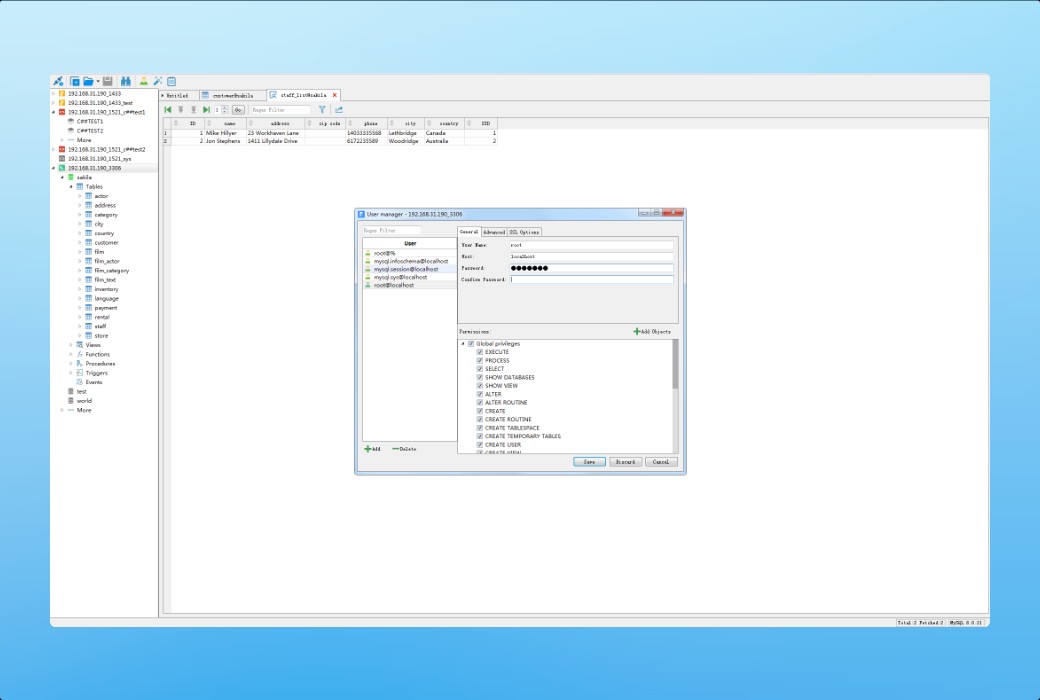
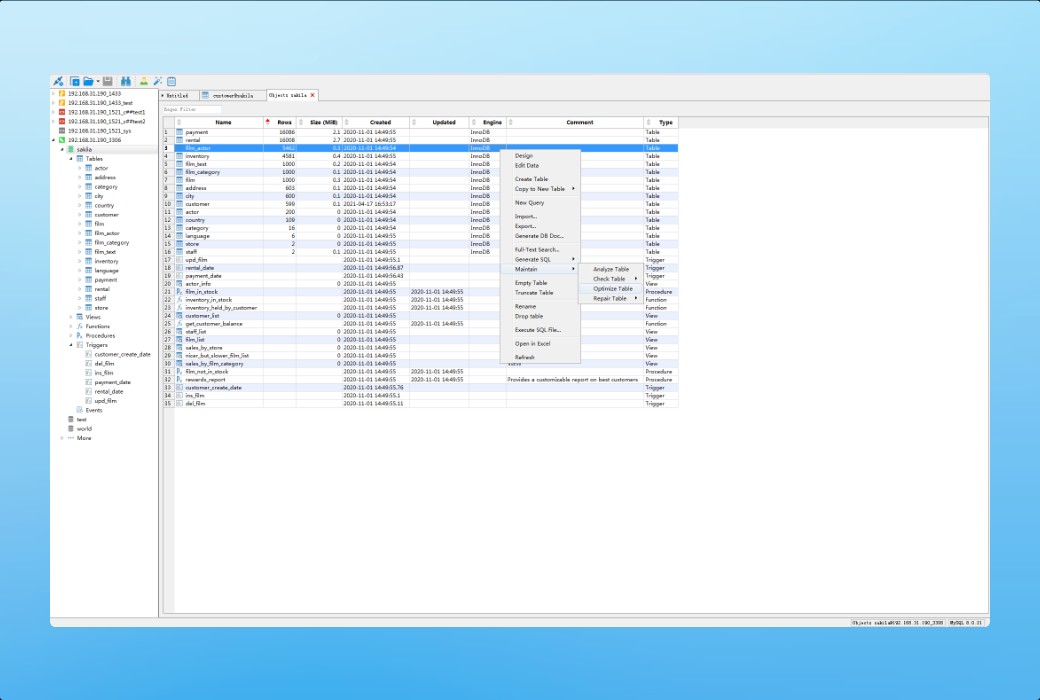
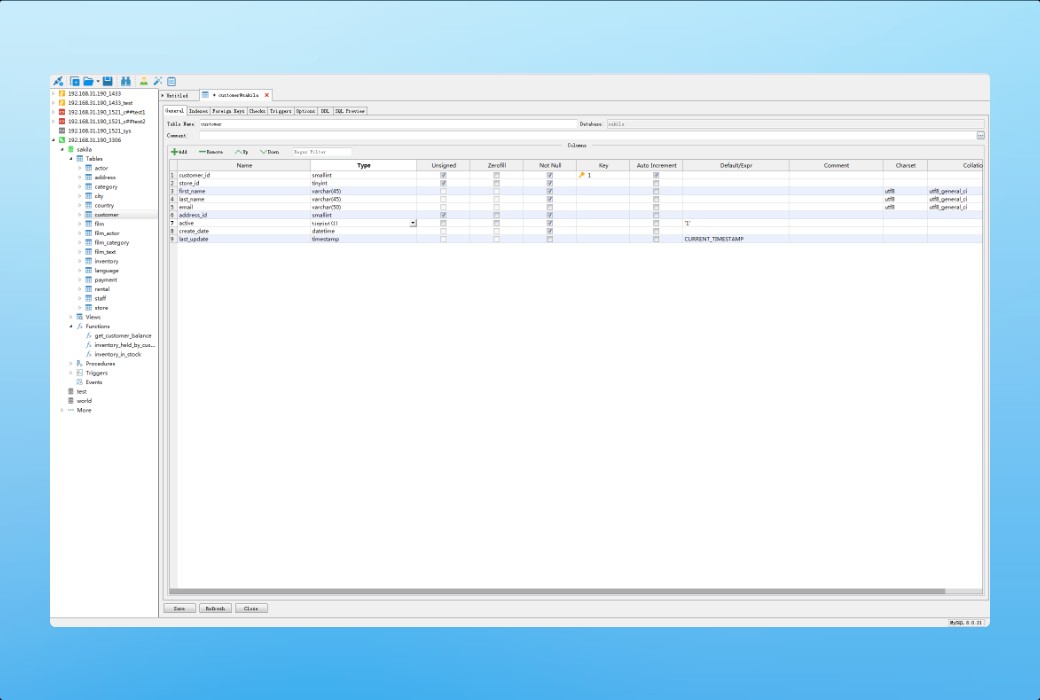
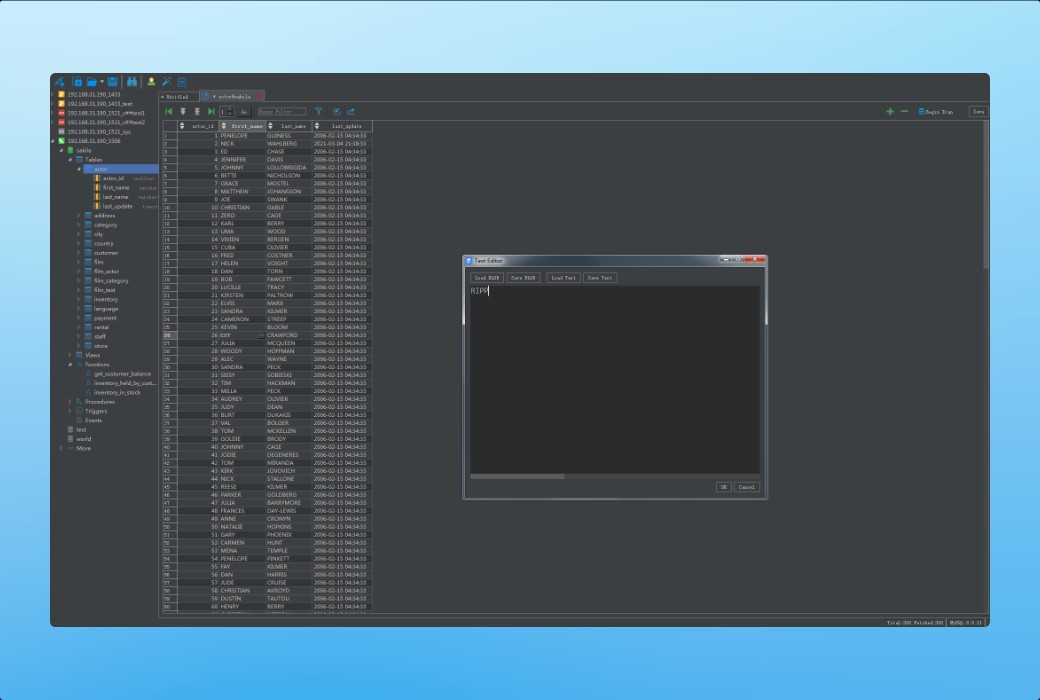
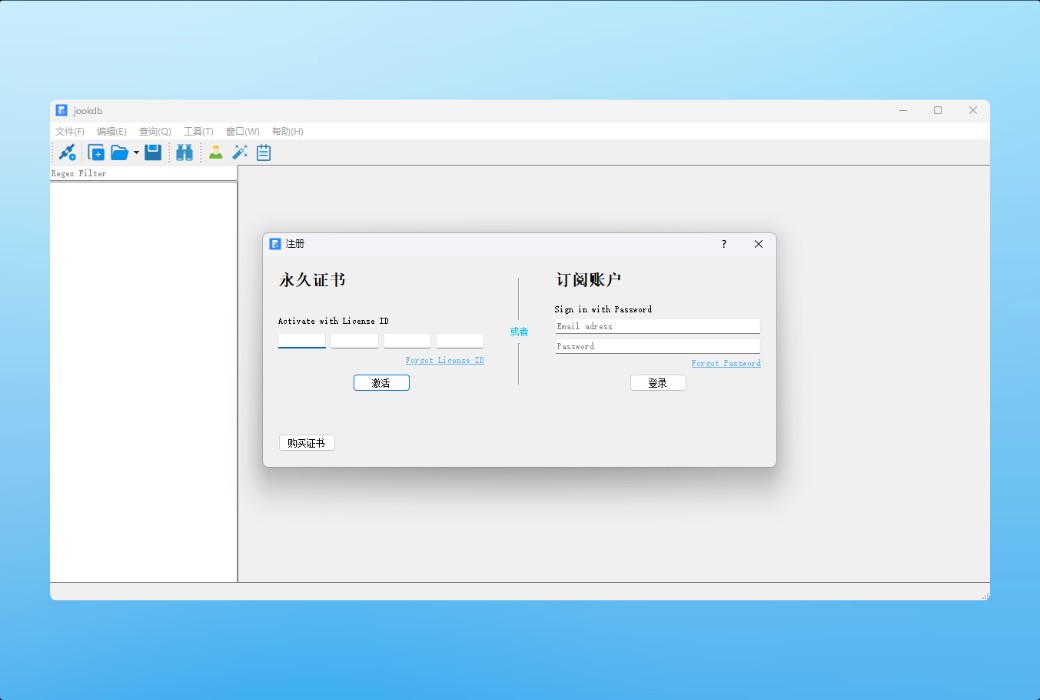
JookDB Universal Database Management Tool Software截图 JookDB Universal Database Management Tool Software截图 JookDB Universal Database Management Tool Software截图 JookDB Universal Database Management Tool Software截图 JookDB Universal Database Management Tool Software截图 JookDB Universal Database Management Tool Software截图 JookDB Universal Database Management Tool Software截图 JookDB Universal Database Management Tool Software截图
Download
JookDB Universal Database Management Tool Software
JookDB is a database development tool that allows you to connect from a single application to MySQL, MariaDB, Oracle, PostgreSQL, SQLite, DB2, MongoDB, Redis, Dameng, OceanBase, Renmin Jincang, TiDB, and SQLServer databases. You can quickly and easily build, manage, and maintain databases.

{{ item.spec_option }}

{{ item.spec }}

System

{{ random.sku_info.price }}

Reference price

Ended
Bargaining Rules:
1、本次讨价有效期 2026-09-17 00:00:00 ~ 2026-09-30 00:00:00。
2、This product supports bargaining times for each ID:5 次
3、Each product only supports one successful negotiation, with an additional one for annual membership fees.
4、 After successful negotiation, pay the order according to the negotiated amount.
Reference price: {{ random.sku_info.price }}
The number of bargaining attempts has been exhausted Successfully negotiated! Go place an order! Price negotiation completed I Want to Haggle
{{ item }} ({{ app.qa.questionsData.total }})

JookDB is a database development tool that allows you to connect from a single application to MySQL, MariaDB, Oracle, PostgreSQL, SQLite, DB2, MongoDB, Redis, Dameng, OceanBase, Renmin Jincang, TiDB, and SQLServer databases. You can quickly and easily build, manage, and maintain databases.


Data transmission, data synchronization, and structure synchronization can help you migrate data more easily and quickly, thereby reducing costs. Provide a detailed step-by-step guide for transferring data across various DBMS.


After setting up the data source connection, you can use the import wizard to transfer data from multiple formats to the database. Export data from tables/collections, views, or query results to Excel, TXT, CSV, and other formats. By using our built-in editor to add, modify, and delete records, you can easily edit them in a classic grid view similar to a spreadsheet. JookDB provides you with the tools needed to effectively manage data and ensure smooth processes.


Generate a database dictionary, which can easily export database table structures to Excel.


Features


  1. Lightweight graphic program

The intuitive and carefully designed GUI simplifies database management and development


  1. Table data editing

Insert, edit, delete, or copy/paste data entries into our spreadsheet like data editor


  1. data transmission

Transfer and synchronize data between databases through detailed processes


  1. Generate or execute SQL scripts

Can easily export database object structures and data to SQL scripts, and can quickly execute scripts


  1. Code auto completion

Construct SQL statements/queries in SQL Query Editor by selecting suggestions from the drop-down list


  1. Cross platform certificate authorization

Certificate authorization can be used on Windows, Linux, and macOS platforms


  1. Dark Theme Mode

We offer a dark themed mode, as well as a bean paste green eye protection themed mode

Official website:https://jookdb.com/

Download Center:https://jookdb.apsgo.cn

Delivery time:24-hour automatic shipping

Operating Platform:Windows、macOS、Linux

Interface language:Support Chinese interface display, English optional.

Update Notes:The subscription version can be used and updated during the subscription period, while the lifetime version supports 1-year updates.

Trial before purchase:Free trial is available before purchase.

How to receive goods:After purchase, the activation information will be sent to the email address at the time of placing the order, and the corresponding product activation code can be viewed in the personal center, My Orders.

Number of devices:Can install 5 computers.

Replace computer:Uninstall the original computer and activate the new computer.

Activation guidance:Open the software - Help - Register.

Special Instructions:N/A

Reference materials:https://jookdb.com/

Ask a question
All FAQ Activate Default Newest
JookDB Universal Database Management Tool Software截图 JookDB Universal Database Management Tool Software截图 JookDB Universal Database Management Tool Software截图 JookDB Universal Database Management Tool Software截图 JookDB Universal Database Management Tool Software截图 JookDB Universal Database Management Tool Software截图 JookDB Universal Database Management Tool Software截图 JookDB Universal Database Management Tool Software截图

Bargaining

Reference price: {{ random.sku_info.price }}
Let's go~~ (Surplus {{ random.surplus_num }} times)
Pay and leave