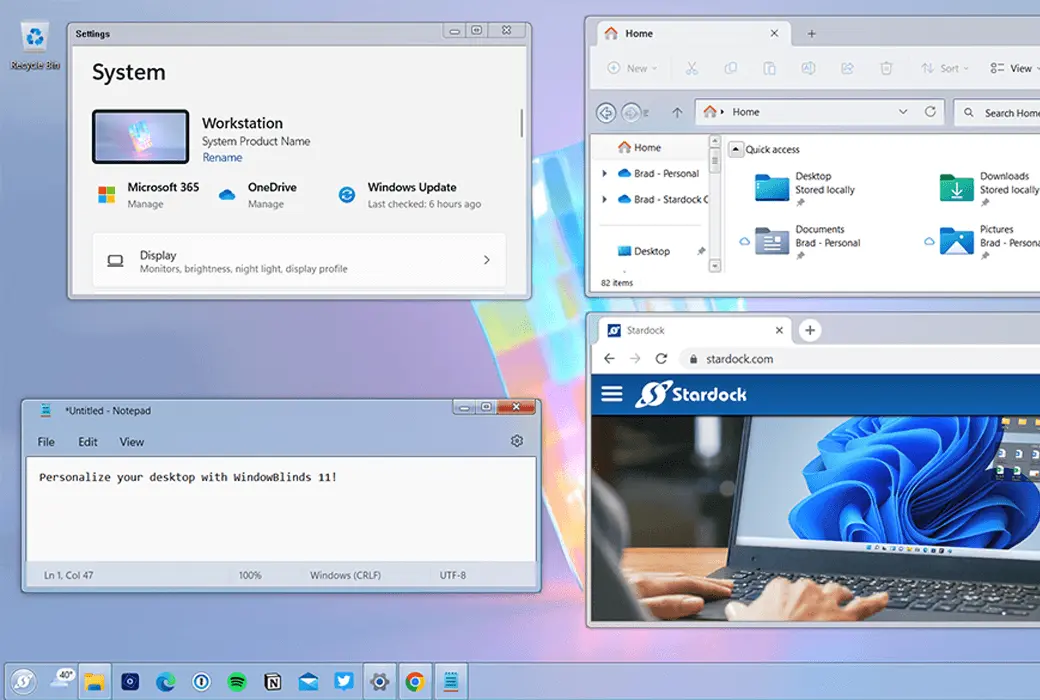
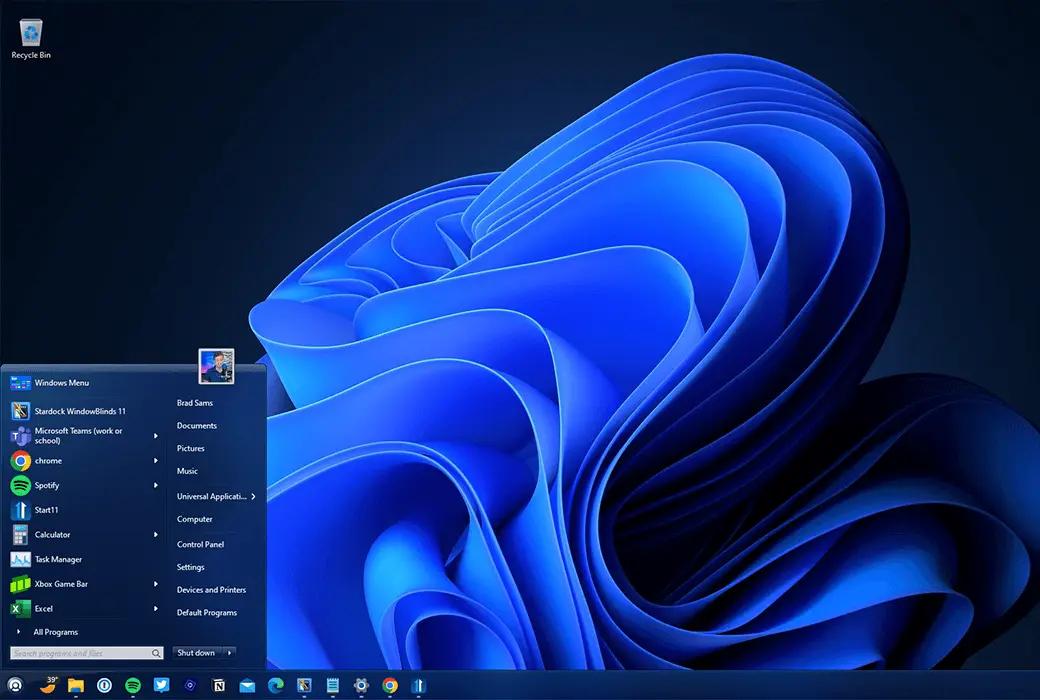
Customize the appearance of the Start menu, taskbar, window frames, and more for Windows 10 and Windows 11.
individualization:
- Apply custom appearance to Windows 10 and 11 desktops
- Add background, texture, and color to the skin
- Choose your own skin font
- Design your own skin using SkinStudio
- Browse thousands of custom skins in applications
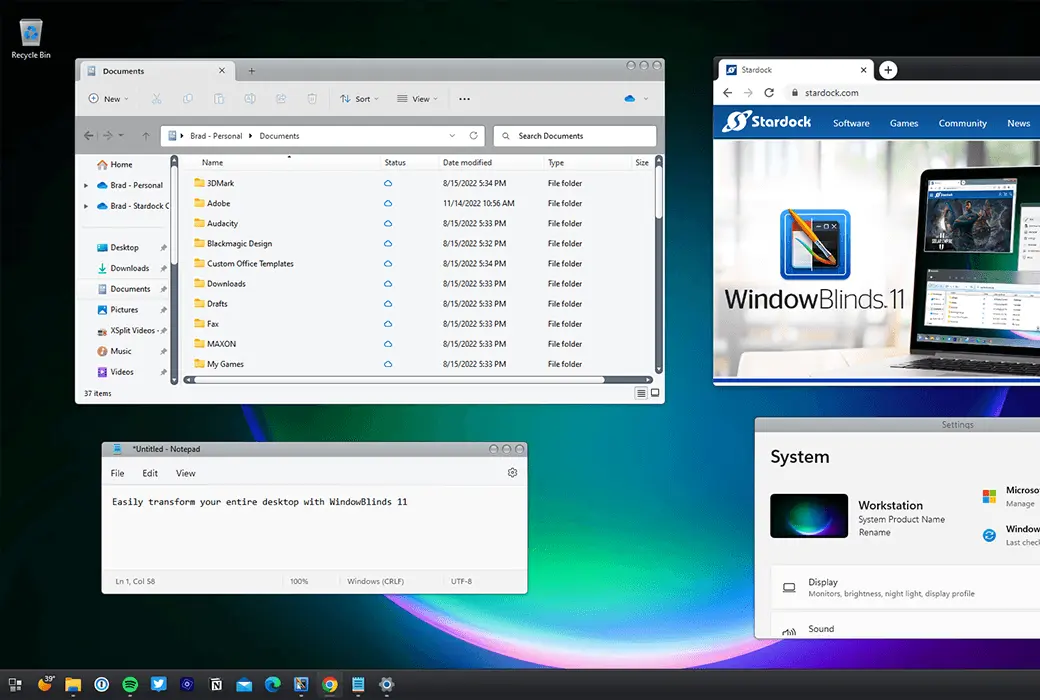
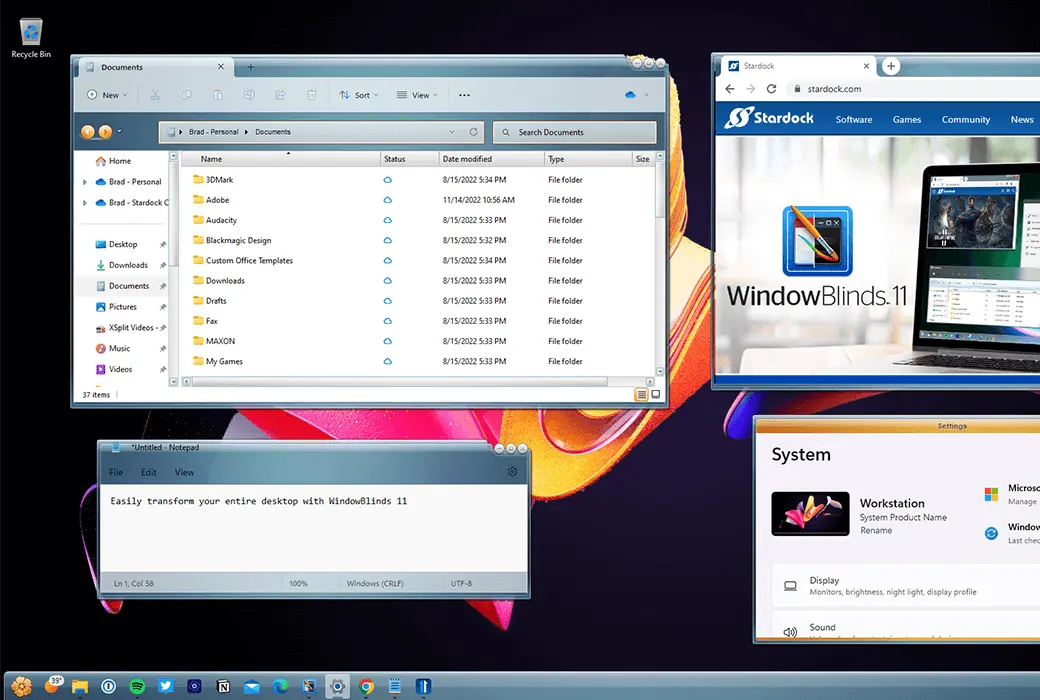
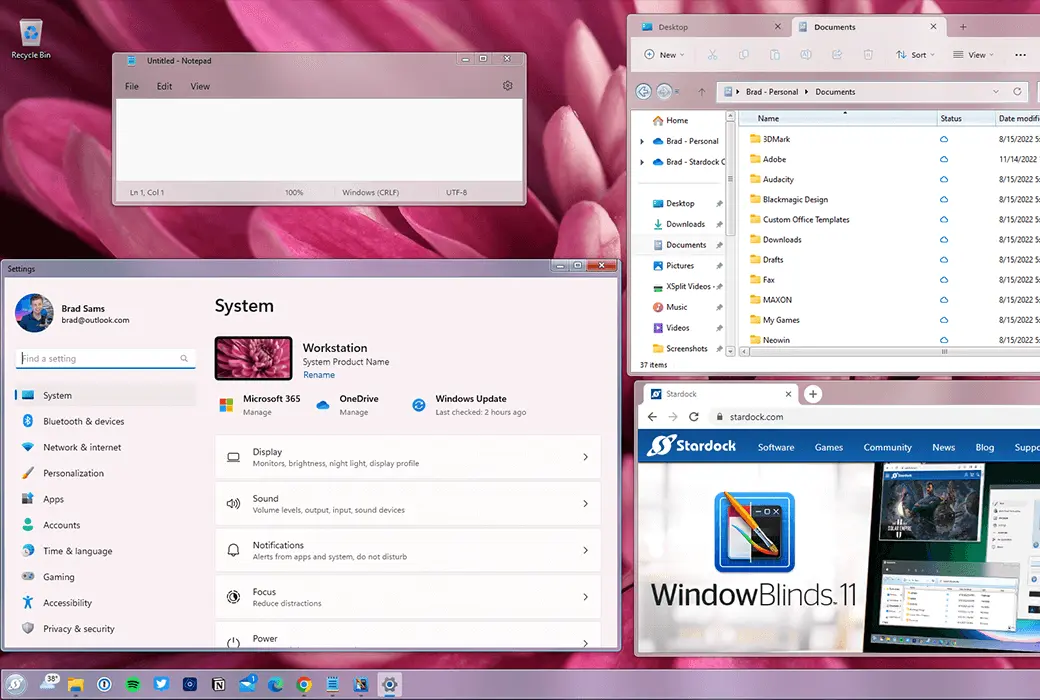
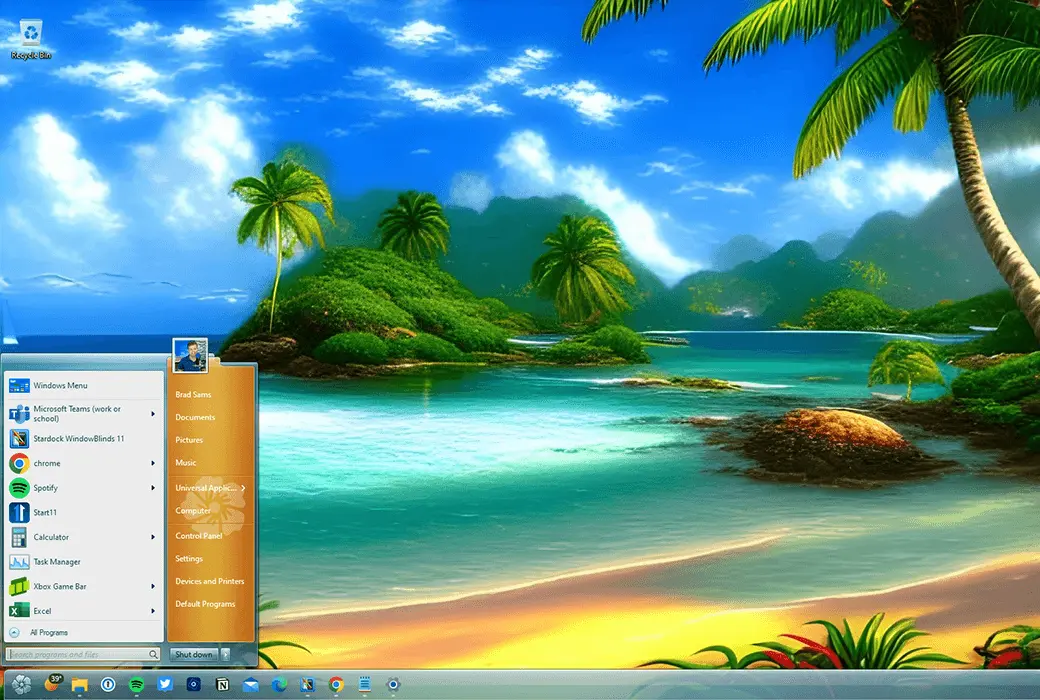
Make your Windows 10/11 desktop unique to WindowBlinds 11! Customize the Start menu *, taskbar, window frames, and control buttons on up to 5 devices. WindowBlinds 11 allows you to customize desktop interface theme skins and personalize the appearance of your desktop.
Stylization
- Visual Style
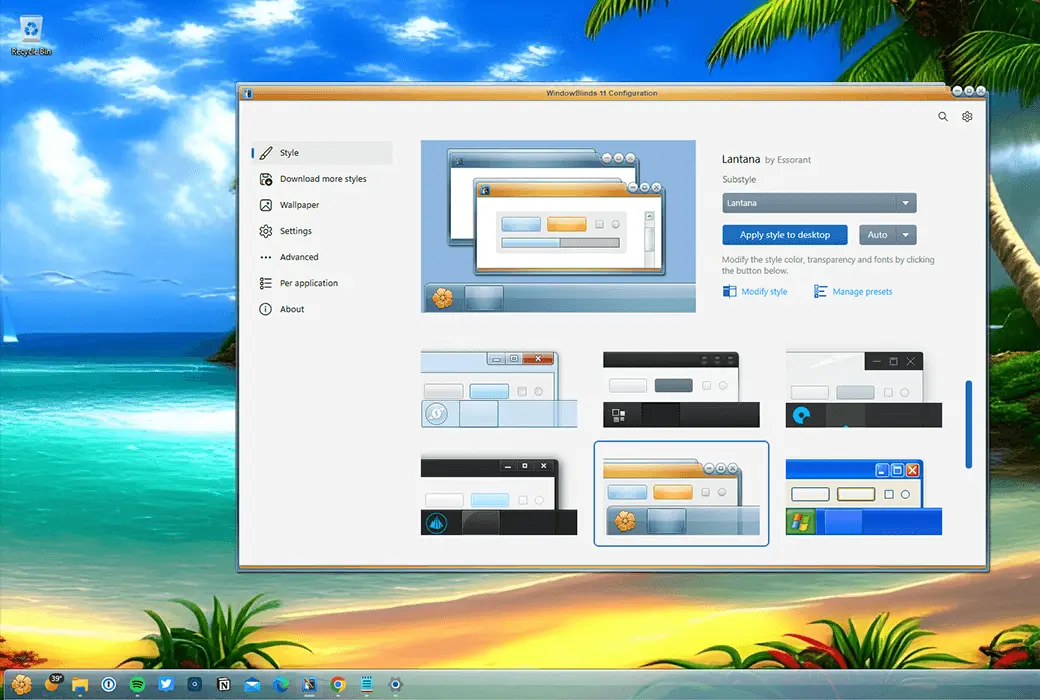
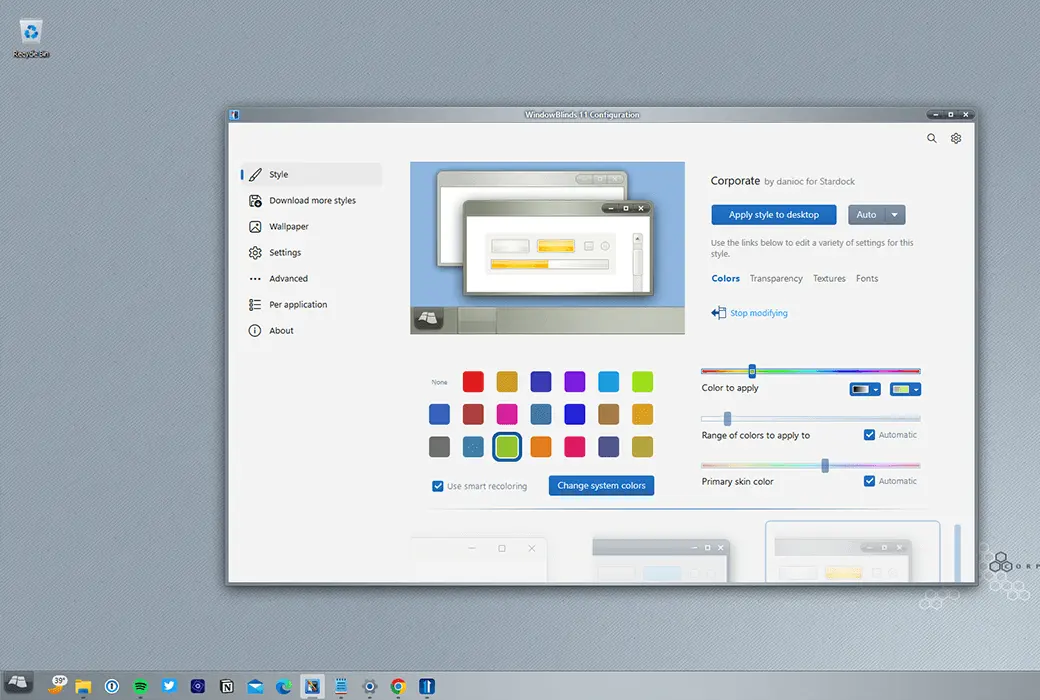
Choose one skin from the many skins that come with WindowBlinds, or browse thousands of skins on WinCustomize.com directly from within the application.
- skin
Selected skins have multiple sub styles that can be applied according to your personal taste. You can also store style combinations as presets for quick access in the future.
- collocation
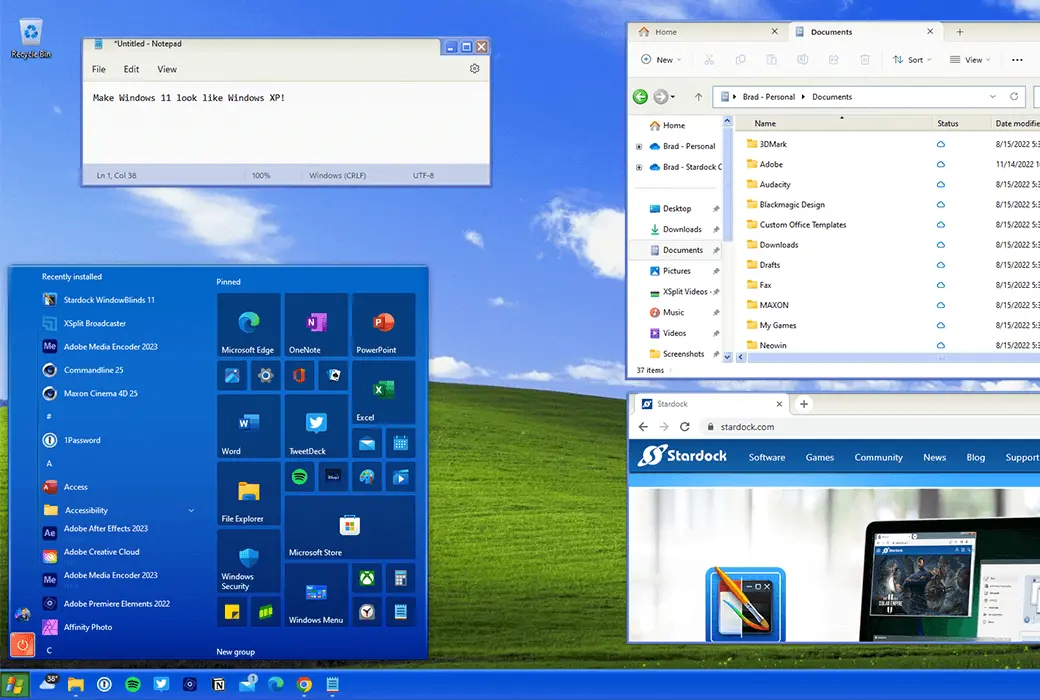
When paired with Start11, you can theme the entire desktop to make it look like an alternative operating system (such as Windows XP).
custom
- Add color
Personalize any skin by selecting from a wide range of color options.
- typeface
Add some characters to your skin using unique fonts.
- transparency
Make your skin the focus of attention, or blend them into your background by increasing transparency.
application
- Easy to set up
Quickly and intuitively browse the configuration menu, easily personalize your desktop. Preview your selections and adjustments immediately before applying.
- Preset
Save changes made to the appearance by creating presets. Presets allow you to access previous customizations and quickly apply them. Do you enjoy adjusting your creations? You can update and delete presets.
- Set skin styles separately by application
Choose the appearance for each application type. By giving each one a unique appearance with different skins or color schemes, make your word processing software stand out from your design program. Exclude applications from blinds or choose other compatibility settings that suit your style.
Design
- Design your own exclusive skin
Every purchase includes SkinStudio, a powerful companion application for WindowBlinds 11 that allows you to create your own skins. Use SkinStudio editing controls, Start menu *, taskbar, Explorer window, fonts, color backgrounds, and more.
- Easy to use
Customize only the parts of the Windows interface that you want to change, SkinStudio will do the rest! This allows inexperienced users to easily and quickly create excellent appearances, while advanced users can still enjoy the fun of designing various aspects of the Windows interface.