APSGO LOGO
Combination
x1
Total Price:
View Cart
No APPS available
件
Cart
Home Overview WindowBlinds 11 Customized Windows Window Style Tool Software
WindowBlinds
No. 4 Scenes
WindowBlinds 11 Customized Windows Window Style Tool Software截图 WindowBlinds 11 Customized Windows Window Style Tool Software截图 WindowBlinds 11 Customized Windows Window Style Tool Software截图 WindowBlinds 11 Customized Windows Window Style Tool Software截图 WindowBlinds 11 Customized Windows Window Style Tool Software截图 WindowBlinds 11 Customized Windows Window Style Tool Software截图 WindowBlinds 11 Customized Windows Window Style Tool Software截图 WindowBlinds 11 Customized Windows Window Style Tool Software截图 WindowBlinds 11 Customized Windows Window Style Tool Software截图 WindowBlinds 11 Customized Windows Window Style Tool Software截图
Download
WindowBlinds 11 Customized Windows Window Style Tool Software
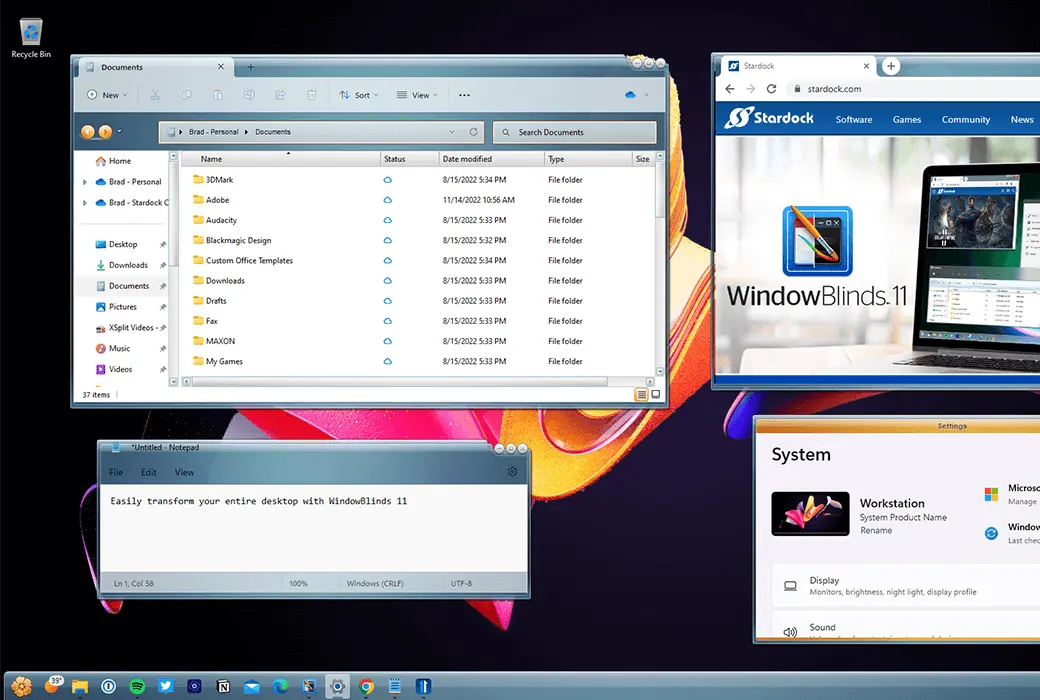
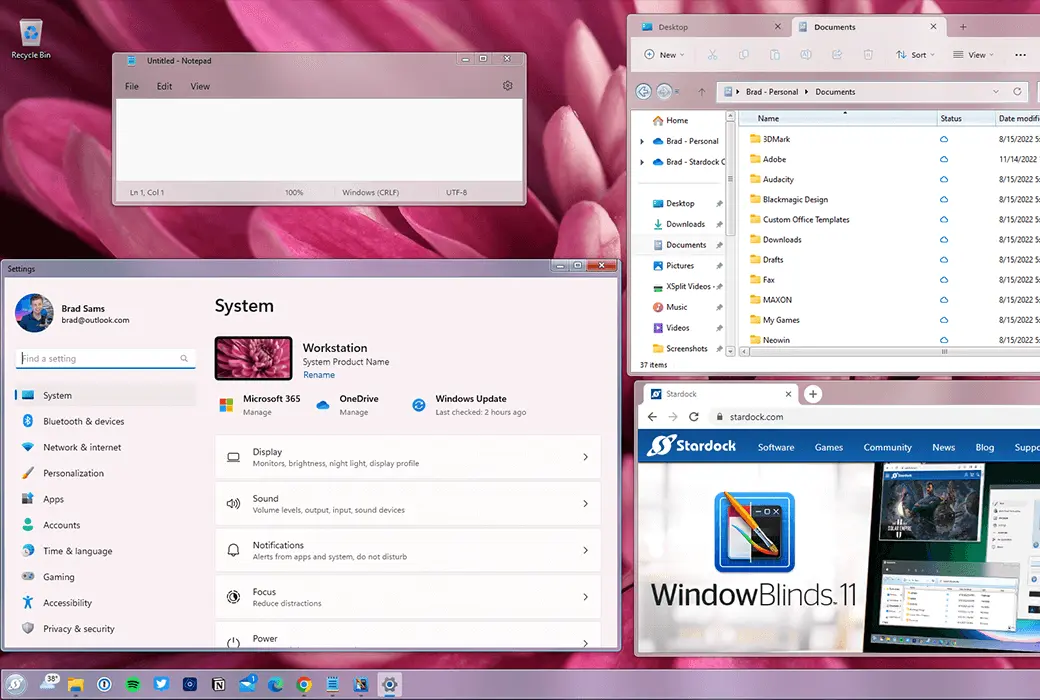
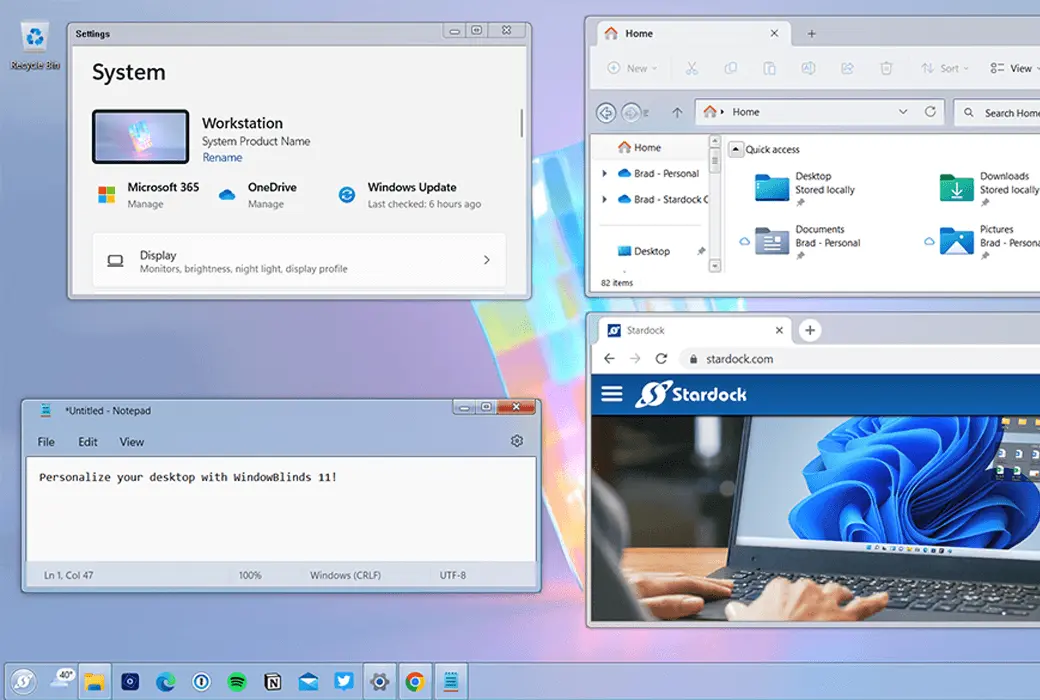
Make your Windows 10/11 desktop unique from WindowBlinds 11! Customize the Start menu *, taskbar, window frames, and controls on up to five devices. WindowBlinds 11 allows you to customize the desktop interface theme skin and personalized desktop appearance.

{{ item.spec_option }}

{{ item.spec }}

System

¥{{ auction.sku_info.price }}

Reference price

Auction Rules:
1、Reference validity period of this auction:2026-10-20 13:50:00 ~ 2026-10-20 21:50:00 。After entering the 60s countdown, if there is a new bid, the countdown will be restarted for 60s, with an infinite loop.
2、Starting Price:¥72.80,No less than each bid:¥1.00 ,The current lowest bid cannot be lower than:¥72.80, The highest bid cannot be higher than¥77.8
3、There is no limit to the number of times each person can bid, and a maximum of 3 consecutive bids can be made ahead. Before bidding, a deposit must be submitted first. If the bid is successful, please complete the payment within 3 days. Failure to pay within the time limit will be considered a breach of contract for this auction.
4、After the auction is completed, users who have not won the auction can apply for the release of the deposit on their own, and users who have won the auction can also apply for the release of the deposit after paying the order.
5、 If the payment is not completed after winning the bid, you will not be able to continue participating in new bidding activities and the deposit will be frozen.
6、Warning: In order to maintain fairness and impartiality in this bidding activity, it is strictly prohibited to participate in the bidding for the purpose of hoarding goods and intending to resell them at high prices on other platforms. We have zero tolerance towards such behavior. Once discovered, your account will be immediately banned without further notice.
 
Current highest bid: ¥{{ auction.hight_price }} None
Make a bid Not started yet
{{ item }} ({{ auction.currentOrdersNum ? auction.currentOrdersNum : 0 }}) ({{ app.qa.questionsData.total }})

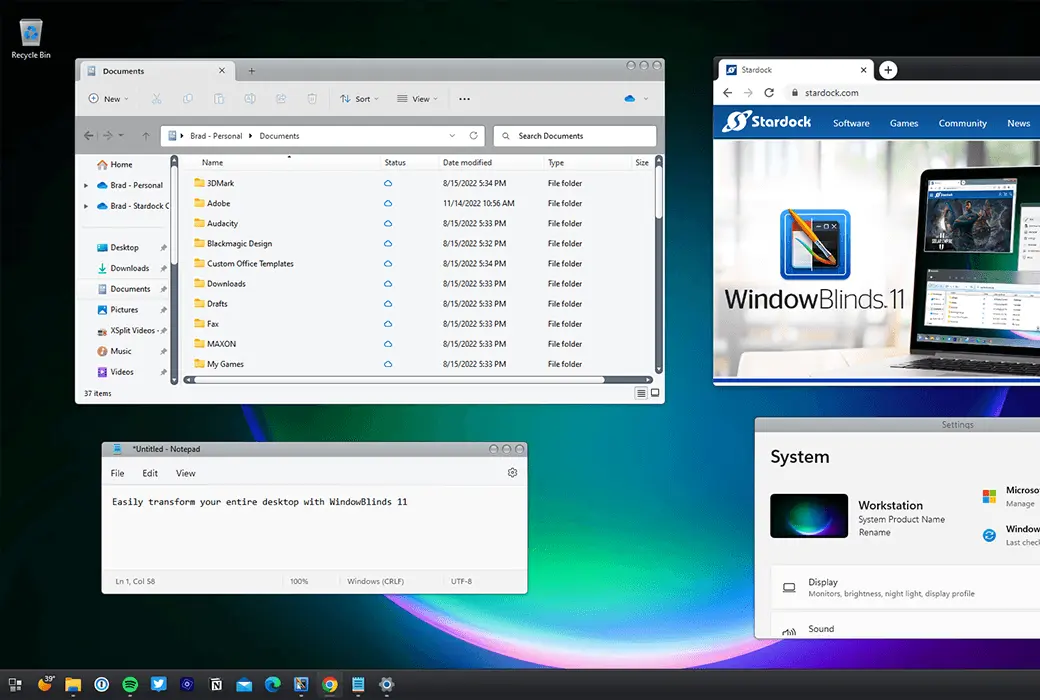
Customize the appearance of the Start menu, taskbar, window frames, and more for Windows 10 and Windows 11.


individualization:


  1. Apply custom appearance to Windows 10 and 11 desktops
  2. Add background, texture, and color to the skin
  3. Choose your own skin font
  4. Design your own skin using SkinStudio
  5. Browse thousands of custom skins in applications


Make your Windows 10/11 desktop unique to WindowBlinds 11! Customize the Start menu *, taskbar, window frames, and control buttons on up to 5 devices. WindowBlinds 11 allows you to customize desktop interface theme skins and personalize the appearance of your desktop.


Stylization


  1. Visual Style

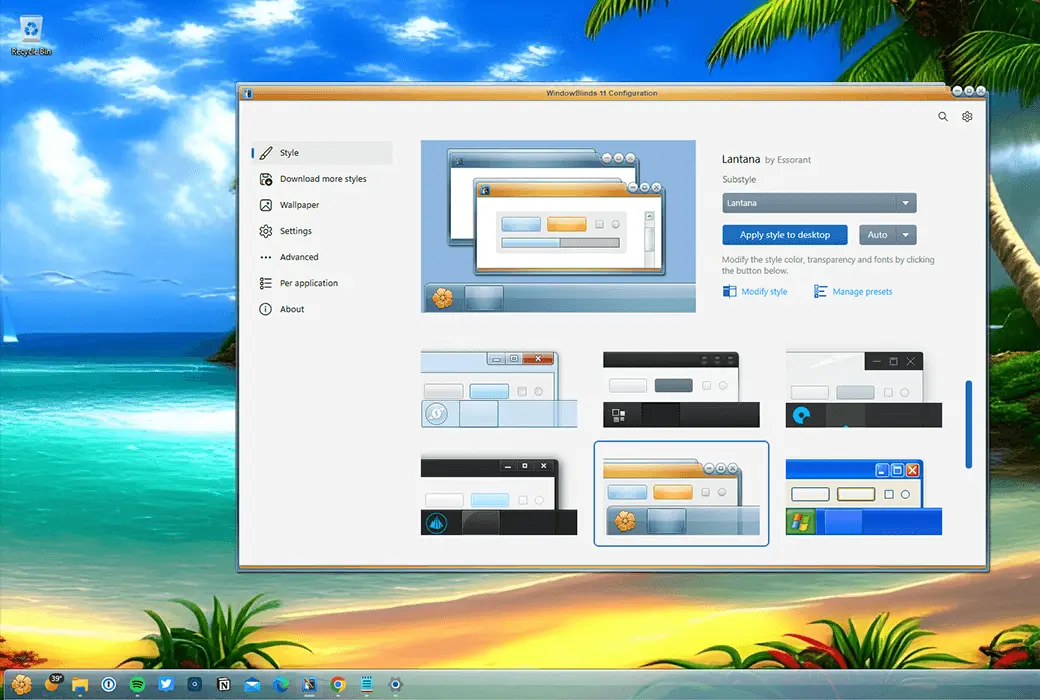
Choose one skin from the many skins that come with WindowBlinds, or browse thousands of skins on WinCustomize.com directly from within the application.


  1. skin

Selected skins have multiple sub styles that can be applied according to your personal taste. You can also store style combinations as presets for quick access in the future.


  1. collocation

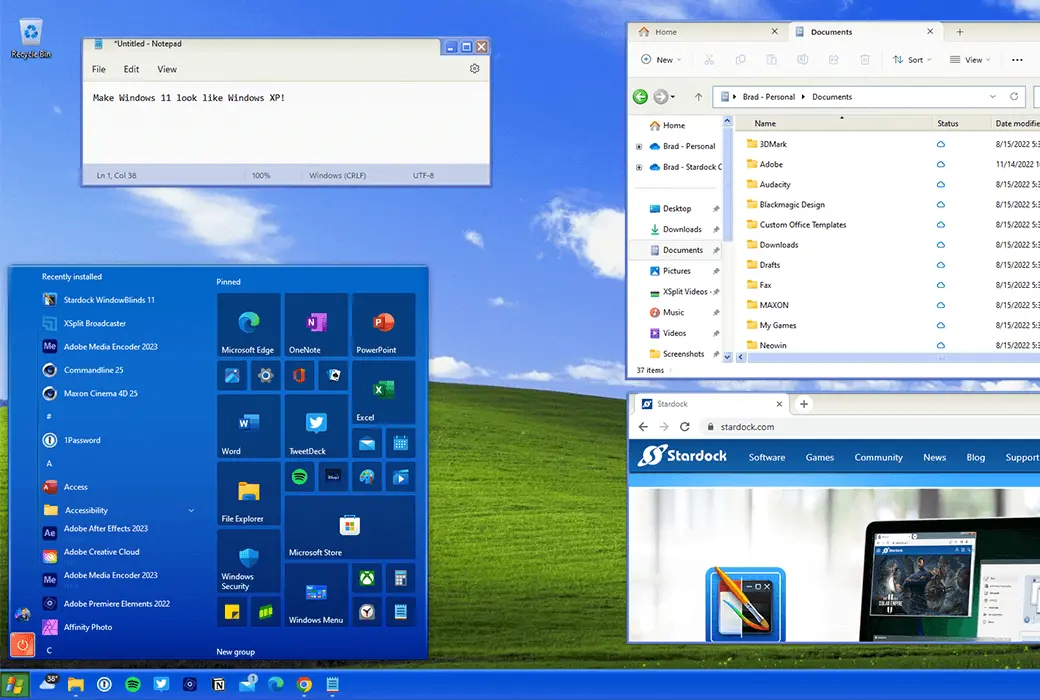
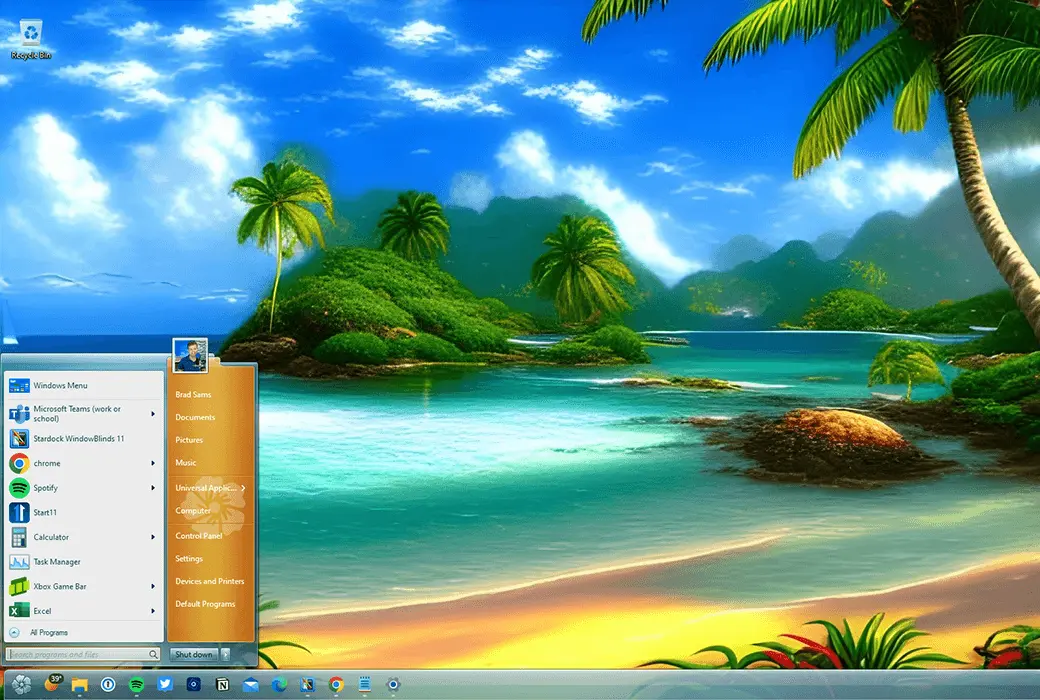
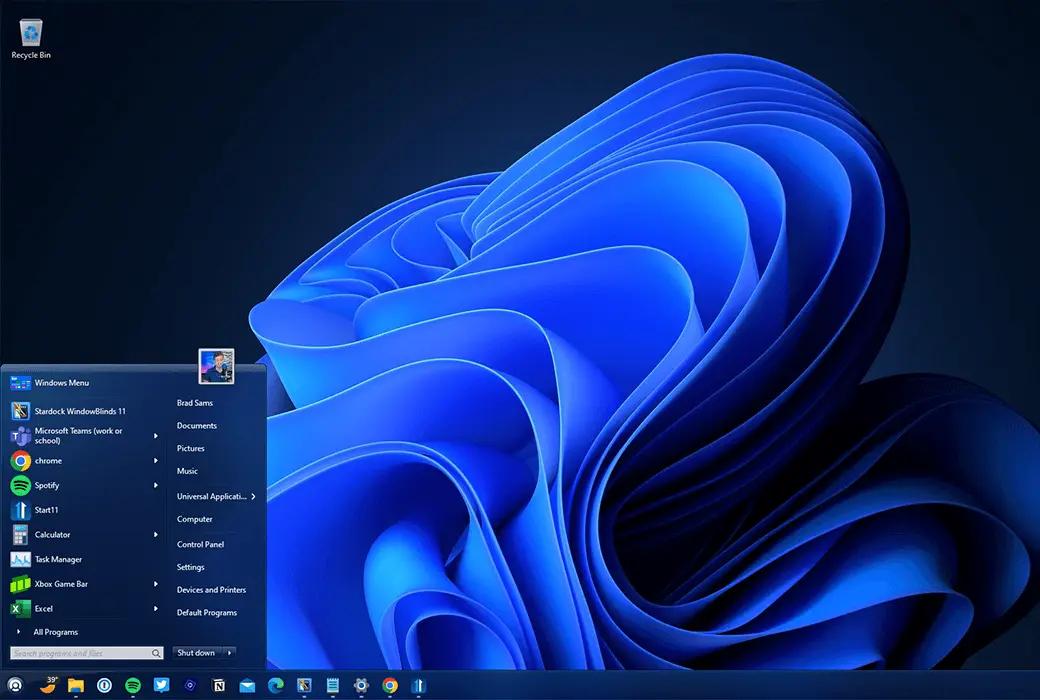
When paired with Start11, you can theme the entire desktop to make it look like an alternative operating system (such as Windows XP).


custom


  1. Add color

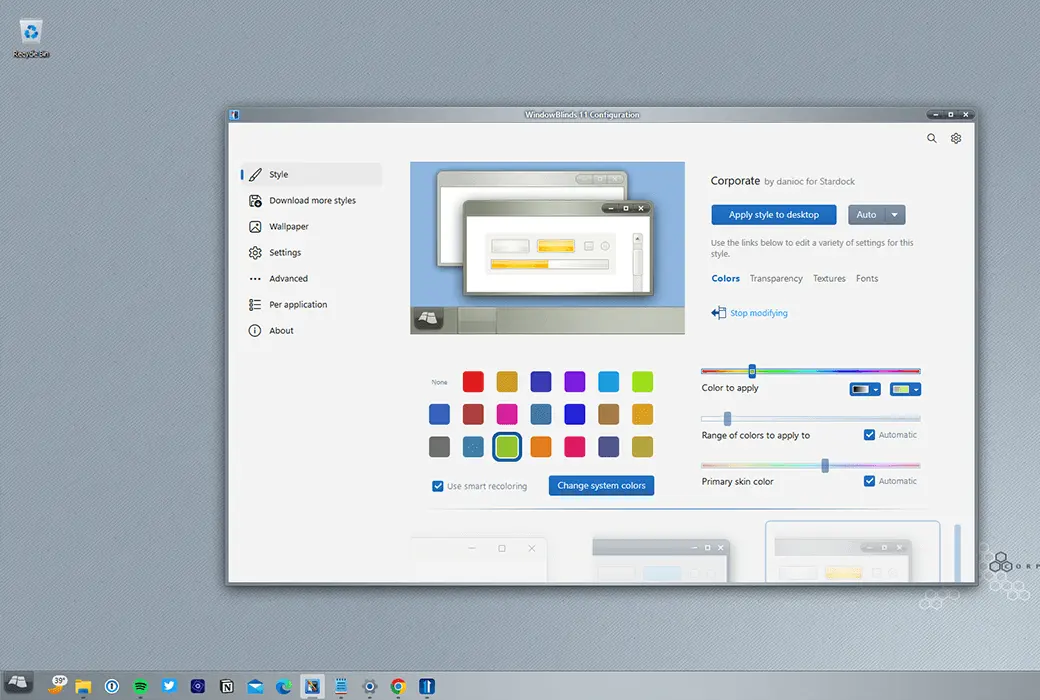
Personalize any skin by selecting from a wide range of color options.


  1. typeface

Add some characters to your skin using unique fonts.


  1. transparency

Make your skin the focus of attention, or blend them into your background by increasing transparency.


application


  1. Easy to set up

Quickly and intuitively browse the configuration menu, easily personalize your desktop. Preview your selections and adjustments immediately before applying.


  1. Preset

Save changes made to the appearance by creating presets. Presets allow you to access previous customizations and quickly apply them. Do you enjoy adjusting your creations? You can update and delete presets.


  1. Set skin styles separately by application

Choose the appearance for each application type. By giving each one a unique appearance with different skins or color schemes, make your word processing software stand out from your design program. Exclude applications from blinds or choose other compatibility settings that suit your style.


Design


  1. Design your own exclusive skin

Every purchase includes SkinStudio, a powerful companion application for WindowBlinds 11 that allows you to create your own skins. Use SkinStudio editing controls, Start menu *, taskbar, Explorer window, fonts, color backgrounds, and more.


  1. Easy to use

Customize only the parts of the Windows interface that you want to change, SkinStudio will do the rest! This allows inexperienced users to easily and quickly create excellent appearances, while advanced users can still enjoy the fun of designing various aspects of the Windows interface.

Official website:https://www.stardock.com/

Download Center:https://windowblinds.apsgo.cn

Backup Download:N/A

Delivery time:24-hour automatic shipping

Operating platform:Windows 10/ Windows 11

Interface language:Supports English interface display.

Update instructions:Support minor version upgrades and updates, such as 11. x

Pre purchase trial:Free trial for 30 days before purchase.

How to receive the goods:After purchase, the activation information will be sent to the email address at the time of placing the order, and the corresponding product activation code can be viewed in the personal center, My Orders.

Number of devices:Can install 5 computers.

Replacing the computer:Deactivate and uninstall the original computer, and activate the new computer by logging in to the account.

Activation guidance:Register an account and bind a license:https://identity.stardock.com/new-account

Special instructions:Customizing the appearance of the start menu requires the use of Start11 software.

Reference materials:https://www.stardock.com/support/

{{ item.user.nickname }} Lead Out
{{ item.created_at }} {{ item.user.region }}
¥{{ item.price }}
Offer
More Records
Ask a question
All Default Newest

Tips

You need to pay a deposit before participating in the bidding
To Pay

Please enter this bidding price

Bid must not be lower than¥{{ curAuction.min_price }} Not Higher than¥{{ curAuction.max_price }}
Confirm

Auction Code

Confirm