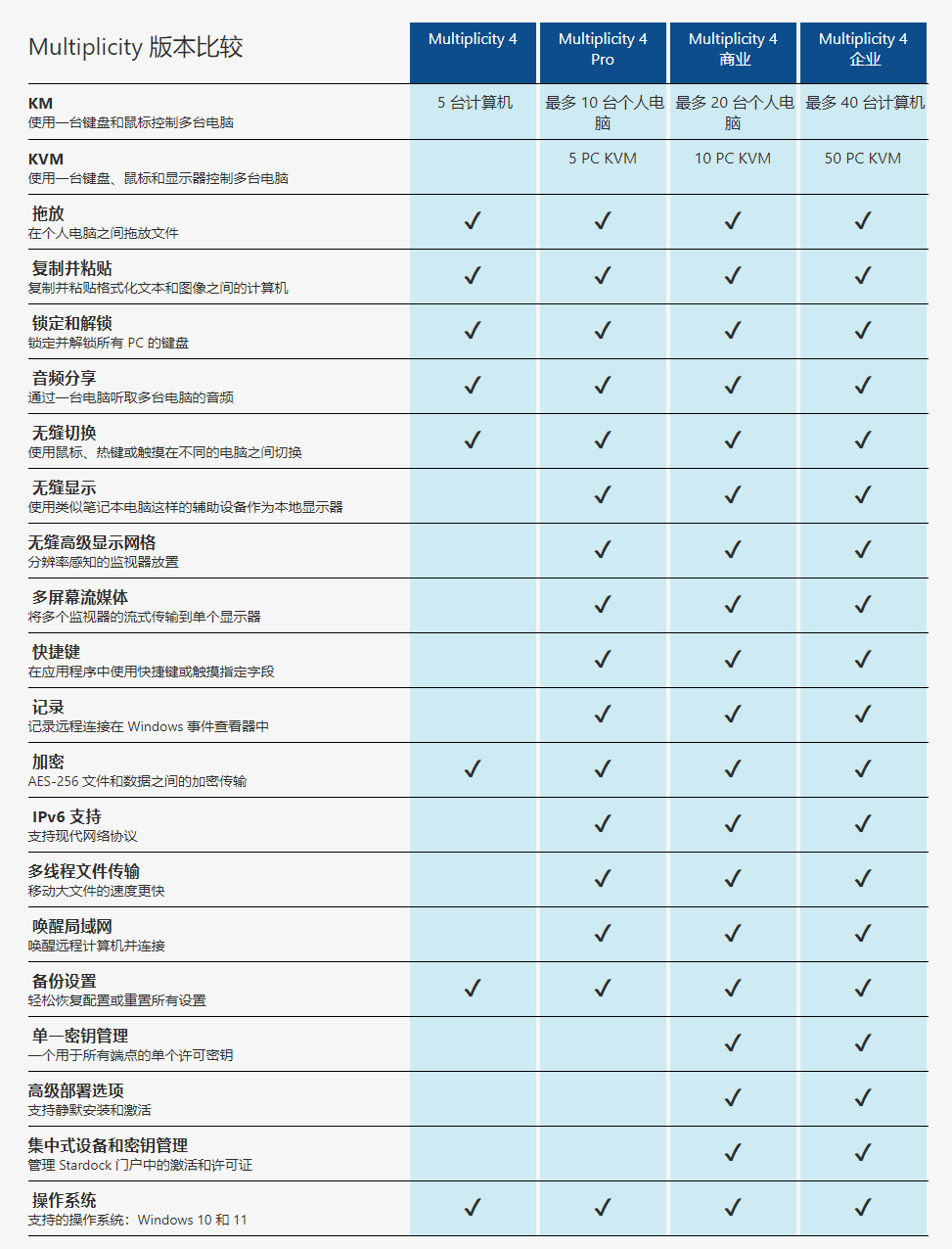
Stardock Multiplicity 4 is a software that allows one keyboard and mouse to control multiple computers. It supports file sharing, audio transfer, and screen extension, allowing multiple computers to operate like one. The software offers home and business versions with different features and prices. It is suitable for gamers, content creators, developers, and users in need of assistive features. The main features include seamless switching, drag and drop files, audio sharing, and multi monitor support.
Control multiple computers with one keyboard and mouse
Multiplicity is a software KVM that makes it easy to work between multiple computers.
- Seamlessly move between your Windows computers.
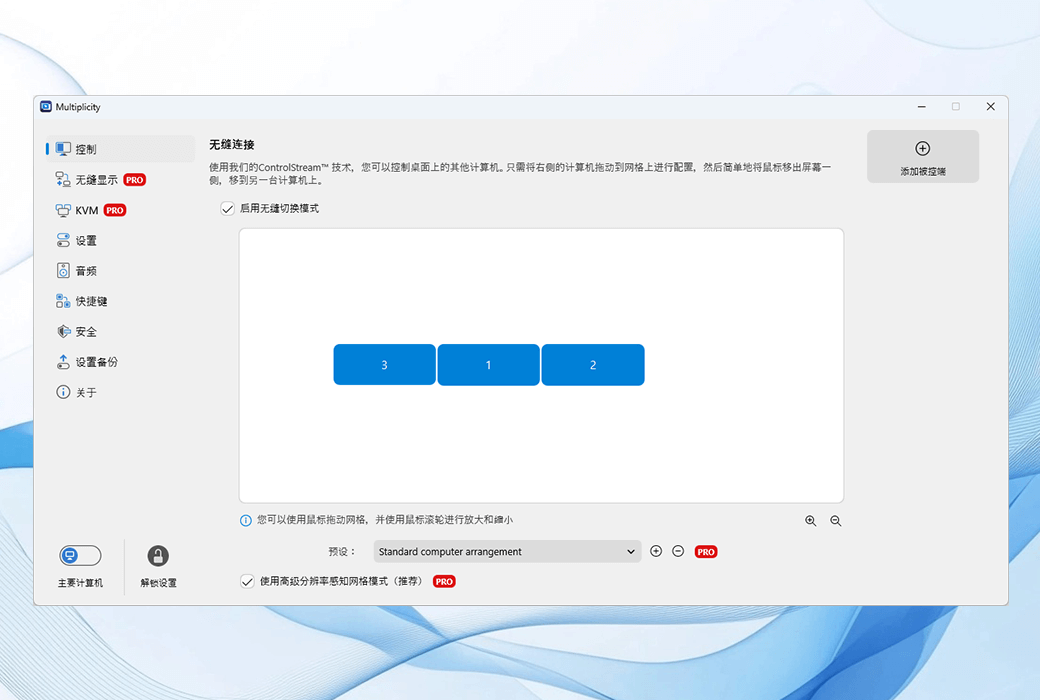
All Windows computers operate like a single computer, with the mouse and keyboard moving smoothly between devices.
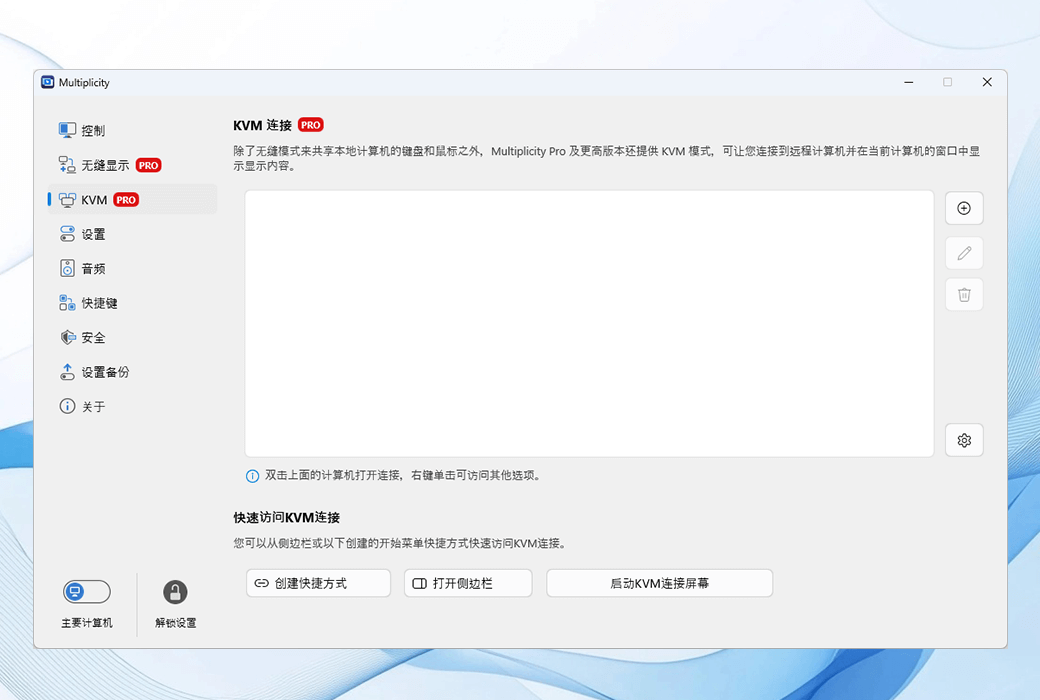
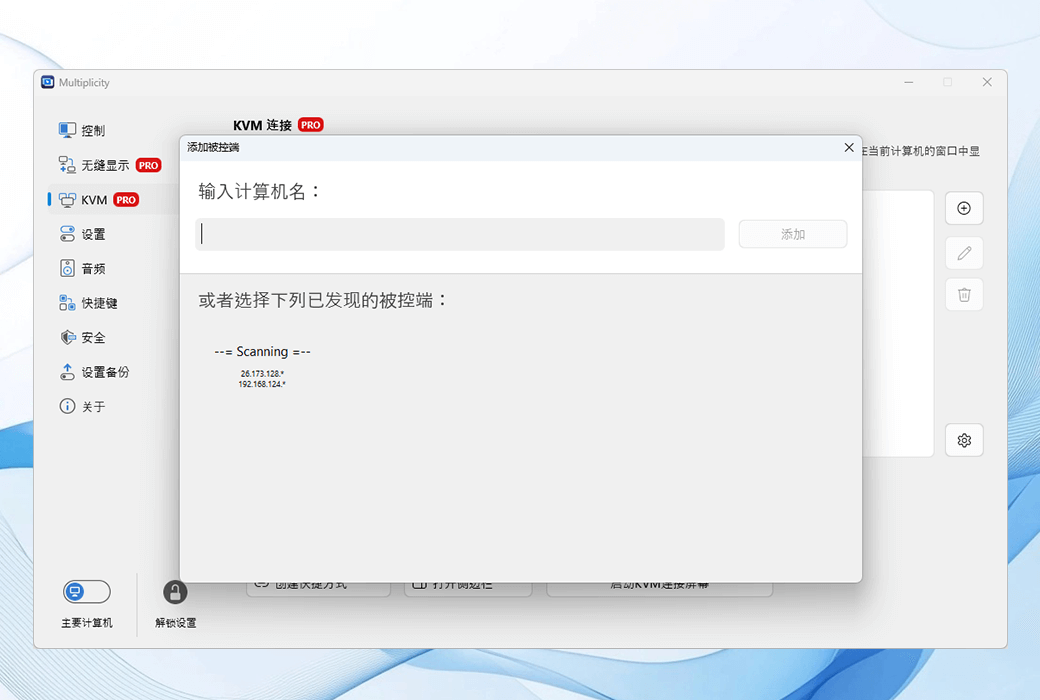
- Control multiple computers from one location.
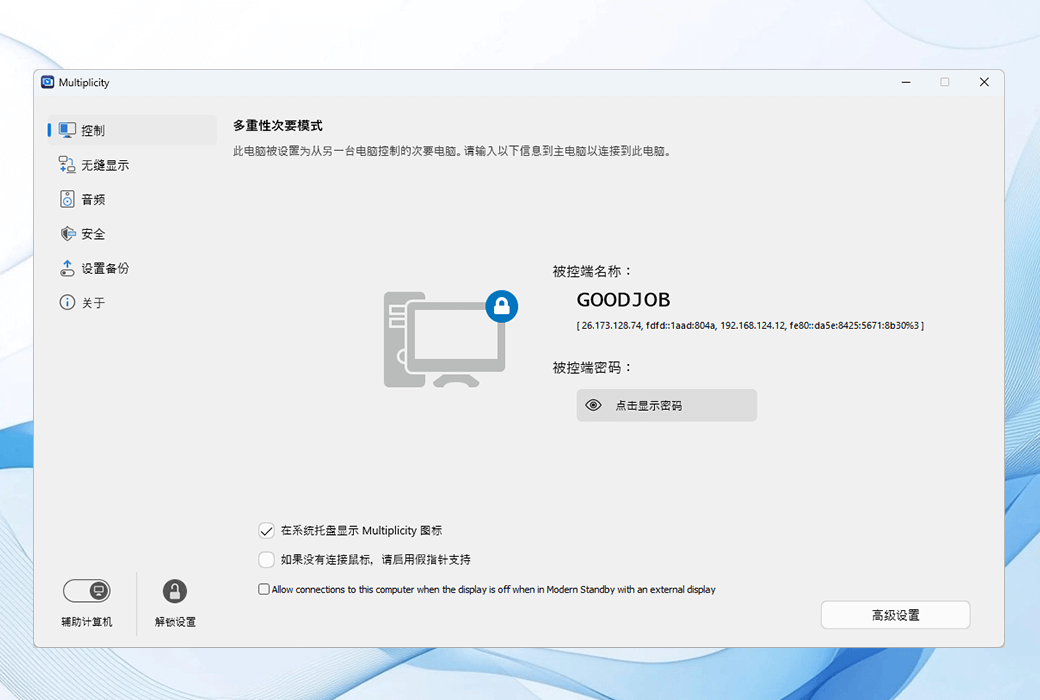
Use the tag interface to remotely control all Windows devices to another computer.
Share everything between your devices
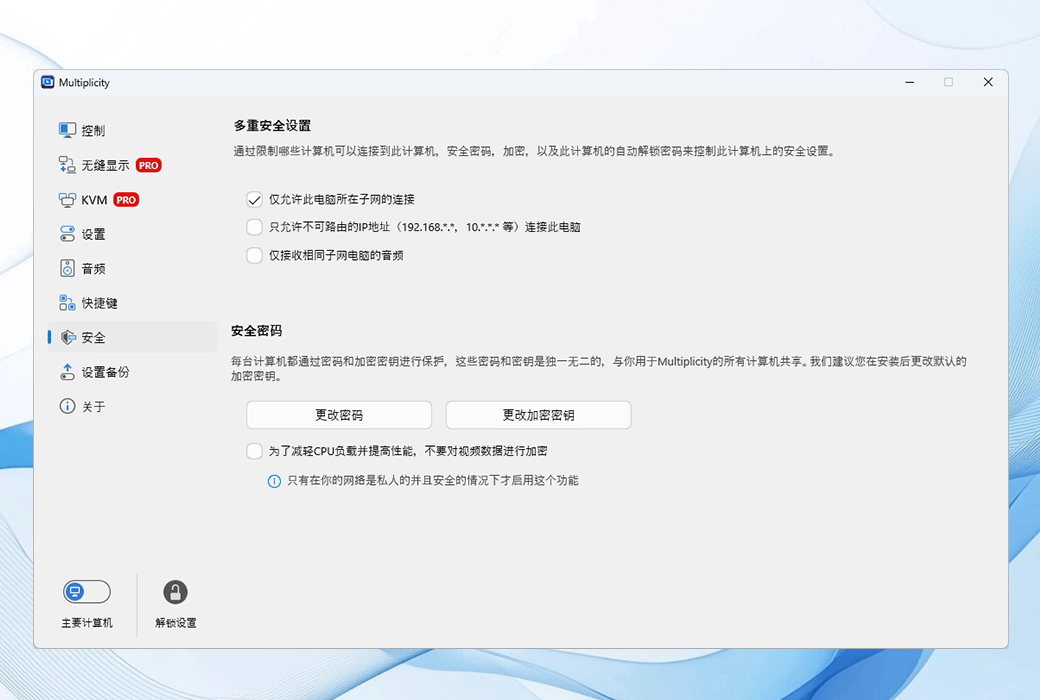
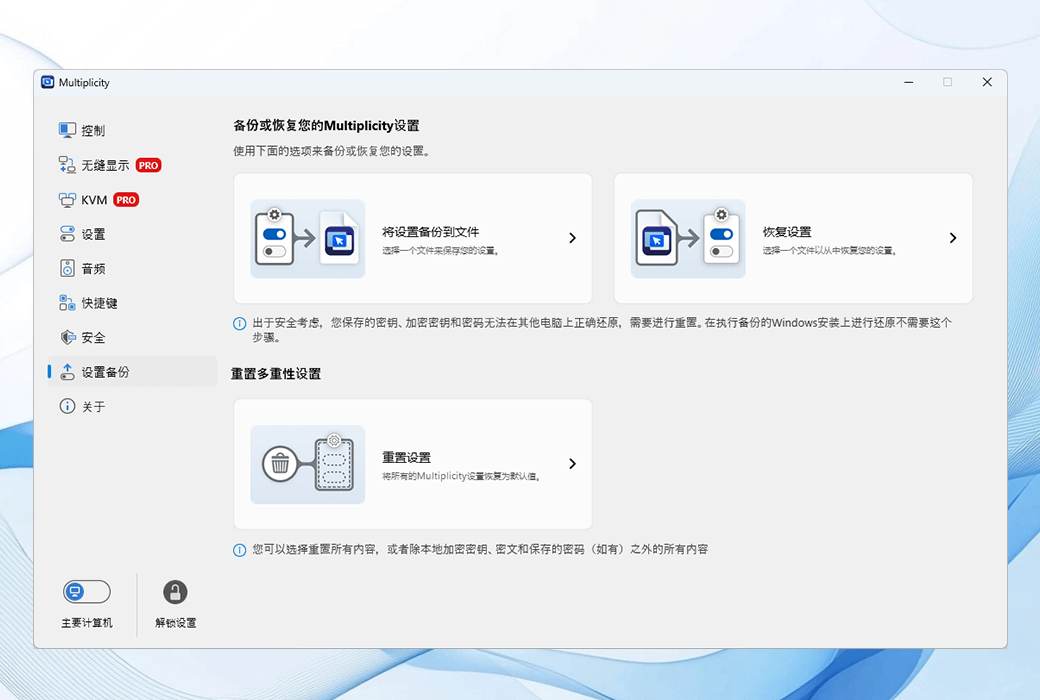
Safely share files, audio, and clipboard between your devices.
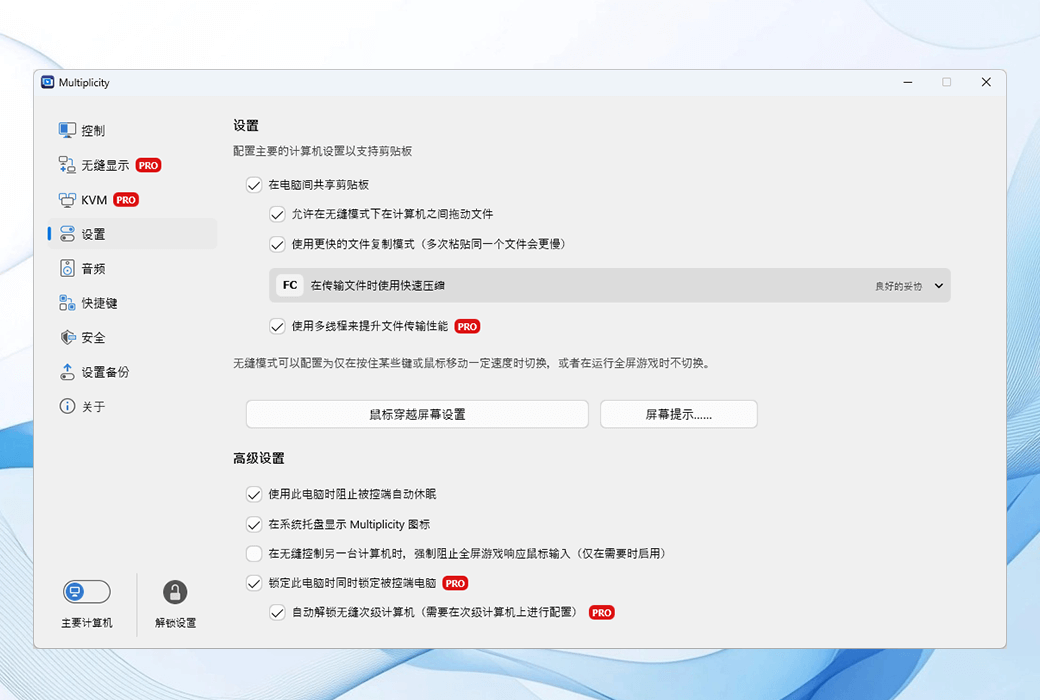
- Copy paste or drag and drop.
Easily share clipboard or drag and drop files between all connected devices.
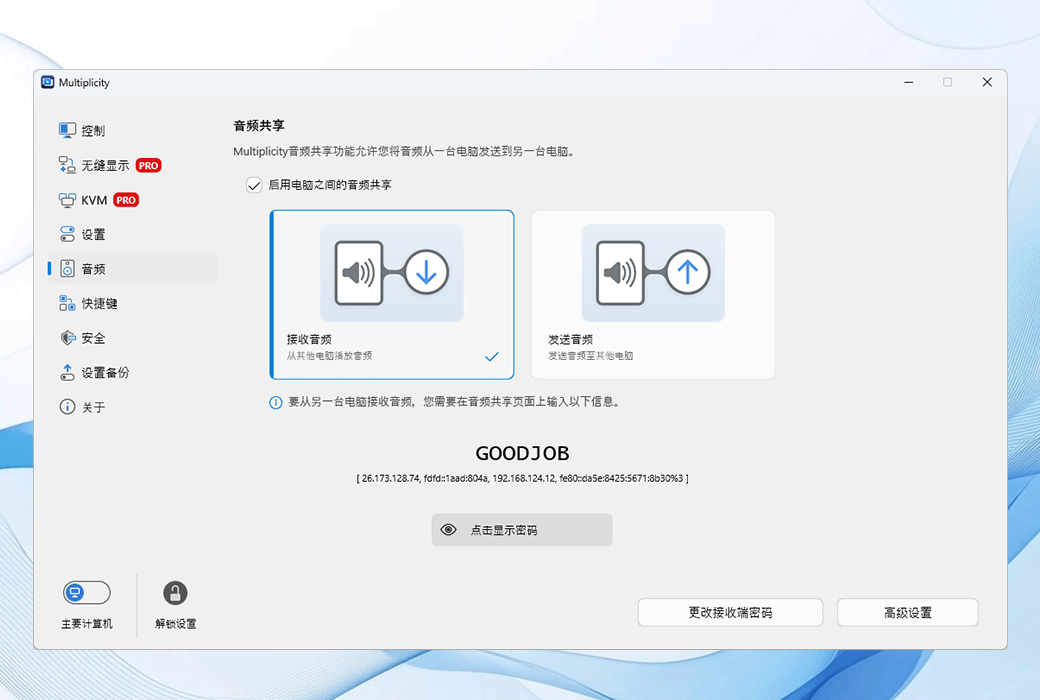
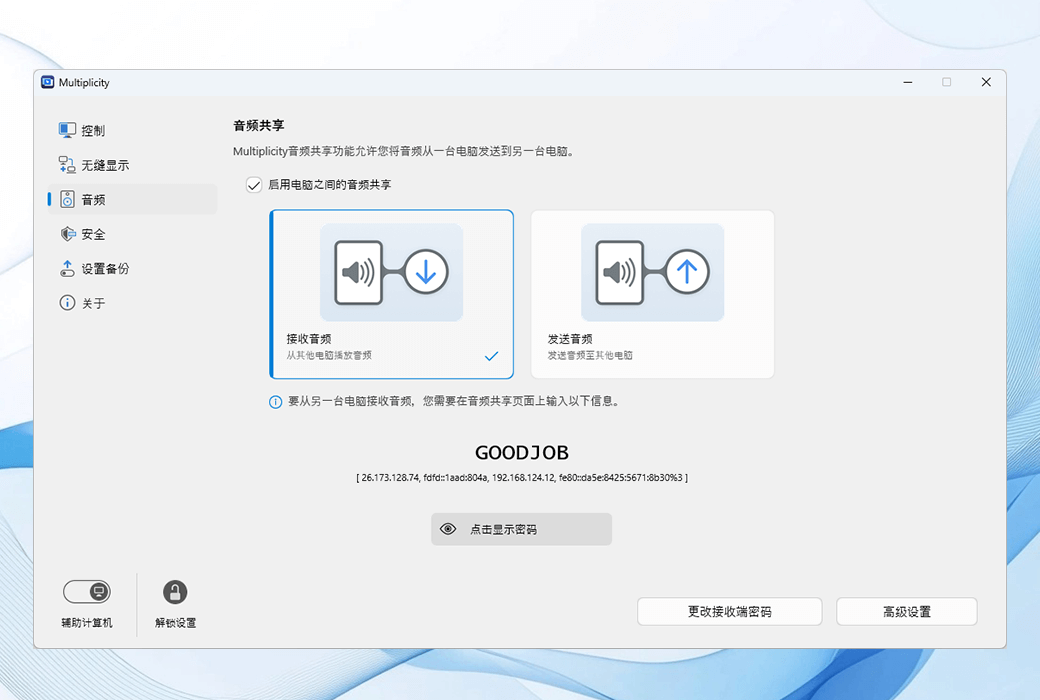
- Transfer audio from any other device.
Audio sharing allows you to easily control the sending of audio from one device to another.
Add a monitor to any Windows computer
Transform a single screen device into a multi device experience using native integration.
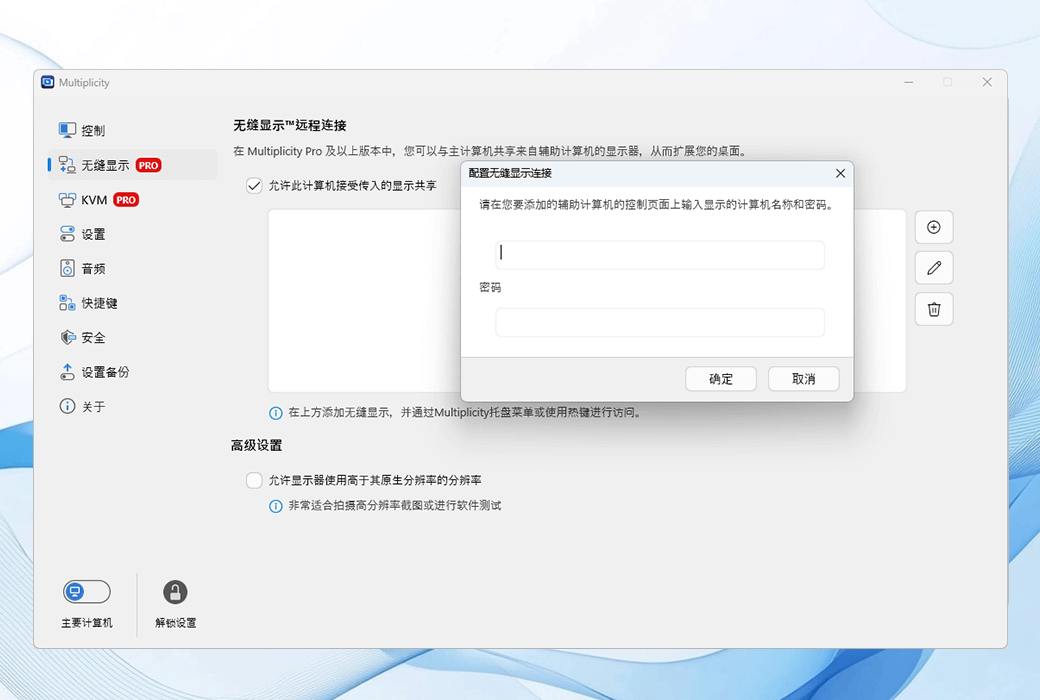
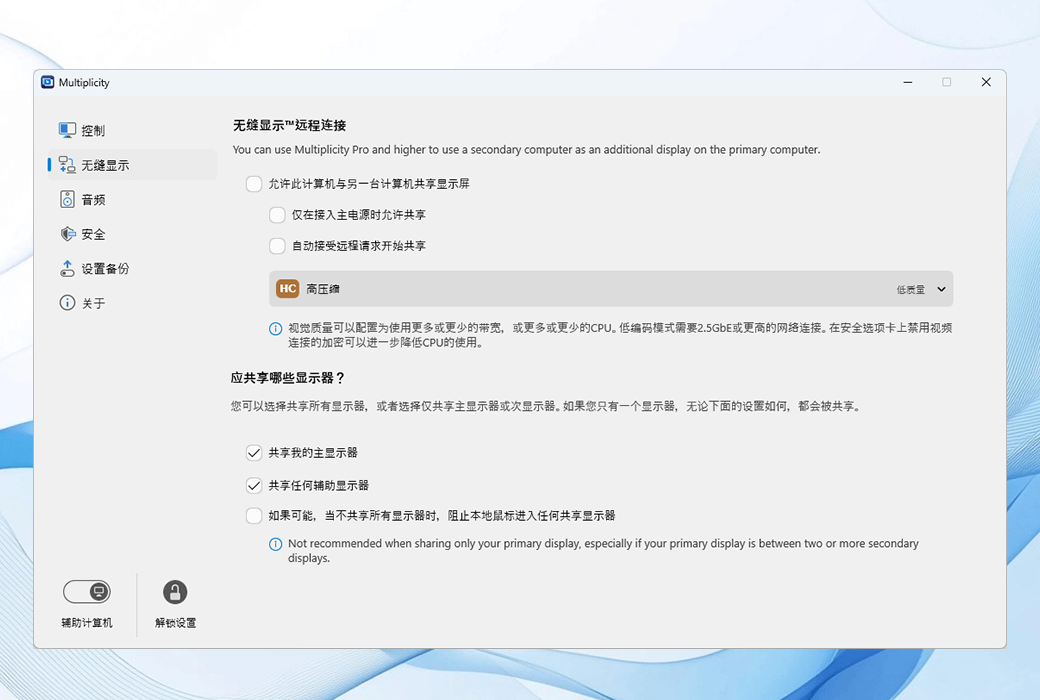
- Seamless Display ™ Allow you to use another Windows computer as your native monitor.
No cables are required to use a Windows laptop or tablet as a secondary display.
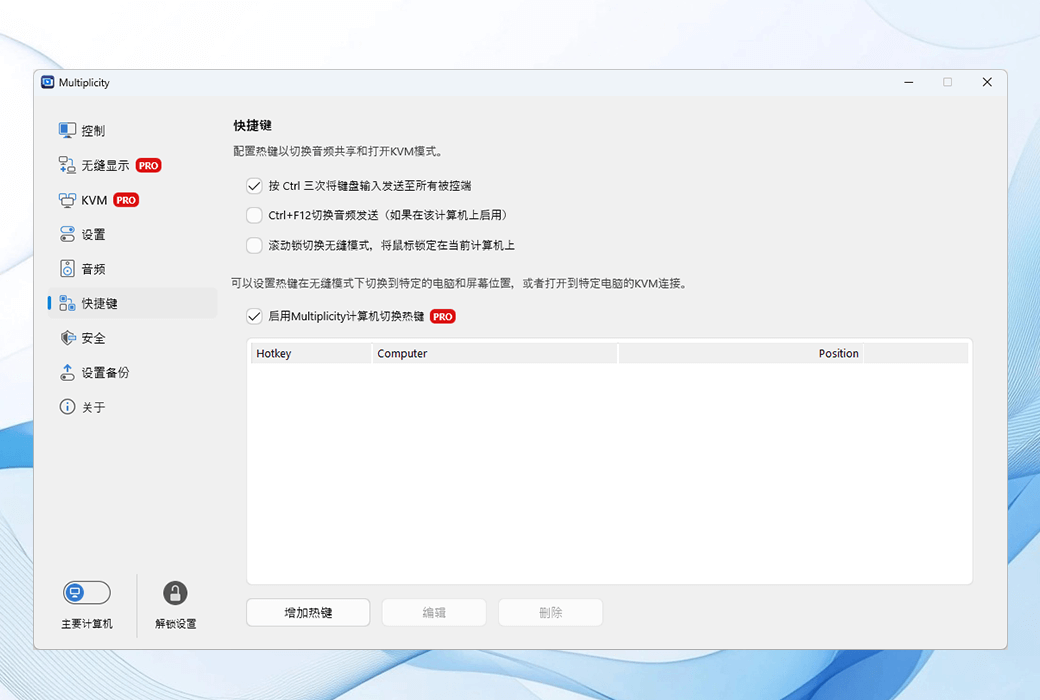
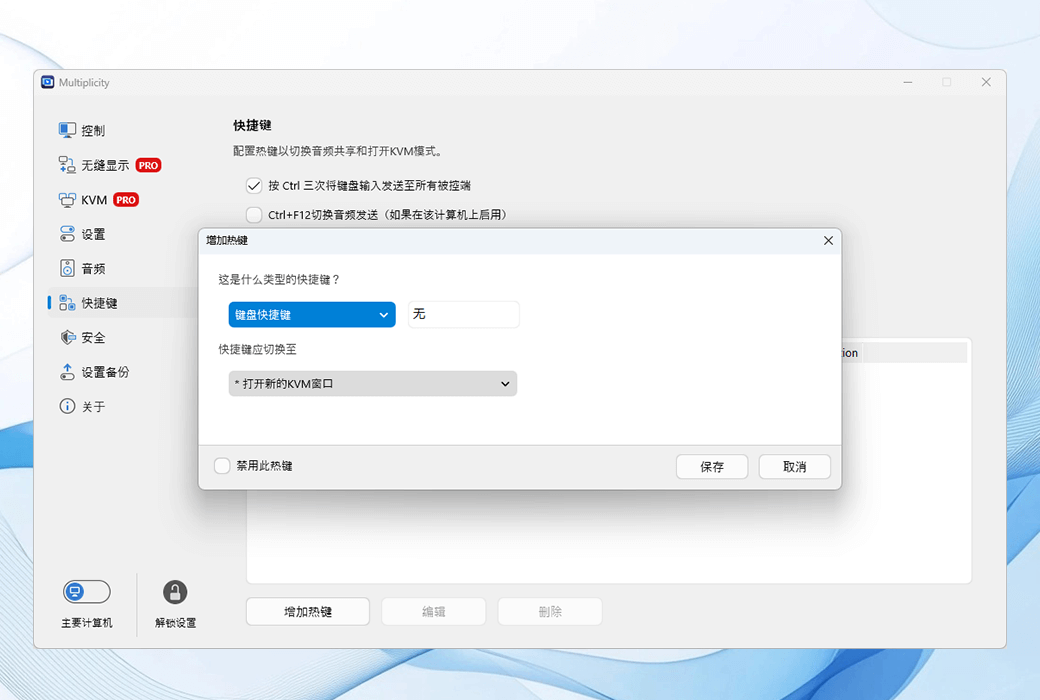
- Set hotkeys for everything.
Create hotkeys to switch devices, share audio, etc., making it easy to use multiple computers.
The usage scenarios of Multiplicity 4
entertainment
Online streaming games are a popular way of sharing content, but streaming settings are complex and require high-end hardware to achieve. With Multiplicity, you can uninstall non essential applications such as Discord or OBS/xSplit to other devices, but still access them from your gaming console.
- By running applications on other devices to free up resources, your console can only be used for gaming.
- Streaming audio across networks, such as voice chat.
- Use a spare laptop as a second (or third) display to expand your streaming space.
edit
Content creators are aware of the challenges of editing complex video and audio files, as well as the large workstations required for quickly exporting videos. With Multiplicity, you can place the editing device (along with its noisy GPU and fan) in another room and stream it to your computer for editing.
- Stream desktop to any other PC, allowing your laptop to fully utilize all the features of your editing PC while working in another room, avoiding GPU noise.
- Share audio across devices for creative podcasting hosting without using the Internet.
- Hotkeys enable you to easily switch between workloads, helping you export faster.
development
With Multiplicity, you can run Visual Studio or your favorite IDE and stream it into your minimalist settings. Place your powerful and noisy development kit in another room and stream your desktop to your laptop for the best experience, fast compilation, and quiet operation.
- Use Multiplicity to easily switch between desktops, so you can quickly test your applications across multiple versions of Windows.
- Put your IDE on another box and stream it to your preferred PC.
- Use a laptop monitor as another display on your desktop to expand your workspace.
Accessibility
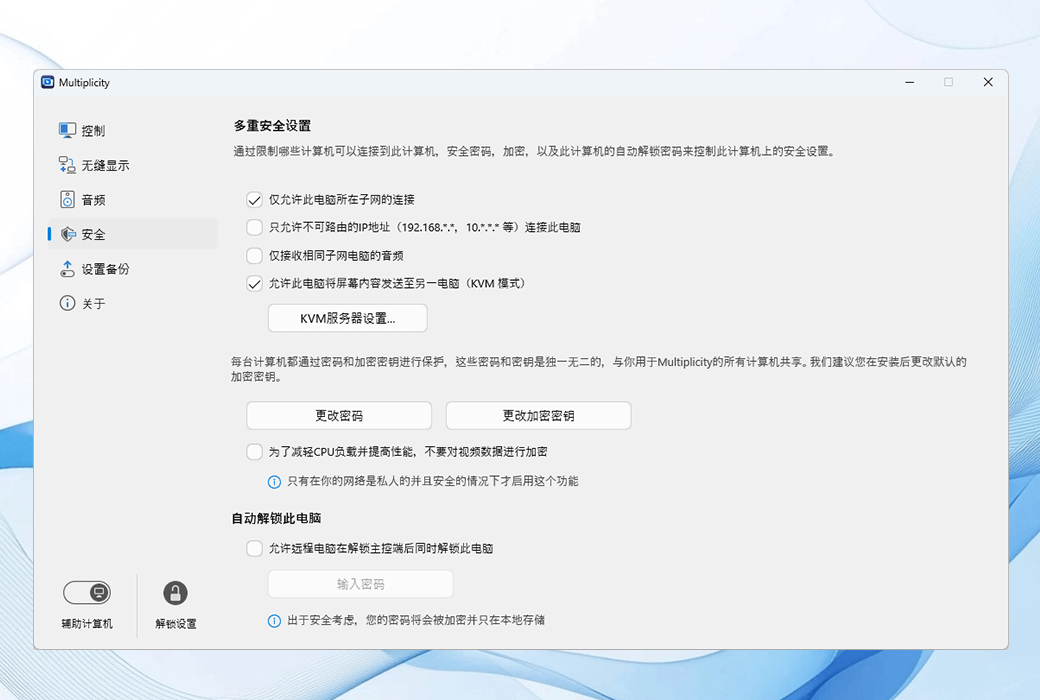
Multiplicity is a virtual KVM that allows you to bind hotkeys to various configuration settings. And by customizing hardware such as larger keyboards, mice, or dedicated input devices, you can map settings to any button to increase functionality.
- Use hotkeys to turn advanced features into one button to switch devices.
- Streaming audio from remote computers to specific devices, allowing multiple users to control sound output.
- Seamless allows you to organize your virtual monitor configuration, turning complex layouts into simple designs.