APSGO LOGO
Combination
x1
Total Price:
View Cart
No APPS available
Cart
Home Overview UltraSearch Pro professional file data search tool software
UltraSearch
No. 2 Scenes
UltraSearch Pro professional file data search tool software截图 UltraSearch Pro professional file data search tool software截图 UltraSearch Pro professional file data search tool software截图 UltraSearch Pro professional file data search tool software截图 UltraSearch Pro professional file data search tool software截图 UltraSearch Pro professional file data search tool software截图 UltraSearch Pro professional file data search tool software截图
Download
UltraSearch Pro professional file data search tool software
UltraSearch is an efficient file search tool that supports quick search of files and their contents on both local and enterprise networks. It allows users to filter by file type, size, creation date, and other criteria, and can batch process files such as renaming, moving, or deleting. The software offers a free version and a professional version, with the latter providing more advanced features such as network sharing and SharePoint search. UltraSearch focuses on improving work efficiency, ensuring data security, running entirely locally, and complying with GDPR regulations.

{{ item.spec_option }}

{{ item.spec }}

System

{{ auction.sku_info.price }}

Reference price

Auction Rules:
1、Reference validity period of this auction:2026-09-17 18:18:00 ~ 2026-09-18 02:18:00 。After entering the 60s countdown, if there is a new bid, the countdown will be restarted for 60s, with an infinite loop.
2、Starting Price:128.00,No less than each bid:1.00 ,The current lowest bid cannot be lower than:128.00, The highest bid cannot be higher than133
3、There is no limit to the number of times each person can bid, and a maximum of 3 consecutive bids can be made ahead. Before bidding, a deposit must be submitted first. If the bid is successful, please complete the payment within 3 days. Failure to pay within the time limit will be considered a breach of contract for this auction.
4、After the auction is completed, users who have not won the auction can apply for the release of the deposit on their own, and users who have won the auction can also apply for the release of the deposit after paying the order.
5、 If the payment is not completed after winning the bid, you will not be able to continue participating in new bidding activities and the deposit will be frozen.
6、Warning: In order to maintain fairness and impartiality in this bidding activity, it is strictly prohibited to participate in the bidding for the purpose of hoarding goods and intending to resell them at high prices on other platforms. We have zero tolerance towards such behavior. Once discovered, your account will be immediately banned without further notice.
 
Current highest bid: {{ auction.hight_price }} None
Make a bid Not started yet
{{ item }} ({{ auction.currentOrdersNum ? auction.currentOrdersNum : 0 }}) ({{ app.qa.questionsData.total }})

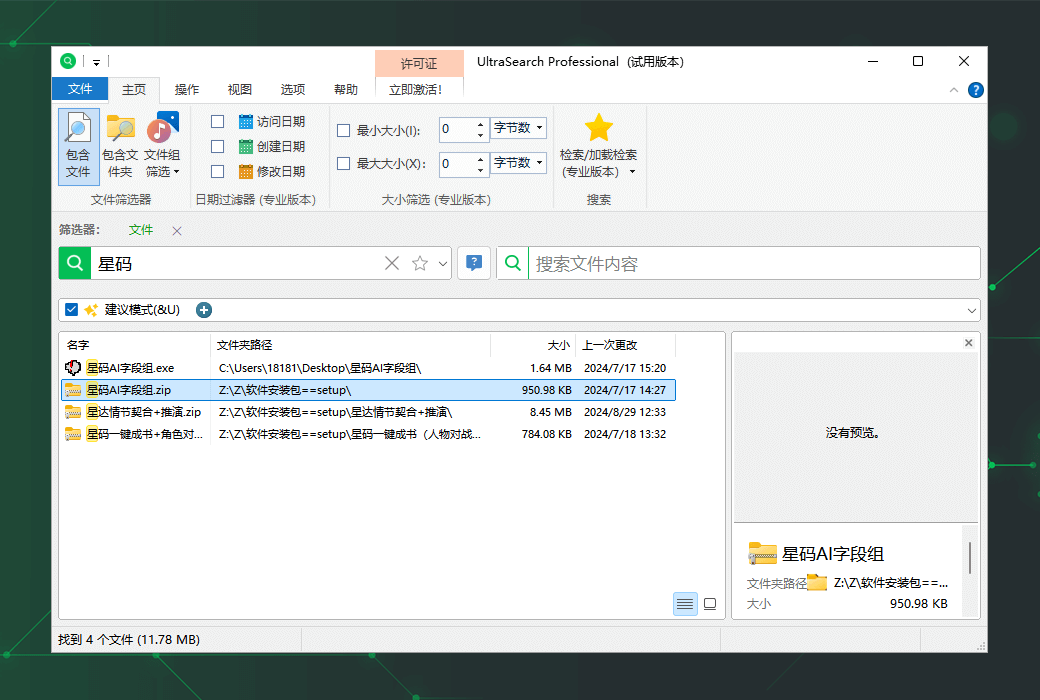
UltraSearch is a professional enterprise level file search tool that can help you find files and file contents in storage systems and SharePoint. You can filter by file type, size, creation date, etc., and batch rename, move, or delete found files.


You can find files and content anywhere


Search for file names or content within seconds, whether on local, company network drives, or even SharePoint.


UltraSearch is much faster than Windows file search!


Pay attention to the correct files


Use intelligent filters to narrow down the scope, such as by file size, creation date, or file type.


UltraSearch highlights precise matches, so you can find your information faster.


Real time savings through batch operations!


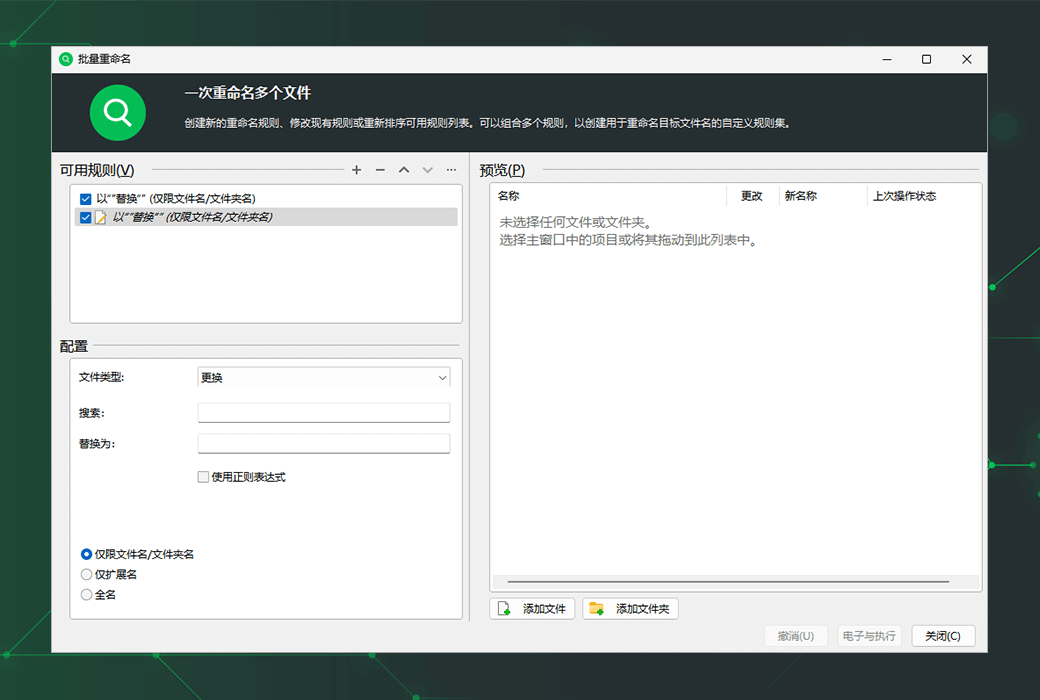
You can batch process the found files to improve productivity.


For example, renaming, moving, or archiving them according to your own rules.


Search SharePoint directly


UltraSearch can now search SharePoint simultaneously with other search targets.


It can be searched directly in SharePoint without indexing. Connect UltraSearch to your SharePoint now!


Quickly search for files and their contents


  1. Search all local drives, connected network drives, and synchronized cloud storage (such as SharePoint).
  2. Search for file content, such as searching for file content in Word and PDF documents or source code.
  3. Search for commonly used files (such as Office), but also search for system files and files with custom file extensions.
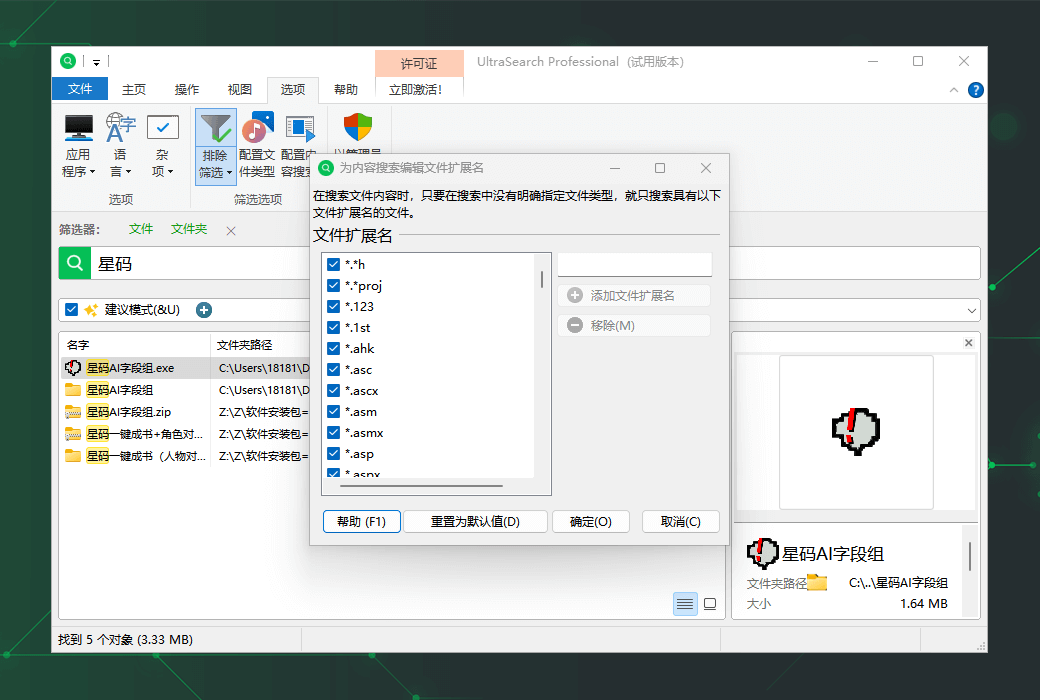
  4. Highlight the unique matches of search terms in the result list and file content.


Browse commercial storage


  1. Simultaneously search for local drives, network drives, USB memory sticks, SD cards, etc.
  2. Search on Windows domains and Windows servers.
  3. Search for SharePoint directly by connecting to SharePoint.


Customize according to your needs


  1. Easily link search terms through 'AND' or 'OR'.
  2. Use wildcard and regular expression search syntax.
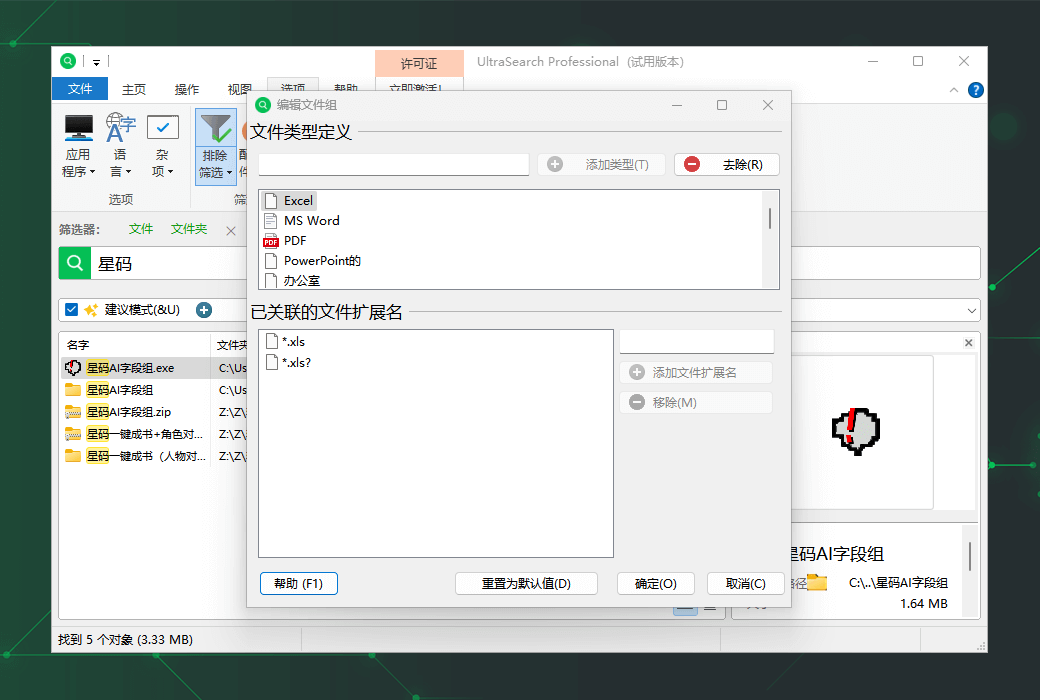
  3. Keywords used to search for file content, file groups, and file extensions.
  4. Save the search containing all settings and reload them later.


Filter and narrow down the search scope


  1. Limit the search to the creation and modification dates of files.
  2. Set the minimum and maximum file sizes.
  3. Use flexible exclusion filters to easily exclude files, folders, or file types.


Rename, move, delete files, etc


  1. Rename multiple files and folders at once.
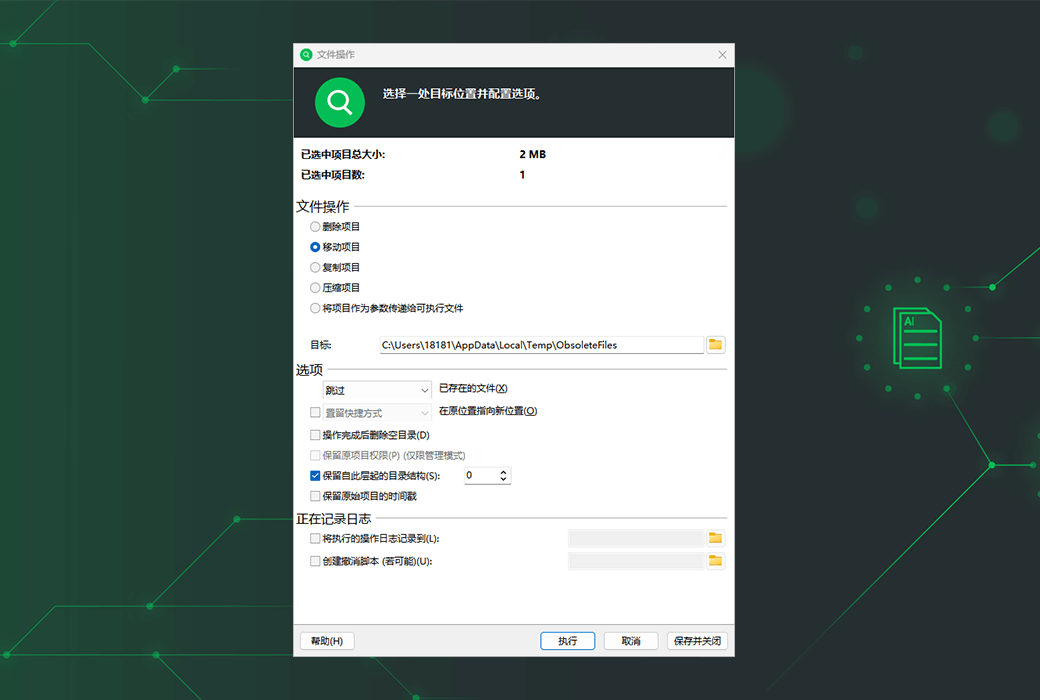
  2. Simultaneously move files from different folders and drives.
  3. Clever replacement rules for existing files when moving or copying.
  4. Copy and move files and their file permissions.
  5. Pass the result as a parameter to the program or script.


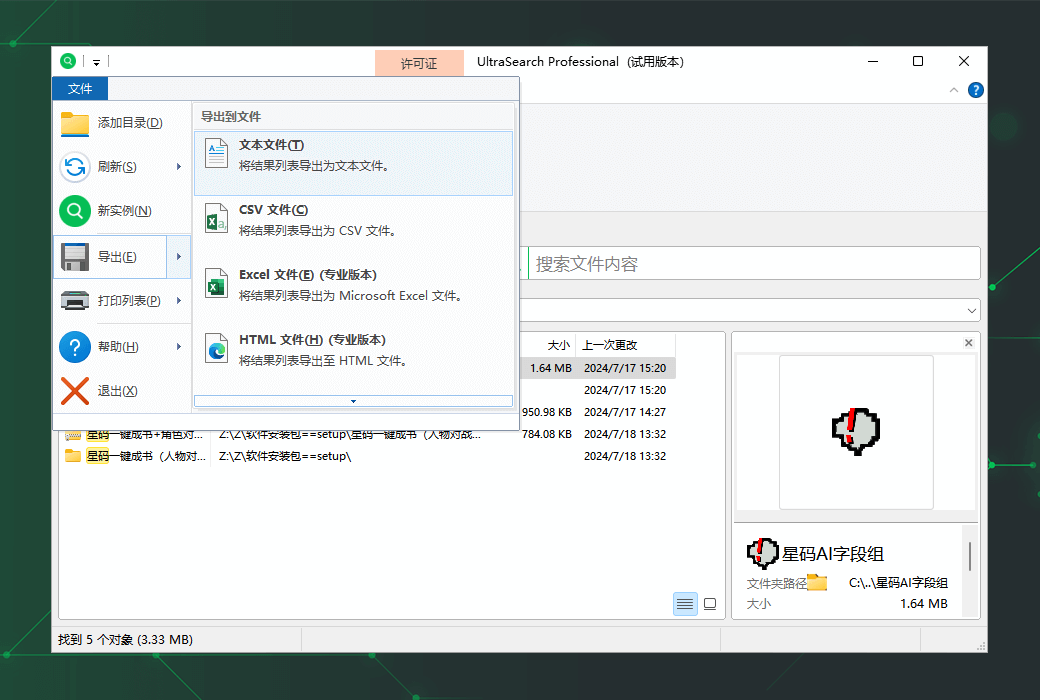
Export the results to Excel, PDF, etc


  1. Export the results to Excel PDF、HTML、 Text or CSV file.
  2. Copy all file names, file paths, or complete result lists to the clipboard.
  3. Log records of file operations.
Official website:https://www.jam-software.com/ultrasearch

Download Center:https://ultrasearch.apsgo.cn

Delivery time:Manual processing

Operating Platform:Windows

Interface language:Supports Chinese interface display and multiple language options.

Update Description:Free updates and usage during the subscription period.

Trial before purchase:Free trial is available before purchase.

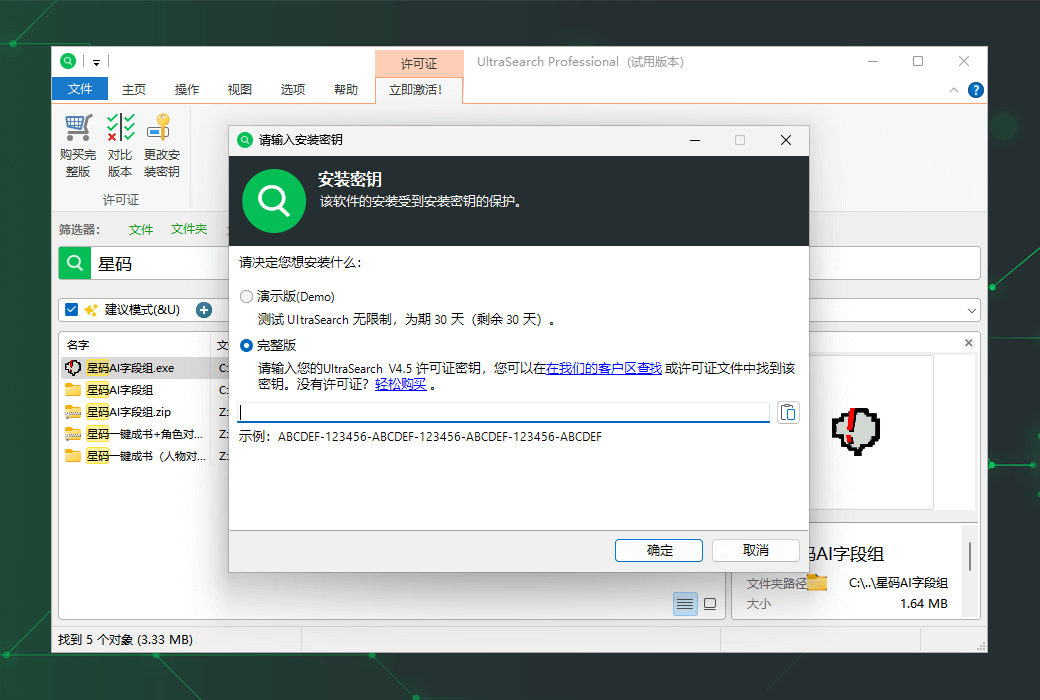
How to receive goods:After purchase, the activation information will be sent to the email address at the time of placing the order, and the corresponding product activation code can be viewed in the personal center, My Orders.

Number of devices:One user can use a licensed copy of this software on up to three dedicated computers (but not simultaneously or on more than one virtual or physical server).

Replace computer:Uninstall the original computer and activate the new computer.

Activation guidance:To be added.

Special note:To be added.

reference material:https://www.jam-software.com/company/license_agreement.shtml

{{ item.user.nickname }} Lead Out
{{ item.created_at }} {{ item.user.region }}
{{ item.price }}
Offer
More Records
Ask a question
All Default Newest

Tips

You need to pay a deposit before participating in the bidding
To Pay

Please enter this bidding price

Bid must not be lower than{{ curAuction.min_price }} Not Higher than{{ curAuction.max_price }}
Confirm

Auction Code

Confirm