AnyDroid aims to make your data management experience more immediate, convenient, and enjoyable. Now, you no longer have to use USB to connect to your computer and immediately handle your issues on your computer through Wi Fi. Be prepared to spend less time managing and more time enjoying a colorful life.
Data backup
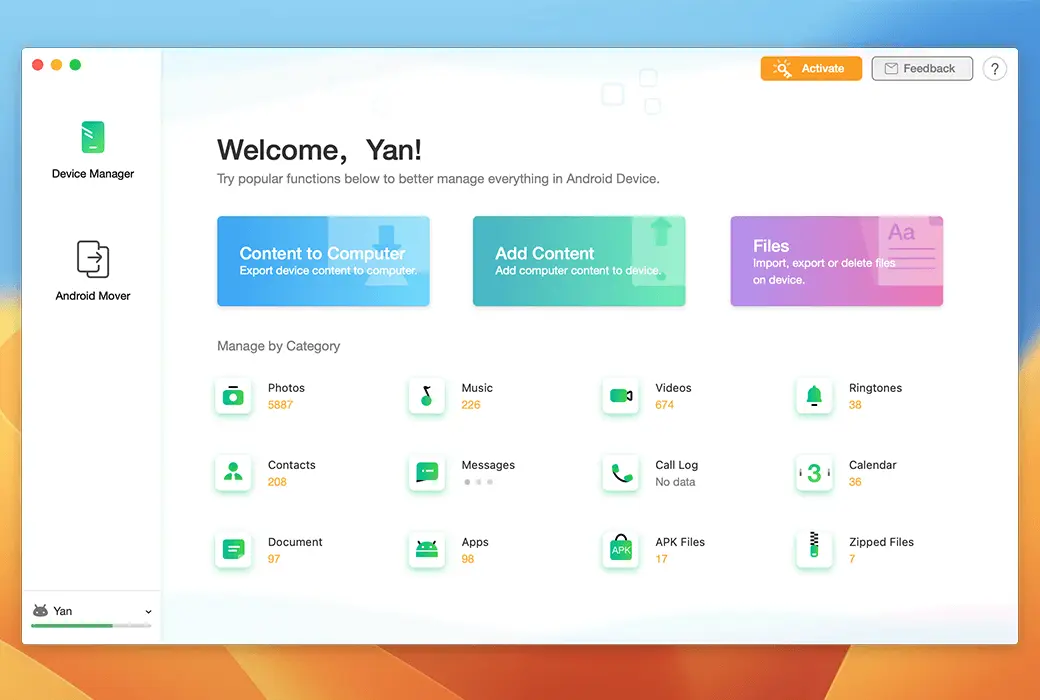
Your phone is packed with constantly growing media, and AnyDroid can control them to keep you from chaos. Just one click to back up photos and albums to preserve your memories. Therefore, you can free up space for more moments in your life. Do you want to carry your music collection with you or enjoy videos taken on your phone from the big screen of your computer? Just tap lightly.
Secure Connection
Since contacts and messages connect you with everyone you care about, AnyDroid can ensure that your connection is secure. You can back up your contacts in your preferred format for future use. Browse emails and attachments from the computer and securely save valuable conversations. Alternatively, move them all at once to a new phone. Your connection is always within reach.
Application and all files
AnyDroid can handle almost all types of files on mobile phones. It allows you to batch install, uninstall, and backup a bunch of applications in the blink of an eye. Easily browse files by category. Quickly discover the content you want by searching keywords. Classify scattered files into folders to maintain cleanliness. You will experience the most comprehensive and comfortable content management ever.
In all cases, we can meet your needs
- Thoroughly manage the entire content
Whether you want to transfer, organize, or backup your phone, AnyDroid is here to serve you. Whether you want to manage photos, music, contacts, messages, or any other data and files, AnyDroid can easily achieve it. Just a few clicks to keep the content rich, organized, and secure.
- Instant transfer, easier experience
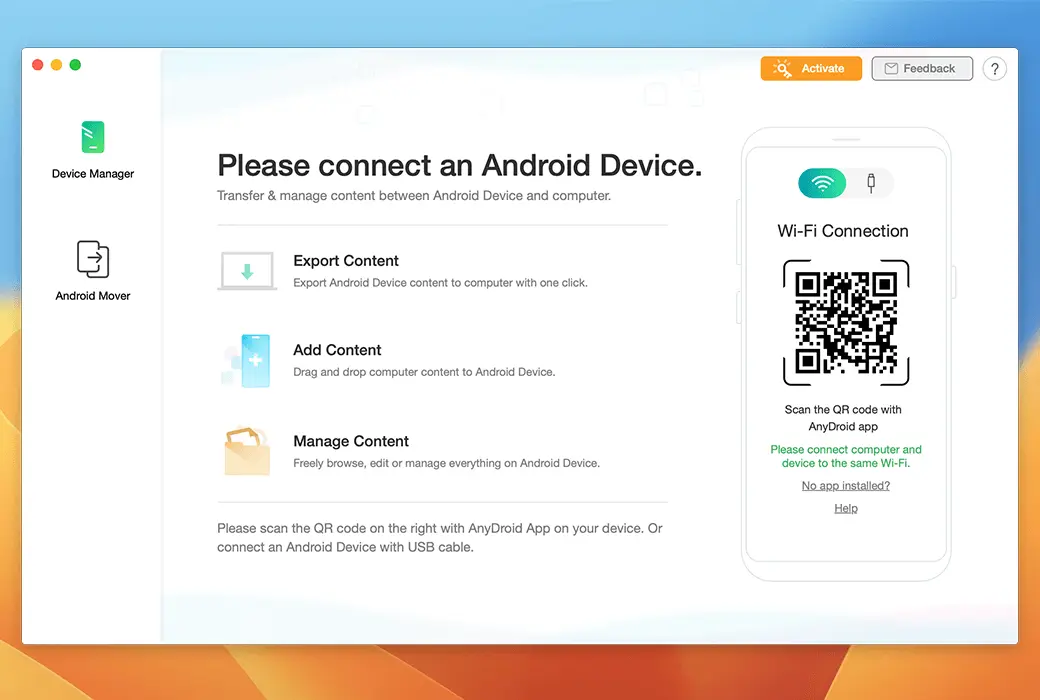
Do you need to add new songs or videos to your phone or export captured photos to your computer? AnyDroid provides you with a more relaxed experience. No need to install any programs on PC/Mac. No USB cable required. Skip the tedious process. Simply scan the QR code and start transferring files immediately.
- Direct file sharing between mobile phones
AnyDroid makes file sharing easy. Simply install the AnyDroid application on both phones and they will communicate directly. Whether you want to share photos with family, interesting videos with friends, or send documents to your colleagues, files will quickly fly to the destination you want.
Bring precious memories to a new phone
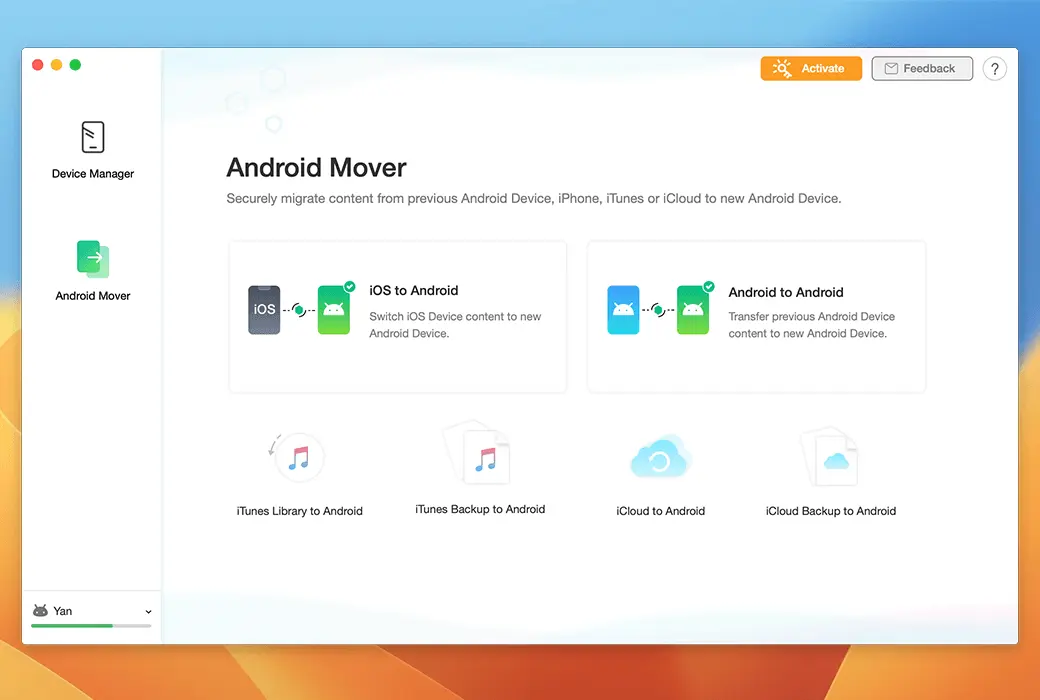
Switching to a new phone does not necessarily mean leaving behind your precious memories. With AnyDroid, you can seamlessly, safely, and quickly move all your essentials. Contacts for friends and family, photos of life highlights, messages you want to keep, songs you like to listen to, and even apps you need to use every day. Everything you love is on your new phone - whether it's from an old Android phone or iPhone, or even iTunes and iCloud.
- Moving between Android phones
AnyDroid covers all Android phones, allowing you to freely migrate data between any phone - or if you prefer, you can also migrate data from a tablet. It breaks the boundaries of brand, model, and Android version. Therefore, you can carry all important things with you and move around smoothly.
- Switch from iOS to Android
AnyDroid fills the gap between iOS and Android systems and makes switching simple and seamless. With just one click, you can move the content you need from your iPhone, iPad, and even iTunes and iCloud. Don't worry about compatibility issues. All iOS content will be automatically converted to formats supported by Android.