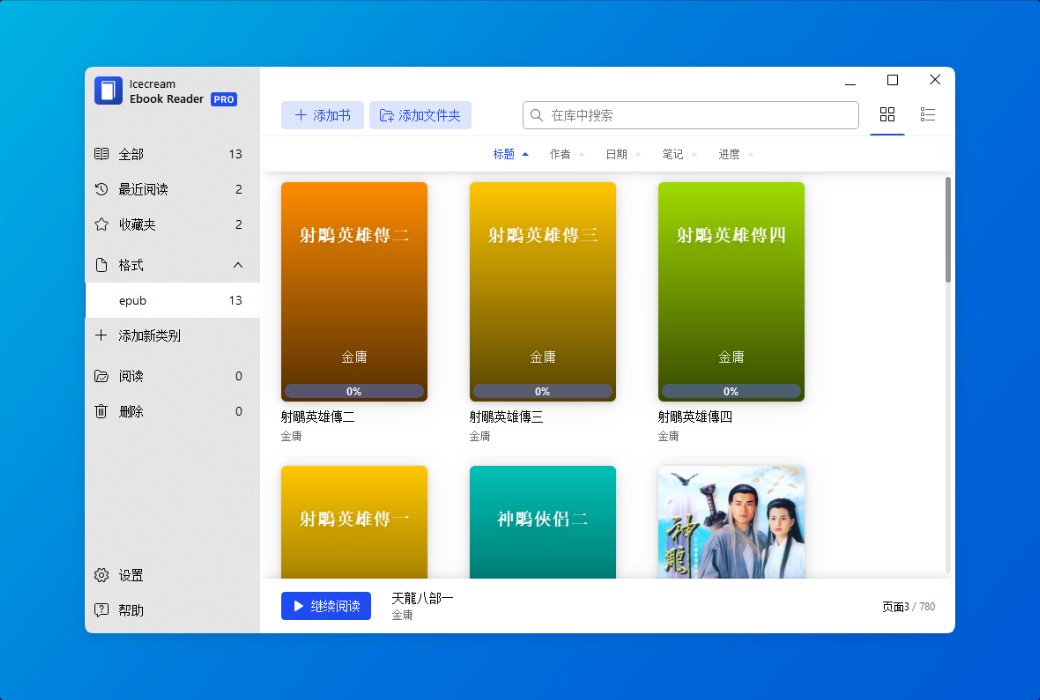
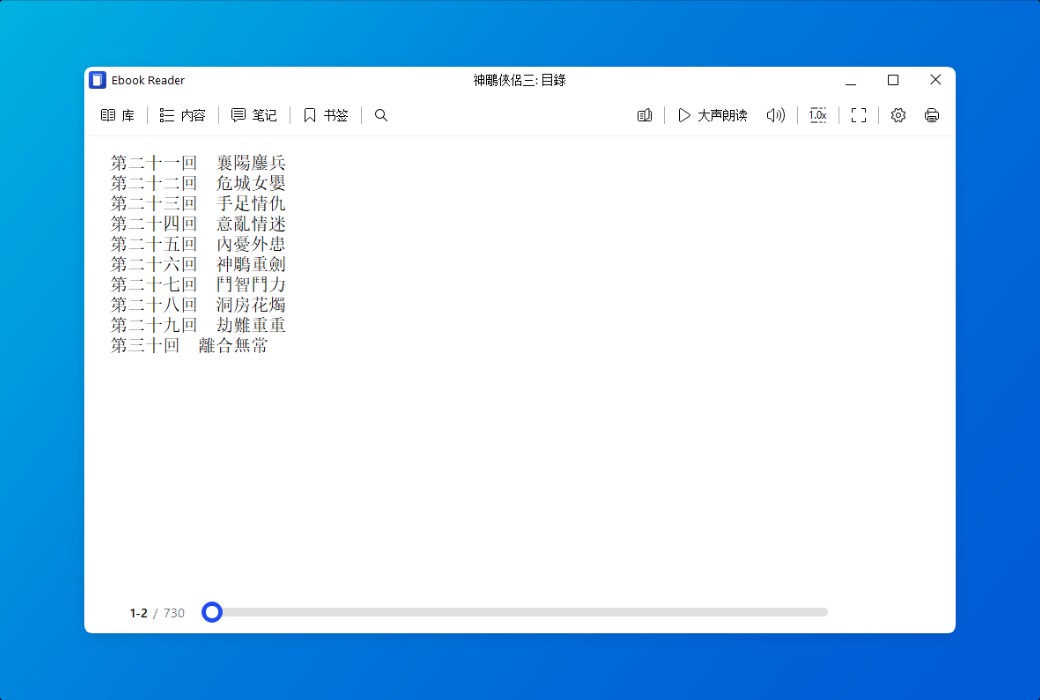
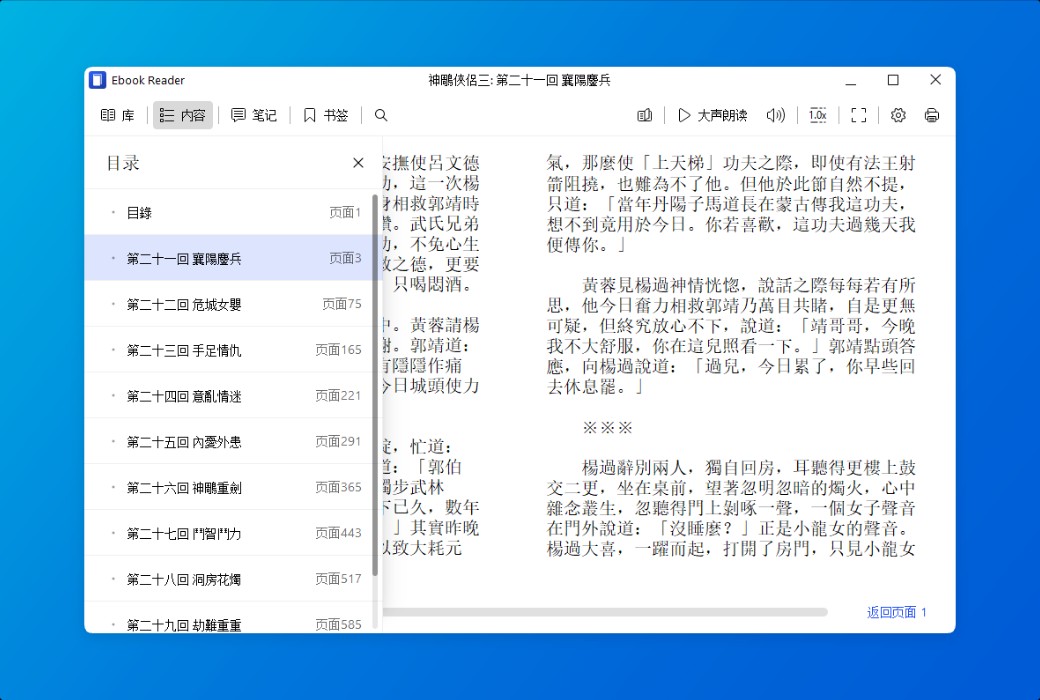
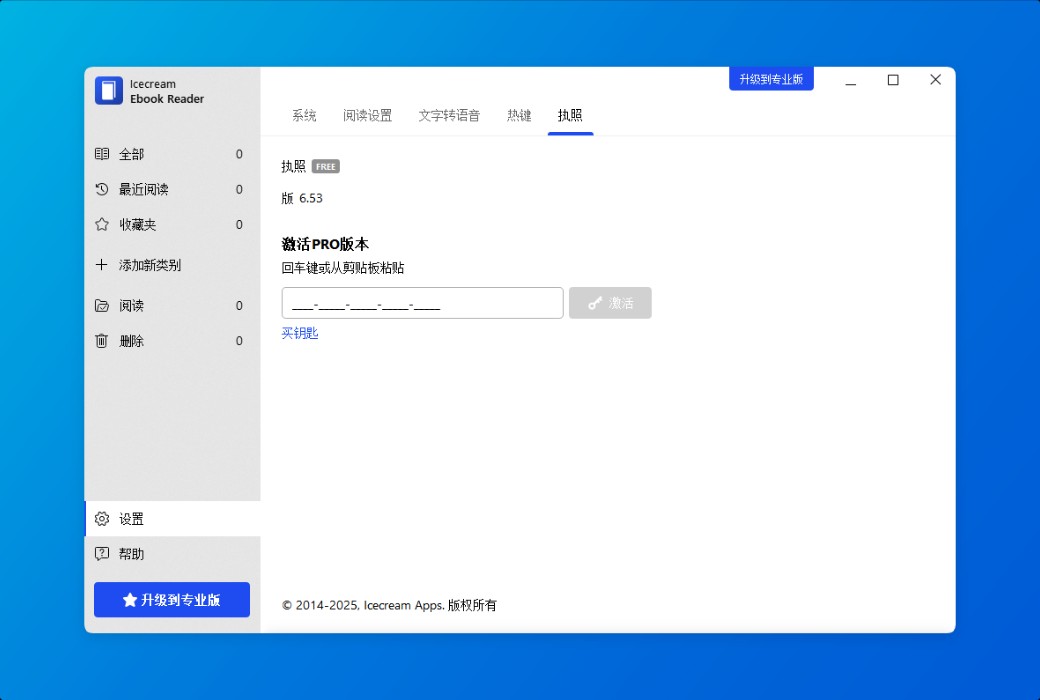
Icecream Ebook Reader is a simple and easy-to-use Windows version EPUB reader that supports reading e-books in various popular formats such as EPUB, MOBI, PDF, etc. Enjoy a full screen reading experience with Icecream Ebook Reader.
The main functions of EPUB reader
Enjoy reading pleasure on your computer with this best e-book reader brought to you by Icecream Apps.
- Supported e-book formats
It is not limited to EPUB readers. The software also supports reading e-books in other formats: MOBI, PDF, FB2, CBR, CBZ, TXT, and even ZIP. However, it does not support DRM protected content.
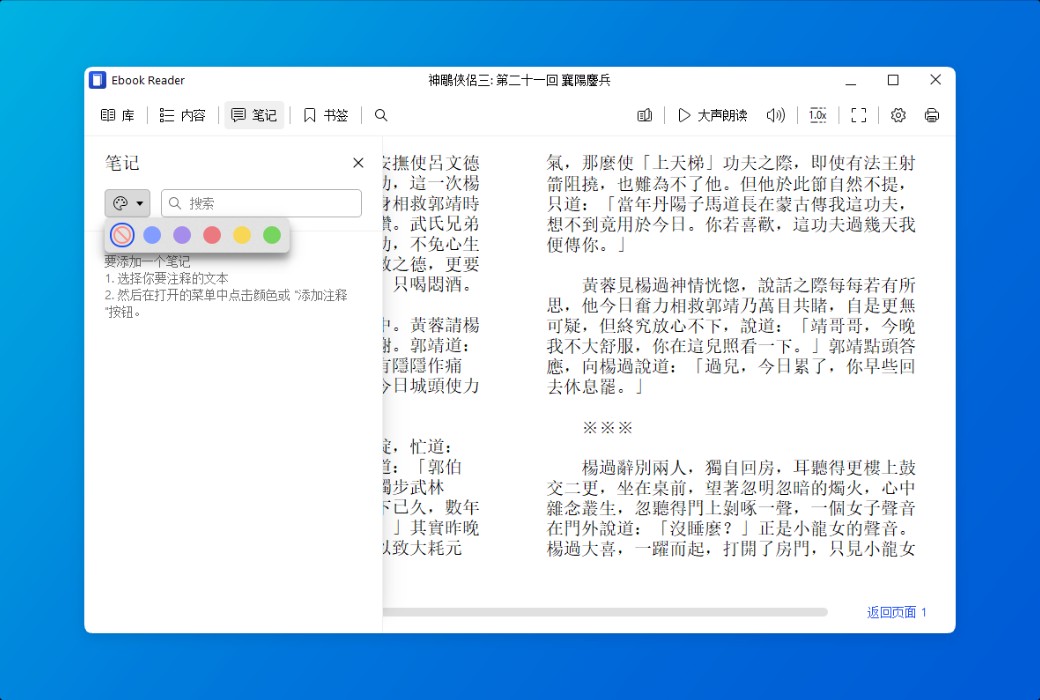
- Highlight and add comments
Add annotations or highlight text in mainstream formats such as EPUB and MOBI e-books. Search and sort your comments by text or color.
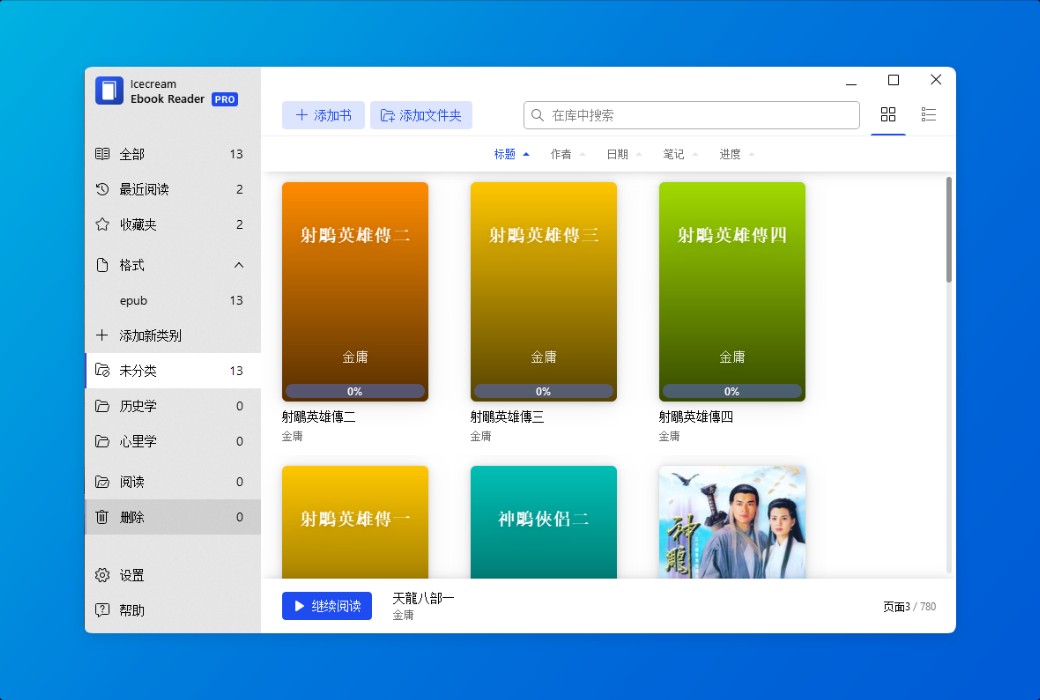
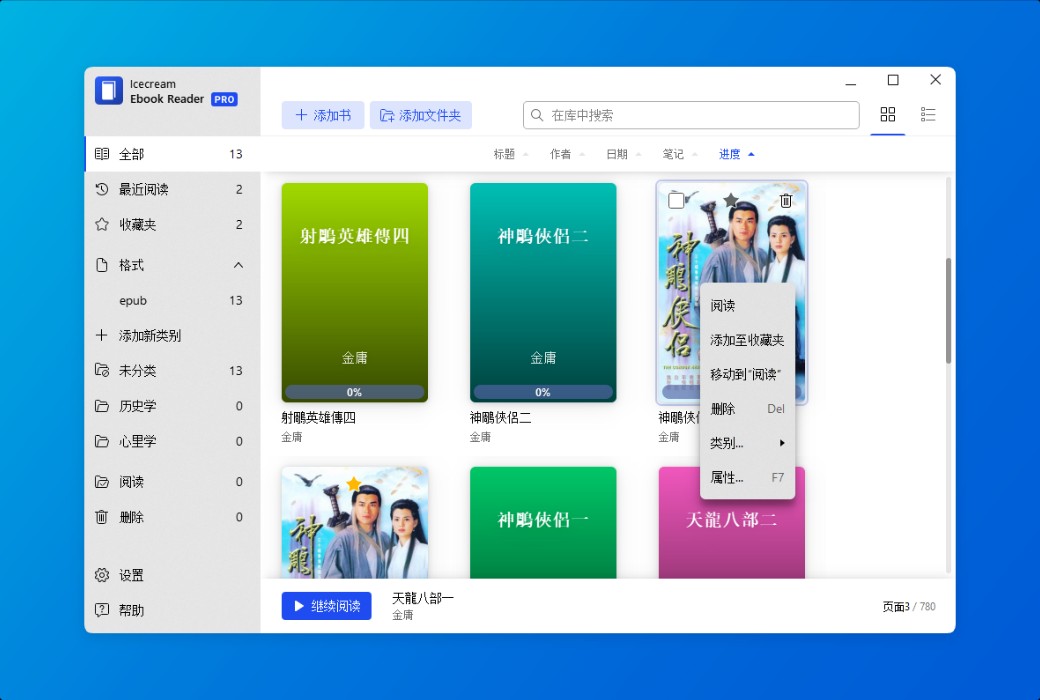
- Create your digital library
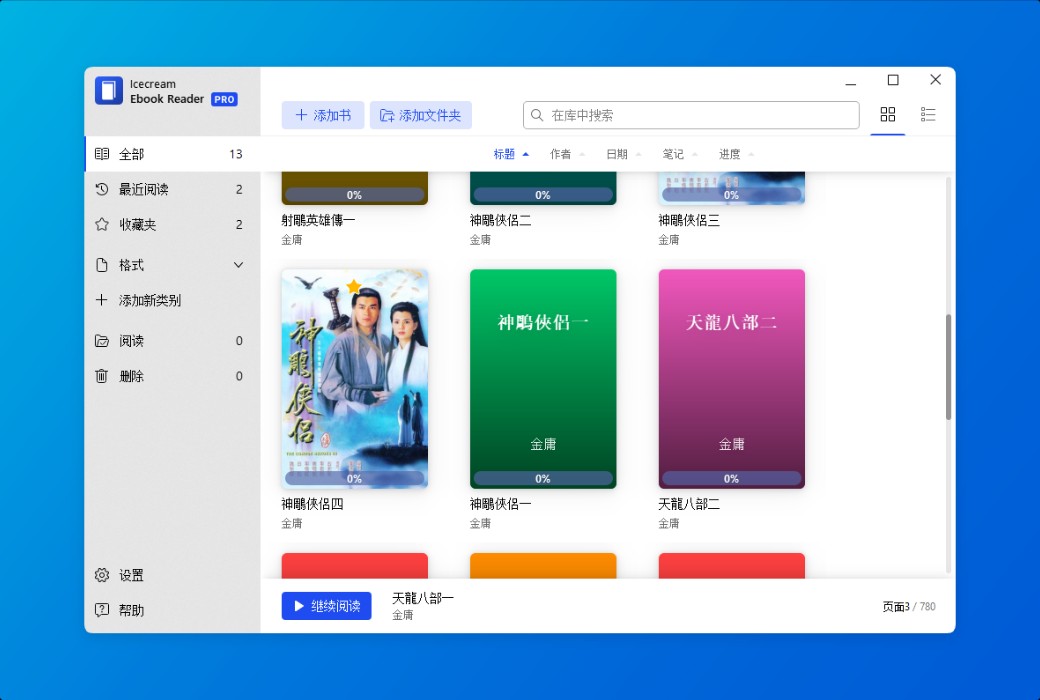
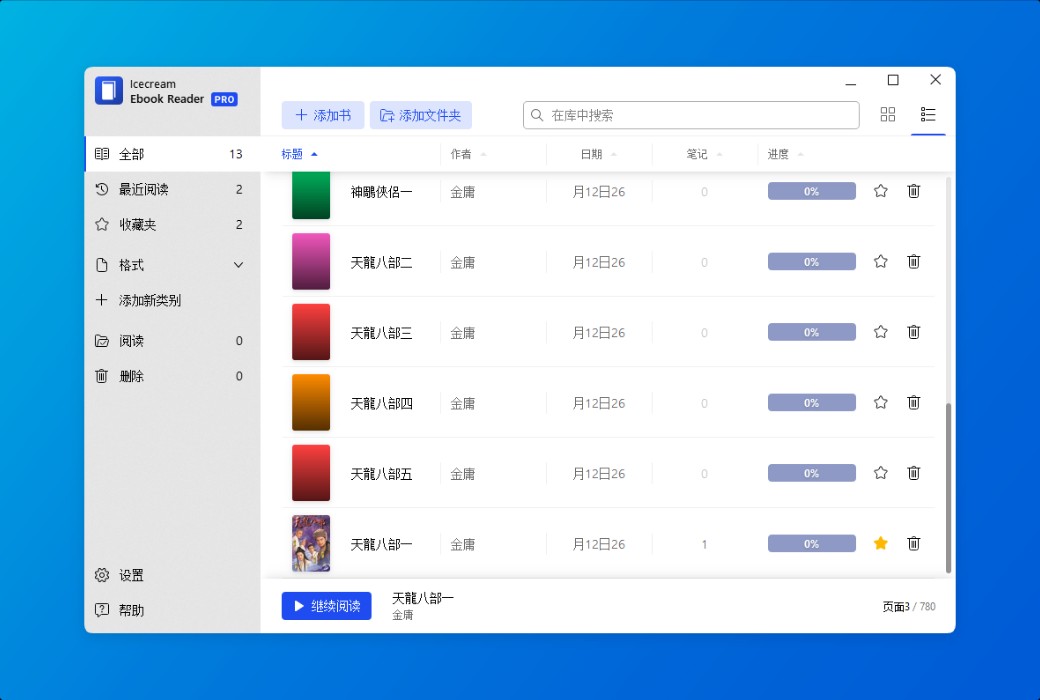
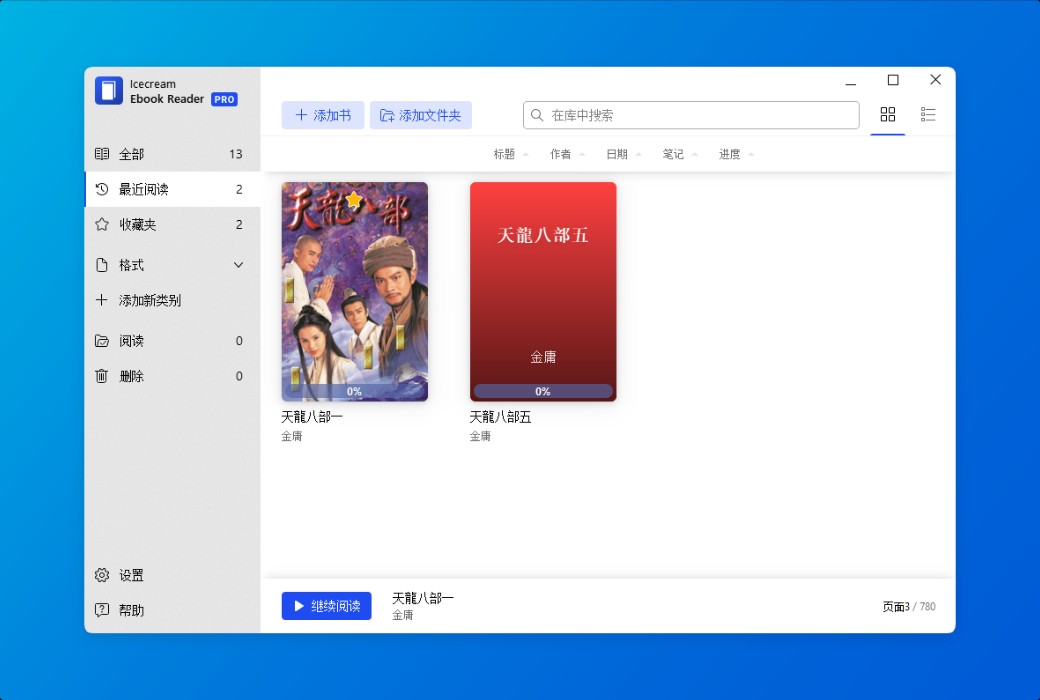
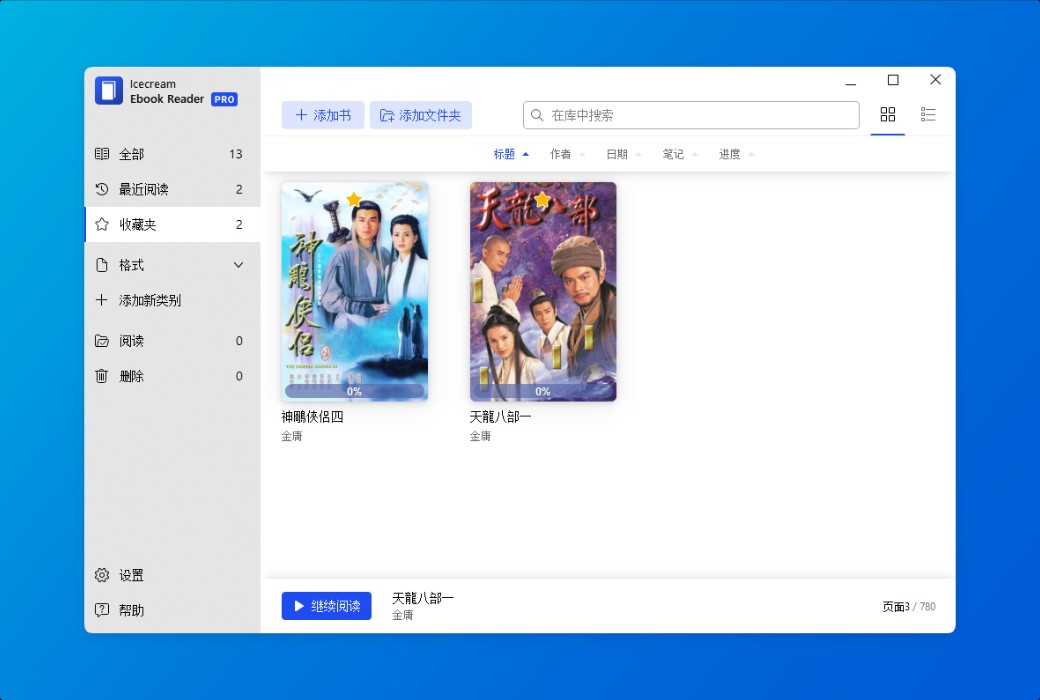
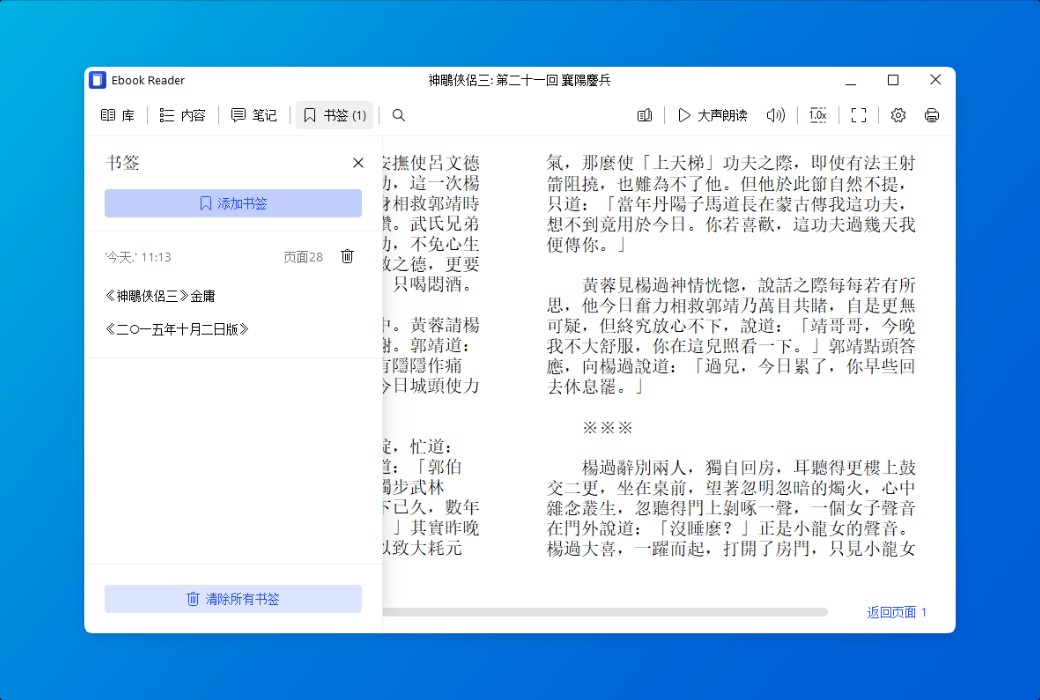
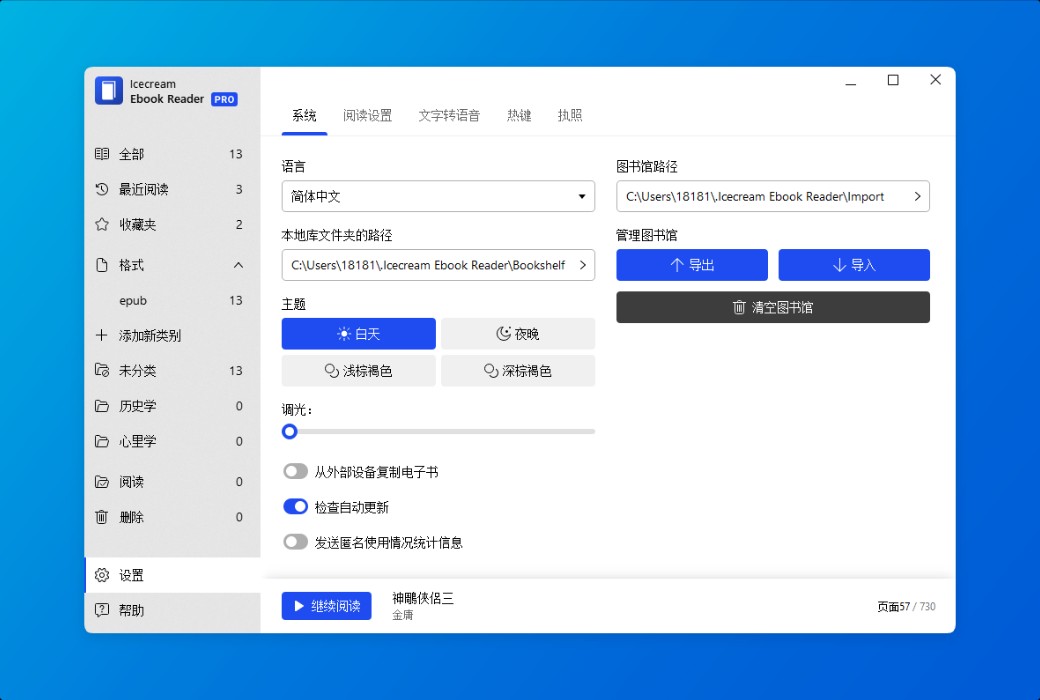
Unlimited addition of books to e-book readers, categorization, bookmarking, and more. Search the library, track reading progress, use bookmarks, and more.
- Supports Windows 11/10
Our reader supports all mainstream Windows operating systems, including Windows 11. We strive to make it the perfect Windows 10 EPUB reader, even the best.
Features
- fullscreen mode
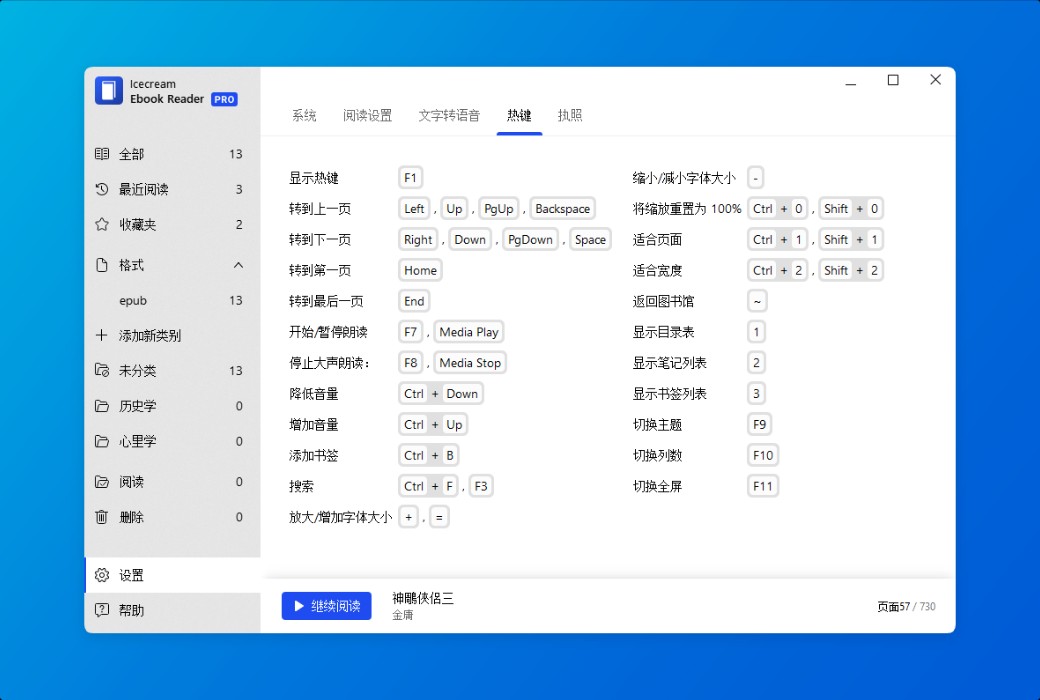
Make full use of your EPUB reader: Press F11 to immediately switch to full screen mode.
- text-to-speech
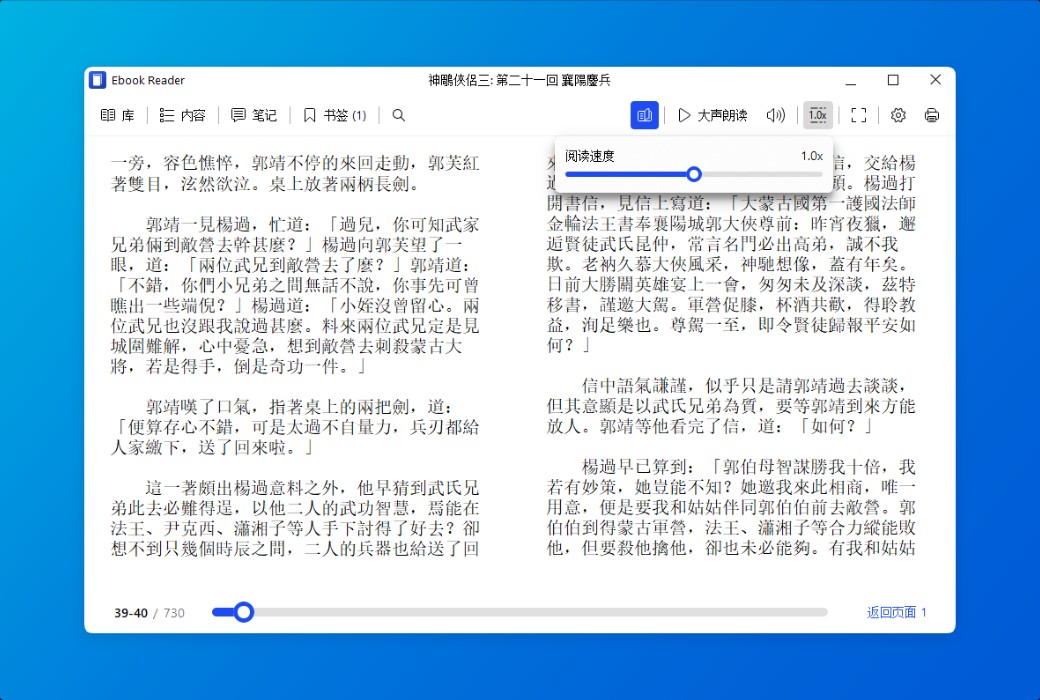
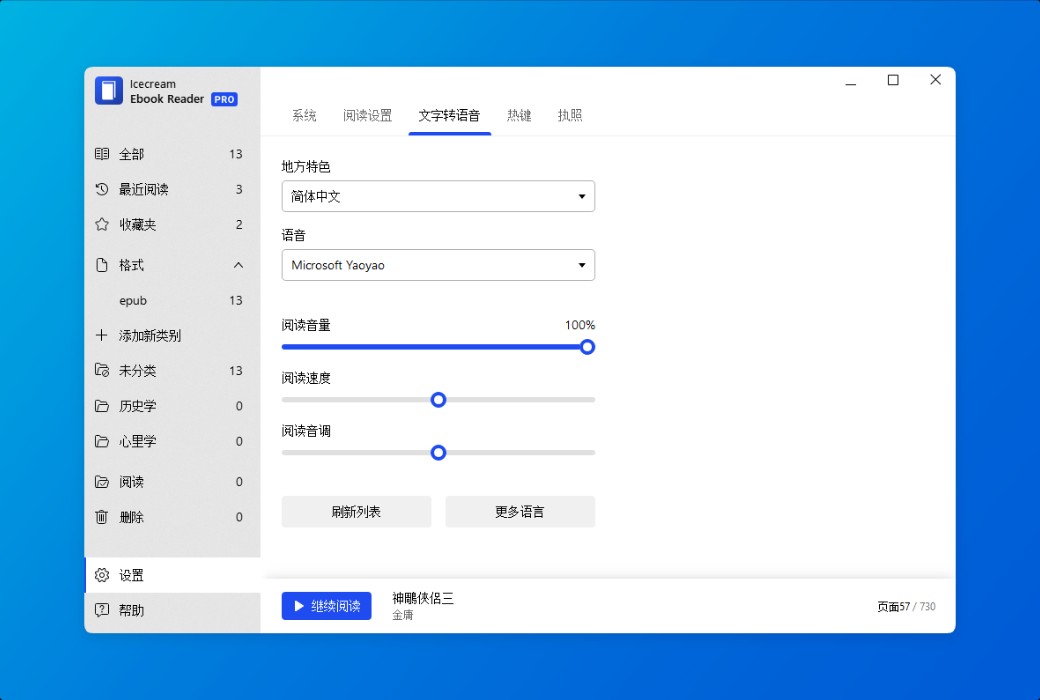
Our reader can convert the text of any e-book into speech and read it aloud for you. According to your system settings, you can choose different voices.
- E-book search
I won't get lost in e-books. Use the intelligent search function within the book to quickly find the desired content through text or page numbers.
- Dark Reading Mode
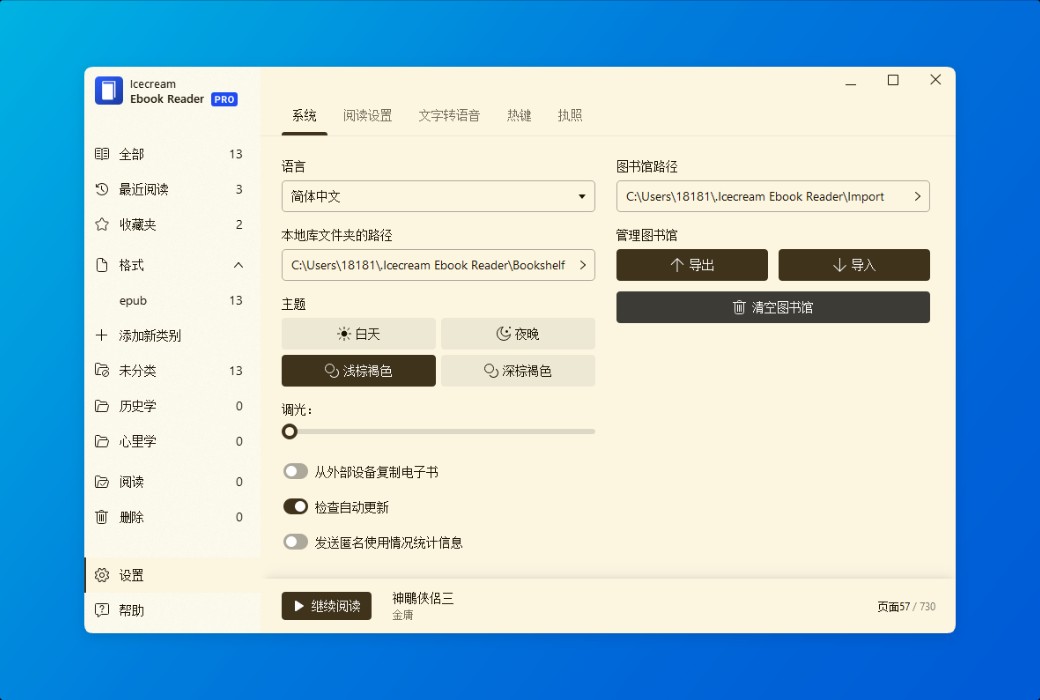
Even in dim light, reading and taking notes should be enjoyable. Therefore, we have carefully designed the night mode of the EPUB reader.
- Copy, translate, Google search
Quickly select e-book text, copy it to the clipboard, translate it, or search on Google or Wikipedia.
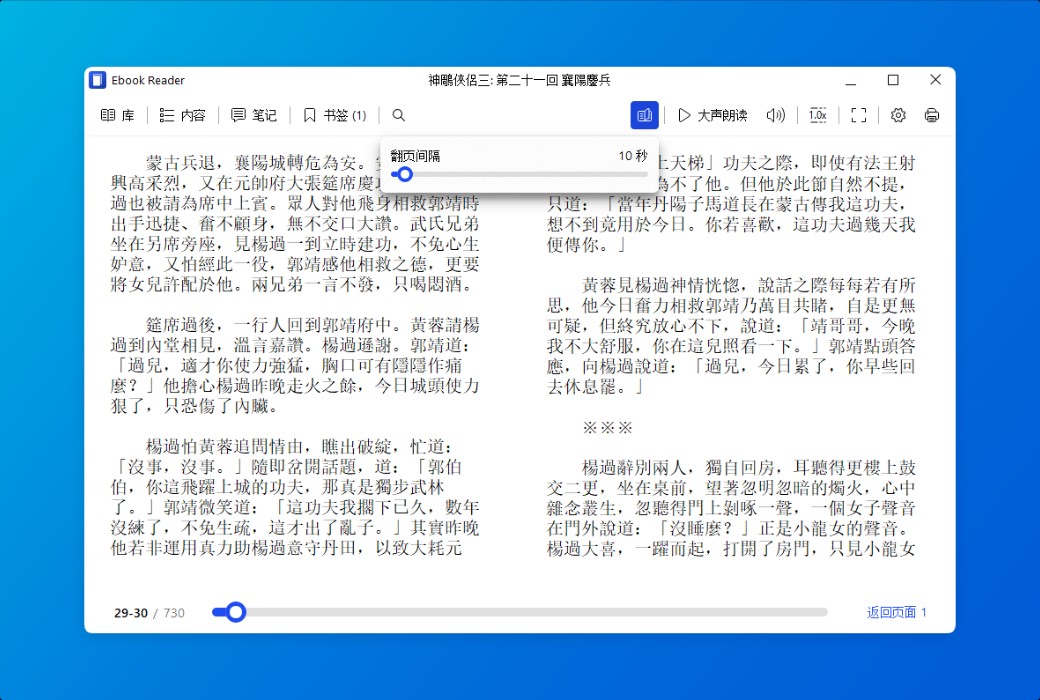
- custom layout
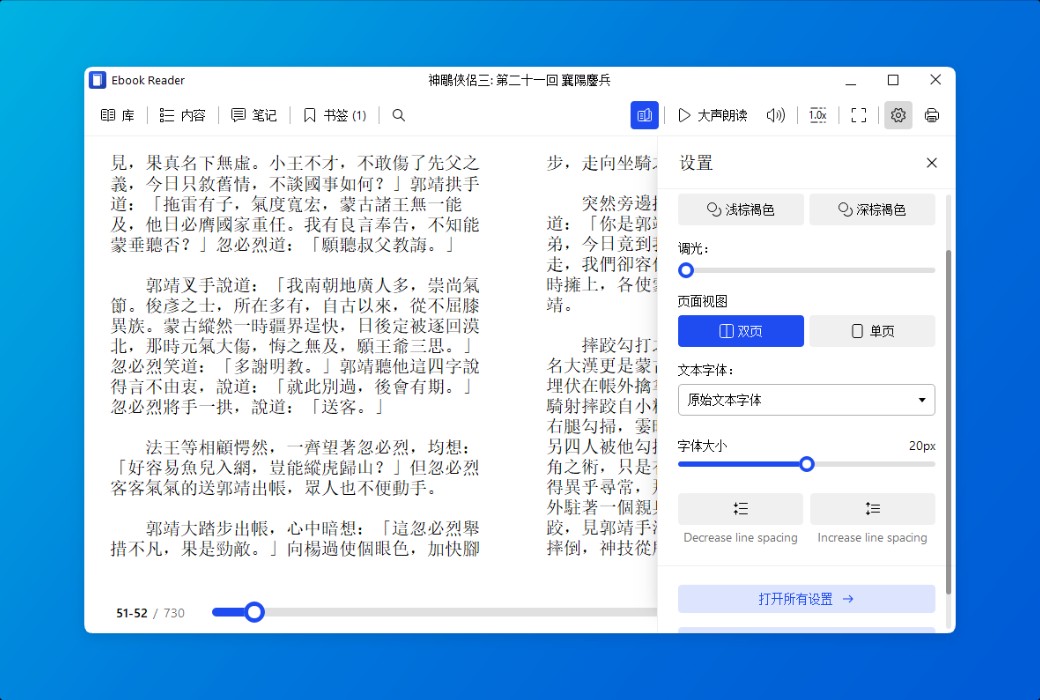
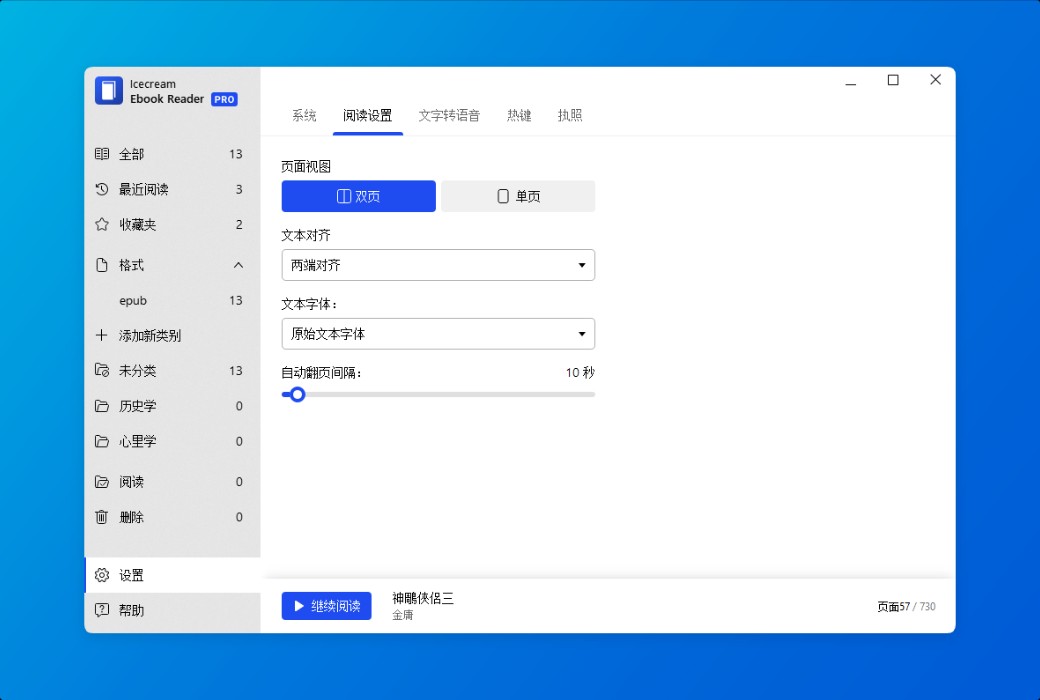
Adjust the font, size, and line spacing as needed. Set dual page or single page text layout.