A native, versatile, multi platform, and aesthetically pleasing SSH terminal tool
As a senior developer and operations personnel, I have tried numerous SSH tools, and today I strongly recommend this domestic SSH terminal tool - IShell. It adopts native development and stands out with its fast opening speed, high performance, high aesthetics, and free features!
IShell is a native cross platform SSH terminal tool that integrates SFTP, traffic monitoring, multi host operation, local terminal, ZModem, cloud scripting marketplace, SSH tunneling, and AI functions.
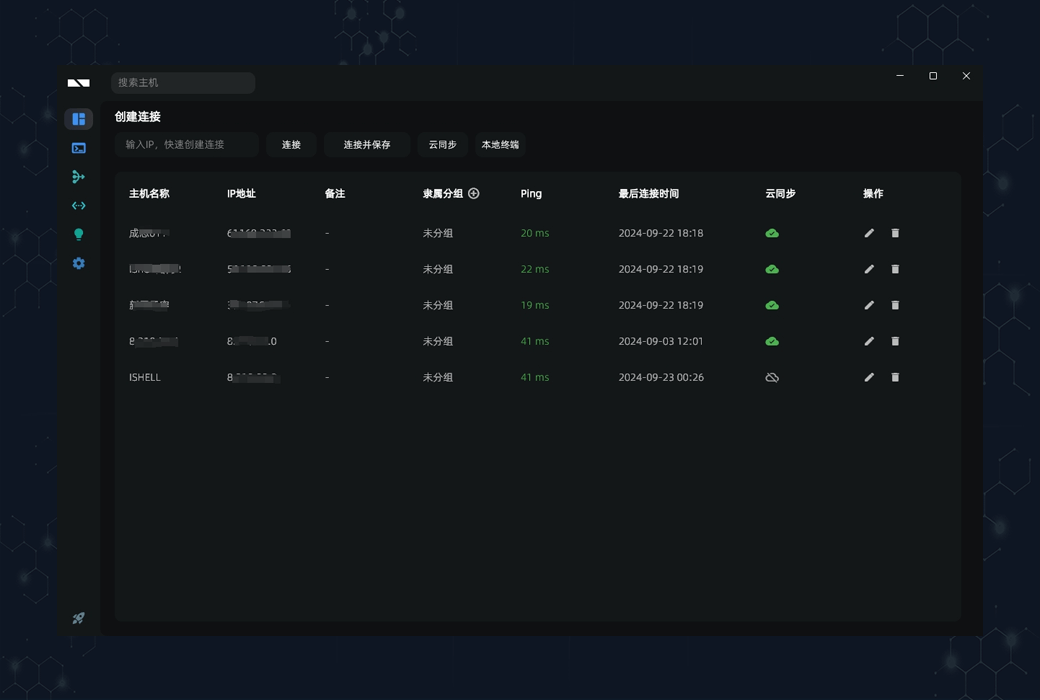
Host List
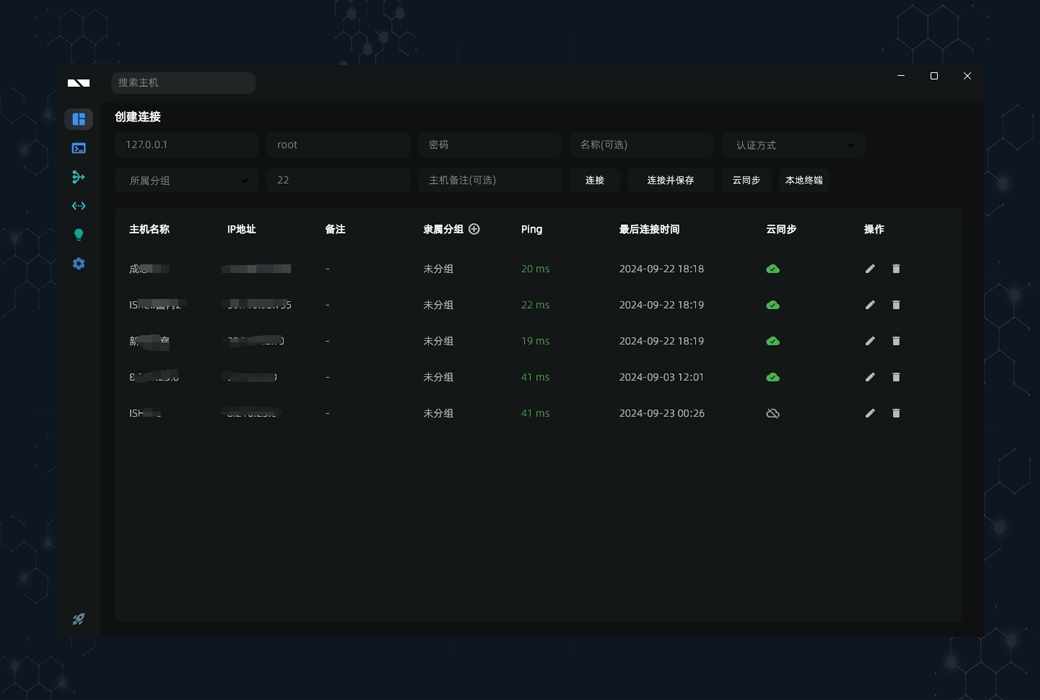
The host list interface of IShell is simple and intuitive, and you can quickly connect by entering your IP address. After entering the IP, more connection options will be expanded:
Supports multiple connection methods such as passwords, certificates, keyboards, etc. All hosts support cloud synchronization to ensure data security.
terminal
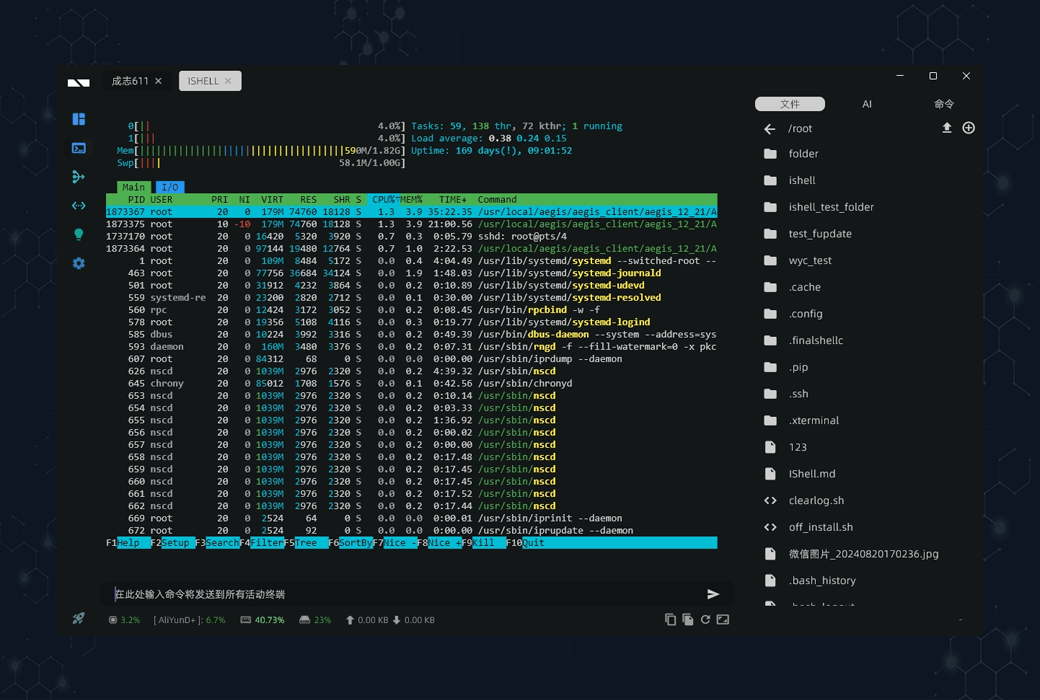
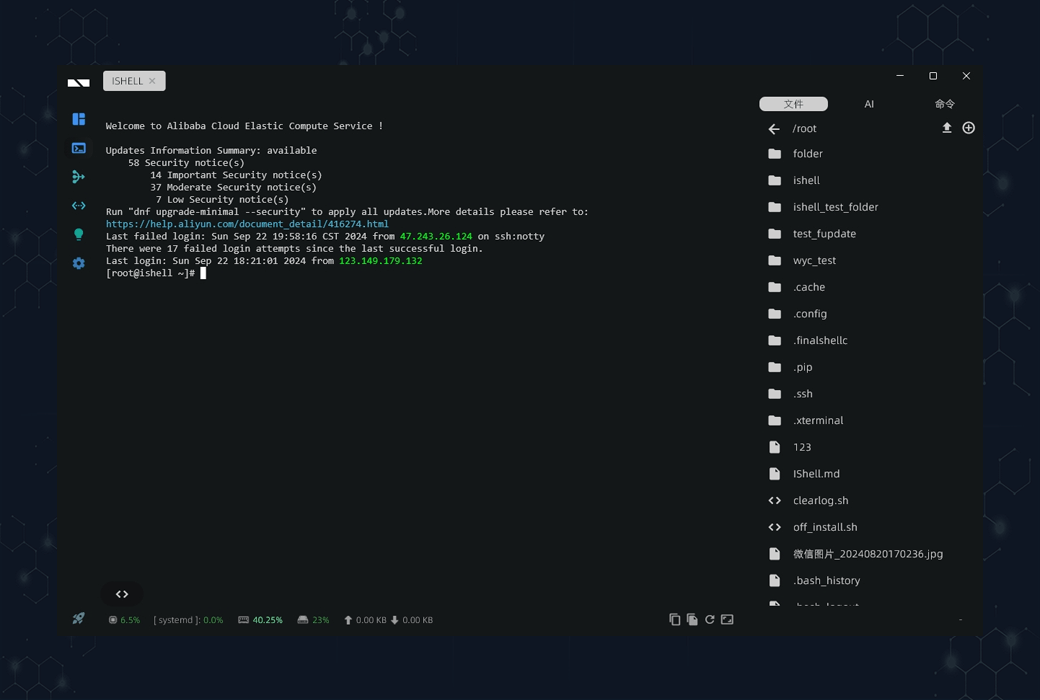
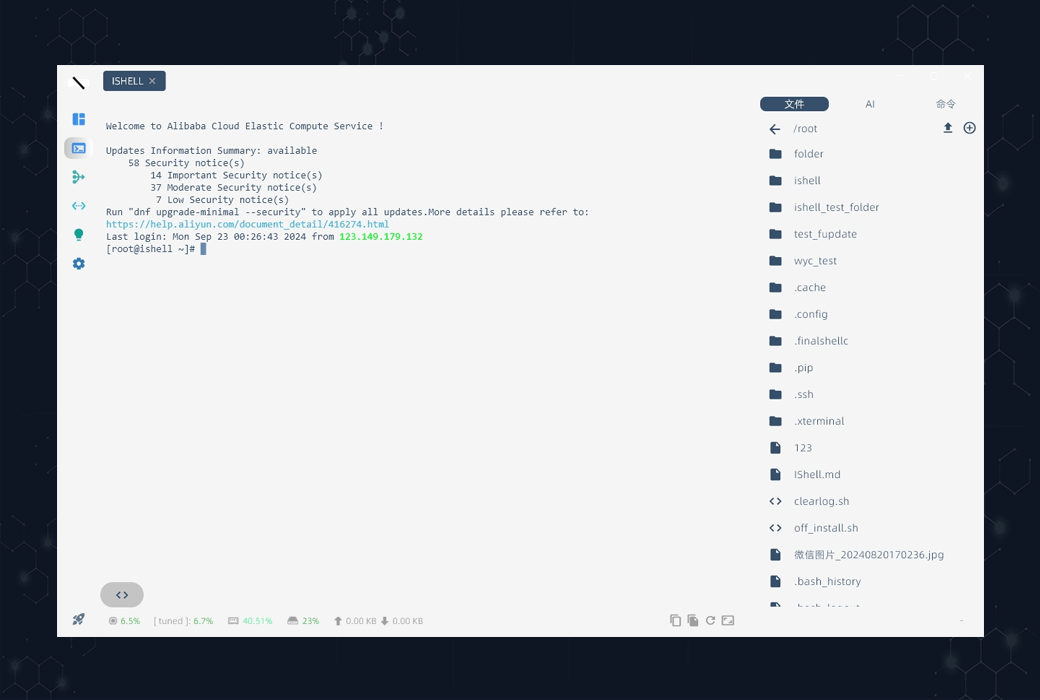
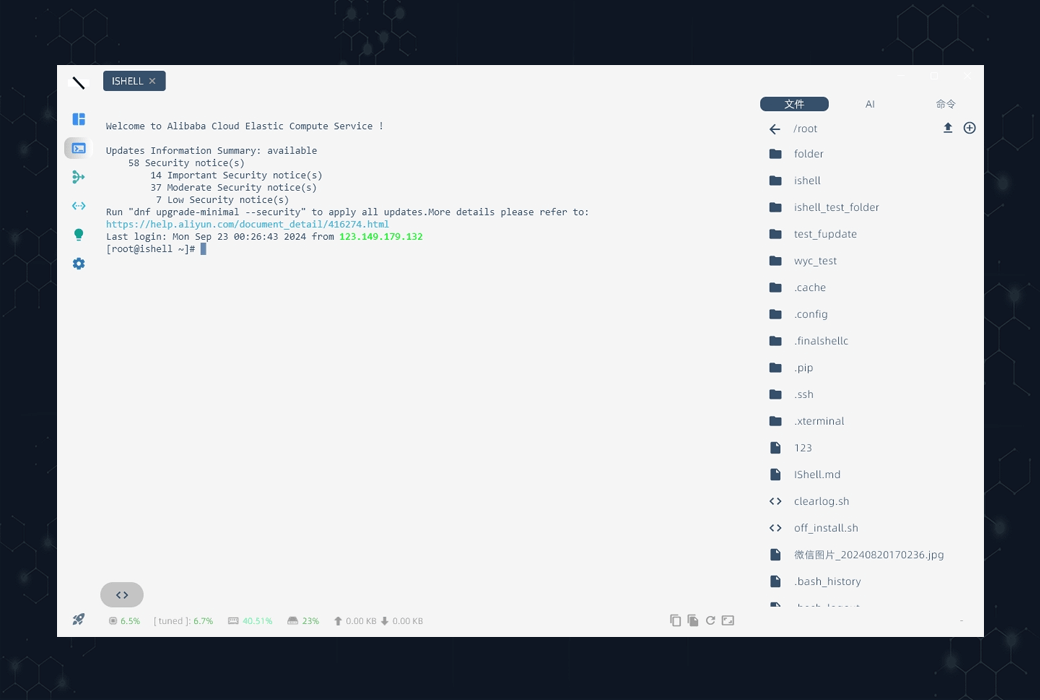
The terminal interface of IShell adopts a left-right split screen mode, with the terminal area on the left and the file, AI, and command areas on the right, with multiple built-in themes for switching.
Terminal area function:
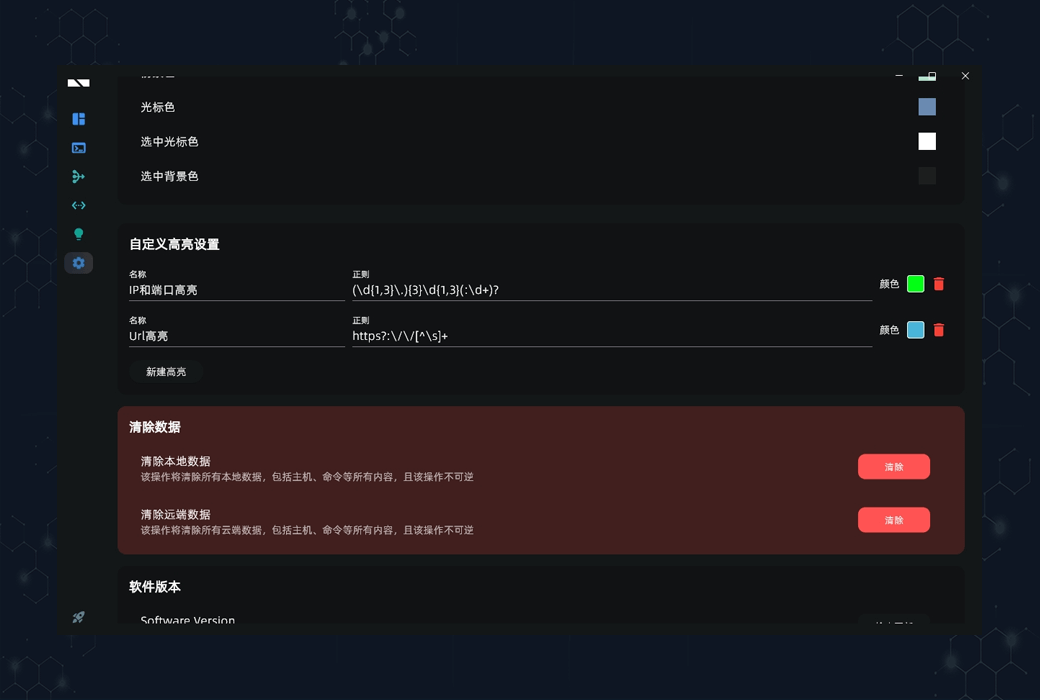
- Custom Highlighting
- Simultaneous execution of instructions on multiple servers
- CPU and memory information monitoring
- Large file search
- Traffic monitoring
- AI analysis (customized Q&A or analysis of terminal content)
File area function:
- Drag and drop upload
- Online file editing
- Upload and download files/folders
- Automatic synchronization of directory and terminal path
- Rename, delete, create and other operations
AI Zone Function:
- 70B Large Model
- Support Q&A, such as installing Python, etc
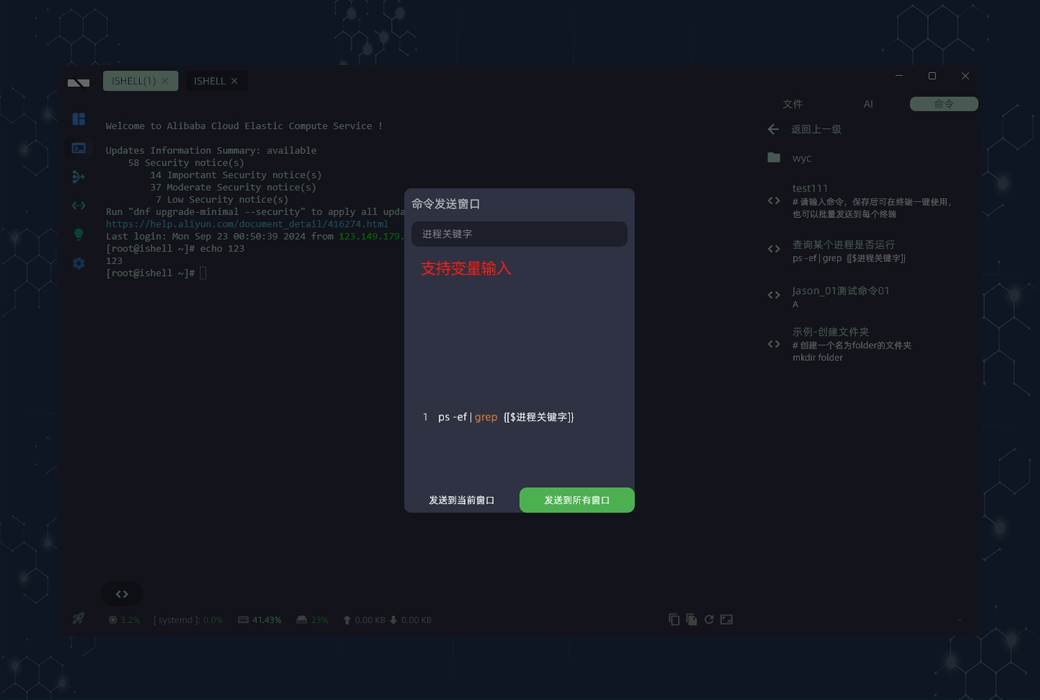
Command area function:
- Command one click execution
- Send commands to the current or all terminals
- Select the content in the terminal and click on the AI option. The AI will automatically analyze and provide answers, making it highly practical and playable.
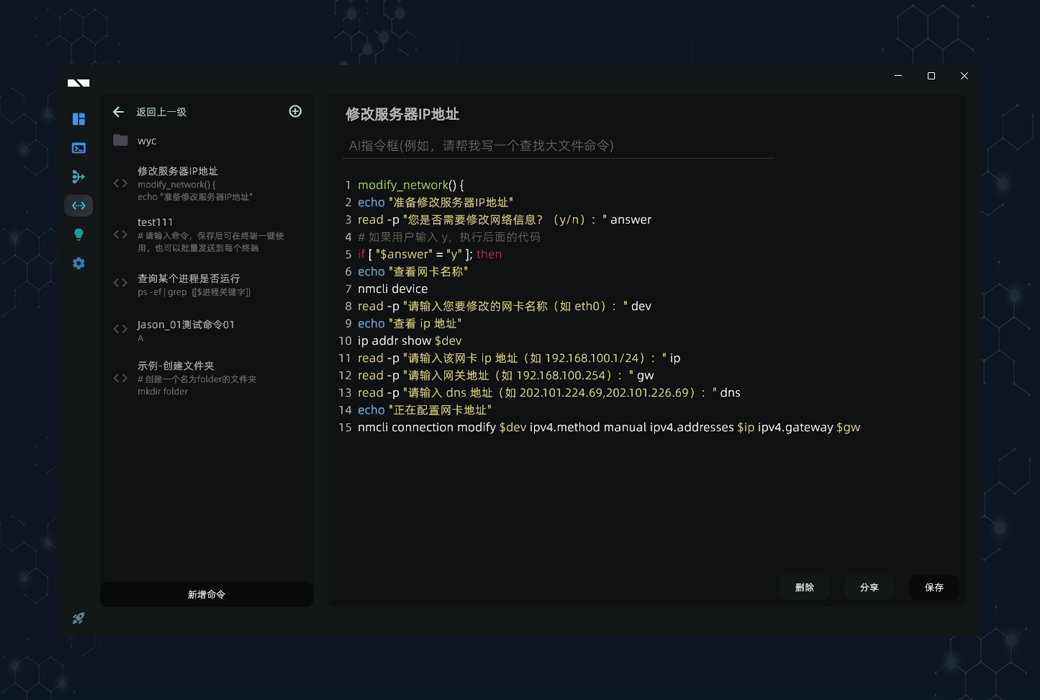
Quick Command
- Quick commands also support AI functions, such as writing commands to search for large files or turn off firewalls, supporting command grouping, variables, and AI automatic command writing.
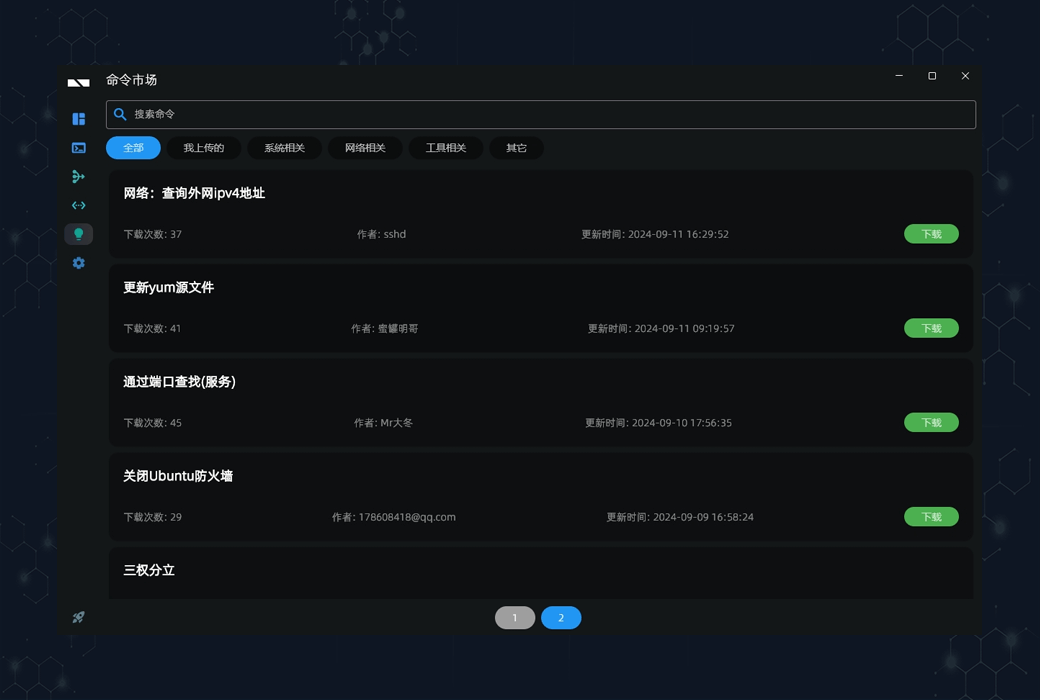
- IShell has a built-in command marketplace where useful commands can be downloaded or shared.
SSH tunnel
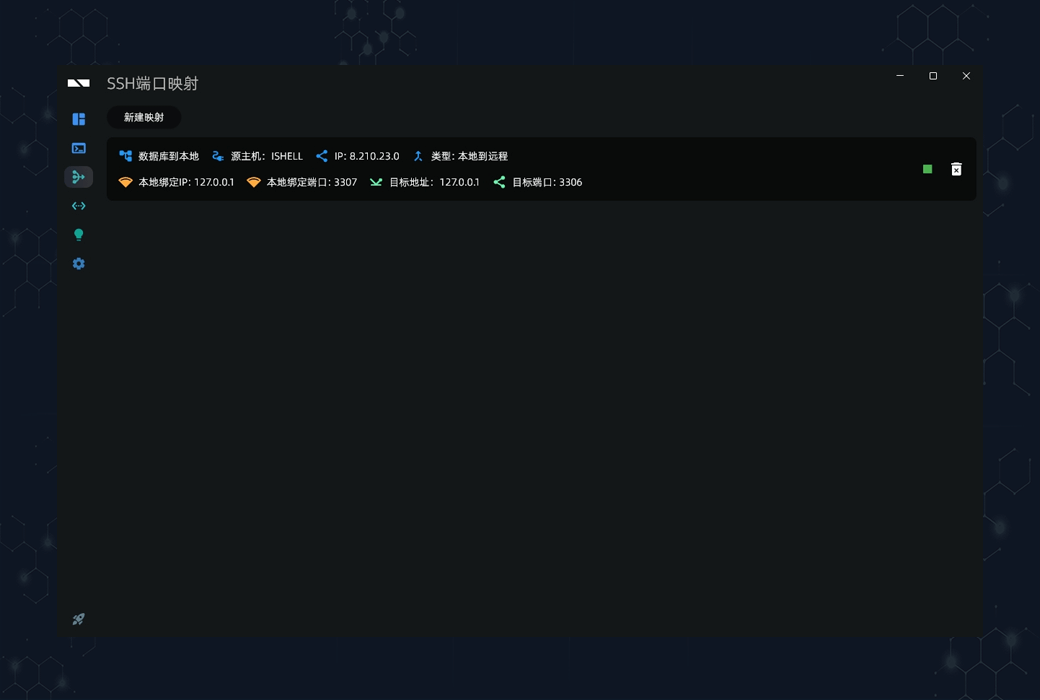
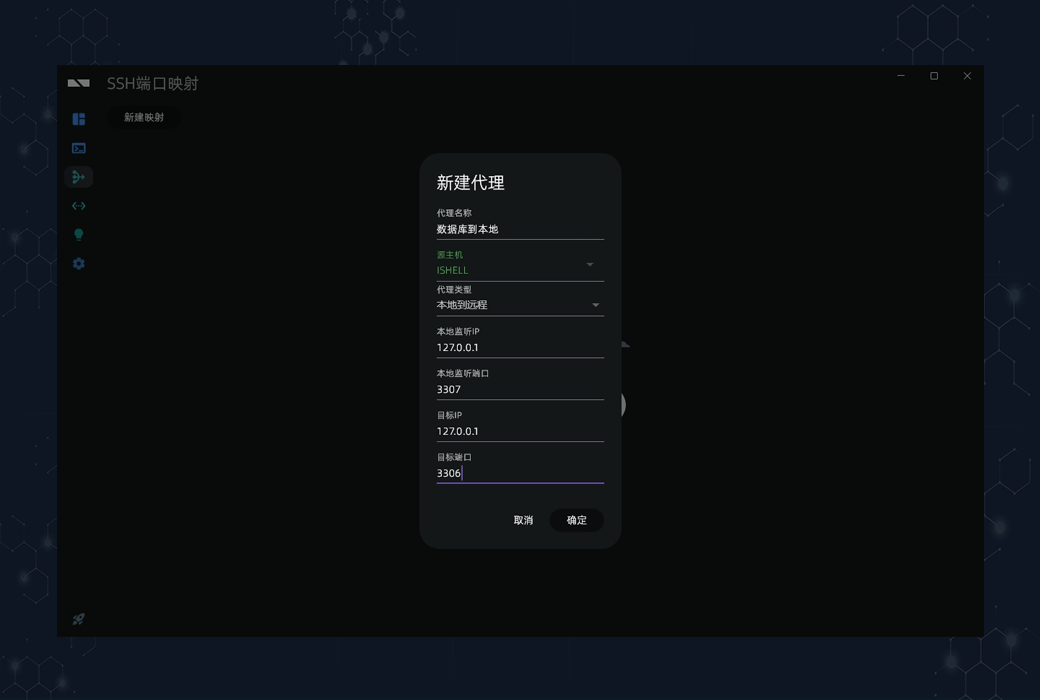
- The SSH tunneling function is practical and can map the port of the source host to the local, making it easy to access websites or databases.
good-looking
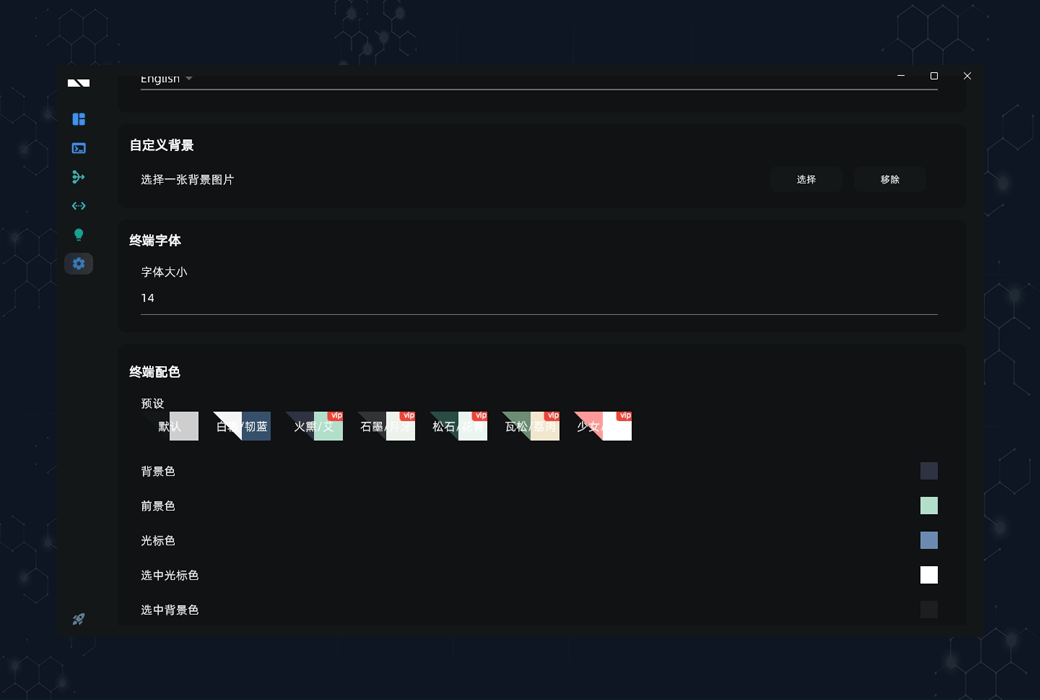
- IShell supports custom backgrounds and highlighting, with multiple built-in themes that are both aesthetically pleasing and practical.
Free&& amp; subscribe
IShell basic functions are free, while AI (with free credit), cloud synchronization, custom backgrounds, and more require payment. The note taking function is about to be launched.
The development team promises long-term investment, rapid iteration and updates, and replies to user feedback within 24 hours.