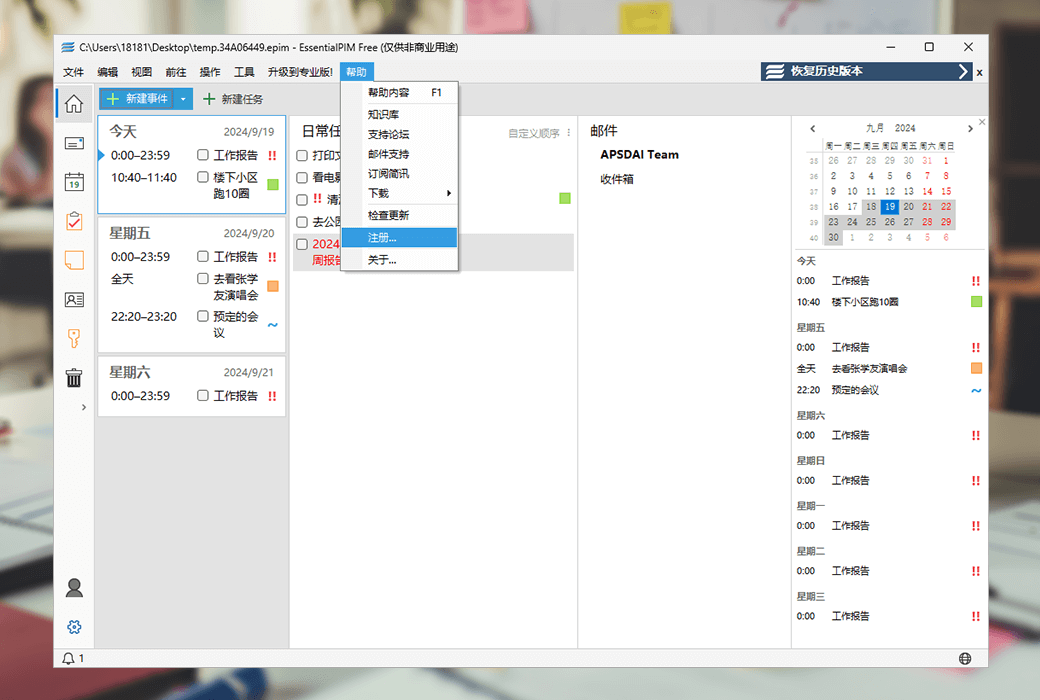
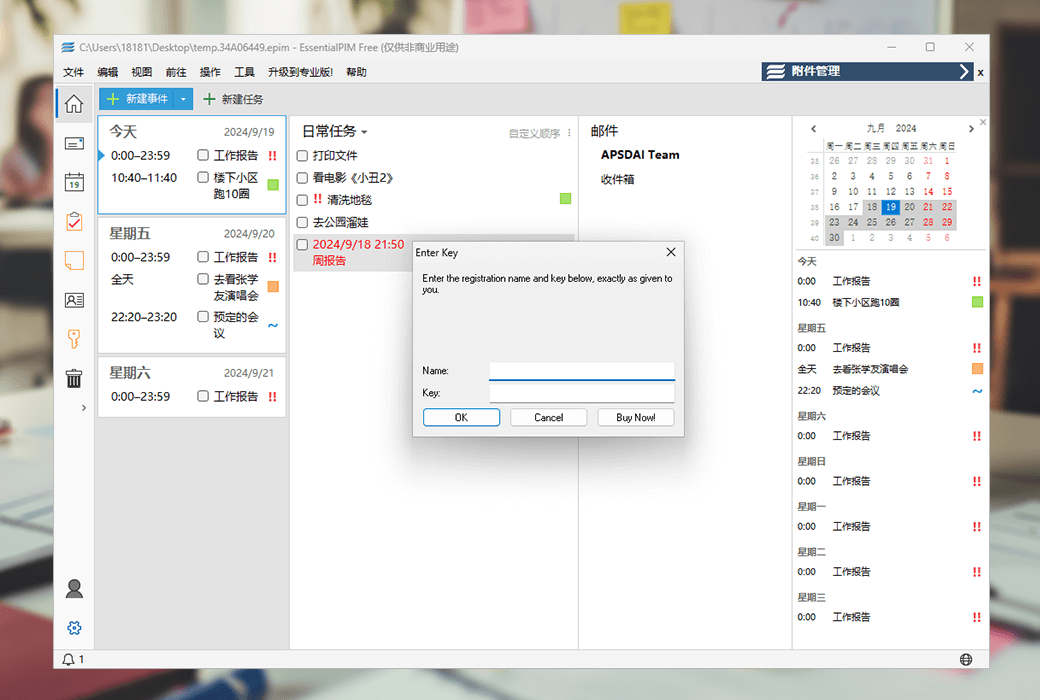

Nowadays, email and schedule management tools are crucial for both individuals and businesses. EssentialPIM, developed by Astonsoft Ltd., is a productivity application that has been optimized for many years. It not only provides a simple and efficient email client, but also a comprehensive task, calendar, note, contact, and password management tool.
7 core features to keep your work organized and well-organized
1. Today
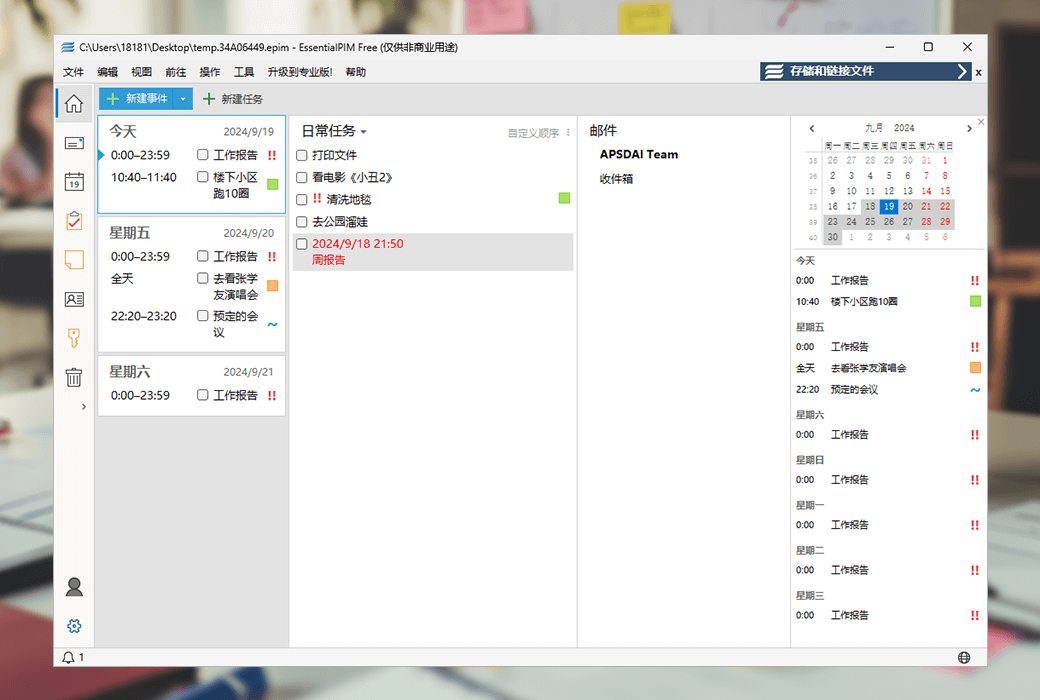
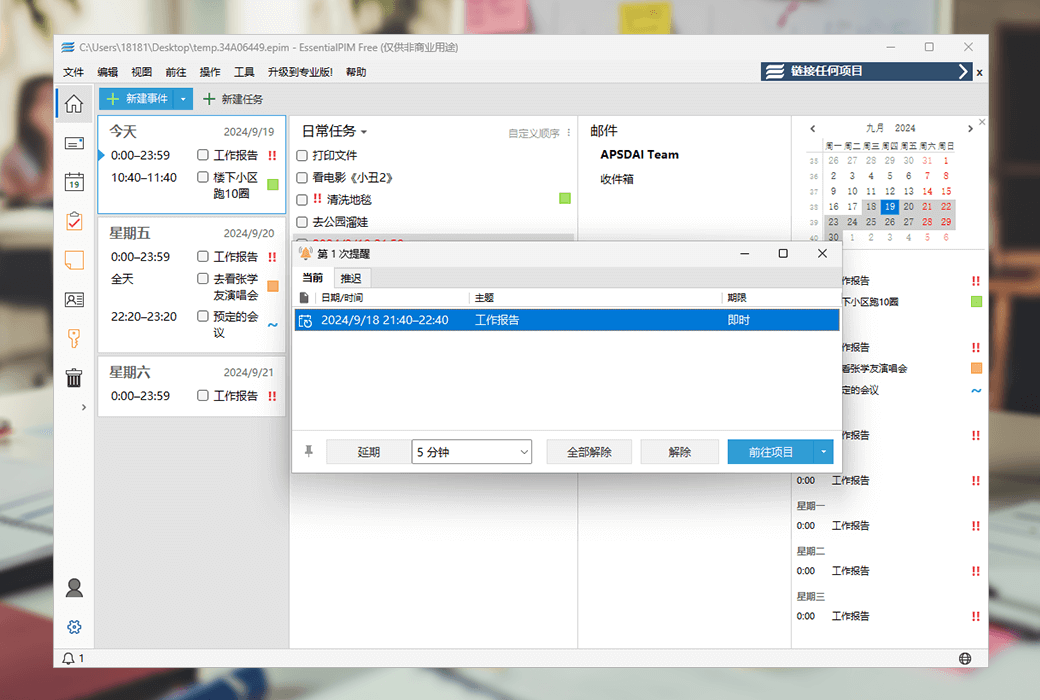
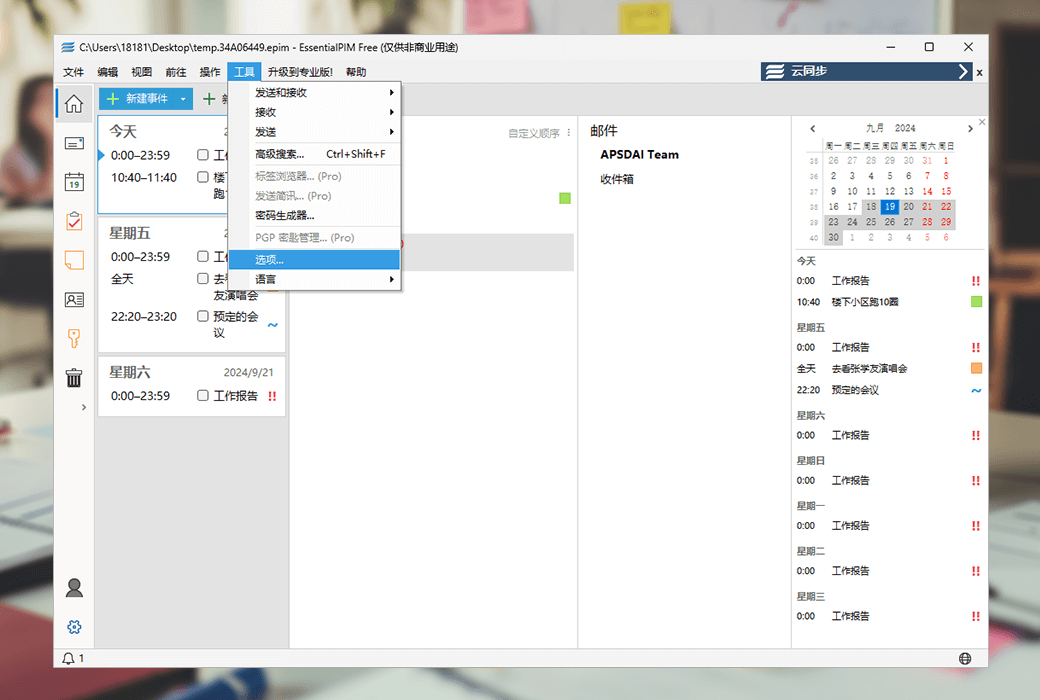
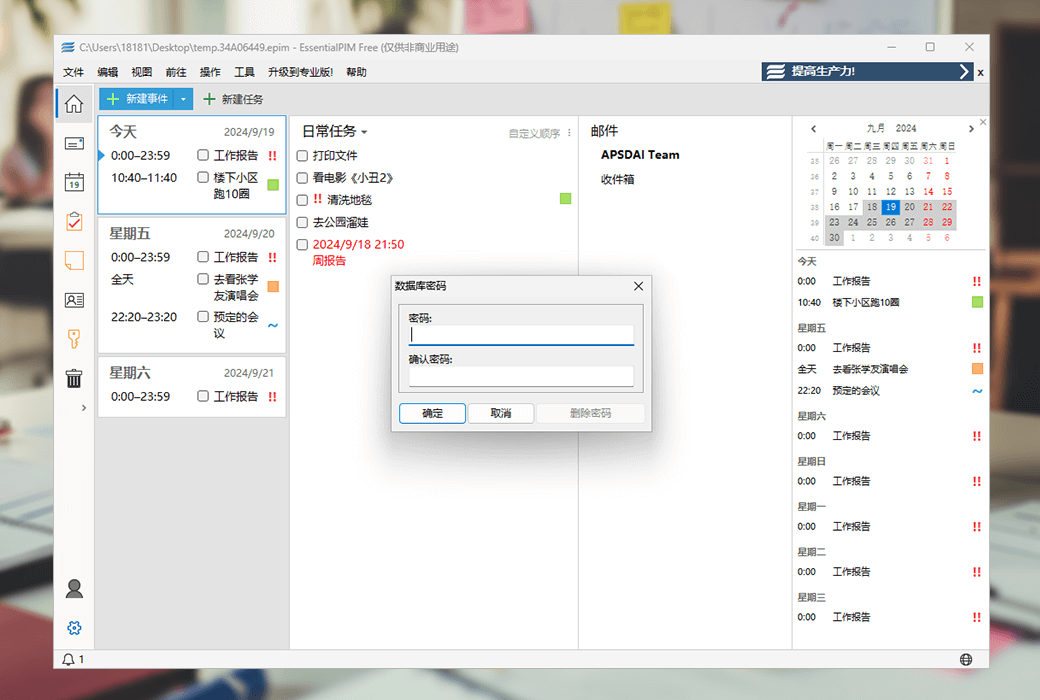
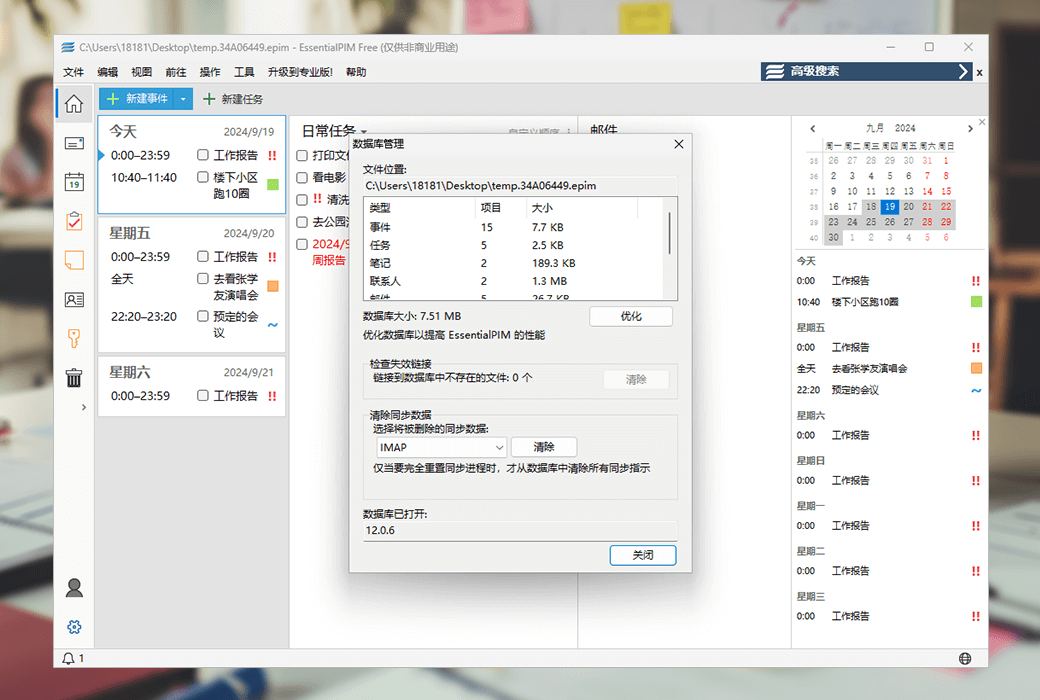
The EssentialPIM module today provides an overview of recent and upcoming appointments, tasks, and anniversaries. Aggregate and display data from other modules of EssentialPIM, presenting it to you from a medium to short-term perspective.
- calendar
Preview upcoming appointments for the selected category and never forget the plans for the next few days.
- task
Display the current task in your own way, including task sorting mode, grouped by start date and end date.
- mail
Select the key email folder and display the number of unread emails.
2. Email client
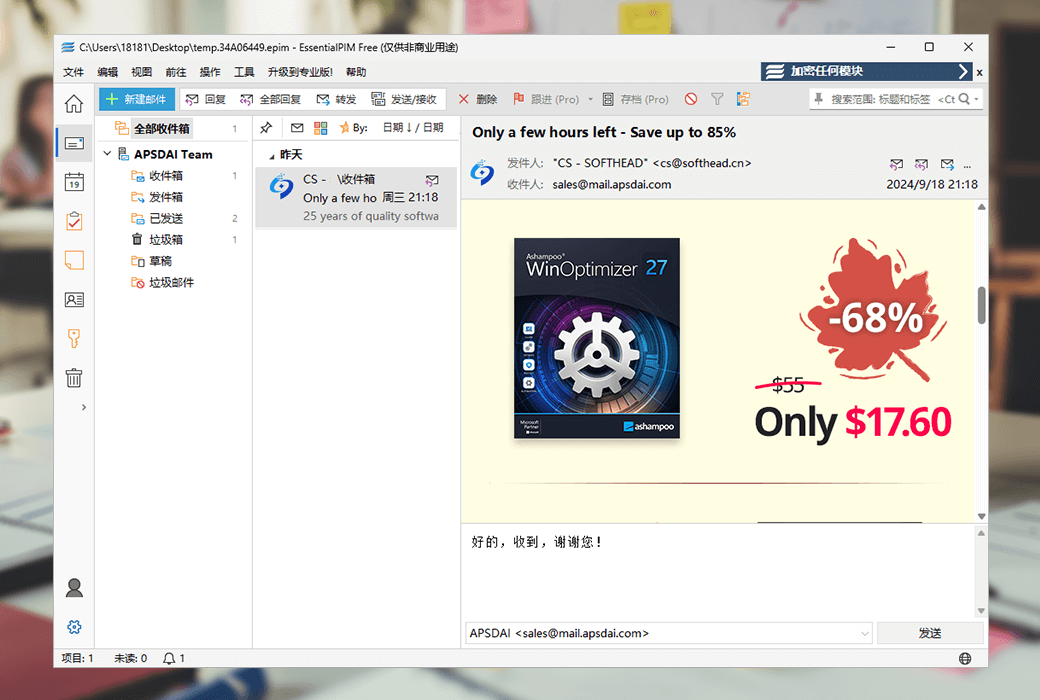
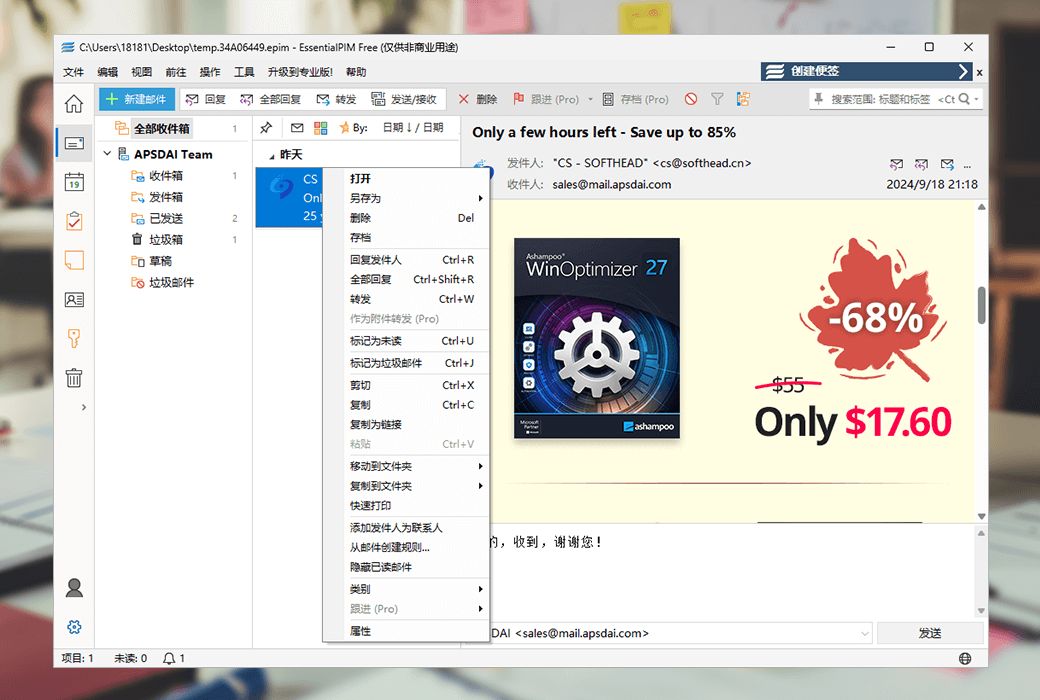
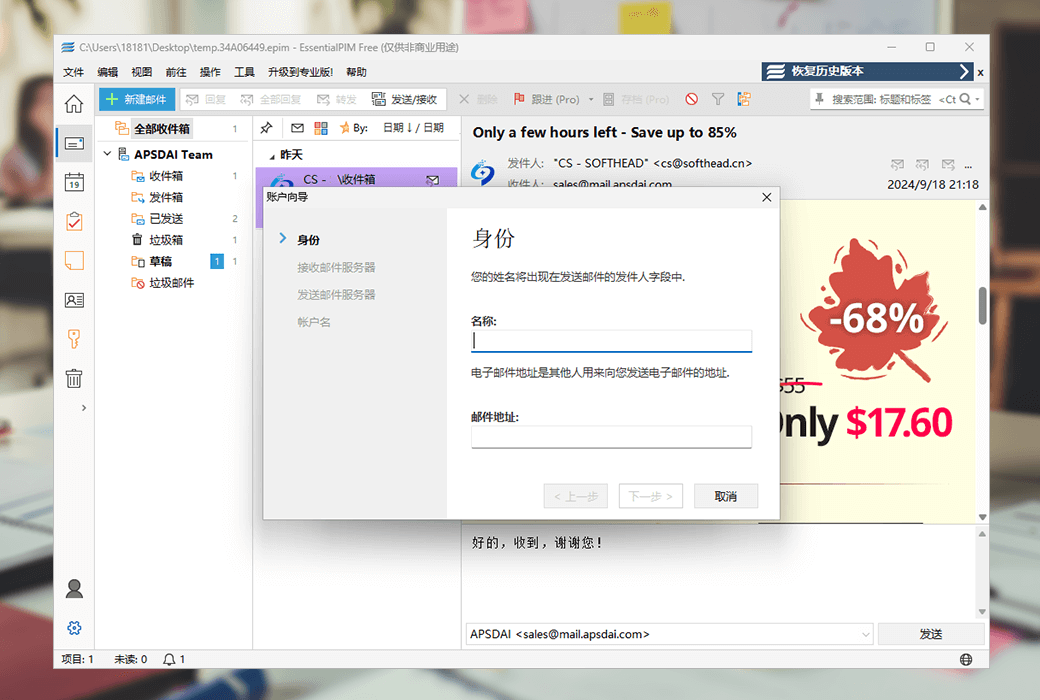
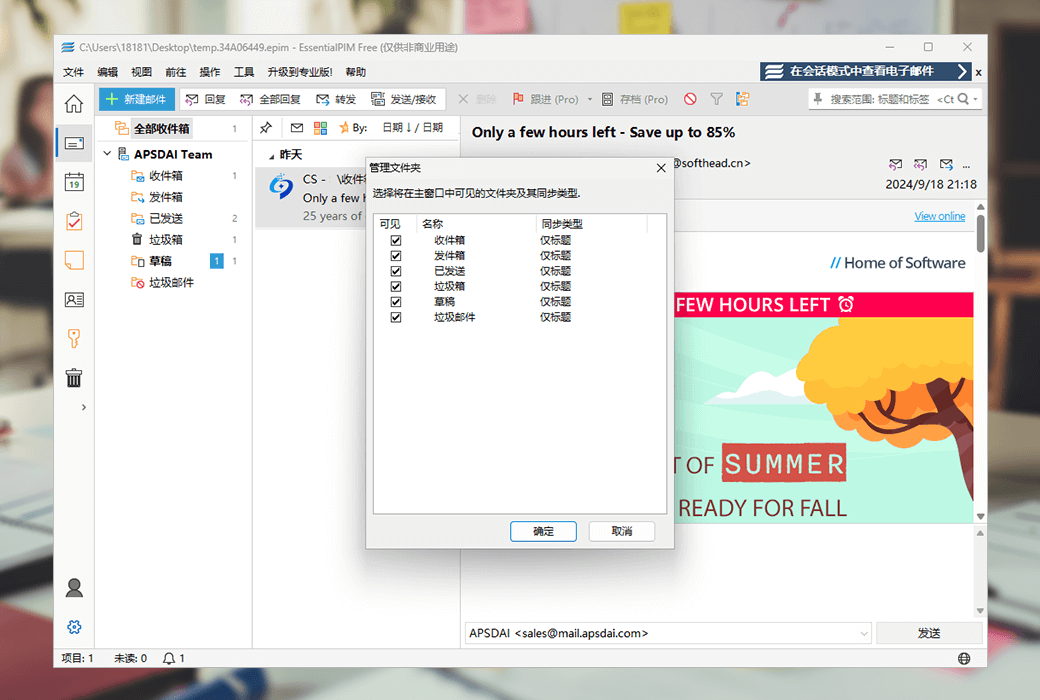
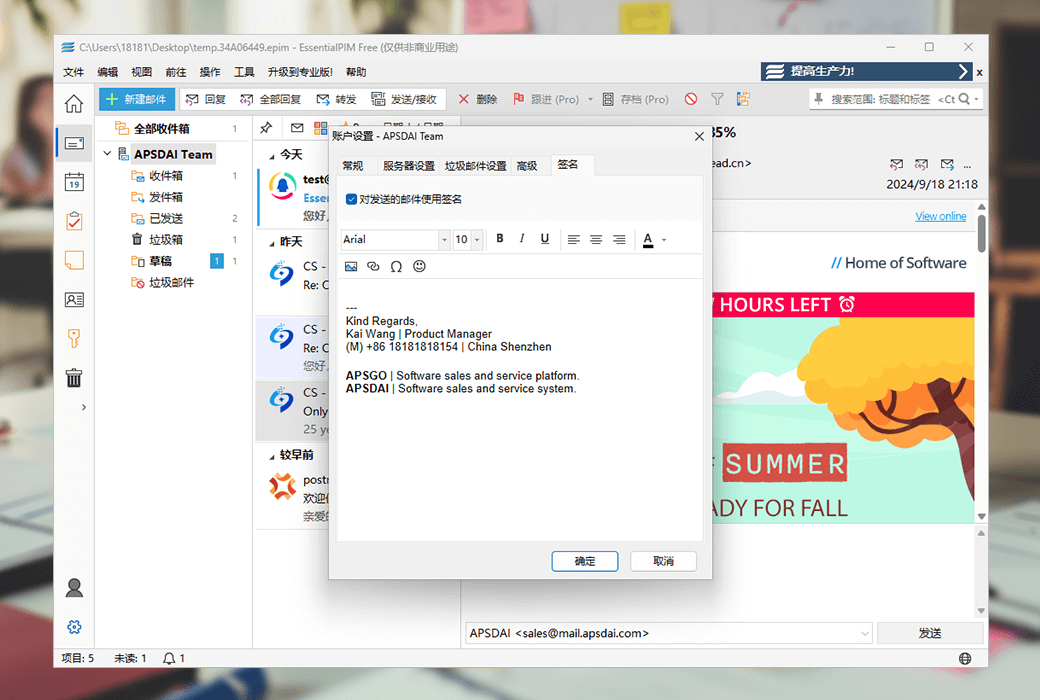
On Windows systems, EssentialPIM is the best choice for your email client, supporting all email technologies such as IMAP, Exchange, and POP3. It also provides complete PGP encryption support to protect your privacy. Can work online and offline.
- Group emails by thread or session
EssentialPIM will automatically group relevant emails through threads for you to fold or unfold. It is the preferred option for long conversations.
- PGP email encryption
All outbound emails can be automatically encrypted and signed to decrypt inbound PGP encrypted emails in automatic mode.
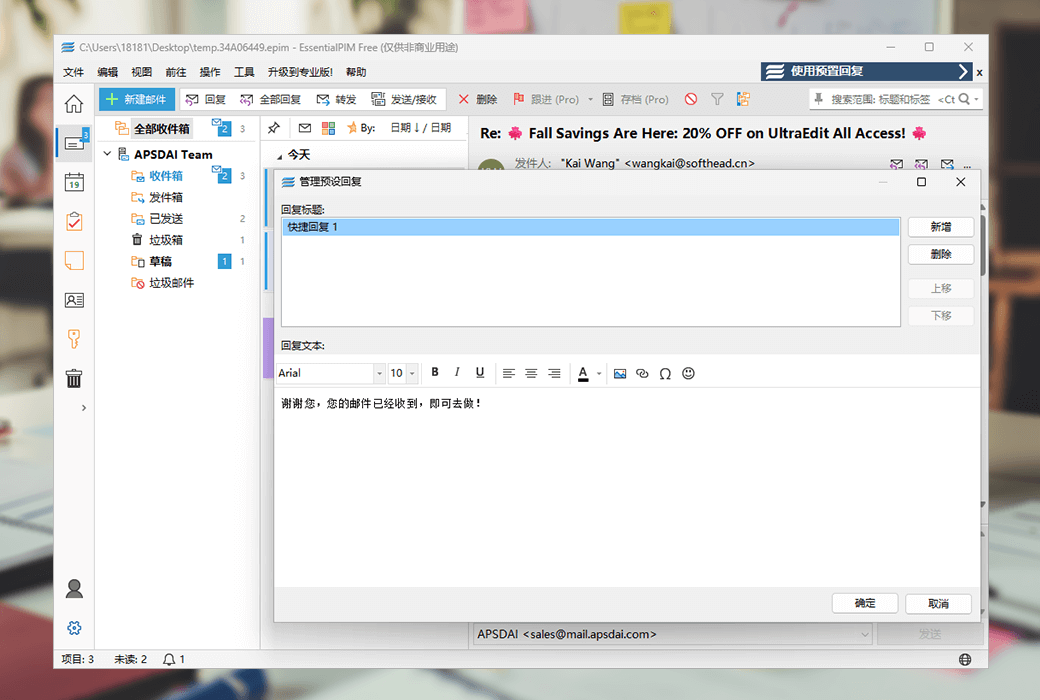
- Create and insert text snippets into emails
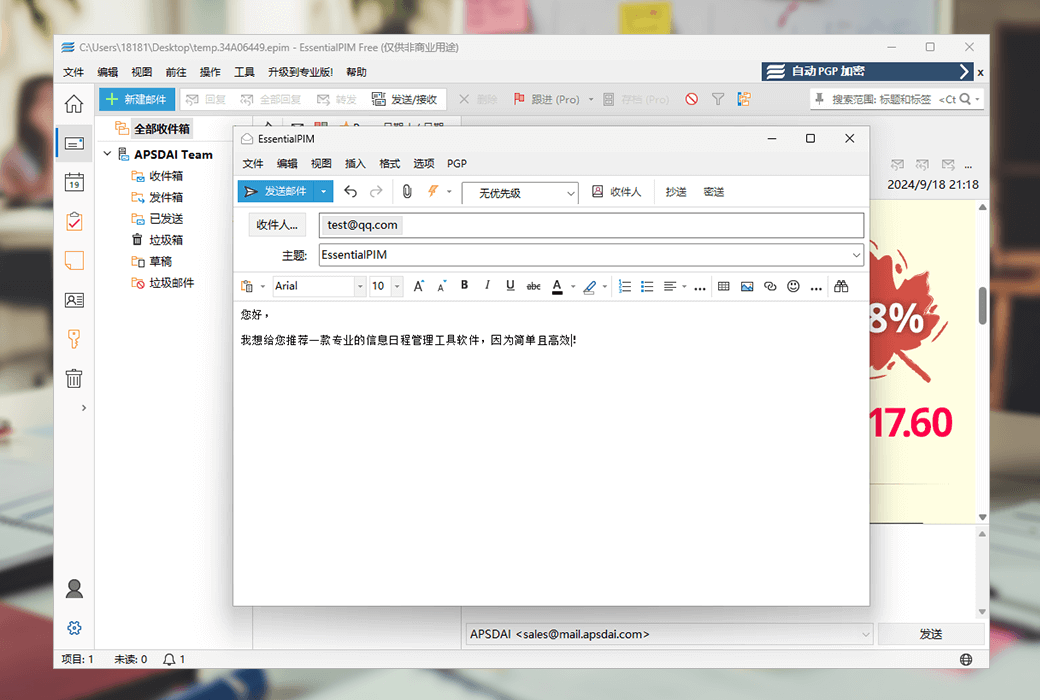
Allowing you to quickly prepare and insert text snippets (canned replies) into emails is the perfect tool for quick replies.
- Quick reply box
Simplify the process of creating replies. The quick reply box is always available for your use in front of you.
- Garbage filtering
The adaptive garbage filtering function of EssentialPIM can self learn garbage detection methods through your actions.
- Email Template
Create and use email templates to quickly and effectively process emails.
3. Calendar
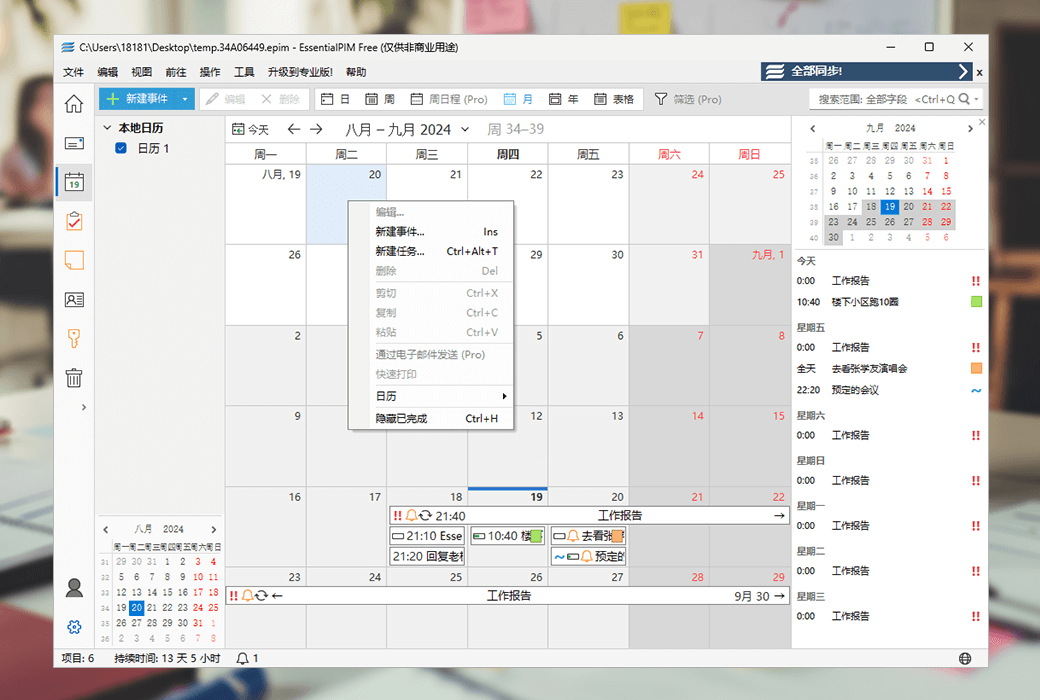
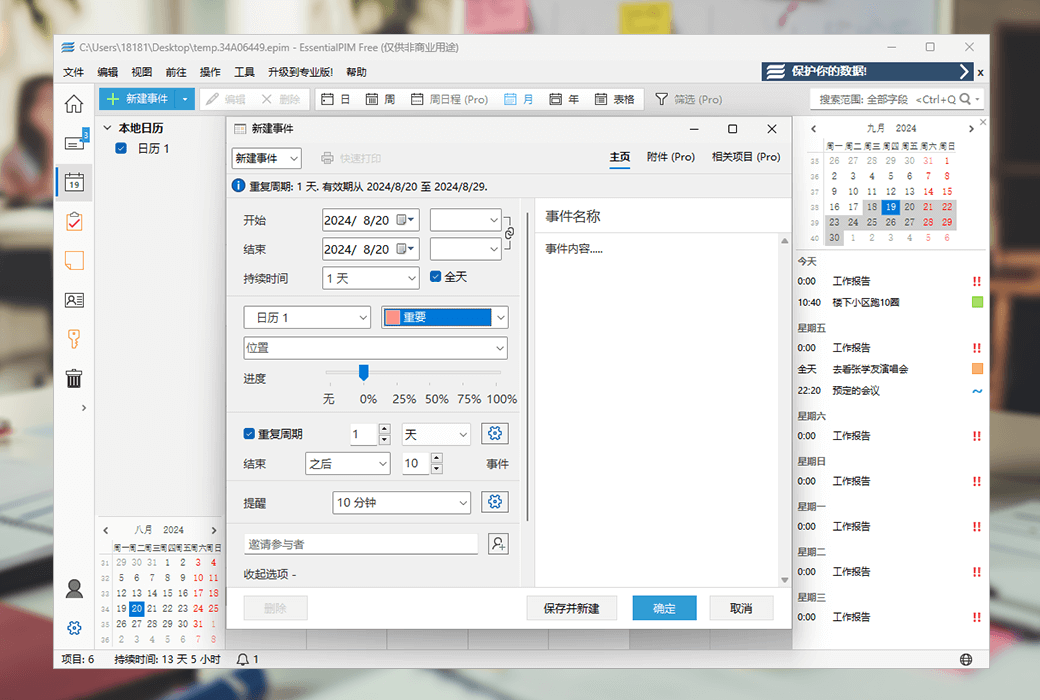
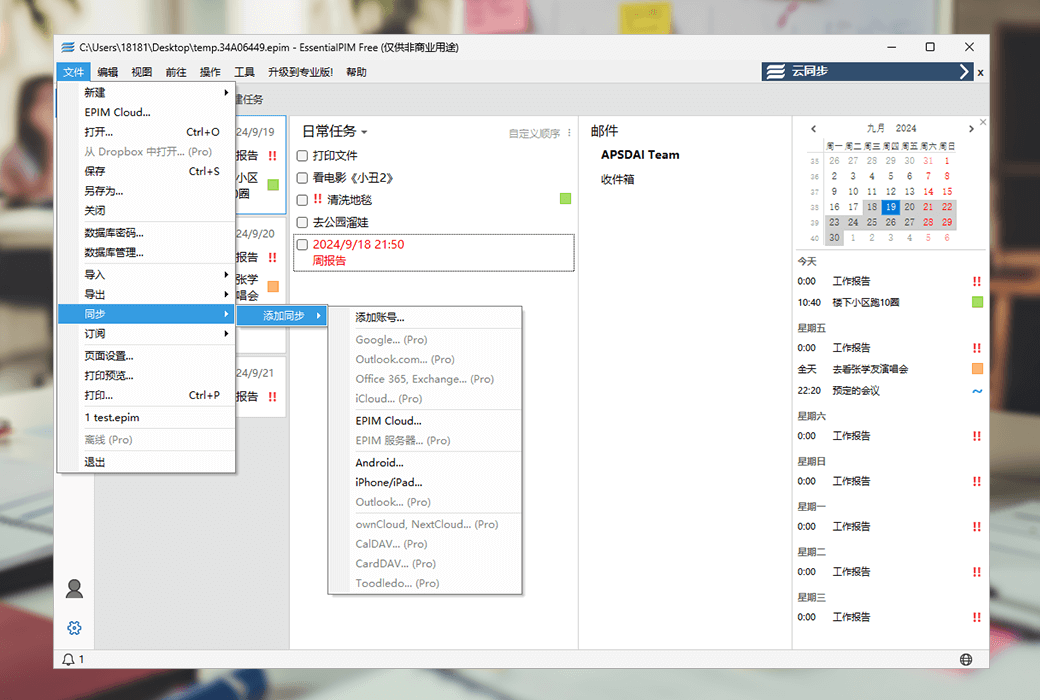
EssentialPIM's calendar feature provides you with the ability to plan and manage your events in a colorful and highly customizable framework EssentialPIM ensures that your data is properly synchronized and accessible to mainstream cloud services such as Google, iCloud, Office 365, Nextcloud, etc.
- Task bar on calendar
Summarize tasks in the sidebar to ensure you don't make mistakes on important tasks!
- Template
Pre filled templates with data allow you to create similar events with two keys.
- Calendar view adjustable
Change the number of visible days, weeks, months, custom work weeks, and times.
- Subscribe to online calendar
You can subscribe to an unlimited number of self updating online calendars (such as iCal)
- Exclusive 'Weekly Agenda' View
Schedule from a new perspective. A brand new view scheduled for one week.
4. Task planning
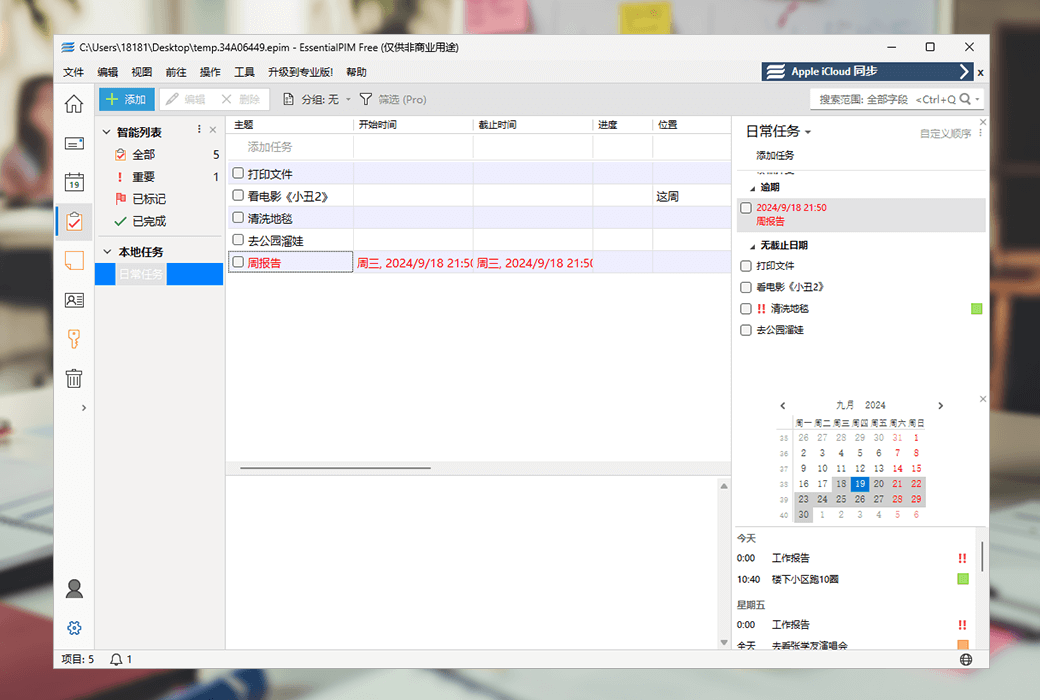
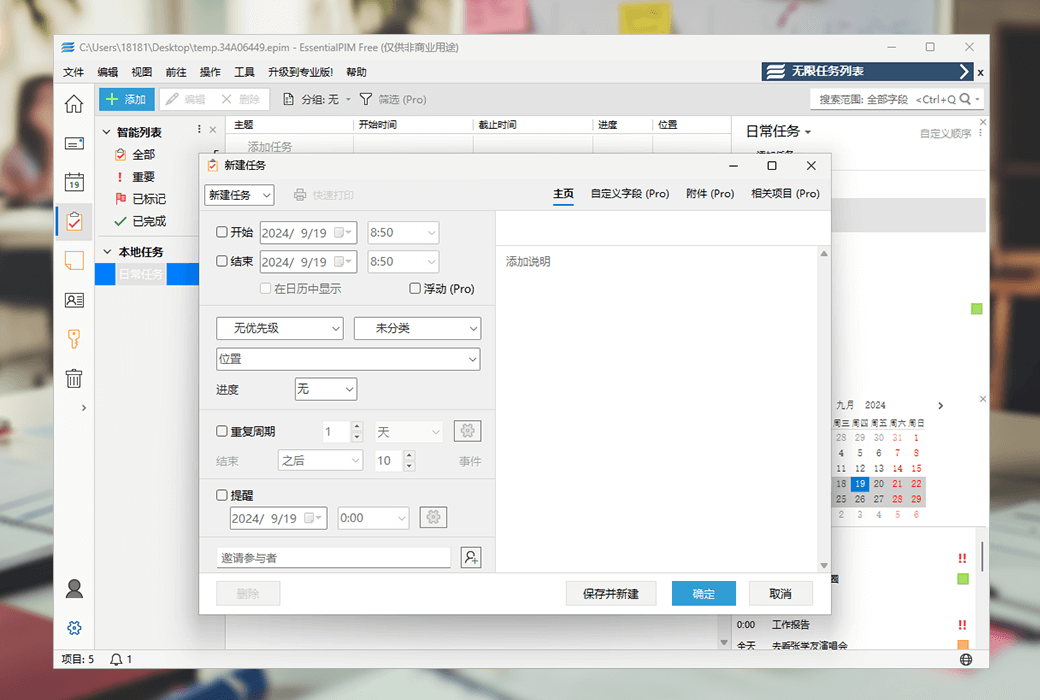
The comprehensive task module provides you with a flexible hierarchical structure to allow you to manage your to-do list exactly as you want. Group tasks by start or end date, organize them in various lists, analyze task status, and assign them to various priorities and categories.
- bulletin board
Assist in creating an environment that visualizes your work and maximizes efficiency.
- Floating tasks
The task will continue to move forward until it is completed or deleted.
- trustee
Each task can have an unlimited number of trustees who can assist in tracking and evaluating the project.
- Template
The template for pre filled data fields allows you to create similar projects with just two keys.
- Display on calendar
Overlay tasks onto the calendar. Combine structured tasks with calendar views.
5. Notes
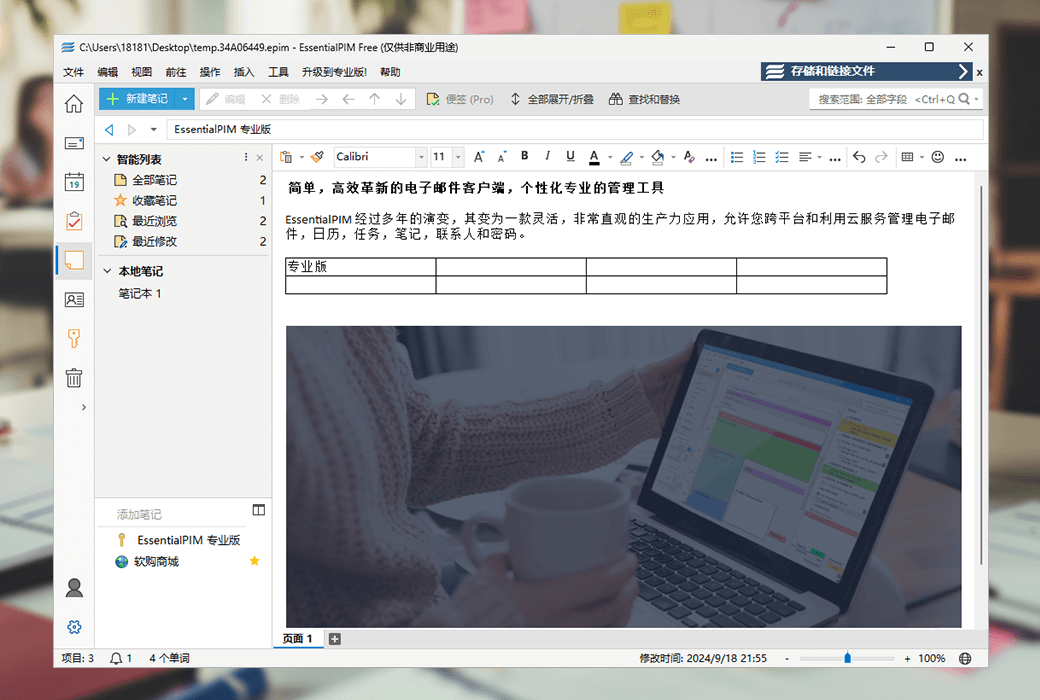
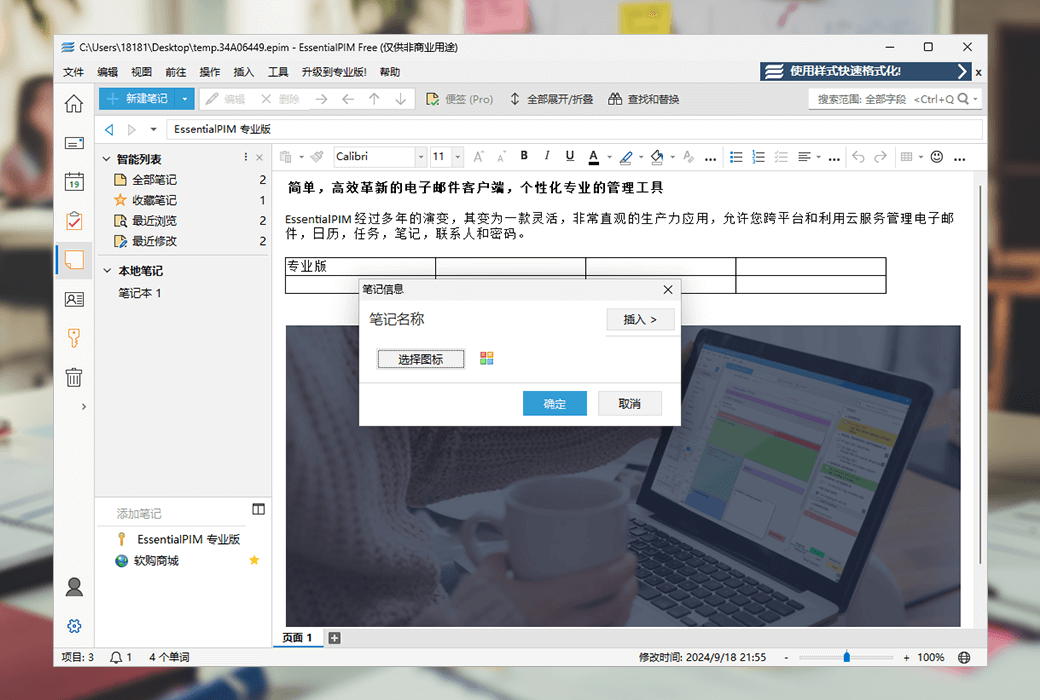
The advanced text editing tool for EssentialPIM notes helps you create attractive notes with icons, emoticons, and attachments. Organize your records in floating or hierarchical data structures, coordinate them through tags, and synchronize with all known cloud services such as Google, Outlook, OneDrive, etc.
- Quickly format using text styles
One click application of font type, size, alignment, and other parameters to any text.
- Convenience stickers displayed on the screen
These notes can be fixed to your desktop background and easily edited in this format.
- Insert anchor point
Add anchor points to any position in the text and use them to quickly jump to specific locations in the document.
- Rich text formatted note titles
Traversing your notes is easier: colorize the note list, change the font or background.
6. Contact Management in the Address Book
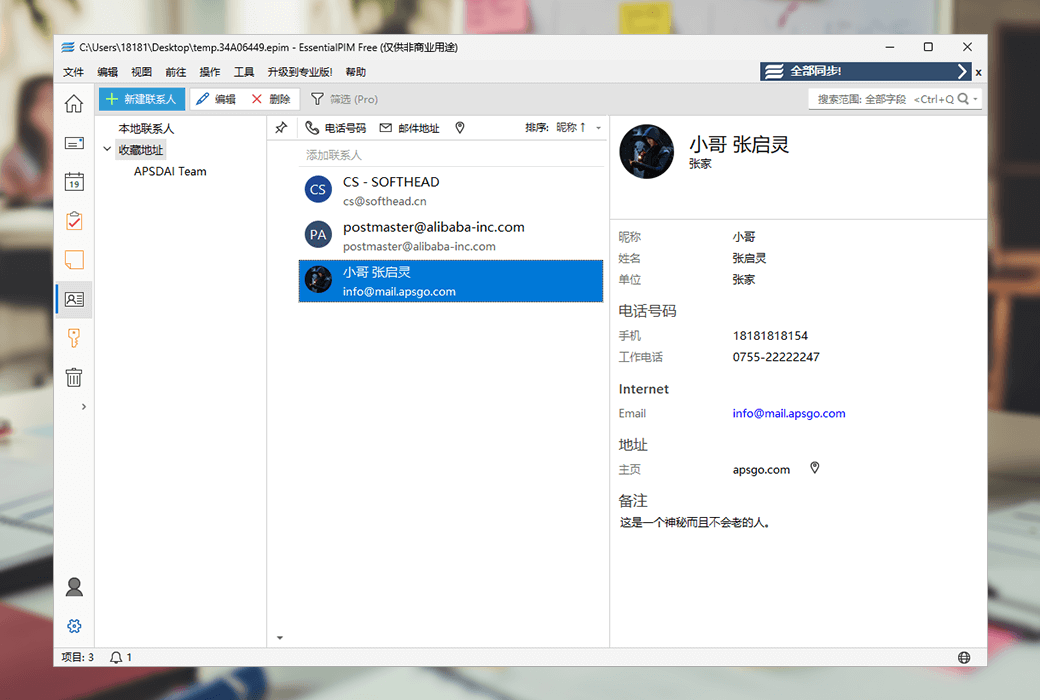
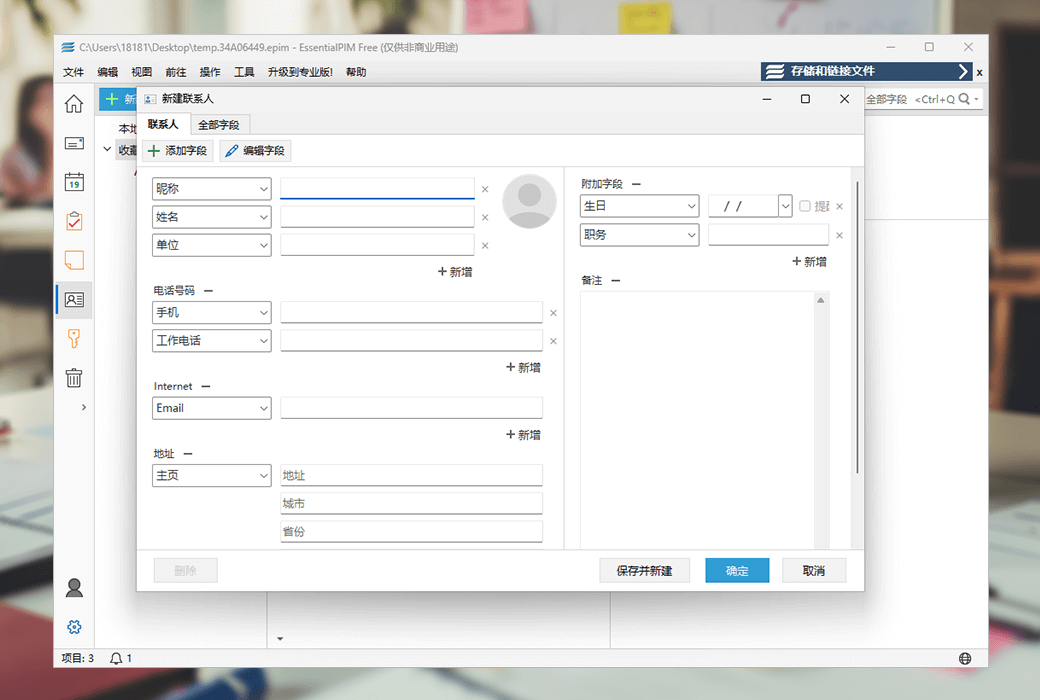
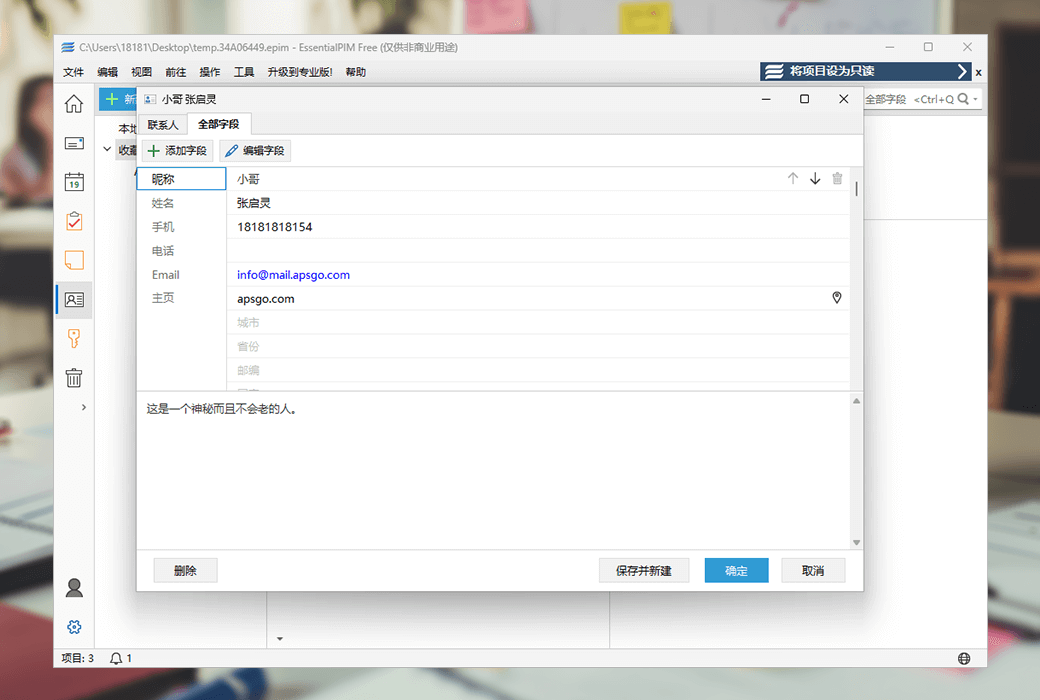
The Best Contact Management System helps you add and systematically manage contacts. The EssentialPIM contact module has multi-level groups, advanced search and filtering options, and the ability to browse related incoming and outgoing emails. Synchronize contacts with Google, iCloud, Android, iOS, and other services.
- Advanced filtering function of the contact module
Filter contacts in your own way through flexible mechanisms.
- View correspondence with specific contacts
Display your correspondence with specific contacts in a specific view.
- Send communication to all or specific contacts
Personalize your communication with dynamic fields. Can be saved as a template for future use.
- Design and print labels and envelopes
Batch print or individually print postal addresses from the contact list onto labels/envelopes.
- contact group
Create an unlimited number of contact groups. Each contact person can belong to multiple groups. Print by group, sort and export goods.
7. Password Manager
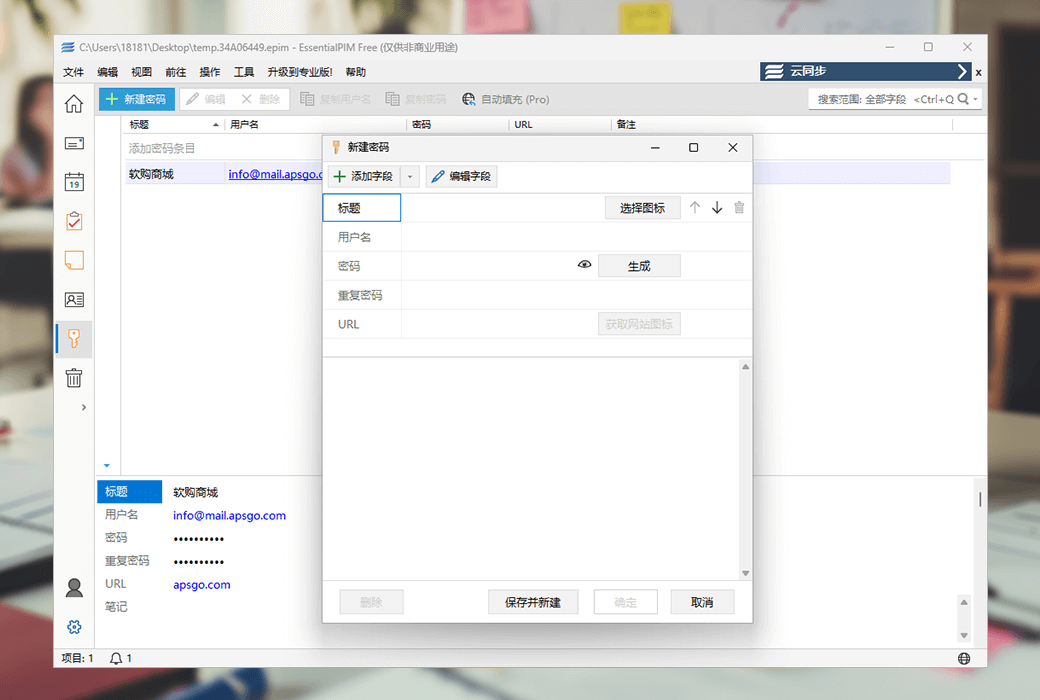
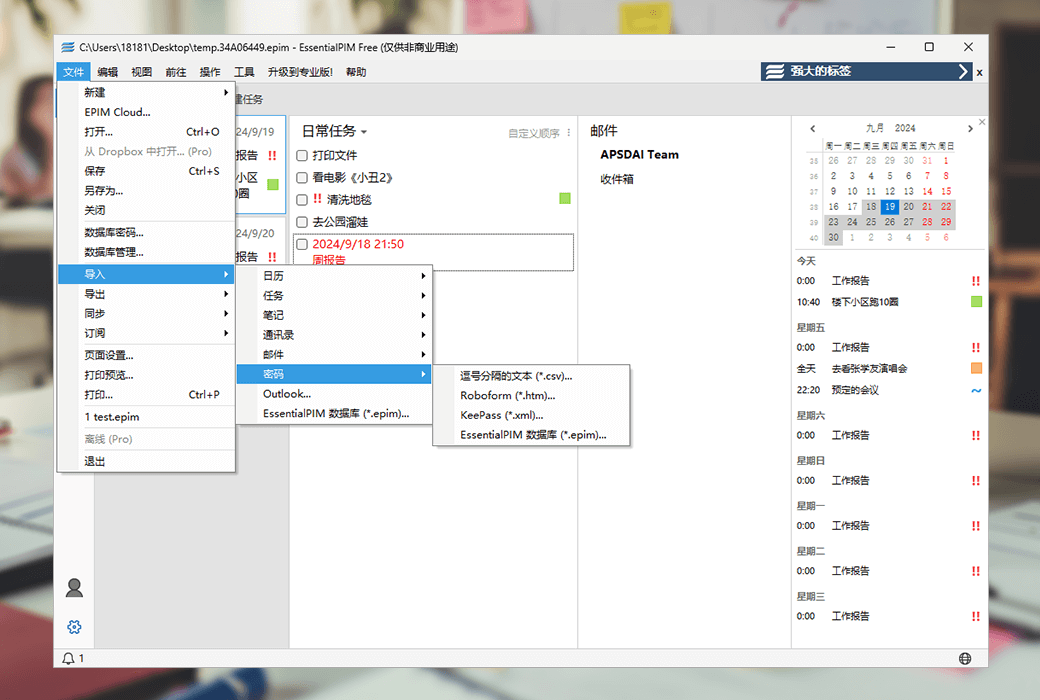
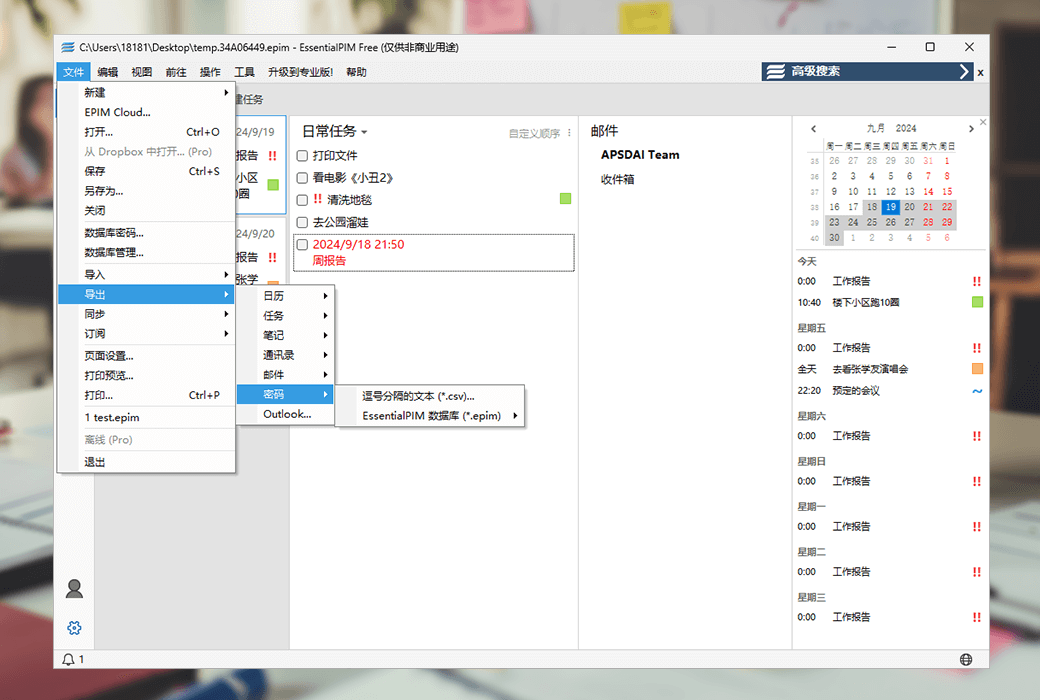
EssentialPIM's powerful password management tool allows you to store and manage your passwords and other sensitive information in a secure and reliable database. Retrieve favorite icons from the website and add them to the desired items for easy differentiation. Use a password generator to generate unbreakable passwords.
- Password Generator
Choose a generation scheme to generate complex and unpredictable passwords.
- Automatically enter password on web form
Automatically fill in username and password on the visited website.
- Retrieve icons from the website
Get the bookmark icon from the website where you created the password.
EssentialPIM has won the favor of users with its intuitive user interface and powerful features. The following are its main characteristics:
- Compatibility with cloud services: Fully compatible with popular cloud solutions such as Google, iCloud, Microsoft 365, ownCloud, and native support for Dropbox.
- Project Interconnection and Labeling System: Projects can be referenced to each other, and the full-color labeling system helps users classify and quickly navigate different projects.
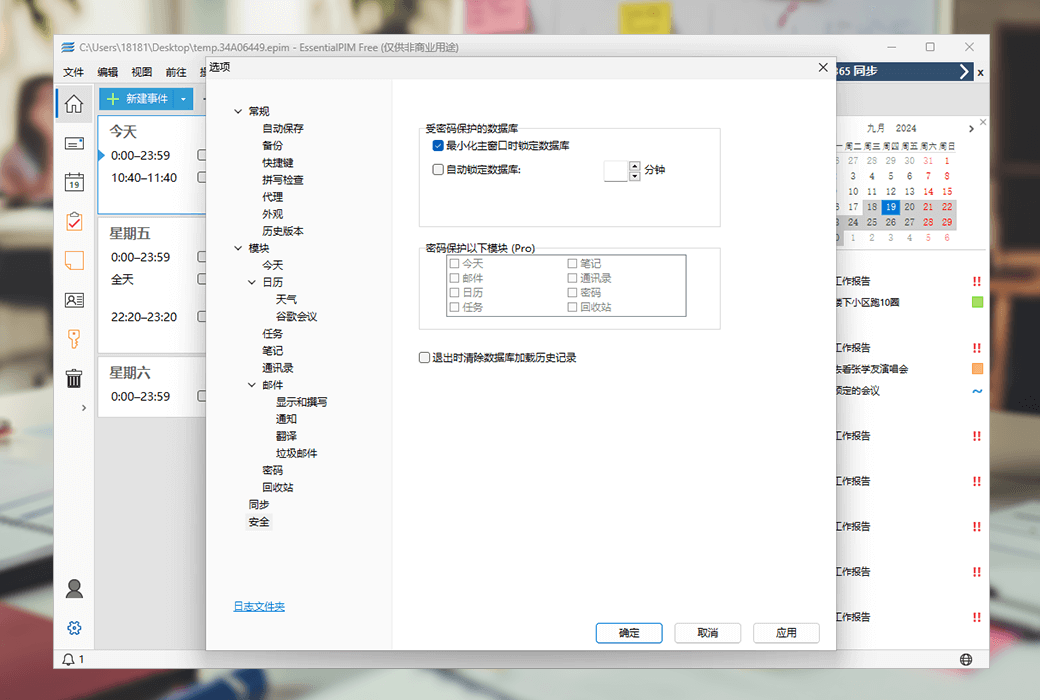
- Advanced data security: Use AES (Rijndael) 256 bit key encryption technology to protect user data and ensure information security.
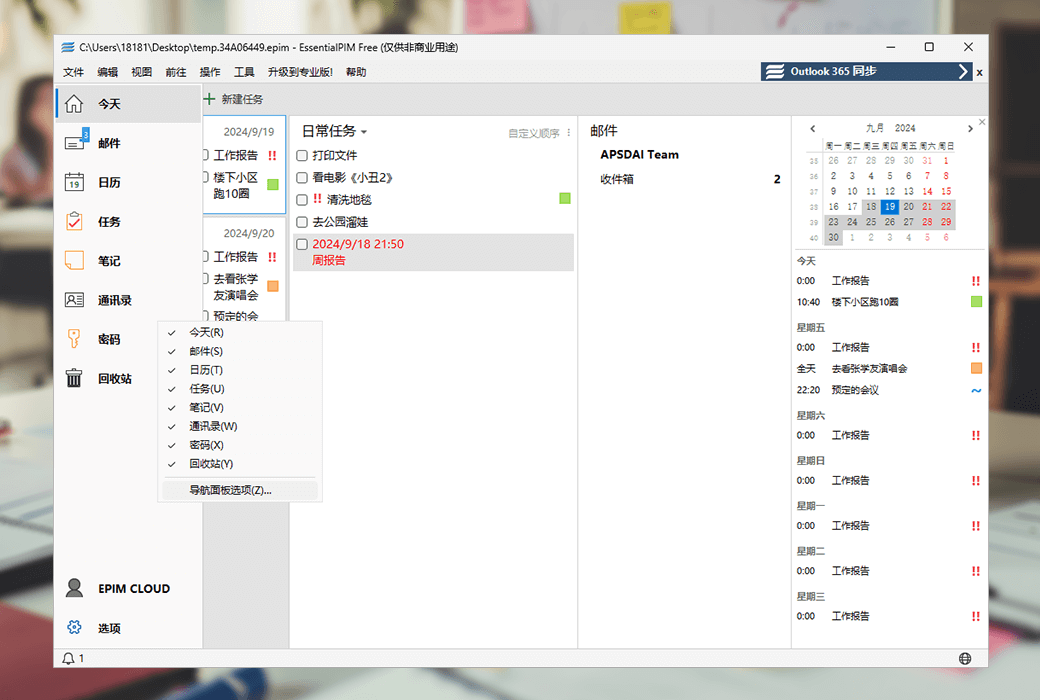
- Multiple views and themes: Provides bright and dark themes, as well as view switching for email, calendar, tasks, notes, contacts, and passwords.