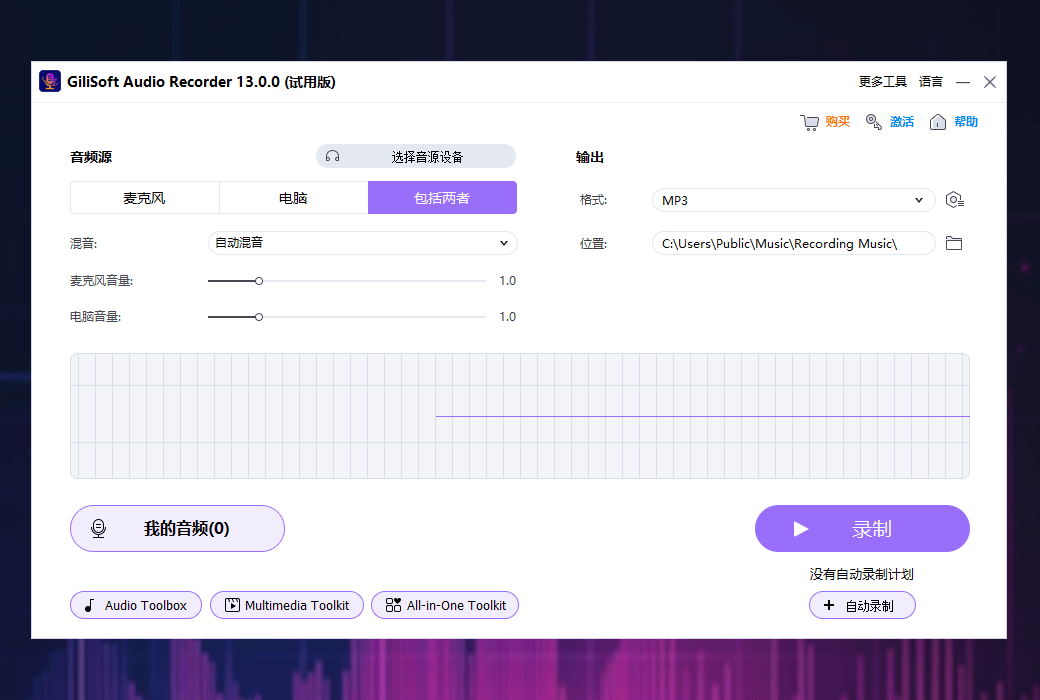
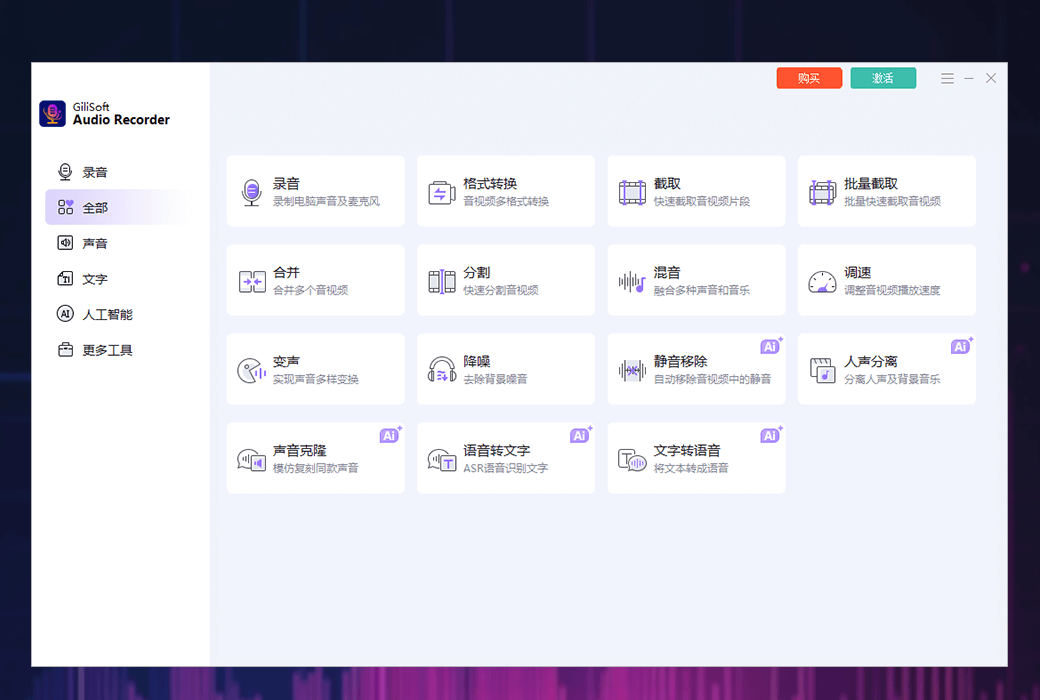
Gilisoft Audio Recorder is a powerful audio processing tool that not only records high-quality audio, but also performs format conversion, audio segmentation, batch cropping, audio file merging, multi audio mixing, mute removal, adjusting audio speed, voice changing, noise reduction, voice separation, speech to text, text to speech, and other powerful functions. One tool, multiple solutions.
This professional grade audio processing software provides you with a comprehensive set of audio processing functions, covering all aspects from recording, editing to sound effects processing.
- Recording function:Supports recording computer sound, microphone sound, and capturing both computer and microphone sound simultaneously.
- Format conversion:Easily convert audio files from one format to another, such as WAV to MP3, ensuring compatibility.
- division(Upcoming): Cut long audio files into multiple small files based on user set parameters such as time, size, etc.
- intercept:Select specific parts of the audio file for editing.
- Batch interception:Extracting multiple files at once is suitable for scenarios involving processing large amounts of audio files.
- Merge:Splicing multiple audio files into a continuous file, supporting fade in and fade out effects.
- Mixing:Mix two or more audio tracks to create a unique audio effect.
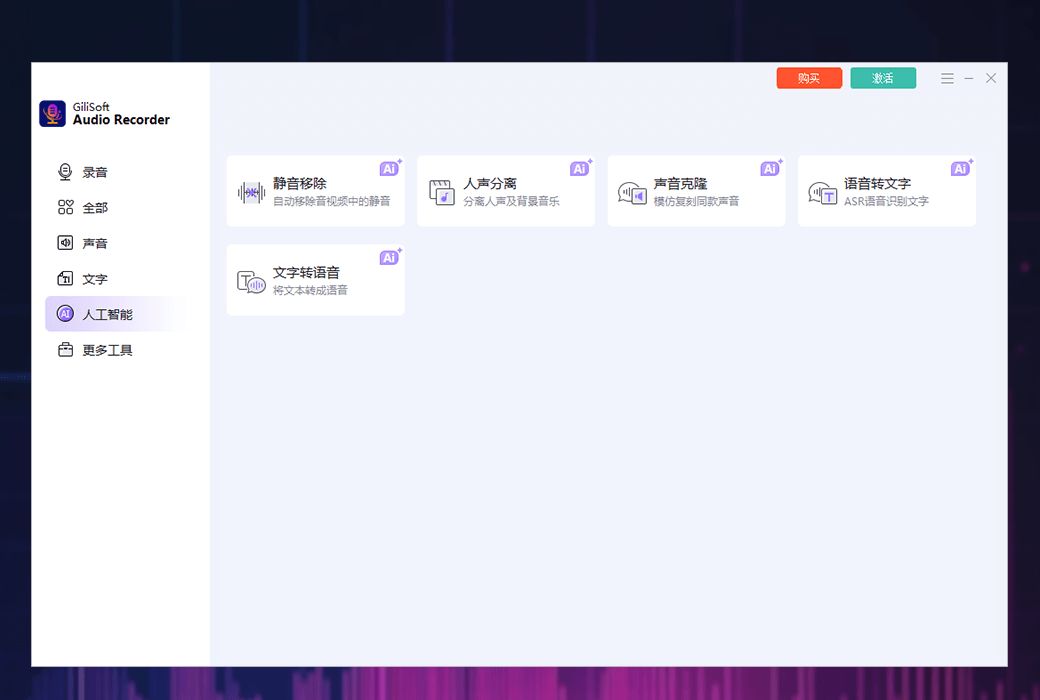
- Mute removal:Automatically detect and remove silent parts, making the recording more compact and coherent.
- adjust speed:Adjust playback speed without changing pitch, suitable for language learning or music practice.
- Reverse order:Reverse playback of audio files can be used for creative effects or to find hidden information.
- change of voice:Changing the pitch or sound characteristics of a recording, often used for entertainment or creating special sound effects.
- Noise reduction:Reduce or eliminate background noise in recordings to improve audio clarity.
- Extract accompaniment:Separate the lead singer's voice from the music recording while retaining the background music, suitable for karaoke or mixing.
- Voice to text conversion:Automatically converting oral content into text is very suitable for meeting minutes, interviews, and other scenarios.
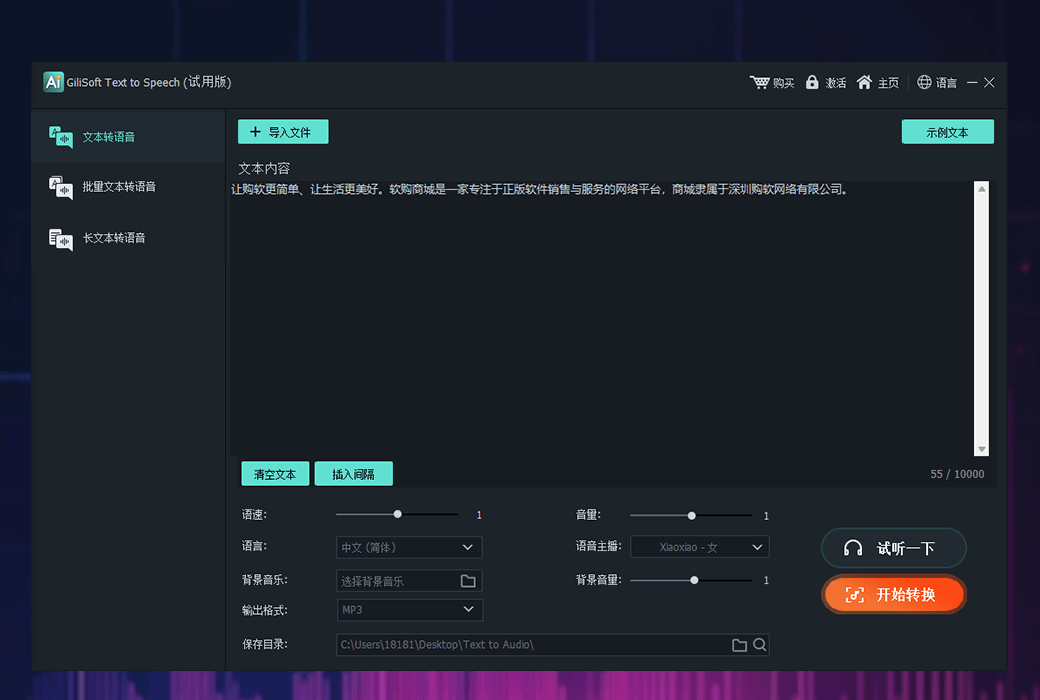
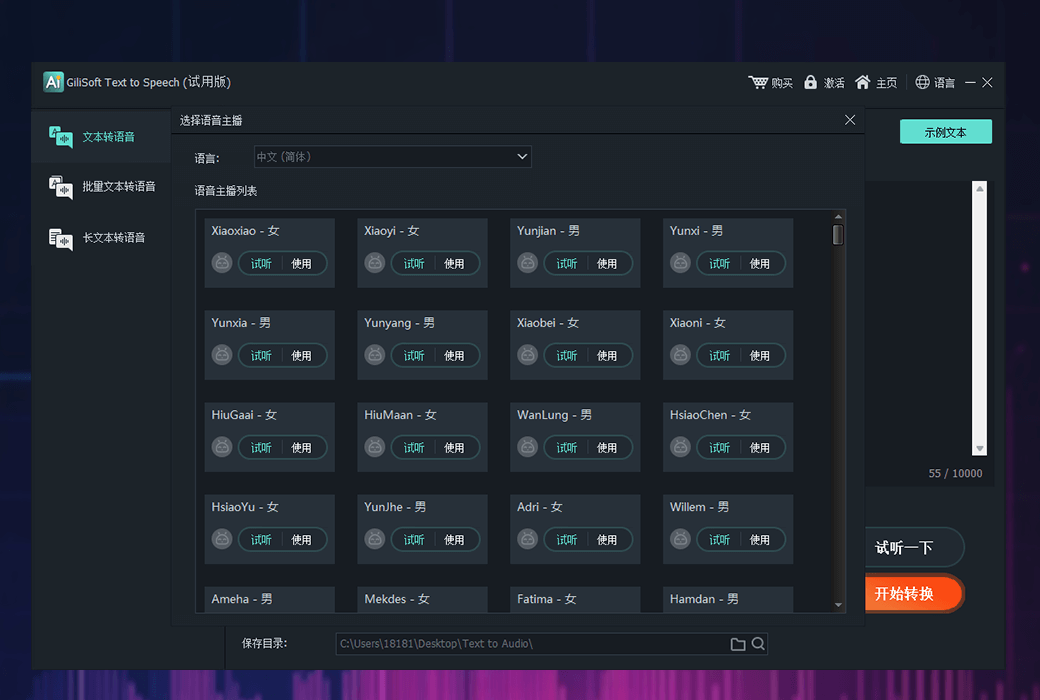
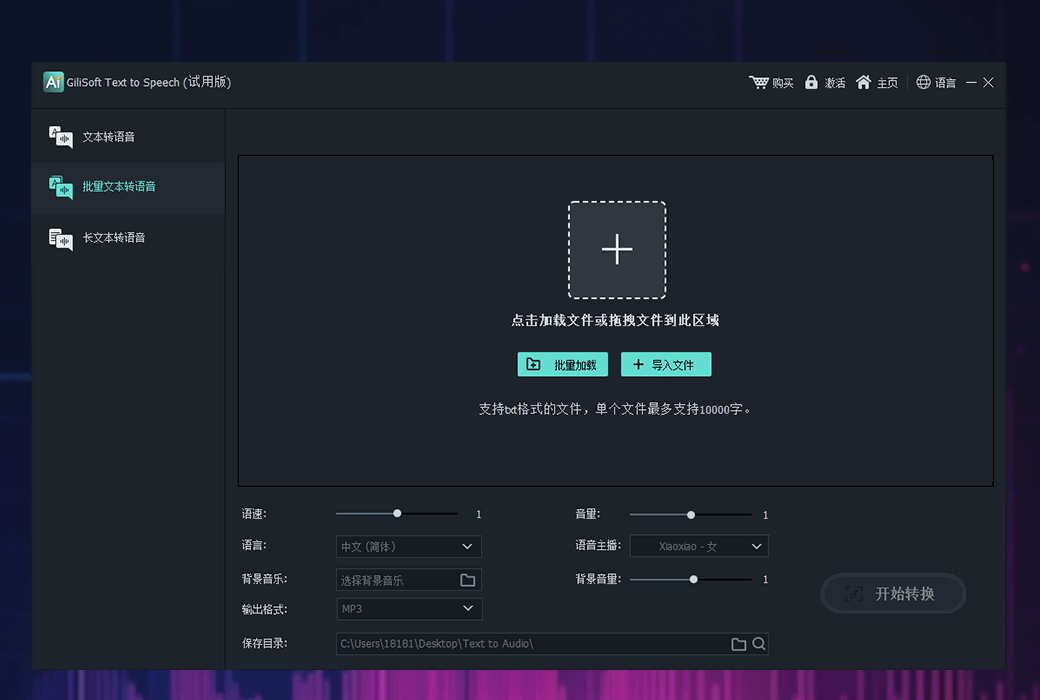
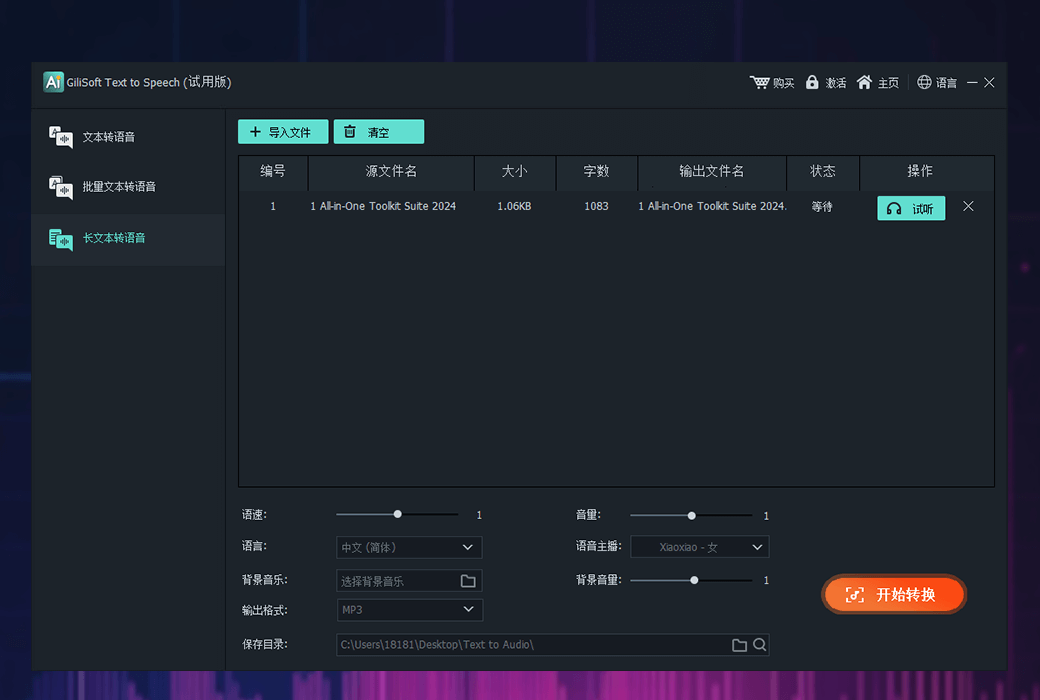
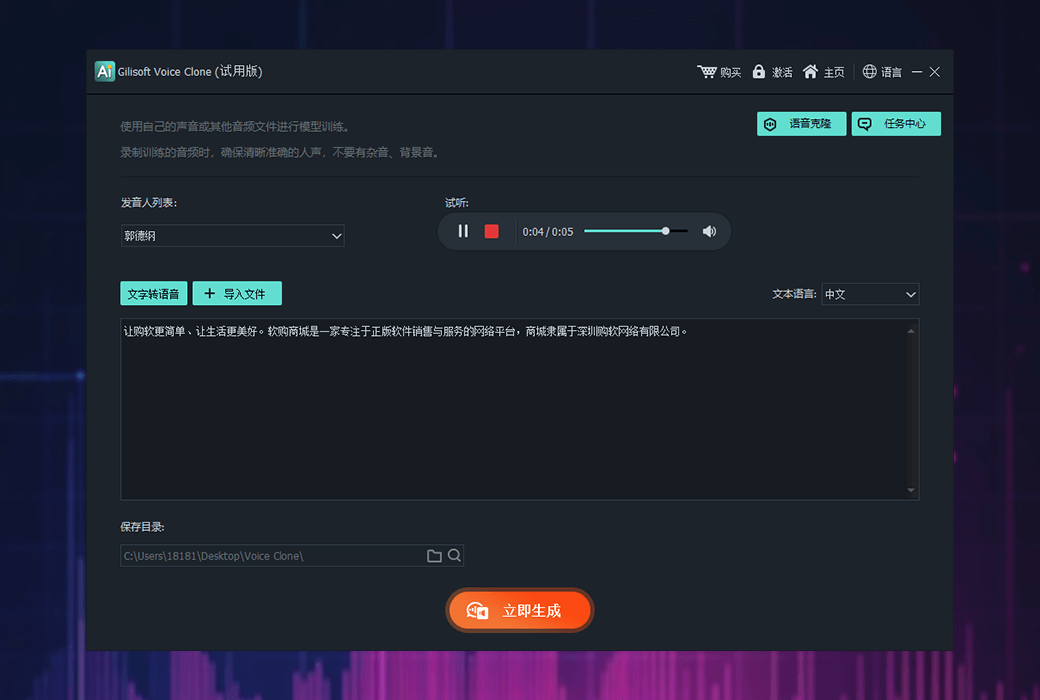
- Text to speech:Convert textual materials into audio output for the purpose of creating audiobooks or assisting visually impaired individuals in reading.
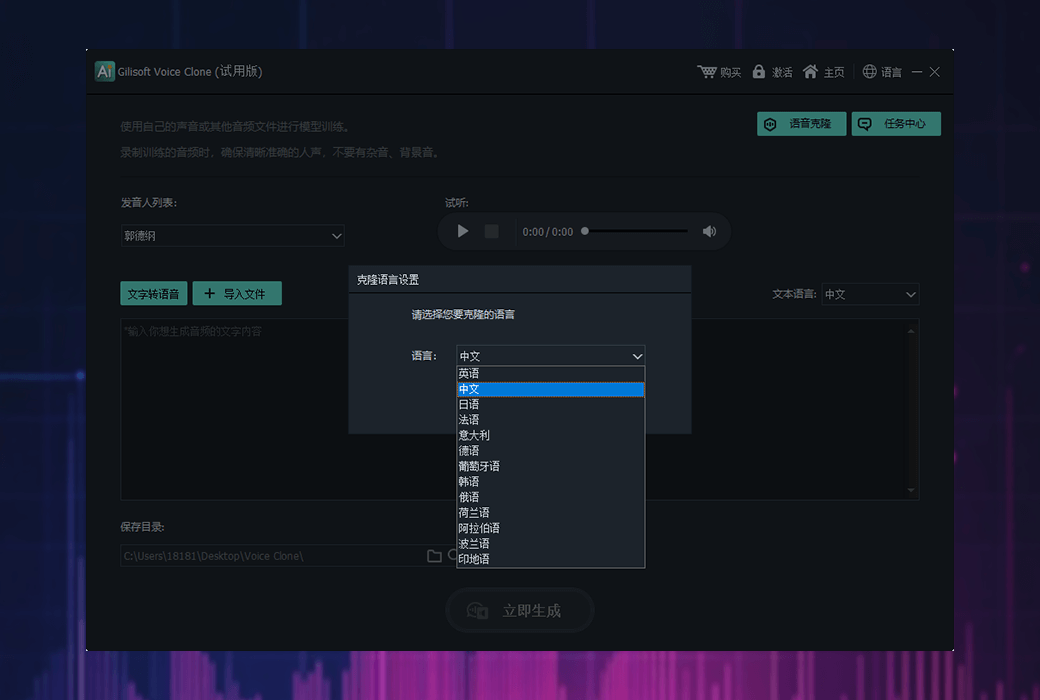
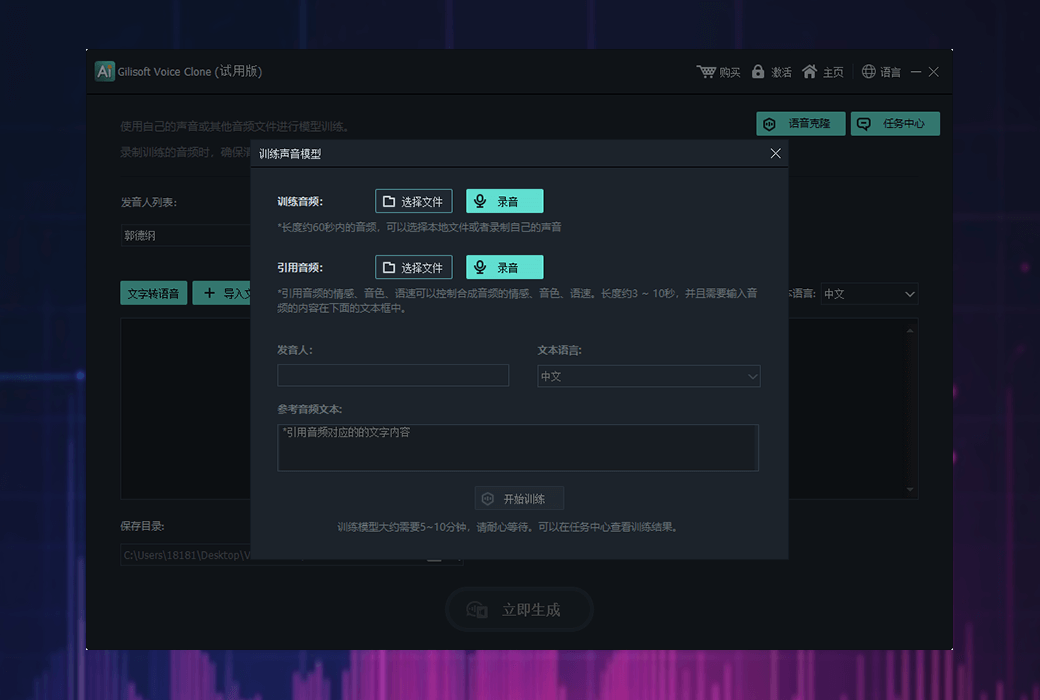
- Sound cloning:Using advanced audio processing techniques to analyze and replicate specific sound characteristics.
This software includes almost all commonly used and advanced audio editing functions, making it a powerful assistant for users such as audio editors, podcast producers, music creators, language learners, and more.