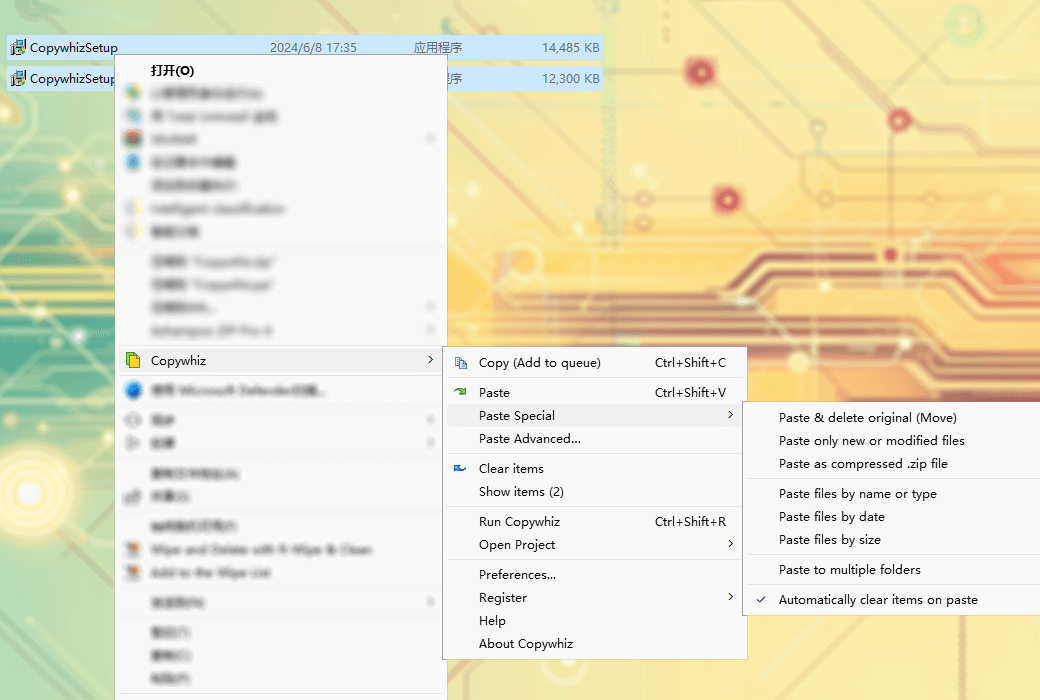
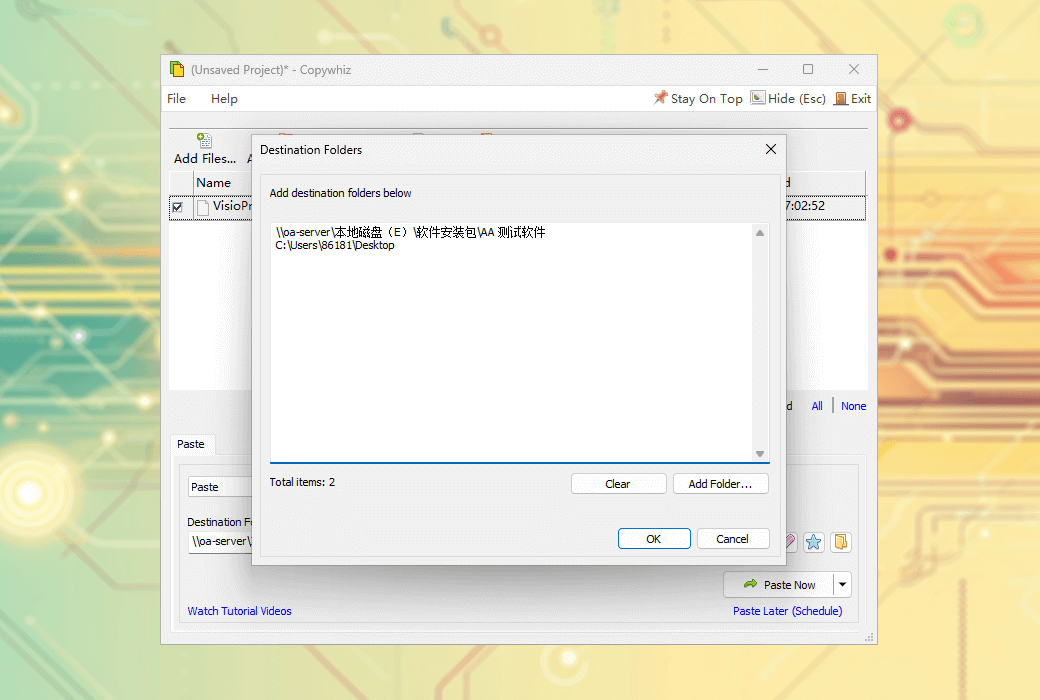
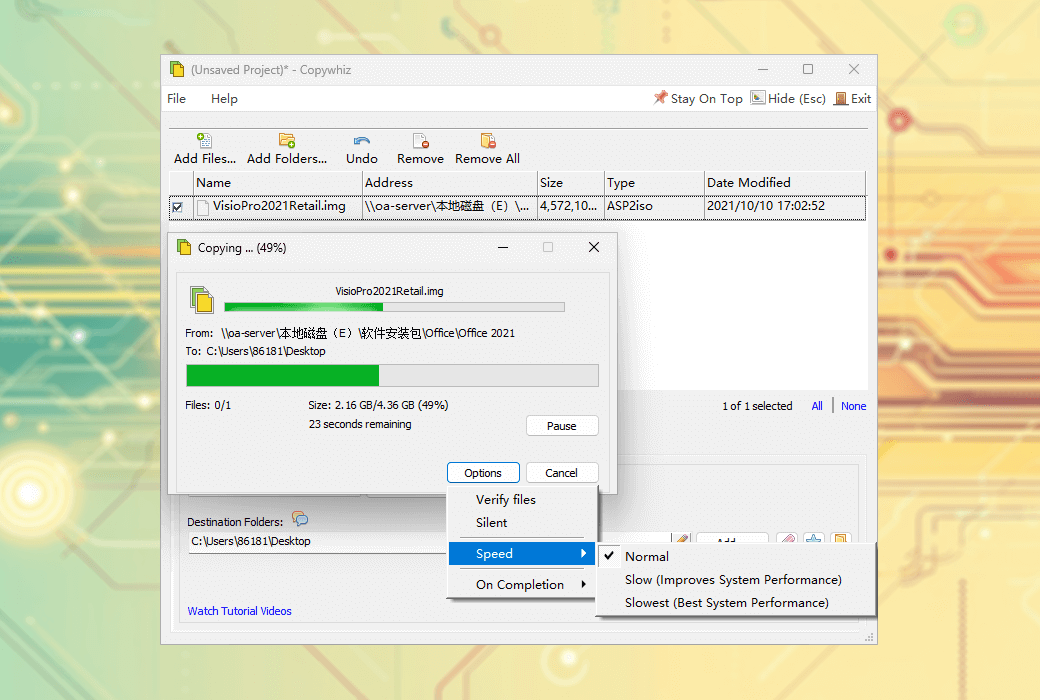
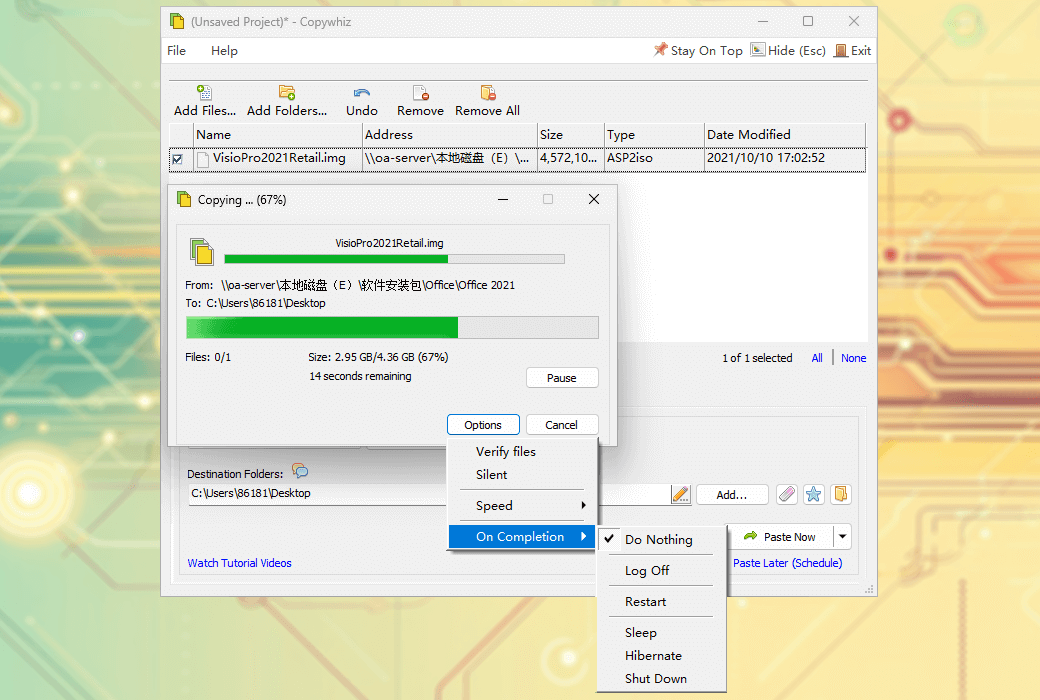
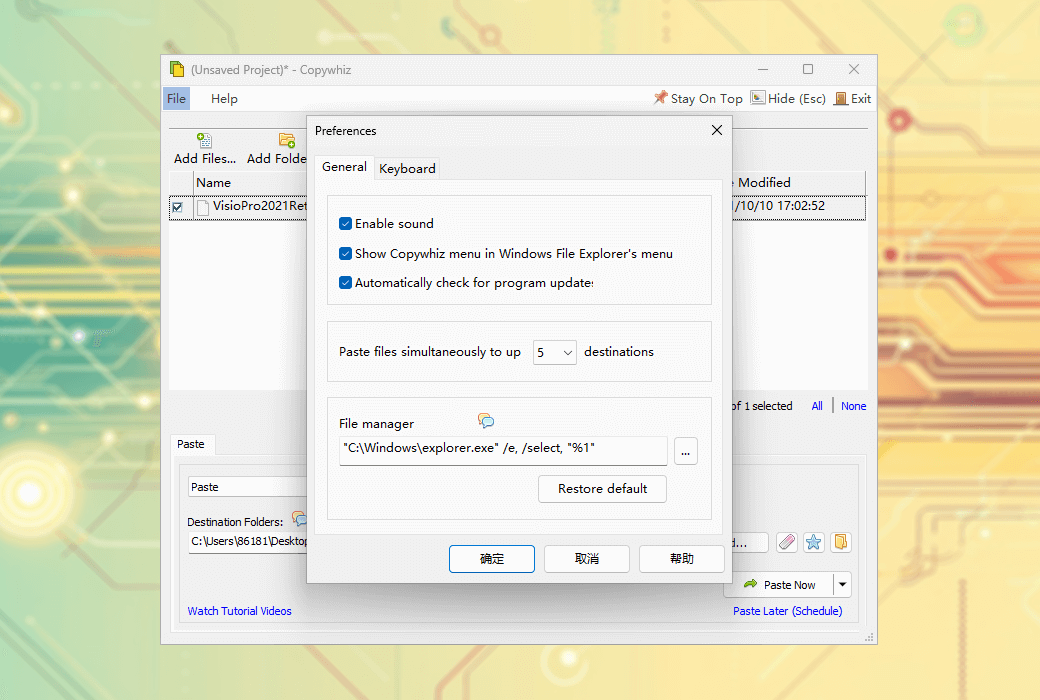
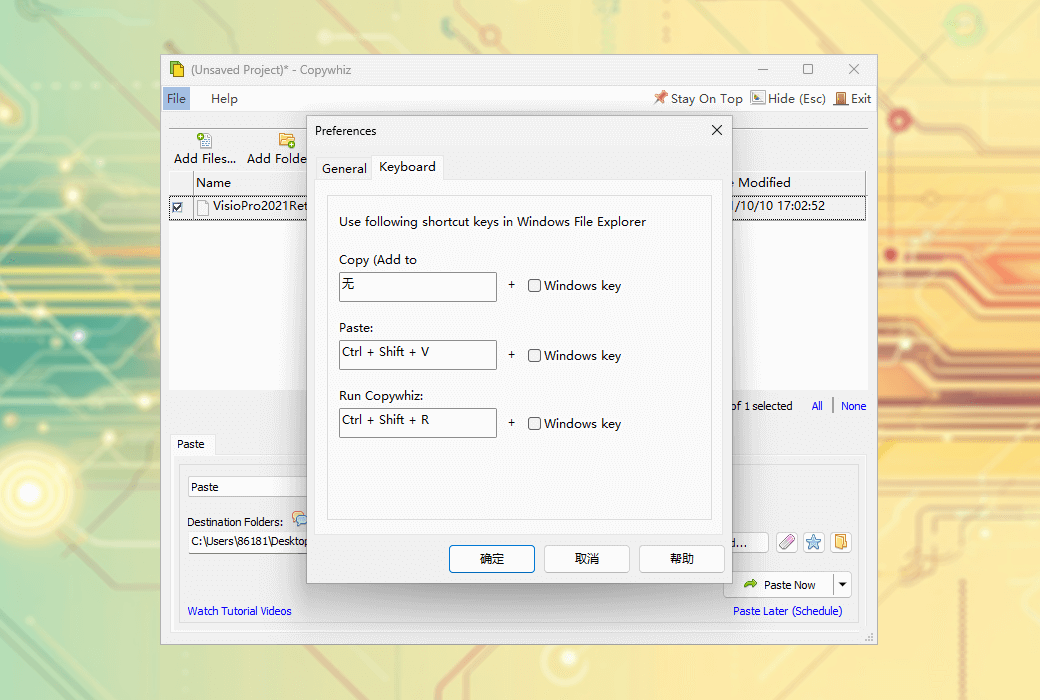
Copywhiz is a file copying and backup enhancement tool for Windows systems. It provides more flexibility, allowing users to copy and organize files more efficiently. Intended to provide users with a powerful, flexible, and easy-to-use file replication and backup solution to improve work efficiency and facilitate data management.
Main features and functions
- Selective file copying
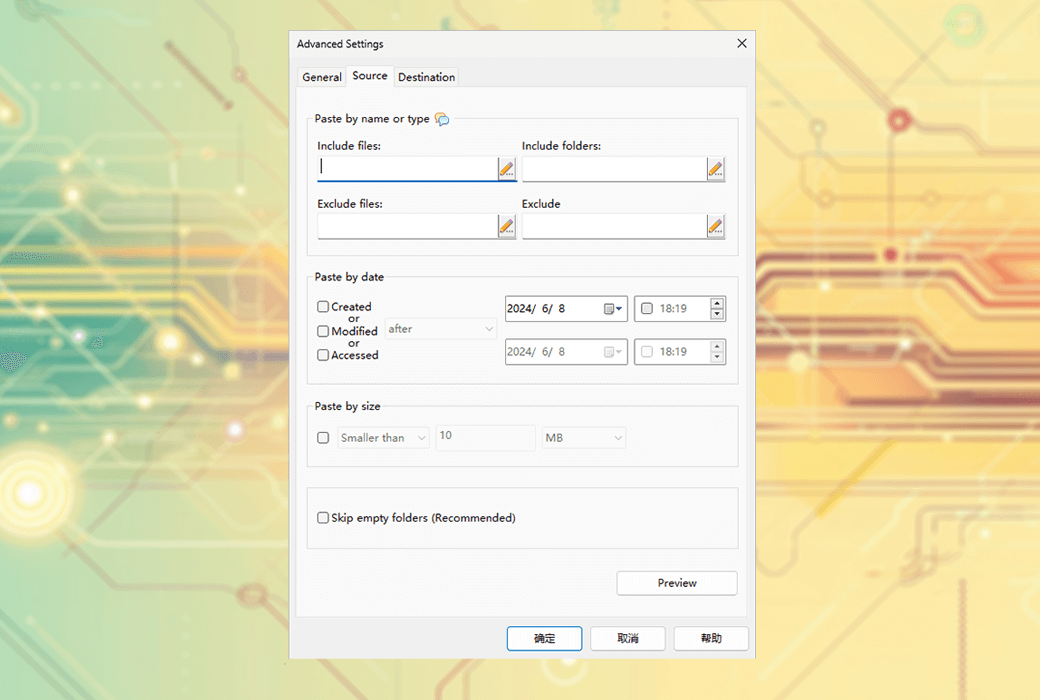
Users can choose to copy specific types of files and ignore unnecessary files.
- Automated file backup
Automatic backup tasks can be scheduled.
- Quickly organize files
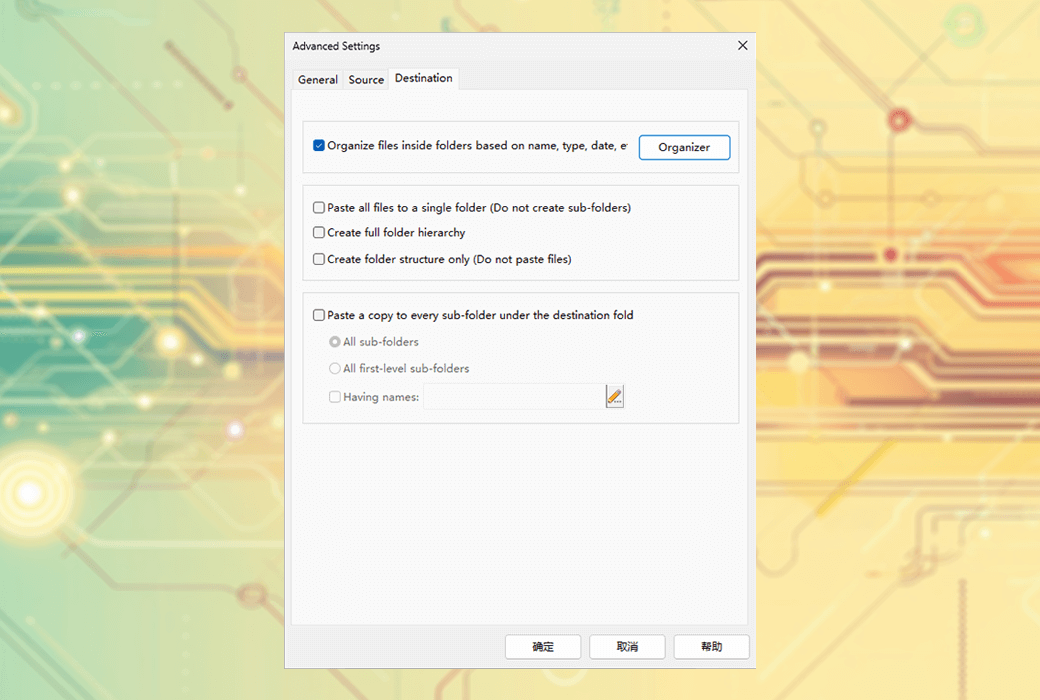
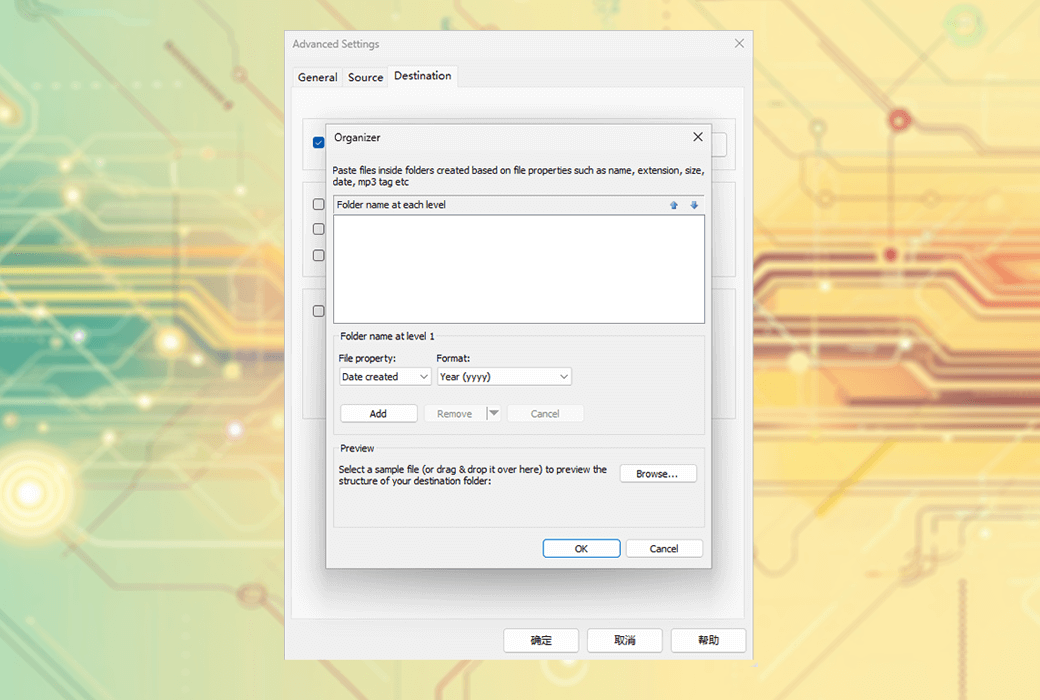
Conveniently organize, group, and separate music files, images, videos, and documents.
- File selection
Select the required files from multiple folders at once, eliminating unnecessary files and folders that occupy a lot of space.
- Synchronize folders
Synchronize source and destination folders, automatically organize files based on attributes and metadata.
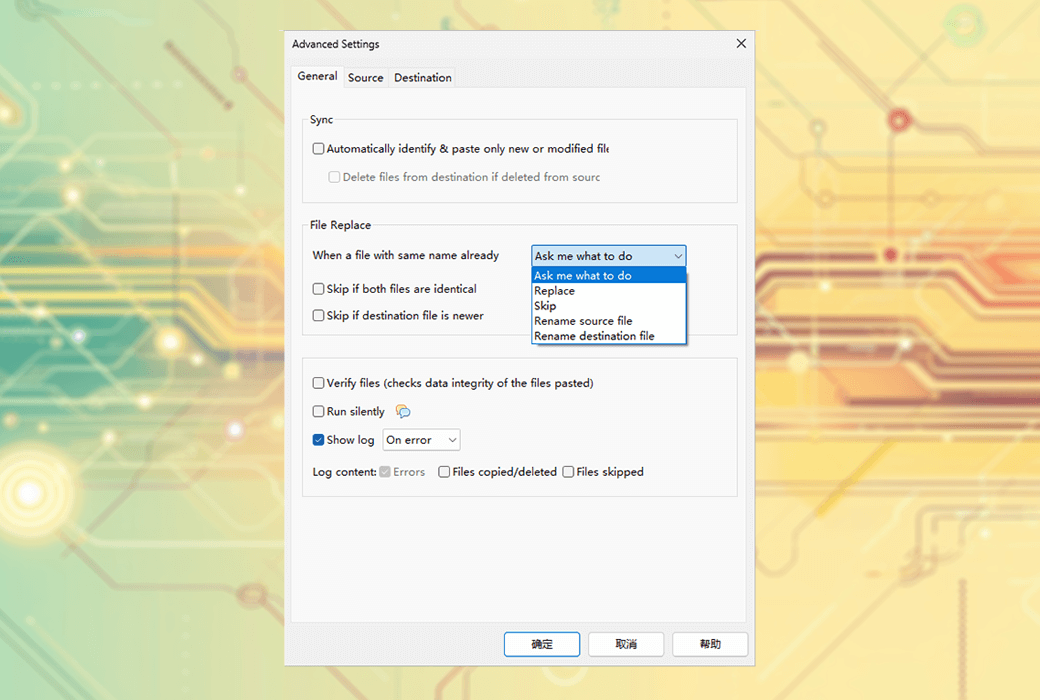
- Automatically rename and skip files
Automatically rename or skip files during copying.
- Command line operation
Use the command-line options of Copywhiz to automate file copying tasks.
- Integrate into file browser
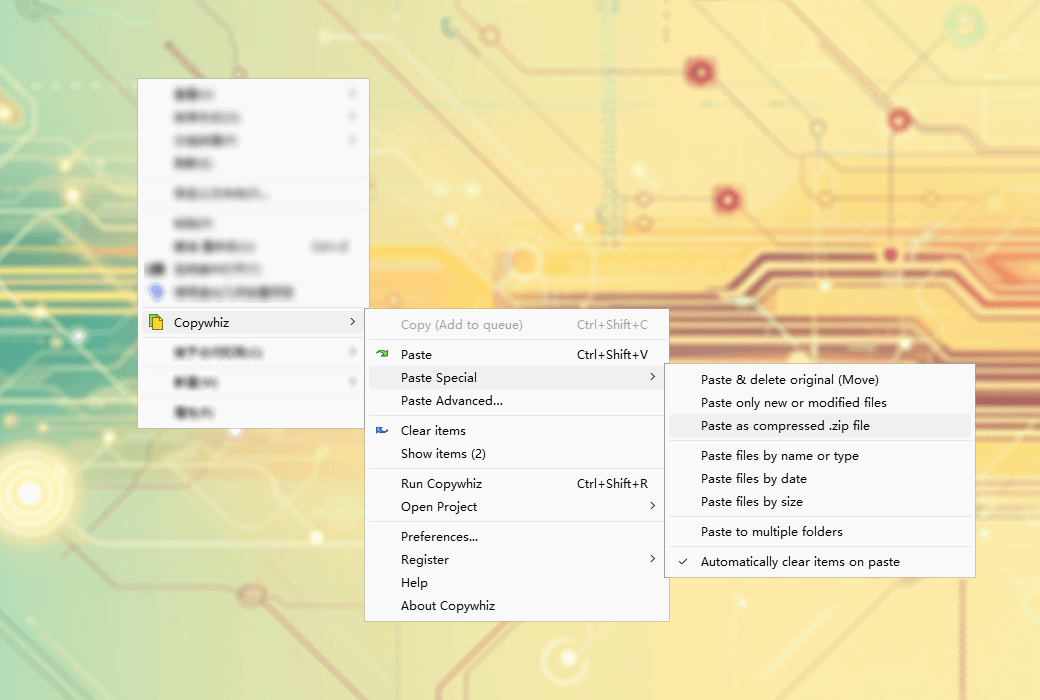
Copywhiz can be used directly in File Explorer (Windows Explorer), and other file managers are also supported.
- Preview and Review
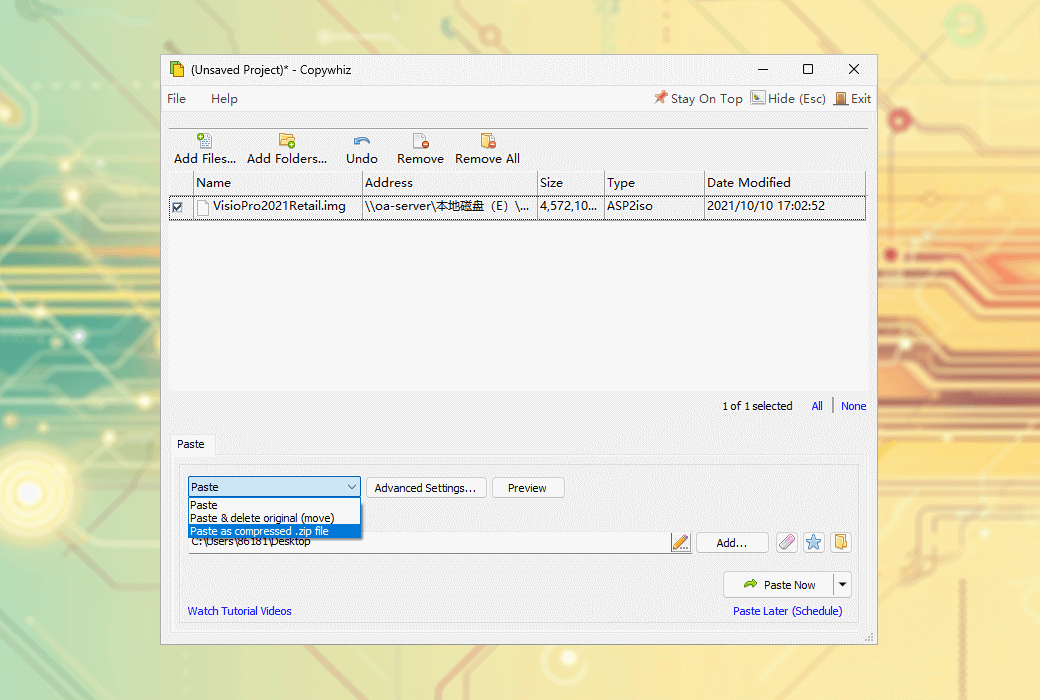
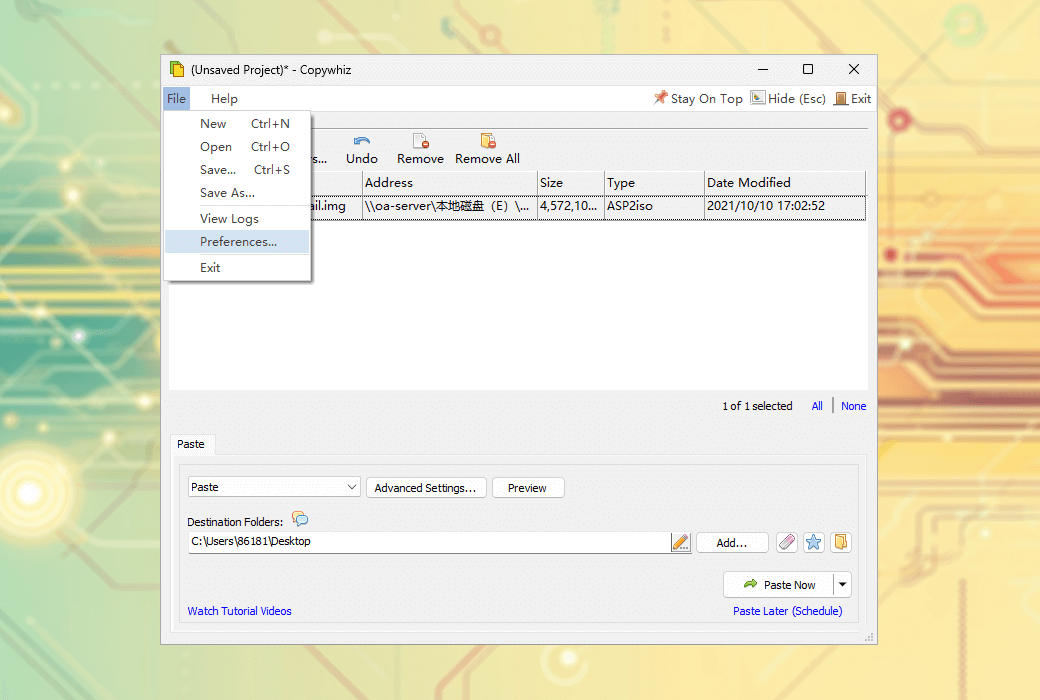
Preview the list of files to be copied before copying, ensuring that no important files are missed or unnecessary files are copied.
- File synchronization
Synchronize files in the source and destination folders, and delete operations will also be reflected in the destination folder.
- error handling
When encountering errors, Copywhiz allows for retries or skipping files without abruptly interrupting the copying process.
- File verification
Verify the data integrity of the file after copying or backing up.
- Compress files
Compress files from different folders into a single. zip file.
- Label function
Can assign labels to notes (Notezilla feature).
- Copy lock file
If the file is locked, Copywhiz will display a list of programs that use the file, so that users can close these programs and continue copying.
- Paste into subfolders
Copy the file to each subfolders of the target folder.
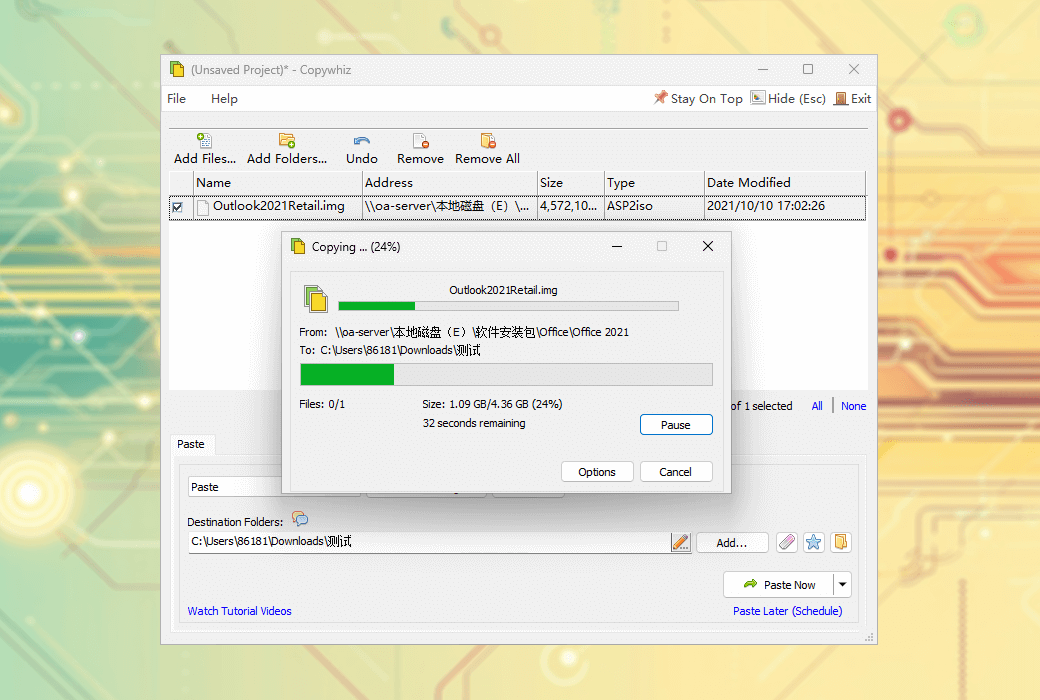
- Pause/Resume replication
You can pause file copying and resume at the same point.
- Other functions
Including automatic shutdown, sleep mode, copying files after PC sleep, silent file copying, generating log files, etc.