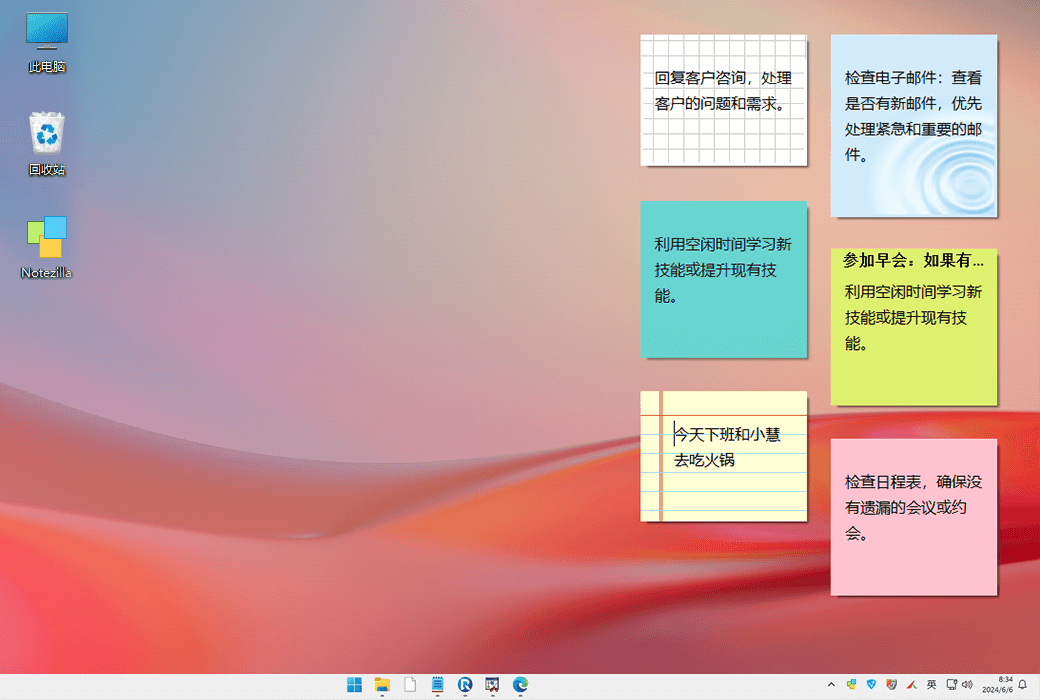
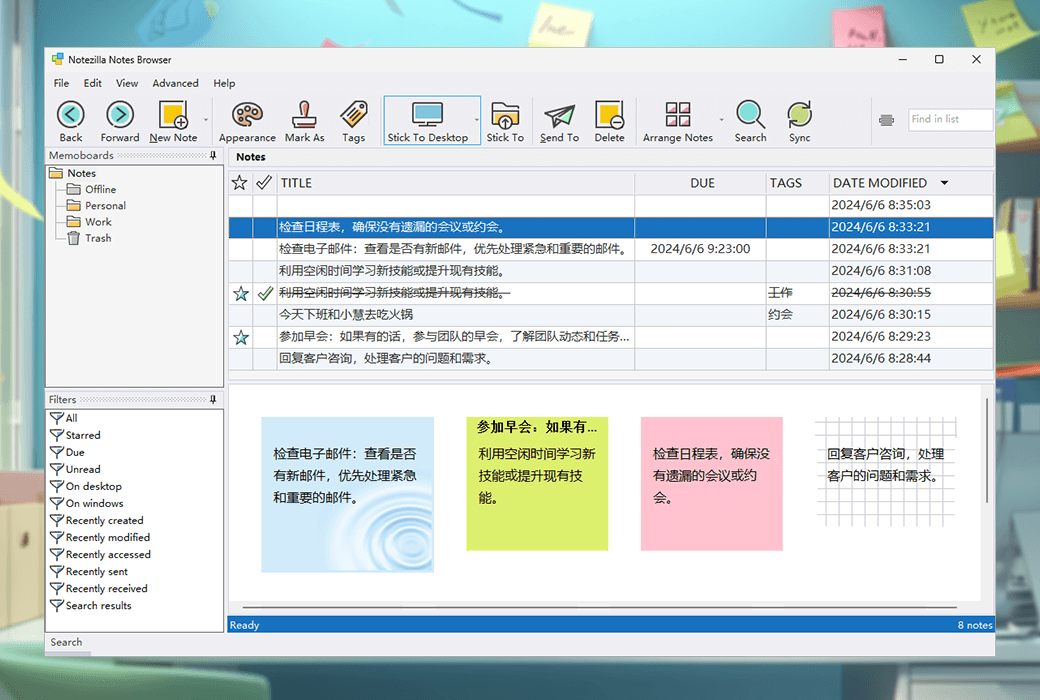
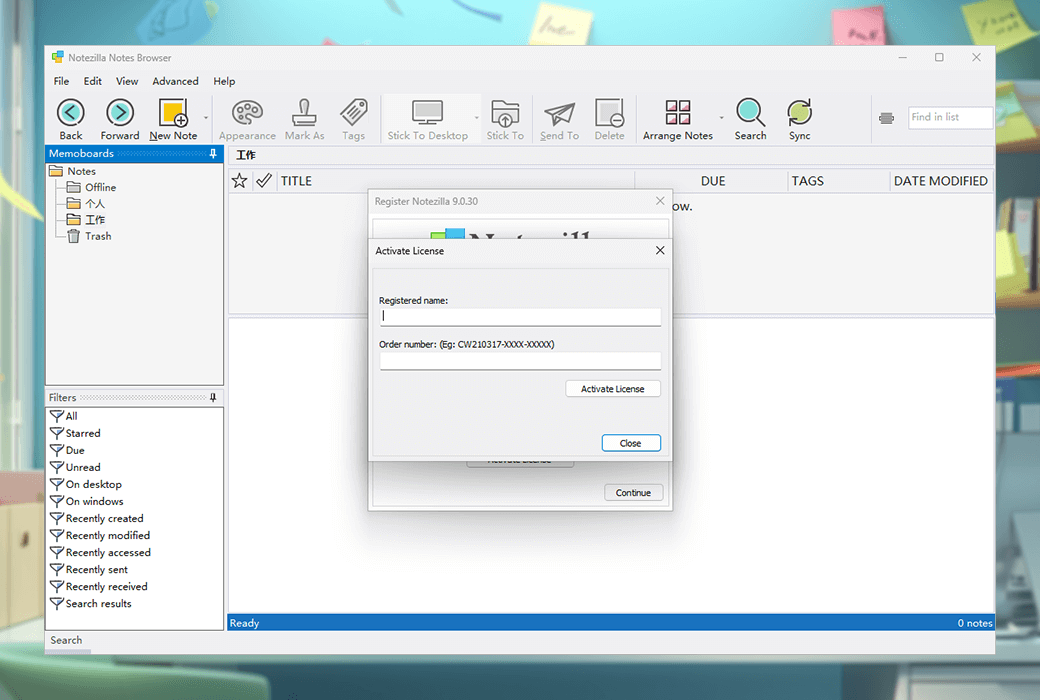
Notezilla is a note taking application for Windows and mobile phones, designed to help users stay organized. It allows users to create what looks like 3M Post It on the Windows desktop ® The sticky notes provide an excellent note taking experience. Users can selectively synchronize notes securely between computers, access them through free smartphone applications such as iPhone/iPad, Android, or send notes to any contact worldwide.
Notezilla has the following characteristics:
- Specialty: Instantly input ideas on desktop notes without switching tasks, providing convenience.
- Excellence: It can attach notes to web pages, documents, programs, applications, folders, or any window, automatically displaying the correct notes.
- Transformational: Notezilla can automatically synchronize notes between computers and access them anytime, anywhere through any smartphone.
Notezilla also provides the following features:
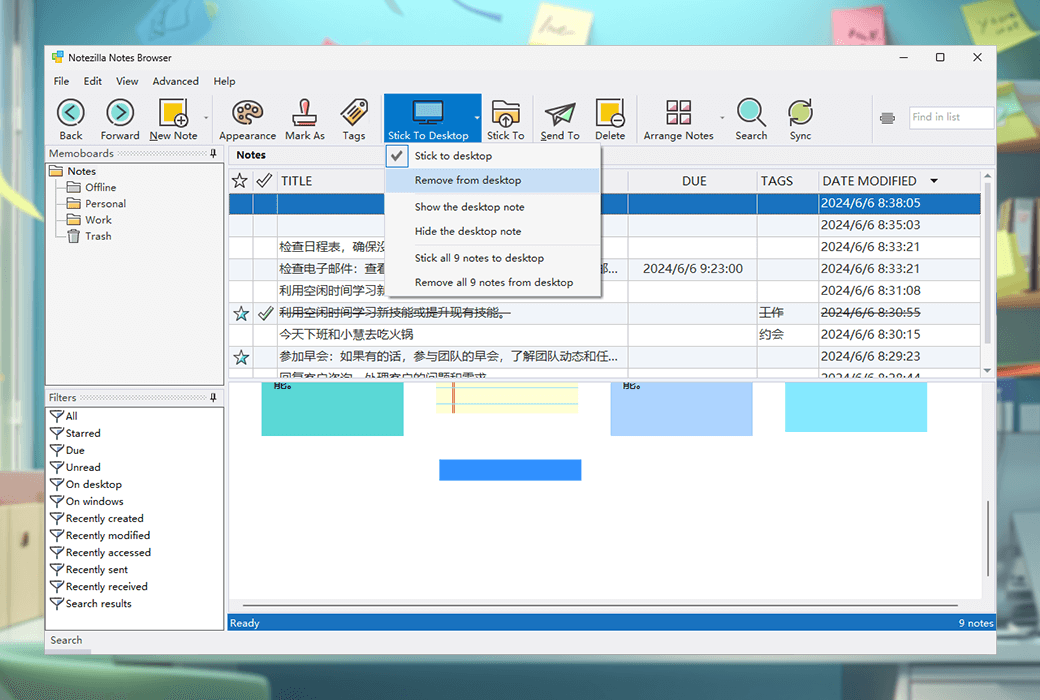
- Desktop Notes: Quickly create notes on the Windows desktop.
- Attach notes to documents and websites: When opening a document or webpage, the attached notes will automatically appear.
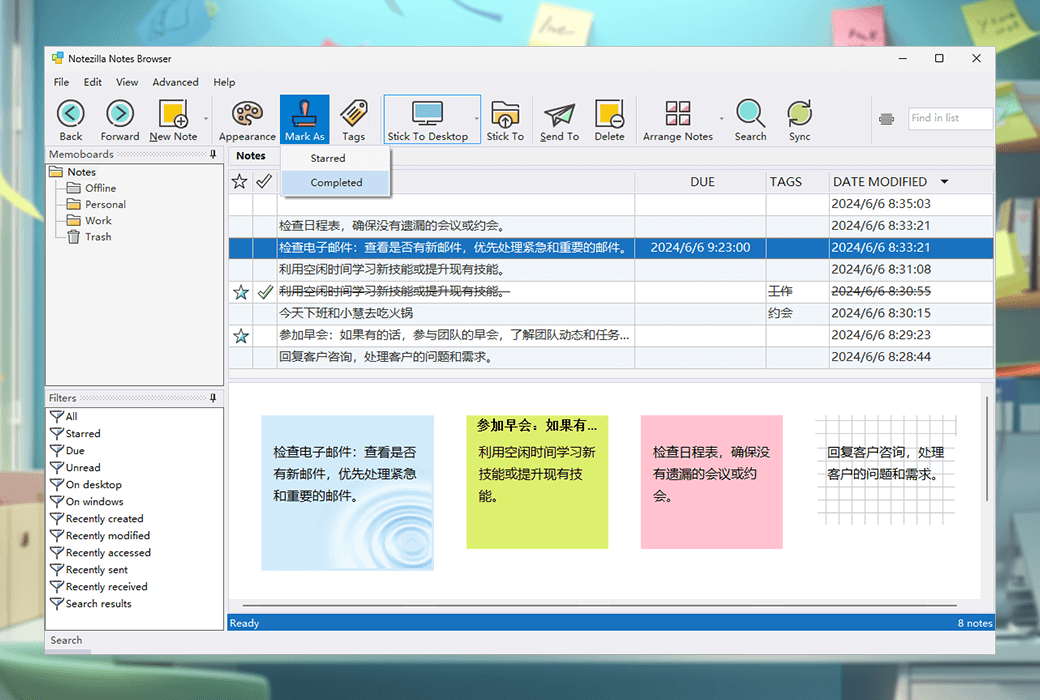
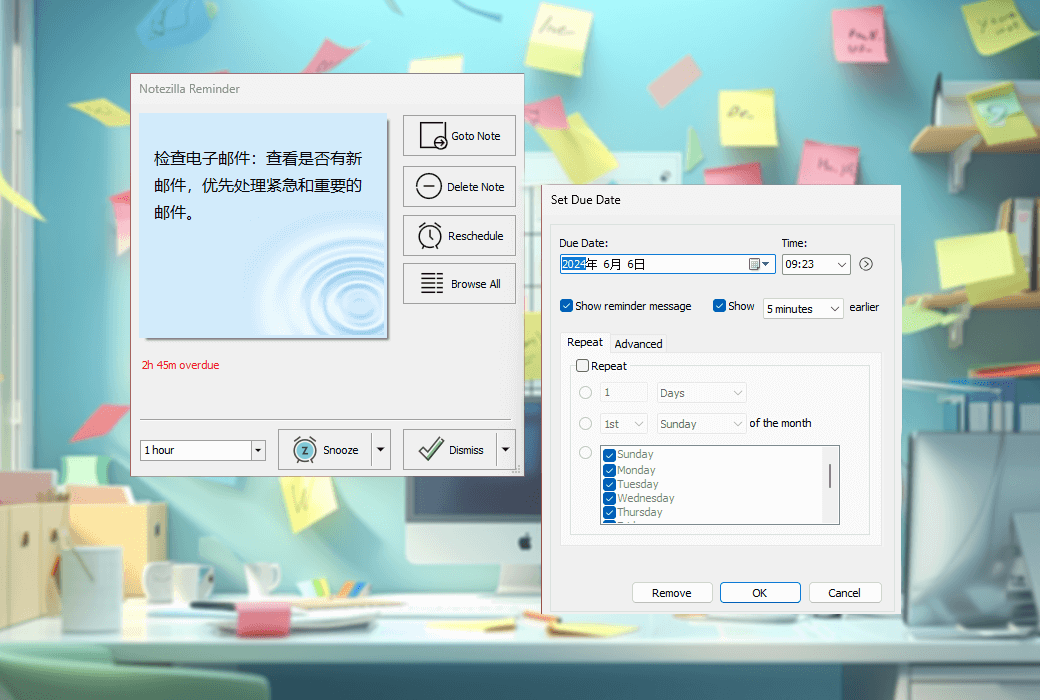
- Notes with alarms, lists, tags, etc.: Set reminder alarms for notes, create list notes with checkboxes, lock and encrypt notes to protect sensitive information.
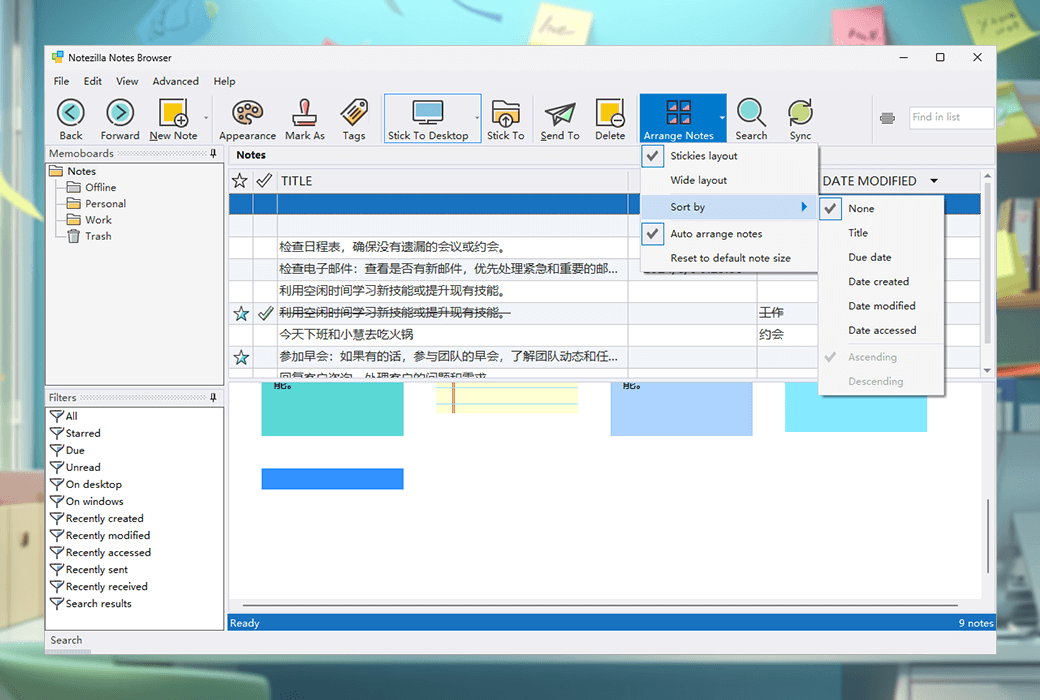
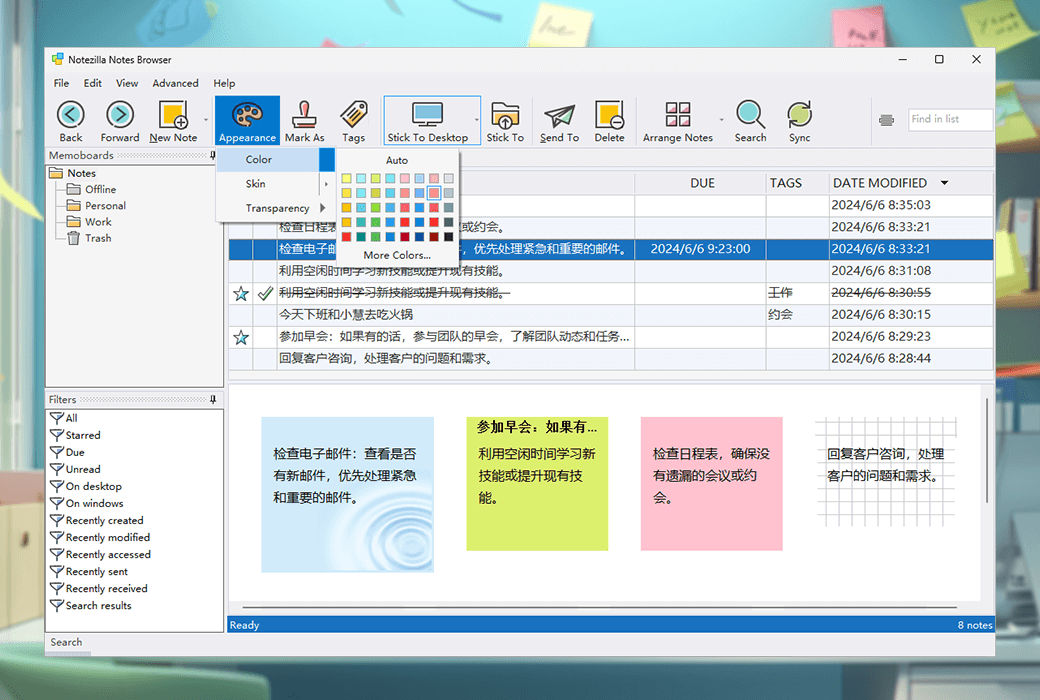
- Organize notes and keep the desktop tidy: Reduce desktop clutter by moving notes to different folders.
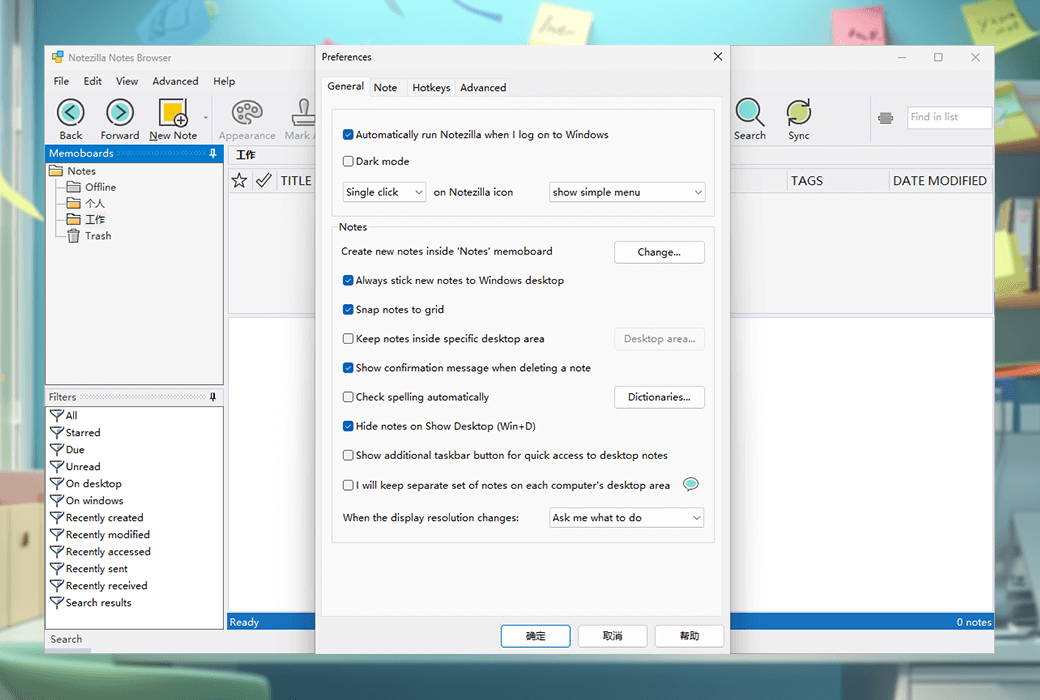
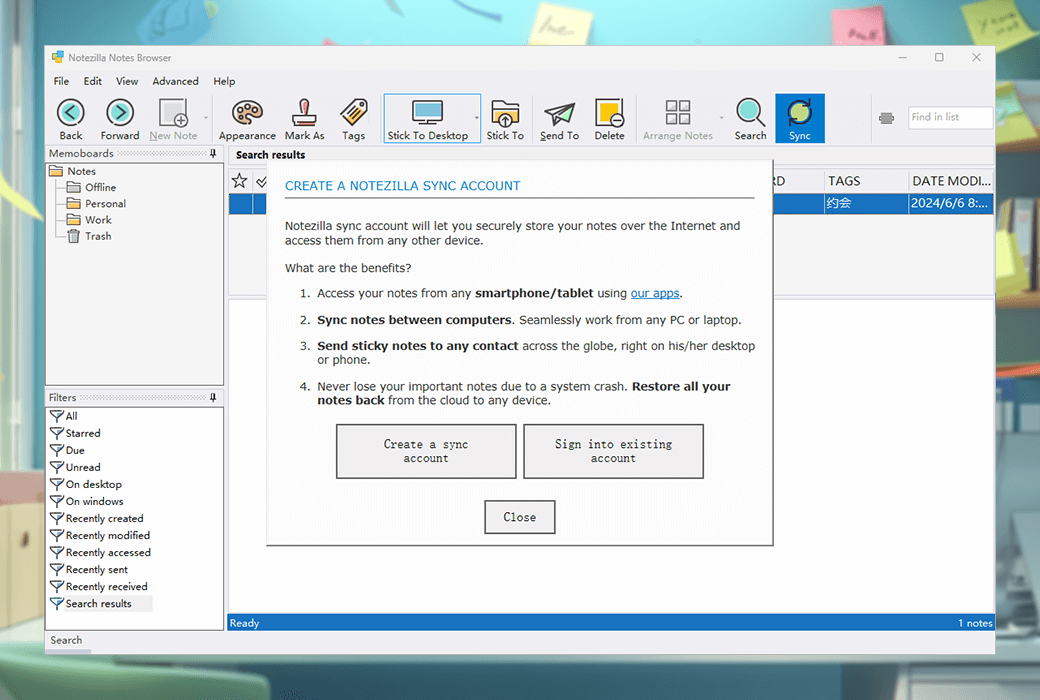
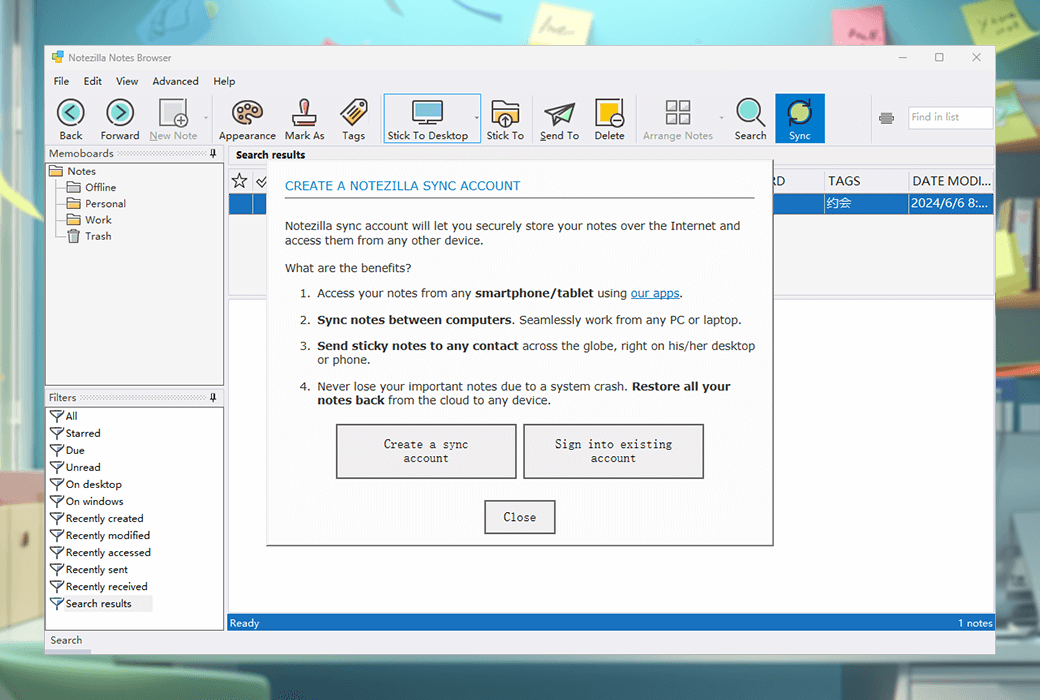
- Synchronize notes between devices: Use cloud services to synchronize notes on all computers.
- Assign tags to notes: Use tags to group and categorize notes.
- Insert images into notes: Copy and paste images directly from the website.
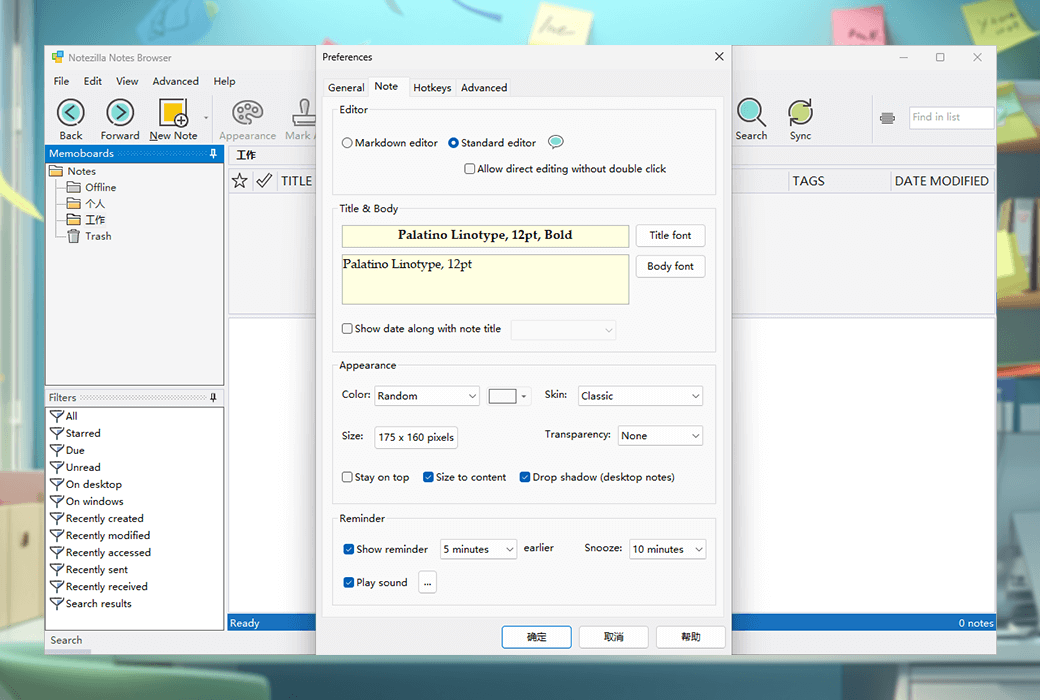
- Spell checking and rich text formatting: Provides text formatting features such as font style, color, text alignment, and word count.
- Send notes via the network or the Internet: use Notezilla to send notes to any contact around the world.
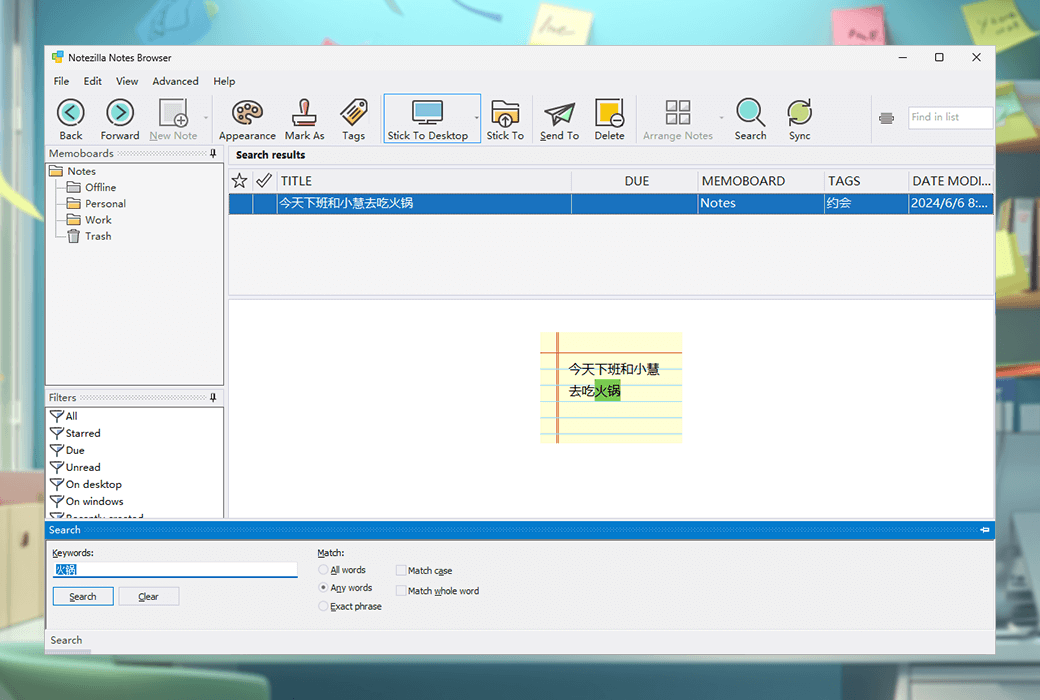
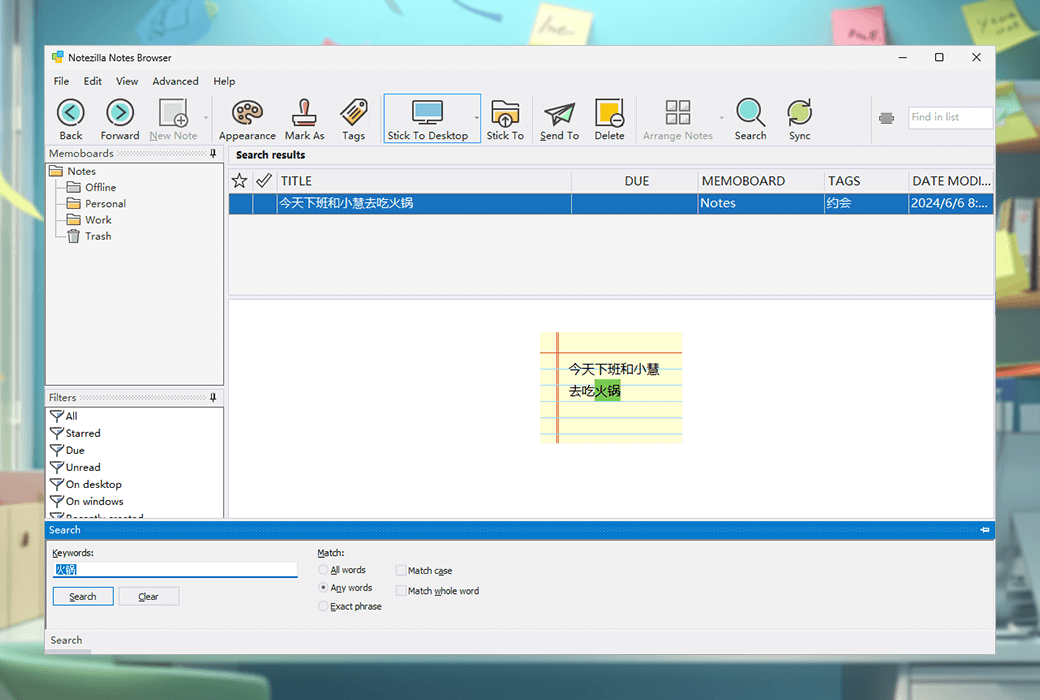
- Quick search for notes: Enter the search term and the notes will be quickly found.
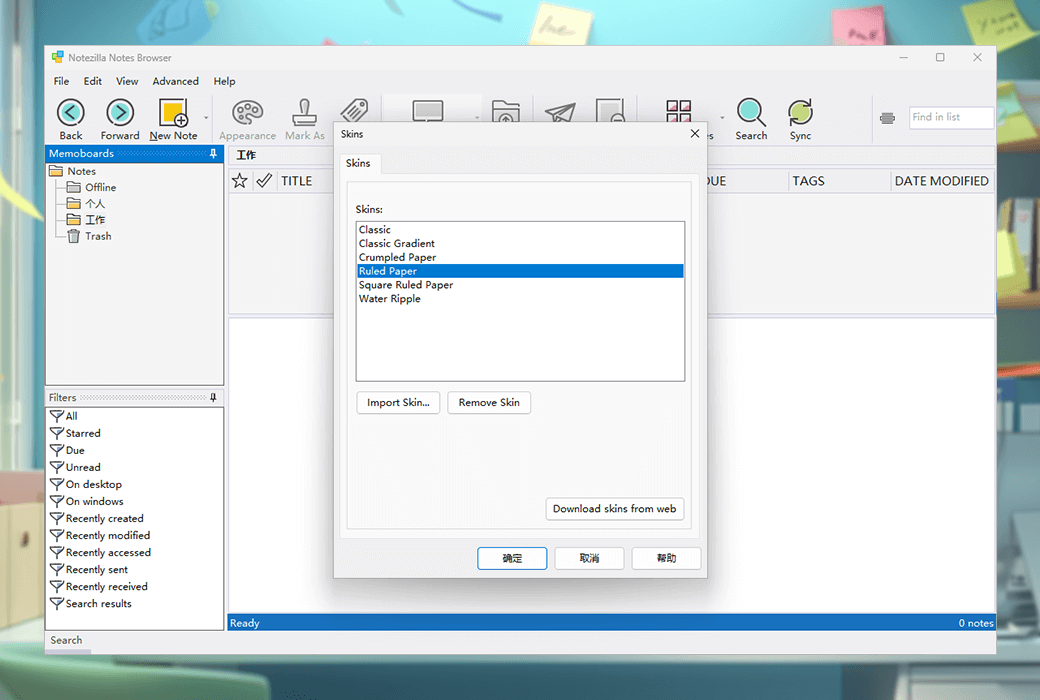
- Skin: Notezilla's notes can be worn with interesting themes such as grid paper, antique paper, etc.
- Convenient reminder pop-up window: designed to be concise and not distracting.
- Using notes as a substitute for notepad: Notezilla allows working on notes that are the width of the monitor.
Notezilla offers a free trial where new users can experience the new features of Notezilla 9, including free iPhone, iPad, and Android applications that can now be installed on the App Store or Google Play Store to sync all notes with the Windows version of Notezilla.
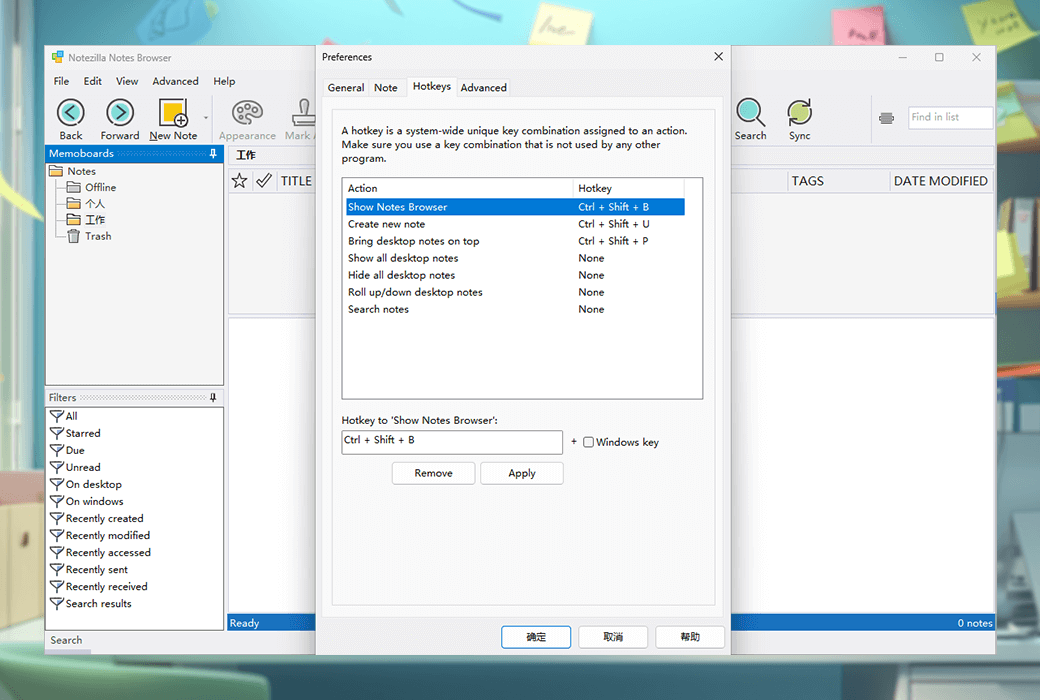
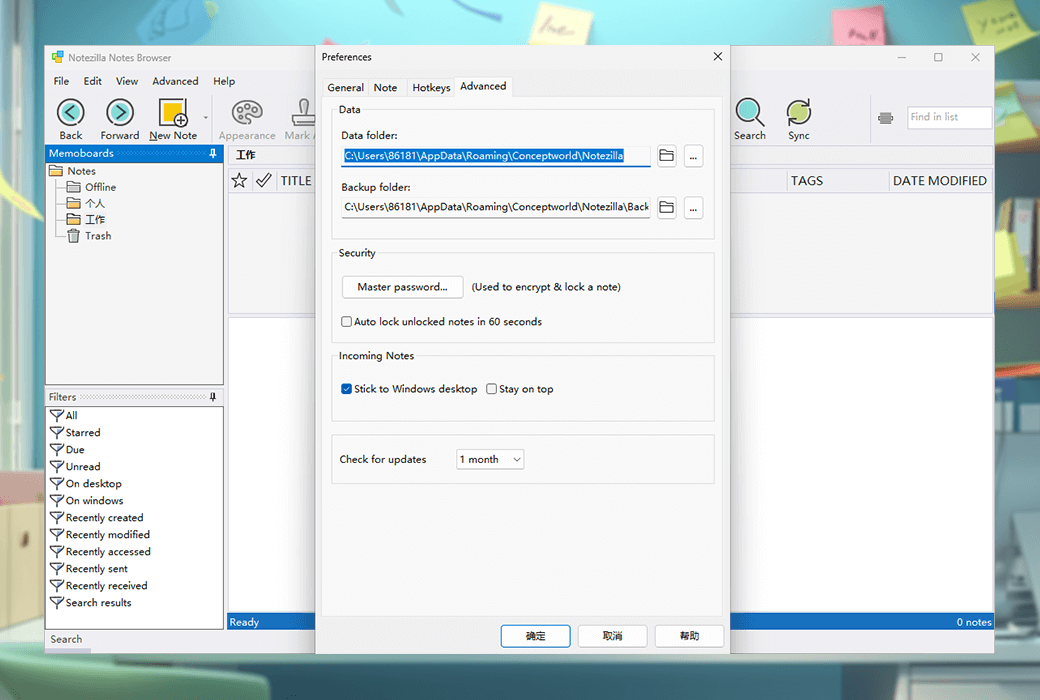
In addition, Notezilla also provides some screenshots and function displays, including list notes, locked notes, desktop notes, notes attached to documents and websites, notes with alarm clock, lists, labels, etc., organizing notes, synchronizing notes, assigning labels to notes, inserting pictures in notes, spell checking and rich text format, sending notes through the network or the Internet, quickly finding notes, note skin, and convenient reminder pop-up windows.
Notezilla believes that electronic notes are better than paper notes because they can set reminders, attach to documents, copy/paste content, share with friends/colleagues, format content, and make backups. Electronic notes are permanent and can create almost unlimited notes, while paper notes (such as 3M Post It) ® Notes have multiple restrictions. Using a note taking program like Notezilla can save a lot of money instead of using expensive paper notebooks.