APSGO LOGO
Combination
x1
Total Price:
View Cart
No APPS available
Cart
Home Overview Nero Swift screen recording Mac 4K high-definition screen recording tool software
Nero Swift screen recording
No. 3 Scenes
Nero Swift screen recording Mac 4K high-definition screen recording tool software截图 Nero Swift screen recording Mac 4K high-definition screen recording tool software截图 Nero Swift screen recording Mac 4K high-definition screen recording tool software截图 Nero Swift screen recording Mac 4K high-definition screen recording tool software截图 Nero Swift screen recording Mac 4K high-definition screen recording tool software截图
Download
Nero Swift screen recording Mac 4K high-definition screen recording tool software
Swift Screen Recorder is a simple and user-friendly Mac screen recording software that can help you record all desktop activities with one click in high-definition, while also supporting audio recording.

{{ item.spec_option }}

{{ item.spec }}

System

{{ guess.sku_info.price }}

Reference price

Price guessing rules:
1、Validity period of this price guess 2026-09-18 03:38:00 ~ 2026-09-18 11:38:00。
2、Guess the place 3 item。
3、Deduction required for each guess 5 Points。
4、The guess price is 1xx.52 CNY,The value of x is the digits 0 to 9.
5、"There is no limit to the number of times each person can guess the price. Once they have guessed the price, they can create and pay the order at this price. Overdue pricing is considered a waiver.".
6、After the end of each period, the user's guess price will be displayed in the historical guess price column, and if no one guesses, the flow guess will be displayed.
Guess Price: {{ guess.price }}
PLUS Annual Member Exclusive You guessed it ! Pay Now Guess Not started yet
{{ item }} ({{ guess.currentOrdersNum }}) ({{ app.qa.questionsData.total }})

Swift Screen Recorder is a simple and easy-to-use Mac screen recording software that can help you record all activities on your computer desktop in high definition with just one click, while also supporting audio recording.


Using Swift screen recording, you can:


  1. Record important online meetings.
  2. Record webinars and online calls.
  3. Record game commentary videos.
  4. Create clear video tutorials.


Main functions:


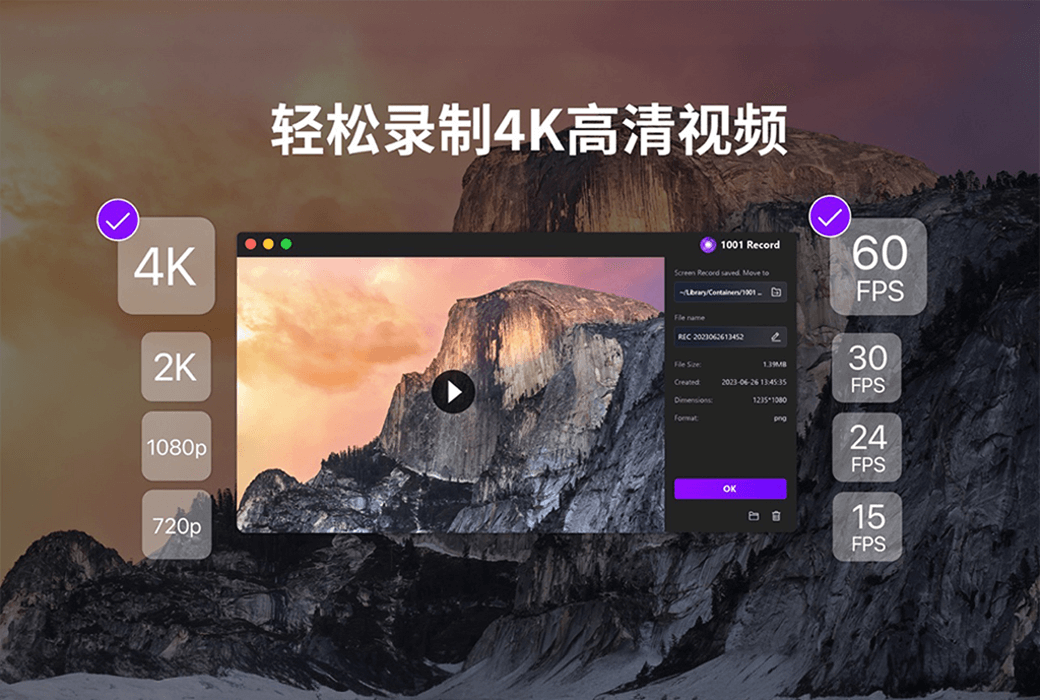
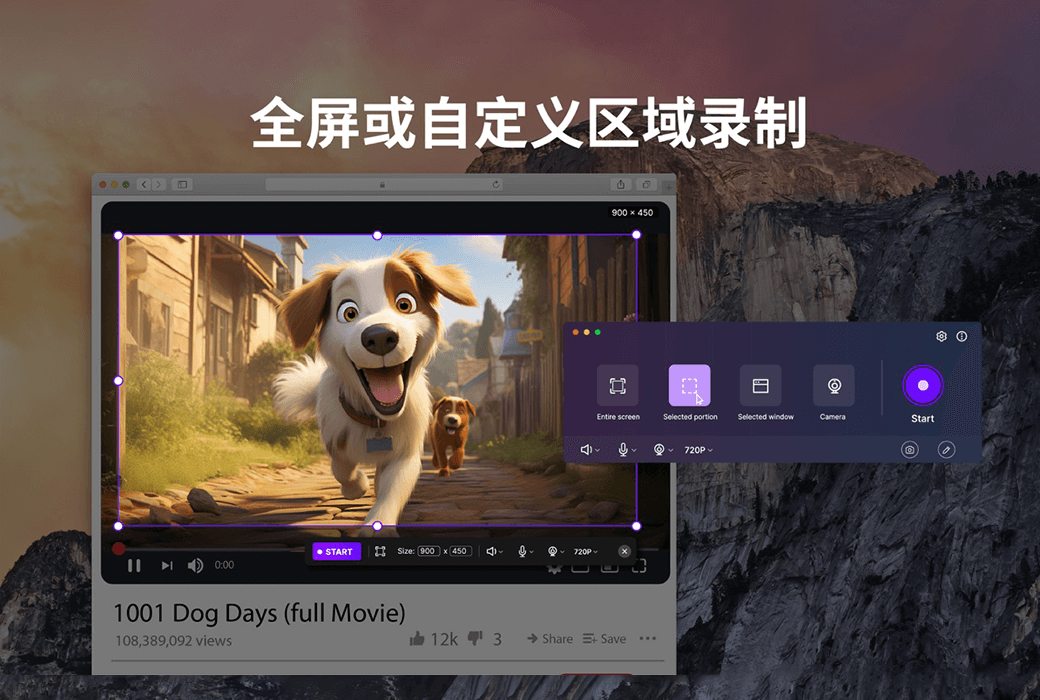
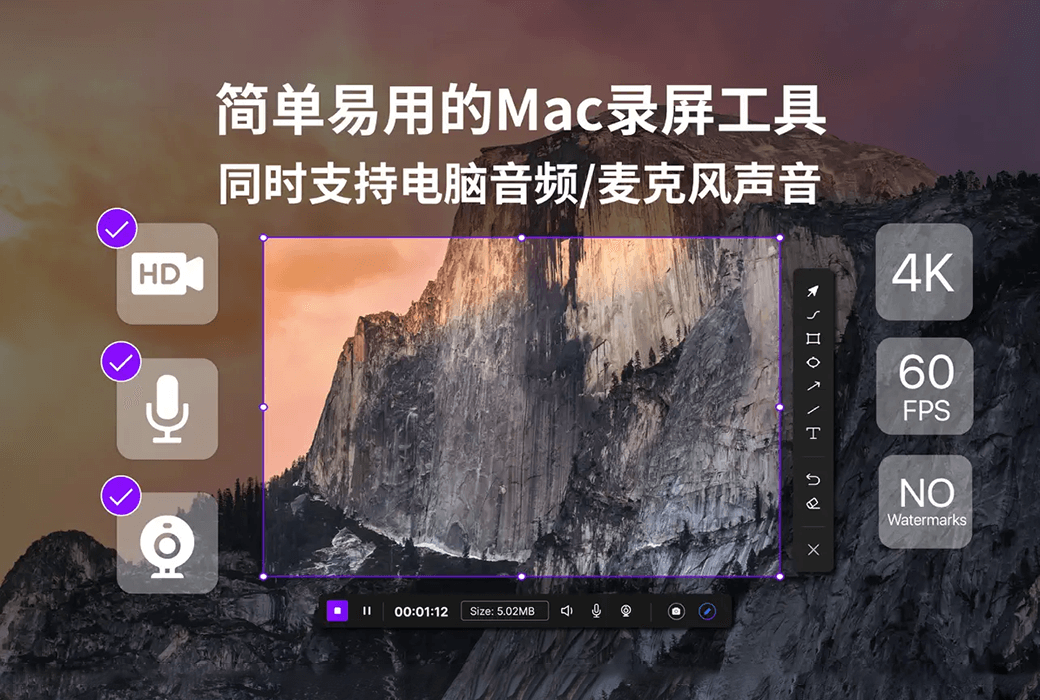
  1. High definition screen recording (720P, 1080P, 2k, and 4k)
  2. You can choose different frame rates (10, 15, 24, 30, 60)
  3. Synchronize audio and video, while recording system audio (applicable to macOS 13.0 and higher versions) and microphone sound
  4. Support full screen/area recording
  5. Window recording (applicable to macOS 12.3 and higher versions)
  6. Camera recording
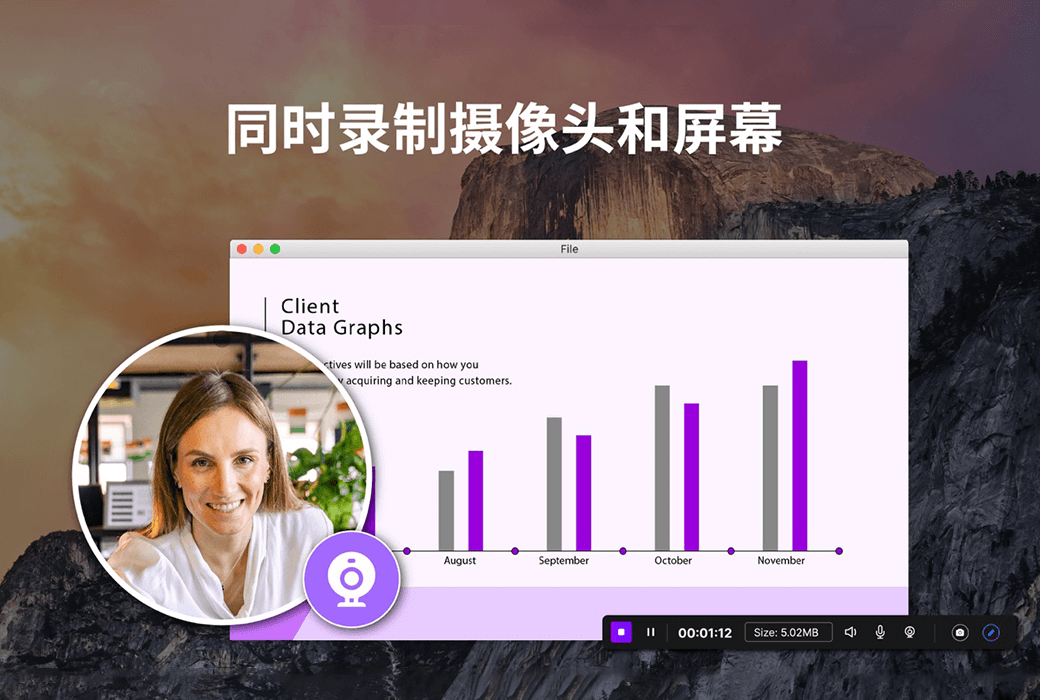
  7. Simultaneously recording the camera and screen
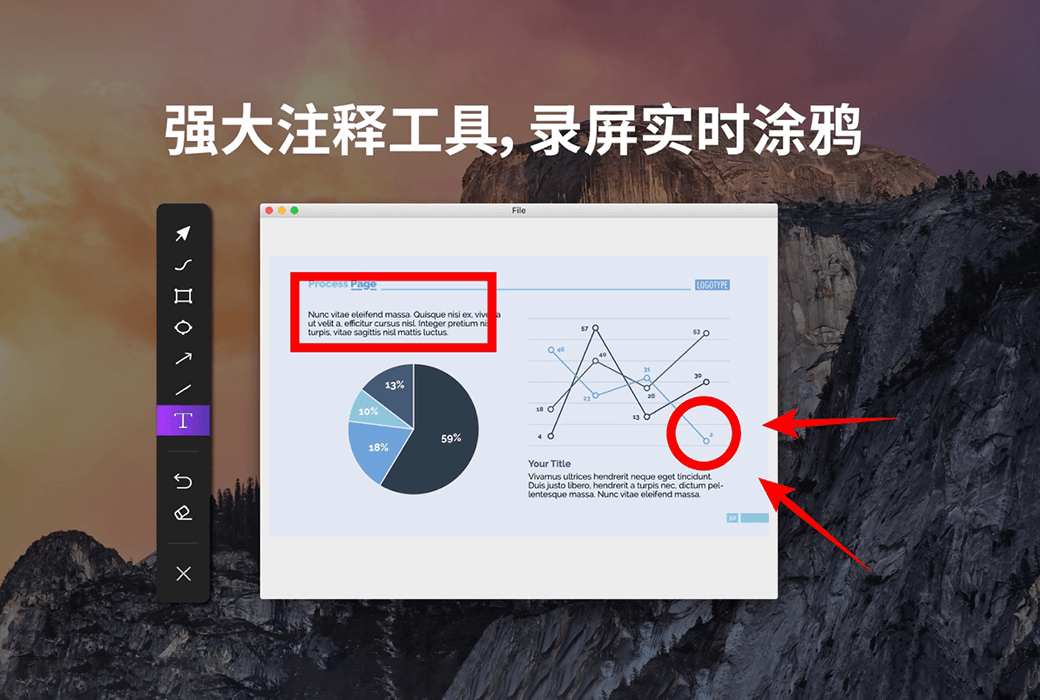
  8. Real time graffiti for easy teaching or PPT presentations
  9. Customize shortcut keys
  10. No watermark
  11. No screen recording time limit


We are different:


In order to ensure a rock solid screen recording experience, we conduct thousands of hours of screen fatigue testing, ensuring that the recording process does not crash and the recording end file is not lost.

2. We are very concerned about the user experience of screen recording and have invited thousands of people for beta testing, optimizing hundreds of functional points.

3. If a longer trial period is required, please contact our one-on-one dedicated customer service to apply for a redemption code on a first come, first served basis.

4. If you are not satisfied, please contact customer service at any time to assist with a full refund.

Official website:https://1001record.com/

Download Center:https://1001record.apsgo.cn

Backup Download:N/A

Delivery time:24-hour automatic shipping

Operating platform:macOS

Interface language:Supports Chinese interface display, with multiple languages available.

Update instructions:The manufacturer promises lifelong use and updates.

Pre purchase trial:Free trial before purchase.

How to receive the goods:After purchase, the activation information will be sent to the email address at the time of placing the order, and the corresponding product activation code can be viewed in the personal center, My Orders.

Number of devices:Can install 1 computer.

Replacing the computer:Uninstall the original computer and activate the new computer.

Activation guidance:Open the Apple Store, click on "User Profile" in the lower left corner, then click on "Redeem Recharge Card" in the upper right corner, follow the prompts to redeem, and then download and install the software. If the software is not automatically activated after installation, click on "Restore Purchase" to complete the purchase.

Special instructions:To be added.

Reference materials:To be added.

{{ item.user.nickname }} Luck Lost
{{ item.created_at }} {{ item.user.region }}
1**.52
{{ item.price }}
Guess Price
More Records
No. {{ item.issue }} Scenes
{{ item.end_at }}
{{ itemUserInfo.nickname }}
Guess the right price:{{ item.guessPrice }}
Passed
Passed guess price:{{ item.guessPrice }}
More Records
Ask a question
All Manual Function News Default Newest
Nero Swift screen recording Mac 4K high-definition screen recording tool software截图 Nero Swift screen recording Mac 4K high-definition screen recording tool software截图 Nero Swift screen recording Mac 4K high-definition screen recording tool software截图 Nero Swift screen recording Mac 4K high-definition screen recording tool software截图 Nero Swift screen recording Mac 4K high-definition screen recording tool software截图

Guess Price

Confirm ( - {{ guess.integral * guess.member_discount }} Points) Confirm (Consumption free{{ app.userInfo?.guess_num }} times)

Guess the price code

确 认
Oh MAN! You almost guessed it!
Bye~ Once more!
Congratulations! Guess it! Luck is really a table breaker!
JUST Fun~ Order
Pay Annual PLUS
For annual PLUS members only. Join to guess prices and get exclusive benefits!
Maybe later Pay Now