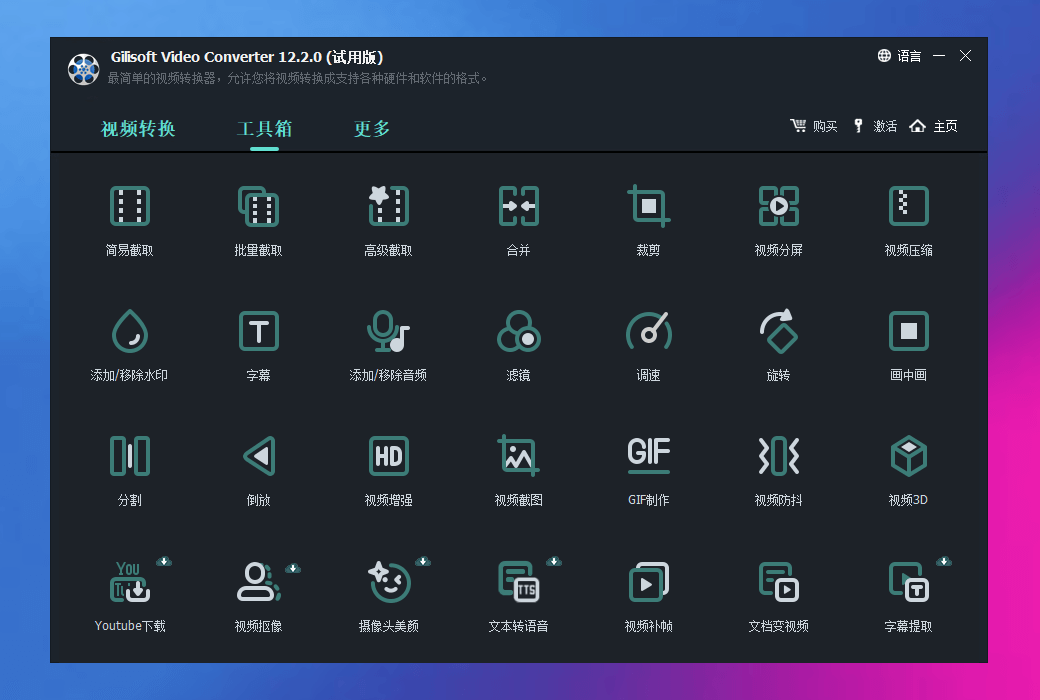
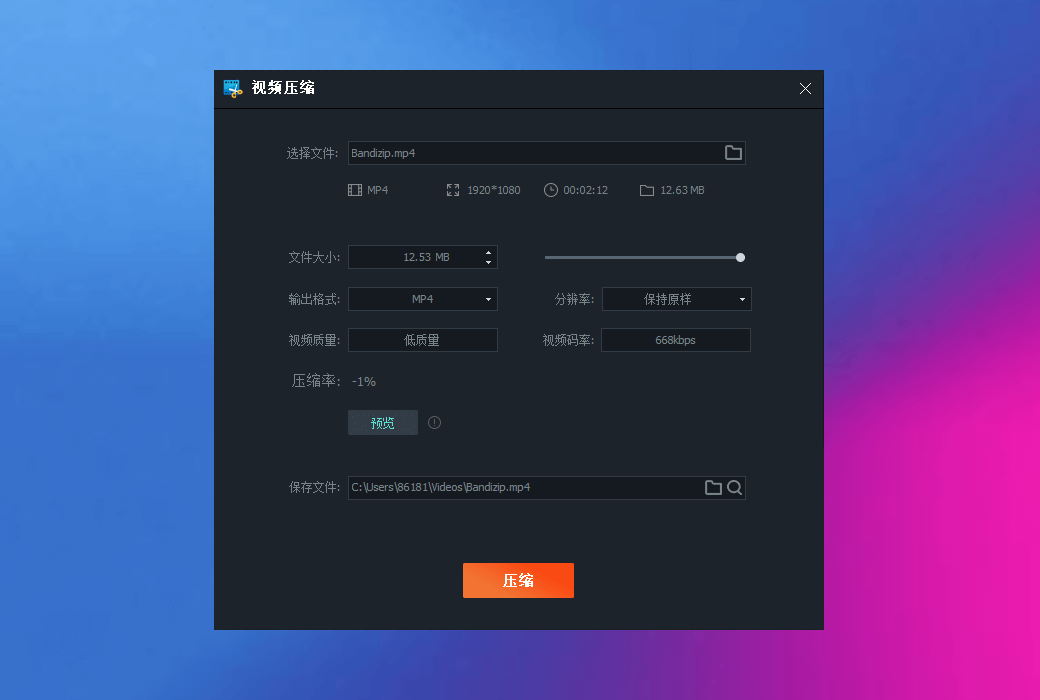
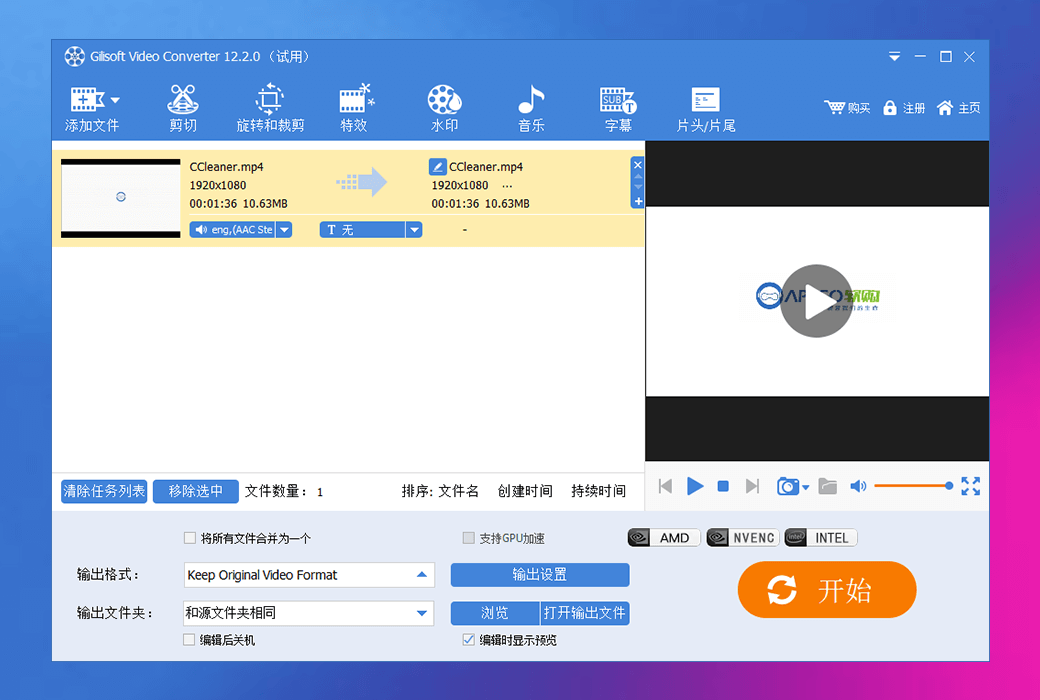
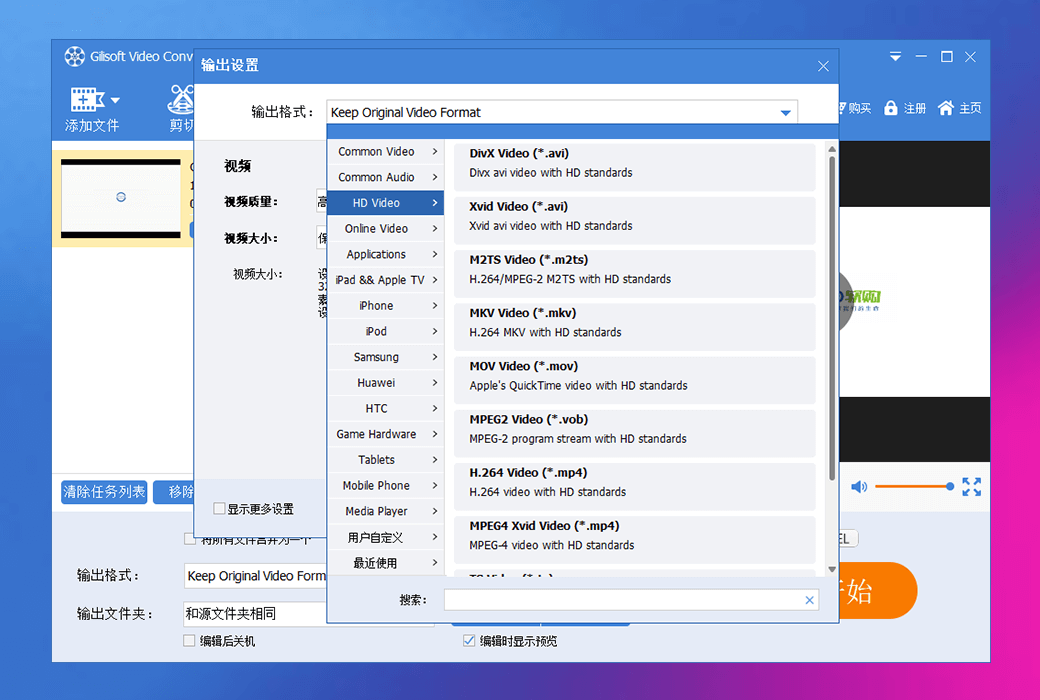
You can enjoy GiliSoft Video Converter Exploration Edition, the most professional video format converter that provides many video editing functions, allowing you to trim, crop, and adjust the image and audio values of materials, providing you with the content you need to fully utilize video conversion.
Featured Features
- Read almost all video files
Powerful video converter can read almost all popular video formats, including H265 video format from the Internet, digital video camera, capture card, etc.
- Export to popular video formats
Convert these videos on PC into all mainstream video/audio formats that can be played on various multimedia devices, including H265 video format.
- Better SWF to Video Converter
A professional Flash converter for converting Flash SWF to video. It converts Macromedia Flash (ActionScript) SWF to AVI, MPEG, MP4, and popular formats.
- GPU accelerated transcoding
Supports NVIDIA NVENC accelerated encoding and is compatible with most NVIDIA graphics cards that support the traditional CUDA instruction set.
- Merge video clips into one
Support merging multiple video clips into one movie and adding stylish transitions between segments or adding them without re encoding.
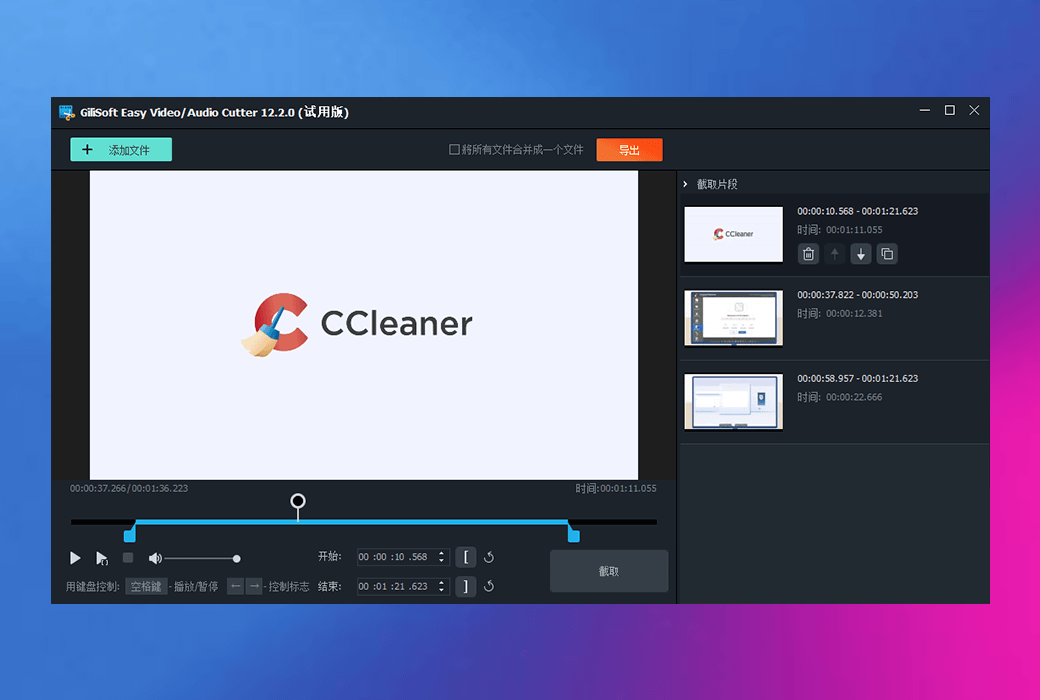
- Cut and edit from large videos
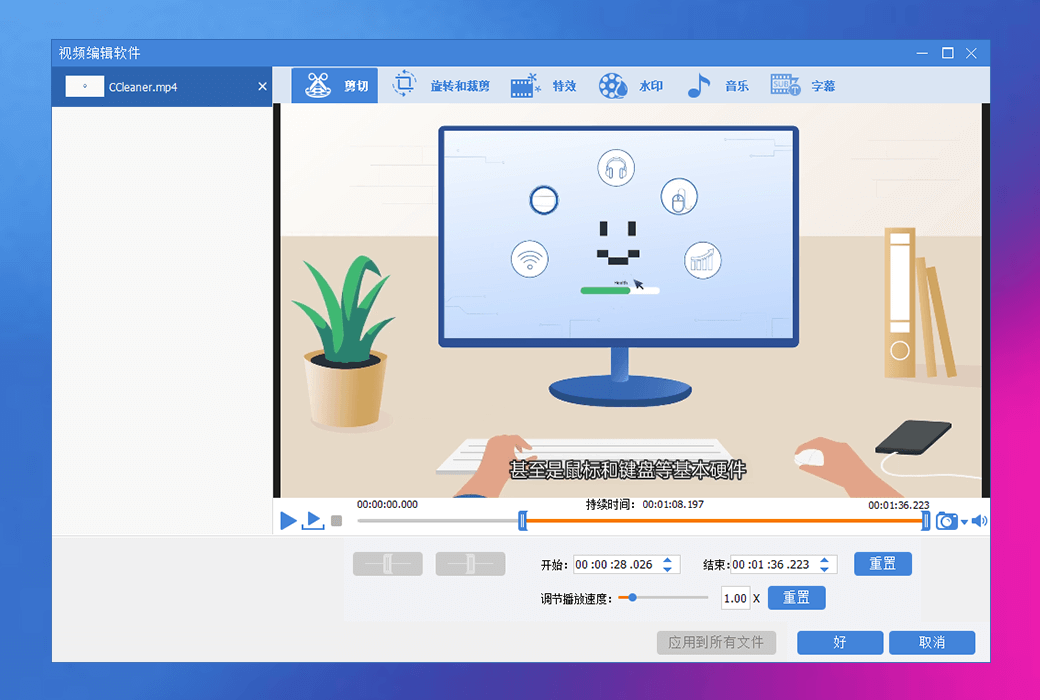
We provide you with a simple and efficient way to shorten video length, and also allow you to edit movies in various ways without the need for re encoding to cut videos.
- The fastest video conversion
With the help of new optimization acceleration technology, the current ultra high speed video conversion speed is 30 times faster than before and exceeds most conventional video converters.
- 100% non-destructive quality
Lossless conversion supports most formats, such as MP4, MOV, AVI, WMV, etc. Up to 30 times faster conversion speed, leaving other format conversion tools behind.
- Adjust video speed
Adjust video speed and create fast and slow motion videos to make video clips play faster or slower than the original speed - time-lapse photography/slow motion effects.
- Add subtitles to the video
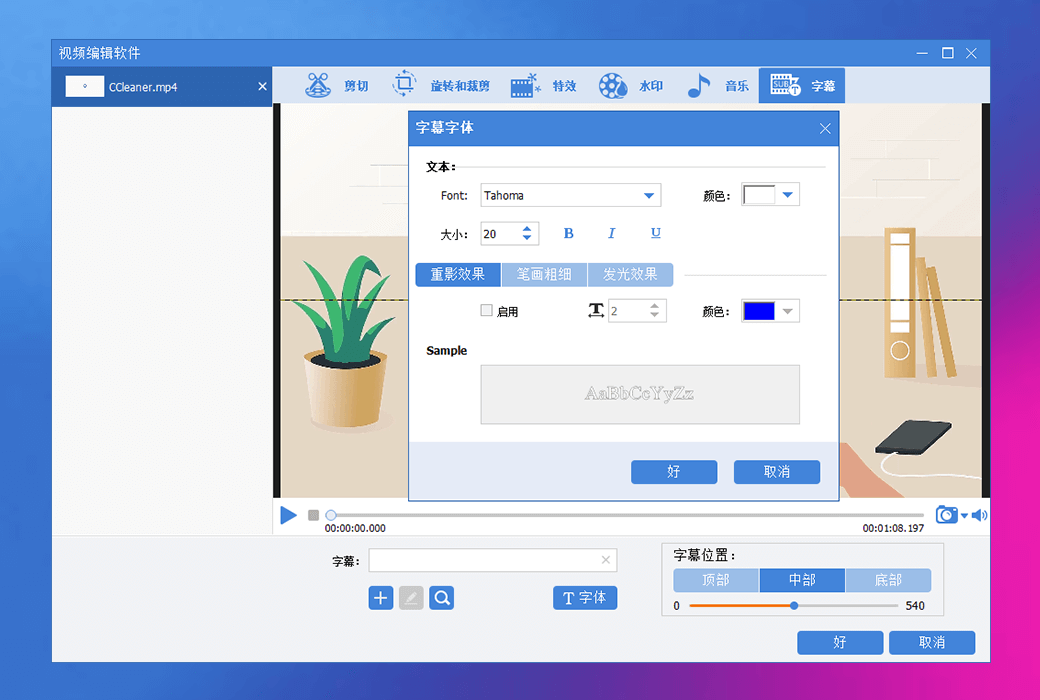
Not only can subtitles be added to movie files, but also subtitle files can be created, edited, downloaded, and subtitle fonts and positions can be set.
- Rotate and Crop Video
Easily rotate videos from iPhone, PC, phone, or camera by 90, -90, 180 degrees, and crop videos to remove unnecessary information.
- Add/Remove Watermark
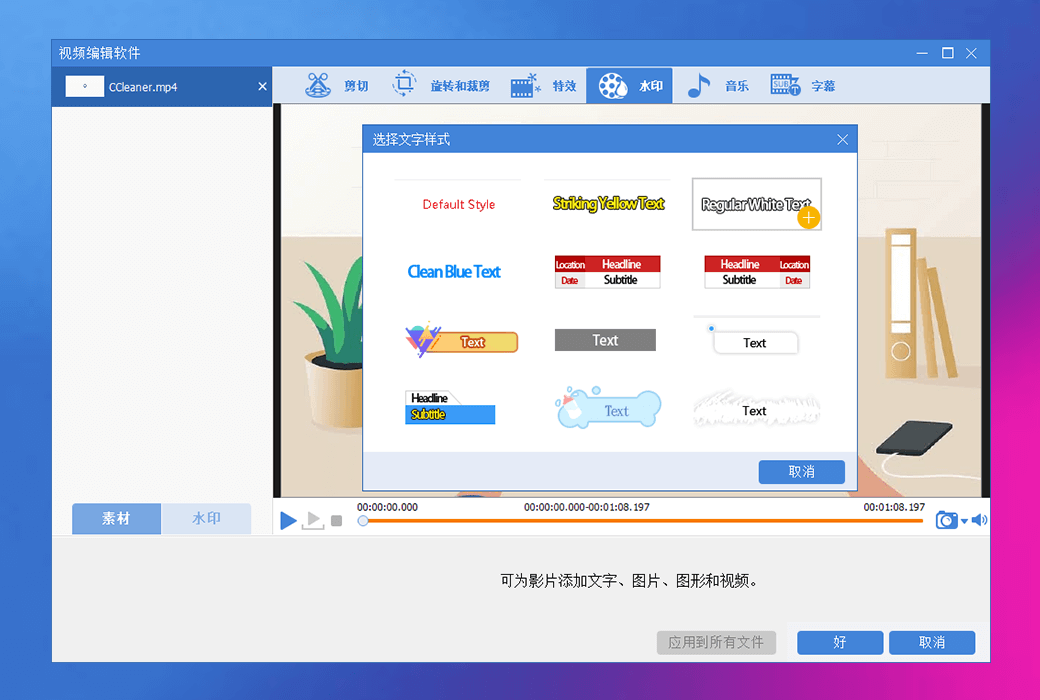
Easily add text watermarks, image watermarks, video watermarks, shape watermarks to videos and remove watermarks from video files.
- Add effect
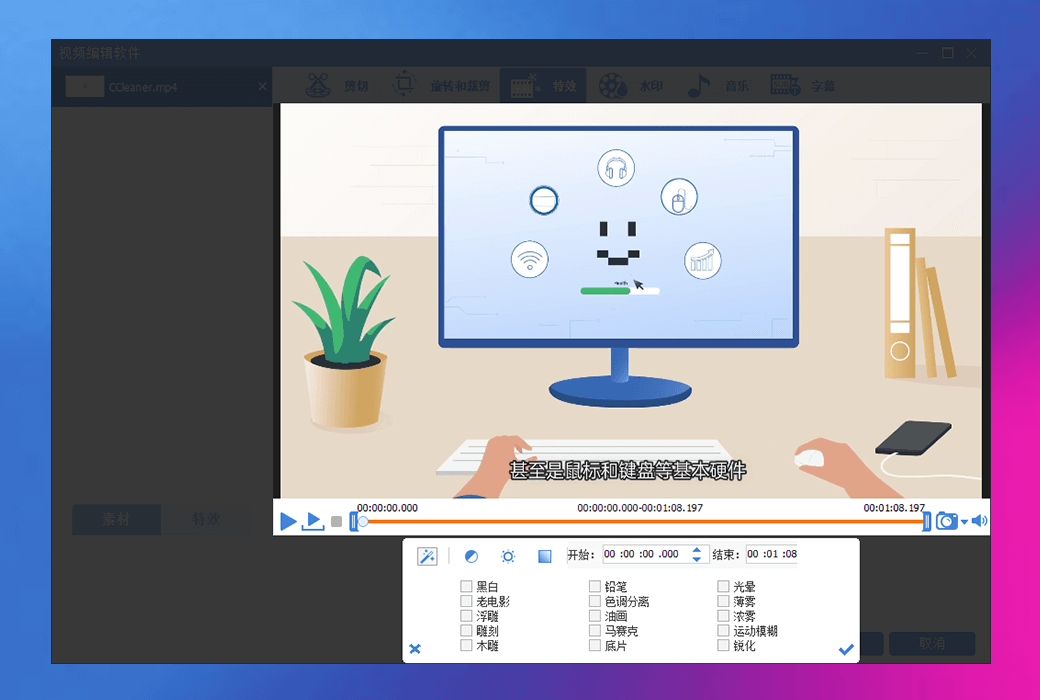
Add filter effects (mosaic, fog, old film, etc.), zoom out effects, adjust video volume and selected time range.
- Add/Remove Music
Disable audio or add music to the video, record voice and add it to the video.