CloudDrive2
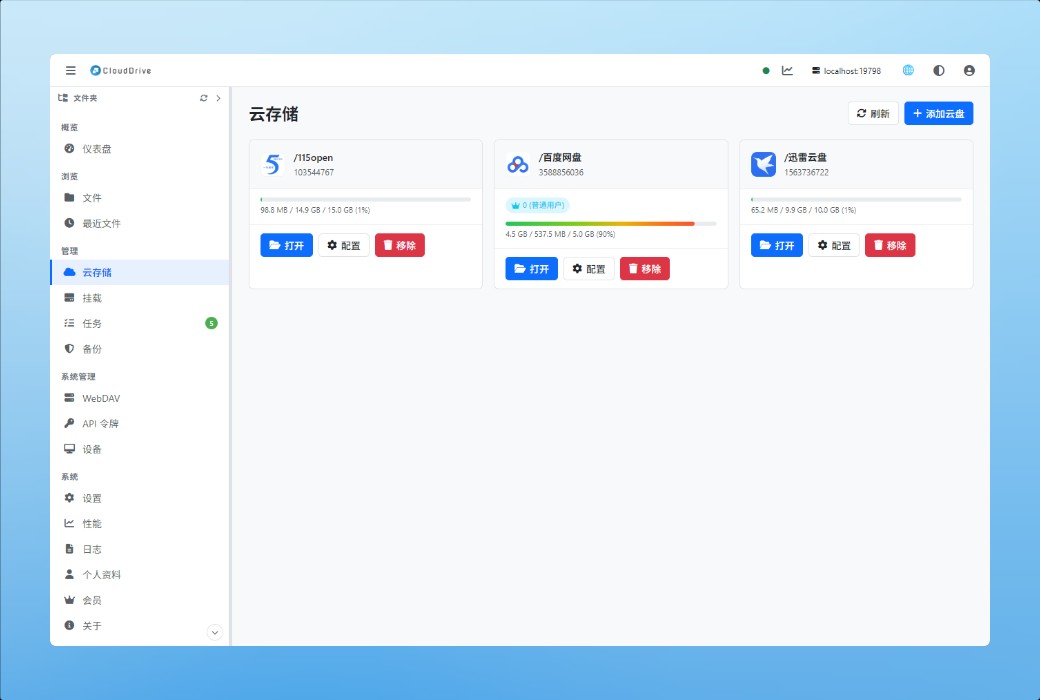
Unified management of all cloud disk accounts, cross cloud replication, encryption, backup, and external provision of WebMAV. It is both the backend service installed on computers, NAS, or Docker, and fully integrated into applications on every platform - there is no need to set up another server on mobile phones, TVs, or headsets. Only local mounting is restricted by the system.
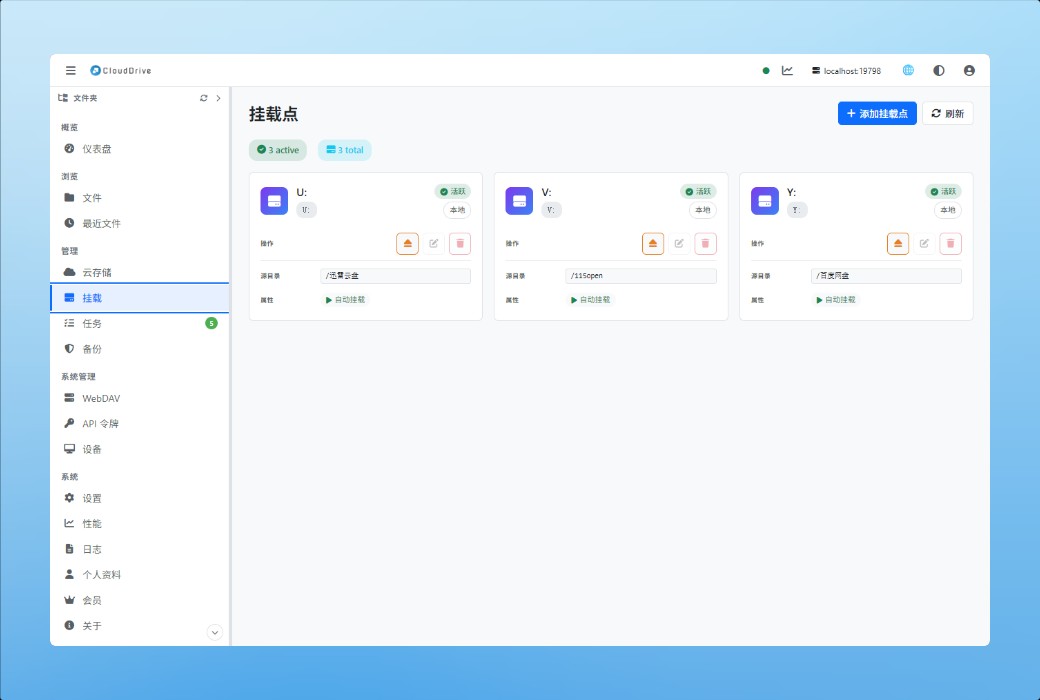
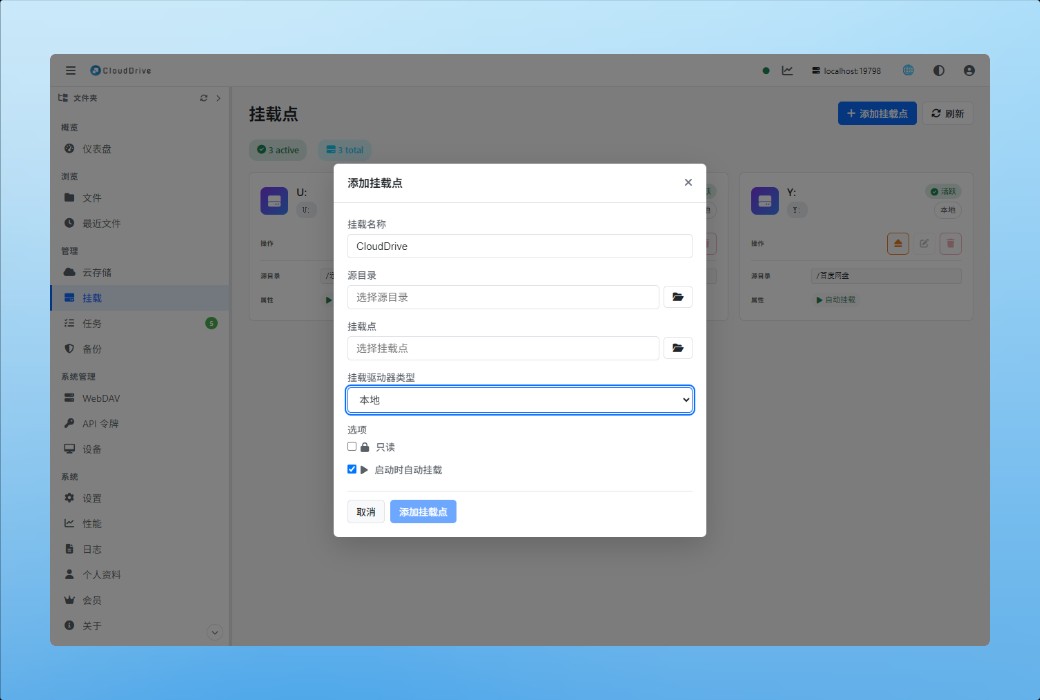
Cloud disk local mounting
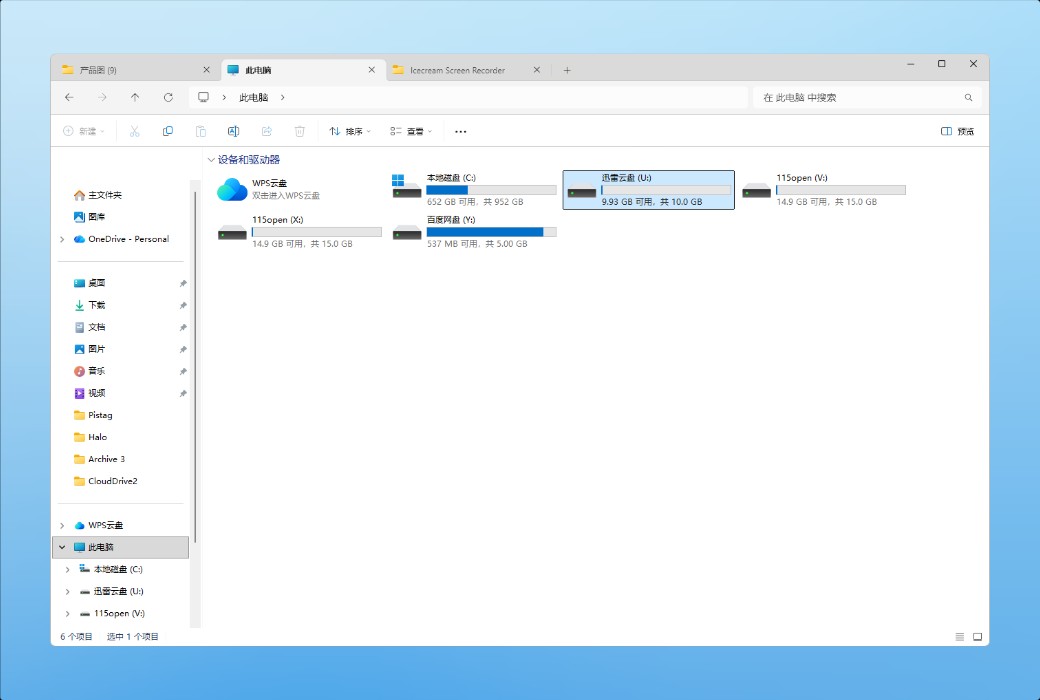
CloudDrive2 can mount a cloud disk or a directory in the cloud disk as a local disk - just like inserting a USB drive into a computer. After mounting, cloud files can be opened, edited, and saved directly without the need for prior download. You can mount only a single cloud disk or mount multiple cloud disks into a unified file system. This way, when switching and organizing files between different cloud drives, there is no need to open each client separately. More importantly, the mounted disk supports complete random read and write operations. Any local program can access it like accessing a local disk, whether it's saving a document directly in office software or dragging the progress bar in a media player, without having to pull down the entire file first.
- Multi threaded reading
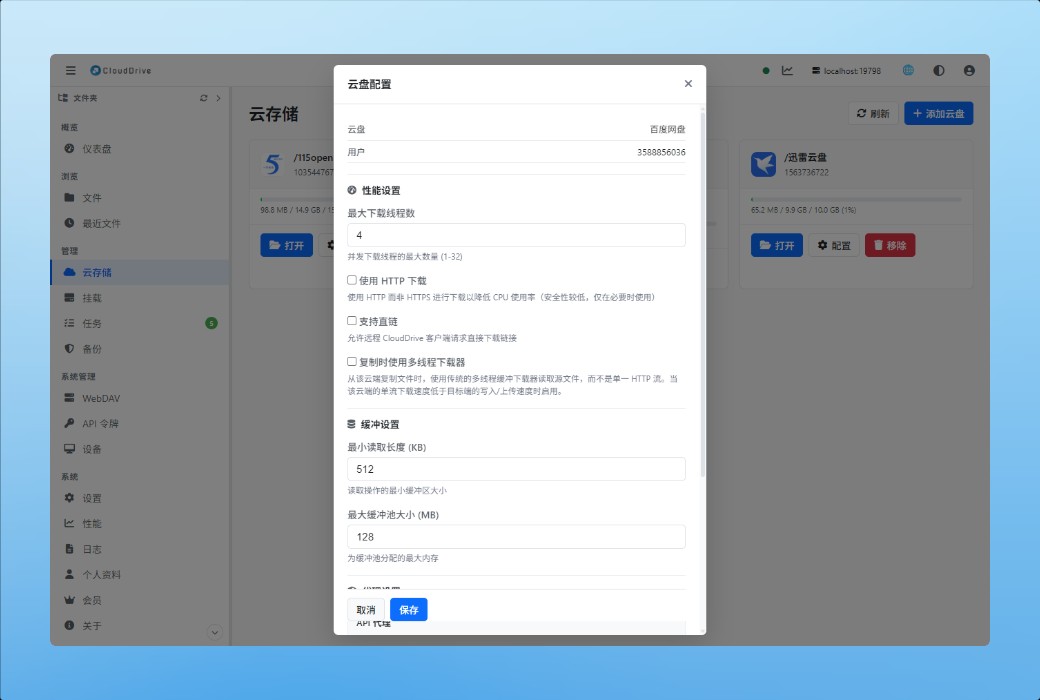
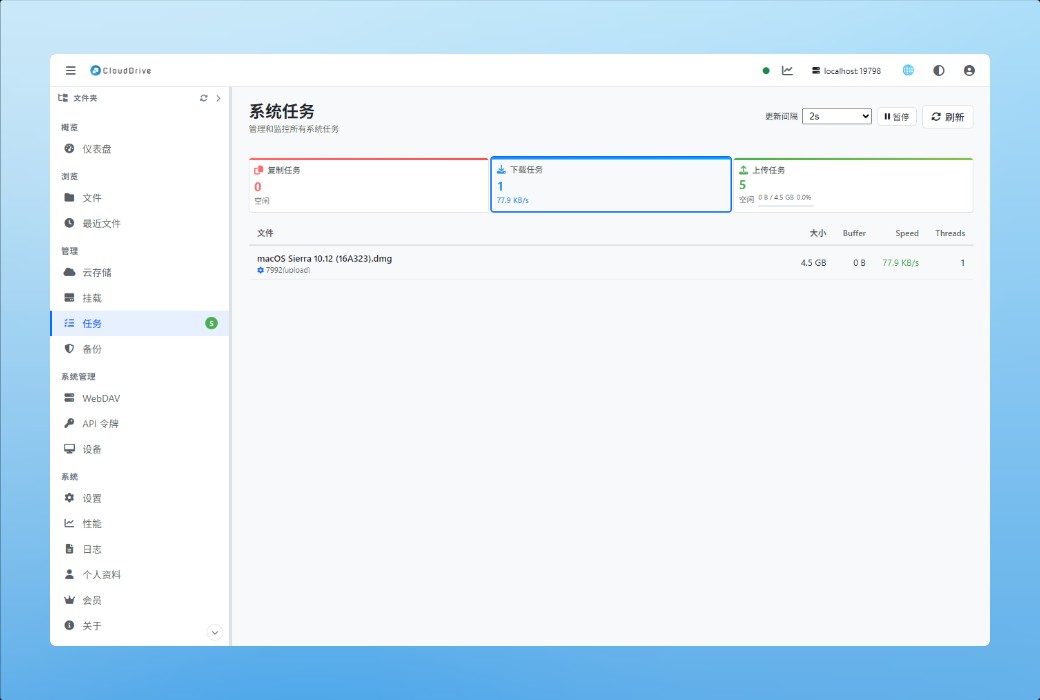
When reading cloud disk files, multi-threaded downloading is used, which greatly increases the speed; With sufficient bandwidth, the user experience is close to that of a local disk.
- By the way, it has become a synchronous channel
After modifying a file on one device, the content will be written back to the cloud drive. When the other device is opened, the latest version will be obtained, so there is no need to worry about inconsistent versions or missing changes.
A true file system, not a read-only image
Most tools that mount cloud disks locally provide a "view that can be viewed and copied": file properties are fixed values set uniformly during mounting, cannot be changed by chmod, and extended properties are not supported at all. Writing is more restricted - by default, adding a line after a file that is already in the cloud will fail; To make it successful, you need to first open the local disk cache, and the cost of caching is that the entire file must be downloaded back to the local before making any changes. The mounting of CloudDrive2 is not like this.
On Linux and macOS, the complete POSIX file system is displayed: permission bits, owner and user groups, three timestamps, extended attributes (xattr), and so on. On Windows, Security Descriptors are also fully supported, and ACLs read and write as usual. The cloud drive itself cannot store these things, so CloudDrive2 persists them locally - they are there after modification and still exist after restarting.
Writing is truly random writing. Object storage can only replace the entire file (upload with file hash), so any changes will still generate a new object in the end; The difference is that CloudDrive2 does not need to download the original file back first: it retrieves the unmodified fragments from the cloud while adding the parts you wrote locally, directly piecing them together into a new file and uploading it. Change the middle few bytes of a tens of GB file without spending an hour pulling it down first.
- Authority and Attribution
Permission bits, owners, and user groups all exist in reality, and chmod and chown cannot be discarded after modification - the properties are persistent locally and do not depend on whether the cloud drive can store them.
- extended attributes
Programs that rely on Xattr work as usual - macOS Finder tags, backup tool metadata, and various tagging tools will not malfunction.
- Windows ACL
The security descriptor is fully retained, and the permission settings on domain environments and multi-user machines remain in effect as usual.
- Change a paragraph, no need to download first
Database files, editing projects, disk images, and other files that need to be rewritten in place do not need to be pulled back locally with tens of GB before making changes.
Which platforms can be mounted
Hanging the cloud drive as a local disk in the system requires the operating system itself to release it.
- Can be mounted:Windows version; MacOS official website download version (requires macFUSE); Linux/NAS/Docker versions; Rooted Android device.
- Cannot mount:Mac App Store version (running in a full sandbox); IPhone and iPad, Apple TV, Vision Pro, and Meta Quest (system limitations); Unrooted Android devices; And Linux running as a non root user without opening user_allow_other in/etc/fuseconf - the last one can be mounted by changing the configuration, as shown in the instructionsHelp page.
These core functions are equally abundant on these platforms. On iPhone, iPad, and Vision Pro, the File Provider extension connects cloud storage to the system's "File" application; On Android, the Storage Access Framework (SAF) allows other applications to browse and open cloud files directly in the system file selector.
Unified multi cloud disk management
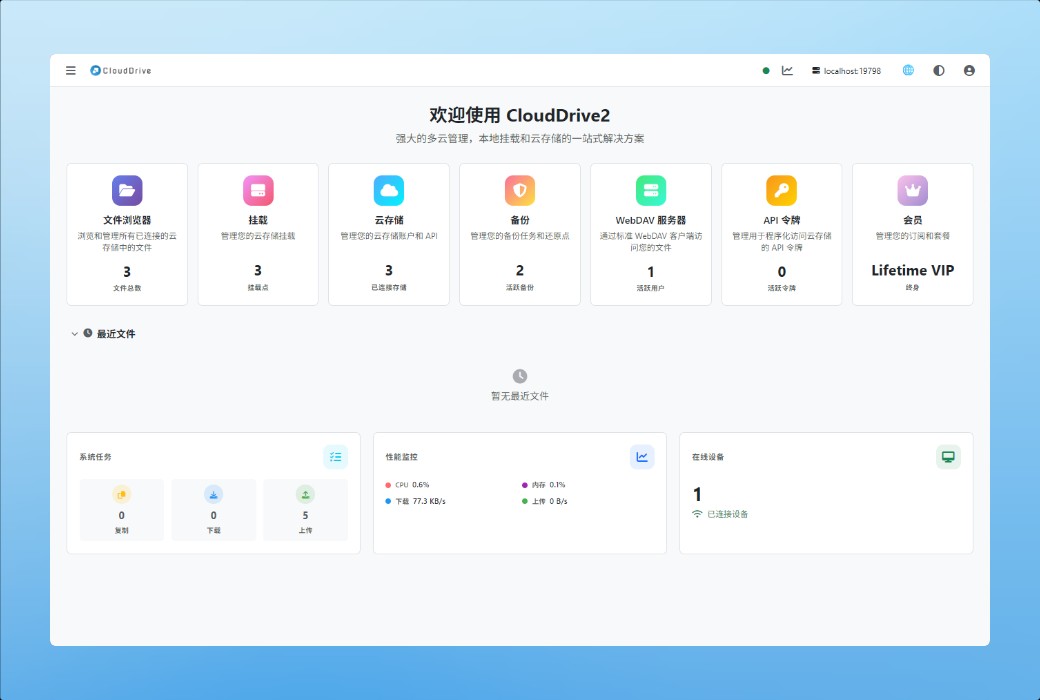
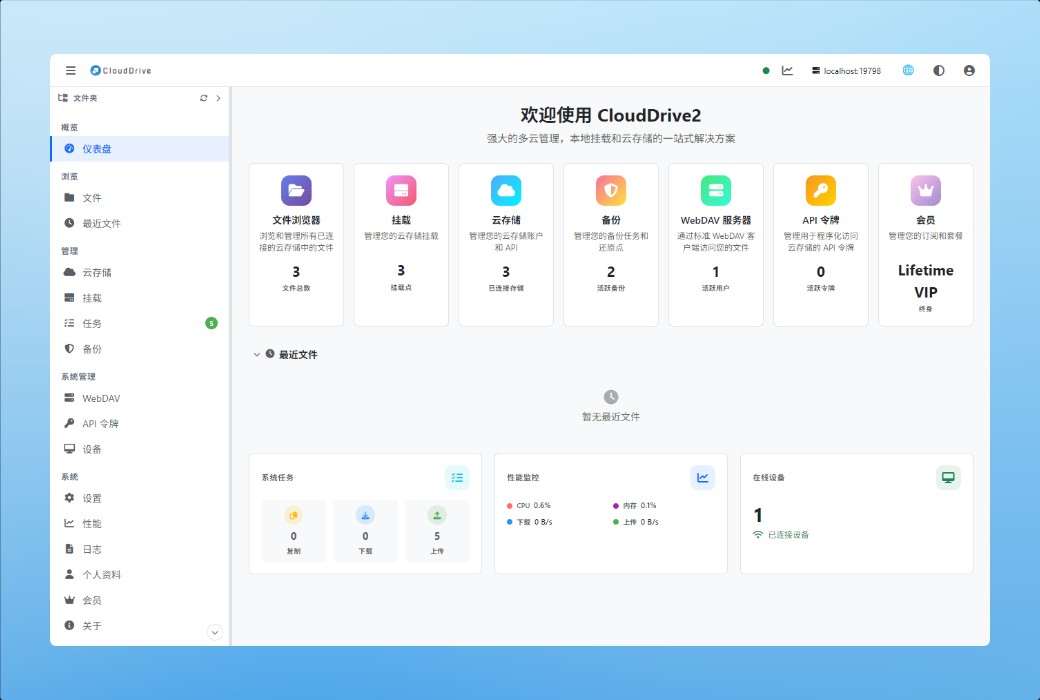
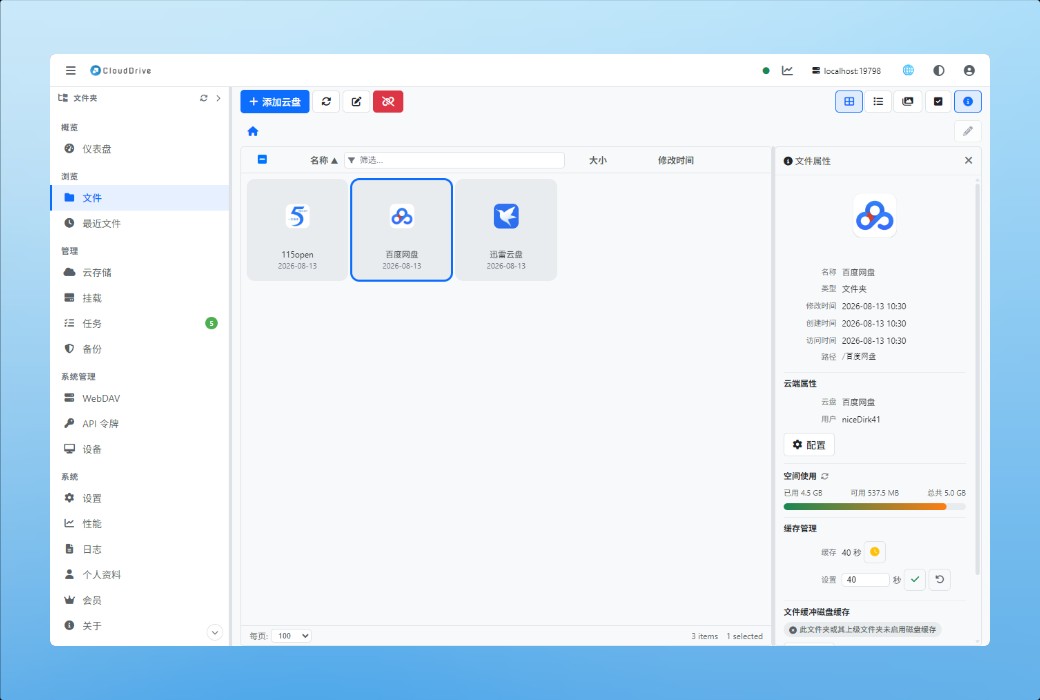
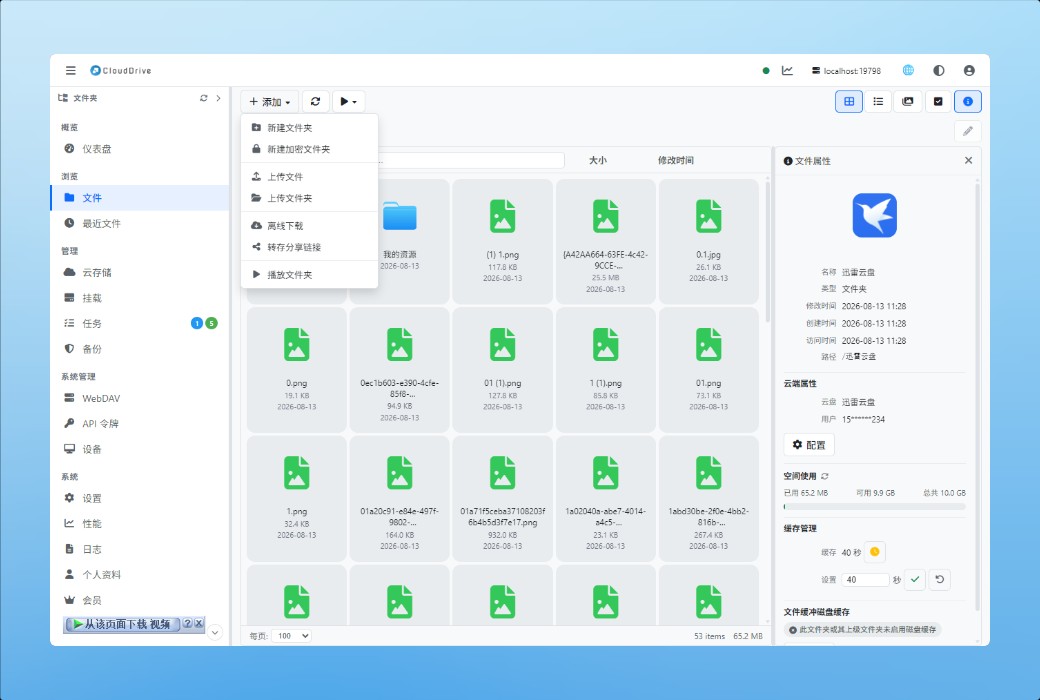
CloudDrive2 comes with a web management interface, where all file operations for cloud drives are completed: browsing directories, viewing images, playing videos and audios online, as well as creating folders, renaming, deleting, moving locations, and uploading local files. No need to switch back and forth between apps on various cloud drives.
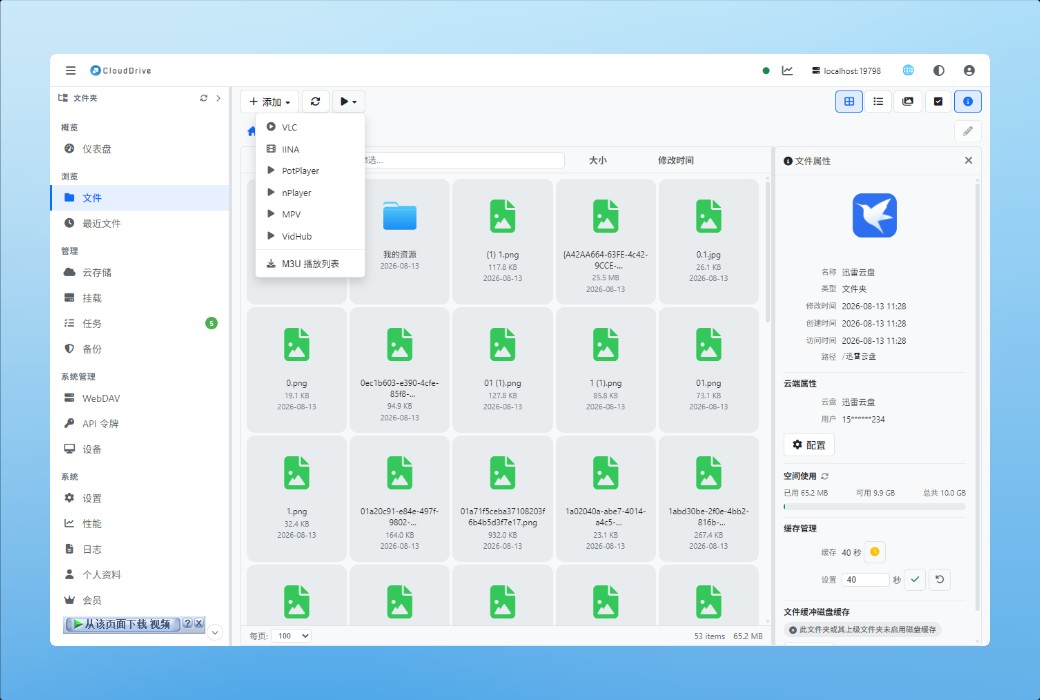
The audio and video content on the webpage can also be opened by third-party players, including PotPlayer, VLC Player, Infuse, iina, and nPlayer.
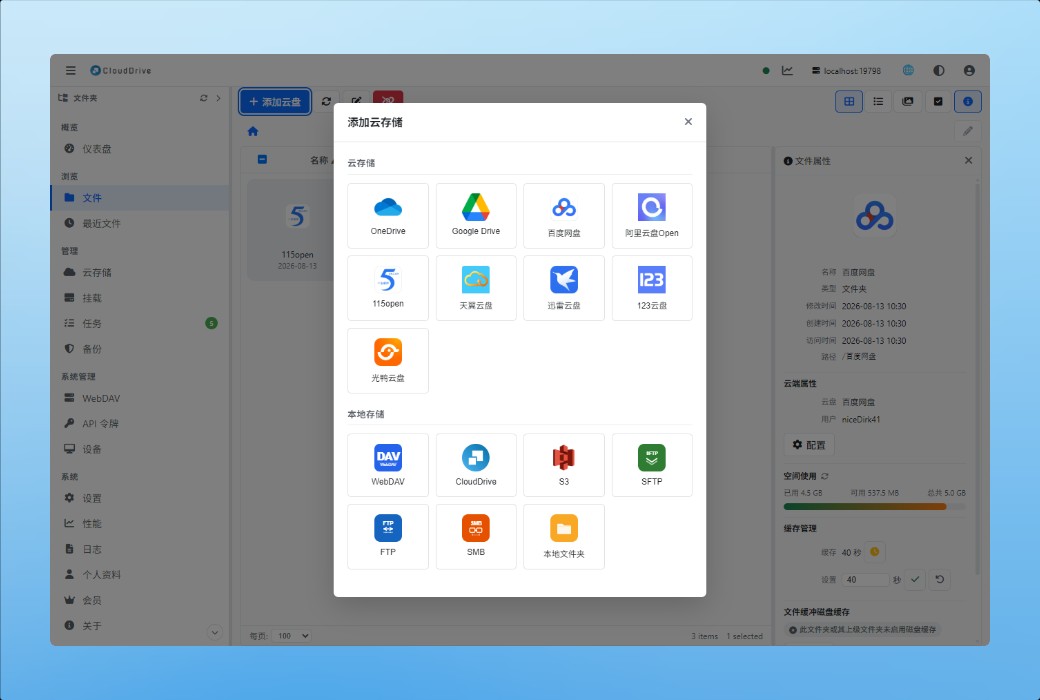
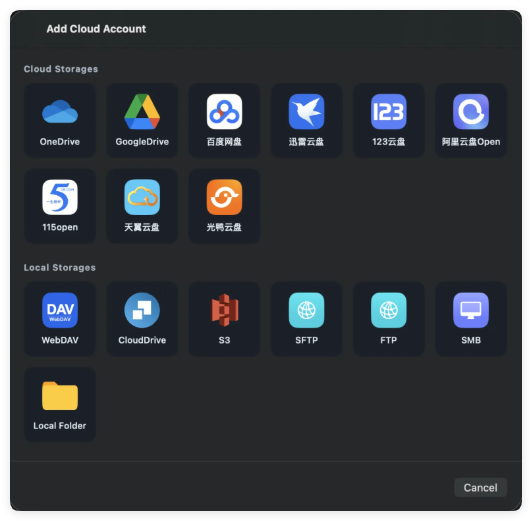
- Currently supported storage
The following are all the options in "Add Cloud Storage", grouped the same as in the application.
Login once, use everywhere
CloudDrive2 provides cloud synchronization of cloud disk accounts: You only need to log in to all cloud disk accounts in one place, and then you can directly use these accounts on any CloudDrive2 device without having to go through the login process again on each device. For people who frequently change their devices, this saves not only time - the fewer times they enter their account and password, the less chance they have of being leaked. Home computers, company computers NAS, They all use the same set of logged in accounts.
WebDAV service
WebMAV is an HTTP based file transfer protocol that can access and manage remote files just like accessing local files. It is widely used in the fields of cloud storage, cloud storage, and NAS.
- Its biggest advantage is compatibility:Operating systems such as Windows, macOS, Linux, as well as applications such as Microsoft Office and Adobe Creative Suite, all have built-in support for WebDAV. You don't need to install a dedicated client to share files between different devices.
- CloudDrive2Encapsulate all your cloud drives into a unified WebDAV service, allowing any client that supports WebDAV to access and manage all cloud drive files through it.
- Every platform comes with this server:Applications on mobile phones, tablets, computers, televisions, and headsets can all be opened separately, feeding the cloud drive connected to the local device to third-party applications in the same network.
Powerful WebDAV service management
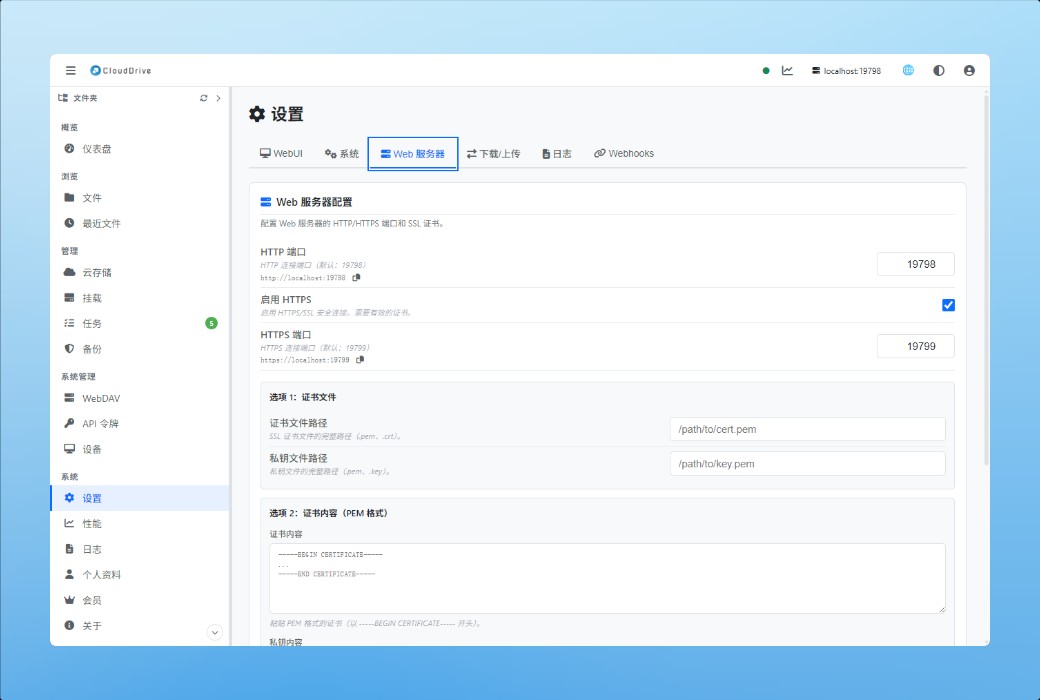
In the system settings interface, various settings of the WebDAV service can be individually controlled:
- Service control:Open or close CloudDrive2's WebDAV service at any time.
- Account access management:Allow or prohibit the use of CloudDrive account to access WebMAV, and specify the root directory location for this access, as well as whether it is read-only.
- Anonymous access control:Allow or prohibit anonymous access, which has its own independent root directory location and access permission settings.
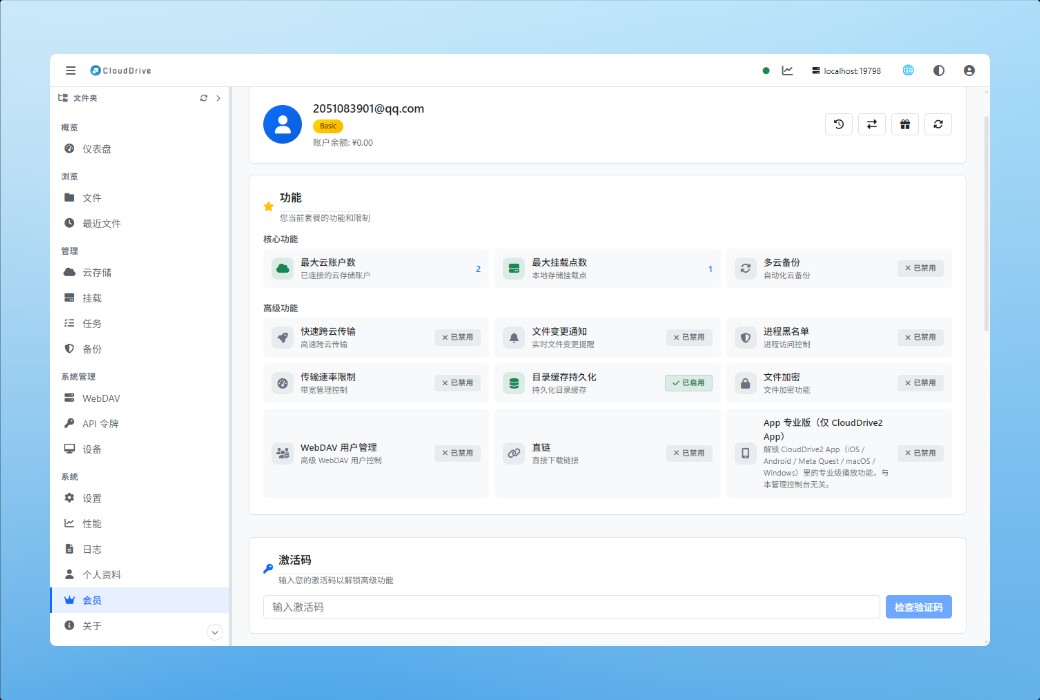
Independent WebDAV User Management (paid feature)
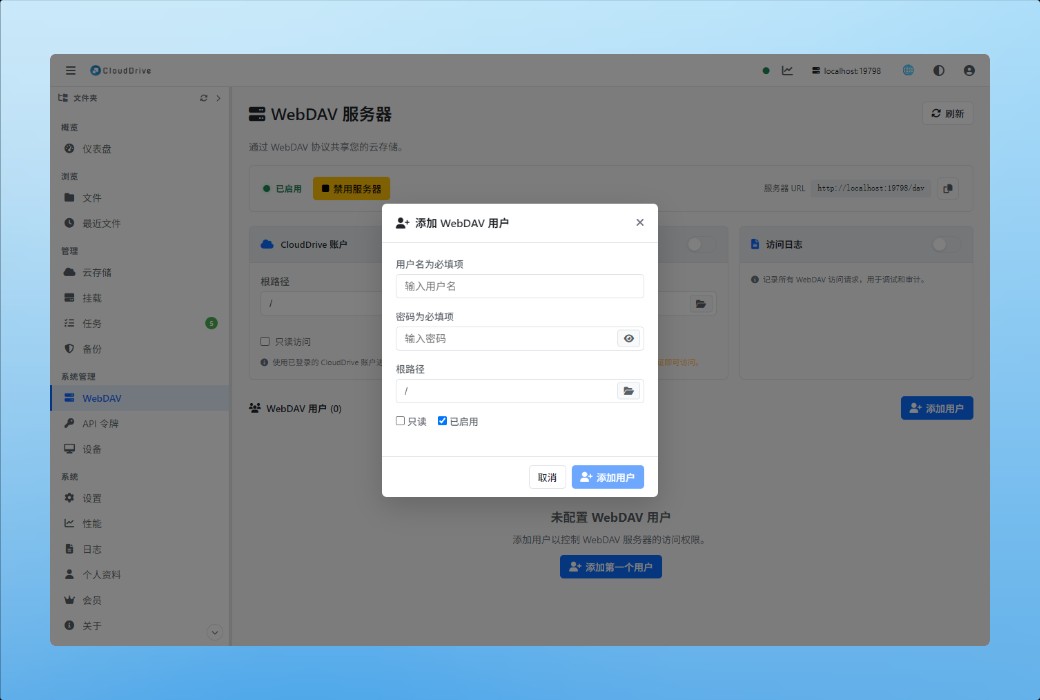
You can create any number of independent WebMAV users, each with their own root directory location and read-only status. When sharing a directory with others, there is no need to hand over one's own account.
Connect the entire CloudDrive using API tokens
Create an API token on a CloudDrive2, and any client that implements the CloudDrive API can access it by adding the token to the address. Another CloudDrive2 is one of them - the option called CloudDrive in the "Add Cloud Storage" list is it; The third-party software operates on the same open platform gRPC APIThere are equally many abilities.
After receiving it, all the cloud drives connected to that machine were seen by the other party as ordinary cloud storage: browsing, playing, copying, and backing up, following the same process as the cloud drives directly connected to this machine.
The difference lies in to what extent it resembles. WebMAV is a universal protocol, but the cost is that only the file itself remains - column directories, read and write bytes, and the capability ends here. By using CloudDrive token, if both ends speak the same language, the capabilities of the cloud drive can be transmitted as is.
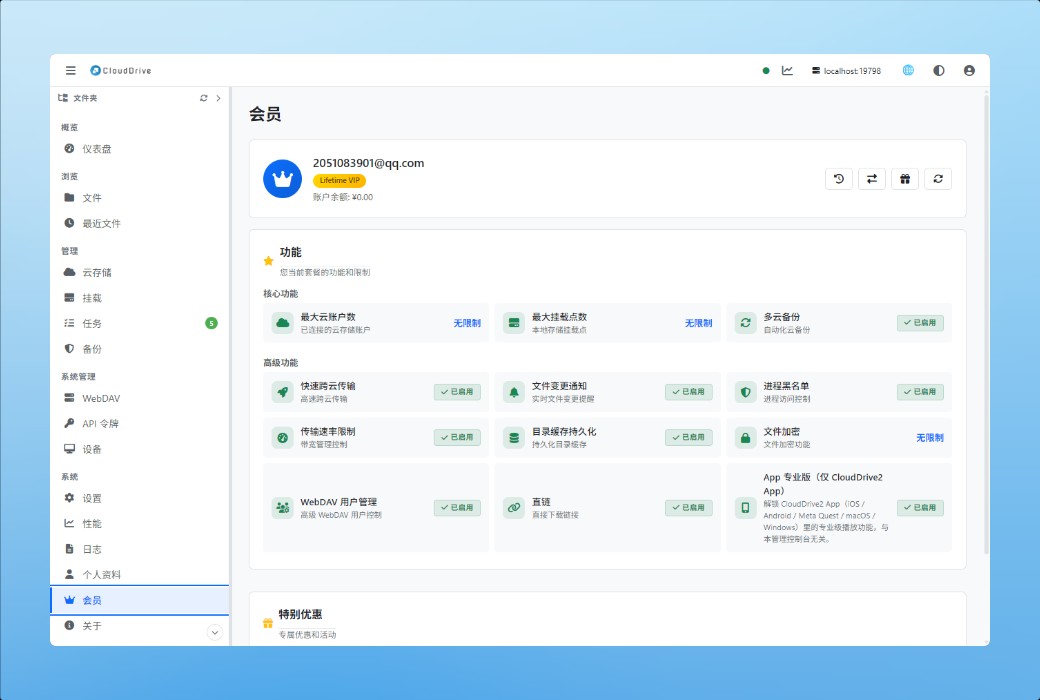
Pro Features
- Quickly copy files across cloud disks
- Document Change Notice
- Encrypting File System
- File access monitoring and permission control
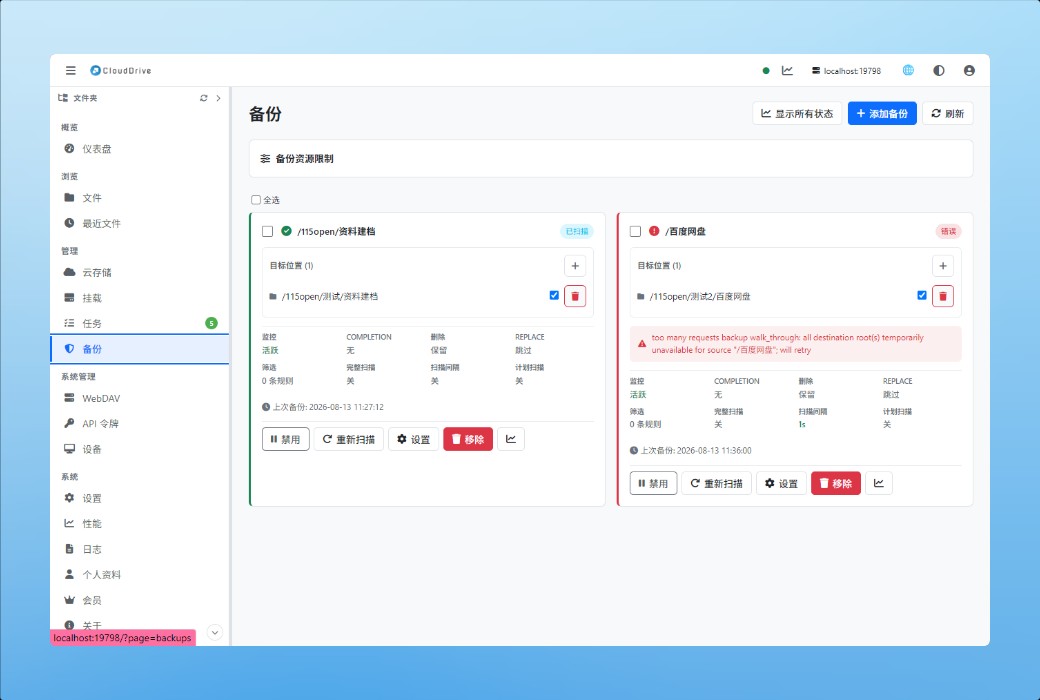
- Multi cloud disk backup
Source of information:https://www.clouddrive2.com/features.html