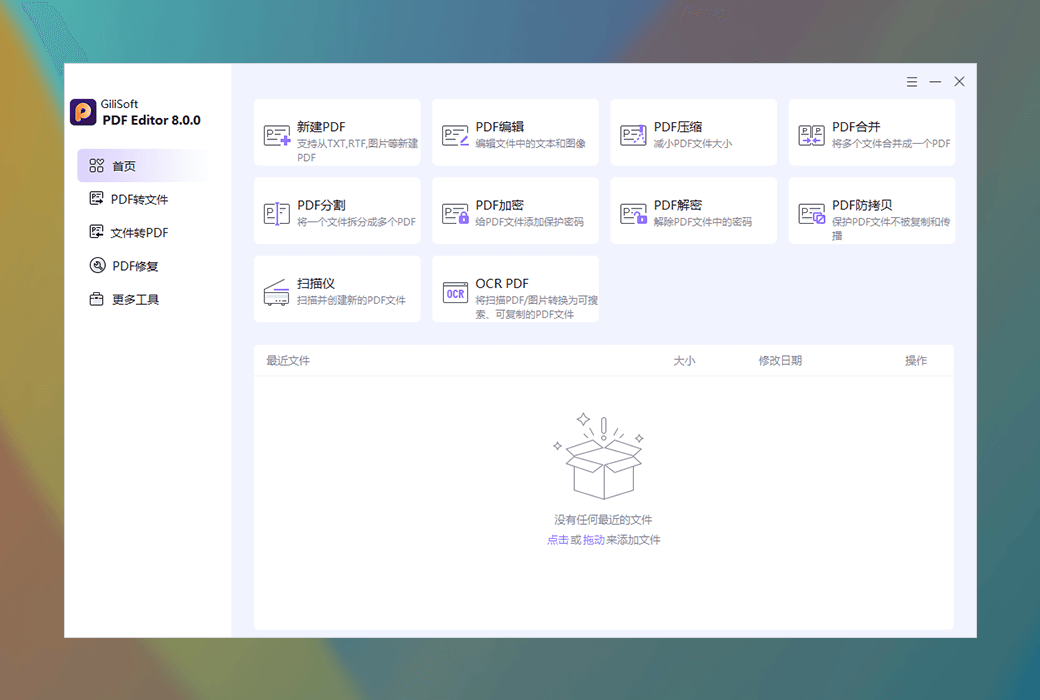
GiliSoft PDF Editor, as a professional level PDF editing toolbox, provides users with a one-stop solution for editing, converting, encrypting, repairing, and restoring PDFs with its comprehensive features, convenient operation, and efficient performance, meeting diverse document processing needs.
Powerful PDF basic operation and editing skills
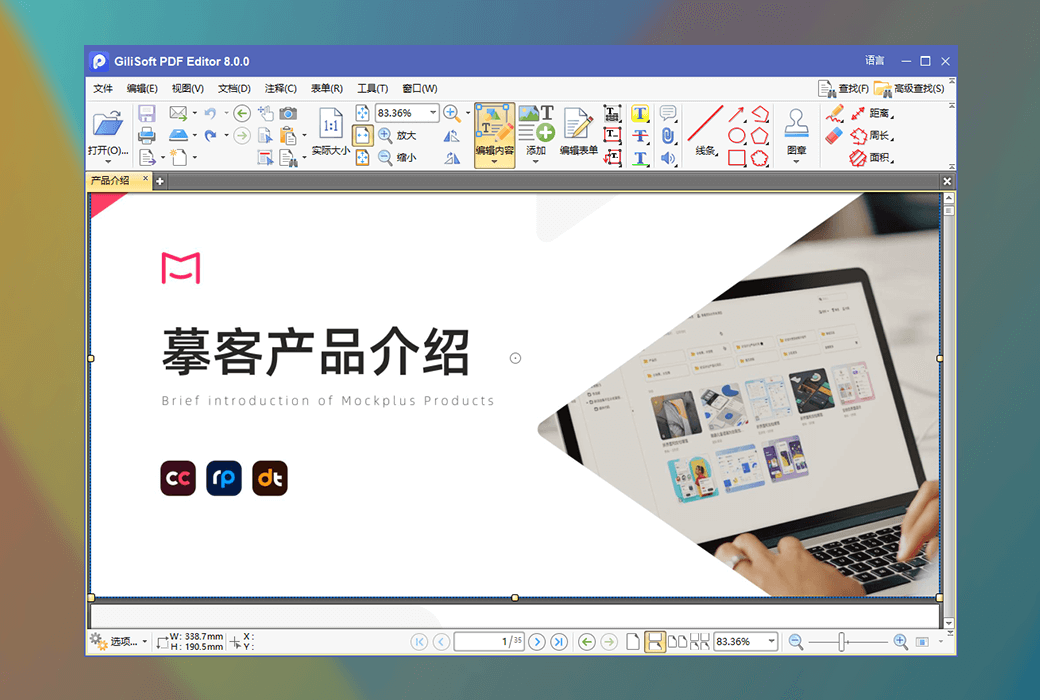
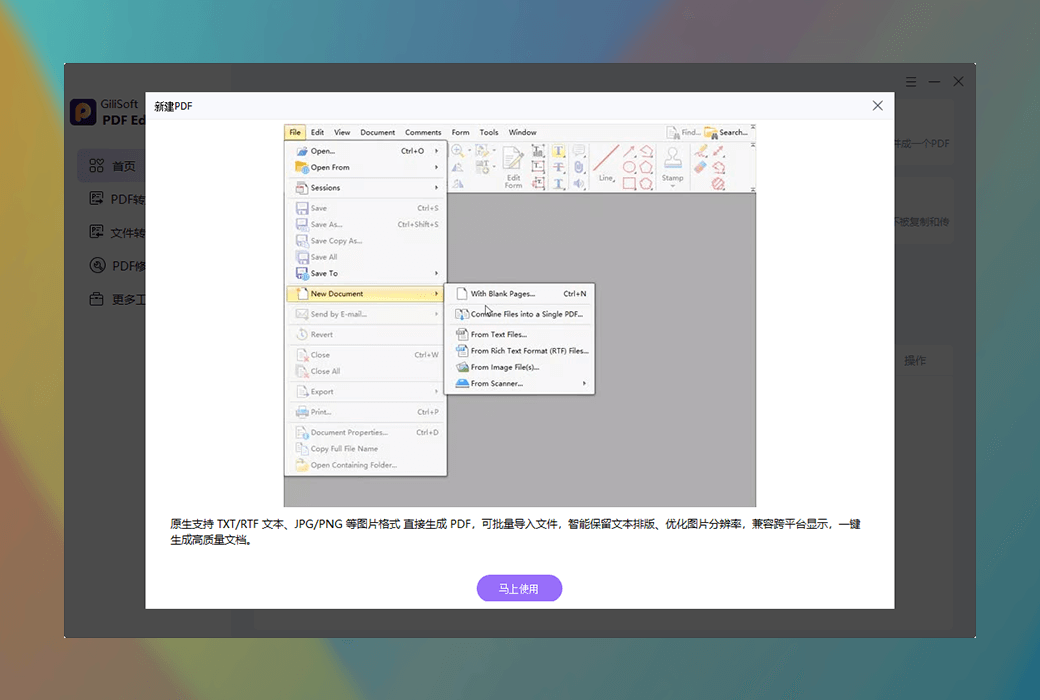
GiliSoft PDF Editor supports creating new PDF files directly from TXT, RTF, images (such as JPG, PNG, etc.), easily integrating multiple formats into standardized PDFs, making document creation more convenient and efficient. In terms of editing, the software allows users to directly modify the text content in PDFs, not only adjusting font, size, color and other styles, but also supporting editing or replacing images, achieving fine adjustment of file content without relying on other tools, making PDF editing easy and effortless.
Flexible PDF operation function
- Intelligent compression, convenient storage and transmission
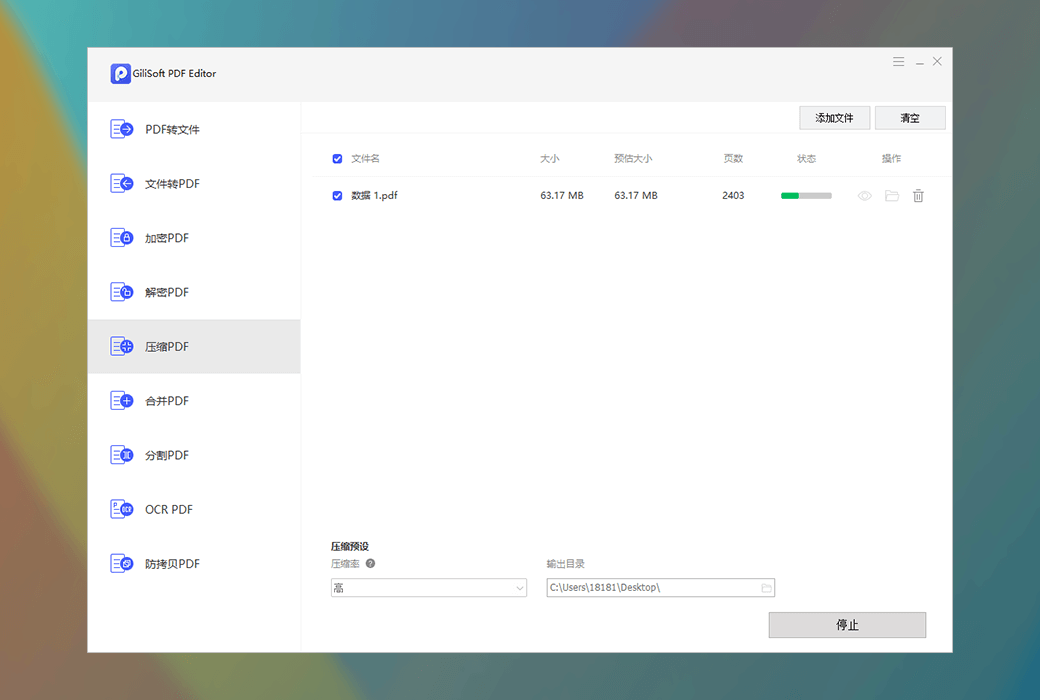
By optimizing images, compressing data and other advanced technologies, GiliSoft PDF Editor can effectively reduce the size of PDF files, while maintaining file clarity and facilitating storage and transmission for users, solving the problem of inconvenient transmission of large files.
- Batch merging to improve integration efficiency
Users can merge multiple PDF files or other format files (supporting images, TXT, etc.) into a single PDF in a specified order, and batch operations are supported, greatly improving the efficiency of document integration, especially suitable for handling the merging needs of a large number of documents.
- Accurate segmentation, flexible document management
A single PDF can be split into multiple independent files based on page count, bookmarks, or custom ranges, making it convenient for users to flexibly manage long documents and meet the adjustment needs of document structure in different scenarios.
Comprehensive encryption and decryption protection
At the security level, GiliSoft PDF Editor provides users with a reliable encryption solution. Users can add open passwords or permission passwords to PDFs, effectively restricting unauthorized users from accessing or modifying files, adapting to high confidentiality scenarios, and ensuring the security and privacy of documents. At the same time, the software also supports decryption function, which can remove the password protection that has been set, restore normal file access permissions, and make the operation simple and convenient.
Wide range of format conversion functions
Convert PDF to office documents with precise formatting preservation
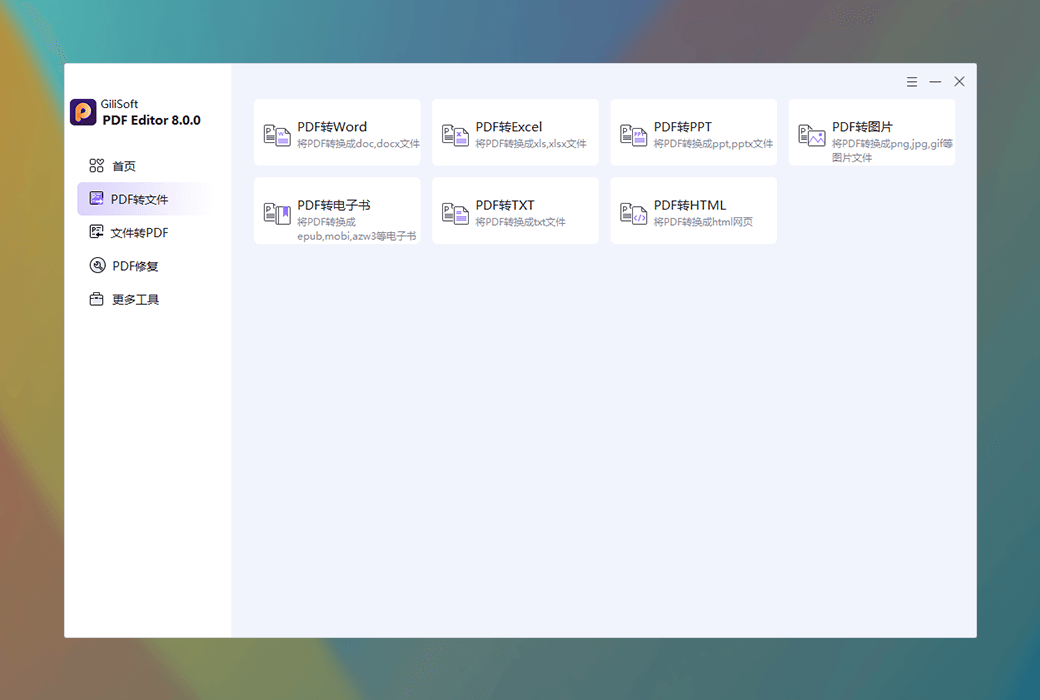
PDF to Word: Output in doc or docx formats, which can perfectly preserve the layout and style of the original document, making it convenient for users to further edit and modify the document.
PDF to Excel: Convert to xls and xlsx formats, supporting efficient extraction and editing of table data, making data processing more convenient and efficient.
PDF to PPT: Generate PPT and pptx files to facilitate users in quickly applying PDF content to presentation scenes and enhancing presentation effectiveness.
Convert multimedia and text formats to meet diverse needs
PDF to Image: Supports batch conversion to common image formats such as PNG, JPG, GIF, etc. Users can choose single page or multi page output according to their needs, making it convenient for image extraction and use.
PDF to e-book conversion: Generate EPUB, MOBI, AZW3 and other formats, compatible with various e-readers, allowing users to enjoy reading pleasure anytime and anywhere.
PDF to TXT/HTML: Extract text content into plain text or web format for easy secondary editing or web publishing, meeting different content dissemination needs.
Convert other formats to PDF to ensure compatibility
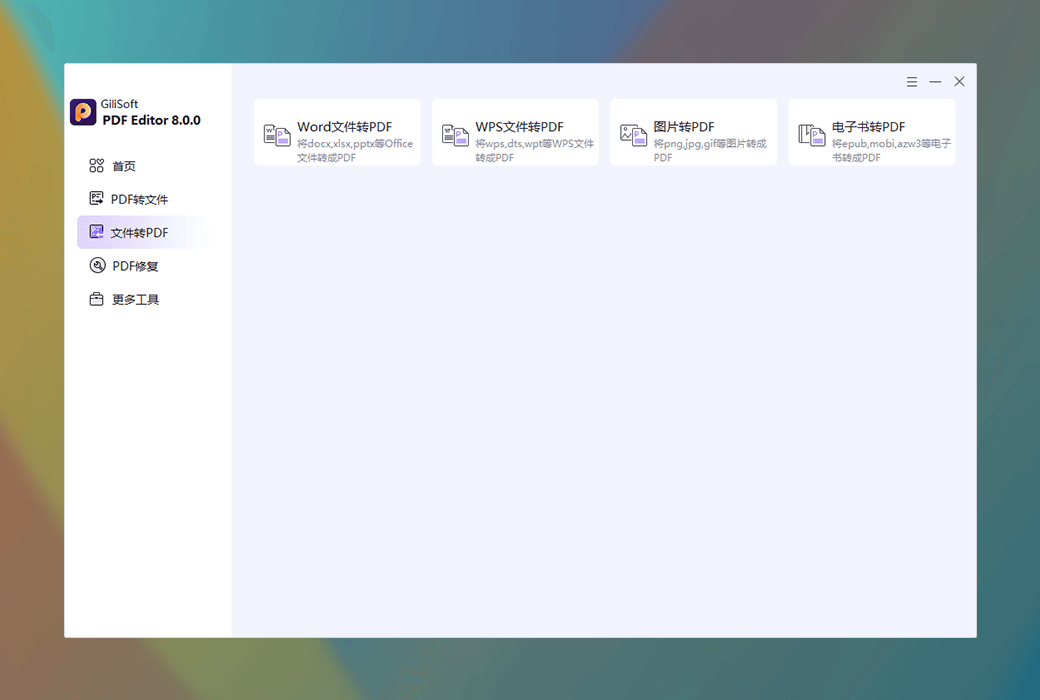
The software supports converting Office files such as docx, xlsx, pptx, as well as WPS files such as wps, dts, and wpt directly to PDF to ensure format compatibility. At the same time, it can quickly merge PNG, JPG, GIF and other image files or EPUB, MOBI, AZW3 e-books into PDF, unify document formats, and facilitate management and use.
Practical scanning and OCR functions
- Scanner integration, convenient for creating electronic documents
Connecting the scanner can directly create PDF files, support scanning paper documents and generating editable electronic PDFs, achieve digital conversion of paper documents, and improve the efficiency of document management.
- OCR text recognition enhances content usability
Recognize the text in scanned PDFs or images and convert them into searchable and replicable text PDFs, allowing users to easily extract and utilize the text content in the document, greatly improving the usability of the document content.
Reliable data repair and recovery tools
- PDF recovery, retrieve lost files
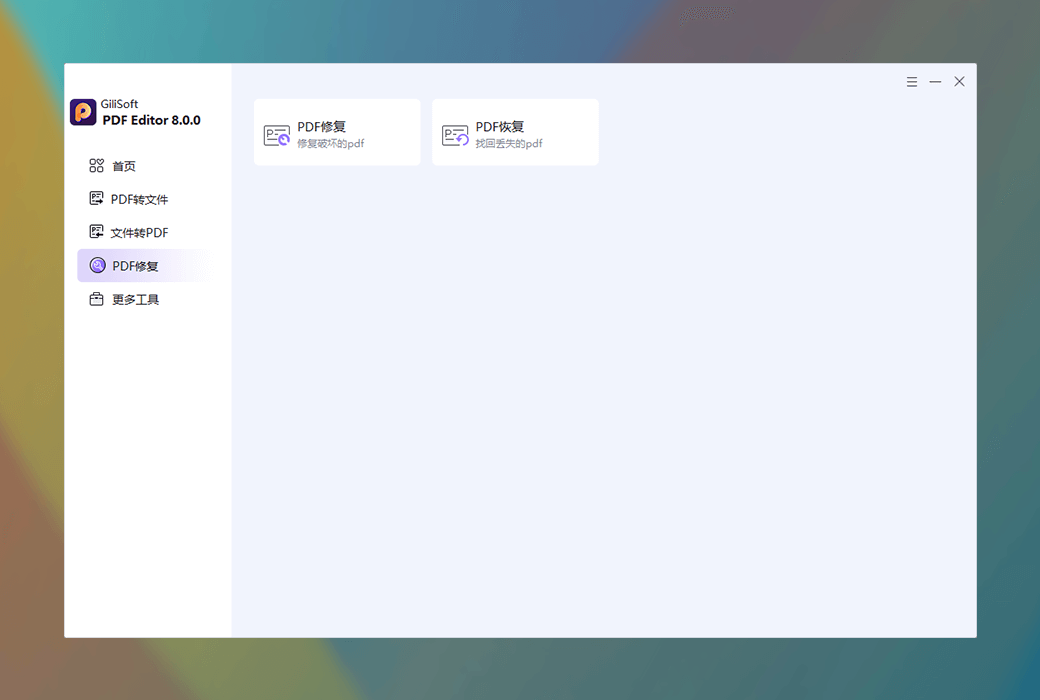
Ability to retrieve PDF files lost due to accidental deletion, program crashes, and other reasons, supporting data recovery from temporary files or cache, minimizing user losses caused by file loss.
- PDF repair, restore damaged documents
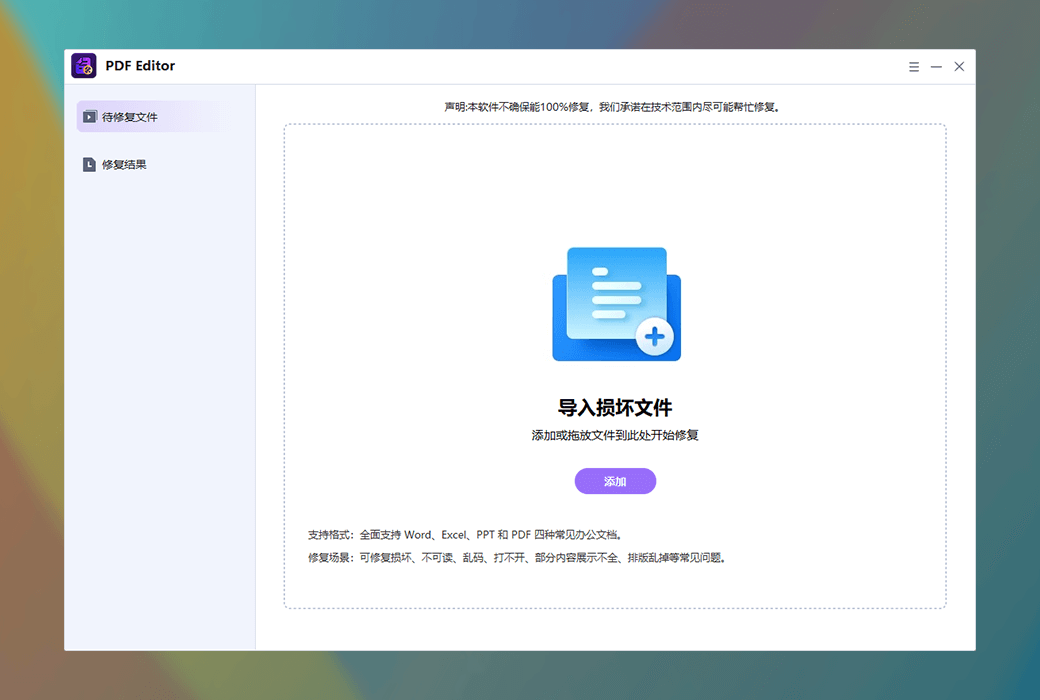
Repair damaged or unopened PDF files, restore document structure and content, minimize data loss, and ensure that users can access and use important PDF files normally.
GiliSoft PDF Editor not only has comprehensive functions, but also has a simple interface and efficient performance. Whether it is individual users handling daily documents or enterprise users dealing with complex document management needs, they can find suitable solutions in this software. It has become a powerful assistant for users to process PDF files with professional technology and thoughtful design, helping digital office to be more efficient and convenient.