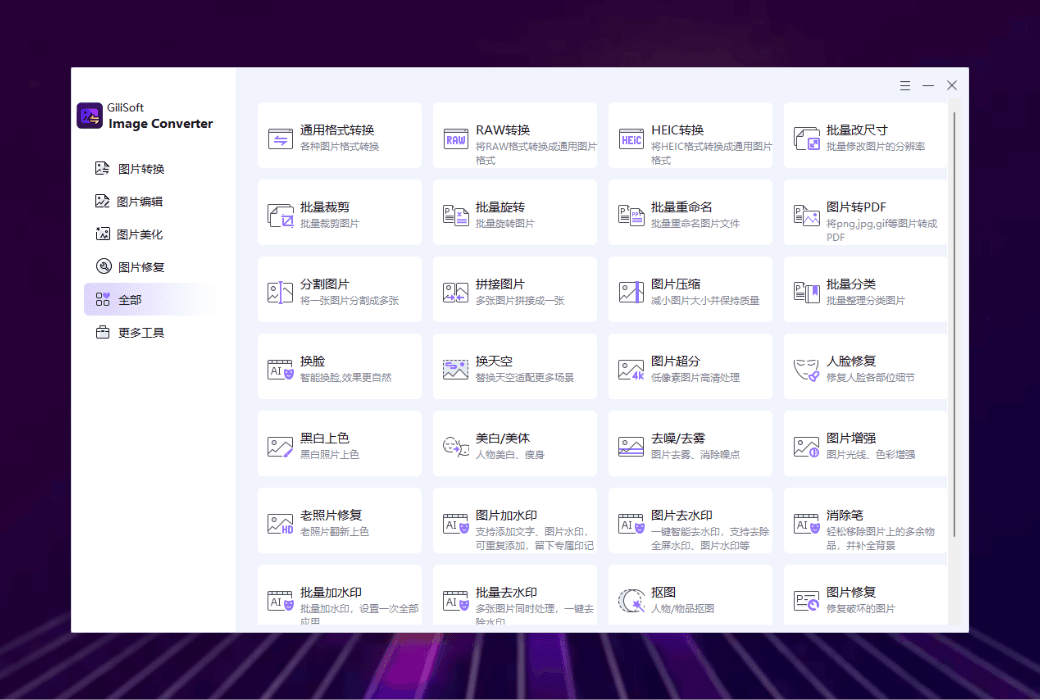
Gilisoft Image Converter is a powerful image processing tool designed to meet the diverse image processing needs of users. It supports the conversion between multiple image formats and has practical functions such as image compression, batch processing, and image classification, which can help users efficiently manage and optimize image files. Whether processing single images or batch images, it can provide convenient and efficient solutions.
Functional Features
- format conversion
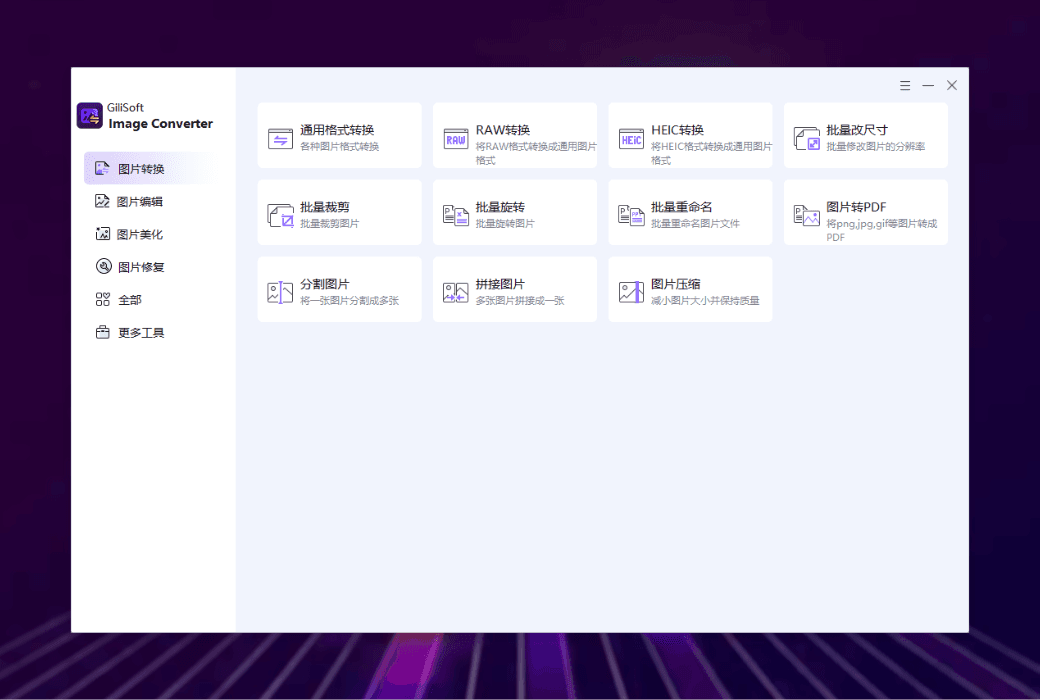
Gilisoft Image Converter supports the conversion of hundreds of image formats, including common formats such as JPG, PNG, BMP, GIF, as well as professional formats such as HEIC and RAW. Users can easily convert images from one format to another and batch add files for conversion, greatly improving work efficiency.
- Compression
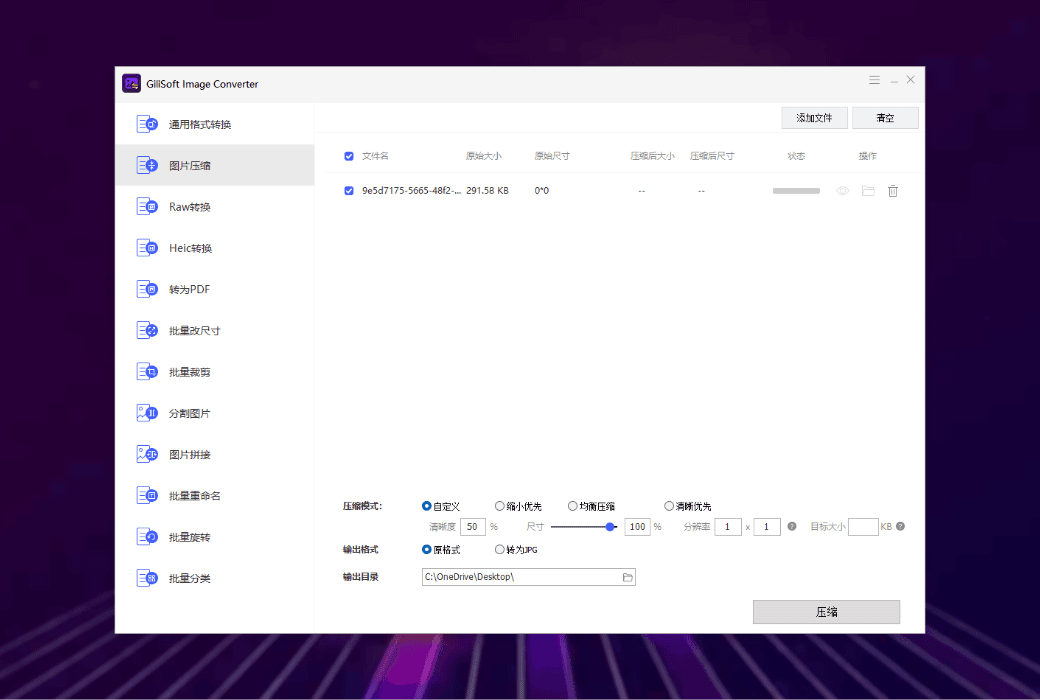
This software can reduce the size of image files by reducing the amount of data in them, while trying to maintain the quality and visual effects of the images as much as possible. This is very helpful for situations where it is necessary to save storage space or facilitate sharing without compromising image quality.
- Image to PDF conversion
Users can convert images to PDF format and integrate multiple images into one file for easy saving, sharing, and printing. This format conversion not only facilitates image management, but also preserves the original quality of the image.
Batch processing function
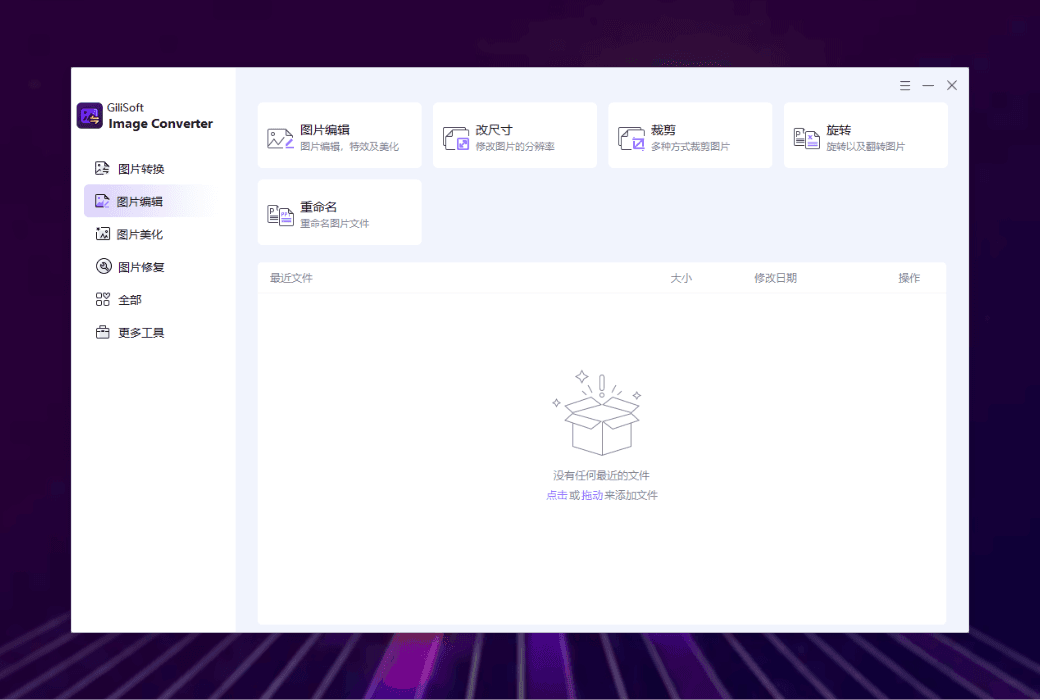
- Batch modify image sizeMultiple images can be resized simultaneously to have the same or different size specifications. This is very practical for scenes that require uniform image size.
- Batch cropping of imagesMultiple photos can be cropped in batches according to the same size or specific rules, which helps improve efficiency when processing large amounts of images and ensures that the cropped images have consistent size or format.
- Batch rename imagesYou can batch rename a set of images according to the set rules to make them easier to recognize and manage. This is very convenient for situations that require batch processing of a large number of images, which can save time and improve work efficiency.
- Batch rotate imagesMultiple images can be rotated at the same or different angles, such as uniformly rotating all horizontal images to the vertical direction, or correcting tilted images.
- Batch classification of imagesImages can be classified based on format, resolution, and shooting time, grouping images of the same format, resolution, or shooting time together for better organization and management.
Image segmentation and merging
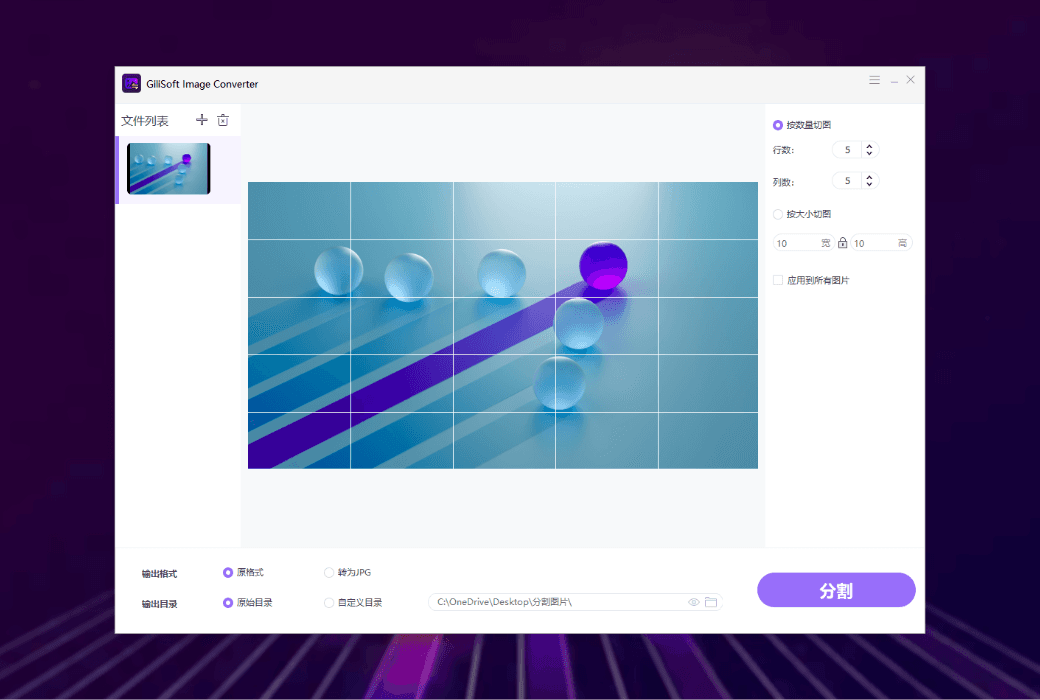
- Image segmentation:Provide multiple modes for precise image segmentation. For example, the grid pattern can divide an image into uniform grid sections, which is suitable for web design or social media layout; The fixed size mode can crop images to a specified size (such as 1000 × 1000 pixels), suitable for printing materials or batch processing of thumbnails.
- Image merging:Supports image merging in multiple formats (such as JPG, PNG, RAW, etc.) and provides flexible layout options. For example, horizontal or vertical stitching can create seamless photo strips or banners; Grid layout can arrange images in customizable matrix patterns and adjust spacing.
Applicable scenarios
Gilisoft Image Converter is suitable for various scenarios, including but not limited to:
- Individual users:Used for daily image format conversion, compression, and management.
- student:Process and optimize images in multimedia projects.
- Marketing team:Quickly process a large amount of visual content to meet urgent deadlines.
- Graphic designer:Efficiently perform batch image processing while maintaining image quality.
Gilisoft Image Converter is a comprehensive and user-friendly image processing tool that can meet users' needs in image format conversion, compression, batch processing, and management. Both individual users, students, and professionals can efficiently complete image processing tasks and improve work efficiency through this software.