Gilisoft MarkEase
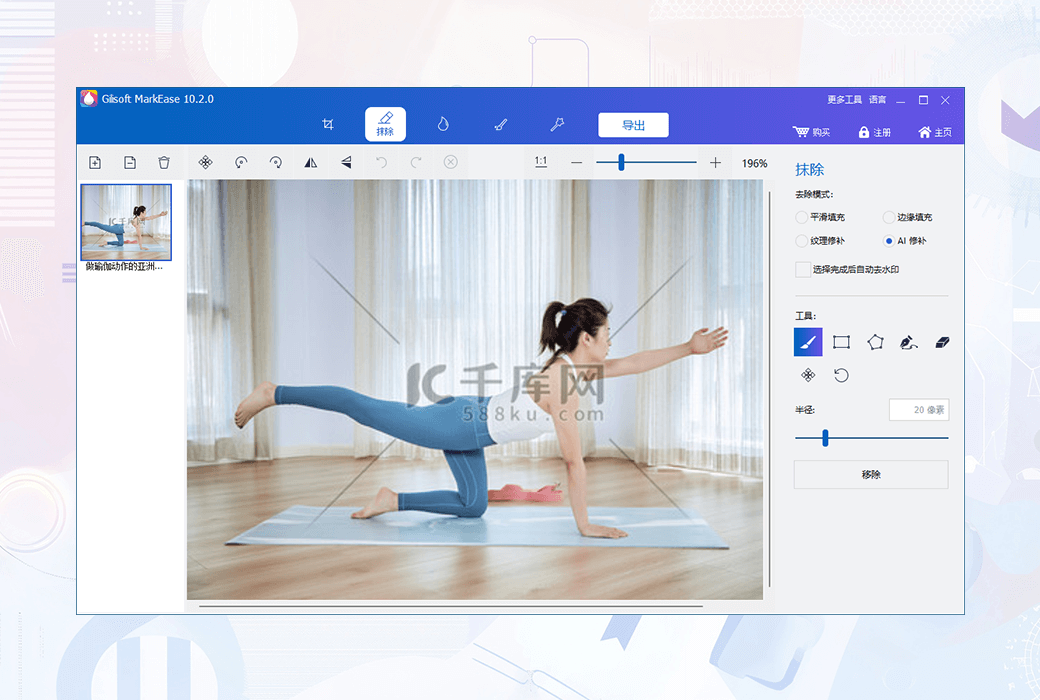
Have you ever thought about deleting something from a photo? You can do it now. MarkEase can make objects disappear as if they never existed. Create interesting images, remove unwanted people, eliminate unsightly acne, clean up perfect shots
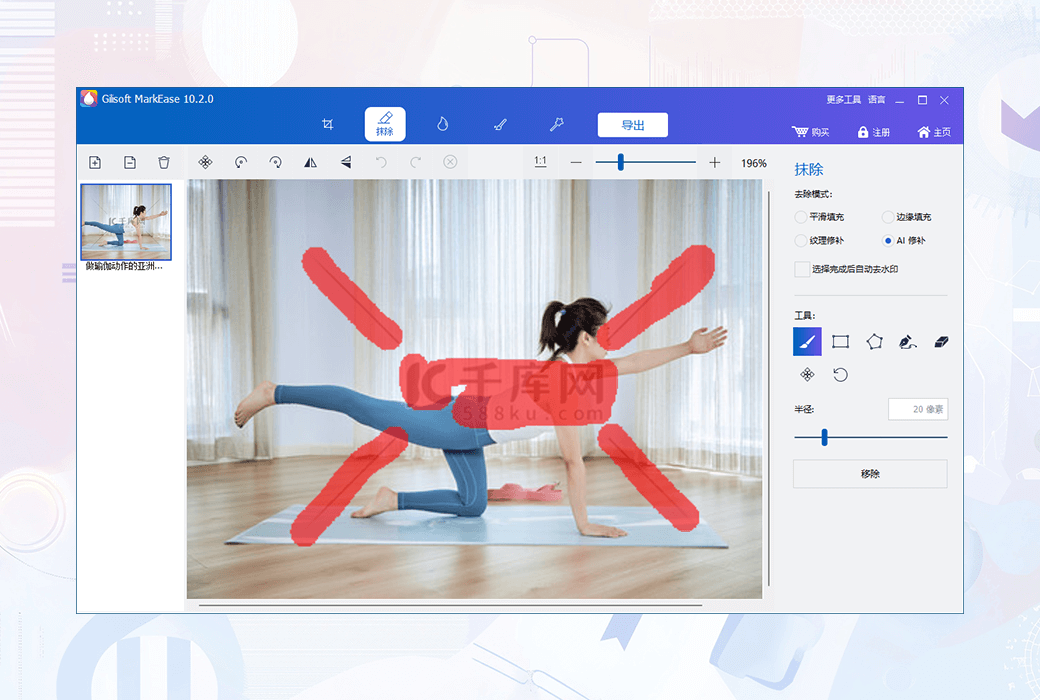
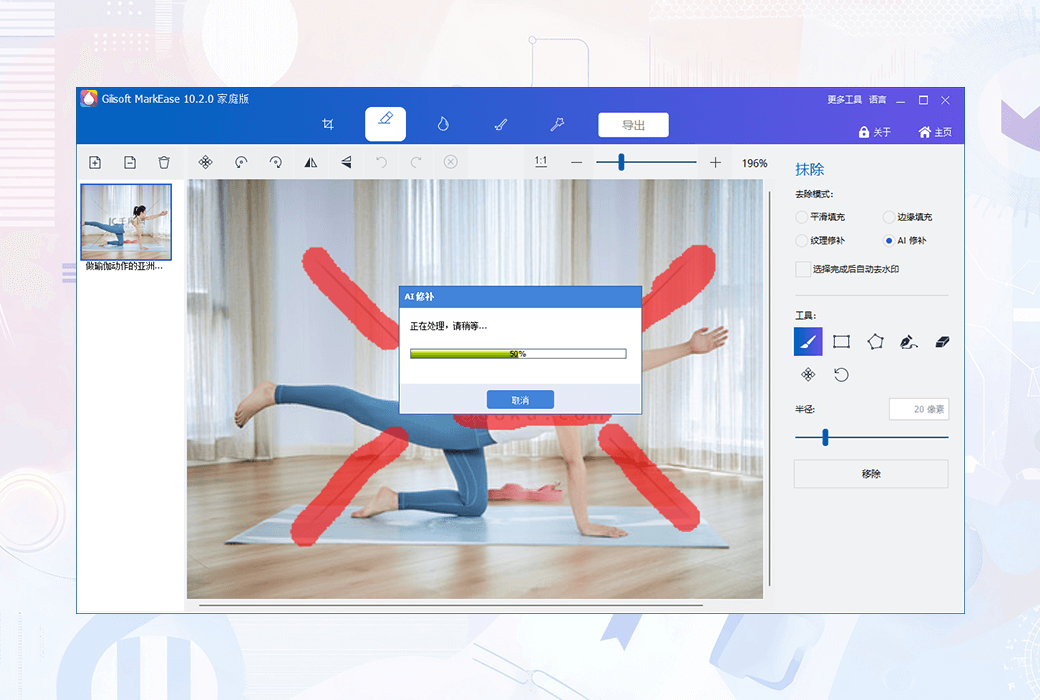
MarkEase can quickly delete unwanted objects such as logos, text, data stamps, watermarks, pimples, people... and immediately automatically repair images as if they never existed.
Complete magical images in seconds to minutes, not minutes to hours. People around the world use MarkEase every day to beautify their photos. It aims to become a simple and effective photo restoration application for all users to use. Try it out today and unleash more creativity!
MarkEase function
- Remove watermark from photo
Remove unwanted objects from the image, such as logos, watermarks, wires, characters, text, or any other unwanted artifacts.
- The best watermark remover
The best photo restoration software - is a brand new tool that can remove any watermark from photos with just a few simple steps, without the need for complex editing!
- Batch processing of watermarks
Some photos have multiple watermarks that appear in different or the same time range. You can use this tool to batch delete each watermark.
- Batch processing of photos
If you have a large number of photos (even different image formats) that need to remove watermarks, this tool can also help you batch process images.
- Read almost all photo files
Image watermark removal tools can read almost all popular image formats, including JPG, PNG, BMP and more from the Internet.
- Export to original photo format
Don't worry about the format of images with watermarks, remove the watermark and still retain the original image format.
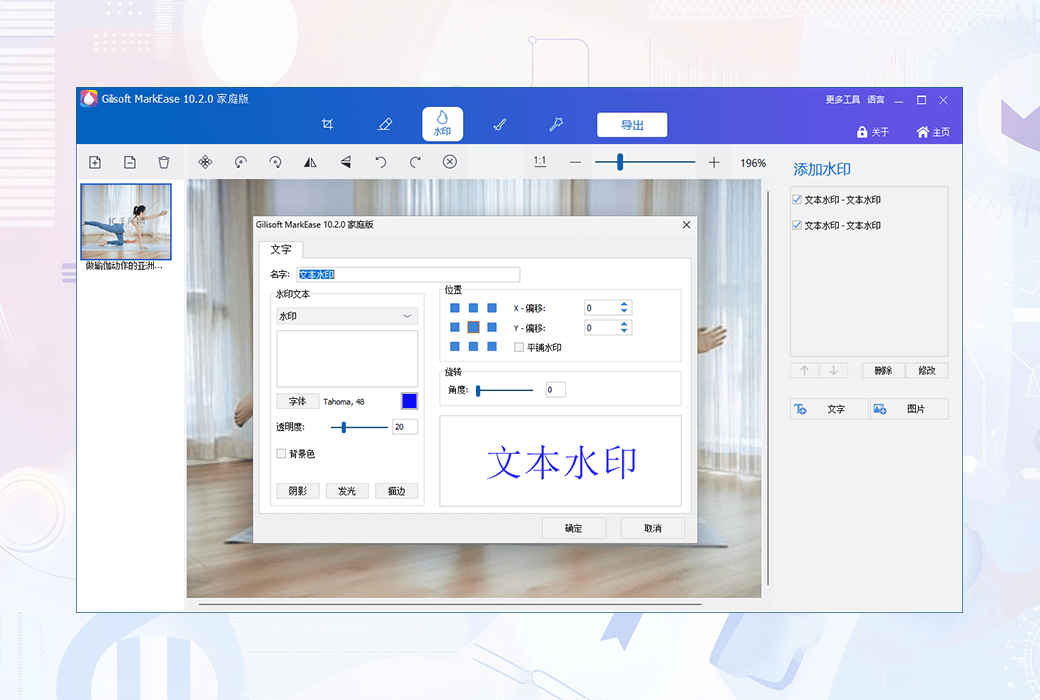
- Add text watermark to photos
Text watermarking is a very effective way to declare ownership of these images. This tool can help you add text/words (such as date, author name, copyright information, copyright symbols, etc.) to images.
- Add image watermark to photos
It allows you to add custom watermarks (images or text) on images. It is very useful when you need to protect your copyright or want to add comments on photos.
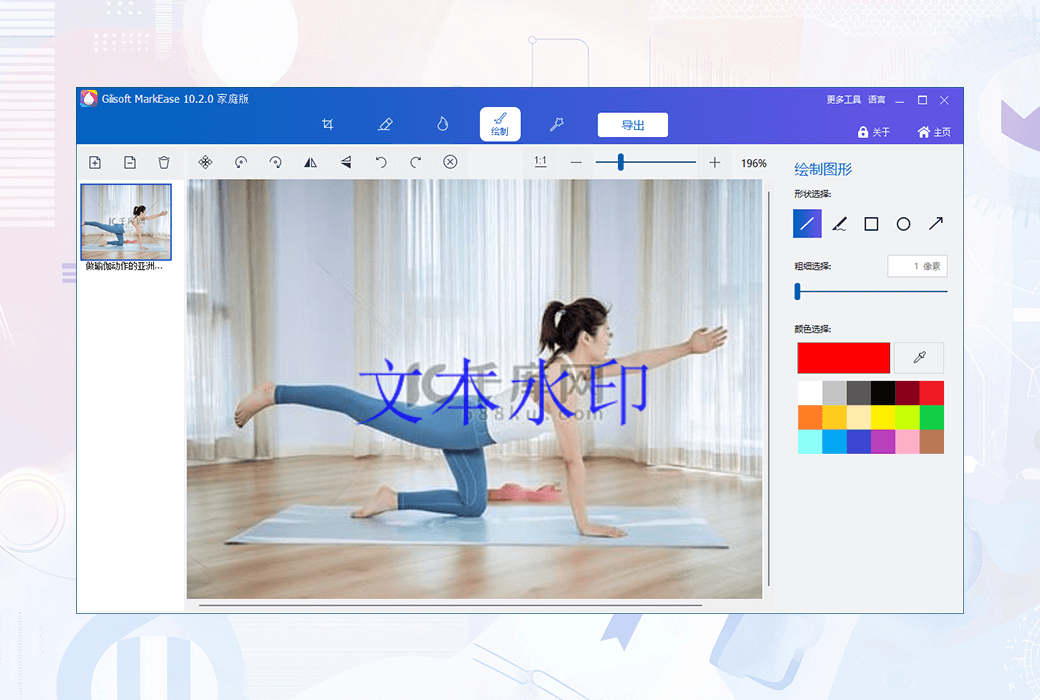
- Add shape watermark to photos
Adding shape watermarks to images to draw attention to people or objects, but one method is to only add "arrows" pointing to that person/object.
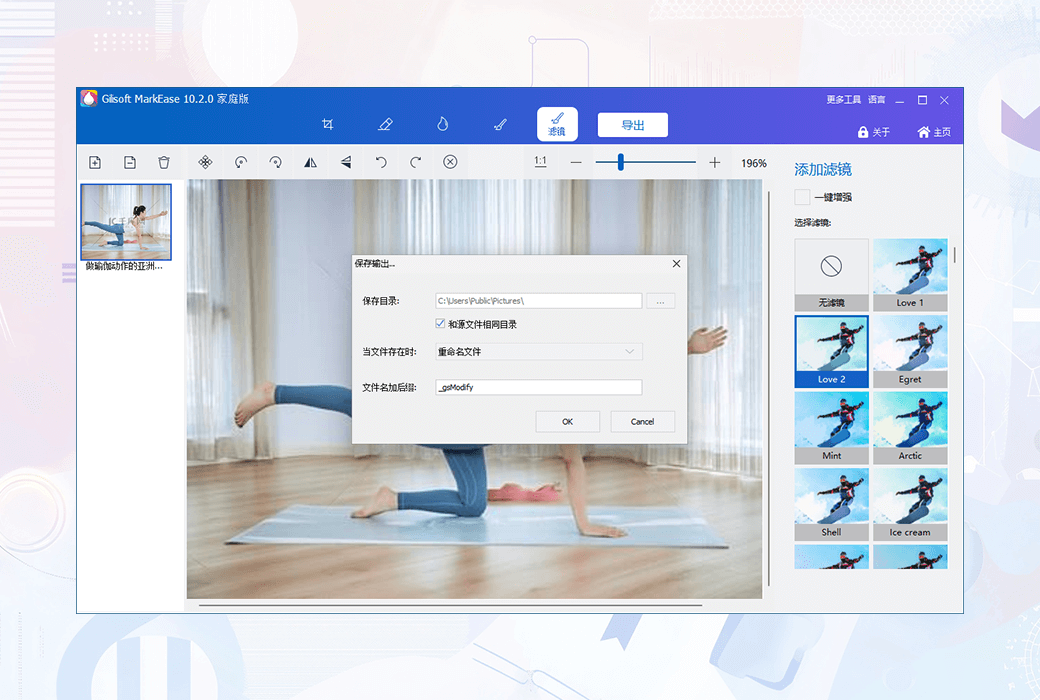
- More editing functions
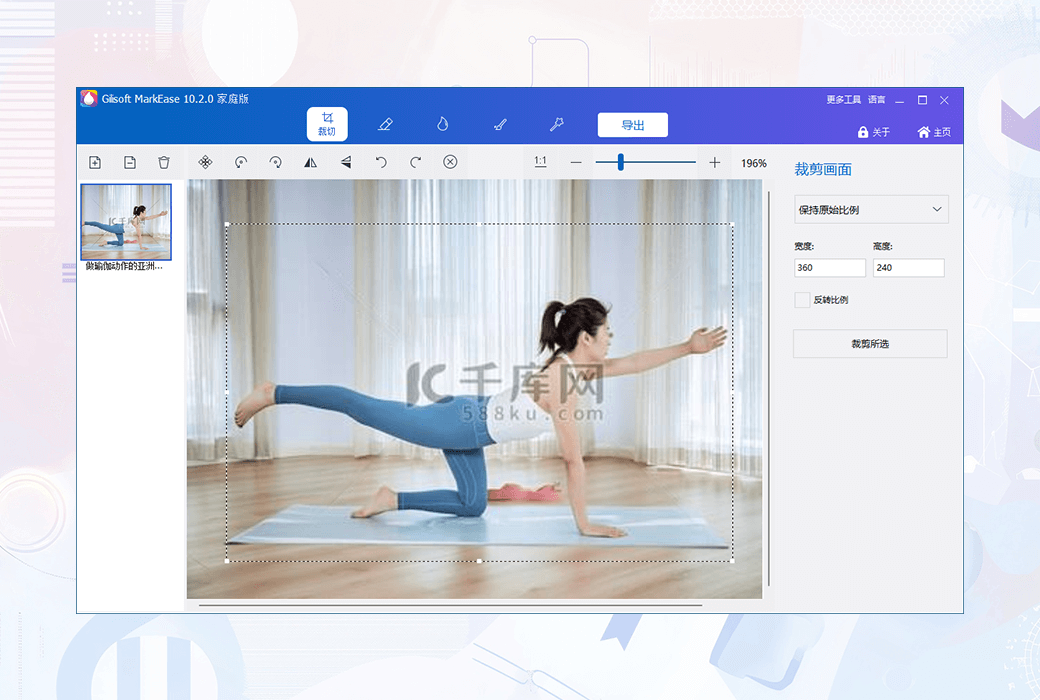
This is your essential photo editor. Crop, rotate, flip, adjust colors, filters... This tool already includes or will add more features.