You haven't signed in yet, you can have a better experience after signing in
*Please complete the payment within {{receiveCouponInfo.expire_at}}Previous use*
You haven't signed in yet, you can have a better experience after signing in
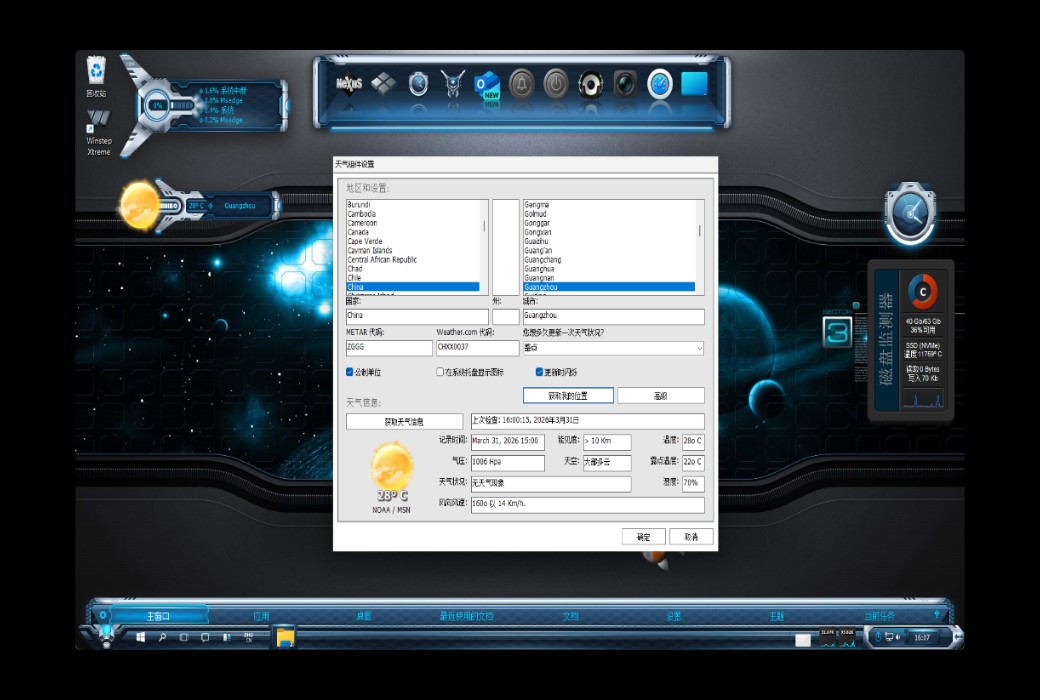




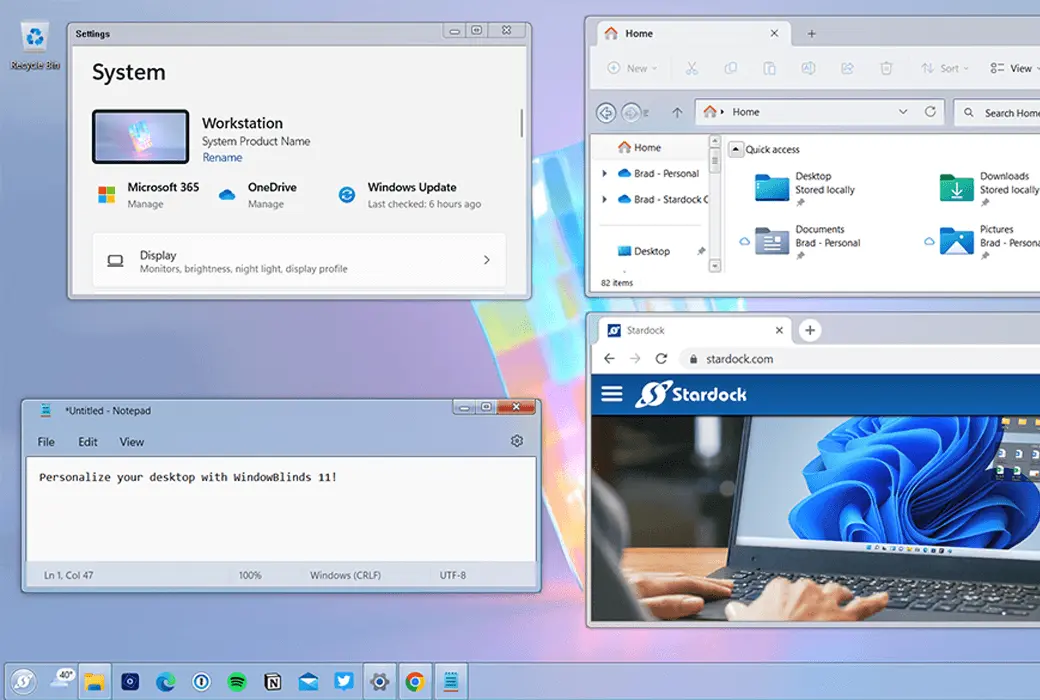
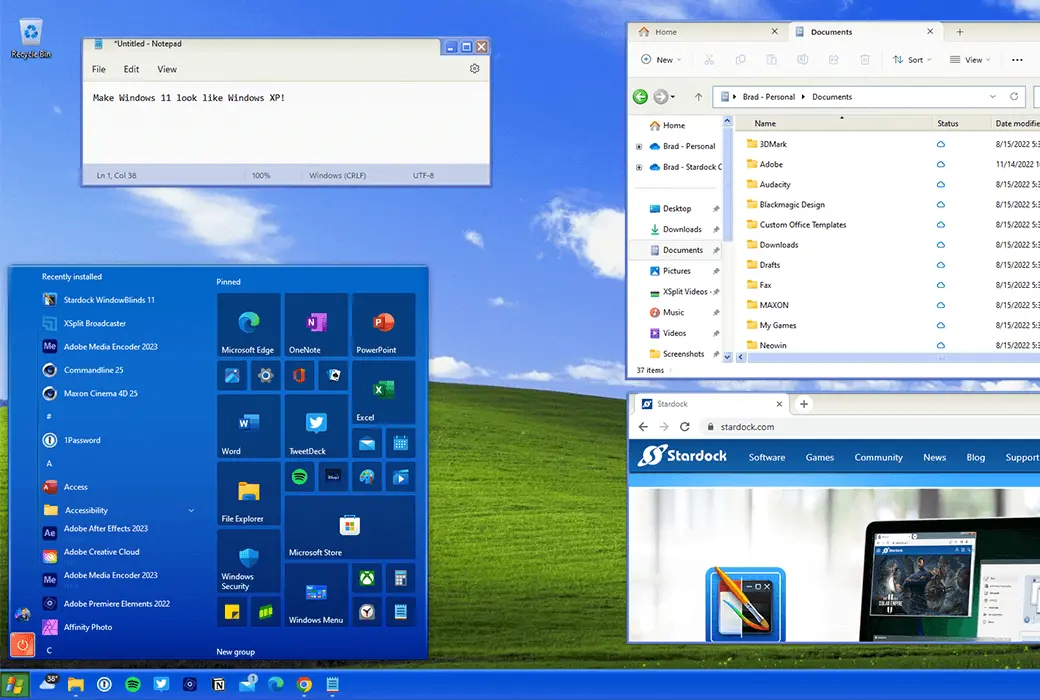
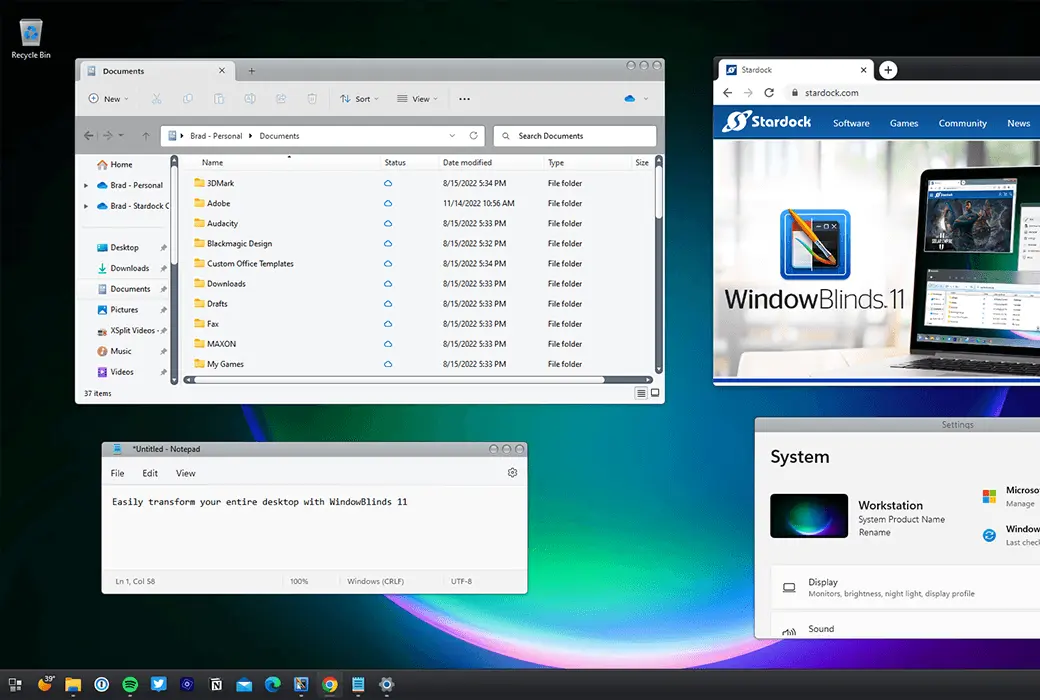
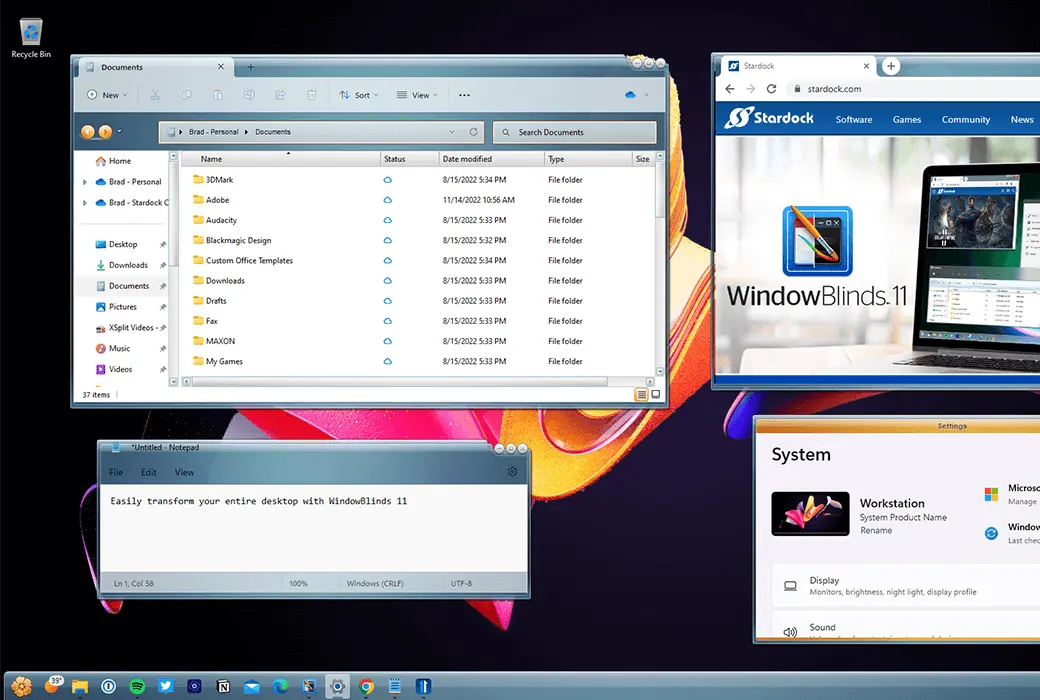
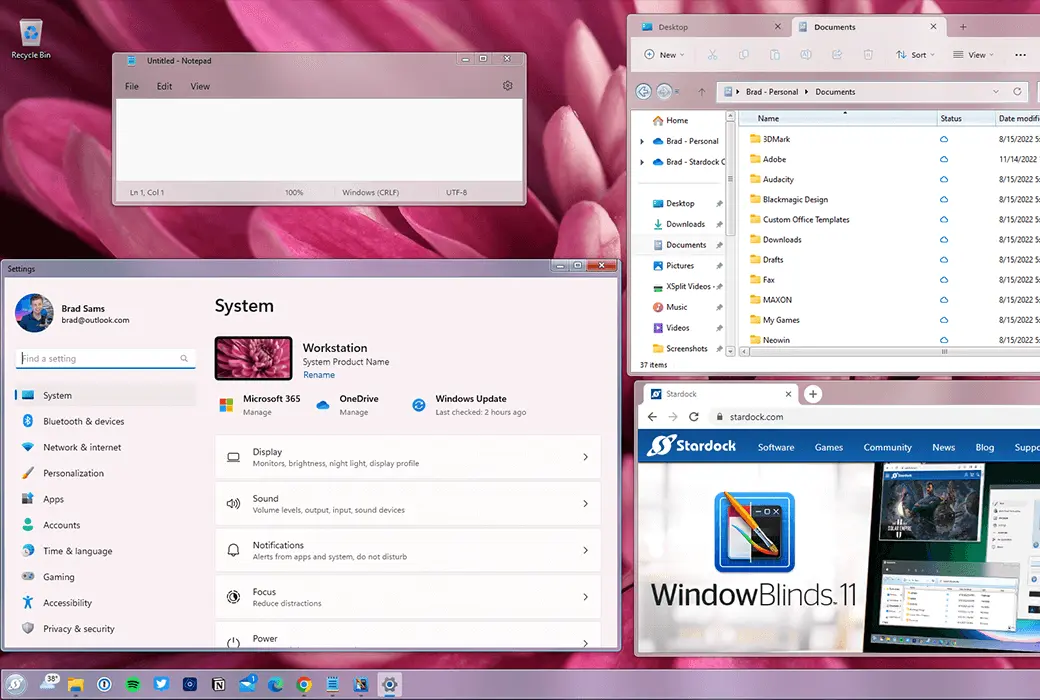

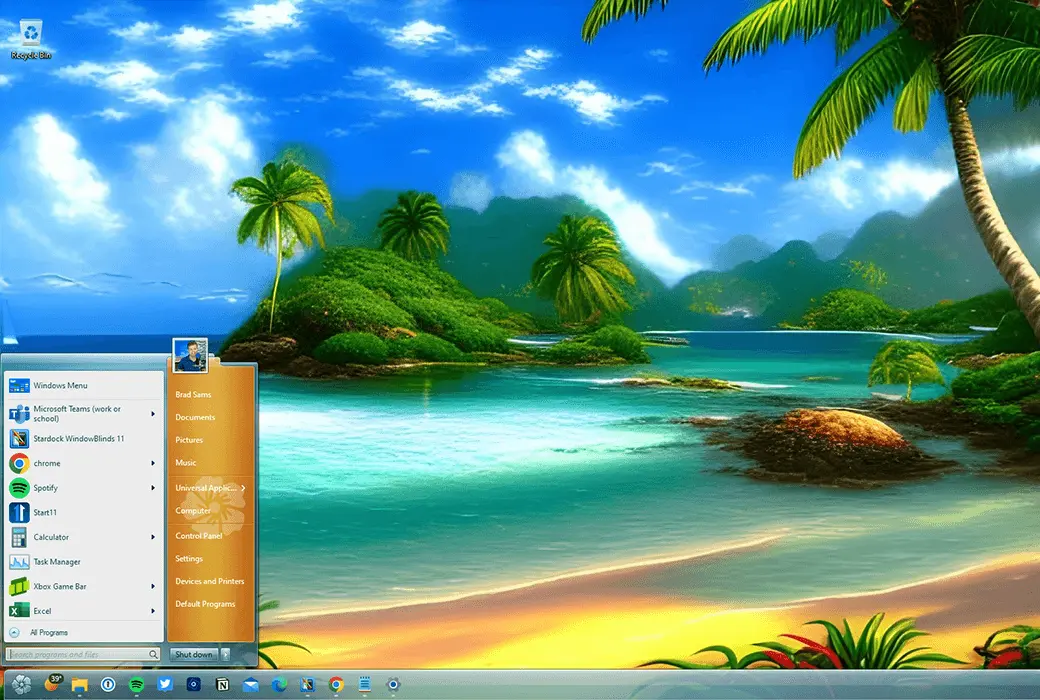
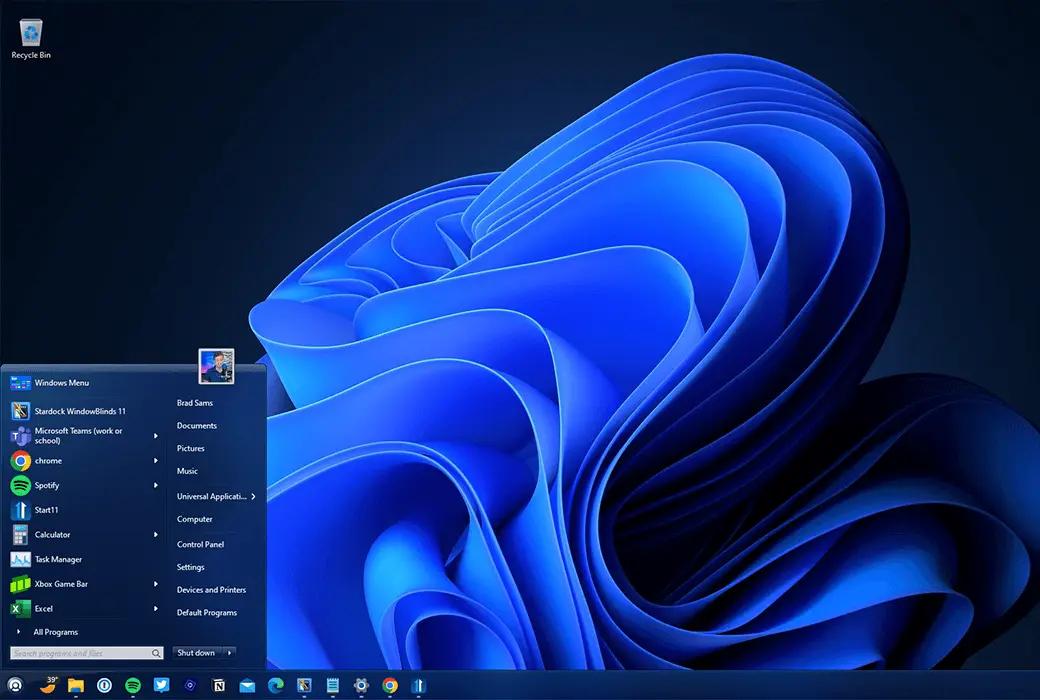
In today's world where personalization and customization are increasingly important, your computer desktop should also reflect your personality and taste. 🖥️WindowBlinds 11It is a powerful tool for customizing Windows window styles, bringing a fresh new look to your Windows 10 and Windows 11.
🌟 Personalize your desktop
WindowBlinds 11 allows you to customize the appearance of the Start menu, taskbar, window frames, and control buttons, making your desktop unique across up to 5 devices.
🎨 Diverse skin options
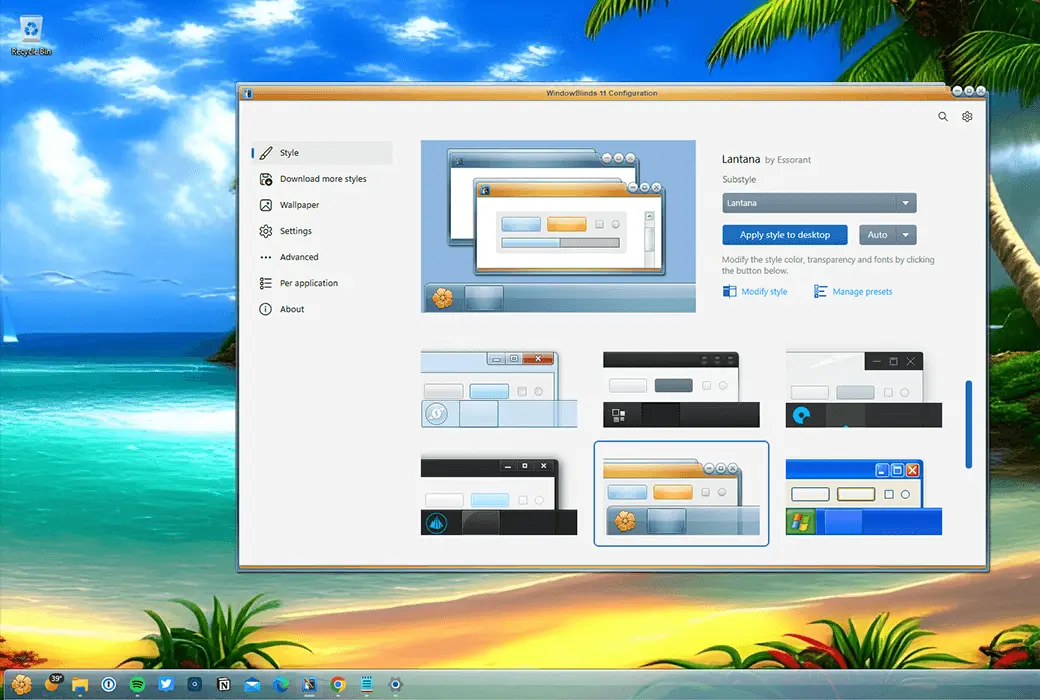
WindowBlinds 11 offers a variety of visual styles and curated skins, as well as compatibility with Start11, ensuring a unified desktop theme and even simulating the appearance of alternative operating systems.
🖌️ Customized design
With SkinStudio, you can design your own skin, edit controls, the "Start" menu, taskbar, Explorer window, fonts, color backgrounds, and more, making your desktop truly unique.
🔍️ Transparency Adjustment
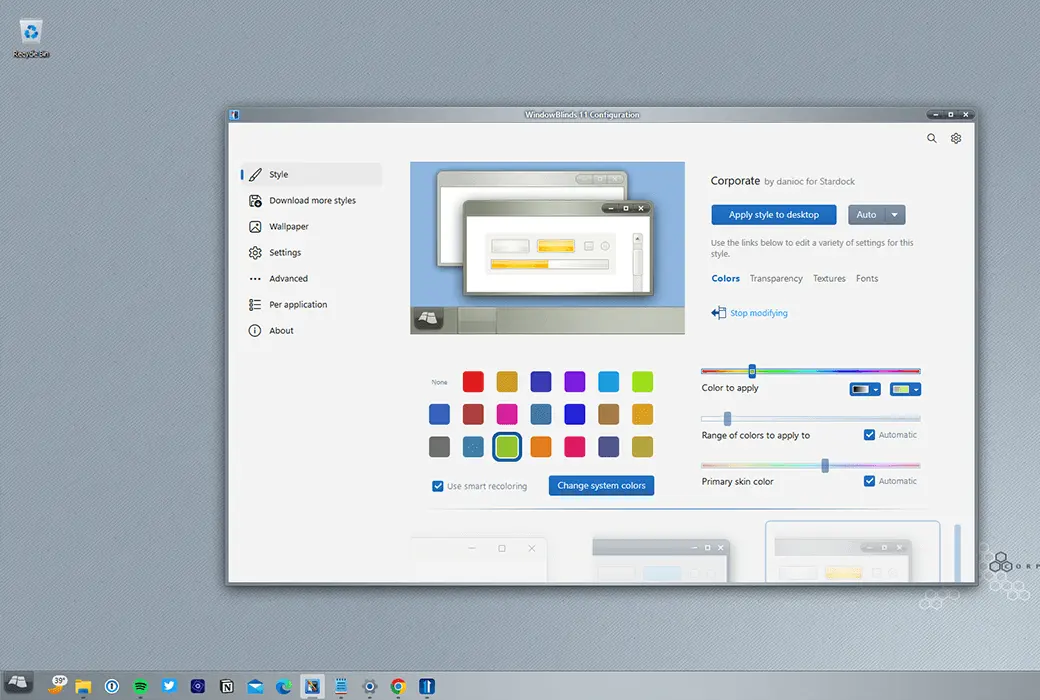
Adjust skin transparency to make your desktop elements stand out or blend with the background, and customize the interface according to your preferences and needs.
🛠️ Easy to apply and set up
The configuration menu of WindowBlinds 11 is intuitive and easy to use, allowing you to quickly browse and personalize your desktop, preview selections and adjustments, and save changes through presets.
🌈 Personalization of colors and fonts
Choose from a wide range of color options and add a unique font to your skin to showcase your personality.
📐 Set skin style by application
Choose different appearances for different applications, so that each of your programs has a unique style.