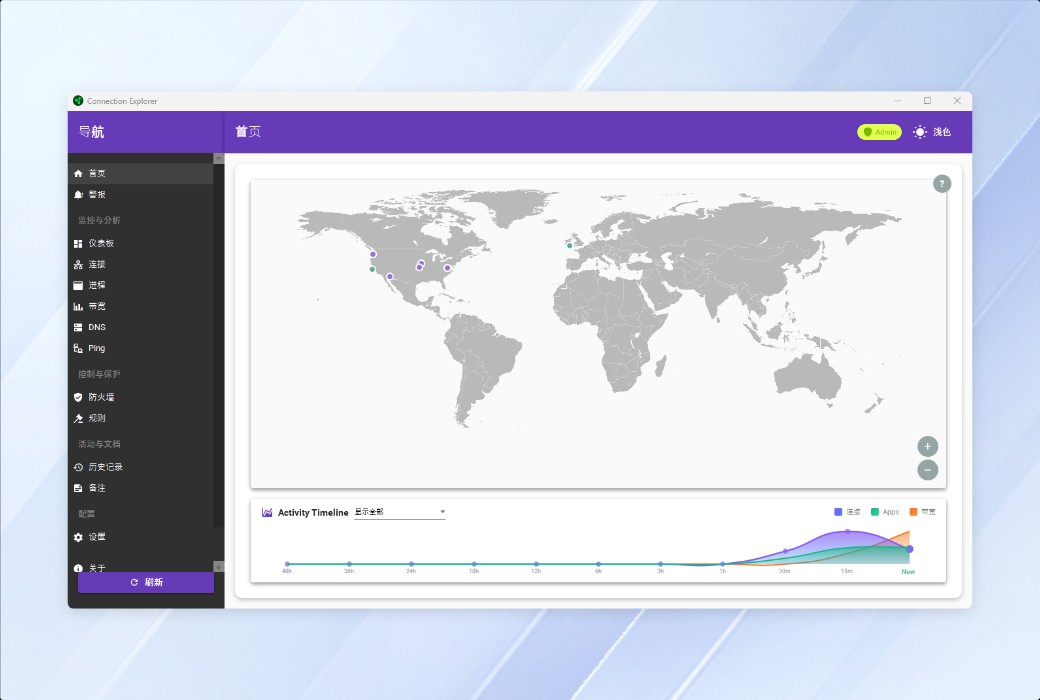
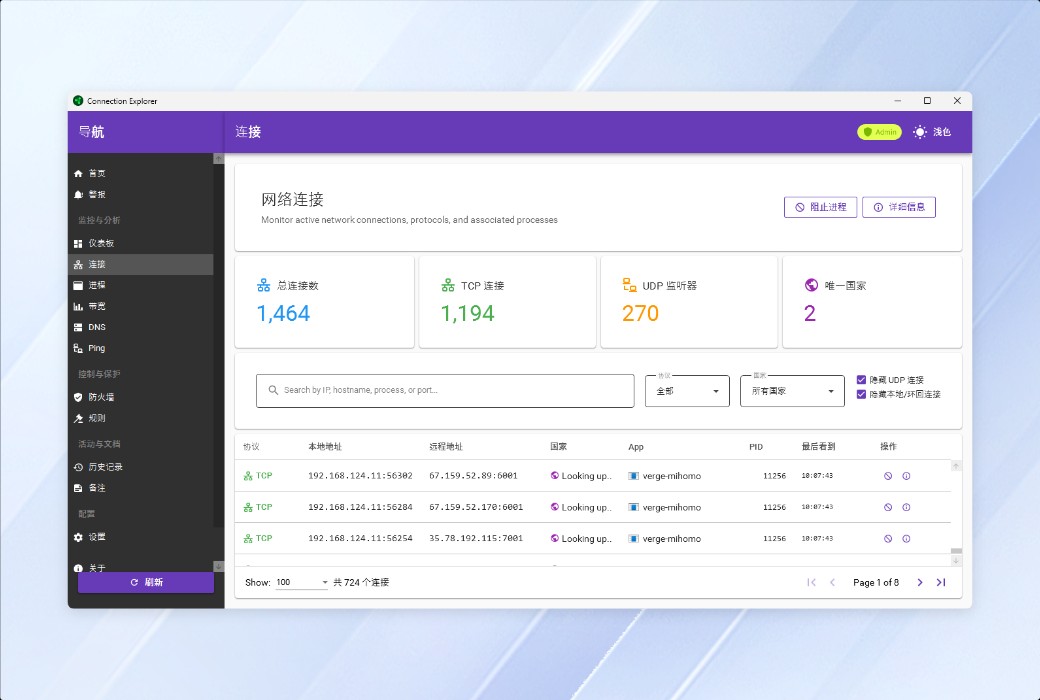
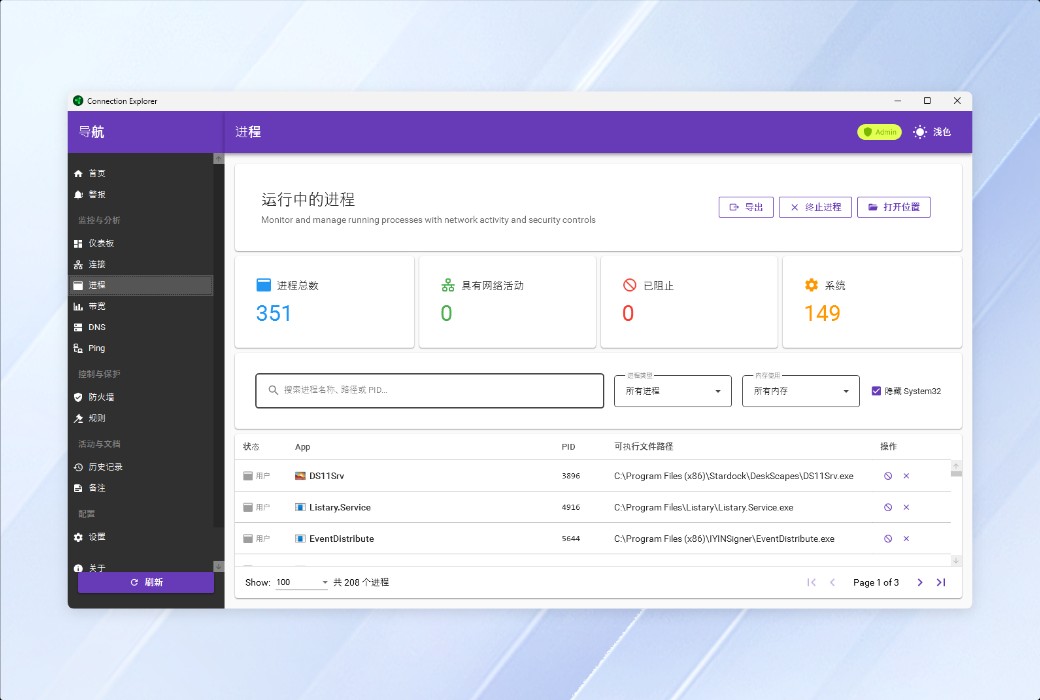
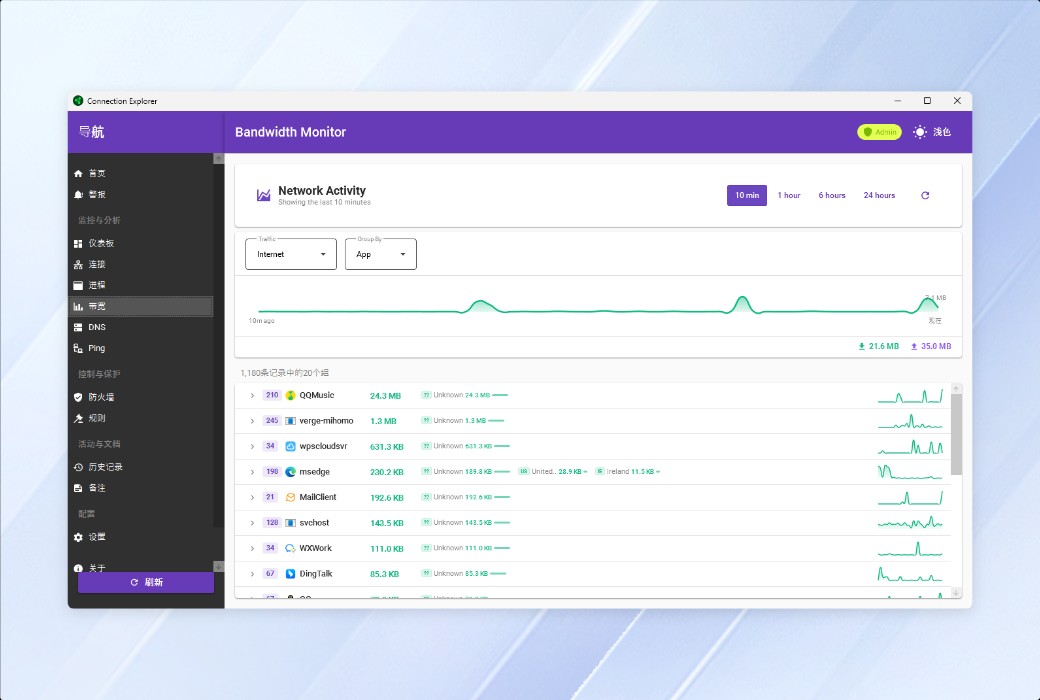
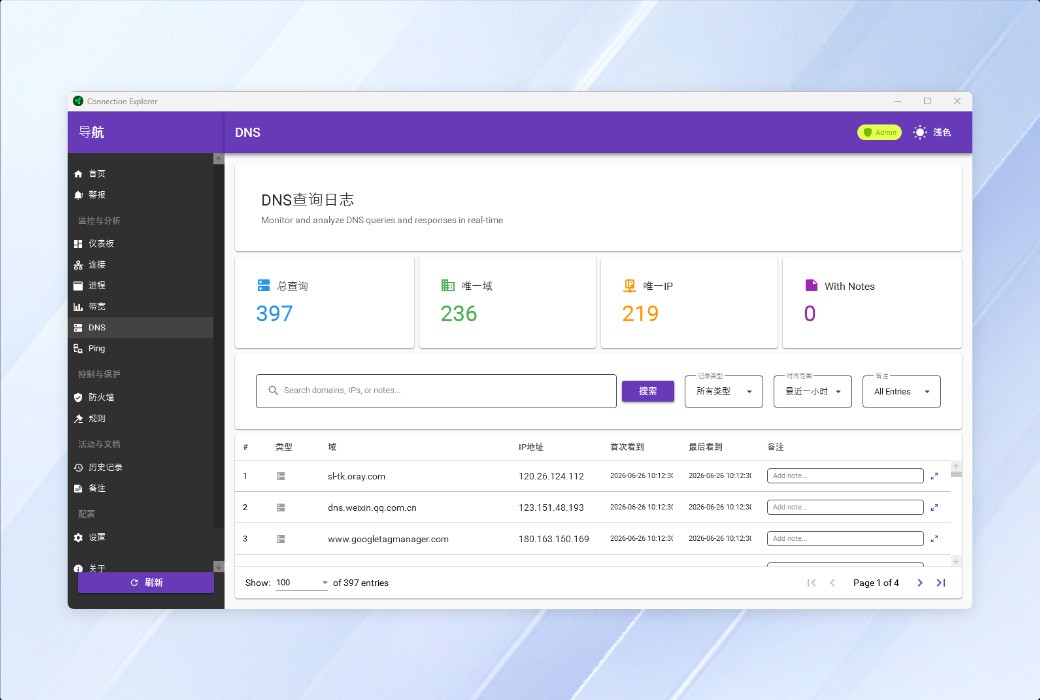
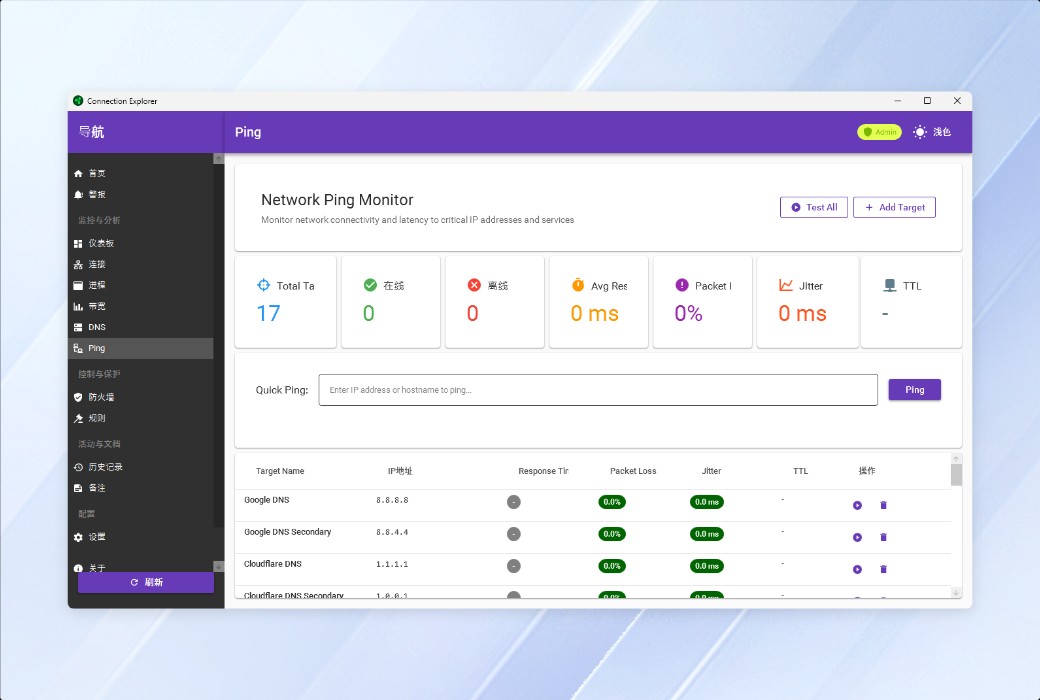
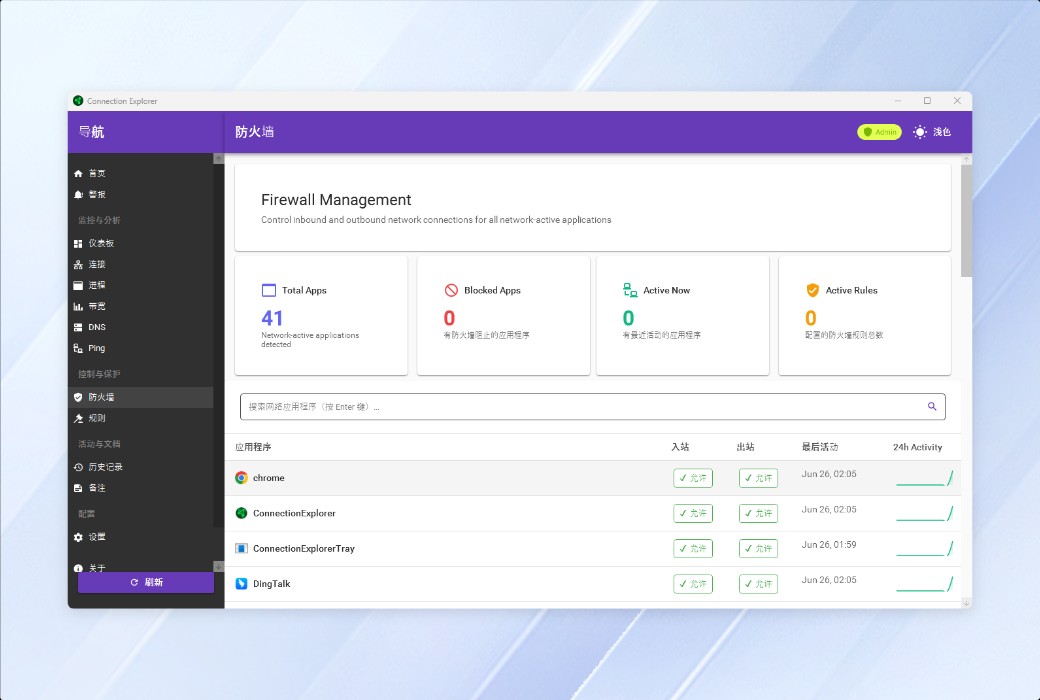
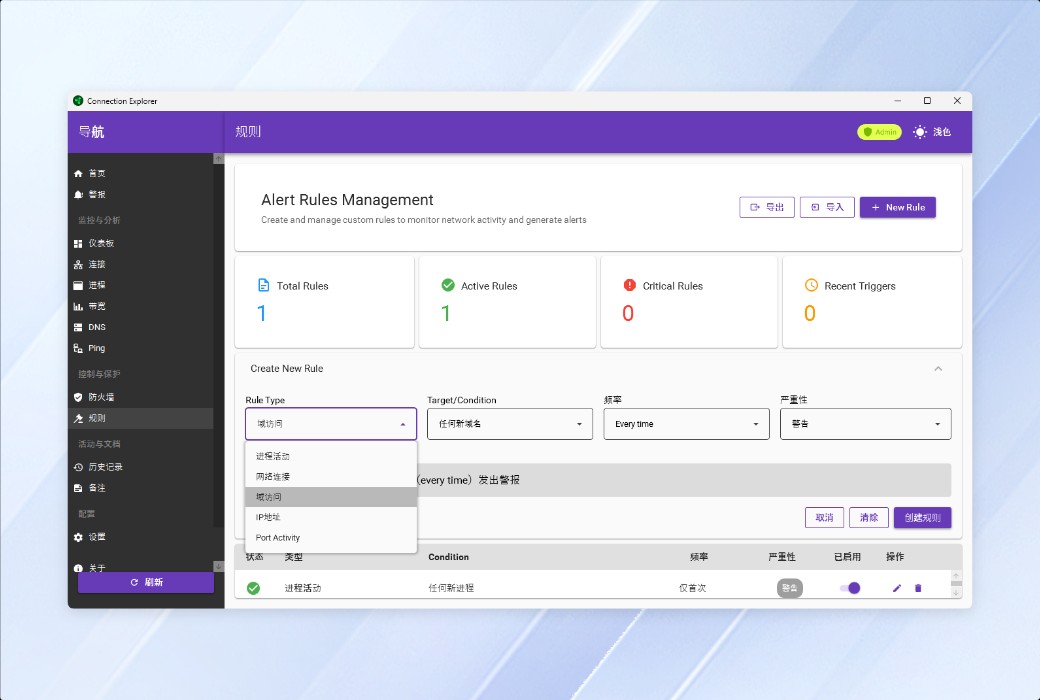
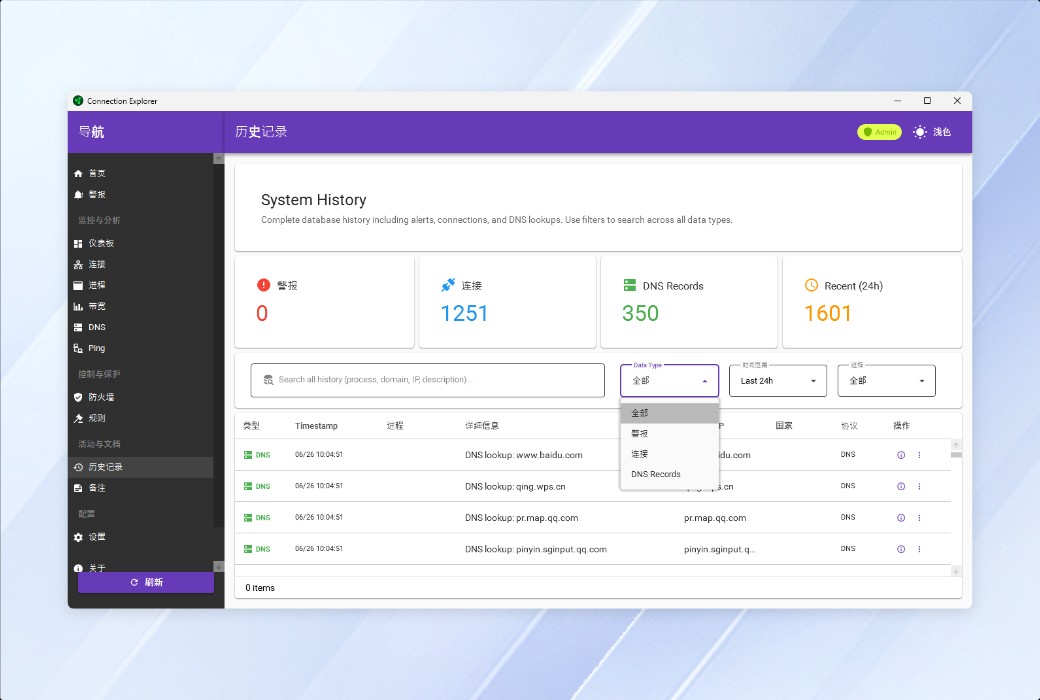
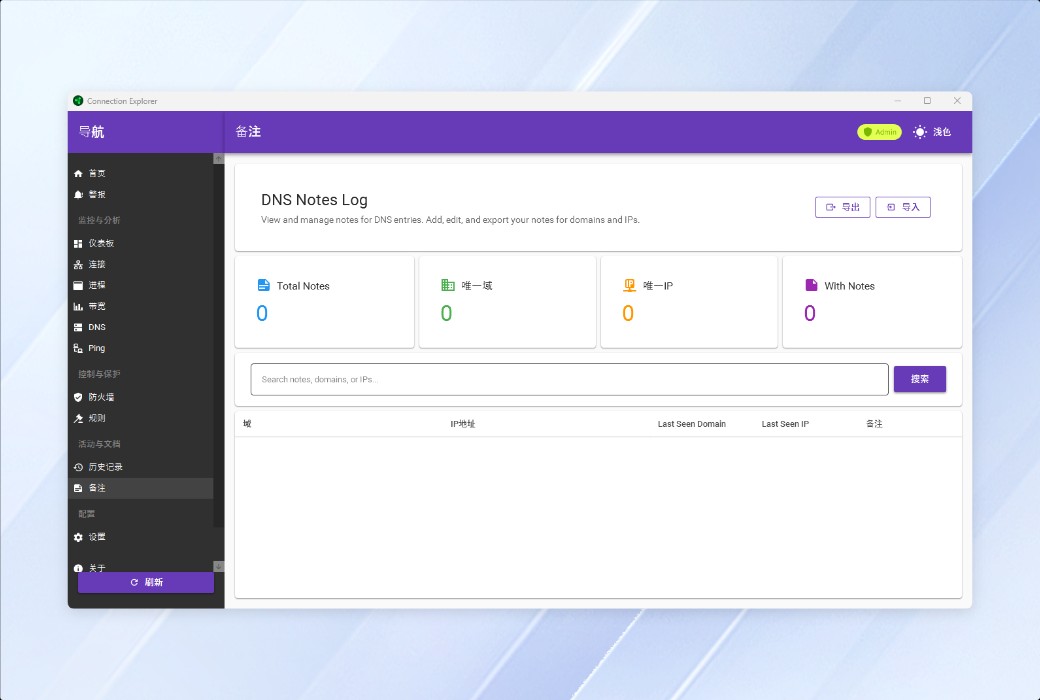
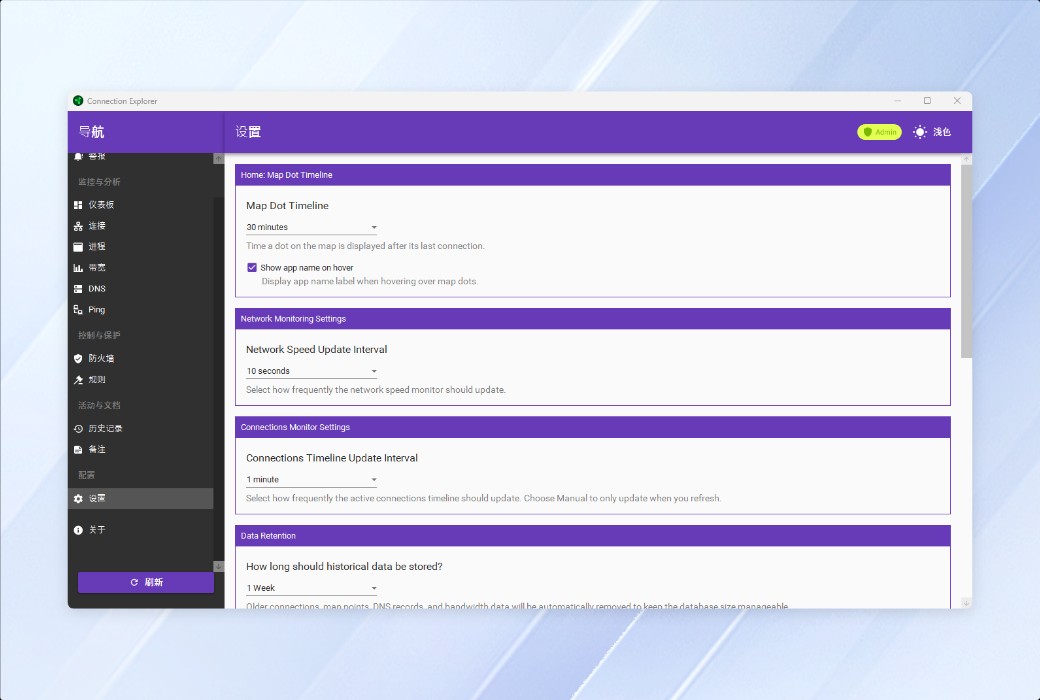
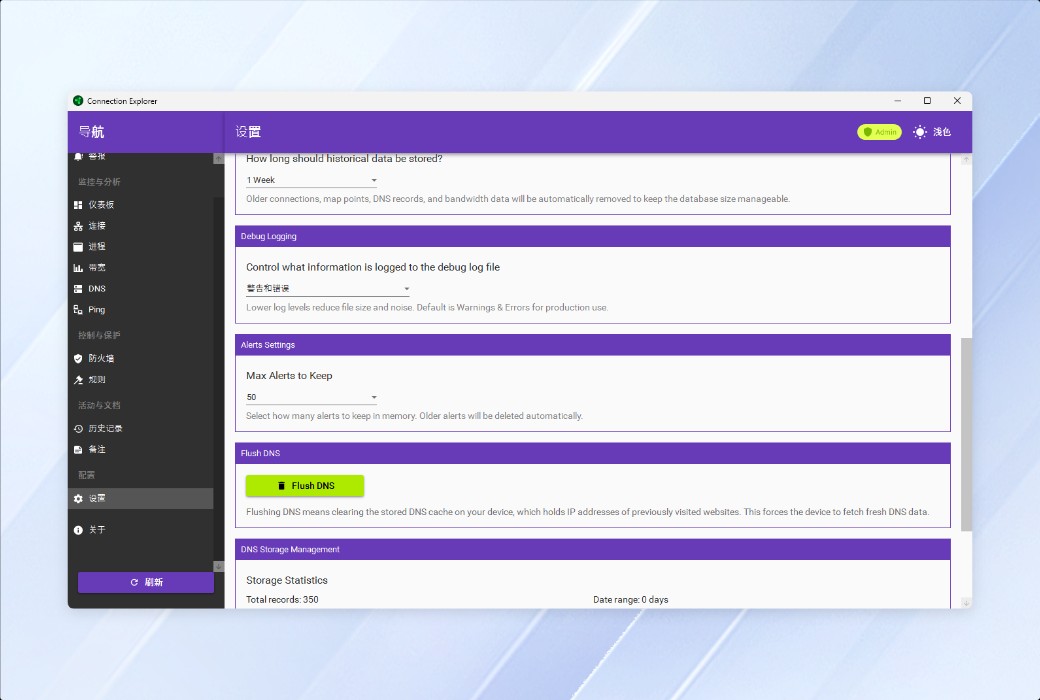
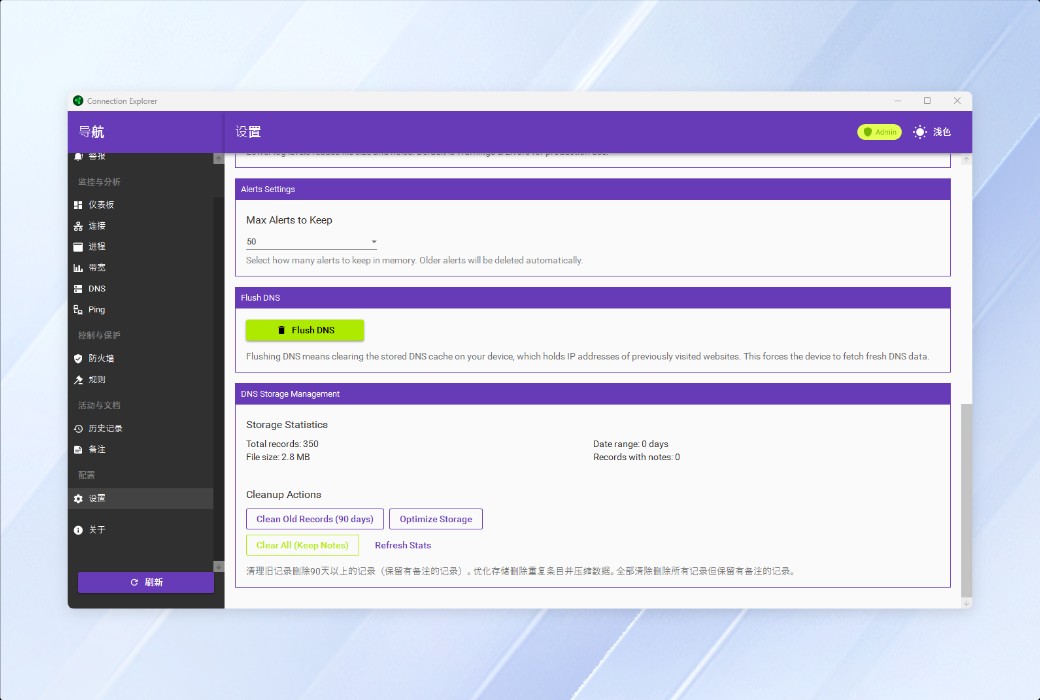
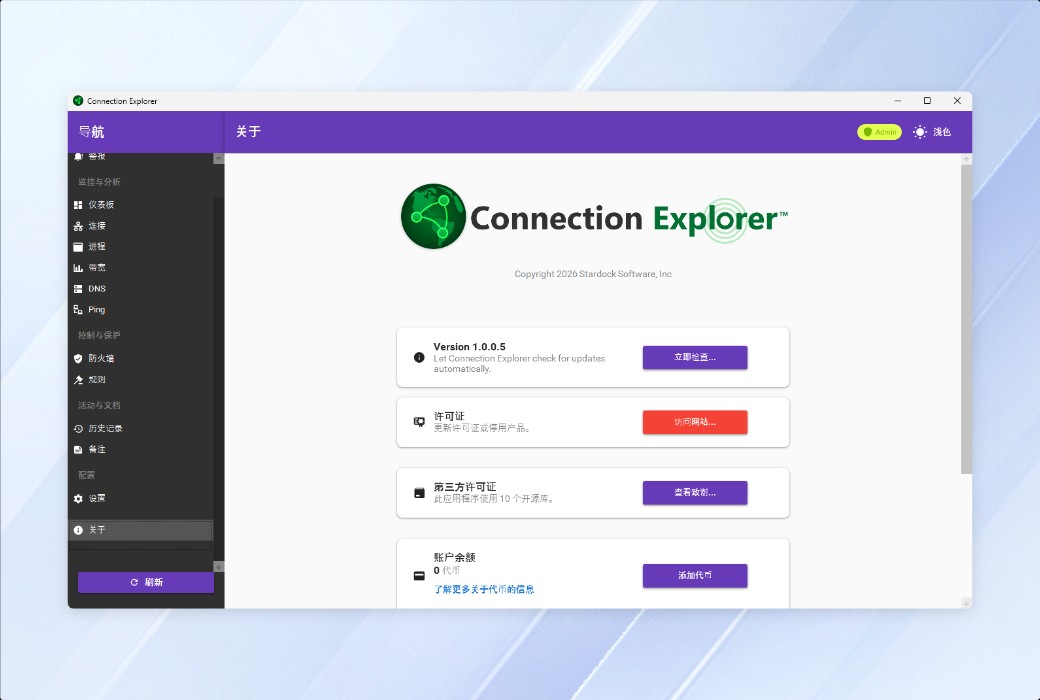
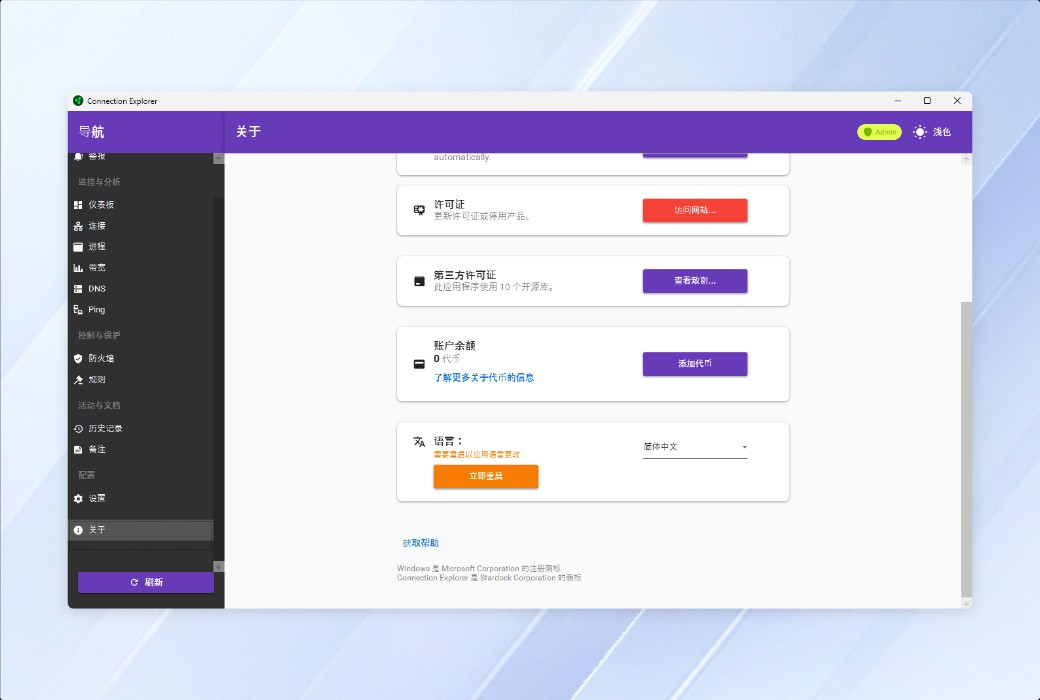
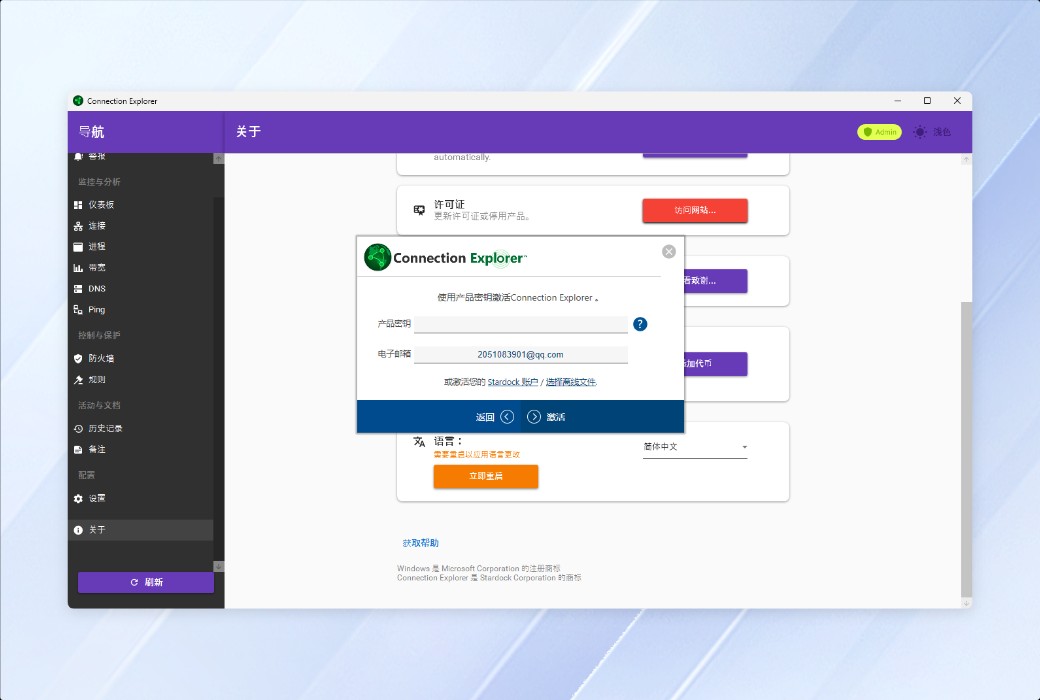
Real-time visualization of all network connections on your PC, interactive map tracking of data flow, intelligent geolocation alerts for identifying anomalies, one-click blocking of suspicious processes, and complete historical records to help you control data transmission of each application, all while safeguarding your privacy and security.
🔍 Overview of Features
- Real-time visual map:The interactive map visually displays the geographical locations and data flows of all network connections
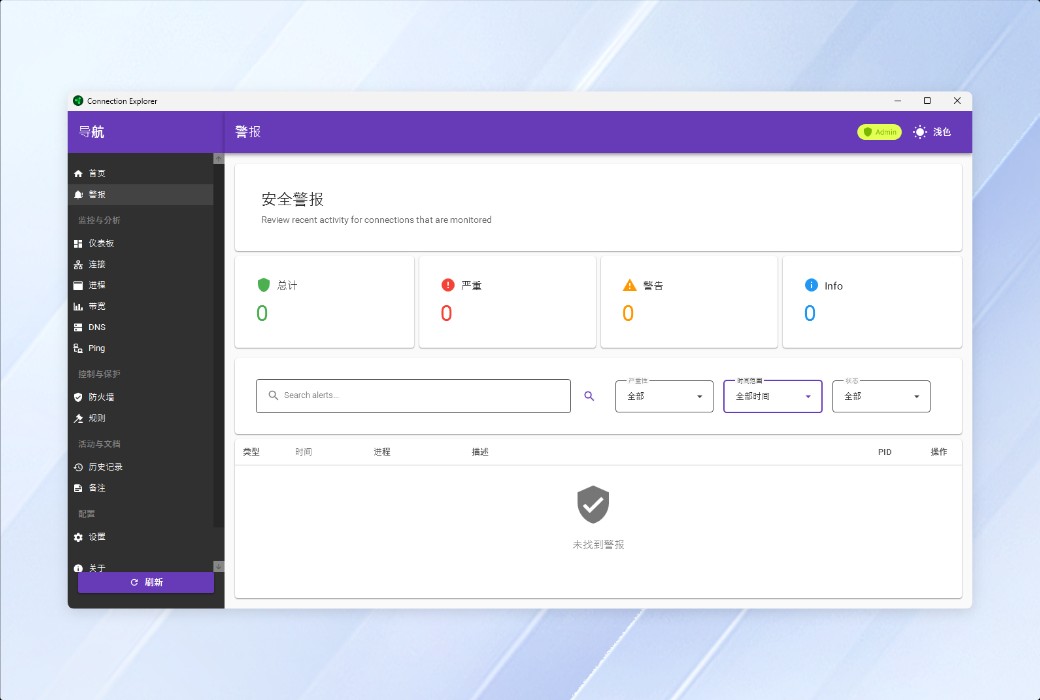
- Smart Geographic Alerts:Automatically identify and alert for connection requests originating from high-risk areas
- Port monitoring:Deeply track all open ports and their corresponding processes
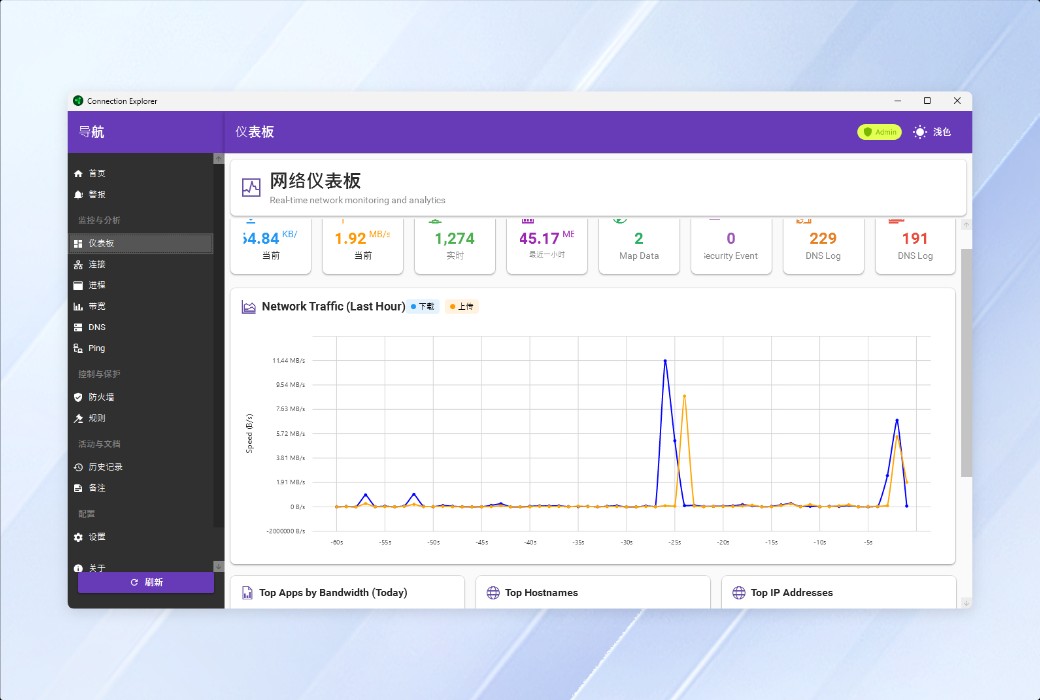
- Bandwidth analysis:Accurately calculate the upload/download traffic usage of each application
- One-click process blocking:If any suspicious behavior is detected, the connection can be immediately cut off without requiring any complicated operations
- Complete connection history:Trace all network activity records within any given time period
📚 Usage Scenario
- Privacy protection:Identify the "rogue software" that secretly uploads data in the background
- Security audit:Identify abnormal external connections and prevent potential attacks
- Bandwidth management:Identify major traffic users and optimize network resource allocation
- Development and debugging:Monitor application network behavior and quickly troubleshoot connection issues
- Corporate compliance:Record employees' device network activities to meet audit requirements
💬 User Reviews
"Only after installing Connection Explorer did I realize that a certain input method had been continuously transmitting data to overseas servers. I decisively blocked it! Now, the first thing I do when I turn on my phone is to open it to check the map." — @Lin Yuanfeng, Cybersecurity Engineer
"As an operation and maintenance personnel, I used to have to open a bunch of command lines to troubleshoot network issues. Now, with just one map, I can see everything clearly, and my efficiency has doubled." - @Su Xiaowei, IT Operation and Maintenance Supervisor
🤖 AI Objective Evaluation
The core advantage of Connection Explorer lies in"Lower the threshold for network monitoring"-- Transforming a professional operation that originally required the combination of Wireshark and command line into map visualization that ordinary users can intuitively understand. Stardock's long-term accumulation in the field of desktop tools ensures the smoothness of the interactive experience.
Suitable for:Ordinary users who value privacy, small and medium-sized team operation and maintenance personnel, and non-professional security practitioners
🏁 Conclusion
In the era where "every app wants to connect to the internet", the invisible risks are the real ones. Connection Explorer, with a map and one click, puts the initiative of network connection back into the hands of users - knowing who connects to you, where they connect, and what they transmit, is the most fundamental and yet most easily overlooked security awareness in the digital age.