Login/Sign Up Sign Out
{{ messageCategory.totalUnreadNum }}
APSGO LOGO
{{ item.sku_info.spec_desc }}
{{ item.count }}x
Combination {{ combo.product.name }}
{{ combo.sku_info.spec_desc }}
x1
Total Price:
View Cart
No APPS available
{{ carts.count }}件
Cart
Home Overview SideNotes screen side quick recording inspiration note tool software
May Day revelry 🔥
No. 1 Scenes
SideNotes screen side quick recording inspiration note tool software截图 SideNotes screen side quick recording inspiration note tool software截图 SideNotes screen side quick recording inspiration note tool software截图 SideNotes screen side quick recording inspiration note tool software截图 SideNotes screen side quick recording inspiration note tool software截图 SideNotes screen side quick recording inspiration note tool software截图 SideNotes screen side quick recording inspiration note tool software截图 SideNotes screen side quick recording inspiration note tool software截图 SideNotes screen side quick recording inspiration note tool software截图
Download
SideNotes screen side quick recording inspiration note tool software
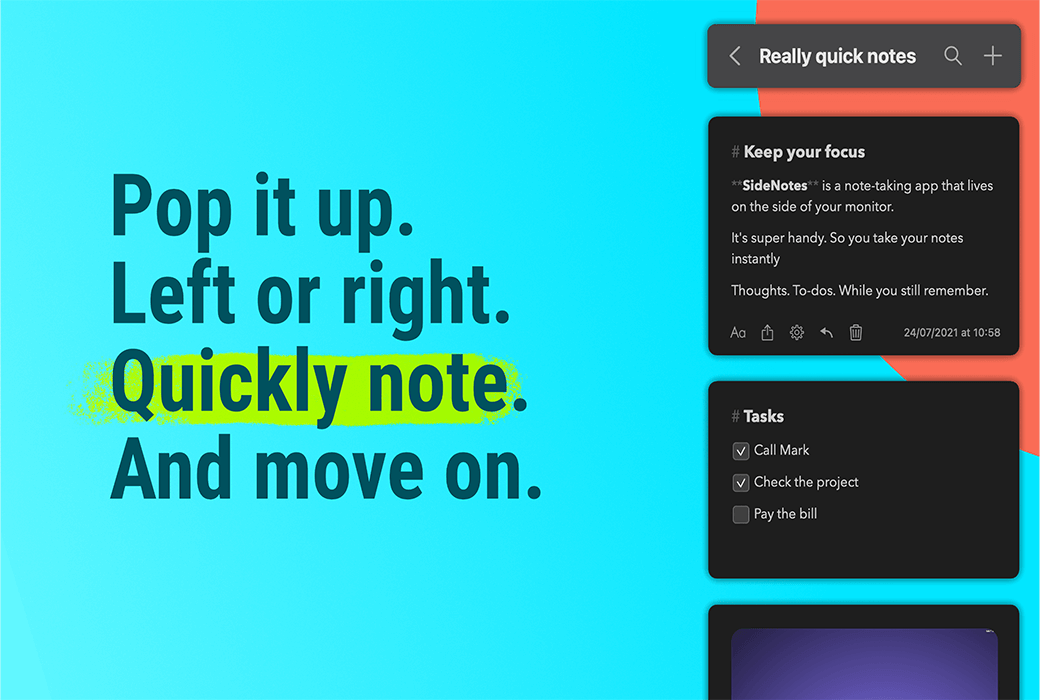
SideNotes saves your notes on one side of the screen. Appears when you click on a small bar or move the cursor to one side of the screen. Any task, inspiration, or code snippet. Quickly display your notes. They are only hidden on one side of the screen. Call out records immediately when needed.

{{ item.spec_option }}

{{ item.spec }}

System

{{ guess.sku_info.price }}

Reference price

Price guessing rules:
1、Validity period of this price guess 2026-04-28 00:00:00 ~ 2026-04-28 05:00:00。
2、Guess the place 5 item。
3、Deduction required for each guess 5 Points。
4、The guess price is 1xx.53 CNY,The value of x is the digits 0 to 9.
5、"There is no limit to the number of times each person can guess the price. Once they have guessed the price, they can create and pay the order at this price. Overdue pricing is considered a waiver.".
6、After the end of each period, the user's guess price will be displayed in the historical guess price column, and if no one guesses, the flow guess will be displayed.
Guess Price: {{ guess.price }}
PLUS Annual Member Exclusive You guessed it ! Pay Now Guess Not started yet
{{ item }} ({{ guess.currentOrdersNum }}) ({{ app.qa.questionsData.total }})

Quick annotation on the side of your computer screen


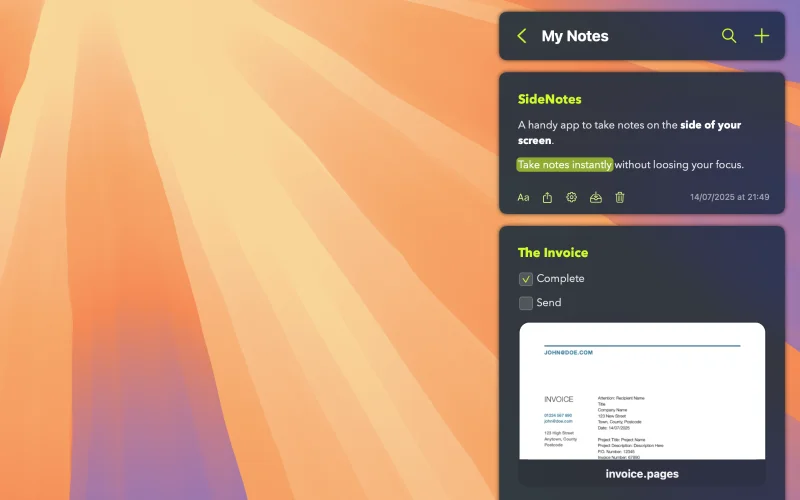
SideNotes saves your notes on one side of the screen. Appears when you click on a small bar or move the cursor to one side of the screen.


Any task, inspiration, or code snippet. Quickly display your notes. They are only hidden on one side of the screen. Call out the record immediately when needed.


  1. Collecting Inspiration

Move your projects, designs, and articles forward and quickly save inspirational quotes, pictures, and links.


  1. Your inbox for ideas

Just capture your buzzing sound when they pop up and continue working. We'll deal with them later.


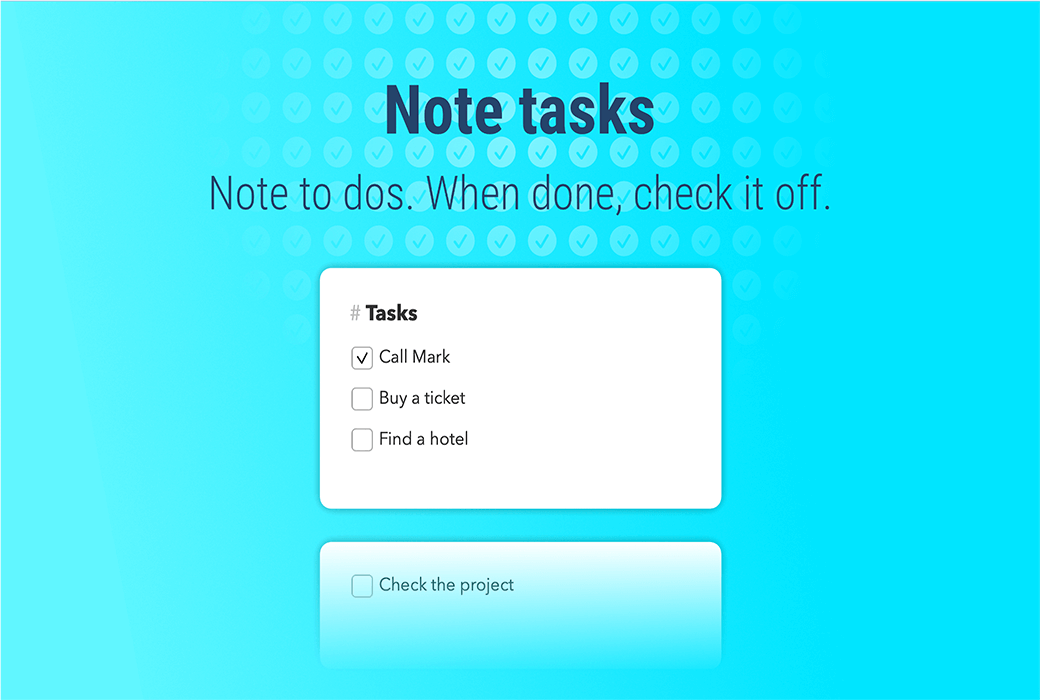
  1. Quick to-do list

Quick access makes you want to take notes immediately. Take note of your task immediately and focus your attention on 'here and now'. Maintain efficiency and organization.


This digital notepad prevents distractions when taking notes.

Almost imperceptible.


Why is SideNotes unique?


It combines the simplicity of sticky notes with the convenience of complex note taking applications.


  1. It sticks to the edge of your screen

Take note while your project is still visible. Your notes are displayed on top of other applications. Even in full screen mode.


  1. It immediately grabs notes

SideNotes allows you to take quick notes without changing the context. You can define a global keyboard shortcut to quickly add your notes.


  1. Simple yet fully functional

Quick access and a plethora of features make it both convenient and enjoyable to use.


Sometimes, words cannot express everything


Notes are not just plain text. Save shortcuts to screenshots, task lists, code snippets, files, and folders. SideNotes supports all of these and more features.


  1. Export comments to image

You can export any comments to an image and send it to your friends or publish it as a social media post.


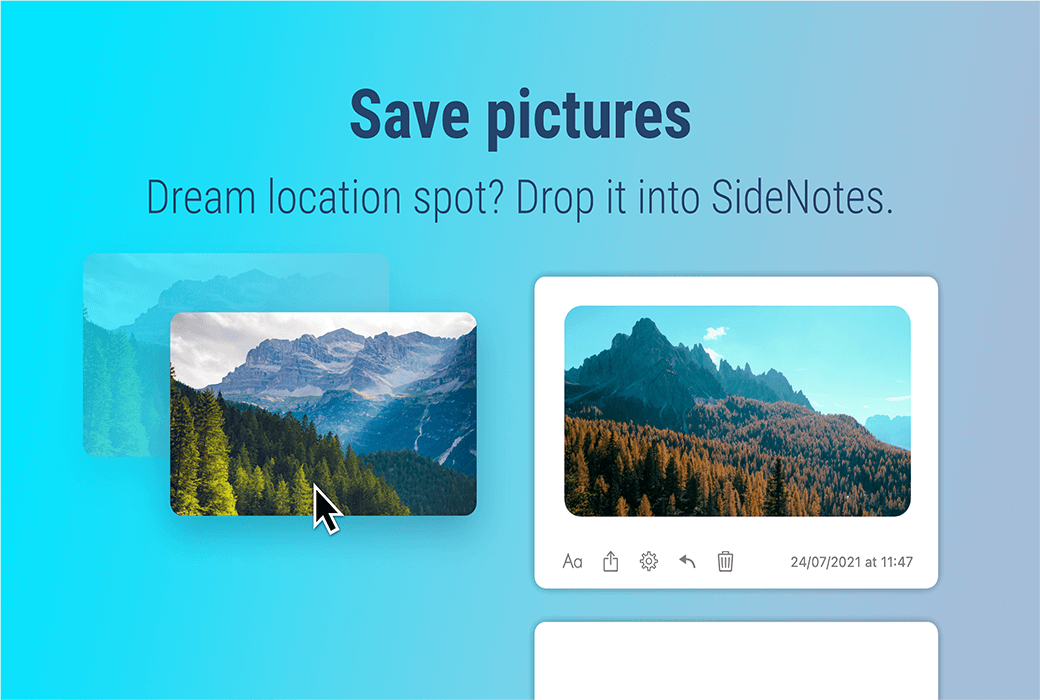
  1. Screenshots and images

Where did you save your screenshot? Desktop is not a place.


You can save them in SideNotes. Just drag and drop the newly taken screenshot into the application. Everything is clean and within reach.


  1. Sketches and photos on iPhone and iPad

Long press the+button and take a photo using your iPhone or iPad. Draw a sketch or scan a document and import it into SideNotes.


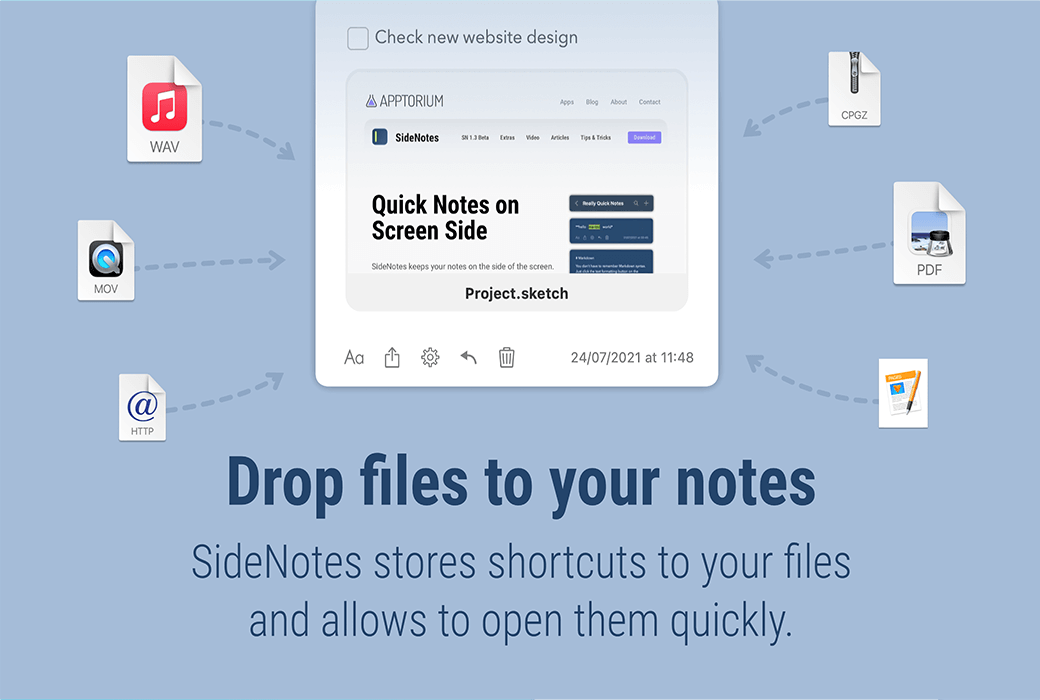
  1. File and folder shortcuts

Drag and drop files or folders. SideNotes saves shortcuts with previews. Double click to open it.


  1. colour

If you are a graphic designer or developer, sometimes you need to save colors in # rrggbb format. SideNotes presents it well. One click copying.


  1. code snippet

Did you ever need to create a text file to save temporary code snippets? Just put it in SideNotes and format the text as Code.


Simple yet beautiful


Once you start using SideNotes, you may take a lot of notes.

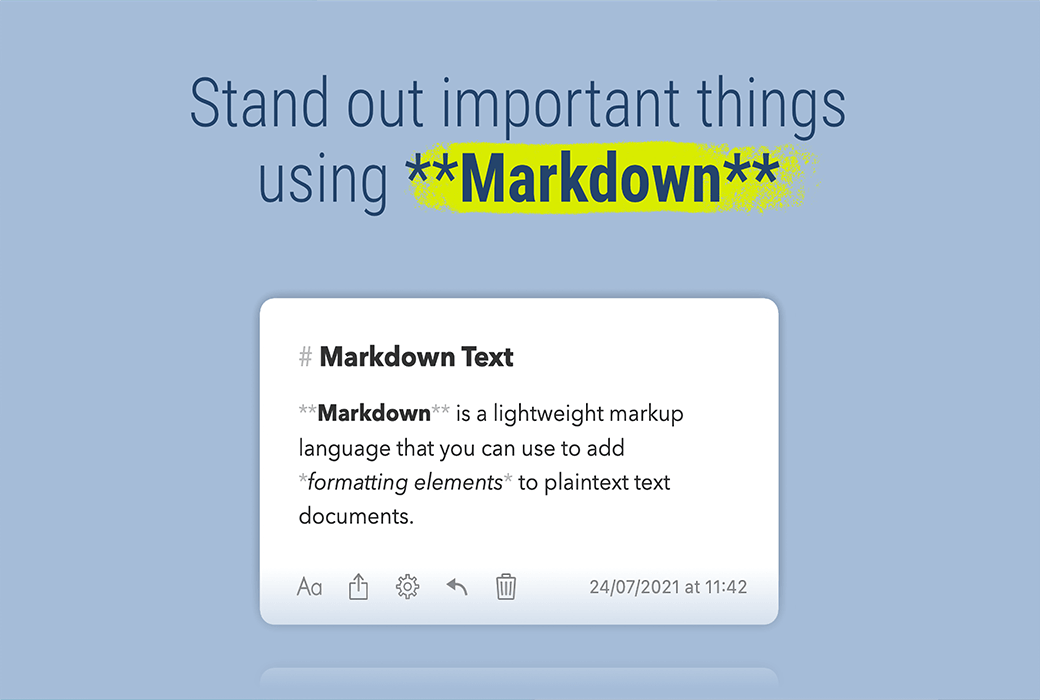
Distinguish them by color and format the text using Markdown.

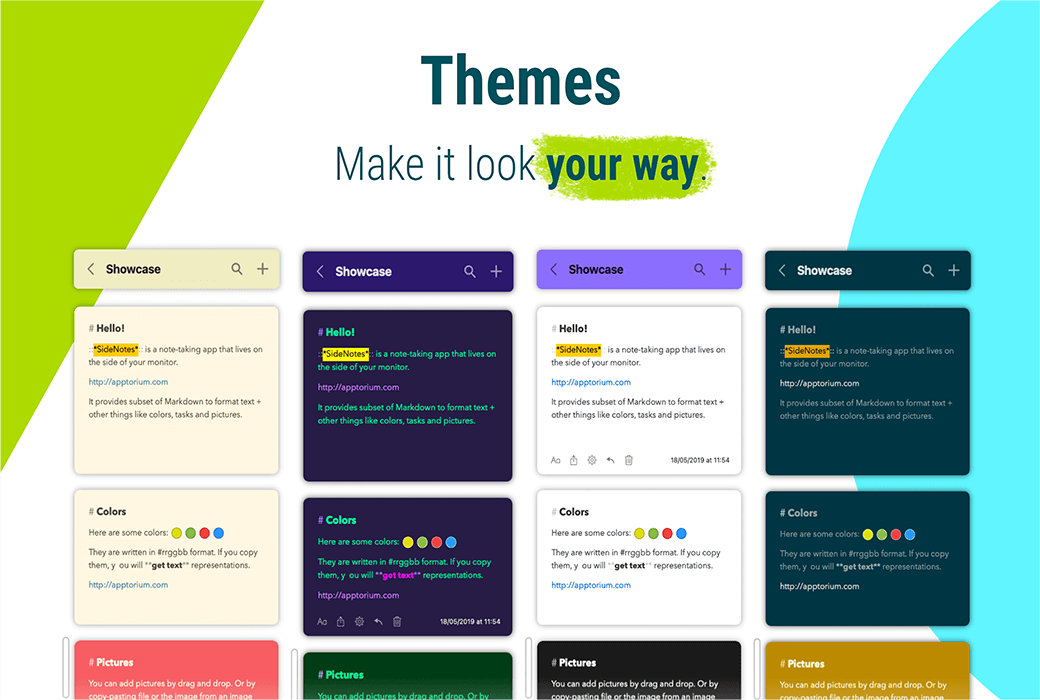
As SideNotes is your daily application, you can set styles, note colors, and format text using Markdown by selecting your favorite theme.


  1. theme

Elegance, vitality, and simplicity. Choose your favorite or create your own. Make the theme suitable for your mood or time of day. For more information, please visit the topic page.


  1. Pay attention to the color

You can choose a color for your notes to visually distinguish them. Choose a bar or background color. Read more


  1. Markdown

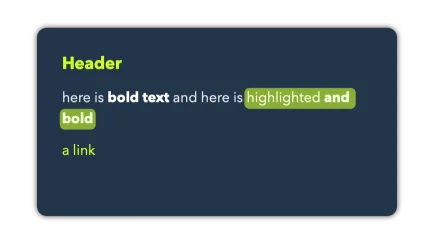
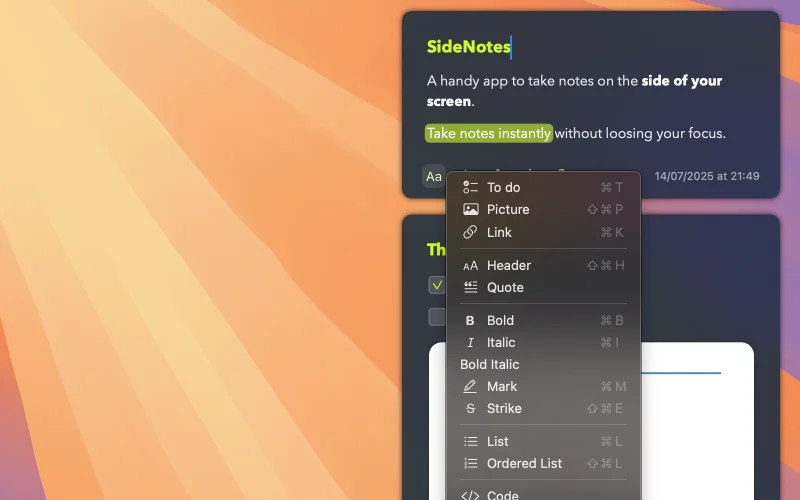
Quickly format text using a subset of Markdown syntax.


Automation and Integration


Integrate SideNotes with other applications to automate tasks using Shortcuts Actions and Apple Script API.


  1. Shortcut operation

Automate your daily tasks. Create notes and folders and integrate SideNotes with other applications.


  1. Apple Script

Create and modify notes and folders, search for them and retrieve their contents. You can integrate SideNotes with other applications using Apple Script.


  1. Alfred workflow

Download our Alfred workflow and take notes faster, quickly search for them, use snippets, and more.


There are more functions available


Extensive settings, automatic backups, and iCloud synchronization.


We really enjoy making this application, so this is not the end. keep in contact!


  1. first

Use as is or make some adjustments. Choose the location and method for displaying the application. Set your favorite appearance, decide how to display text, and set global keyboard shortcuts.


  1. Automatic backup

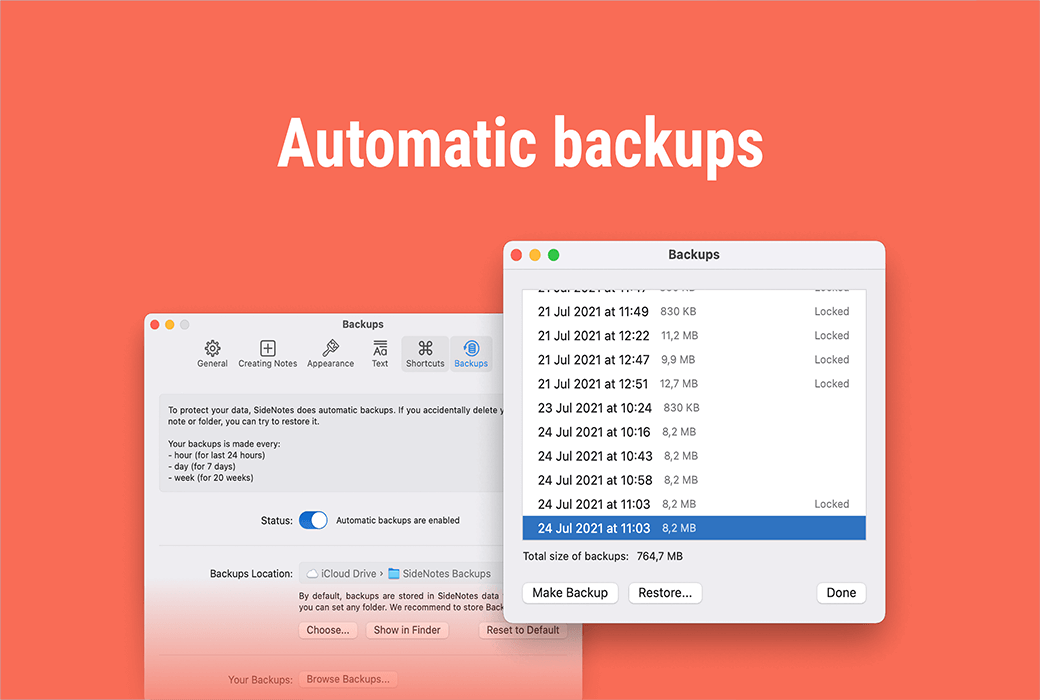
SideNotes will automatically backup your notes. Therefore, if you accidentally delete notes or folders, you have a chance to recover them.


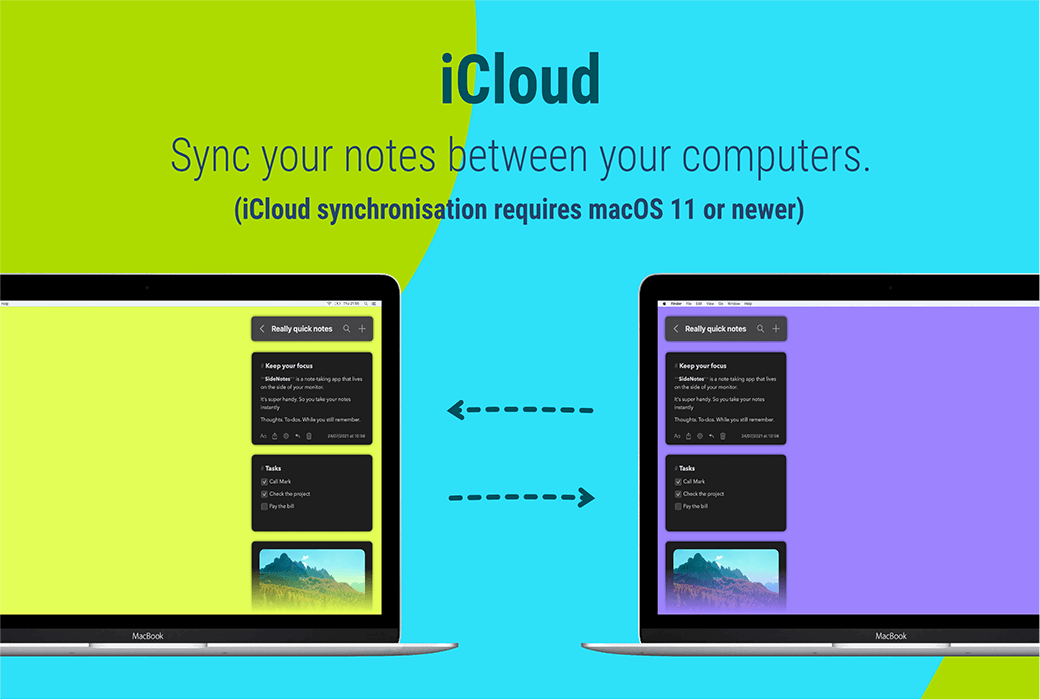
  1. ICloud Sync

Now you can synchronize your notes between computers.


ICloud synchronization requires macOS 11 or higher.

Official website:https://www.apptorium.com/sidenotes

Download Center:https://sidenotes.apsgo.cn

Backup Download:N/A

Delivery time:24-hour automatic shipping

Operating platform:macOS

Interface language:Only supports English interface display.

Update instructions:This version is lifetime valid and supports small version updates and upgrades, v1. x

Pre purchase trial:Free trial for 30 days before purchase.

How to receive the goods:After purchase, the activation information will be sent to the email address at the time of placing the order, and the corresponding product activation code can be viewed in the personal center, My Orders.

Number of devices:Can install 5 computers.

Replacing the computer:Deactivate the original computer software first, and activate the new computer.

Activation guidance:To be added.

Special instructions:To be added.

reference material:https://www.apptorium.com/sidenotes/articles

{{ item.user.nickname }} Luck Lost
{{ item.created_at }} {{ item.user.region }}
1**.53
{{ item.price }}
Guess Price
More Records
No. {{ item.issue }} Scenes
{{ item.end_at }}
{{ itemUserInfo.nickname }}
Guess the right price:{{ item.guessPrice }}
Passed
Passed guess price:{{ item.guessPrice }}
More Records
Ask a question
All FAQ News Default Newest
SideNotes screen side quick recording inspiration note tool software截图 SideNotes screen side quick recording inspiration note tool software截图 SideNotes screen side quick recording inspiration note tool software截图 SideNotes screen side quick recording inspiration note tool software截图 SideNotes screen side quick recording inspiration note tool software截图 SideNotes screen side quick recording inspiration note tool software截图 SideNotes screen side quick recording inspiration note tool software截图 SideNotes screen side quick recording inspiration note tool software截图 SideNotes screen side quick recording inspiration note tool software截图

Guess Price

Confirm ( - {{ guess.integral * guess.member_discount }} Points) Confirm (Consumption free{{ app.userInfo?.guess_num }} times)

Guess the price code

确 认
Oh MAN! You almost guessed it!
Bye~ Once more!
Congratulations! Guess it! Luck is really a table breaker!
JUST Fun~ Order
Pay Annual PLUS
For annual PLUS members only. Join to guess prices and get exclusive benefits!
Maybe later Pay Now