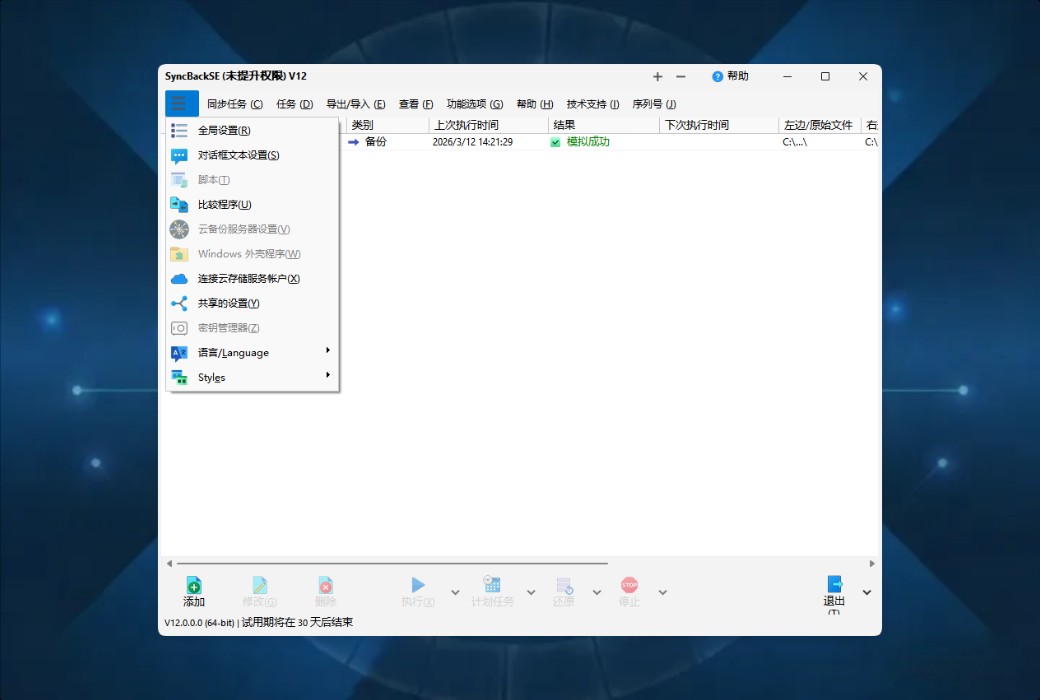
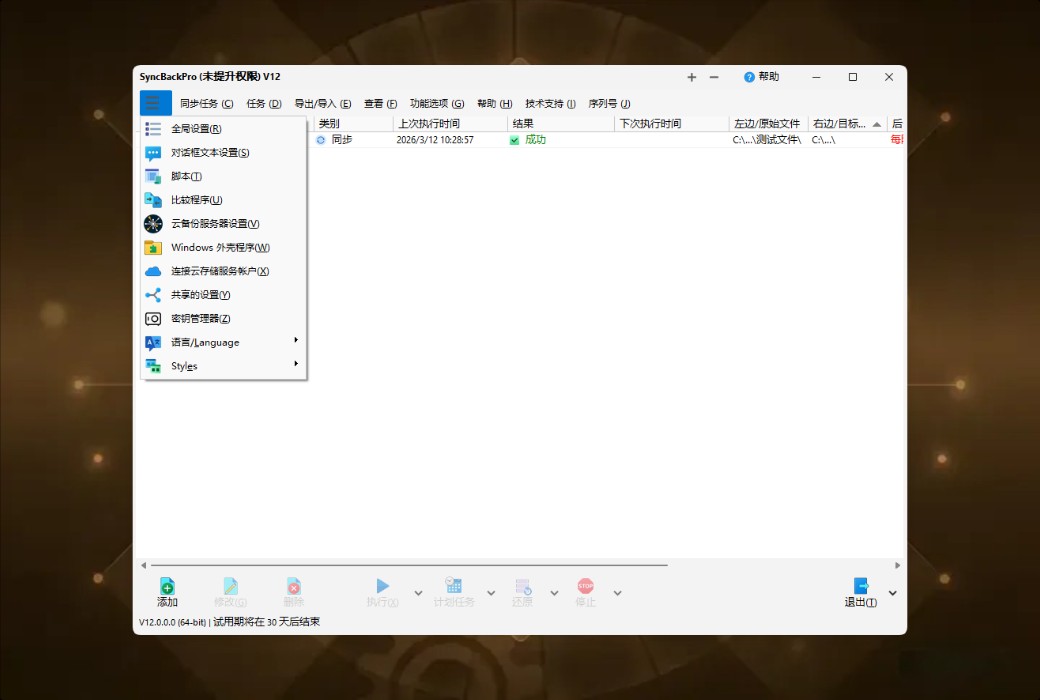
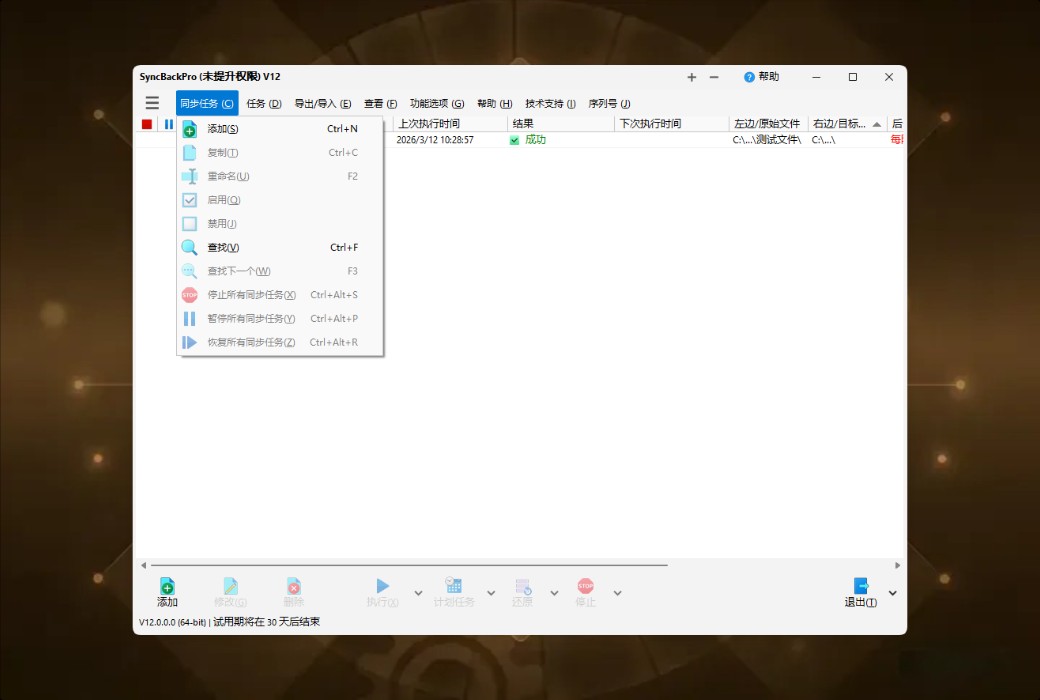
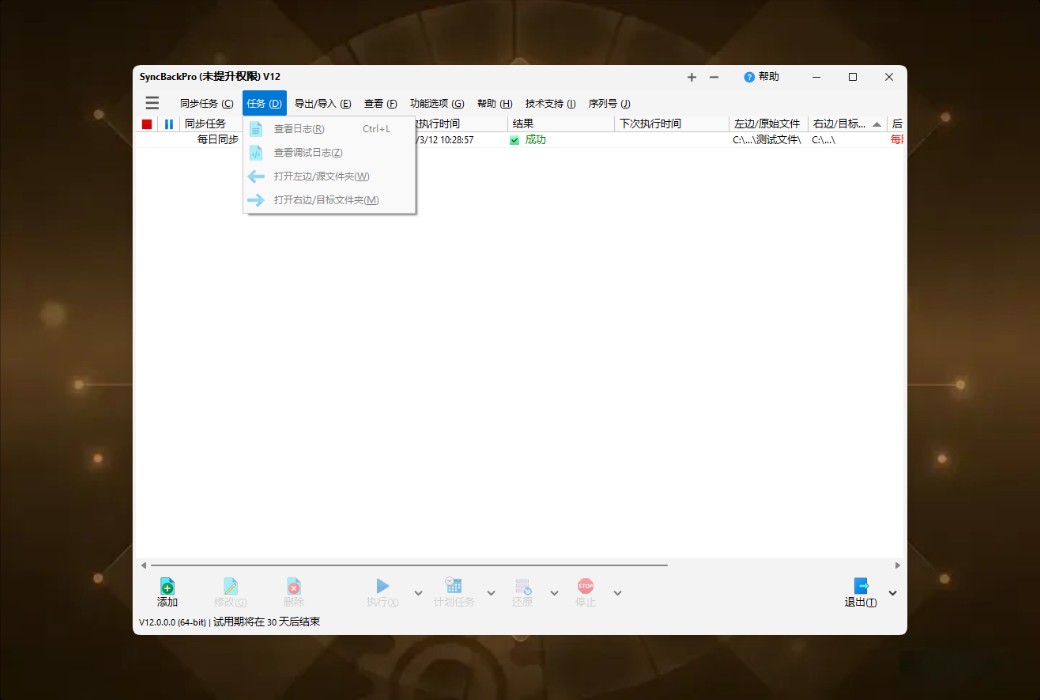
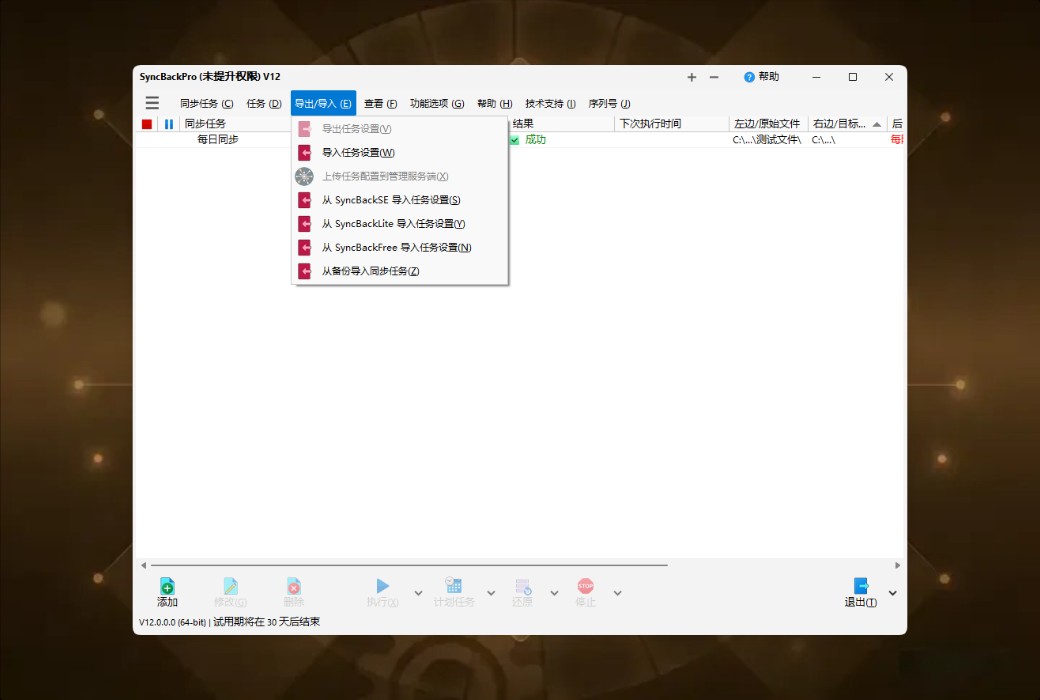
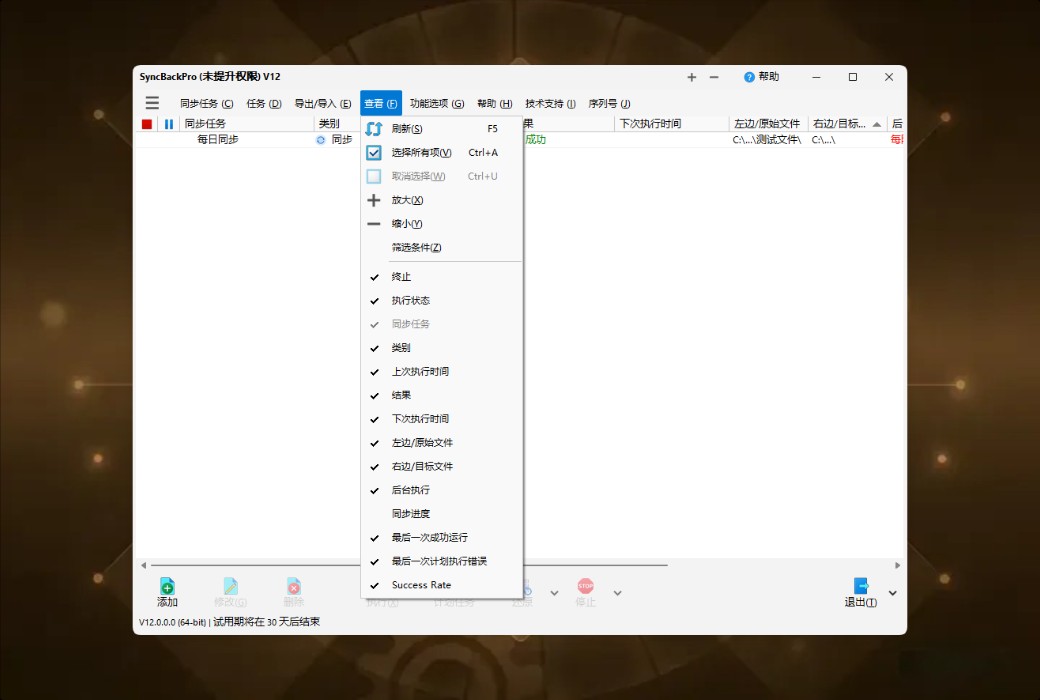
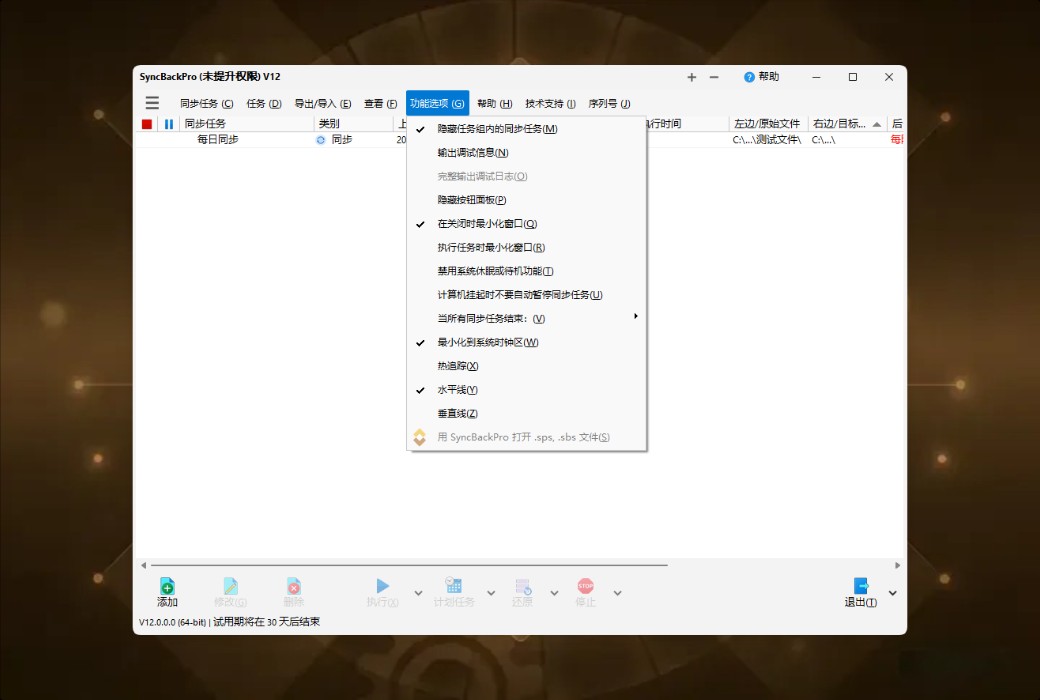
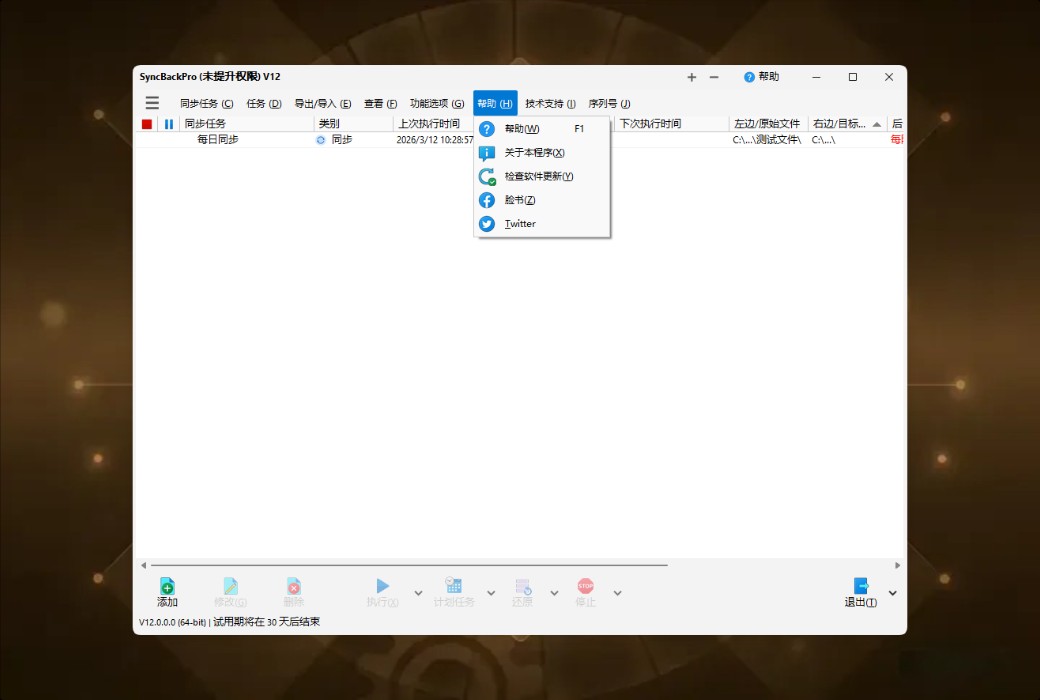
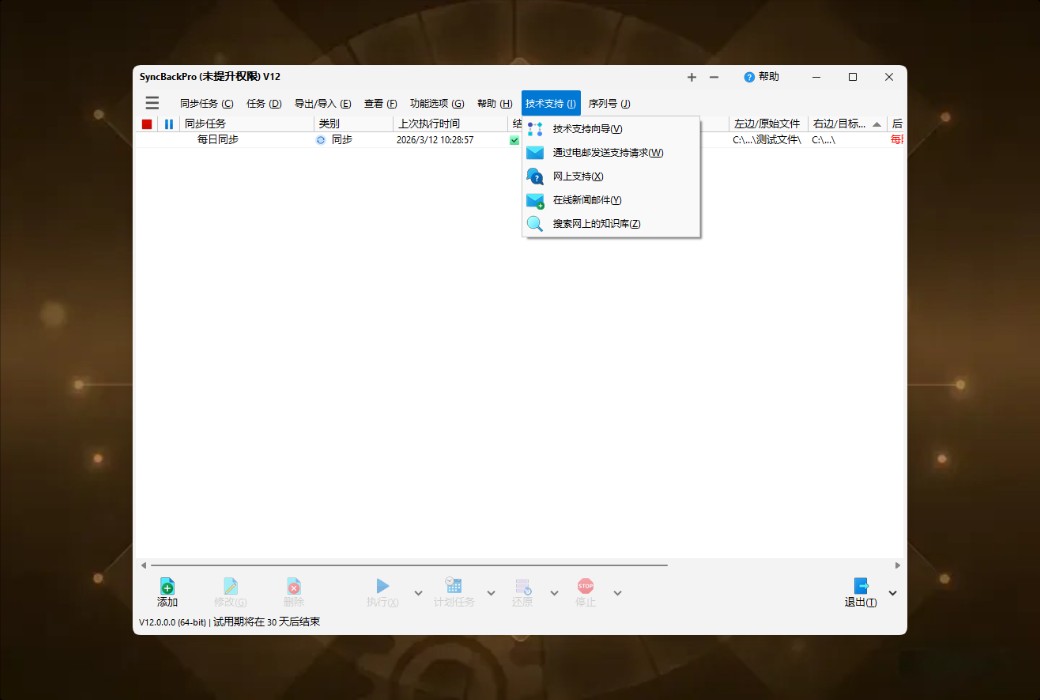
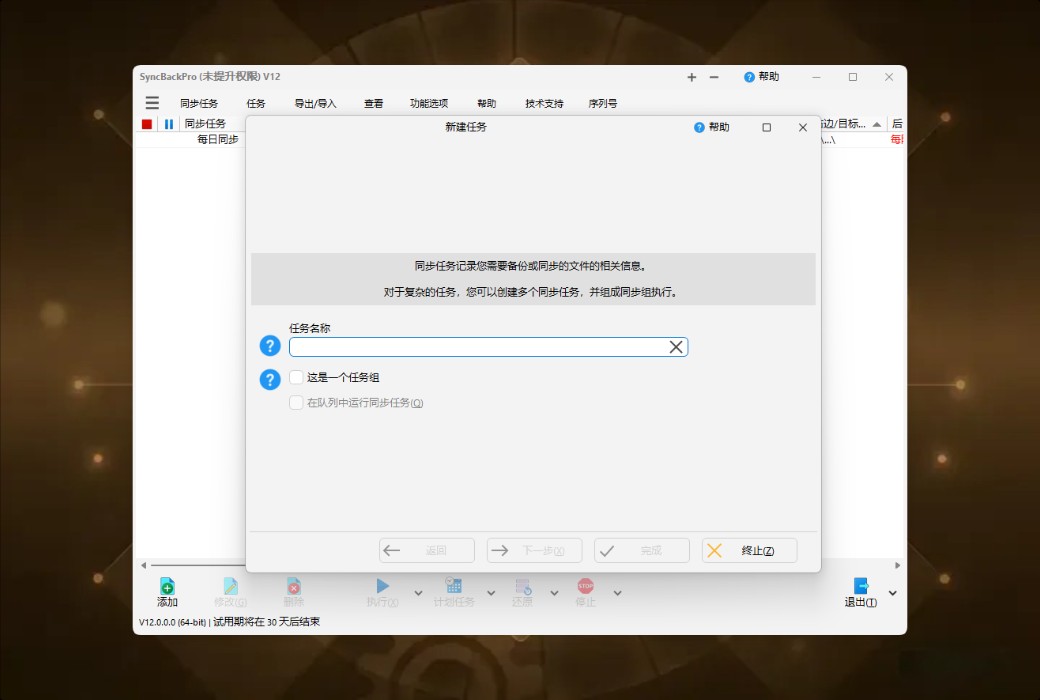
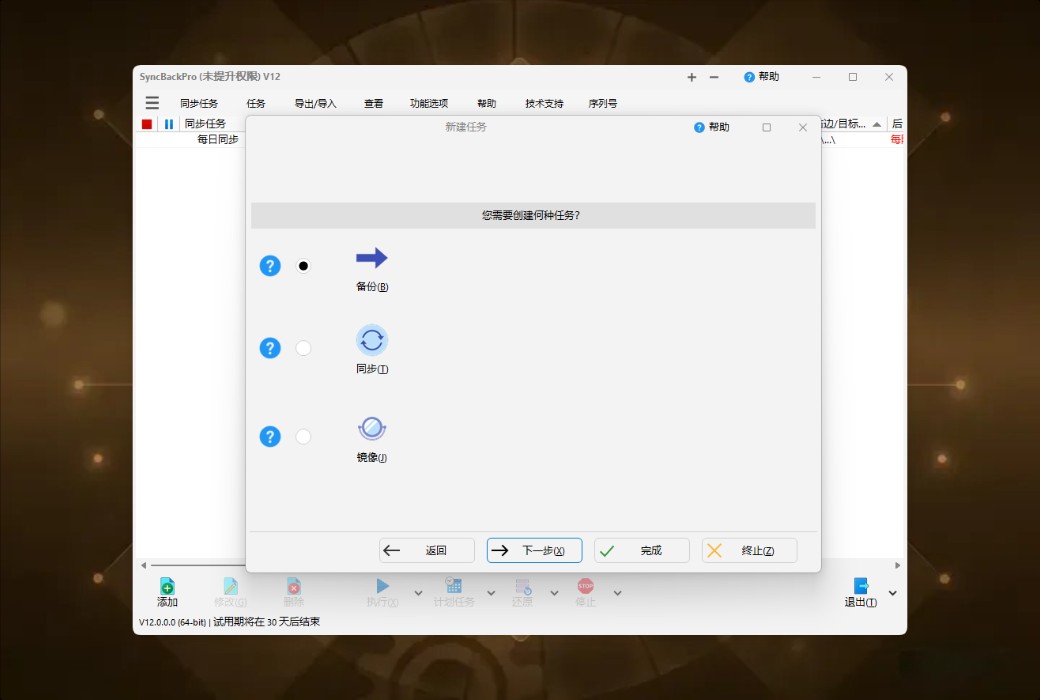
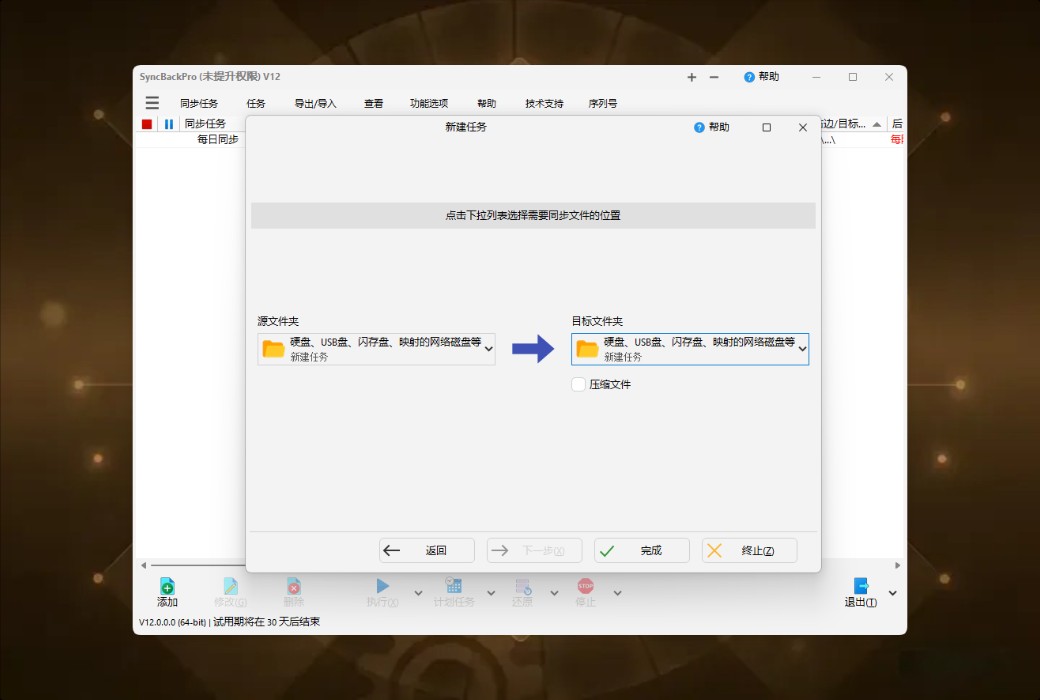
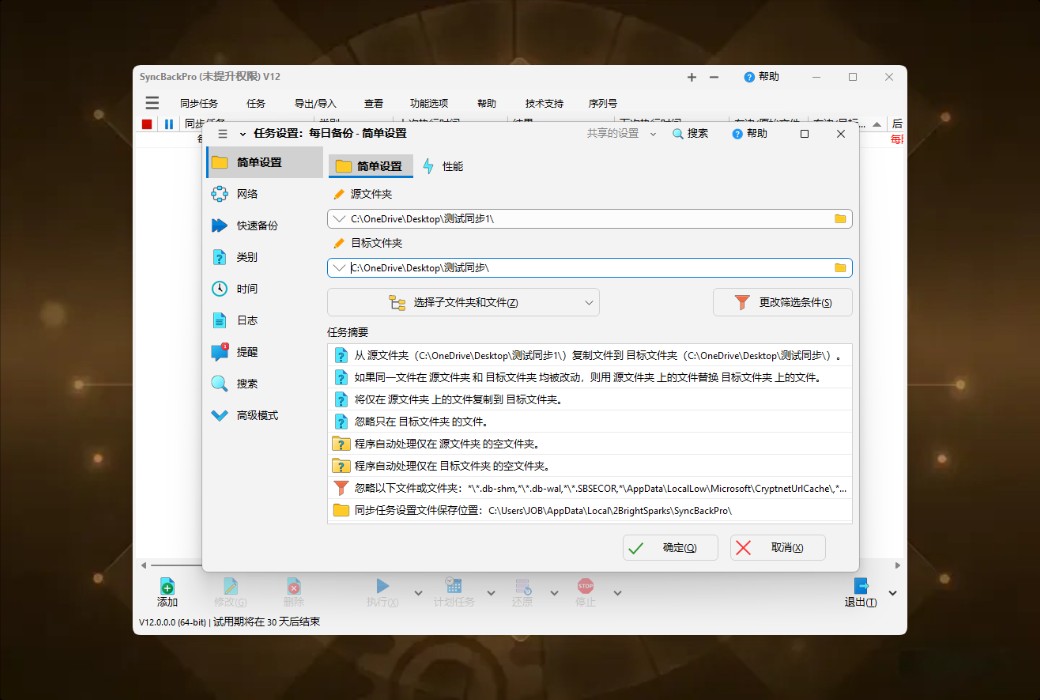
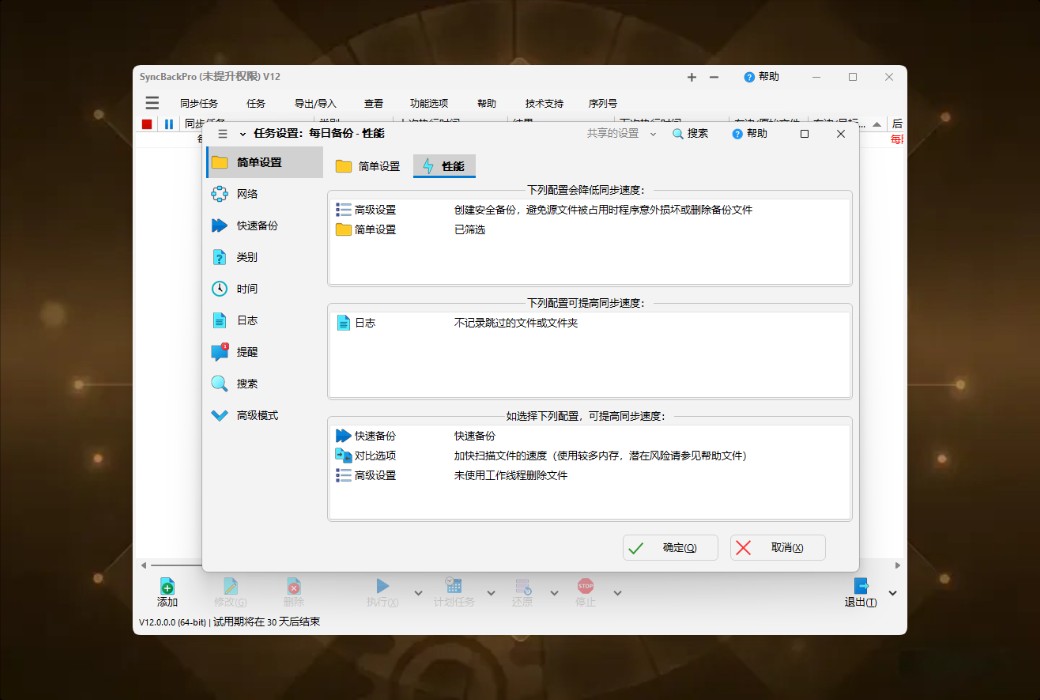
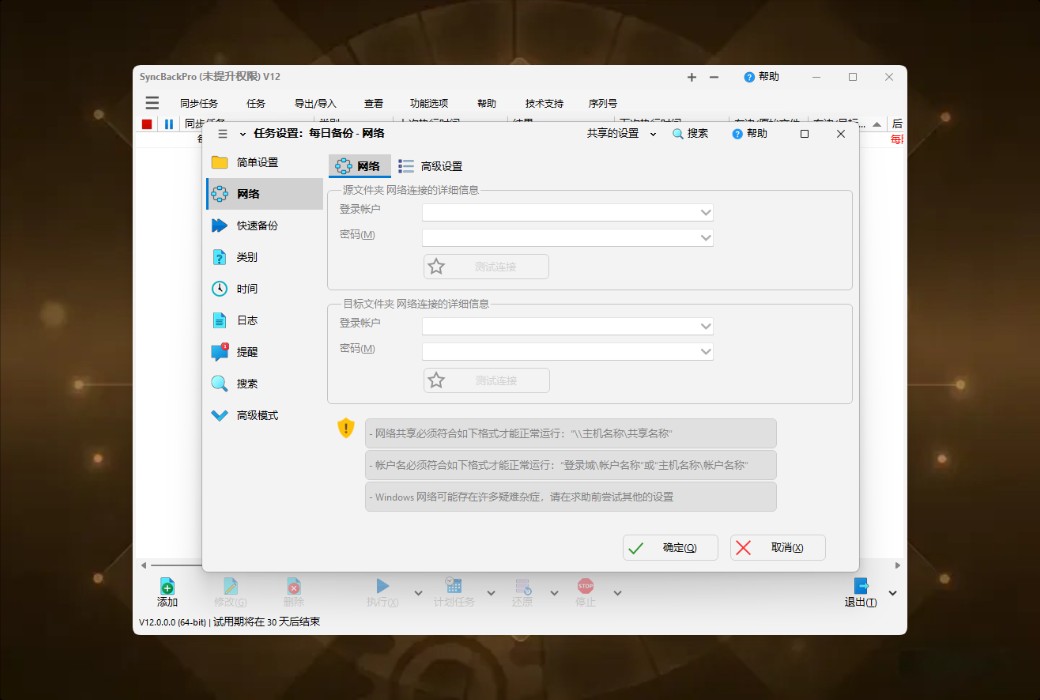
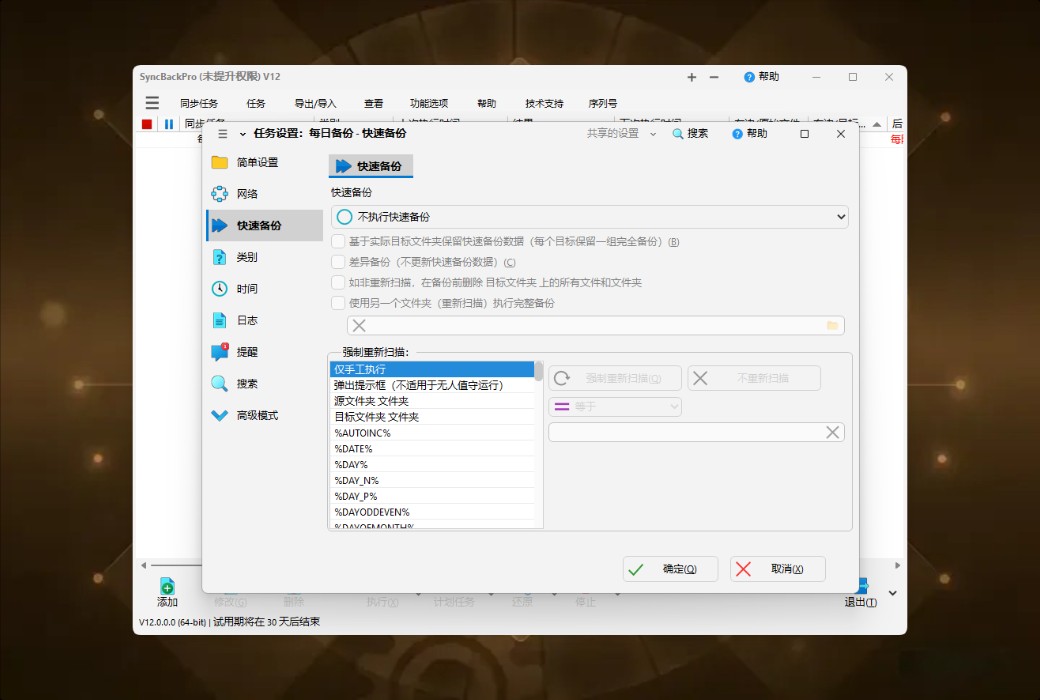
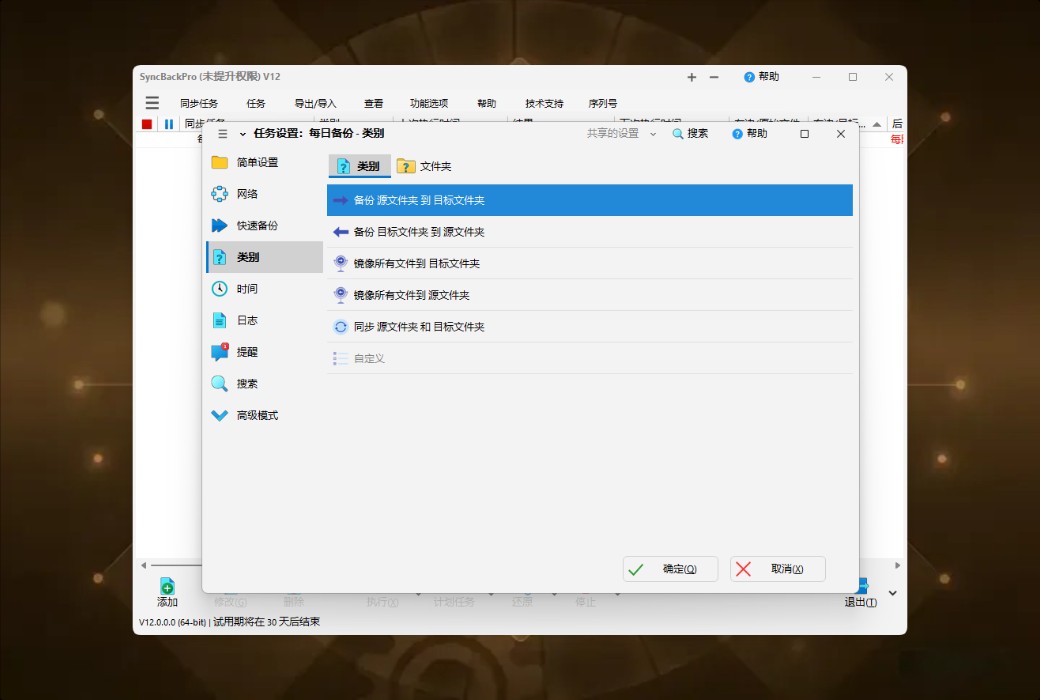
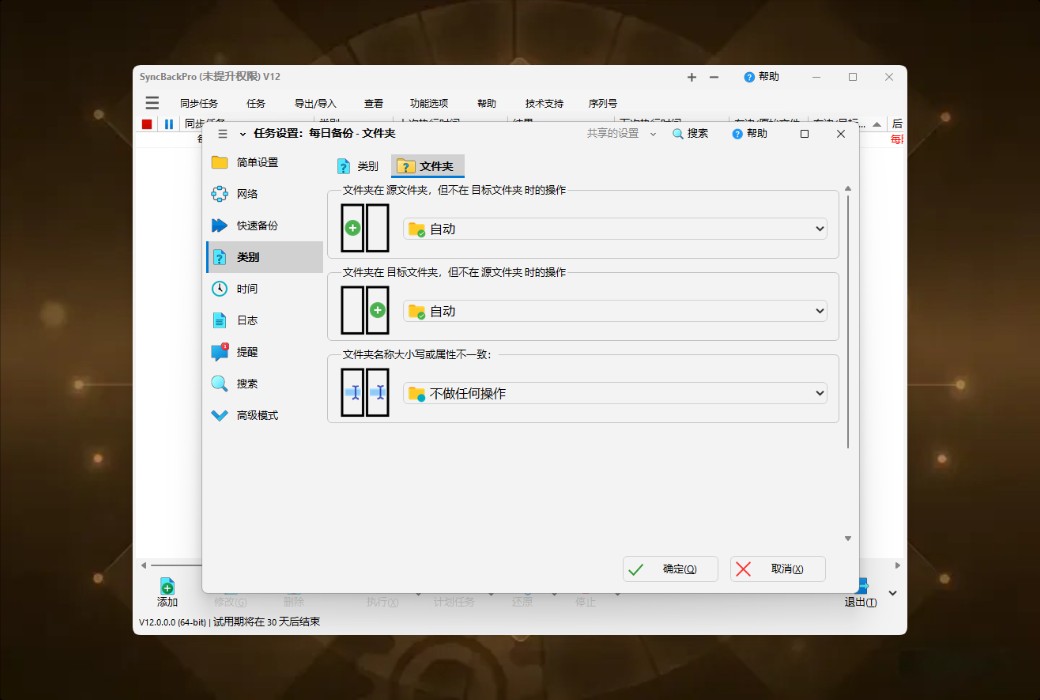
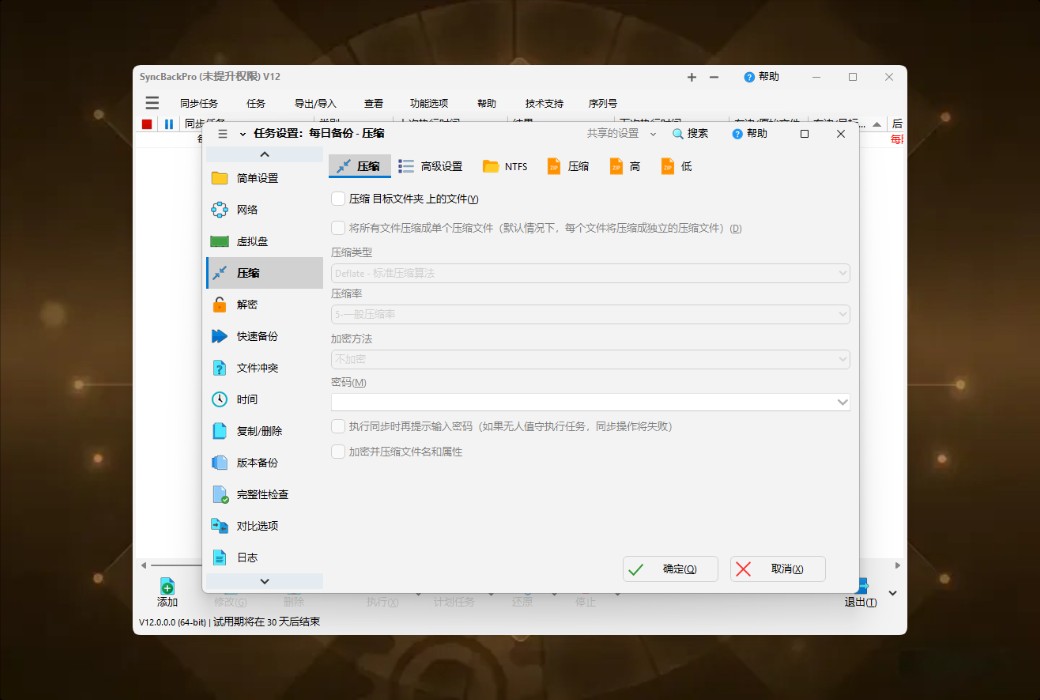
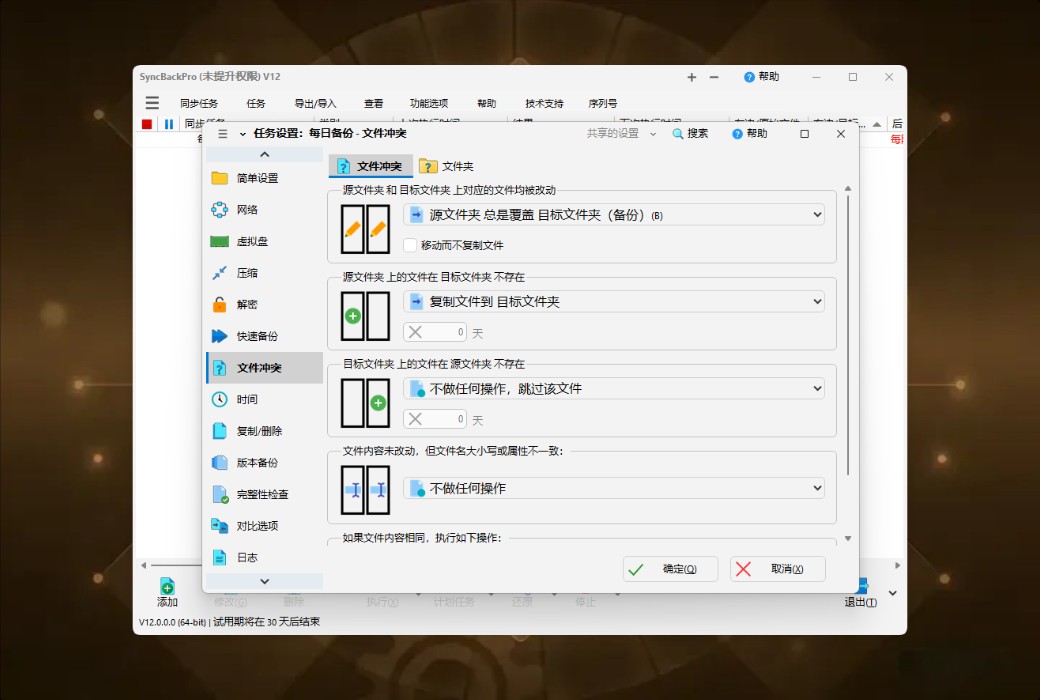
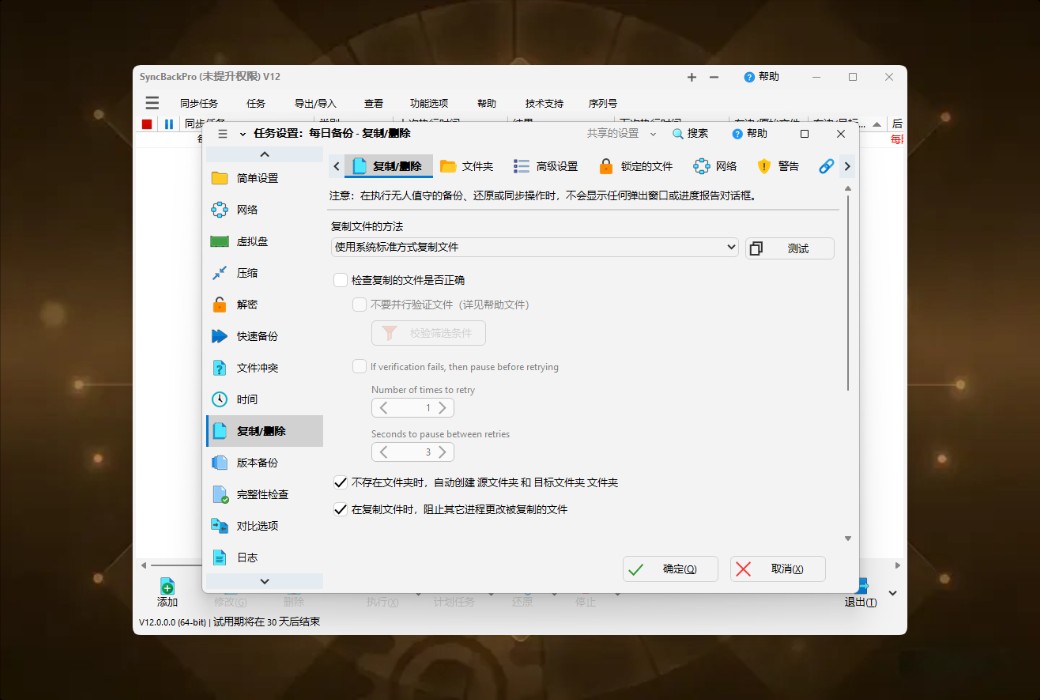
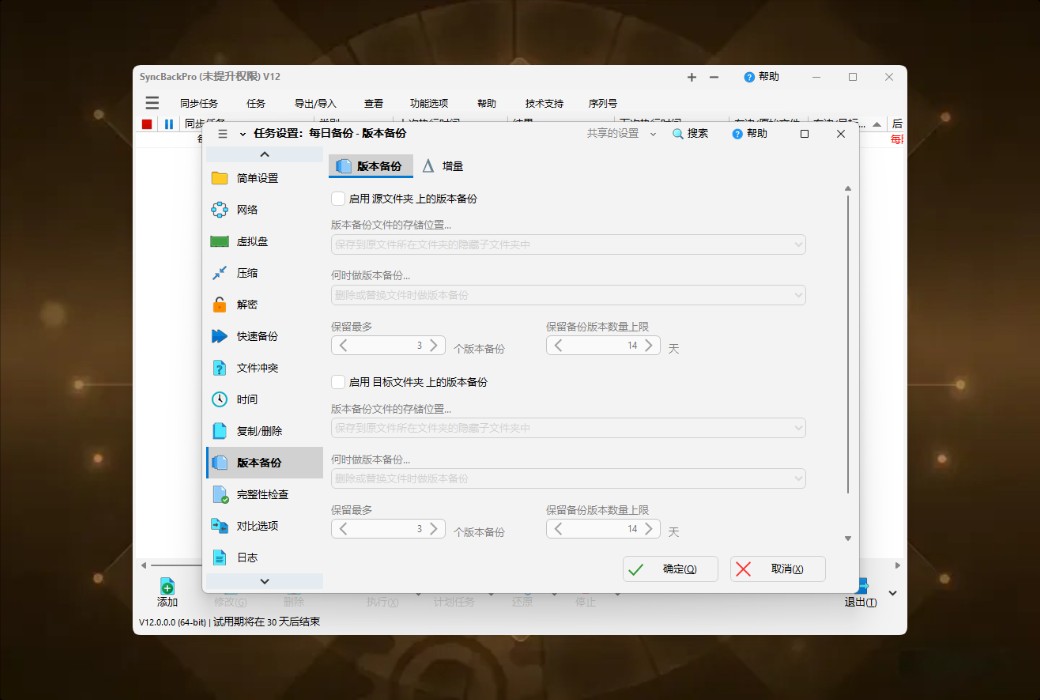
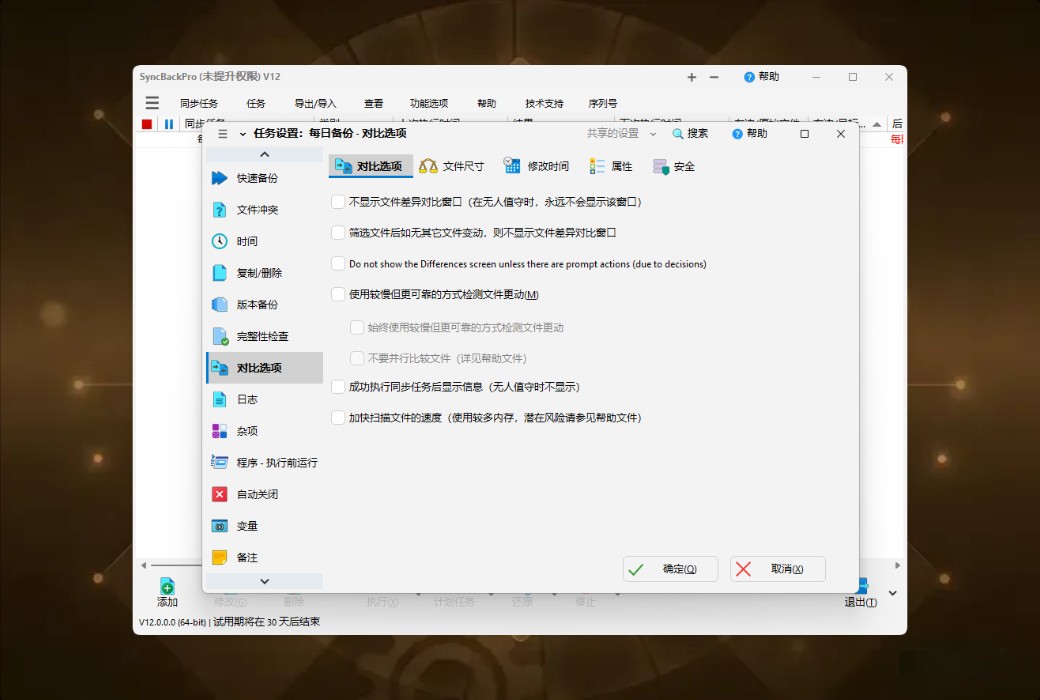
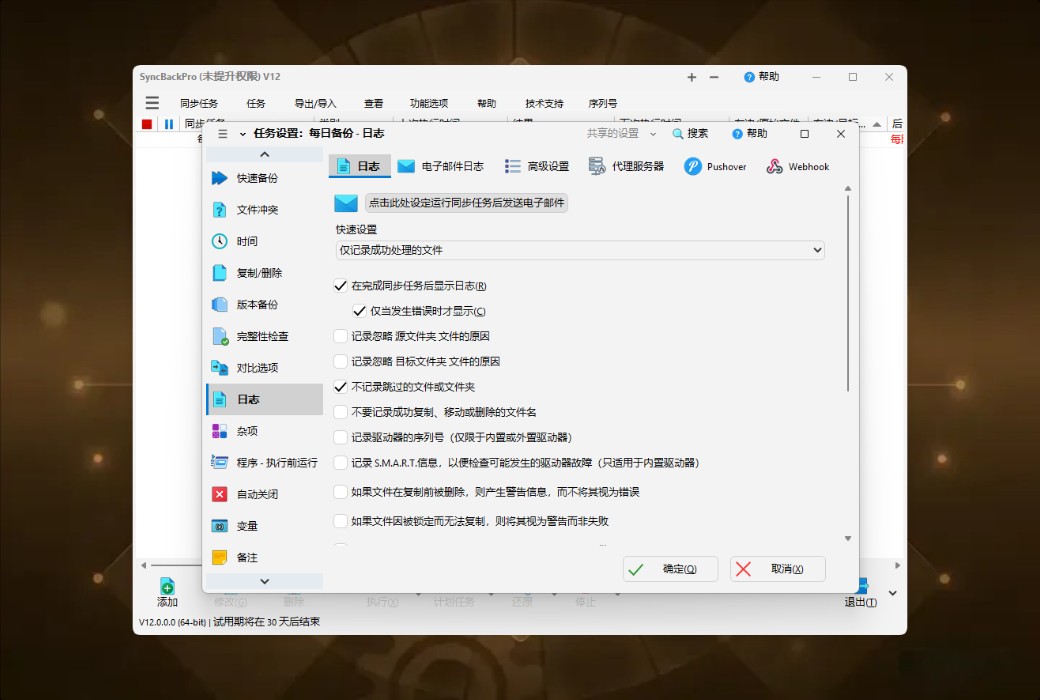
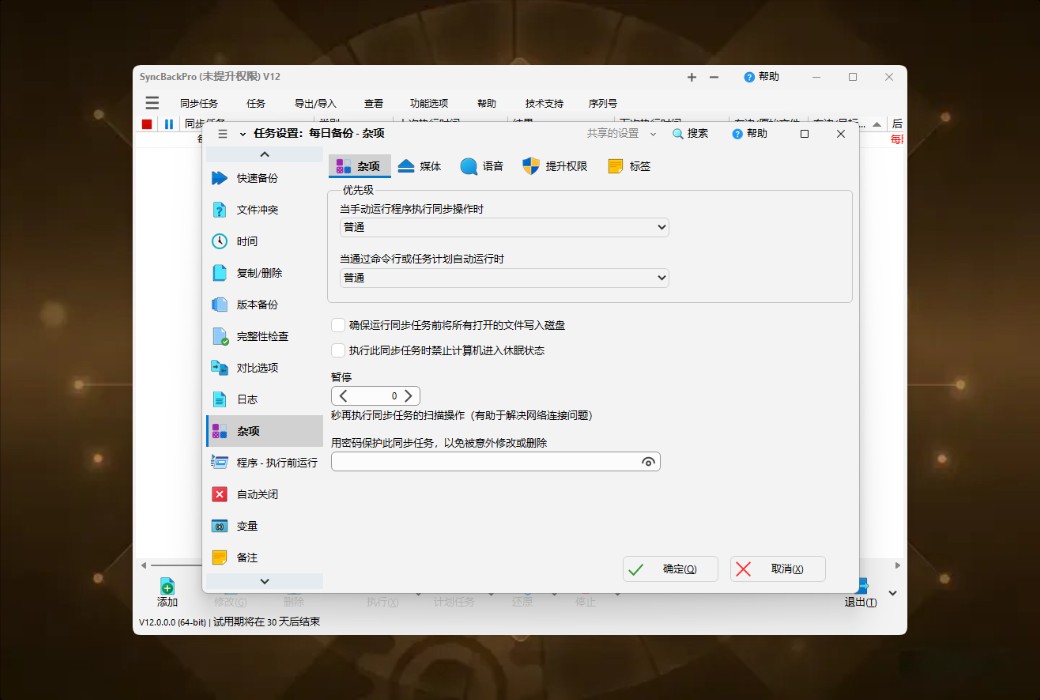
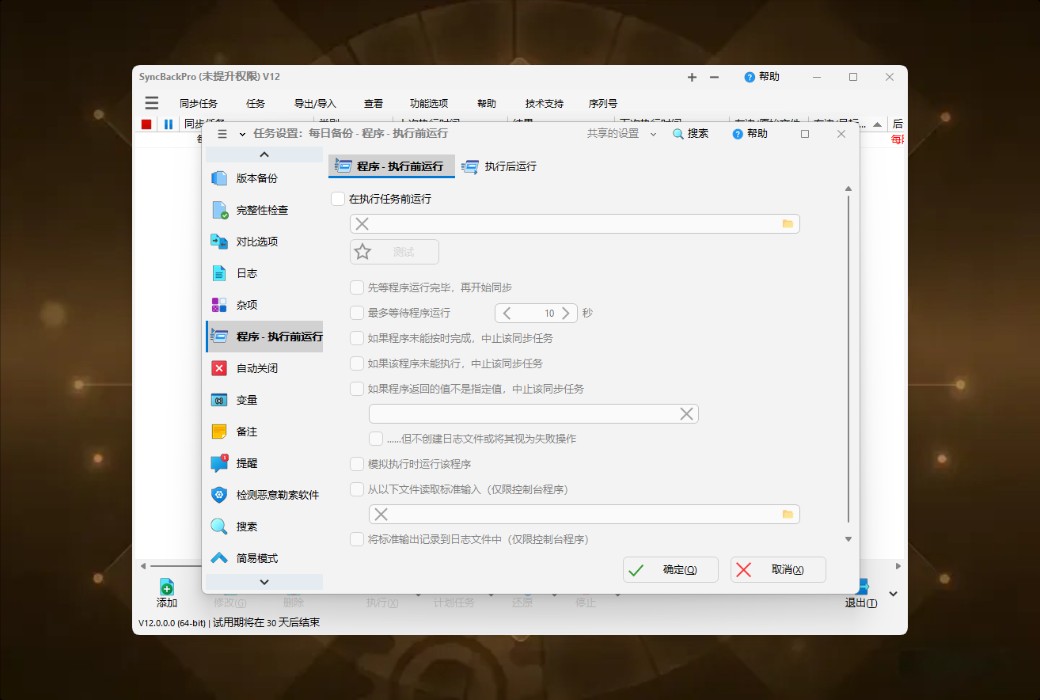
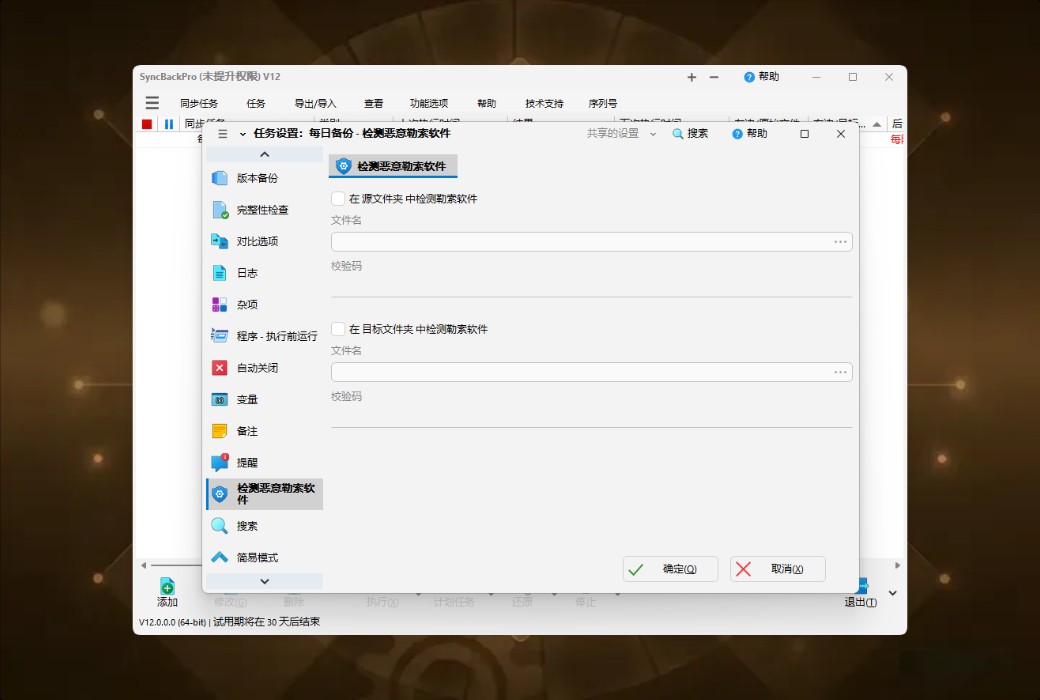
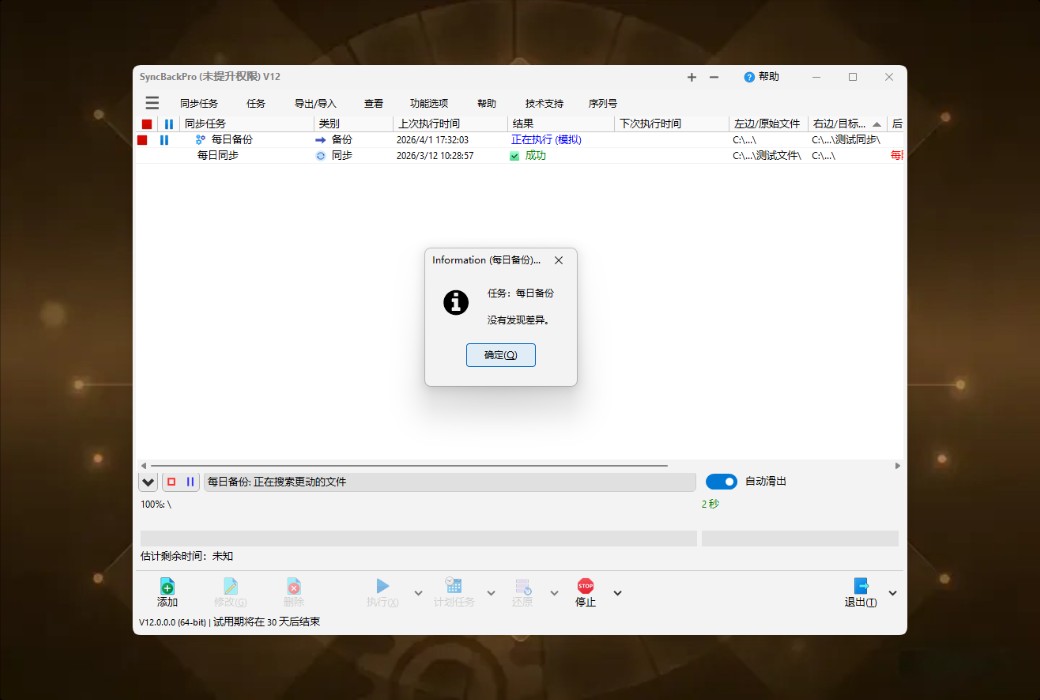
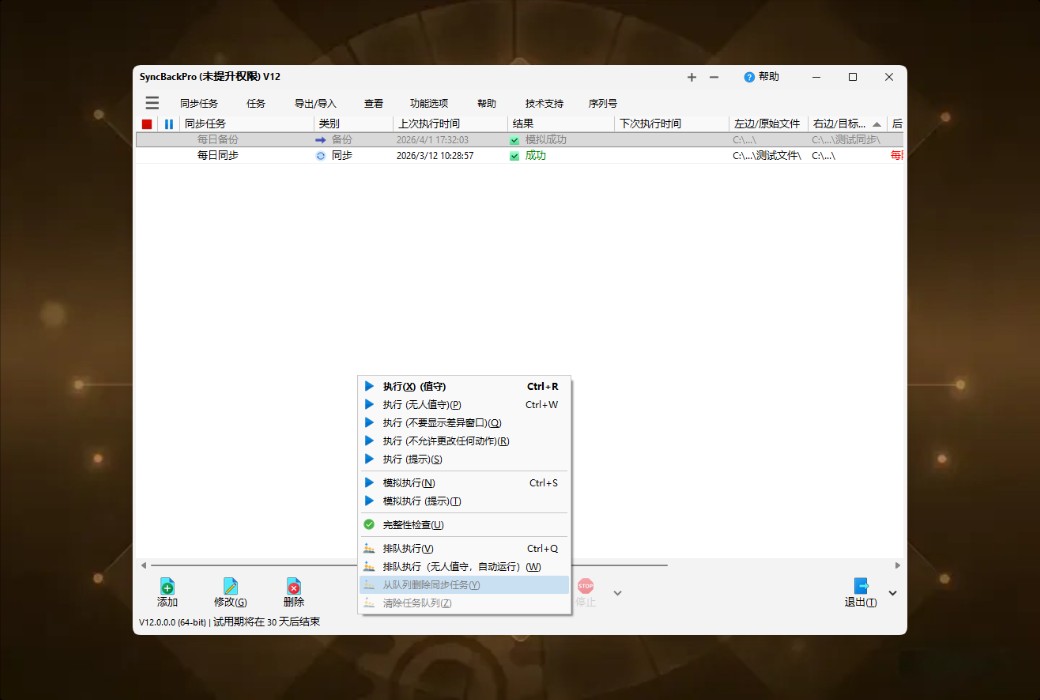
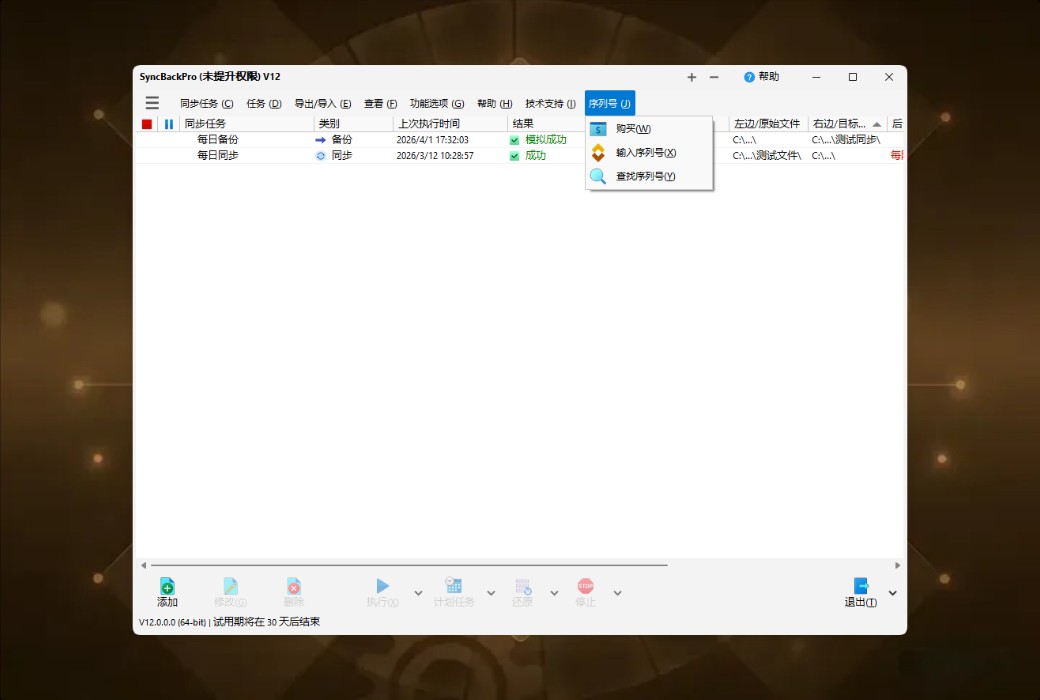
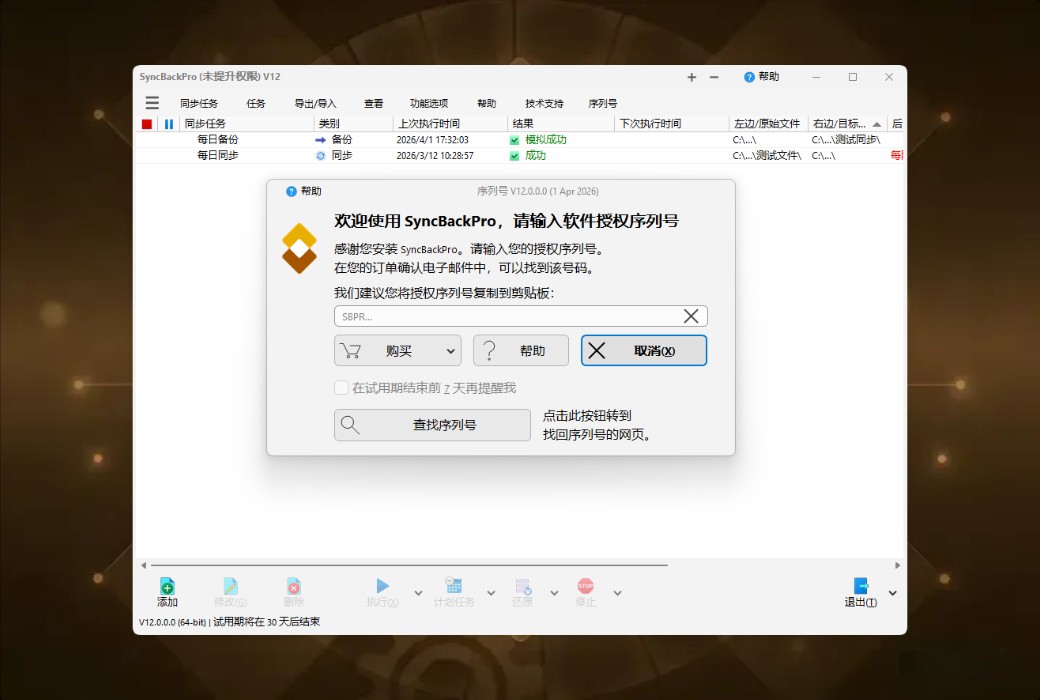
SyncBackPro is a professional-grade data backup and synchronization tool for the Windows platform, integrating backup, synchronization, and recovery. It supports unified backup across multiple devices including Windows, macOS, Linux, and Android. Widely trusted by individuals, businesses, and key government agencies globally, SyncBackPro is known for its security, stability, efficiency, and reliability.
🔍 Function Overview
- Intelligent backupSupports multiple modes including full backup, incremental backup, and differential backup, flexibly adapting to different needs
- real-time synchronizationBidirectional/unidirectional file synchronization ensures that data across multiple devices remains consistent at all times
- Cross-platform supportPaired with SyncBack Touch, it achieves multi-terminal interoperability across Windows, macOS, Linux, and Android
- version controlPreserve historical versions of files, allowing easy recovery in case of accidental deletion or modification
- Advanced filteringAccurately filter backup content based on file type, size, date, and other criteria
- secure encryptionSupports AES 256-bit encryption to ensure secure transmission and storage of sensitive data
- automated taskScheduled tasks are automatically executed for backup synchronization without human intervention
- Cloud integrationSeamless integration with mainstream cloud storage services such as Google Drive, OneDrive, and Dropbox
📚 Usage Scenario
- Enterprise data protection:Financial information, customer files, and project documents are automatically backed up to prevent business interruptions caused by data loss
- Creator material management:Synchronize vast amounts of works from photographers and designers across devices, ensuring seamless transitions between studio work and remote office work
- Institutional compliance archiving:Medical, law enforcement, and government departments meet data retention regulatory requirements to ensure audit traceability
- Personal digital assets:Protect family photos, videos, and important documents with multiple copies, and bid farewell to the permanent regret of damaged hard drives
💬 User Reviews
"I've been using SyncBackPro for three years, and it automatically backs up our company's design drafts to NAS and the cloud every morning, and it's never had any issues. Last time, a colleague mistakenly deleted an entire week's worth of project files, but we were able to recover them in just 5 minutes using the version recovery feature." — Lin Wei, Design Director of an Advertising Company
"Our hospital's information department compared five or six backup software options and ultimately chose SyncBackPro because its encryption and log auditing functions fully meet the compliance requirements for medical data." — Zhang Jianguo, Director of the Information Department of a top-tier hospital
"I always had sync conflicts with free tools before. After switching to SyncBackPro, my work files on my Windows computer at home and MacBook can finally be kept consistent in real time, which is a huge relief." - Chen Mo, freelance developer
🤖 AI Objective Evaluation
SyncBackPro is a comprehensive professional tool in the field of data backup, rather than a lightweight introductory product. Its advantages lie in:
- Reliability verification:After years of iteration, it has been adopted by key industry institutions, and its stability is backed by real-world scenarios
- Outstanding flexibility:The backup rules are highly customizable, capable of meeting diverse needs ranging from simple to complex
- Ecological scalability:The cross-platform capability of SyncBack Touch is its differentiated competitive edge, filling the gap in multi-terminal collaboration that native Windows tools lack
- Note:The interface is oriented towards functionality, which may require a certain learning cost for novices. The pricing of the lifetime version is relatively high for casual users, making it more suitable for professional users or enterprise purchases who are sensitive to data value.
🏁 Conclusion
Data loss has no rehearsal, and backup strategies cannot rely on luck. SyncBackPro, with its professional-grade functional architecture and cross-platform capabilities, builds a solid data security defense line for individuals and organizations. Whether it's preventing hardware failures, human misoperations, or meeting compliance audit requirements, it provides a trustworthy automated protection solution.