You haven't signed in yet, you can have a better experience after signing in
*Please complete the payment within {{receiveCouponInfo.expire_at}}Previous use*
You haven't signed in yet, you can have a better experience after signing in











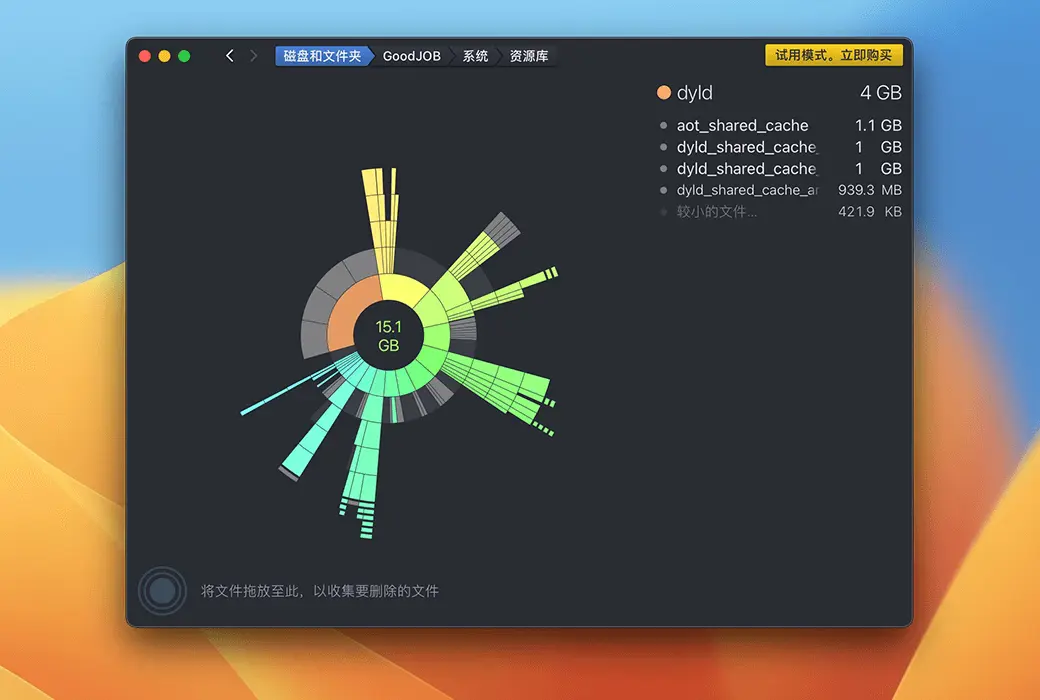
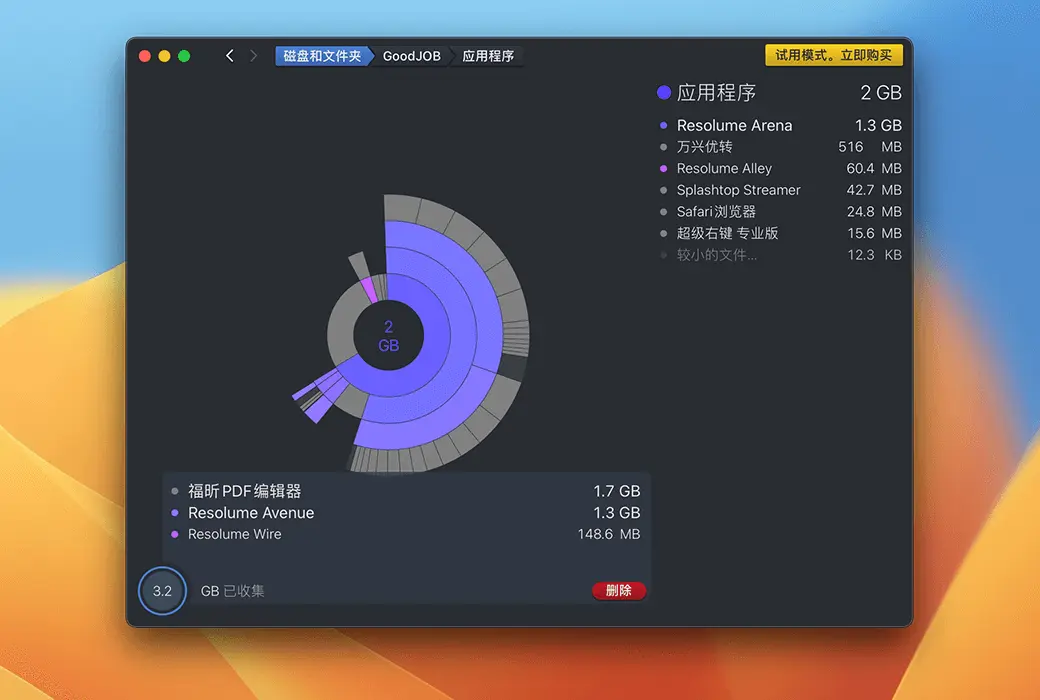


In the world of Mac, files often accumulate silently until a warning pops up indicating insufficient disk space, at which point we realize the severity of the issue. 🚀DaisyDisk 4It is a disk data analysis and cleanup tool specifically designed for Mac users, allowing you to easily manage disk space and bid farewell to storage anxiety.
🔍️ Intuitive Disk Space Analysis
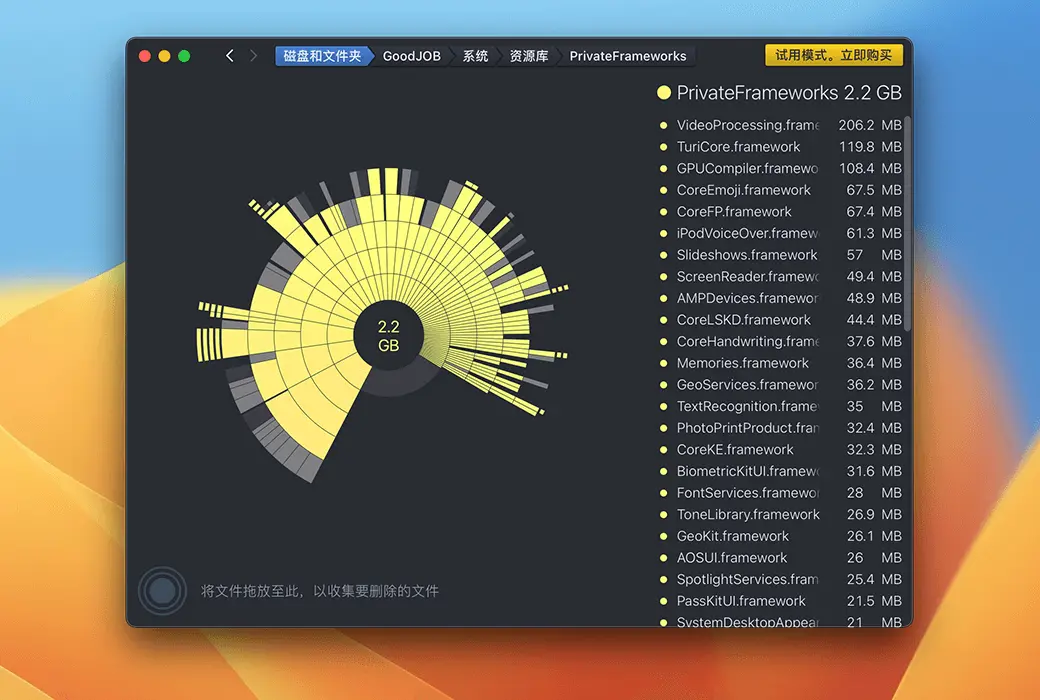
DaisyDisk 4 visually displays the allocation of disk space through interactive pie charts, helping you quickly identify and delete useless data that consumes space.
🗑️ One-click cleanup to free up space
With DaisyDisk 4, you can easily locate and delete large and useless files, and recover disk space through simple drag-and-drop operations.
🔎️ Dive deep into exploring "other" storage
DaisyDisk 4 helps you discover and clean up content hidden in the "Other" storage category, freeing up neglected space.
🖼️ Supports multiple storage devices
Whether it's the built-in Macintosh HD or external Thunderbolt drives, flash drives, or network storage, DaisyDisk 4 provides comprehensive scanning and cleanup services.
📈 Real-time data update
All displayed data is updated in real-time, allowing you to stay informed about your disk space status and effortlessly install new games or download high-definition movies.
🌐 Cross-language support, user-friendly interface
DaisyDisk 4 supports Chinese interface display and offers multiple language options to meet the needs of users worldwide.
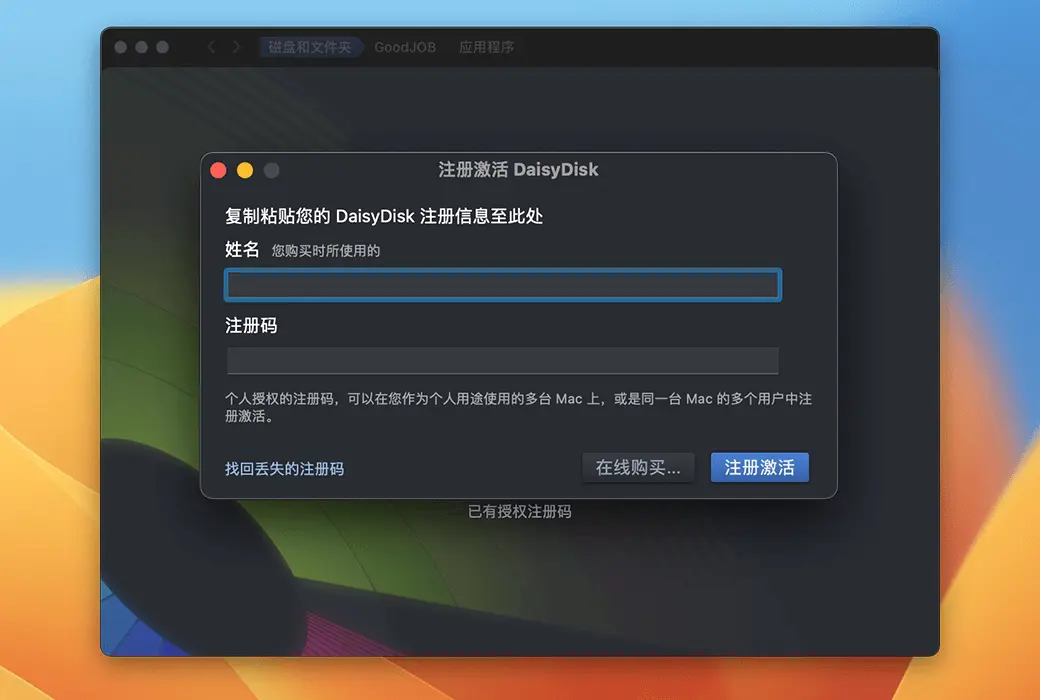
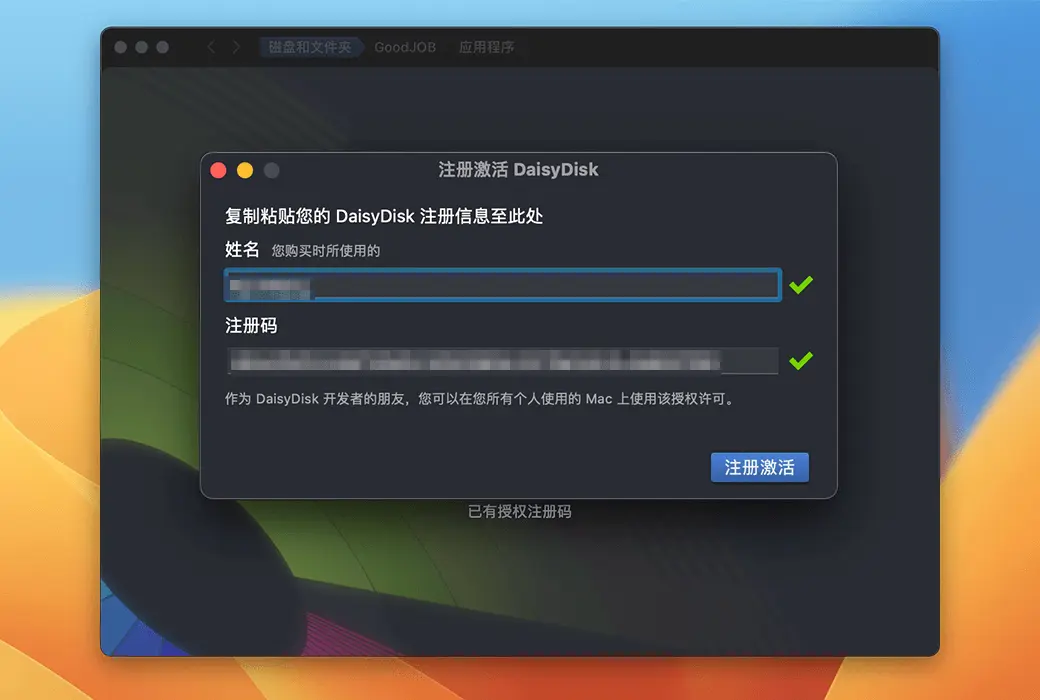
🔑 Quick activation, convenient management
After purchase, the activation code will be sent via email. You can view and manage your product activation code in your personal center.