In the digital age, recording everything on the screen has become unprecedentedly important. 🖥️Gilisoft Screen RecorderIt is a powerful screen video recording tool software that allows you to easily capture every detail on the screen.
🚀 Easy to use, powerful
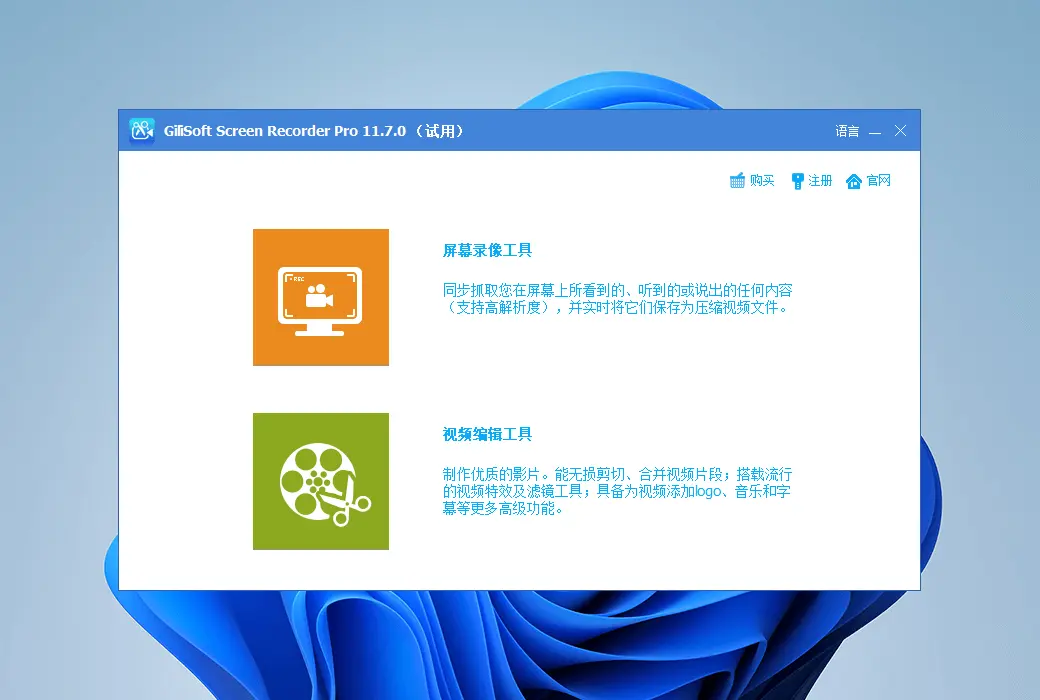
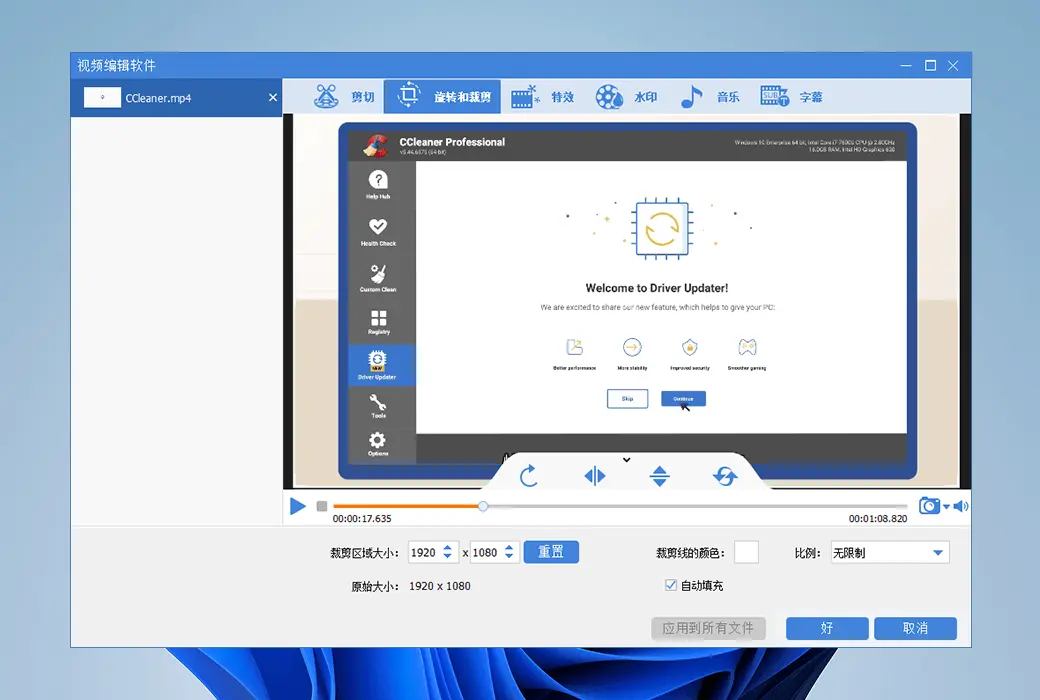
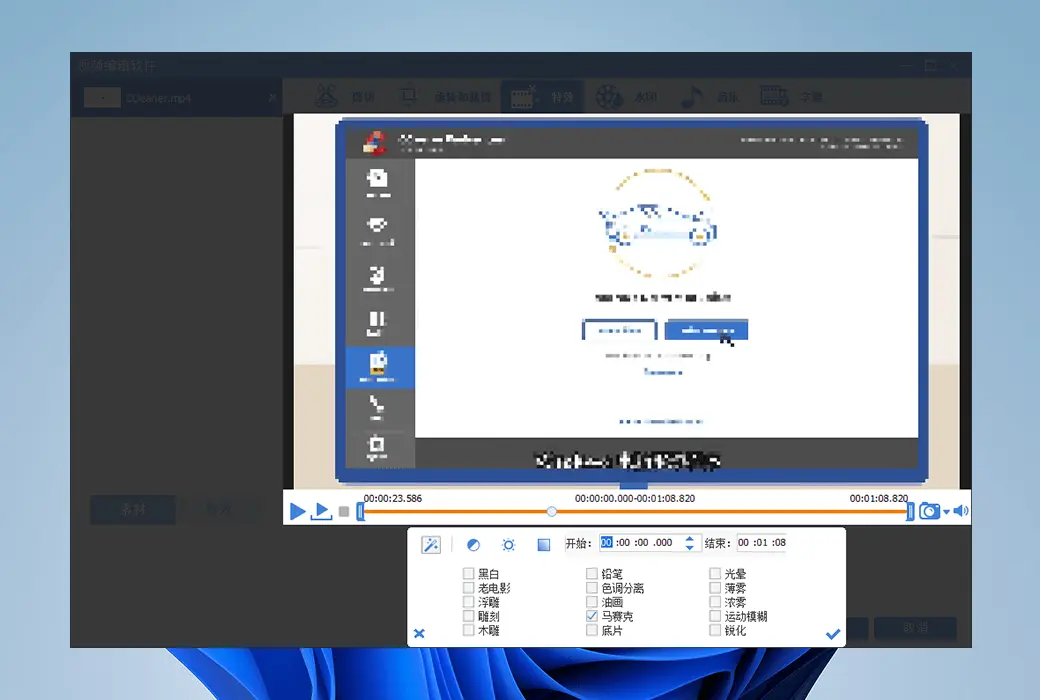
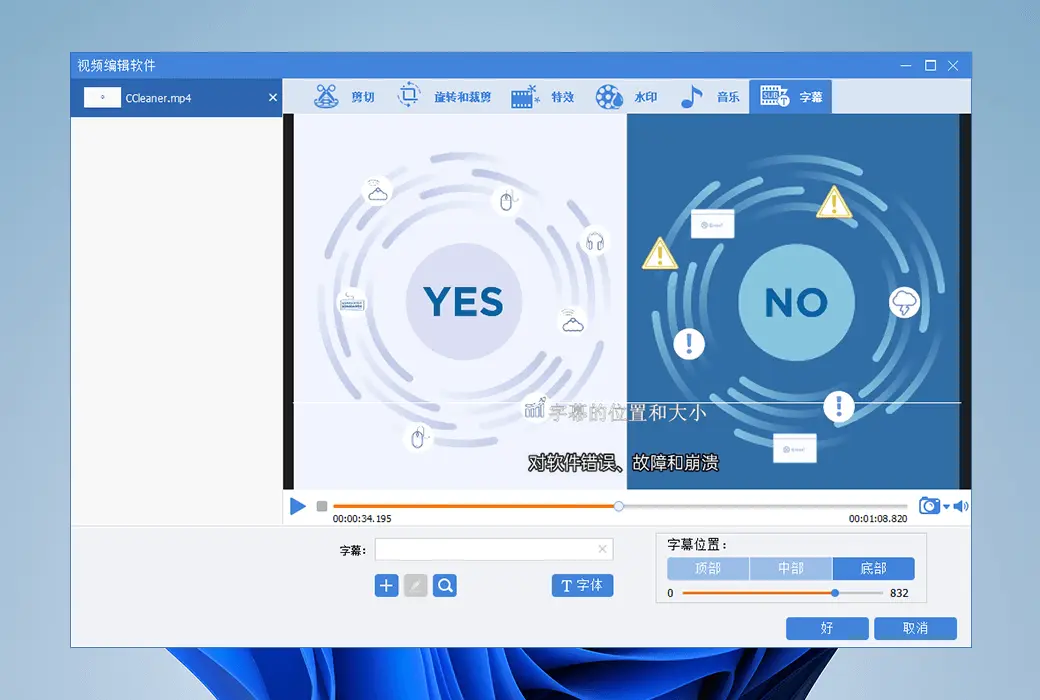
Gilisoft Screen Recorder can quickly record on-screen activities and your voice, and save them as compressed video files in real time. The professional version provides more video editing features than the standard version.
🌟 Highlights of Special Features:
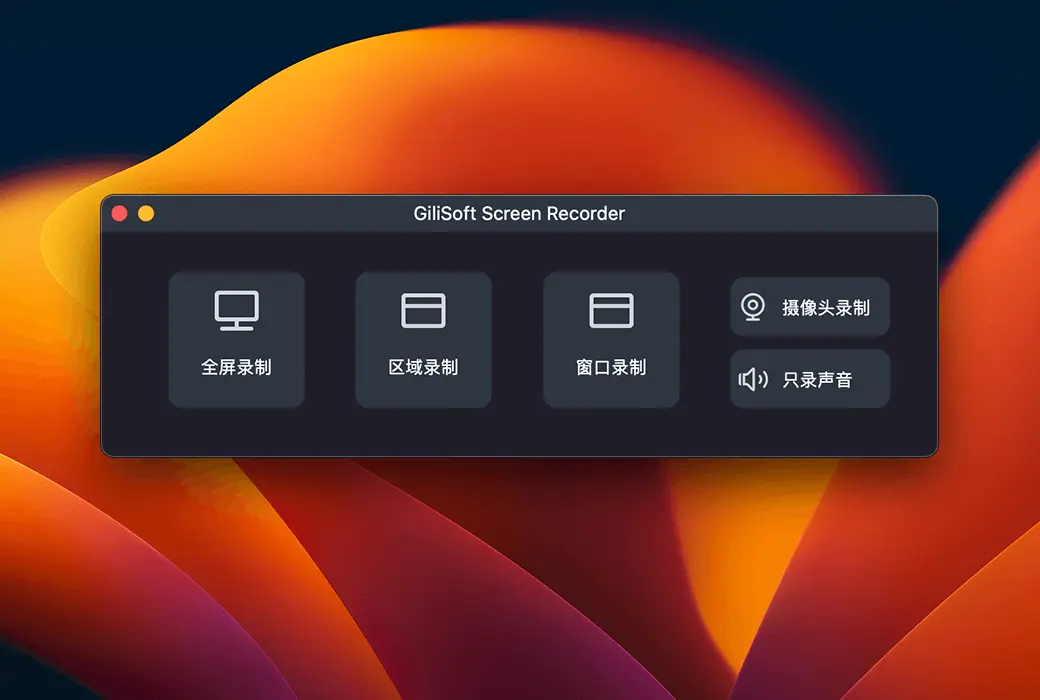
- Screen and camera recordingSupports full-screen, multi-monitor, selected area, or single window recording, as well as camera video recording.
- High-quality recordingCreate high-quality audio and video tutorials and screenshots to meet professional needs.
- Microphone recordingRecord videos using computer sound or a microphone, or a combination of both, providing flexible audio options.
- Zoom in during recordingDuring the recording process, the recording area can be adjusted and zoomed in up to 4 times for easy display of details.
- H.264 hardware accelerated encodingOptimize recording performance to achieve high-speed, high compression ratio, and excellent quality video recording.
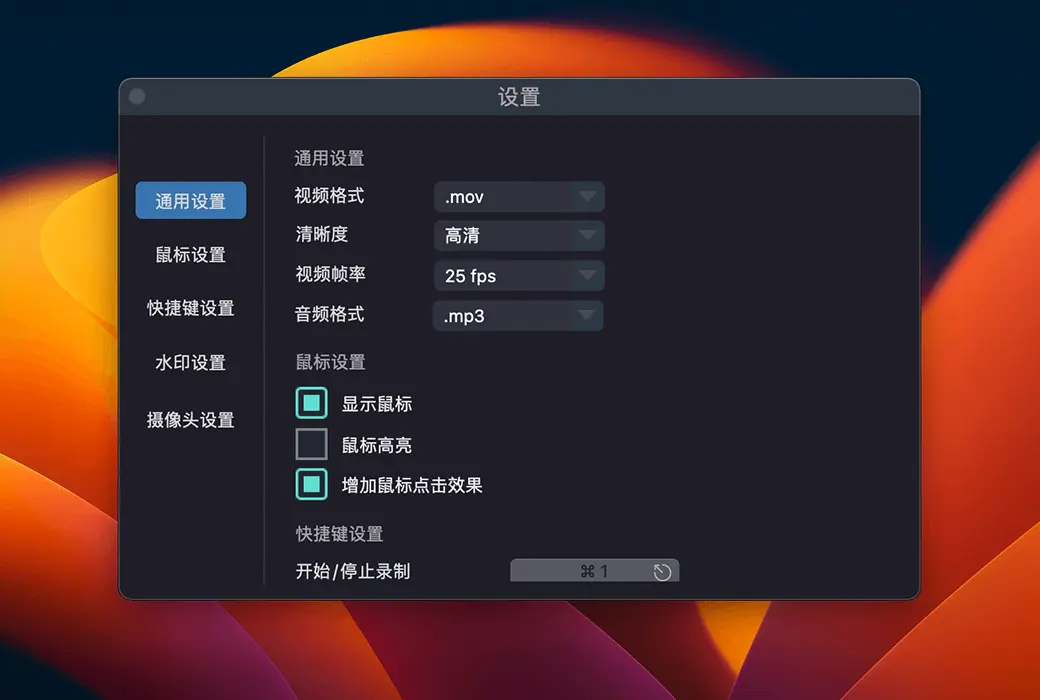
- Popular video output formatsIt offers a variety of high-definition video formats, such as MP4, AVI, WMV, FLV, H264, and more.
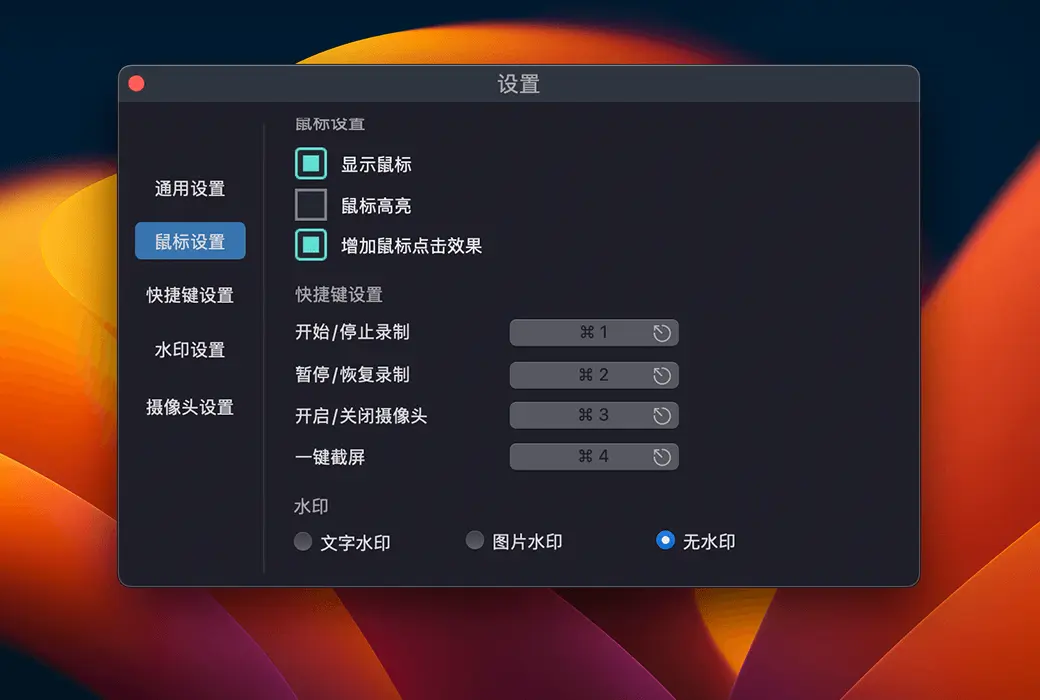
- Add a watermark or logo to the videoAdd text or image watermark to your video to showcase your creative identity.
- Capture a snapshotRegardless of whether a video is being recorded, high-quality desktop screenshots can be captured.
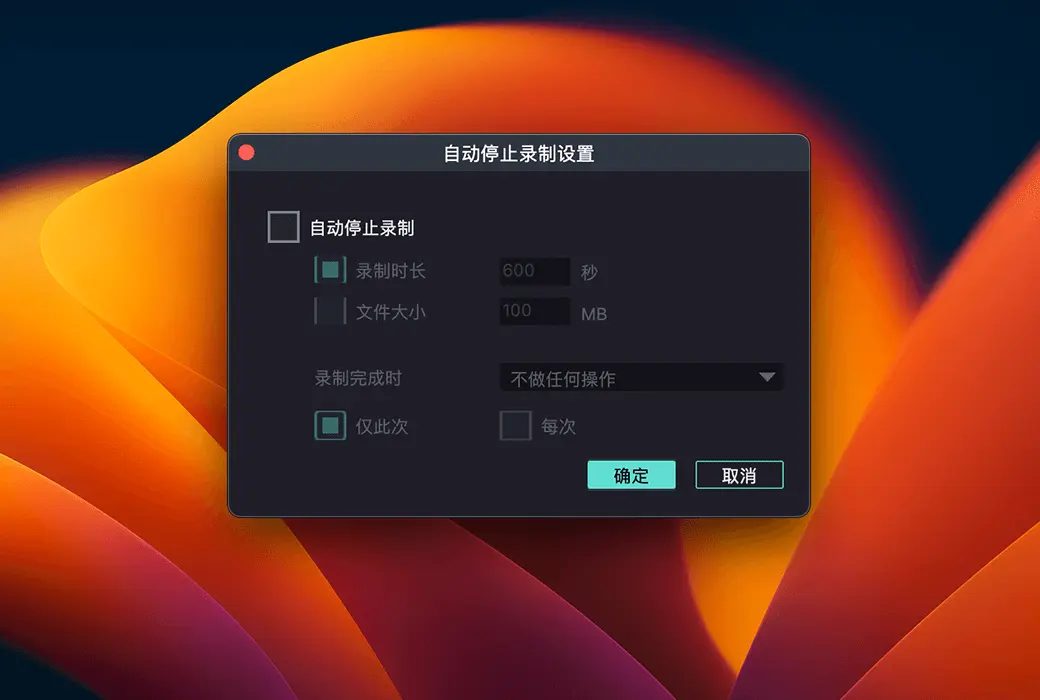
- Plan to recordSet the start and end time, file size, or recording duration for automatic recording.
- Countdown recording and automatic stopAssist you in preparing for recording, confirm that the recording has successfully started, and automatically stop the recording.
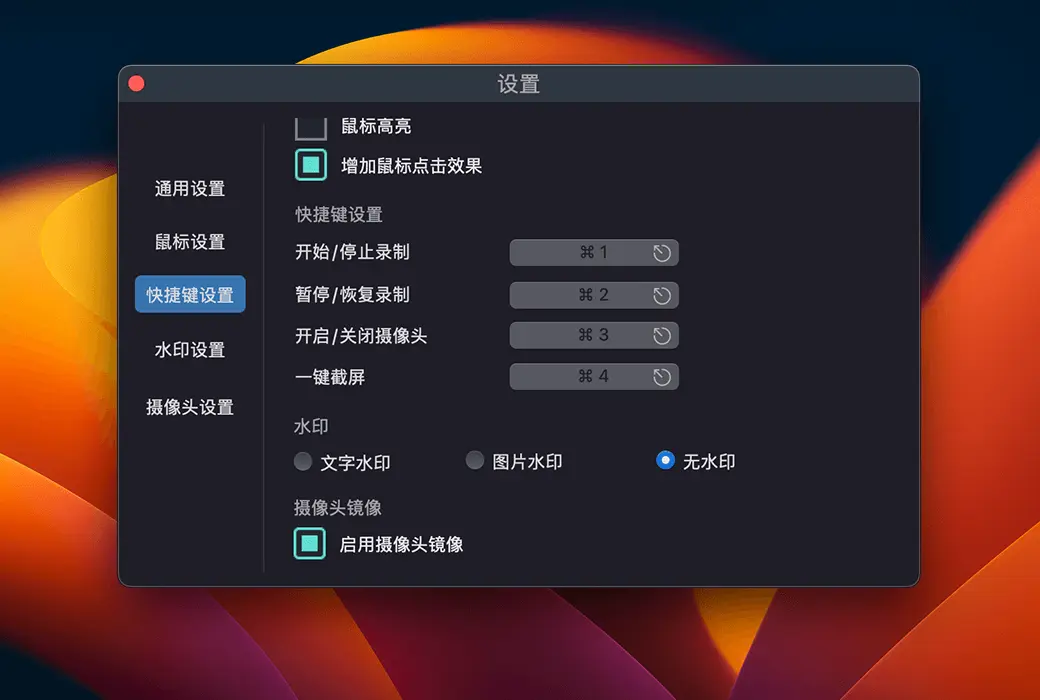
- shortcut key: Use hotkeys to easily start, pause, and stop recording videos, as well as capture screenshots.
- Cursor and click effect: Embed mouse cursor, mouse click sound effect, and mouse click animation effect during recording.
🌐 Cross-platform support, multi-language interface
Gilisoft Screen Recorder supports both Windows and macOS operating systems, and provides a Chinese interface display, meeting the needs of users worldwide.
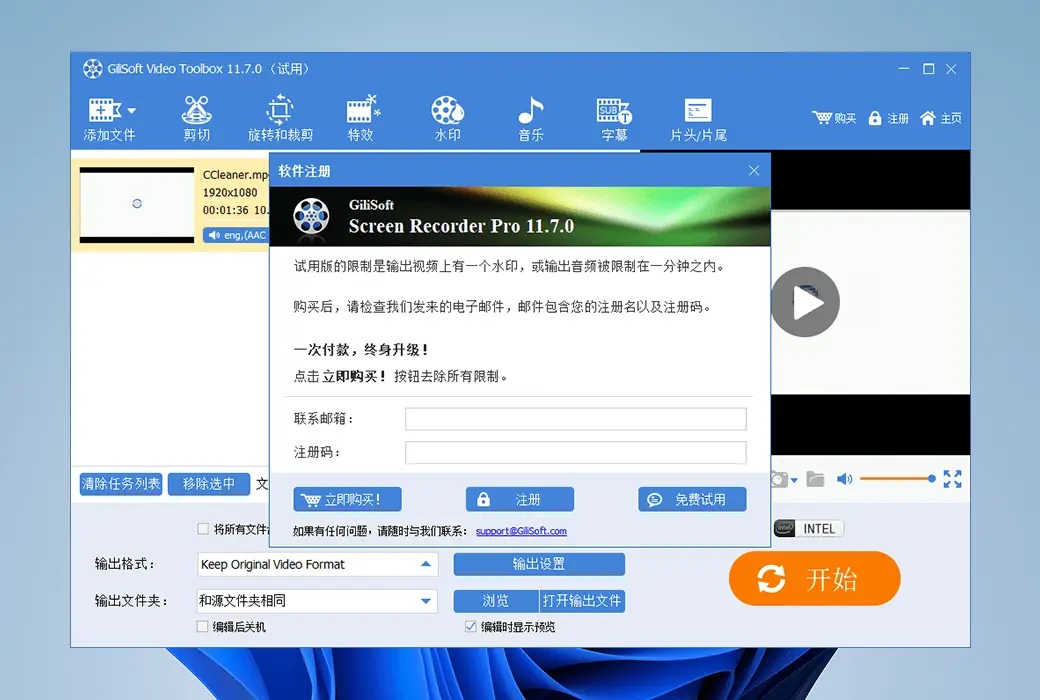
🔑 Quick activation, convenient management
After purchase, the activation code will be sent via email. You can view and manage your product activation code in your personal center.