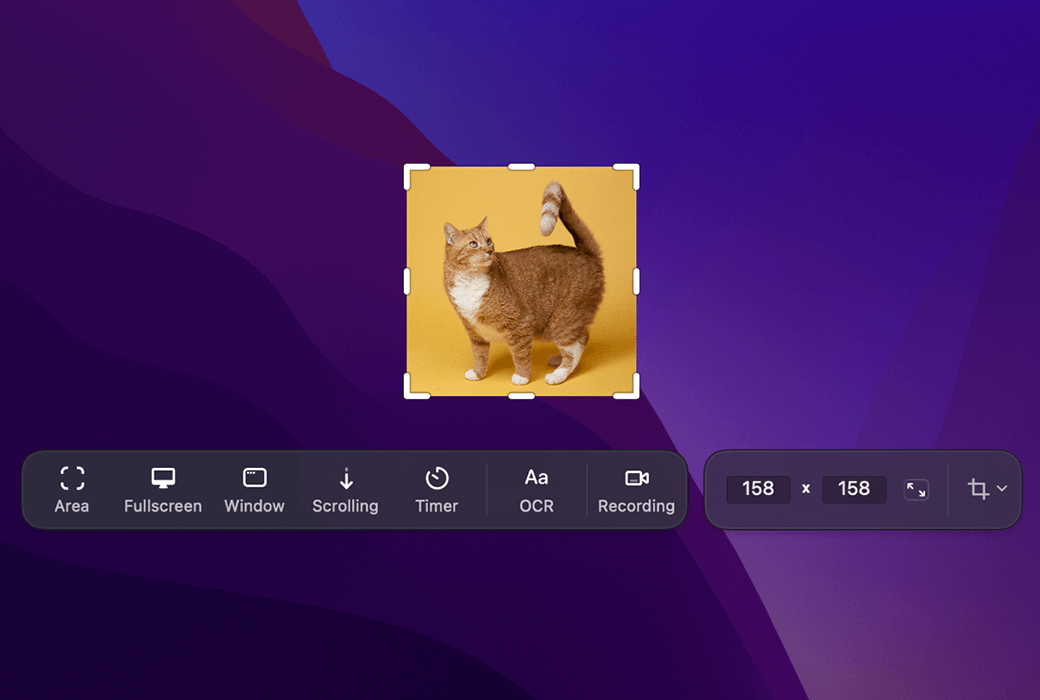
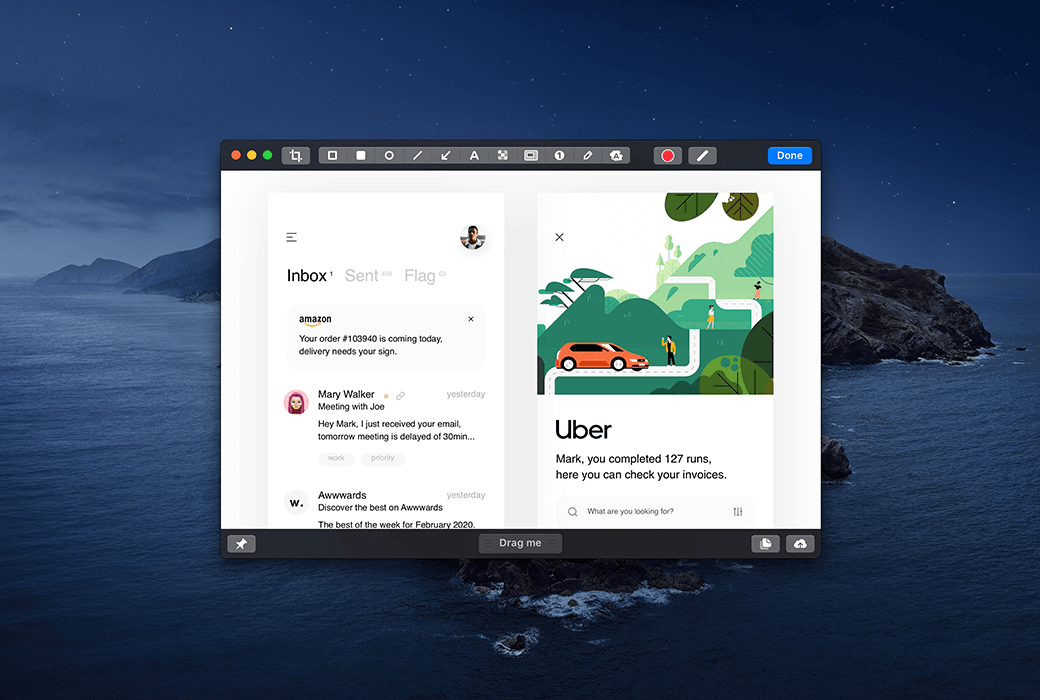
CleanShot X is a screen capture tool for Mac users, integrating over 50 functions including screenshot, screen recording, annotation, and cloud storage. It enables quick saving and sharing of screenshots or videos, and also supports scrolling capture, background tools, text recognition, and more, meeting diverse needs.
🔍 Overview of functions
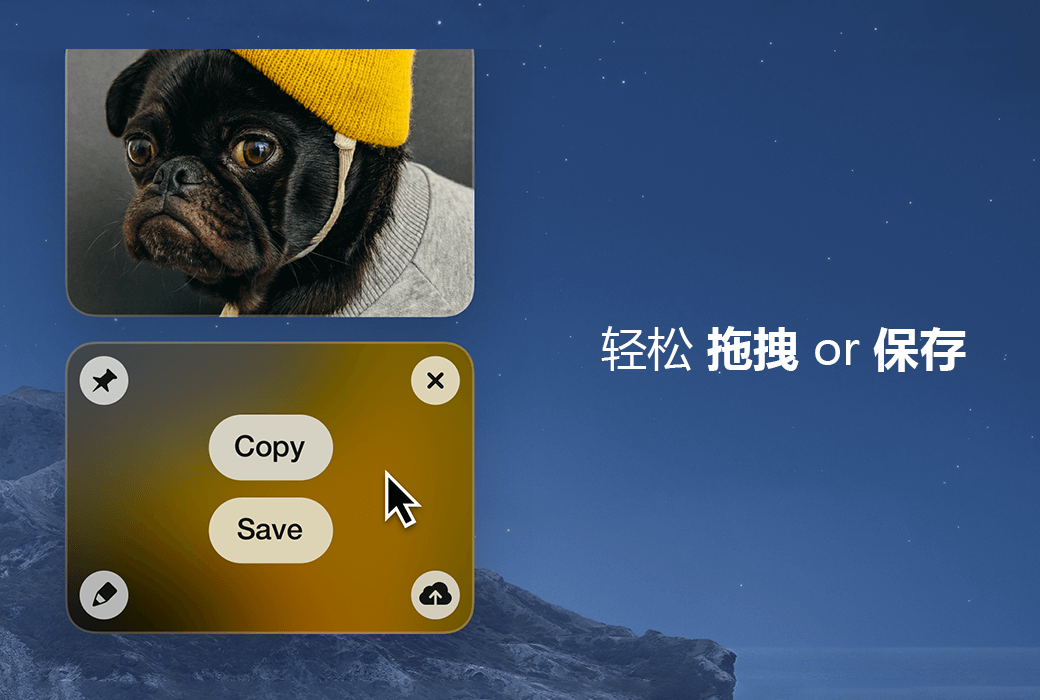
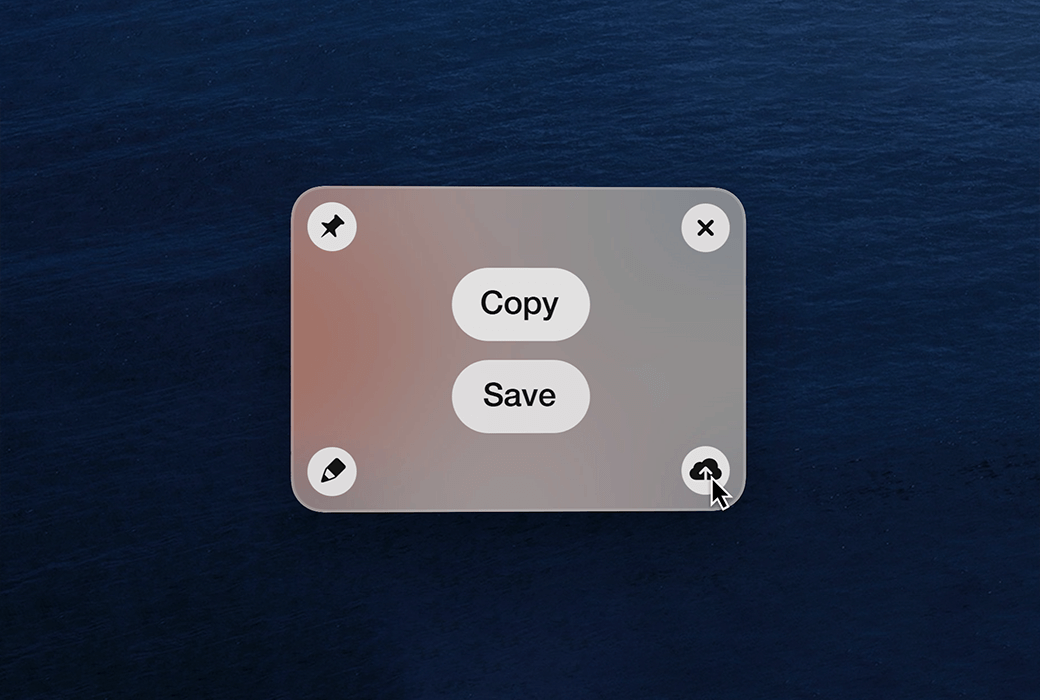
- Quick AccessThe overlay feature makes it easy and convenient to share screenshots or videos to other applications.
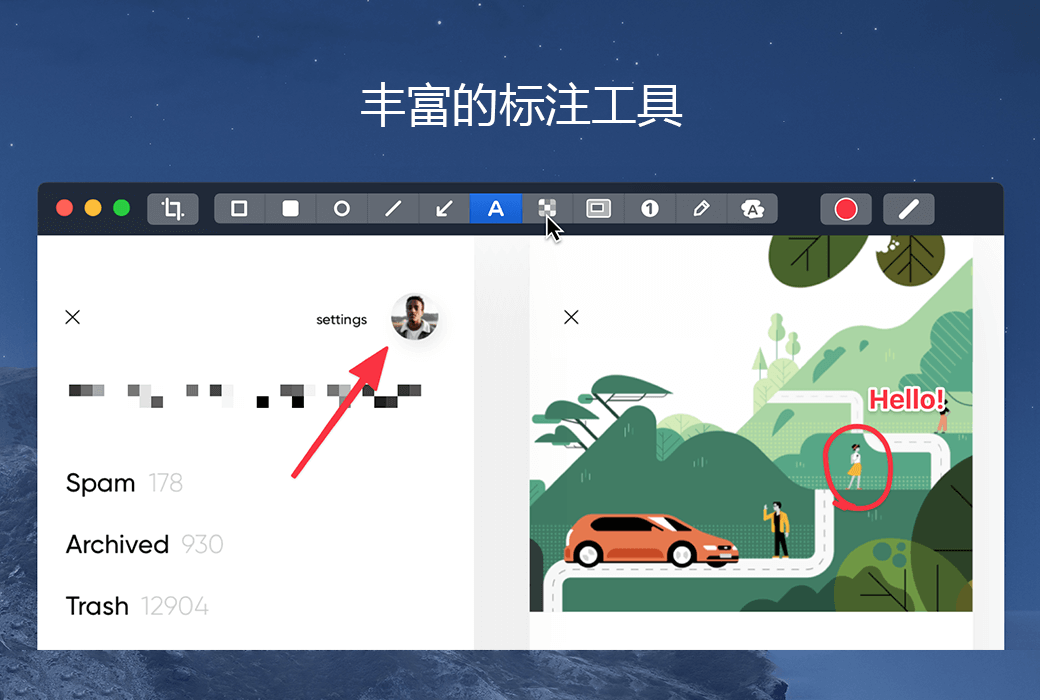
- annotation toolHighlighting important parts of screenshots within seconds is highly favored by users.
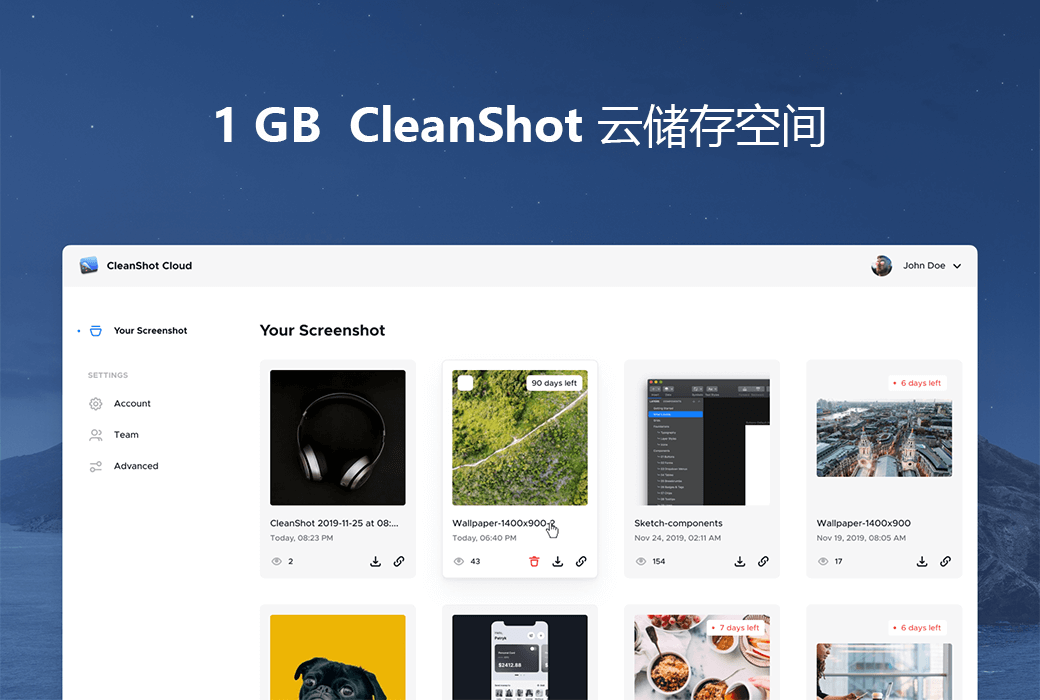
- CleanShot cloud storageSeamless collaboration with screen recording and screenshot.
- Rolling captureEasily capture lengthy content, such as chat records and large code blocks.
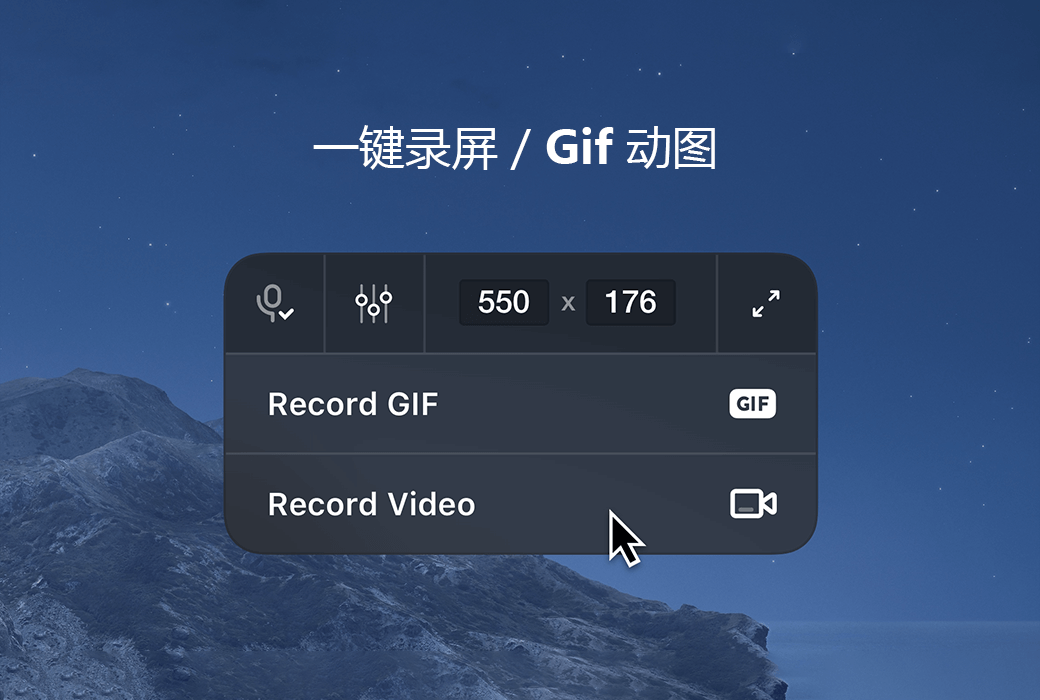
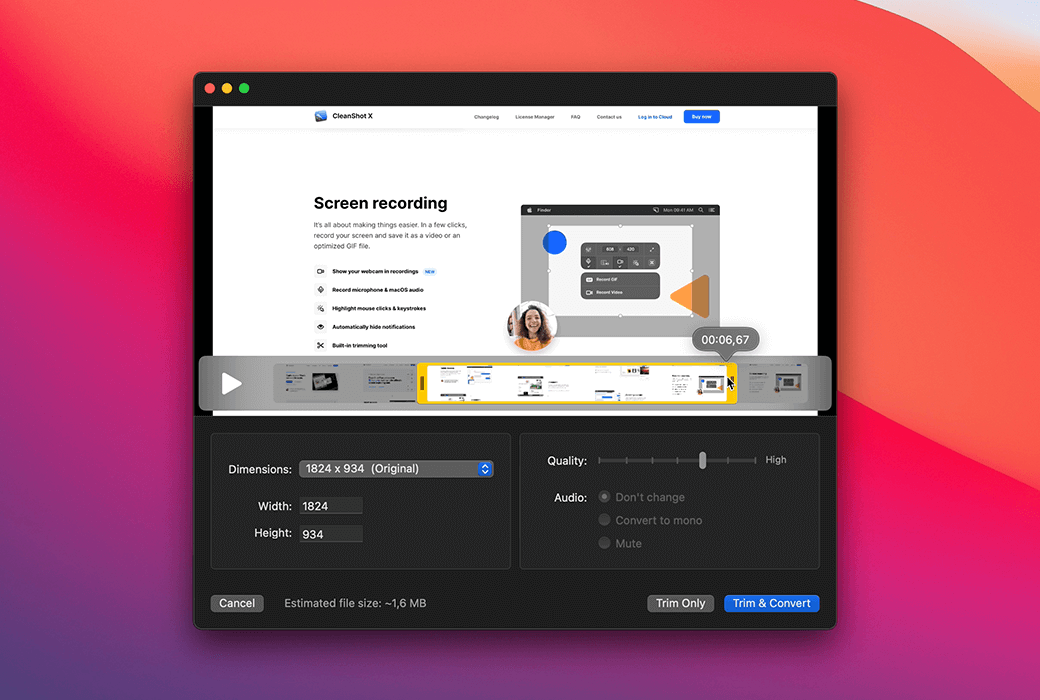
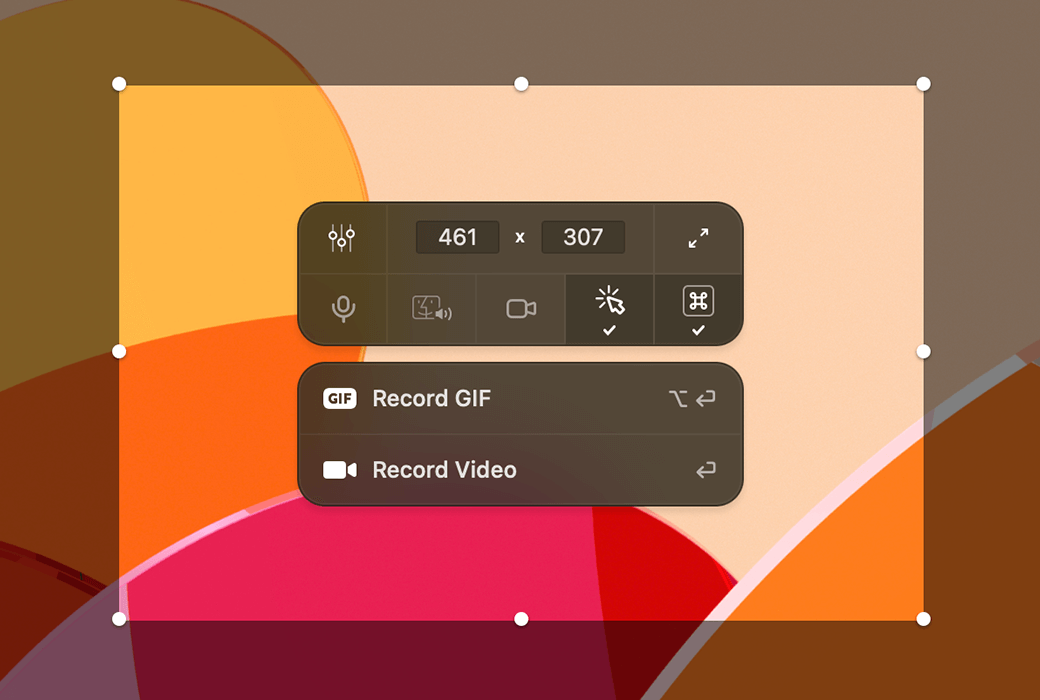
- screen recordingSimply click to record the screen, which can be saved as a video or optimized GIF. It also allows for displaying the webcam, recording audio, highlighting mouse operations, and more.
- Background toolCreate exquisite screenshots suitable for social media, featuring 10 beautiful backgrounds that can be customized.
- Text recognitionUtilizing OCR technology, text can be quickly copied from images or scanned documents.
- Fixed screenshot: Keep the reference screenshot floating above all windows, with adjustable size and opacity.
- Hide iconHide desktop icons when taking screenshots, suitable for screen sharing.
- Timed screenshot: Take a screenshot after a delay to capture the perfect moment.
- Constricted retinaAutomatically reduce Retina screen captures to standard resolution.
- Crosshair modePerfectly aligned screenshots, saving time and effort.
- Custom wallpaperSet specific photos or solid colors as screenshot and video wallpaper.
- Adjust workflowCustomize various settings to meet personalized needs.
- Specially designed for MacNative app, excellent performance.
📚 Usage Scenario
- Office collaborationTeam members can quickly share screen content, conduct project discussions, and present proposals among themselves.
- study and educationTeachers record teaching videos, while students extract key points from learning materials, facilitating learning and communication.
- content creationBloggers create social media graphics, videos, and pair them with exquisite backgrounds and annotations to enhance the quality of their content.
- Technical SupportIT personnel capture screenshots of problems, record operation videos, and provide remote assistance to solve issues.
💬 User comments:
As a designer, CleanShot X's annotation tool and background feature are incredibly thoughtful! It allows me to quickly mark design details and generate images with various backgrounds, greatly enhancing my work efficiency and bringing immense convenience to my work. - Li Ming
🤖 AI objective evaluation:
CleanShot X boasts comprehensive functionality and user-friendly operation, with deep optimization tailored for the Mac system. Whether it's for daily office work, learning, or professional creation, it provides robust screen capture support, making it an excellent choice for Mac users looking to enhance their efficiency.
🏁 Conclusion:
CleanShot X, with its rich features and excellent performance, has become a capable assistant for Mac users in screen capture. Whether it's simple screenshot or complex screen recording, it can be easily handled, making it a valuable asset.