APSGO LOGO
Combination
x1
Total Price:
View Cart
No APPS available
Cart
Home Overview WonderFox Office Document Management Encryption Hider Tool Software
💪 加油,开学季 📚
No. 1 Scenes
WonderFox Office Document Management Encryption Hider Tool Software截图 WonderFox Office Document Management Encryption Hider Tool Software截图 WonderFox Office Document Management Encryption Hider Tool Software截图 WonderFox Office Document Management Encryption Hider Tool Software截图 WonderFox Office Document Management Encryption Hider Tool Software截图 WonderFox Office Document Management Encryption Hider Tool Software截图 WonderFox Office Document Management Encryption Hider Tool Software截图 WonderFox Office Document Management Encryption Hider Tool Software截图 WonderFox Office Document Management Encryption Hider Tool Software截图
Download
WonderFox Office Document Management Encryption Hider Tool Software
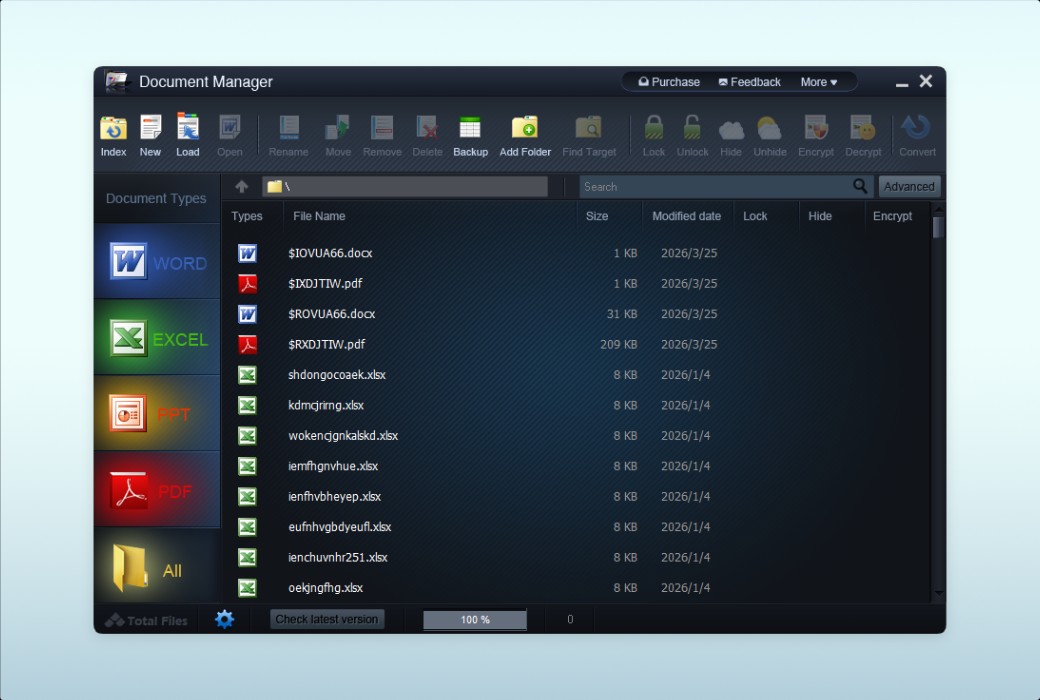
WonderFox Document Manager conveniently manages your daily office documents. List, manage, and back up documents with just a few clicks, rather than just searching and backing up documents. You can use the "lock", "hide", and "encrypt" functions to protect the content of your office documents. " The encryption feature can even help you prevent accidental deletion.

{{ item.spec_option }}

{{ item.spec }}

System

{{ auction.sku_info.price }}

Reference price

Auction Rules:
1、Reference validity period of this auction:2026-09-01 00:00:00 ~ 2026-09-01 08:00:00 。After entering the 60s countdown, if there is a new bid, the countdown will be restarted for 60s, with an infinite loop.
2、Starting Price:38.00,No less than each bid:1.00 ,The current lowest bid cannot be lower than:38.00, The highest bid cannot be higher than43
3、There is no limit to the number of times each person can bid, and a maximum of 3 consecutive bids can be made ahead. Before bidding, a deposit must be submitted first. If the bid is successful, please complete the payment within 3 days. Failure to pay within the time limit will be considered a breach of contract for this auction.
4、After the auction is completed, users who have not won the auction can apply for the release of the deposit on their own, and users who have won the auction can also apply for the release of the deposit after paying the order.
5、 If the payment is not completed after winning the bid, you will not be able to continue participating in new bidding activities and the deposit will be frozen.
6、Warning: In order to maintain fairness and impartiality in this bidding activity, it is strictly prohibited to participate in the bidding for the purpose of hoarding goods and intending to resell them at high prices on other platforms. We have zero tolerance towards such behavior. Once discovered, your account will be immediately banned without further notice.
 
Current highest bid: {{ auction.hight_price }} None
Make a bid Not started yet
{{ item }} ({{ auction.currentOrdersNum ? auction.currentOrdersNum : 0 }}) ({{ app.qa.questionsData.total }})

WonderFox Document Manager Overview


WonderFox Document Manager is a document management program that makes it easy to manage your daily office documents. List, manage, and backup documents with just a few clicks, instead of just searching and backing up documents. You can use the "lock", "hide", and "encrypt" functions to protect the content of your office documents The encryption function can even help you prevent accidental deletion.


  1. Index document files from hard drive

If you work in an office, I believe you have to handle many documents every working day. Sometimes, managing daily documents can be quite challenging, especially when you need to find files that are usually not frequently used.

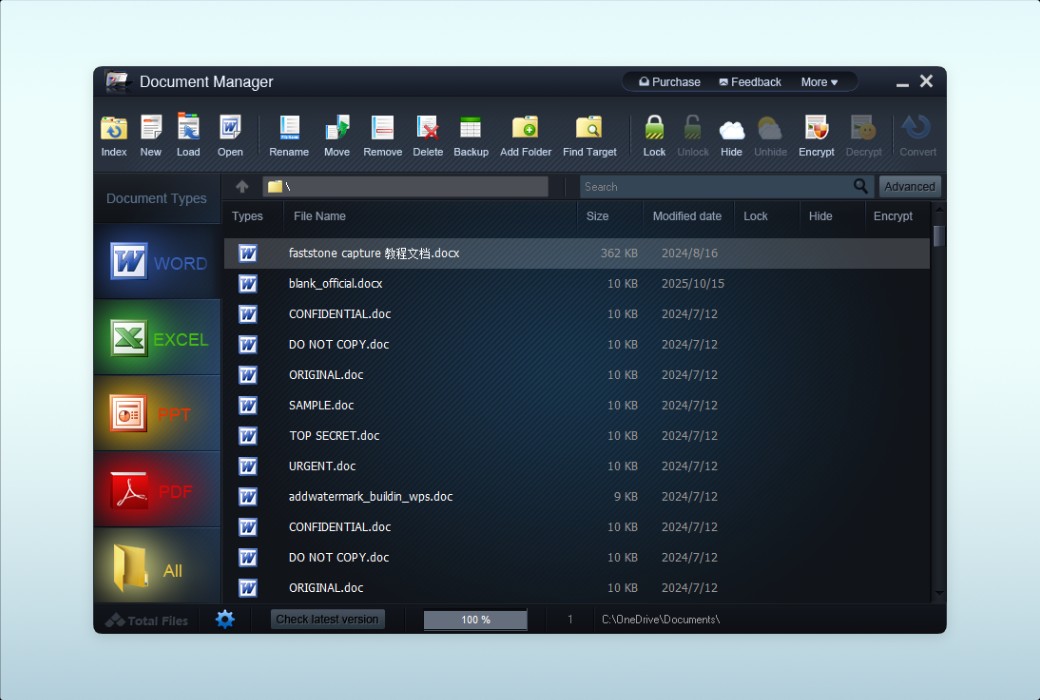
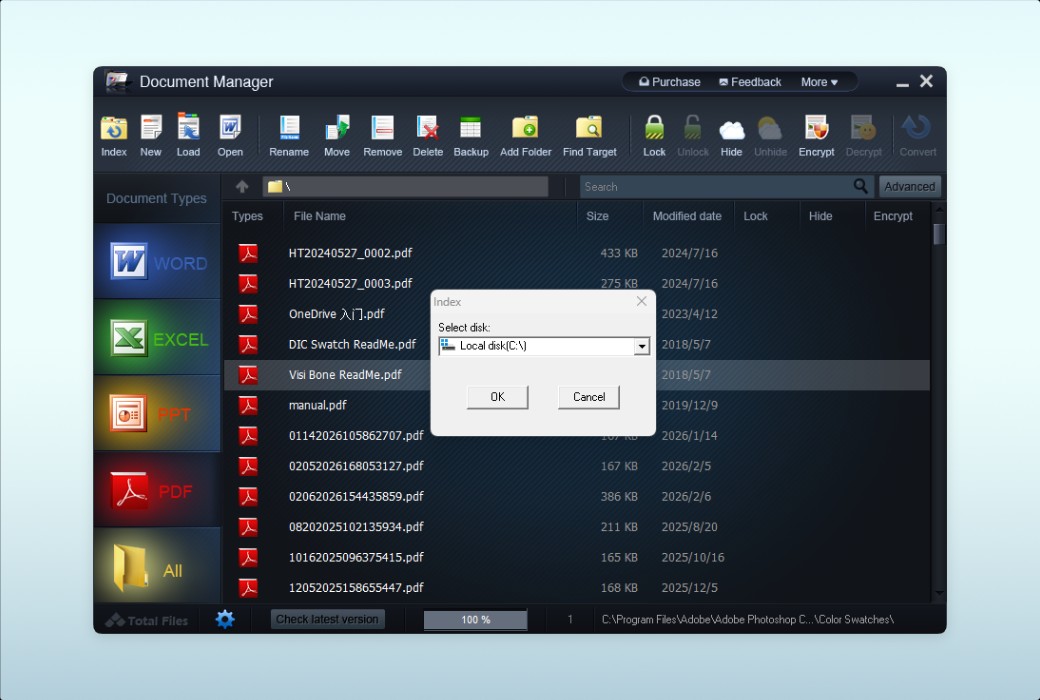
WonderFox Document Manager can help you easily and conveniently find and manage documents (Word, Excel, PPT, and PDF). You just need to click on "Index" and then click the "OK" button to confirm it. You will receive a complete list of target document files. The search function of this software can help you immediately find your files.


  1. Easily classify documents

For those who want to better manage and organize document files, WonderFox Document Manager can improve work efficiency by providing easy-to-use file management features.


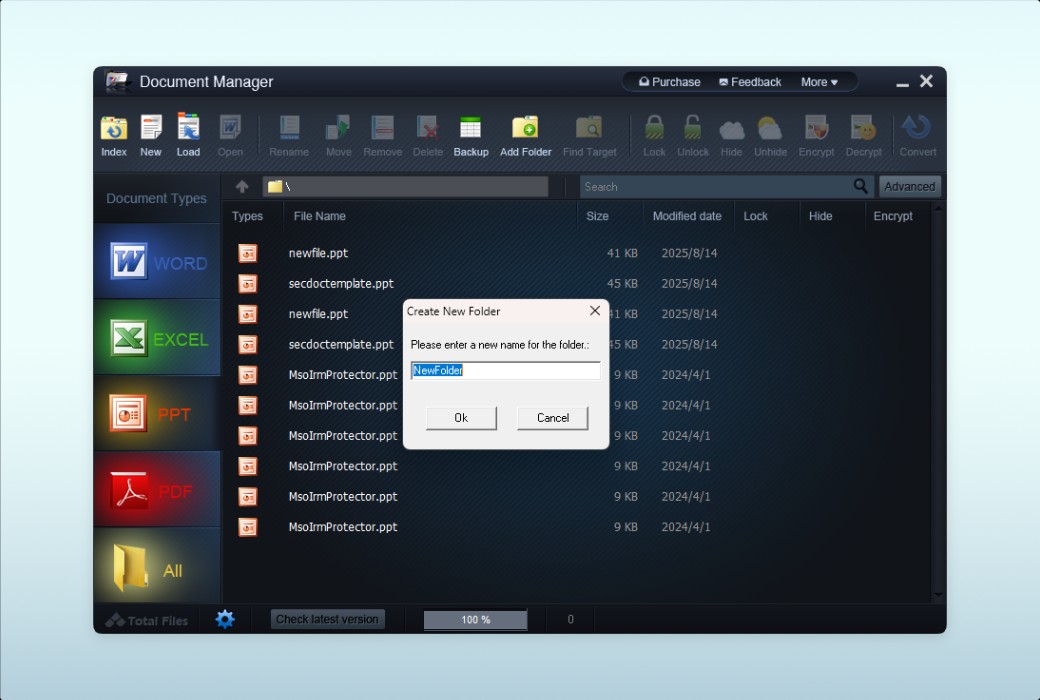
When we want to categorize tons of different document files or folders, such as our weekly work, we usually create a new folder on our computer's disk and move our different document files to it. However, it is indeed difficult and time-consuming, especially when we have many files located in different places. Fortunately, WonderFox Document Manager can easily help you solve this problem. Just click on the 'Add Folder' icon to create a new folder. Then, use the 'Move' function to move the document files from the document list to a new folder, and you can easily categorize the documents.


  1. One click backup of document files

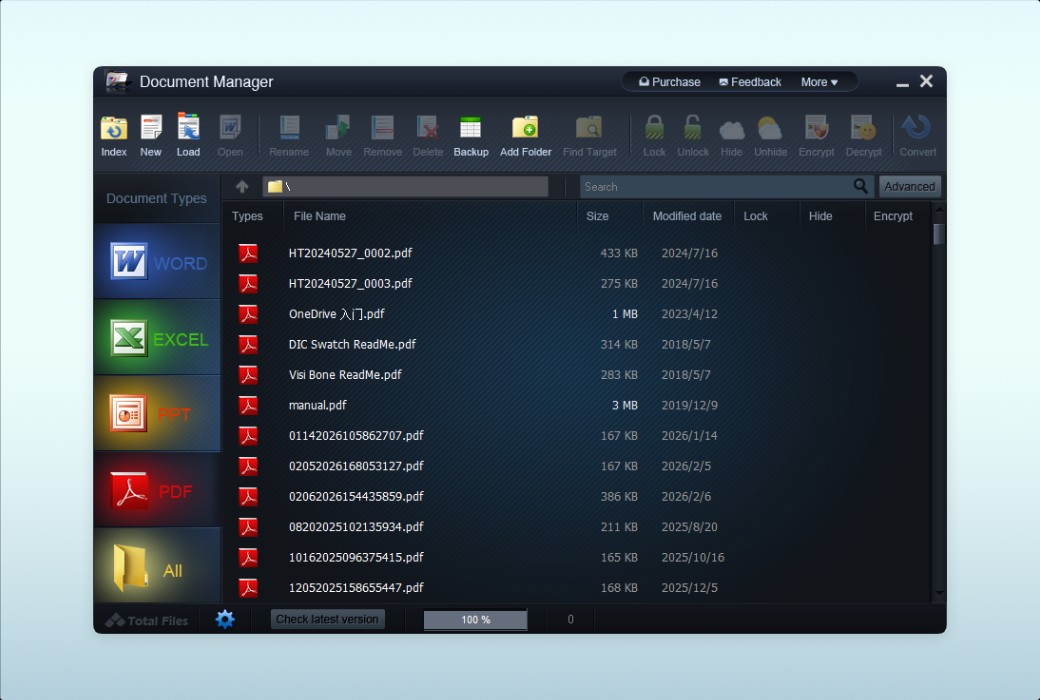
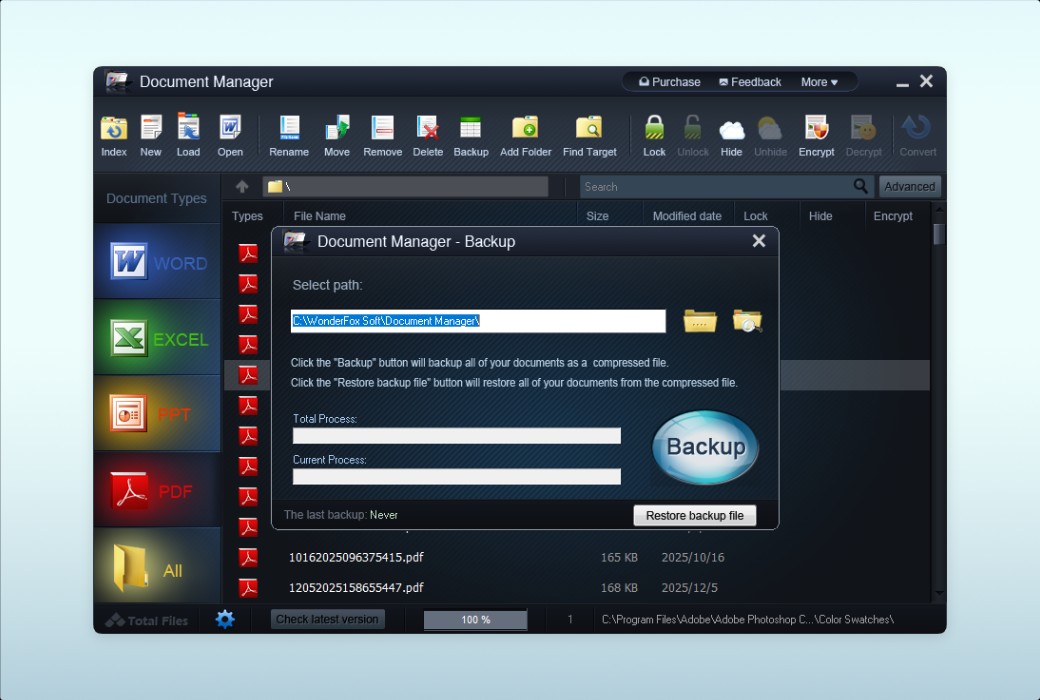
Please ensure that you have backups of important document files. WonderFox Document Manager, as a one by one document management program, can help you easily backup daily office documents (one click process). If you have many important document files, you can use WonderFox Document Manager to back up important document files to avoid accidental deletion. With this feature, you can easily retrieve backup documents at any time.


  1. Protect the privacy of document content

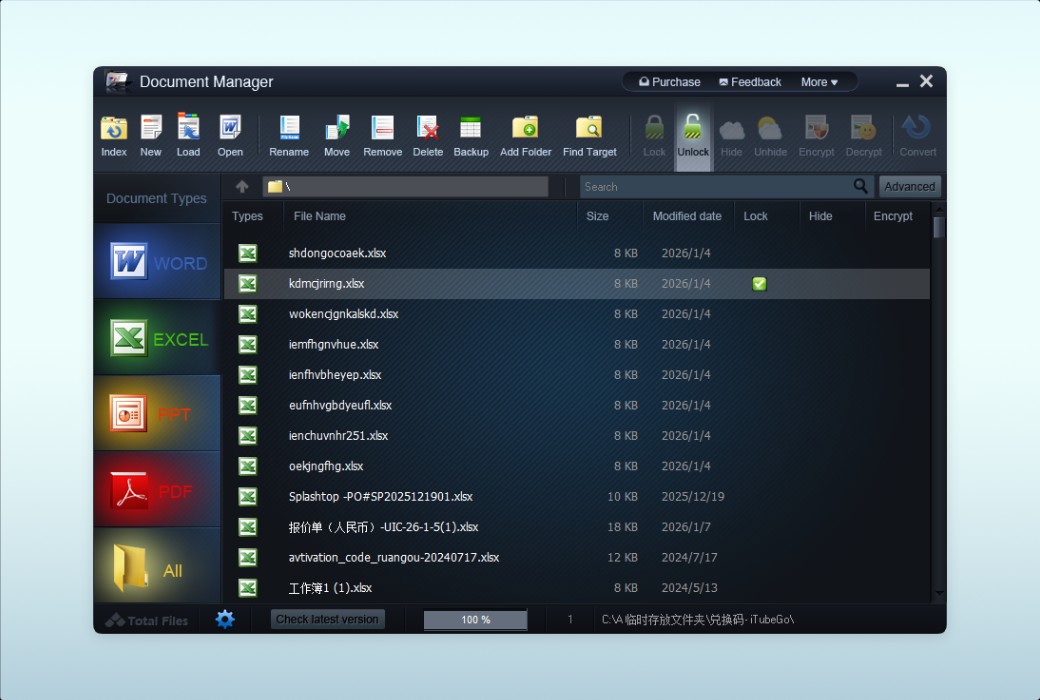
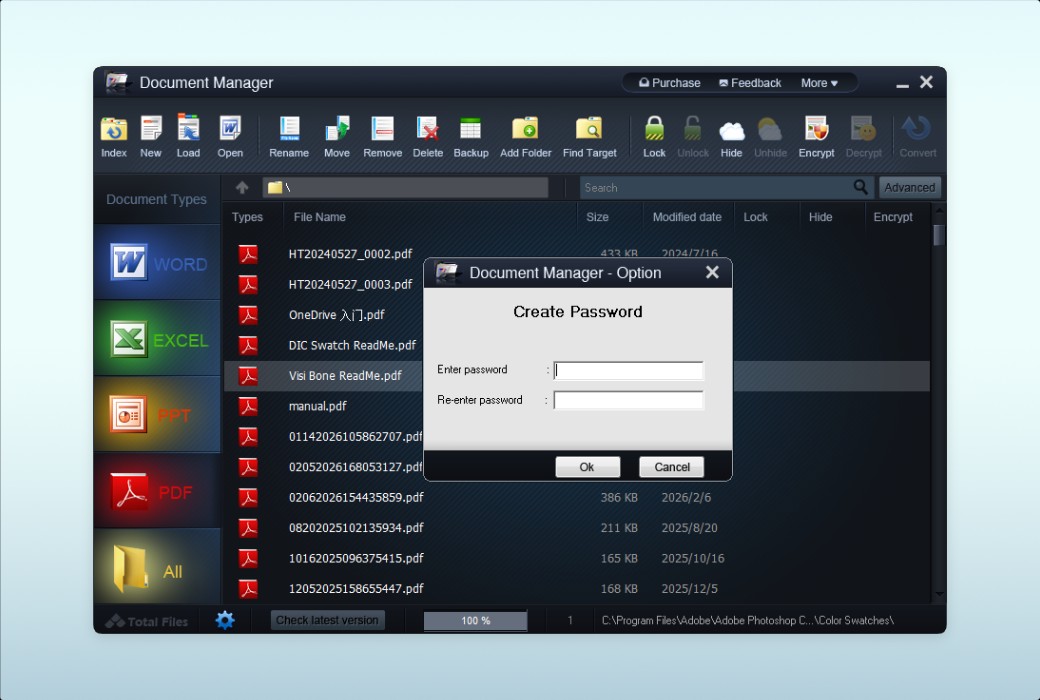
If your document contains trade secrets or personal privacy that you do not want others to know, WonderFox Document Manager can help you encrypt the document, which requires a password to open. To avoid the situation where one day you forget your password or are unable to open the document on your own, WonderFox Document Manager offers two other solutions to protect your document content The 'Lock' feature can help you lock a document so that no one can open it unless you unlock it through WonderFox Document Manager The 'hide' feature can help you hide your document so that no one can find it on your disk drive. However, you can easily find your 'hidden' documents through WonderFox Document Manager.


  1. Advanced Search

Have you ever been troubled by finding one or more long unused documents from a large number of document files on your computer? The built-in file search function in the system can help you find it, but it will definitely waste a lot of time. However, with WonderFox Document Manager, you can easily find the target document. The "Advanced Search" feature of this document manager allows users to search multiple target files (up to 8 keywords) simultaneously and has super fast response times. The search results will be listed in the document list, making it easy for you to find the target document.

Official website:https://www.videoconverterfactory.com/document-manager/

Download Center:https://document-manager.apsgo.cn

Backup Download:N/A

Delivery time:24-hour automatic shipping

Operating platform:Windows

Interface language:Supports English interface display.

Update instructions:The software manufacturer promises to use it permanently and provide free updates.

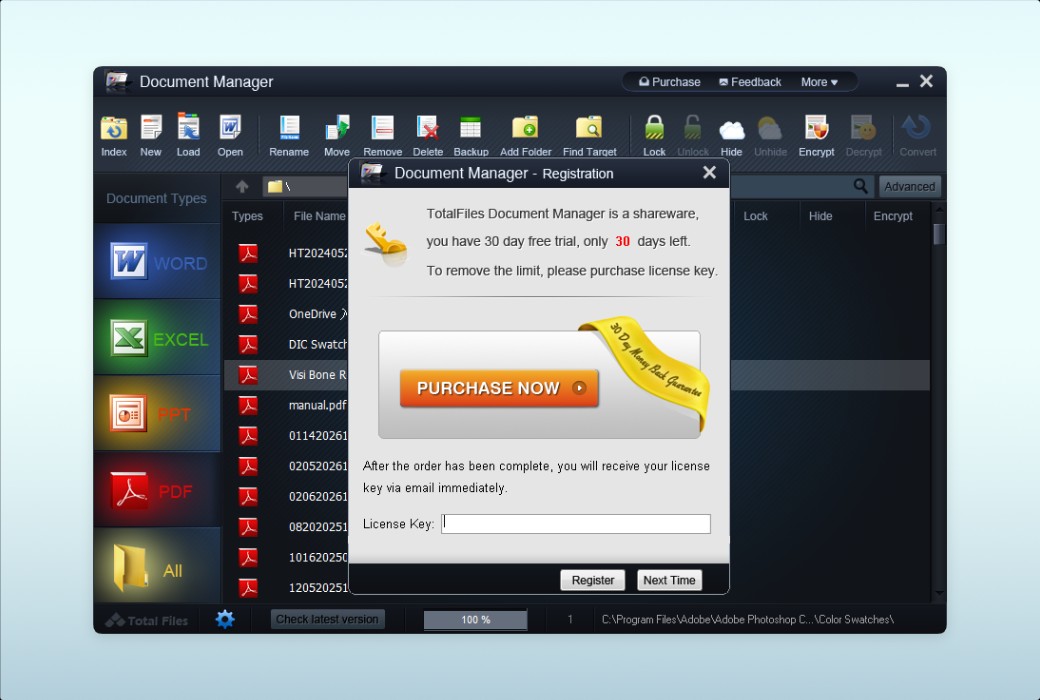
Pre purchase trial:30 day free trial.

How to receive the goods:After purchase, the activation information will be sent to the email address at the time of placing the order, and the corresponding product activation code can be viewed in the personal center, My Orders.

Number of devices:Can install 1 computer.

Replacing the computer:Uninstall the original computer and activate the new computer.

Activation guidance:To be added.

Special instructions:To be added.

reference material:https://www.videoconverterfactory.com/document-manager/

{{ item.user.nickname }} Lead Out
{{ item.created_at }} {{ item.user.region }}
{{ item.price }}
Offer
More Records
Ask a question
All Default Newest

Tips

You need to pay a deposit before participating in the bidding
To Pay

Please enter this bidding price

Bid must not be lower than{{ curAuction.min_price }} Not Higher than{{ curAuction.max_price }}
Confirm

Auction Code

Confirm