
You haven't signed in yet, you can have a better experience after signing in
*Please complete the payment within {{receiveCouponInfo.expire_at}}Previous use*
You haven't signed in yet, you can have a better experience after signing in
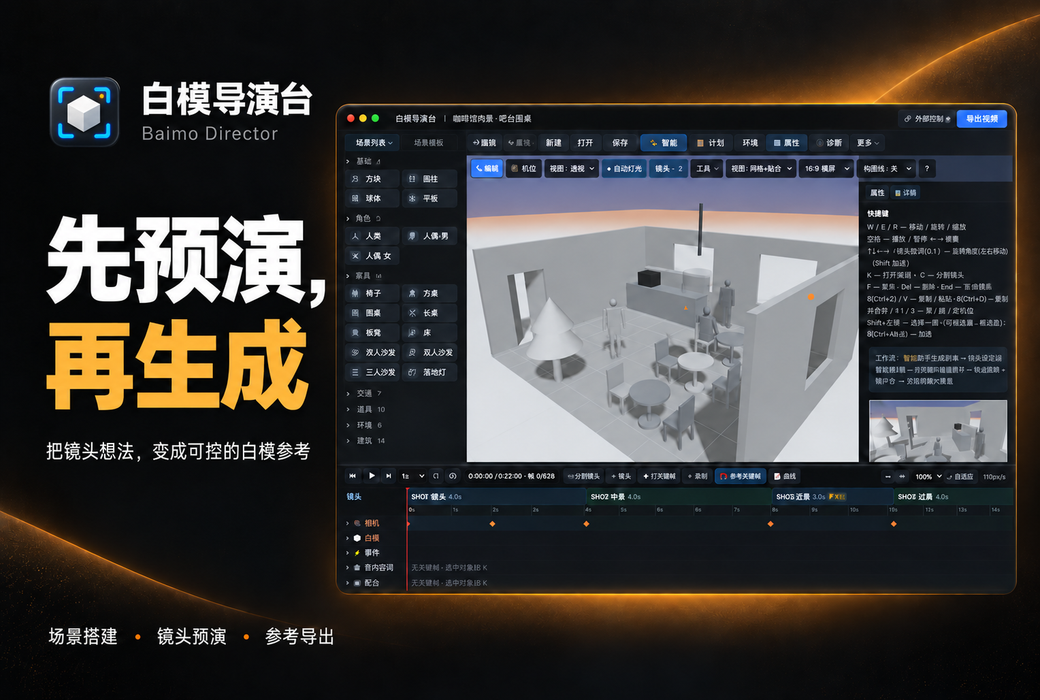


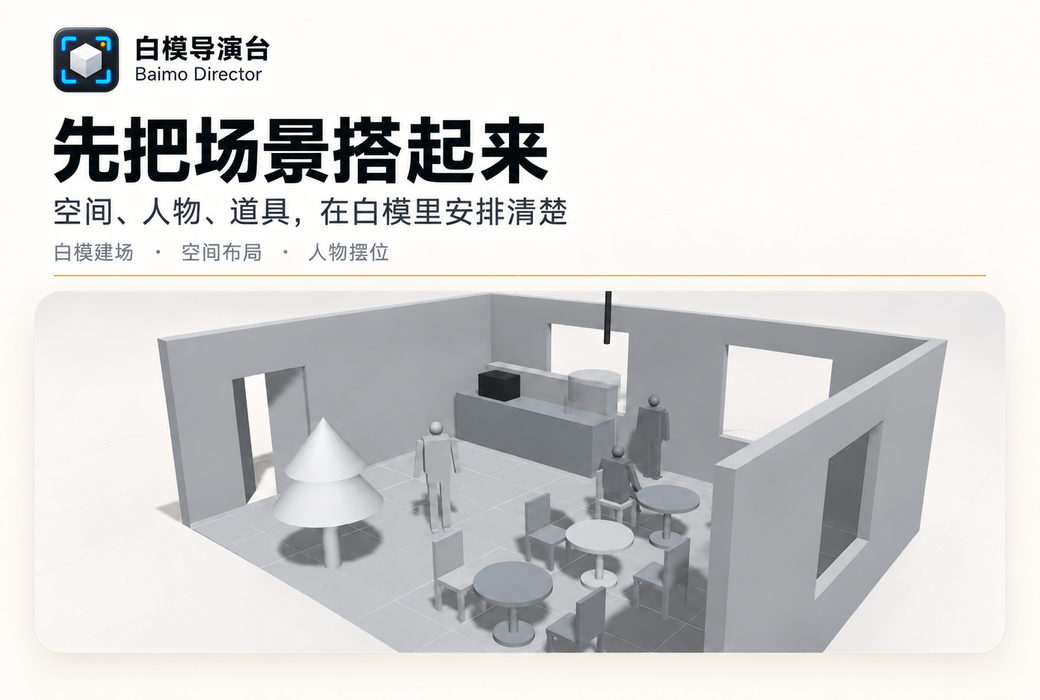
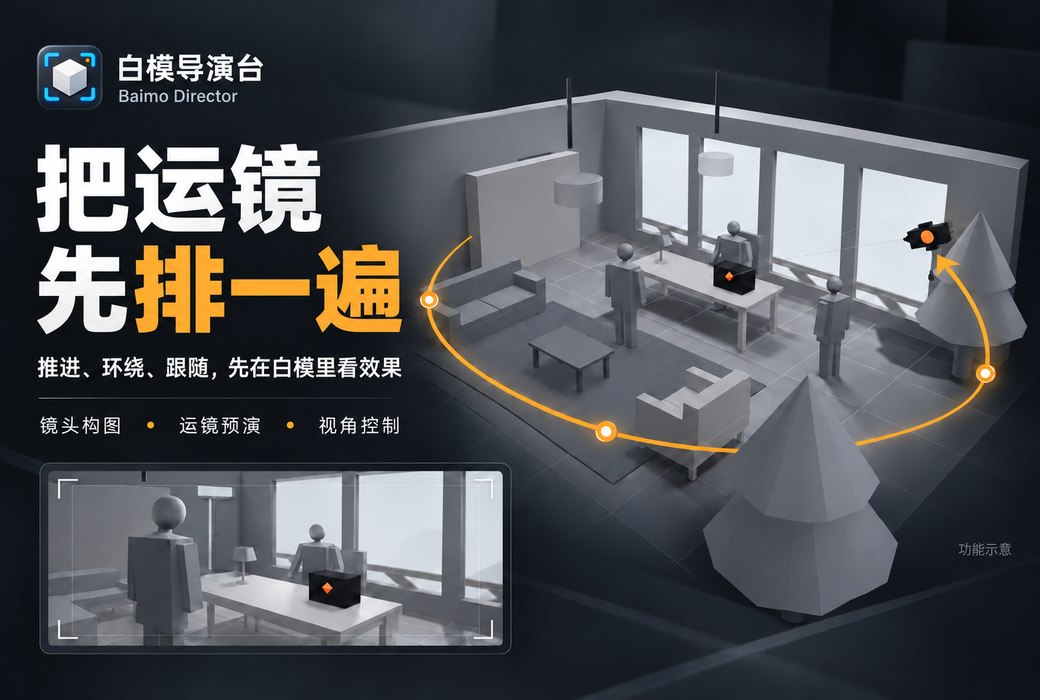
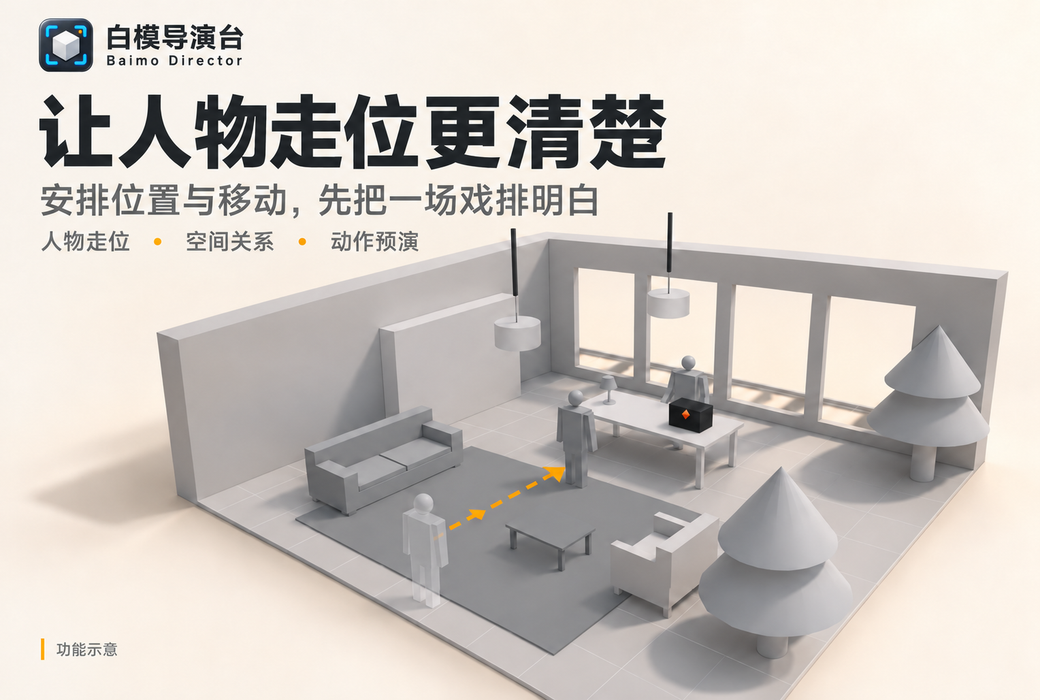
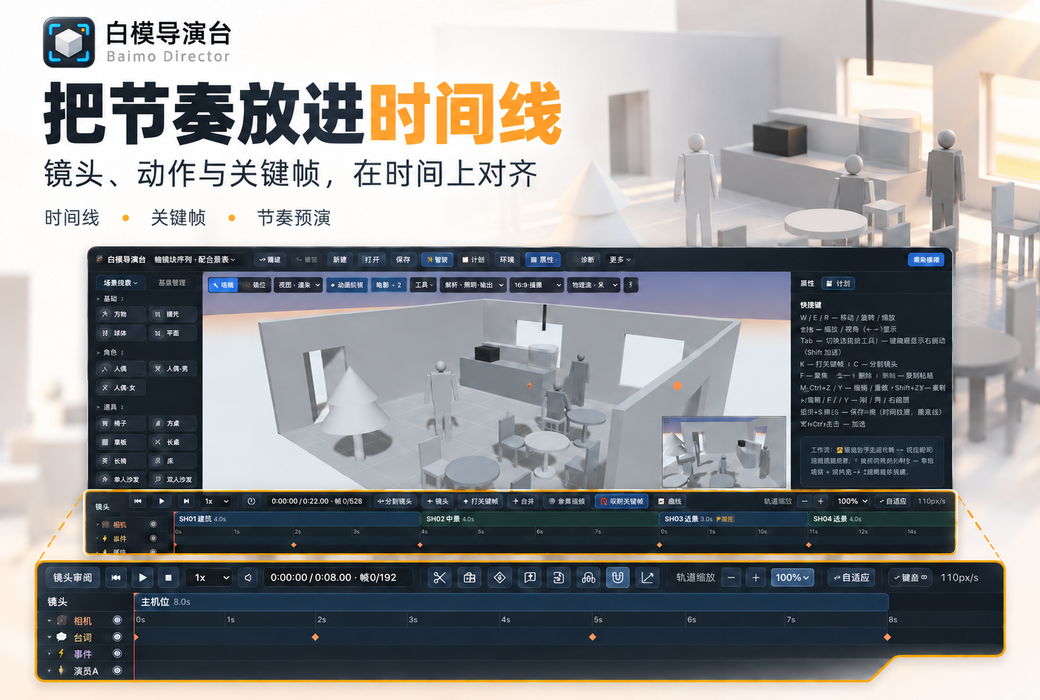
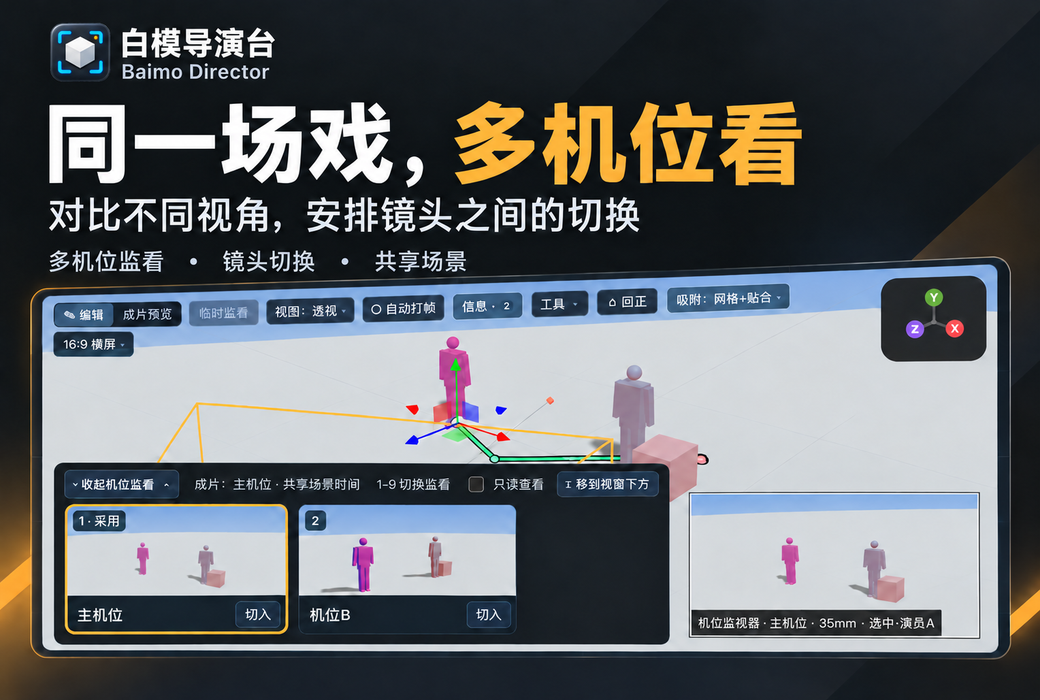
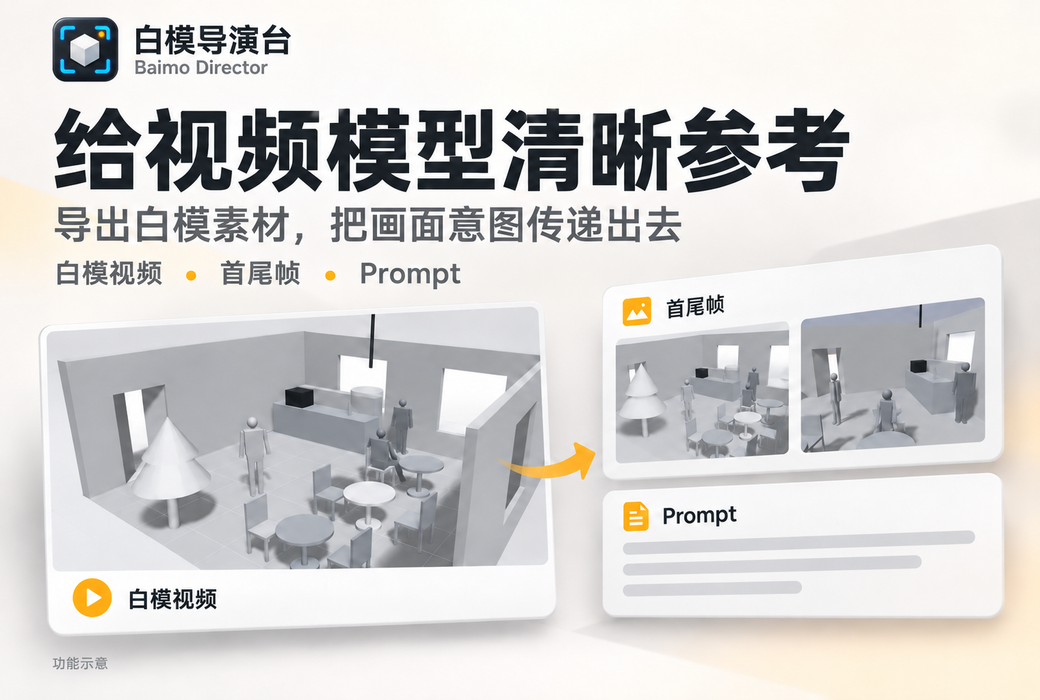
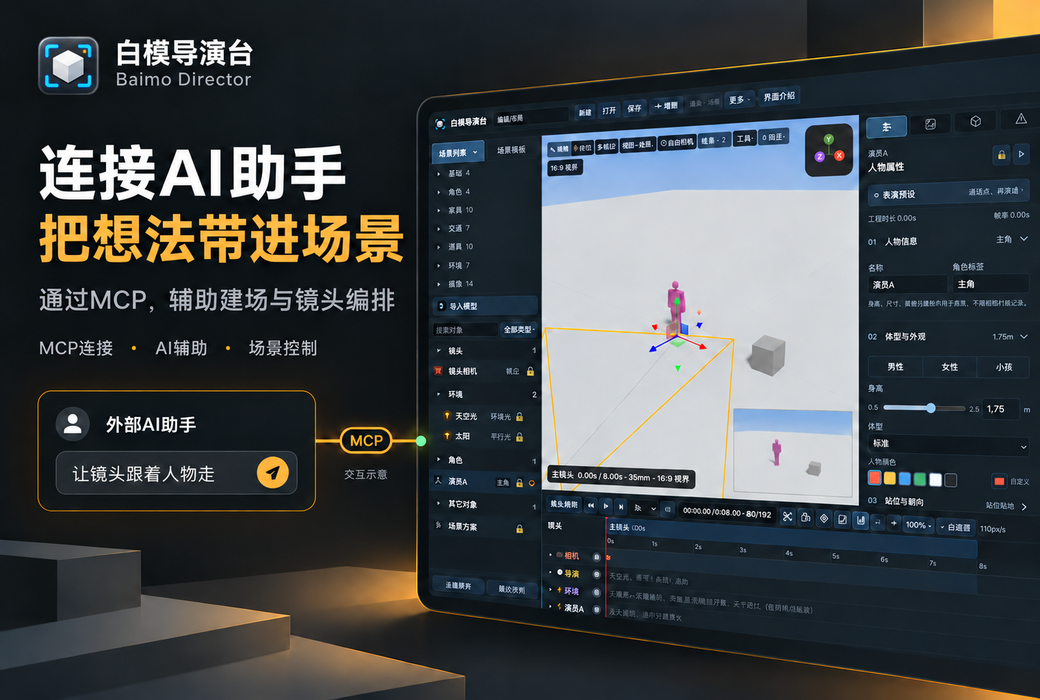
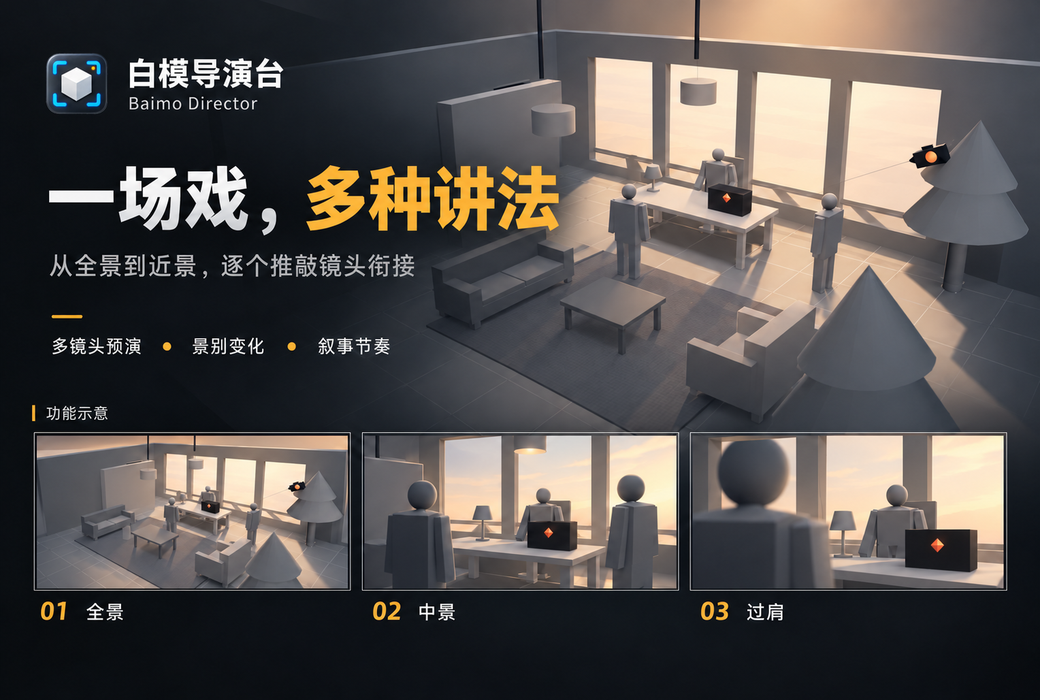
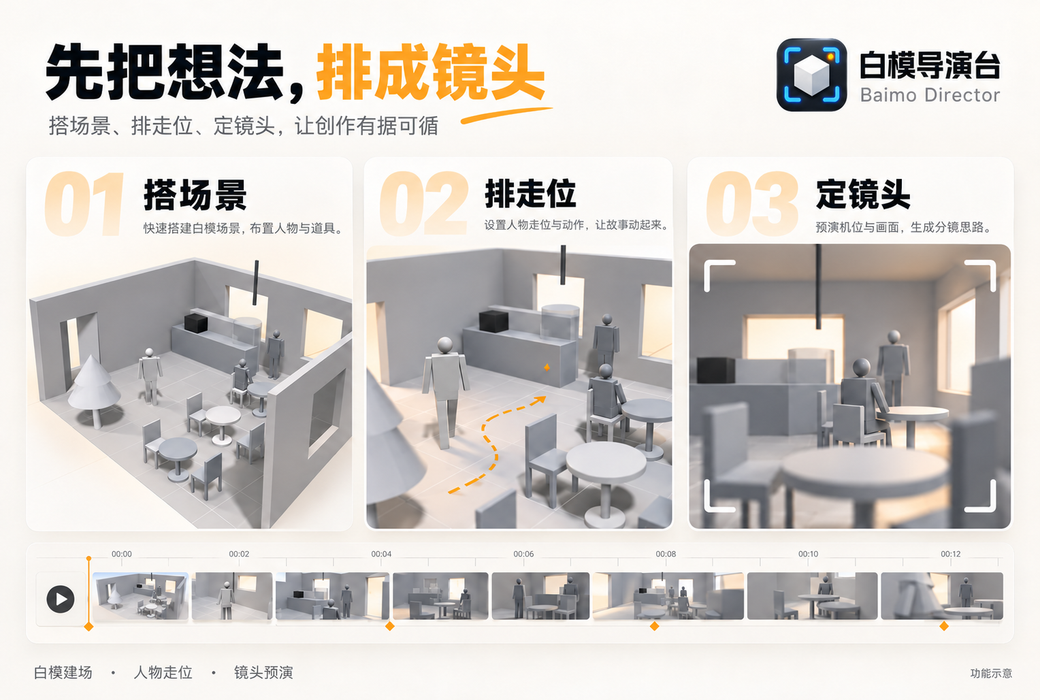
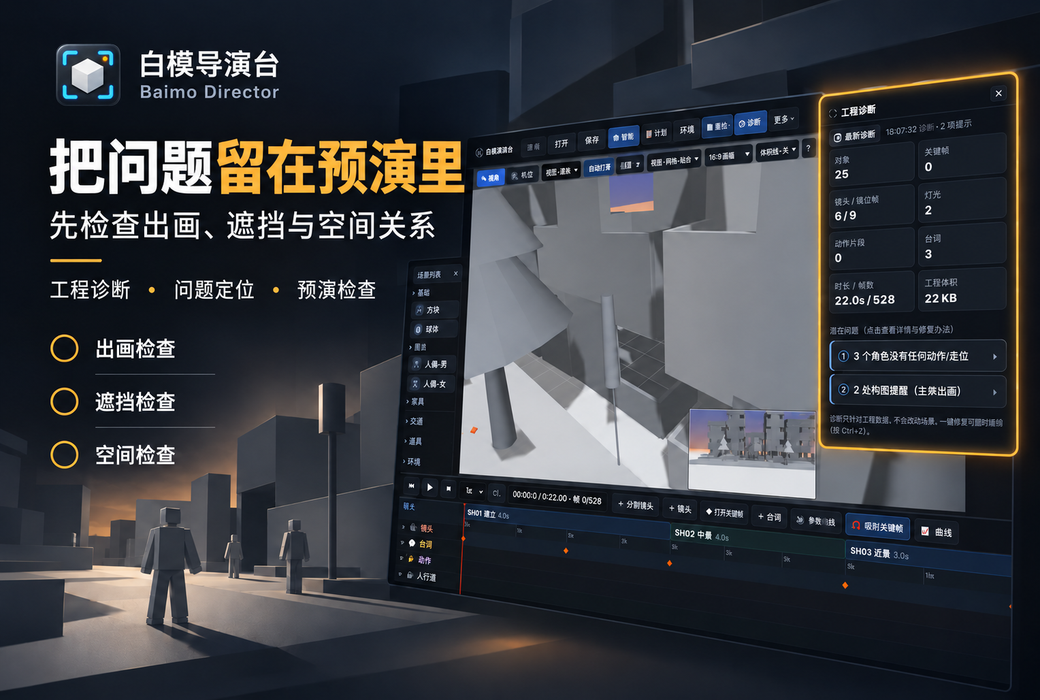
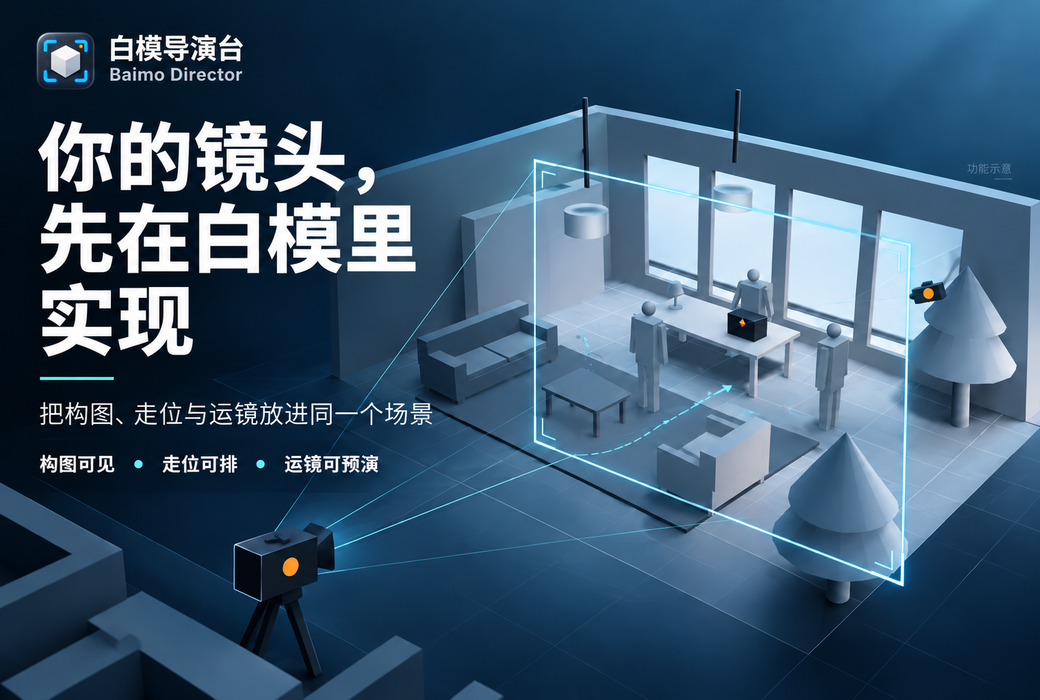
Generate scenes and storyboards with a single sentence, featuring 11 camera positions and 9 camera movements for free combination. Support for overlay alignment with reference images, intelligent quality diagnosis (automatic detection of through-model, off-axis, and floating issues), and one-click export of MP4/PNG/Prompt cards usable by large video models, making rehearsal creation a breeze without the need to switch between multiple tools.
"Previously, for previz, I had to build sets in Blender, edit timelines in Premiere, and adjust storyboards in Photoshop. Now, I can do it all in one software. The most satisfying thing is the jump axis detection. Novices no longer have to worry about crossing axes." — Chen Mo, independent short film director
"Exporting directly results in the input format of the video model, saving me time on writing Prompts and cutting shots, and reducing the workflow by at least half." — Lin Xiaobei, AI Video Creator
"The function of overlaying reference images is in high demand. Dragging the camera position to align the storyboard composition is much more accurate than estimating the focal length with the naked eye." - Wang Yuan, advertising photography director
The positioning of the White Model Director's Console is clear: it does not aim to be a fully functional DCC, but focuses on the closed-loop from pre-visualization to delivery. Its design logic aligns with the current AI video workflow - while traditional previz tools output content "for the team to see", it outputs content "for the model to consume". The quality diagnosis module lowers the professional threshold, and the reference image overlay solution reduces the communication cost between the director and the executive. Note: Pro features rely on network verification, and advanced features are limited in offline environments; the basic version is permanently free but exports with a trial logo, making it suitable as an entry point for capability verification.
If you are repeatedly switching tools, manually adjusting the composition, and reworking for model penetration and axis jumping in the process of text-to-video and image-to-video, it is worth trying the White Model Director Platform for 7 days first. The basic version is easy to use with no threshold, while the Pro version unlocks the complete workflow. Run the shots through it first, and then hand them over to the large model.