
You haven't signed in yet, you can have a better experience after signing in
*Please complete the payment within {{receiveCouponInfo.expire_at}}Previous use*
You haven't signed in yet, you can have a better experience after signing in

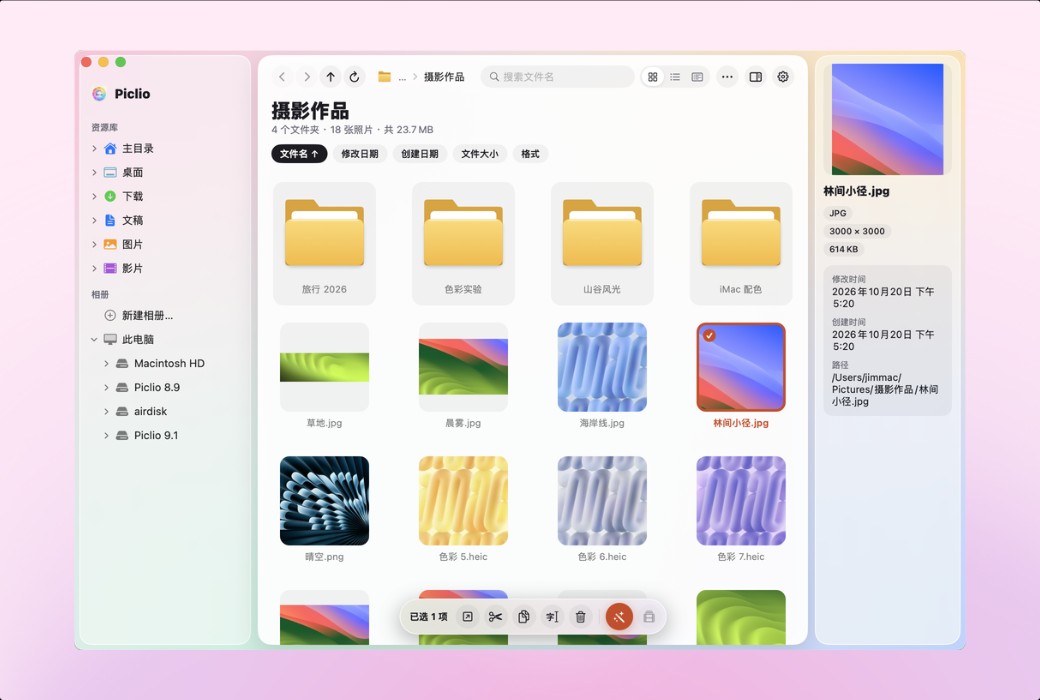

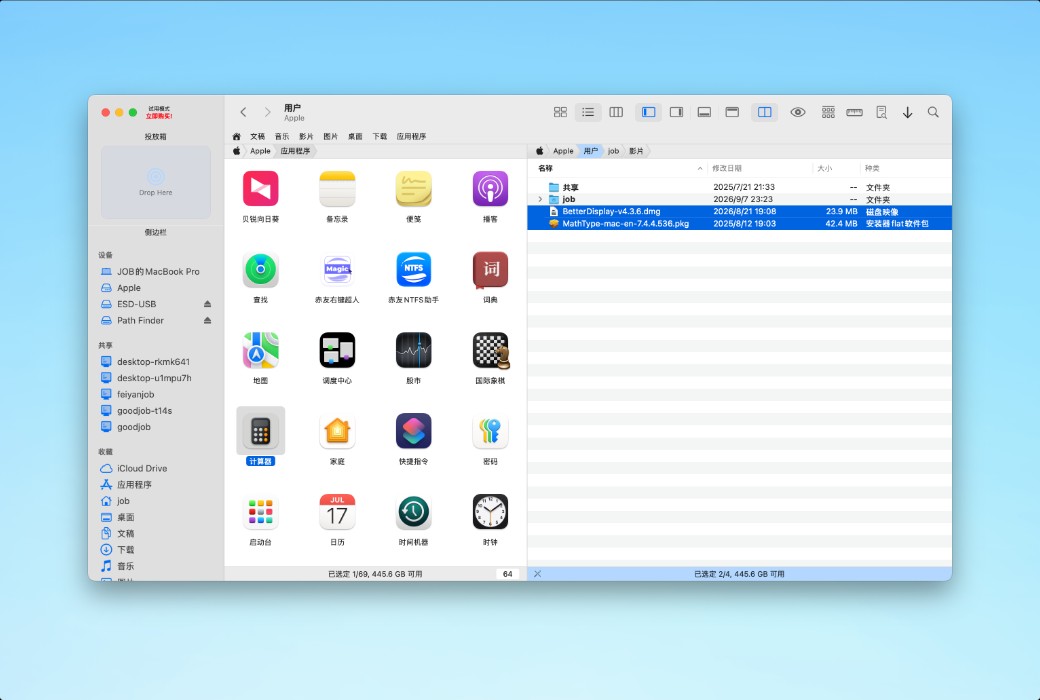




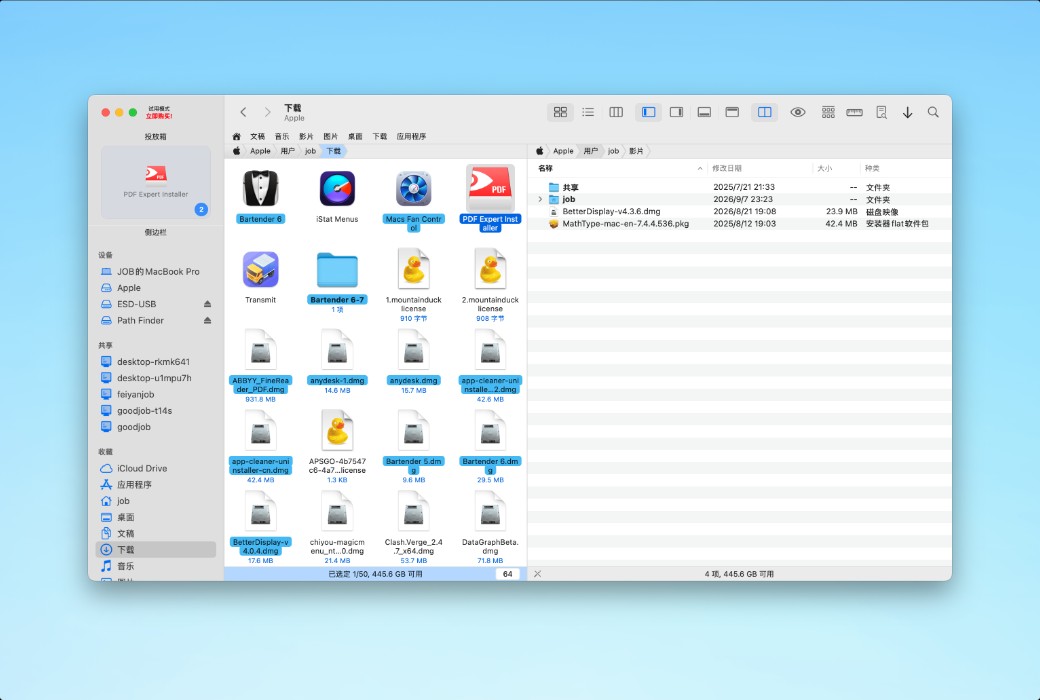
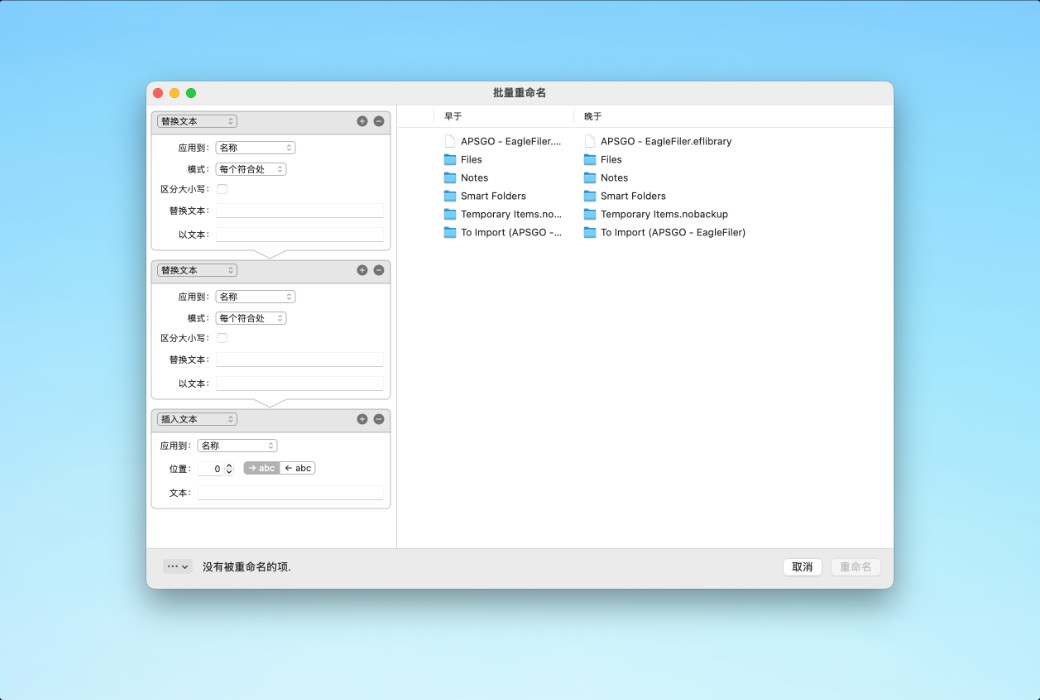
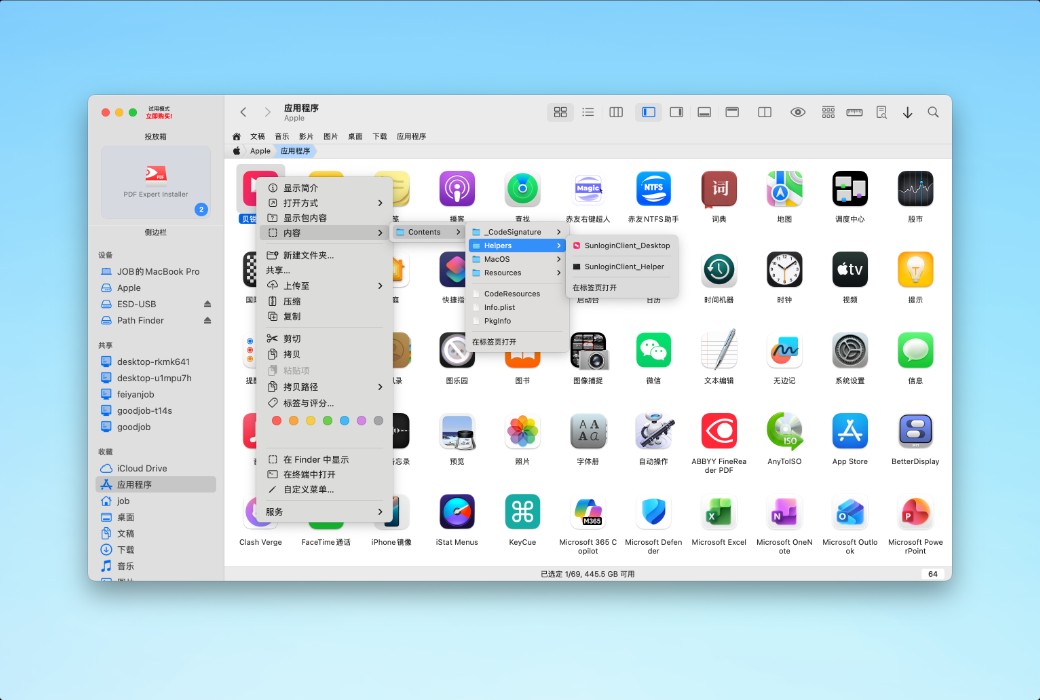
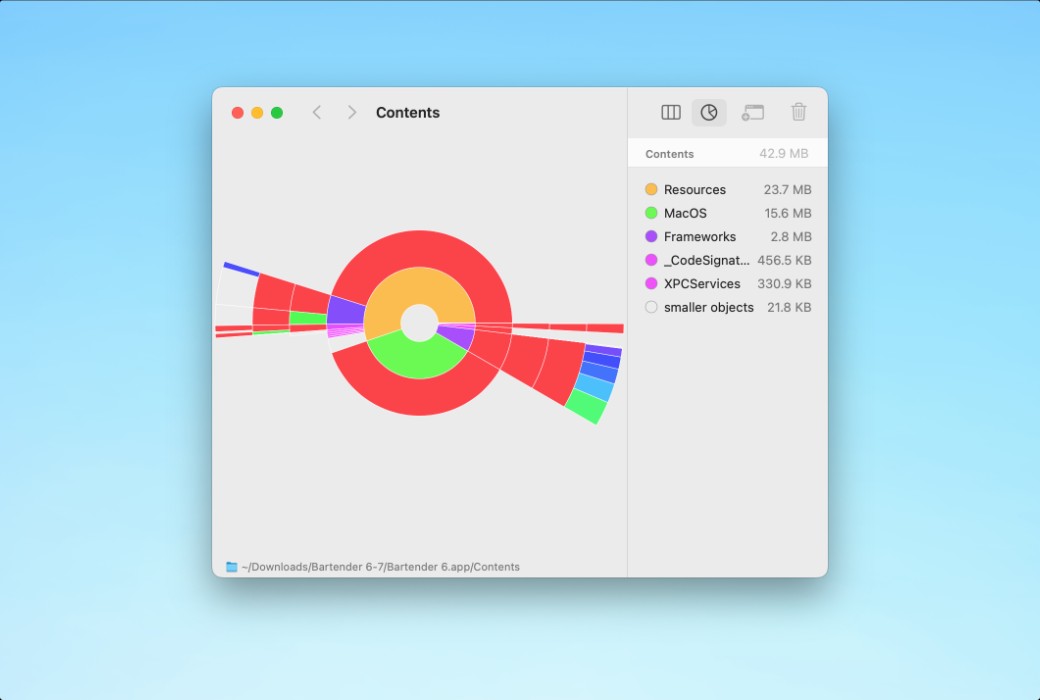
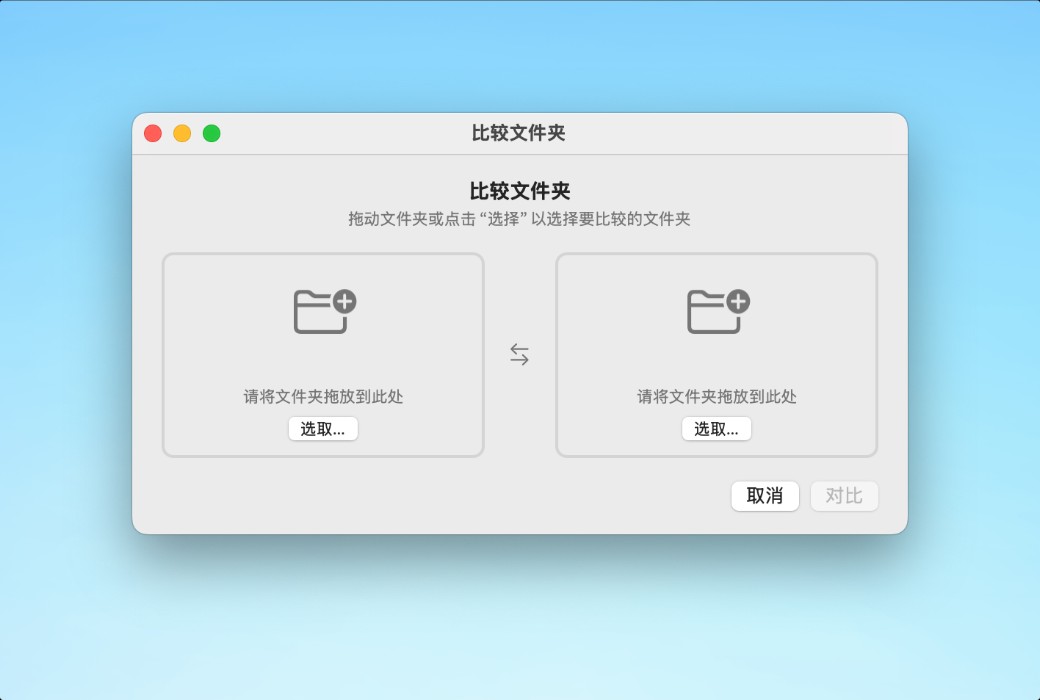
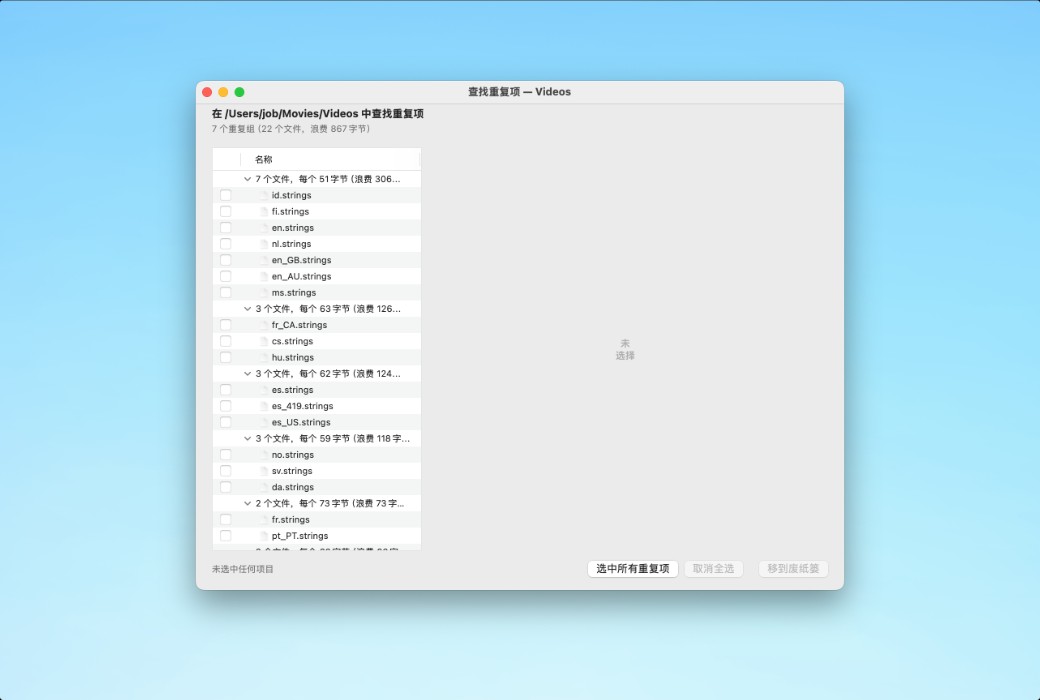
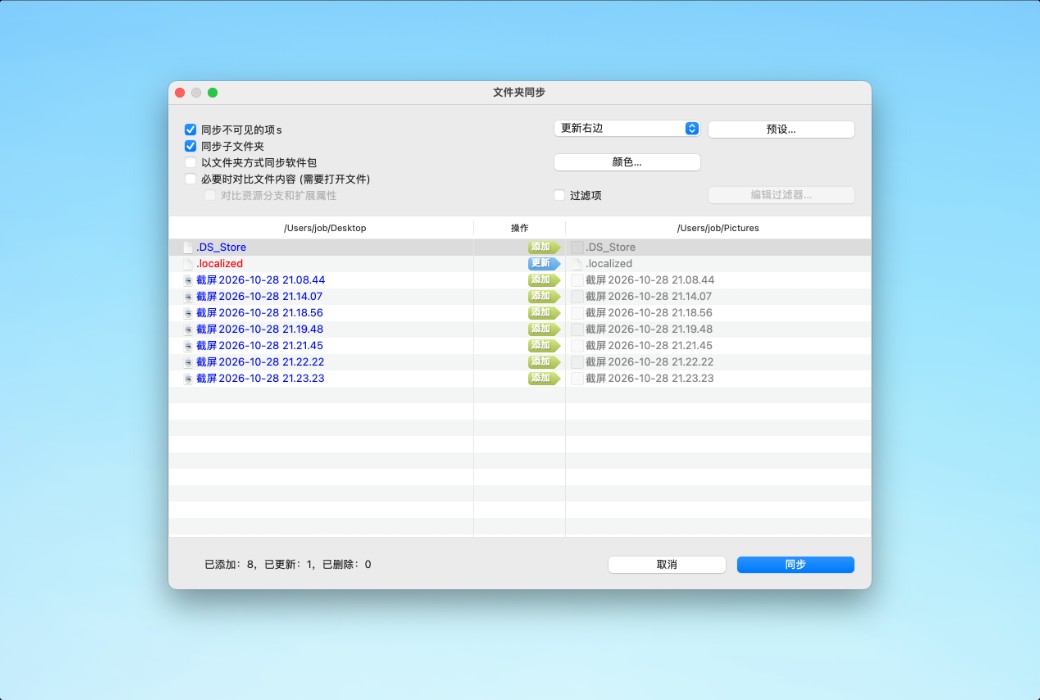
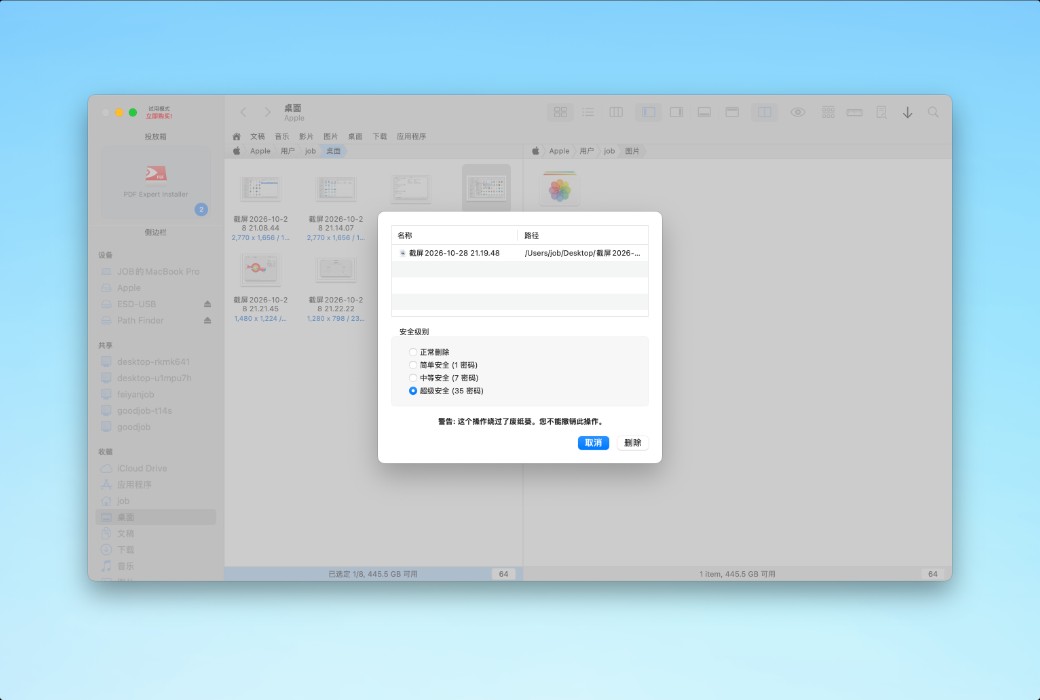
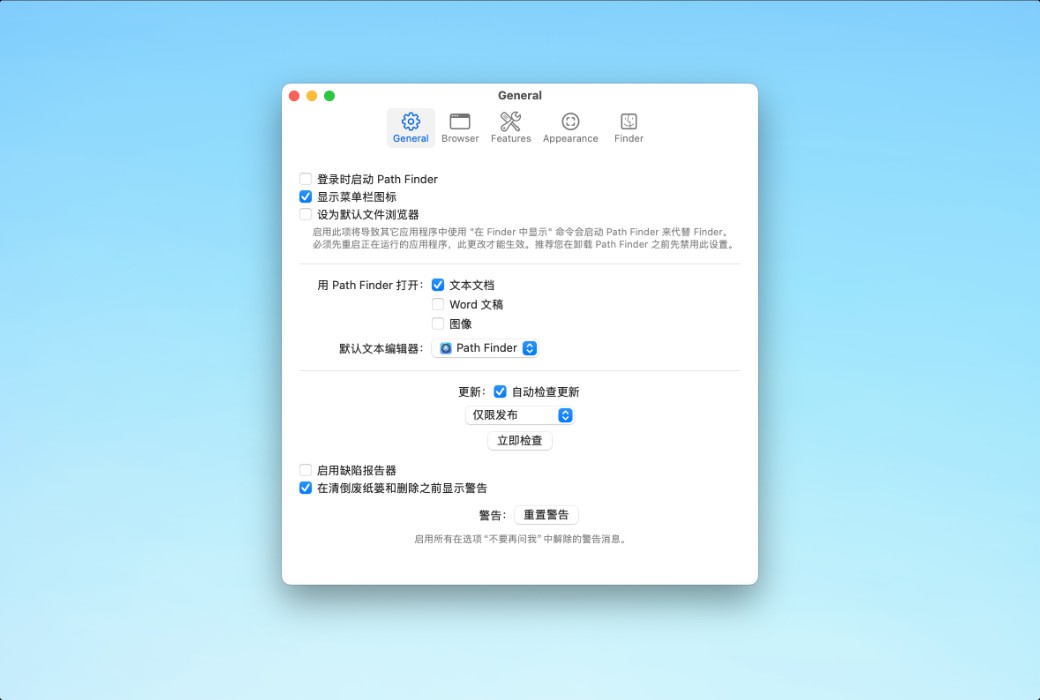
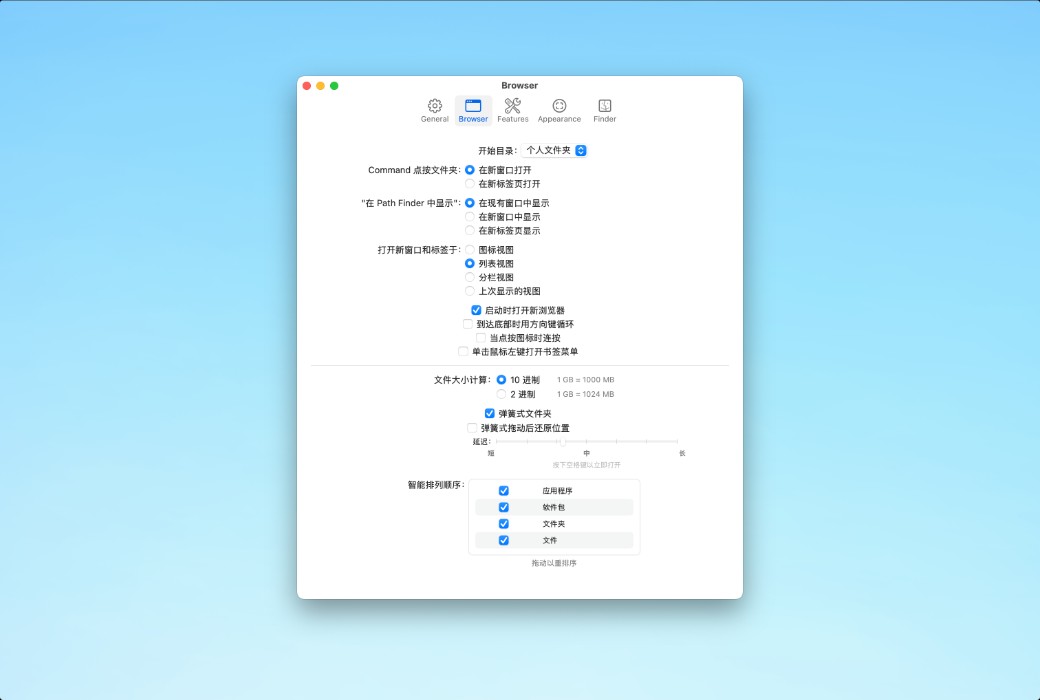
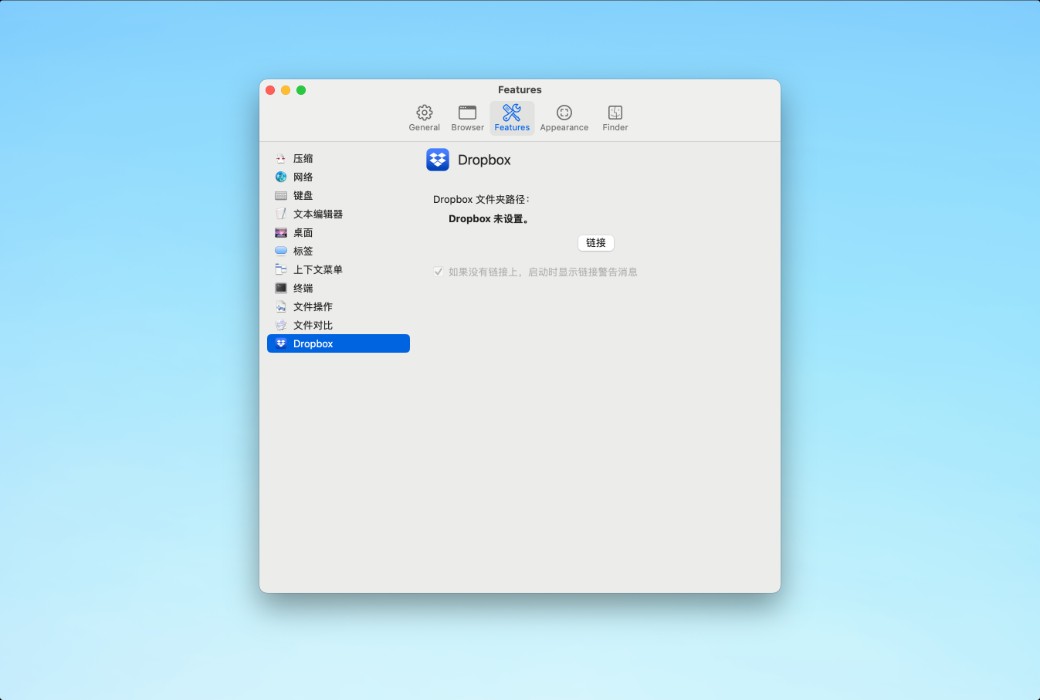
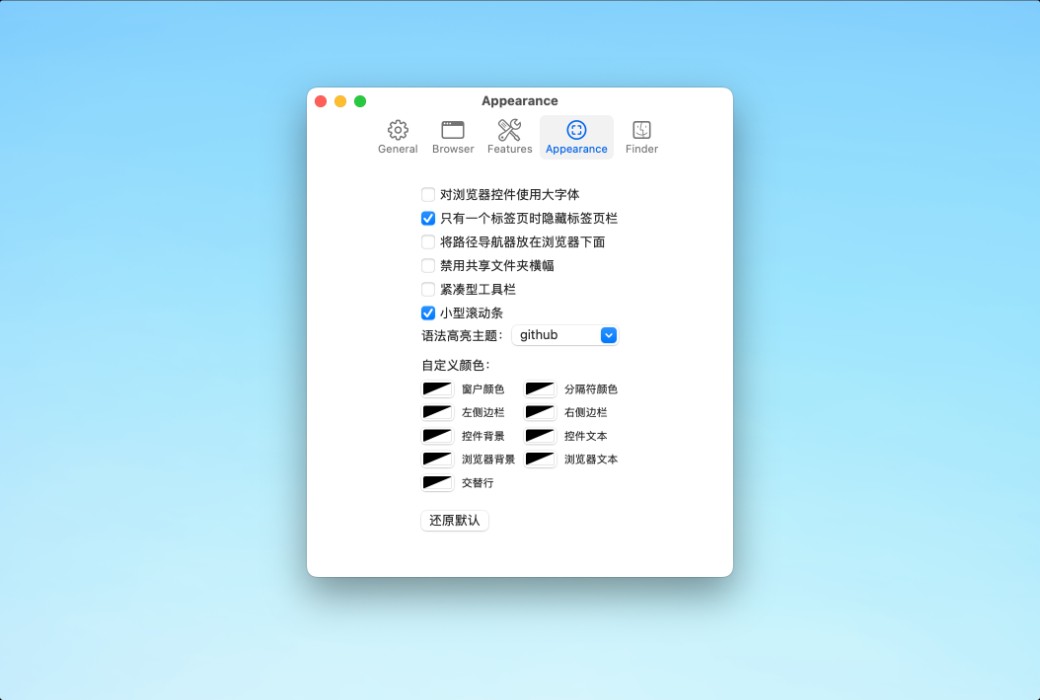
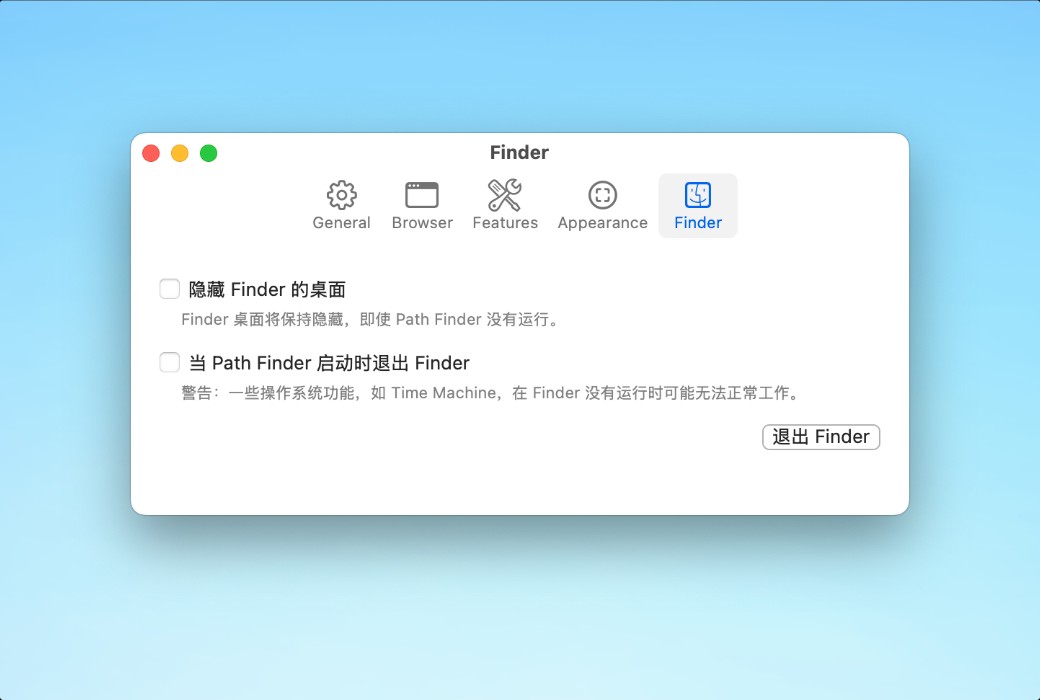
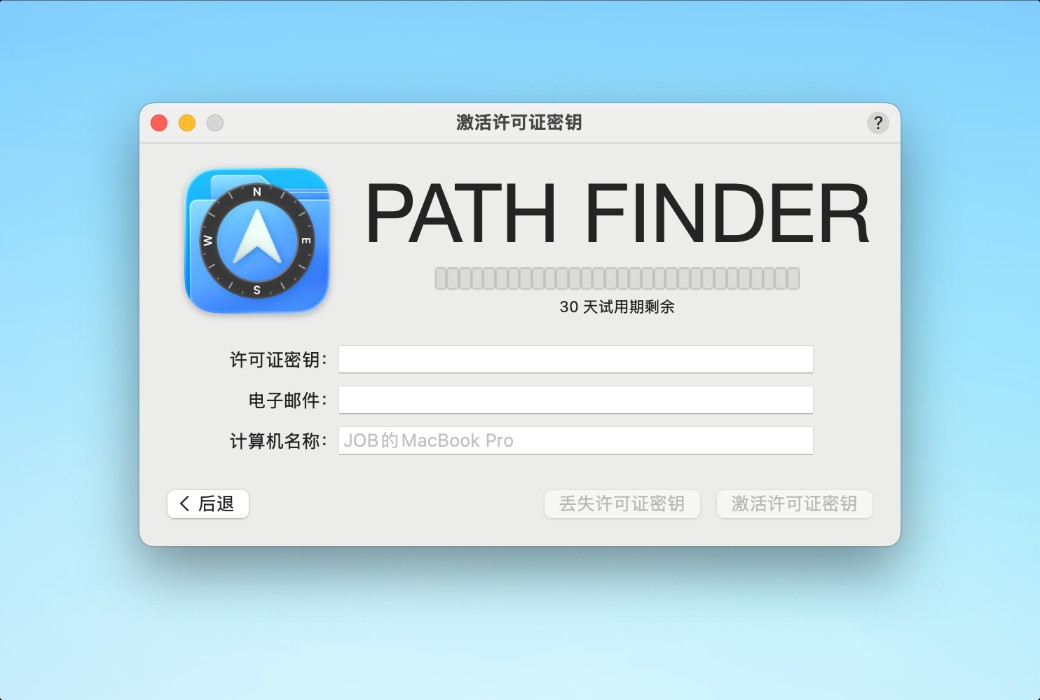
Path Finder is a professional-grade file manager tailored for macOS, featuring dual-panel one-click operation, intelligent folder synchronization, direct access to iPhone files, secure deletion, and visual disk analysis. It natively supports Apple Silicon and offers a 30-day free trial, doubling your file processing efficiency.
"I've been using Path Finder for three years and can't go back to Finder. Organizing photo materials on a dual-panel saves half the time, and Drop Stack is a lifesaver for cross-folder operations." — Lin Wei, independent photographer
"As a front-end developer, Folder Sync helps me compare local and test environment codes daily, reducing the error rate by 80%." - Zhang Hao, Full-Stack Developer
"Previously, I had to install three tools to clean my Mac disk, but now I can do it all with just one Path Finder. The visual size analysis is so intuitive." — Chen Mo, We-Media Creator
Path Finder does not simply replicate Finder, but rather conducts deep optimization for high-frequency pain points: a dual-panel design reduces the cost of path switching, Drop Stack reconstructs the drag-and-drop interaction logic, and Folder Sync fills the gap in system-level synchronization. Its high functional density requires novices to adapt for 1-2 days, but once proficient, efficiency is significantly improved. The pricing aligns with its professional tool positioning, and the 30-day trial period is ample. Shortcomings: It only supports macOS, and Windows users cannot migrate to use it.
If you are limited by the single panel of Finder, the lack of synchronization tools, and the vague disk analysis, Path Finder is an efficiency upgrade solution worth learning in the macOS ecosystem. With a 30-day free trial and zero risk, it is suitable for users with professional needs for file management to try.